key HYUNDAI IX35 2016 Manual PDF
[x] Cancel search | Manufacturer: HYUNDAI, Model Year: 2016, Model line: IX35, Model: HYUNDAI IX35 2016Pages: 550, PDF Size: 11.23 MB
Page 282 of 550
4 197
Features of your vehicle
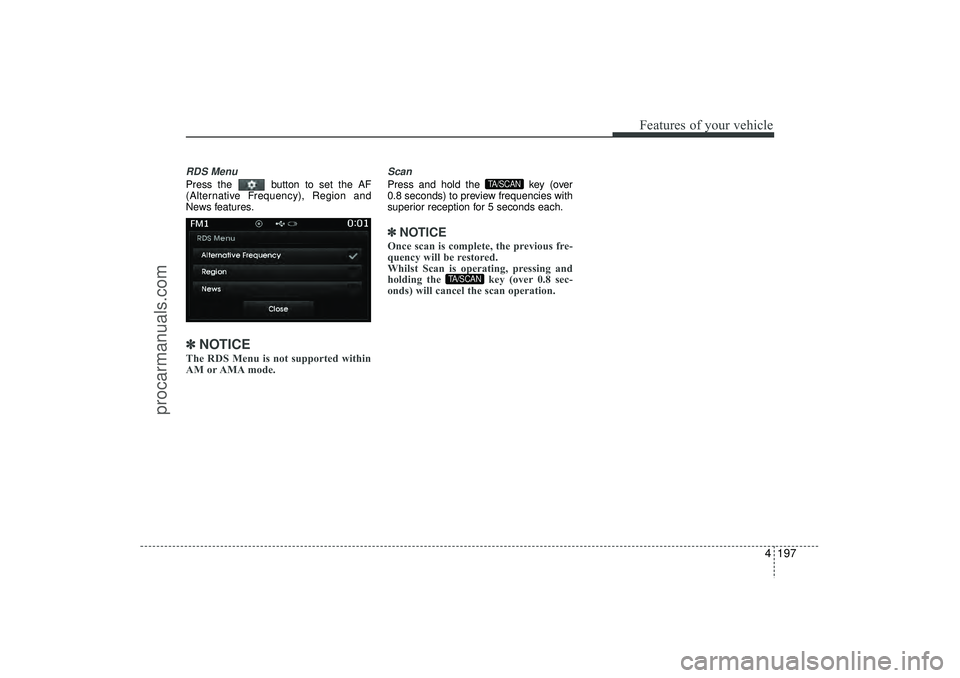
RDS MenuPress the button to set the AF
(Alternative Frequency), Region and
News features.✽ ✽NOTICE The RDS Menu is not supported within
AM or AMA mode.
ScanPress and hold the key (over
0.8 seconds) to preview frequencies with
superior reception for 5 seconds each.✽ ✽NOTICE Once scan is complete, the previous fre-
quency will be restored.
Whilst Scan is operating, pressing and
holding the key (over 0.8 sec-
onds) will cancel the scan operation.
TA/SCAN
TA/SCAN
EL(FL) UK 4B AUDIO.QXP 3/13/2015 4:19 PM Page 197
procarmanuals.com
Page 283 of 550
Features of your vehicle198
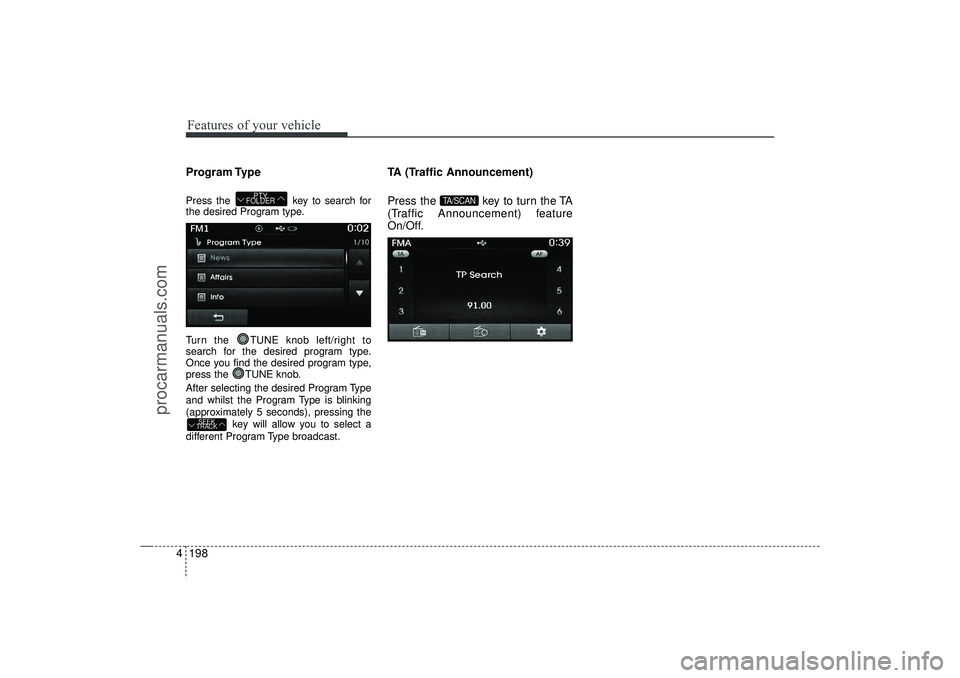
4Program TypePress the key to search for
the desired Program type.
Turn the TUNE knob left/right to
search for the desired program type.
Once you find the desired program type,
press the TUNE knob.
After selecting the desired Program Type
and whilst the Program Type is blinking
(approximately 5 seconds), pressing the
key will allow you to select a
different Program Type broadcast.
TA (Traffic Announcement)
Press the key to turn the TA
(Traffic Announcement) feature
On/Off.
TA/SCAN
SEEK
TRACK
PTY
FOLDER
EL(FL) UK 4B AUDIO.QXP 3/13/2015 4:19 PM Page 198
procarmanuals.com
Page 287 of 550
Features of your vehicle202
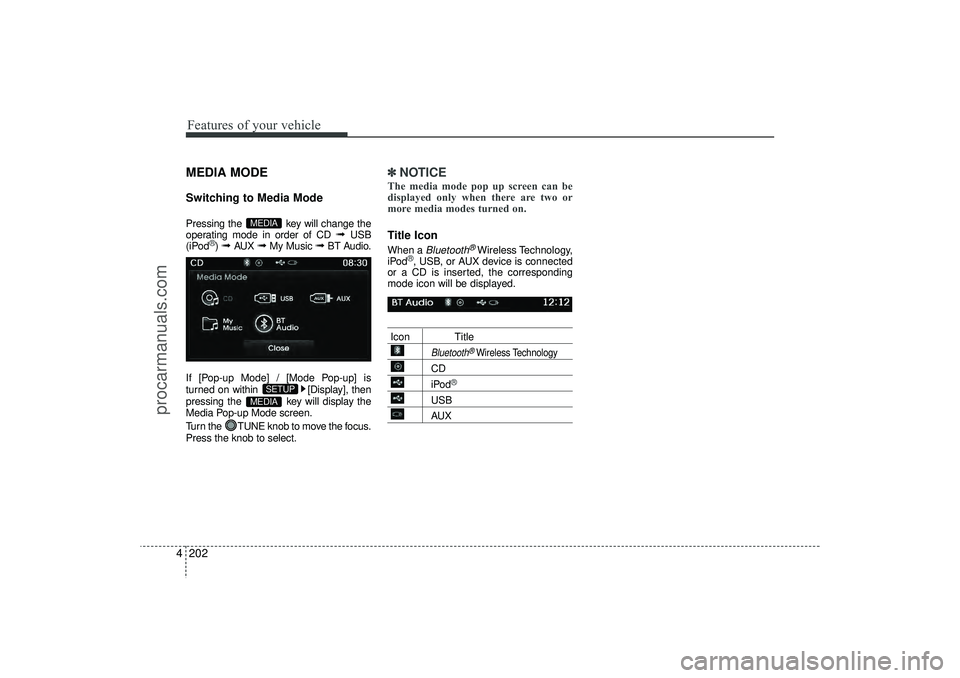
4MEDIA MODESwitching to Media ModePressing the key will change the
operating mode in order of CD
➟
USB
(iPod
®) ➟
AUX
➟
My Music
➟
BT Audio.
If [Pop-up Mode] / [Mode Pop-up] is
turned on within [Display], then
pressing the key will display the
Media Pop-up Mode screen.
Turn the TUNE knob to move the focus.
Press the knob to select.
✽ ✽ NOTICE The media mode pop up screen can be
displayed only when there are two or
more media modes turned on.Title Icon When a
Bluetooth
®Wireless Technology,
iPod
®, USB, or AUX device is connected
or a CD is inserted, the corresponding
mode icon will be displayed.
Icon Title
Bluetooth
®Wireless Technology
CDiPod
®
USBAUX
MEDIA
SETUP
MEDIA
EL(FL) UK 4B AUDIO.QXP 3/13/2015 4:19 PM Page 202
procarmanuals.com
Page 289 of 550
Features of your vehicle204
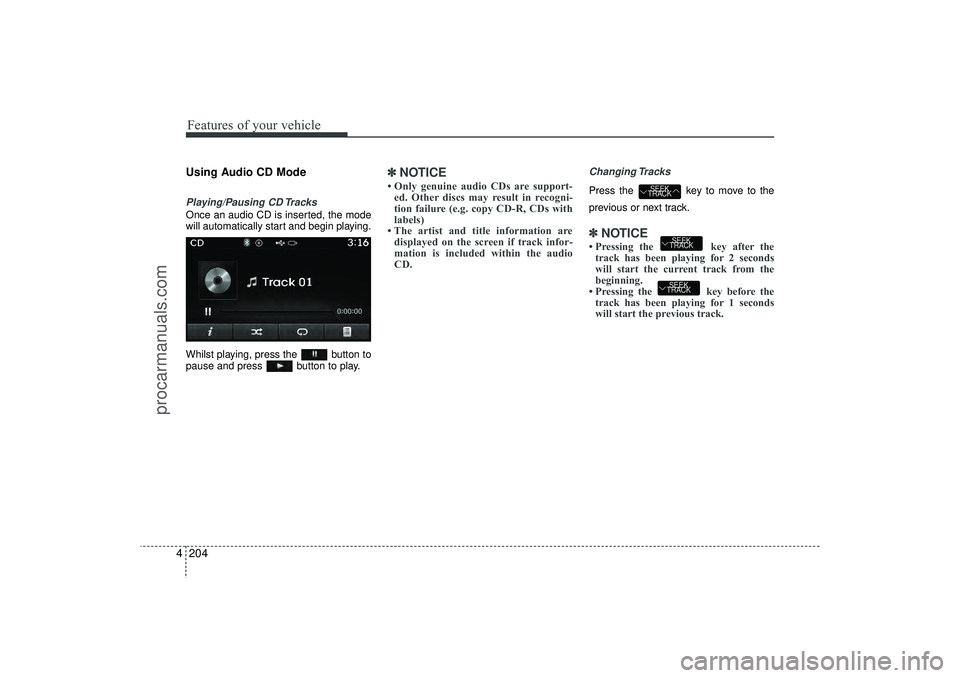
4Using Audio CD ModePlaying/Pausing CD TracksOnce an audio CD is inserted, the mode
will automatically start and begin playing.
Whilst playing, press the button to
pause and press button to play.
✽ ✽
NOTICE • Only genuine audio CDs are support-
ed. Other discs may result in recogni-
tion failure (e.g. copy CD-R, CDs with
labels)
• The artist and title information are displayed on the screen if track infor-
mation is included within the audio
CD.
Changing TracksPress the key to move to the
previous or next track.✽ ✽ NOTICE • Pressing the key after the
track has been playing for 2 seconds
will start the current track from the
beginning.
• Pressing the key before the track has been playing for 1 seconds
will start the previous track.
SEEK
TRACKSEEK
TRACK
SEEK
TRACK
EL(FL) UK 4B AUDIO.QXP 3/13/2015 4:19 PM Page 204
procarmanuals.com
Page 290 of 550
4 205
Features of your vehicle
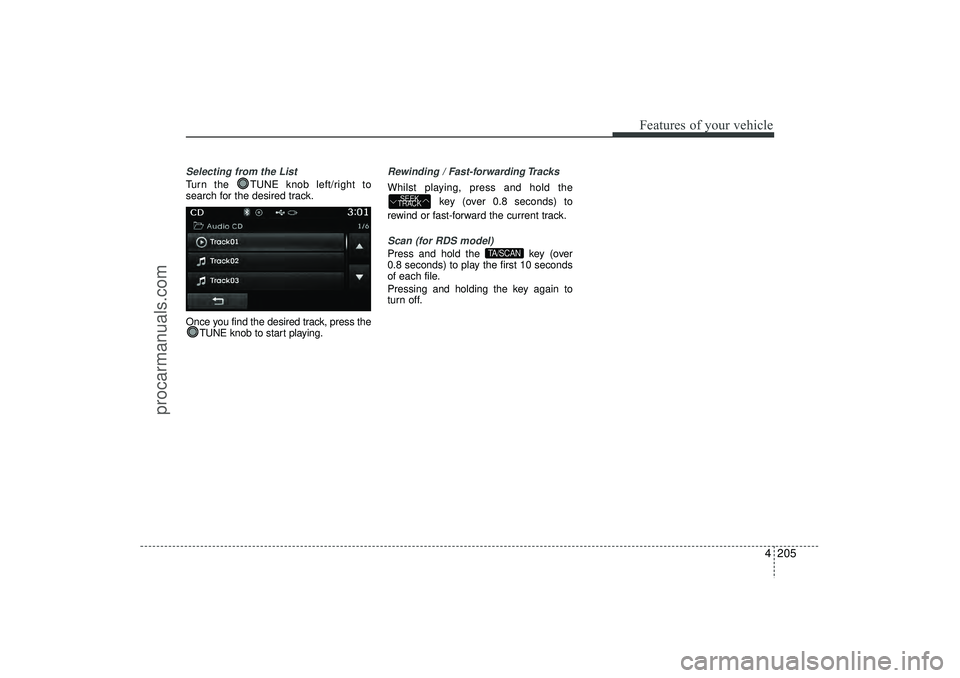
Selecting from the ListTurn the TUNE knob left/right to
search for the desired track.
Once you find the desired track, press theTUNE knob to start playing.
Rewinding / Fast-forwarding TracksWhilst playing, press and hold the
key (over 0.8 seconds) to
rewind or fast-forward the current track.Scan (for RDS model)Press and hold the key (over
0.8 seconds) to play the first 10 seconds
of each file.
Pressing and holding the key again to
turn off.
TA/SCAN
SEEK
TRACK
EL(FL) UK 4B AUDIO.QXP 3/13/2015 4:19 PM Page 205
procarmanuals.com
Page 293 of 550
Features of your vehicle208
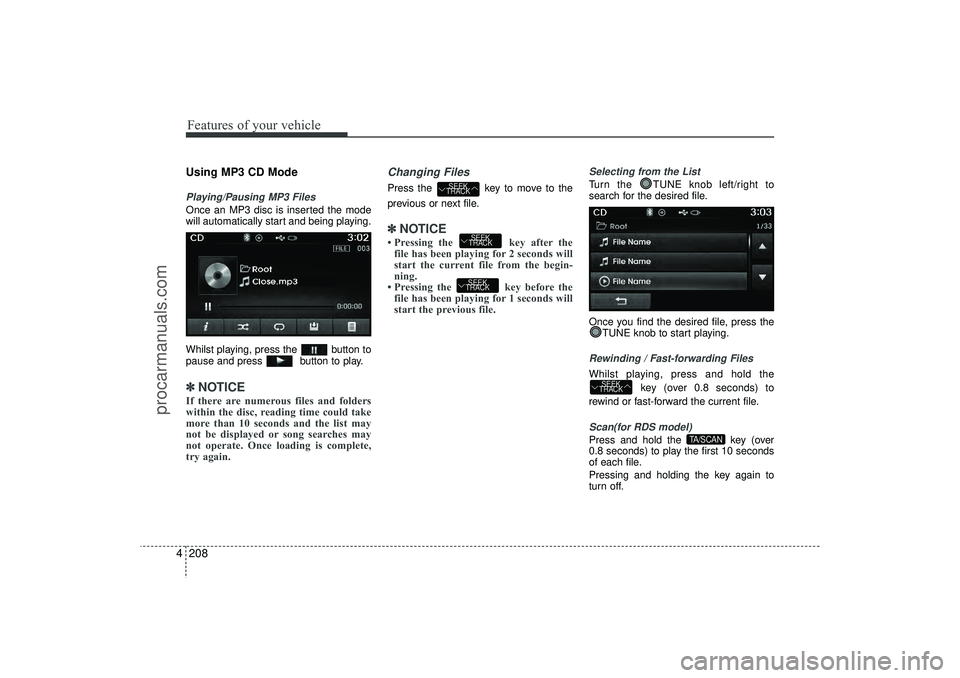
4Using MP3 CD ModePlaying/Pausing MP3 FilesOnce an MP3 disc is inserted the mode
will automatically start and being playing.
Whilst playing, press the button to
pause and press button to play.✽ ✽
NOTICE If there are numerous files and folders
within the disc, reading time could take
more than 10 seconds and the list may
not be displayed or song searches may
not operate. Once loading is complete,
try again.
Changing FilesPress the key to move to the
previous or next file.✽ ✽ NOTICE • Pressing the key after the
file has been playing for 2 seconds will
start the current file from the begin-
ning.
• Pressing the key before the file has been playing for 1 seconds will
start the previous file.
Selecting from the ListTurn the TUNE knob left/right to
search for the desired file.
Once you find the desired file, press the
TUNE knob to start playing.Rewinding / Fast-forwarding FilesWhilst playing, press and hold the
key (over 0.8 seconds) to
rewind or fast-forward the current file.Scan(for RDS model)Press and hold the key (over
0.8 seconds) to play the first 10 seconds
of each file.
Pressing and holding the key again to
turn off.
TA/SCAN
SEEK
TRACK
SEEK
TRACKSEEK
TRACK
SEEK
TRACK
EL(FL) UK 4B AUDIO.QXP 3/13/2015 4:19 PM Page 208
procarmanuals.com
Page 294 of 550
4 209
Features of your vehicle
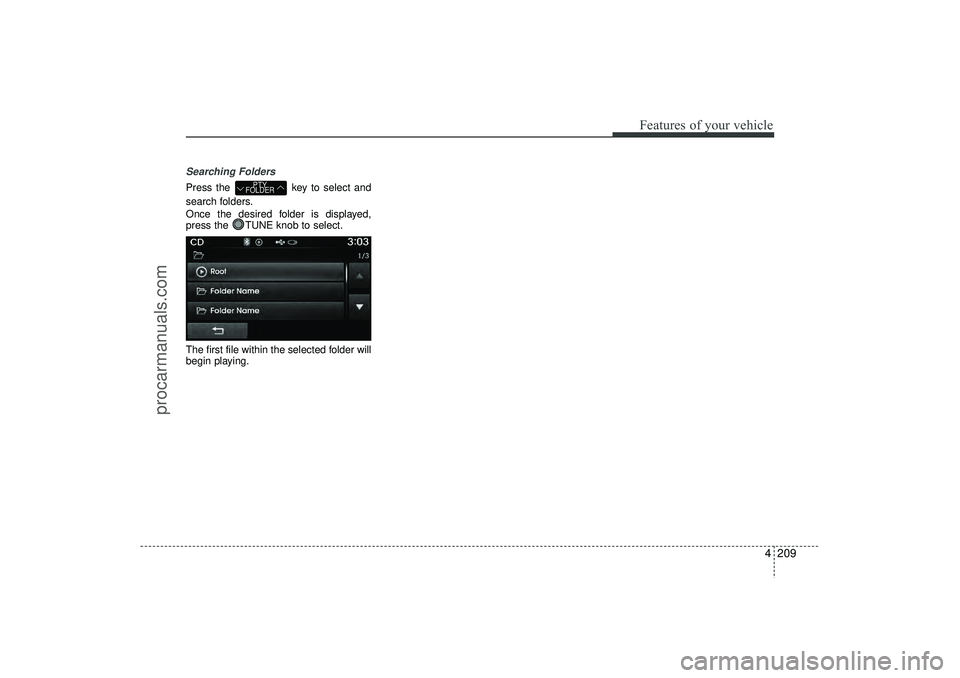
Searching FoldersPress the key to select and
search folders.
Once the desired folder is displayed,
press the TUNE knob to select.
The first file within the selected folder will
begin playing.
PTY
FOLDER
EL(FL) UK 4B AUDIO.QXP 3/13/2015 4:19 PM Page 209
procarmanuals.com
Page 298 of 550
4 213
Features of your vehicle
(Continued)
• Charging through the USB may notwork for some mobile devices.
• The device may not support normal operation when using a USB memory
type besides (Metal Cover Type) USB
Memory.
• The device may not support normal operation when using formats such as
HDD Type, CF, or SD Memory.
• The device will not support files locked by DRM (Digital Rights
Management.)
• USB memory sticks used by connect- ing an Adaptor (SD Type or CF Type)
may not be properly recognized.
• The device may not operate properly when using USB HDDs or USBs sub-
ject to connection failures caused by
vehicle vibrations. (e.g. i-stick type) (Continued)(Continued)
• Avoid use of USB memo-
ry products that can also
be used as key chains or
mobile phone accessories.
Use of such products may
cause damage to the USB jack.
• Connecting an MP3 device or phone through various channels, such as
AUX/BT or Audio/USB mode may
result in pop noises or abnormal oper-
ation.
EL(FL) UK 4B AUDIO.QXP 3/13/2015 4:19 PM Page 213
procarmanuals.com
Page 300 of 550
4 215
Features of your vehicle
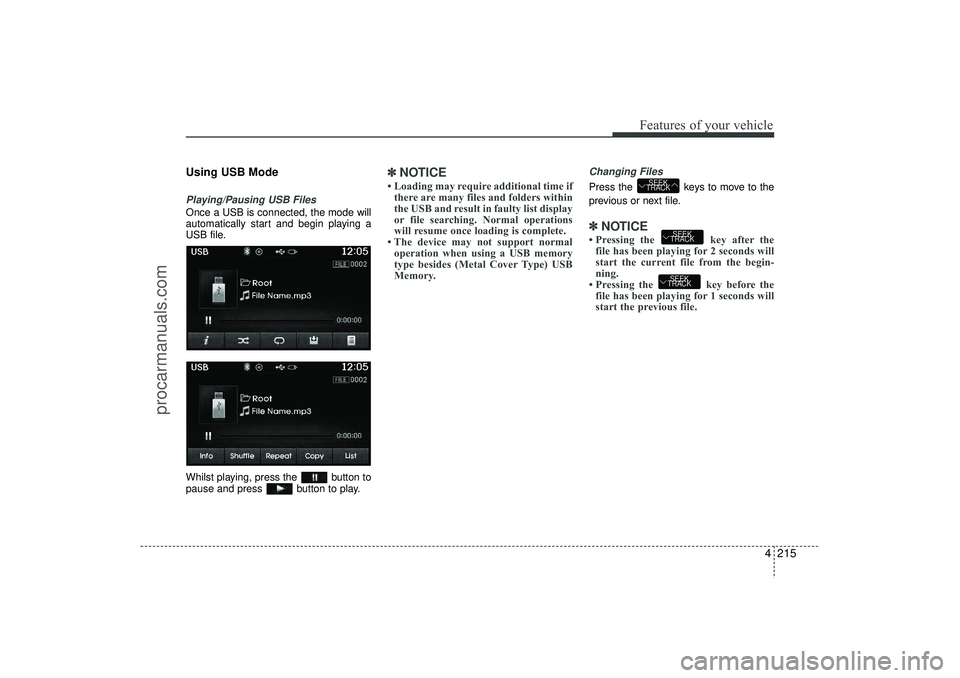
Using USB ModePlaying/Pausing USB FilesOnce a USB is connected, the mode will
automatically start and begin playing a
USB file.
Whilst playing, press the button to
pause and press button to play.
✽ ✽NOTICE • Loading may require additional time if
there are many files and folders within
the USB and result in faulty list display
or file searching. Normal operations
will resume once loading is complete.
• The device may not support normal operation when using a USB memory
type besides (Metal Cover Type) USB
Memory.
Changing FilesPress the keys to move to the
previous or next file.✽ ✽ NOTICE • Pressing the key after the
file has been playing for 2 seconds will
start the current file from the begin-
ning.
• Pressing the key before the file has been playing for 1 seconds will
start the previous file.
SEEK
TRACKSEEK
TRACK
SEEK
TRACK
EL(FL) UK 4B AUDIO.QXP 3/13/2015 4:19 PM Page 215
procarmanuals.com
Page 301 of 550
Features of your vehicle216
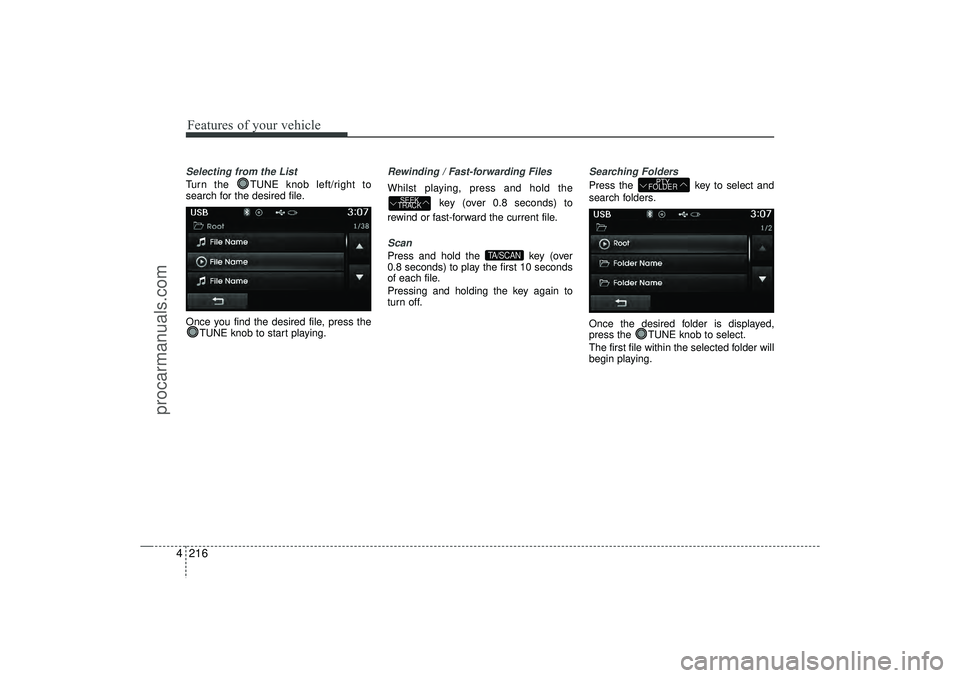
4Selecting from the ListTurn the TUNE knob left/right to
search for the desired file.
Once you find the desired file, press the
TUNE knob to start playing.
Rewinding / Fast-forwarding FilesWhilst playing, press and hold the
key (over 0.8 seconds) to
rewind or fast-forward the current file.Scan Press and hold the key (over
0.8 seconds) to play the first 10 seconds
of each file.
Pressing and holding the key again to
turn off.
Searching FoldersPress the key to select and
search folders.
Once the desired folder is displayed,
press the TUNE knob to select.
The first file within the selected folder will
begin playing.
PTY
FOLDER
TA/SCAN
SEEK
TRACK
EL(FL) UK 4B AUDIO.QXP 3/13/2015 4:19 PM Page 216
procarmanuals.com