park HYUNDAI KONA 2022 Manual PDF
[x] Cancel search | Manufacturer: HYUNDAI, Model Year: 2022, Model line: KONA, Model: HYUNDAI KONA 2022Pages: 579, PDF Size: 35.31 MB
Page 375 of 579
07
7-43
WARNING
Take the following precautions when
using Blind-Spot Safety system:
For your safety, change the Settings
after parking the vehicle at a safe
location.
If any other function’s warning
message is displayed or audible
warning is generated, Blind-Spot
Safety system’s warning message
may not be displayed and audible
warning may not be generated.
You may not hear the warning sound
of Blind-Spot Safety system if the
surrounding is noisy.
Blind-Spot Safety system may not
operate if the driver applies the
brake pedal to avoid collision.
When Blind-Spot Safety system
is operating, braking control by
the function will automatically
cancel when the driver excessively
depresses the accelerator pedal or
sharply steers the vehicle.
During Blind-Spot Safety system
operation, the vehicle may stop
suddenly injuring passengers and
shifting loose objects. Always have
the seat belt on and keep loose
objects secured.
Even if there is a problem with Blind-
Spot Safety system, the vehicle’s
basic braking performance will
operate normally.
Blind-Spot Safety system does not
operate in all situations or cannot
avoid all collisions.
Blind-Spot Safety system may warn
the driver late or may not warn the
driver depending on the road and
driving conditions.
Driver should maintain control
of the vehicle at all times. Do not
depend on Blind-Spot Safety system.
Maintain a safe braking distance, and
if necessary, depress the brake pedal
to reduce driving speed or to stop
the vehicle.
Never operate Blind-Spot Safety
system on people, animal, objects,
etc. It may cause serious injury or
death.
WARNING
The brake control may not operate
properly depending on the status of
ESC (Electronic Stability Control).
There will only be a warning when:
-The ESC (Electronic Stability Control)
warning light is on
-ESC (Electronic Stability Control) is
engaged in a different function
Page 384 of 579
Driver assistance system
7-52
WARNING
Take the following precautions when
using Safe Exit Warning:
For your safety, change the Settings
after parking the vehicle at a safe
location.
If any other function’s warning
message is displayed or audible
warning is generated, Safe Exit
Warning’s warning message may not
be displayed and audible warning
may not be generated.
You may not hear the warning
sound of Safe Exit Warning if the
surrounding is noisy.
Safe Exit Warning does not operate
in all situations or cannot prevent all
collisions.
Safe Exit Warning may warn the
driver late or may not warn the driver
depending on the road and driving
conditions. Always check vehicle
surroundings.
The driver and passengers are
responsible for accidents that occurs
while exiting the vehicle. Always
check the surroundings before you
exit the vehicle.
Never deliberately operate Safe
Exit Warning. Doing so may lead to
serious injury or death.
Safe Exit Warning does not operate
if there is a problem with Blind-Spot
Safety system. The warning message
of Blind-Spot Safety system will
appear when:
-Blind-Spot Safety system sensor or
the sensor surrounding is polluted
or covered
-Blind-Spot Safety system fails to
warn passengers or falsely warn
passengers
Information
Safe Exit Warning malfunction
and limitations
Safe Exit Warning malfunction
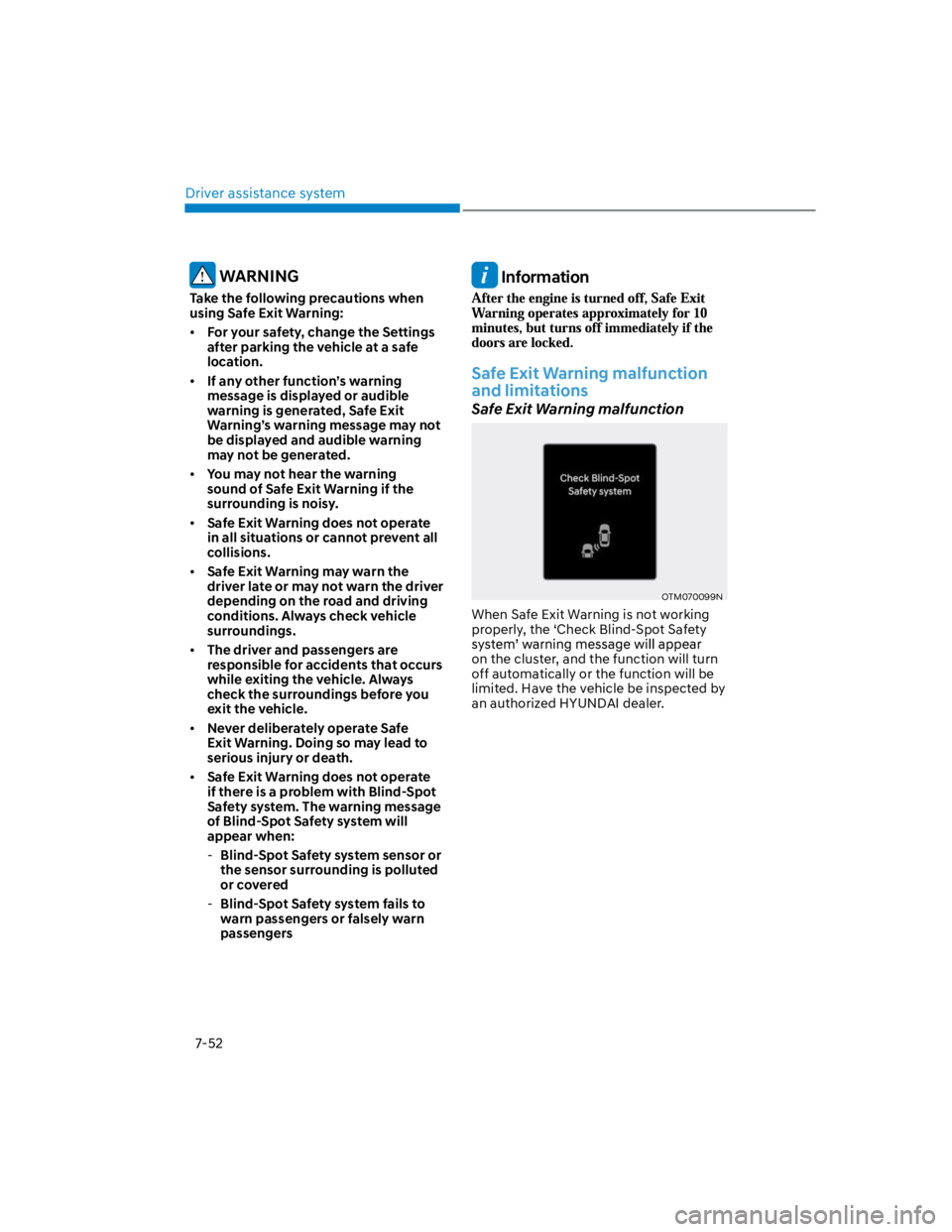
OTM070099N
When Safe Exit Warning is not working
properly, the ‘Check Blind-Spot Safety
on the cluster, and the function will turn
off automatically or the function will be
limited. Have the vehicle be inspected by
an authorized HYUNDAI dealer.
Page 388 of 579
Driver assistance system
7-56
on the scale of 1 to 5. The lower the
level is, the more inattentive the driver
is.
The level decreases when the driver
does not take a break for a certain
period of time.
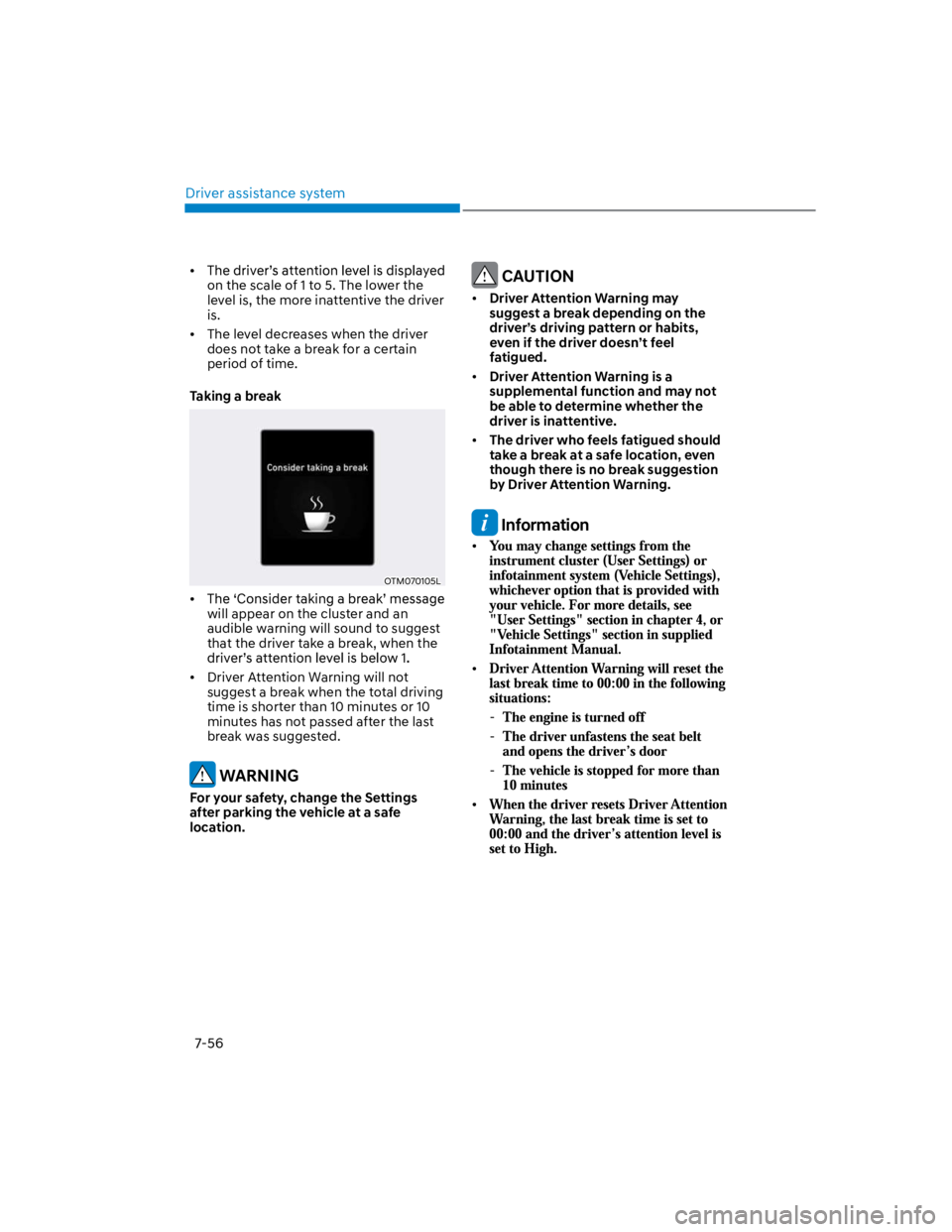
Taking a break
OTM070105L
will appear on the cluster and an
audible warning will sound to suggest
that the driver take a break, when the
Driver Attention Warning will not
suggest a break when the total driving
time is shorter than 10 minutes or 10
minutes has not passed after the last
break was suggested.
WARNING
For your safety, change the Settings
after parking the vehicle at a safe
location.
CAUTION
Driver Attention Warning may
suggest a break depending on the
driver’s driving pattern or habits,
even if the driver doesn’t feel
fatigued.
Driver Attention Warning is a
supplemental function and may not
be able to determine whether the
driver is inattentive.
The driver who feels fatigued should
take a break at a safe location, even
though there is no break suggestion
by Driver Attention Warning.
Information
-
-
-
Page 391 of 579
07
7-59
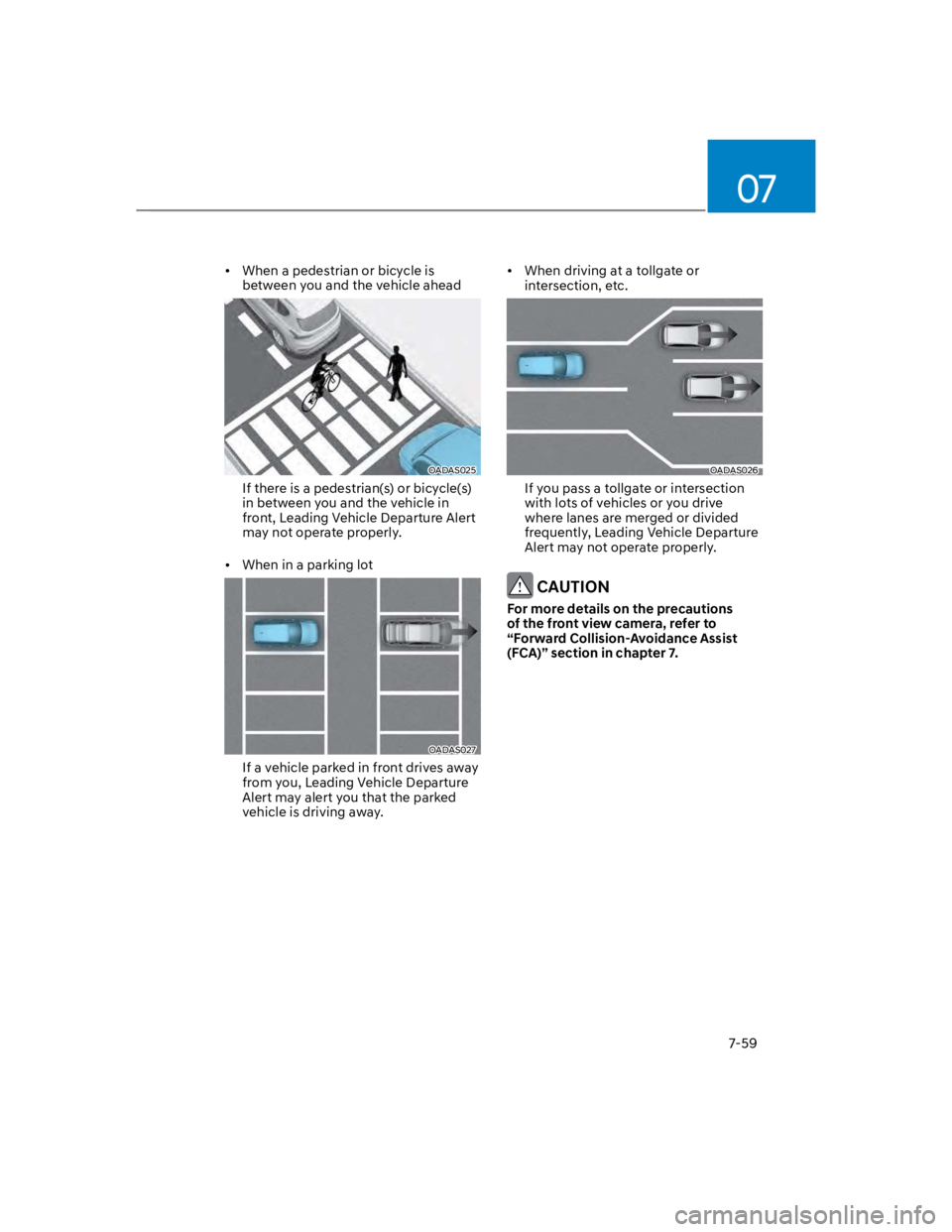
When a pedestrian or bicycle is
between you and the vehicle ahead
OADAS025
If there is a pedestrian(s) or bicycle(s)
in between you and the vehicle in
front, Leading Vehicle Departure Alert
may not operate properly.
When in a parking lot
OADAS027
If a vehicle parked in front drives away
from you, Leading Vehicle Departure
Alert may alert you that the parked
vehicle is driving away.
When driving at a tollgate or
intersection, etc.
OADAS026
If you pass a tollgate or intersection
with lots of vehicles or you drive
where lanes are merged or divided
frequently, Leading Vehicle Departure
Alert may not operate properly.
CAUTION
For more details on the precautions
of the front view camera, refer to
“Forward Collision-Avoidance Assist
(FCA)” section in chapter 7.
Page 400 of 579
Driver assistance system
7-68
OTM070142N
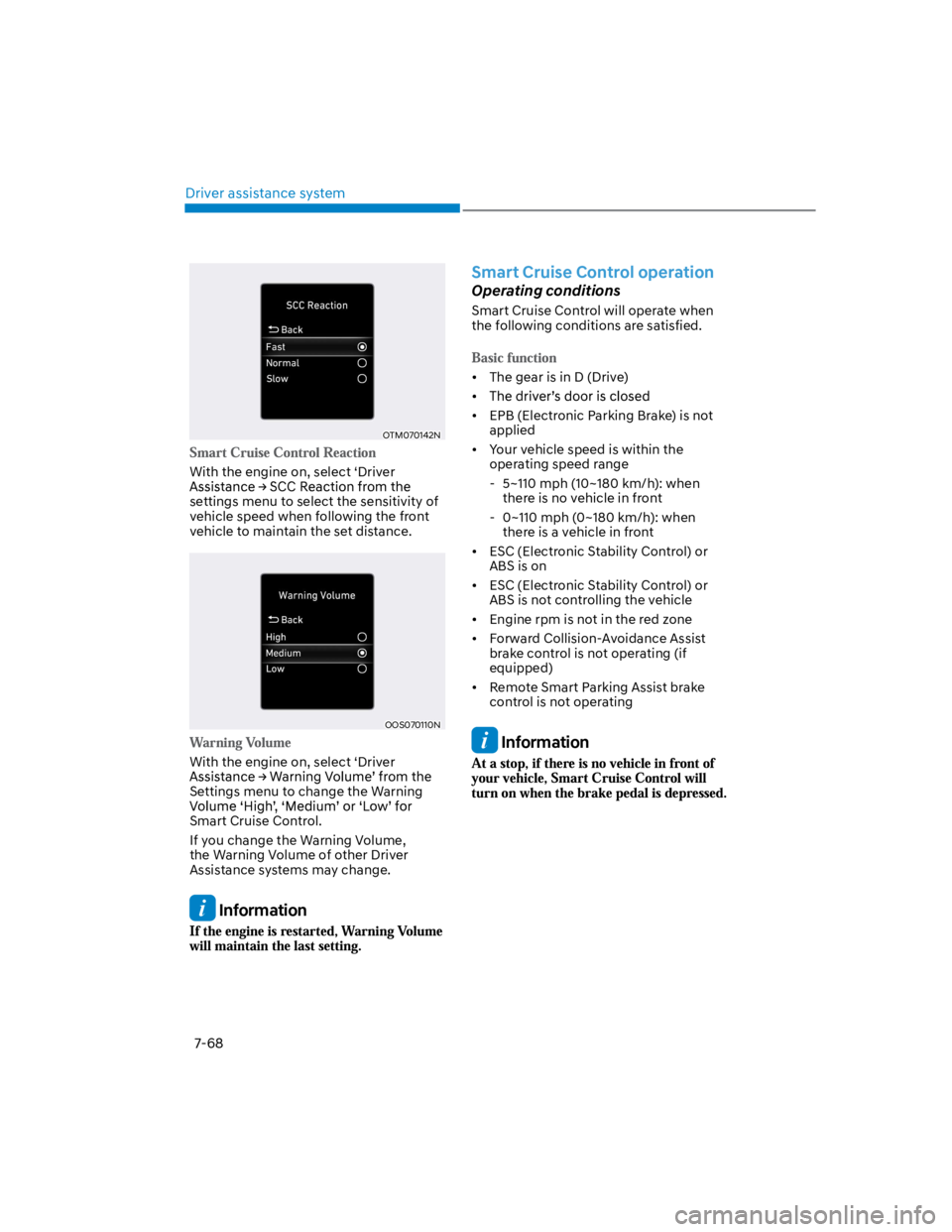
With the engine on, select ‘Driver
settings menu to select the sensitivity of
vehicle speed when following the front
vehicle to maintain the set distance.
OOS070110N
With the engine on, select ‘Driver
Settings menu to change the Warning
Smart Cruise Control.
If you change the Warning Volume,
the Warning Volume of other Driver
Assistance systems may change.
Information
Smart Cruise Control operation
Operating conditions
Smart Cruise Control will operate when
the following conditions are satisfied.
The gear is in D (Drive)
EPB (Electronic Parking Brake) is not
applied
Your vehicle speed is within the
operating speed range
- 5~110 mph (10~180 km/h): when
there is no vehicle in front
- 0~110 mph (0~180 km/h): when
there is a vehicle in front
ESC (Electronic Stability Control) or
ABS is on
ESC (Electronic Stability Control) or
ABS is not controlling the vehicle
Engine rpm is not in the red zone
Forward Collision-Avoidance Assist
brake control is not operating (if
equipped)
Remote Smart Parking Assist brake
control is not operating
Information
Page 403 of 579
07
7-71
Smart Cruise Control temporarily
canceled
OTM070113N
Smart Cruise Control will be temporarily
canceled automatically when:
The vehicle speed is above 120 mph
(190 km/h)
The accelerator pedal is continuously
depressed for a certain period of time
The conditions for the Smart Cruise
Control to operate is not satisfied
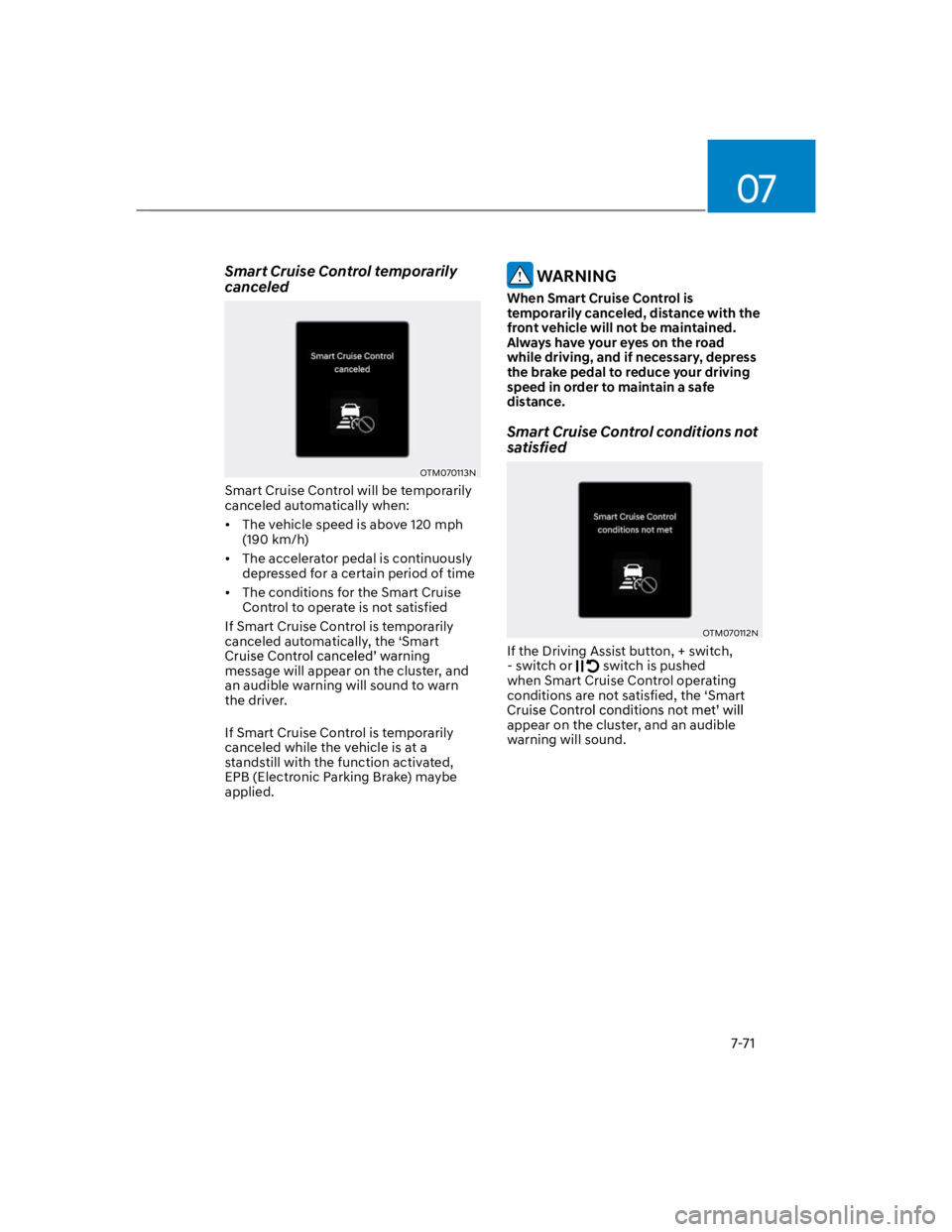
If Smart Cruise Control is temporarily
canceled automatically, the ‘Smart
message will appear on the cluster, and
an audible warning will sound to warn
the driver.
If Smart Cruise Control is temporarily
canceled while the vehicle is at a
standstill with the function activated,
EPB (Electronic Parking Brake) maybe
applied.
WARNING
When Smart Cruise Control is
temporarily canceled, distance with the
front vehicle will not be maintained.
Always have your eyes on the road
while driving, and if necessary, depress
the brake pedal to reduce your driving
speed in order to maintain a safe
distance.
Smart Cruise Control conditions not
satisfied
OTM070112N
If the Driving Assist button, + switch,
- switch or switch is pushed
when Smart Cruise Control operating
conditions are not satisfied, the ‘Smart
appear on the cluster, and an audible
warning will sound.
Page 408 of 579

Driver assistance system
7-76
Only part of the vehicle is detected
The vehicle in front has no tail lights,
tail lights are located unusually, etc.
The brightness outside is low, and the
tail lamps are not on or are not bright
The rear of the front vehicle is small
or does not look normal (i.e. tilted,
overturned, etc.)
low or high
A vehicle suddenly cuts in front
Your vehicle is being towed
Driving through a tunnel or iron bridge
Driving near areas containing metal
substances, such as a construction
zone, railroad, etc.
A material is near that reflects very
well on the front radar, such as a
guardrail, nearby vehicle, etc.
The bumper around the front radar is
impacted, damaged or the front radar
is out of position
The temperature around the front
radar is high or low
Driving in large areas where there are
few vehicles or structures (i.e. desert,
meadow, suburb, etc.)
The vehicle in front is made of
material that does not reflect on the
front radar
Driving near a highway (or motorway)
interchange or tollgate
Driving on a slippery surface due to
snow, water puddle, ice, etc.
Driving on a curved road
The vehicle in front is detected late
The vehicle in front is suddenly
blocked by a obstacle
The vehicle in front suddenly changes
lane or suddenly reduces speed
The vehicle in front is bent out of
shape
slow
With a vehicle in front, your vehicle
changes lane at low speed
The vehicle in front is covered with
snow
Unstable driving
You are on a roundabout and the
vehicle in front is not detected
You are continuously driving in a circle
Driving in a parking lot
Driving through a construction area,
unpaved road, partial paved road,
uneven road, speed bumps, etc.
Driving on an incline road, curved
road, etc.
Driving through a roadside with trees
or streetlights
The adverse road conditions cause
excessive vehicle vibrations while
driving
Your vehicle height is low or high
due to heavy loads, abnormal tire
pressure, etc.
Driving through a narrow road where
trees or grass are overgrown
There is interference by
electromagnetic waves, such as
driving in an area with strong radio
waves or electrical noise
Page 425 of 579
07
7-93
Highway Driving Assist settings
Setting features
OTM070193N
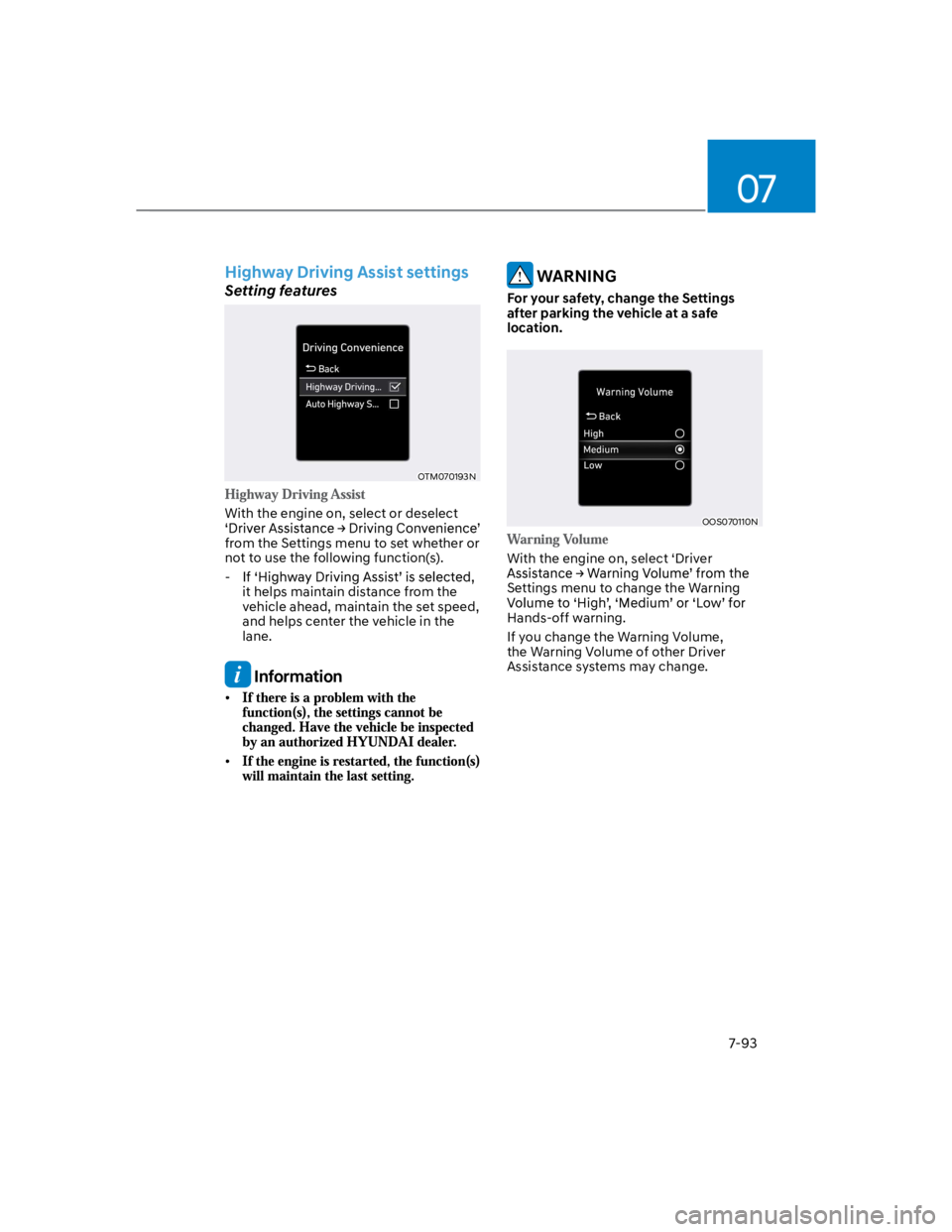
With the engine on, select or deselect
from the Settings menu to set whether or
not to use the following function(s).
-
it helps maintain distance from the
vehicle ahead, maintain the set speed,
and helps center the vehicle in the
lane.
Information
WARNING
For your safety, change the Settings
after parking the vehicle at a safe
location.
OOS070110N
With the engine on, select ‘Driver
Settings menu to change the Warning
Hands-off warning.
If you change the Warning Volume,
the Warning Volume of other Driver
Assistance systems may change.
Page 431 of 579
![HYUNDAI KONA 2022 Manual PDF 07
7-99
OOS070015K
OOS070016K
Rear View Monitor will show the area
behind the vehicle to assist you when
parking or backing up.
Camera
OOS070029K
[1] : Rear view camera
Refer to the picture above fo](/img/35/41169/w960_41169-430.png "HYUNDAI KONA 2022 Manual PDF 07
7-99
OOS070015K
OOS070016K
Rear View Monitor will show the area
behind the vehicle to assist you when
parking or backing up.
Camera
OOS070029K
[1] : Rear view camera
Refer to the picture above fo")
07
7-99
OOS070015K
OOS070016K
Rear View Monitor will show the area
behind the vehicle to assist you when
parking or backing up.
Camera
OOS070029K
[1] : Rear view camera
Refer to the picture above for the
detailed location of the camera.
Page 432 of 579
Driver assistance system
7-100
Rear View Monitor settings
Camera settings
You can change Rear View Monitor
by touching the setup icon () on
the screen while Rear View Monitor is
operating, or selecting ‘Driver Assistance
the Settings menu while the engine is on.
Rear View Monitor operation
Rear view
Shift the gear to R (Reverse), the image
will appear on the screen.
The rear view cannot be turned off
when the gear is in R (Reverse).
Shift the gear from R (Reverse) to P
(Park), the rear view will turn off.
Extended rear view function
The rear view will maintain showing on
the screen to help you when parking.
Shift the gear from R (Reverse) to N
(Neutral) or D (Drive), the rear view will
appear on the screen.
When vehicle speed is above 6 mph
(10 km/h), the rear view will turn off.
Shift the gear to P (Park), the rear view
will turn off.
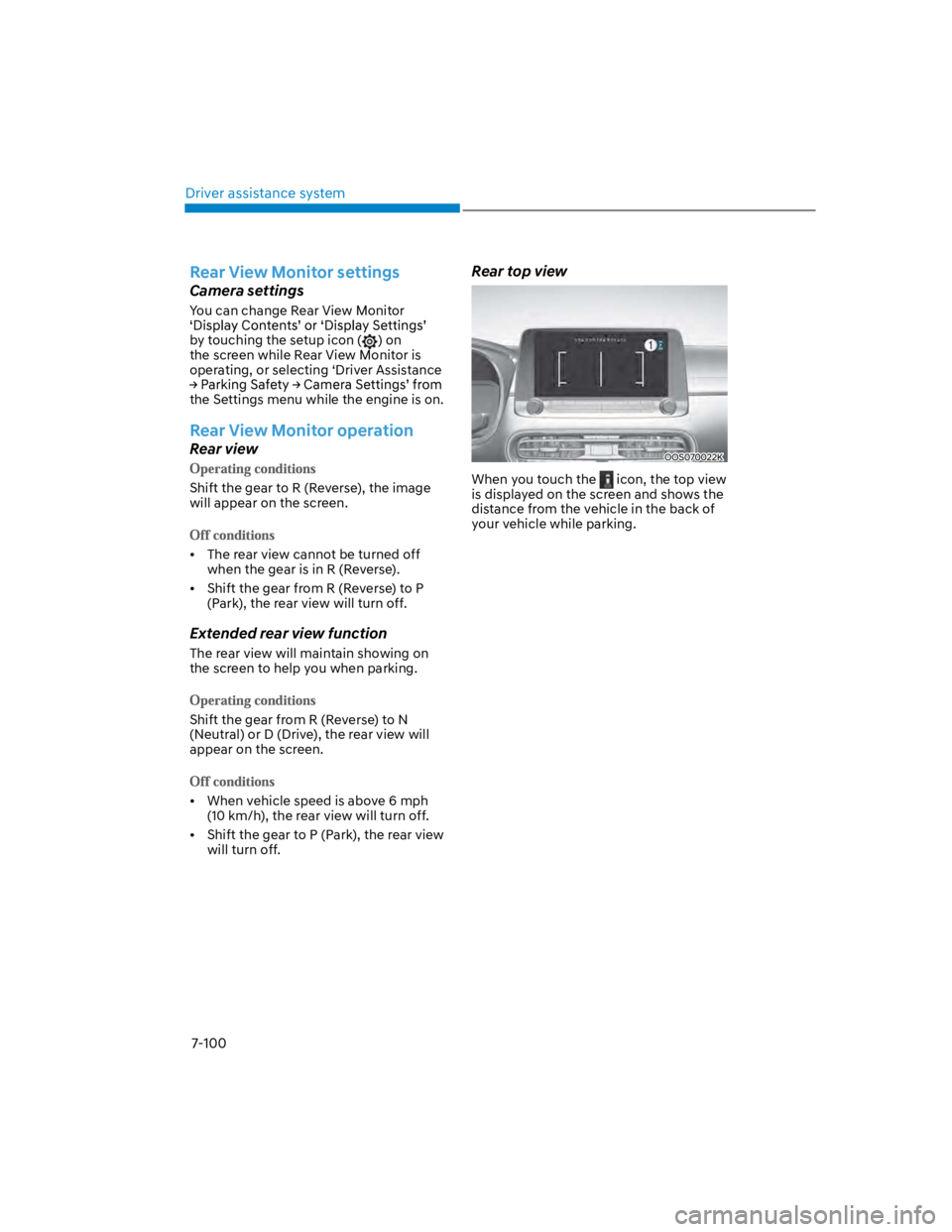
Rear top view
OOS070022K
When you touch the icon, the top view
is displayed on the screen and shows the
distance from the vehicle in the back of
your vehicle while parking.