warning Hyundai Matrix 2007 Owner's Manual
[x] Cancel search | Manufacturer: HYUNDAI, Model Year: 2007, Model line: Matrix, Model: Hyundai Matrix 2007Pages: 490, PDF Size: 12.81 MB
Page 6 of 490
!
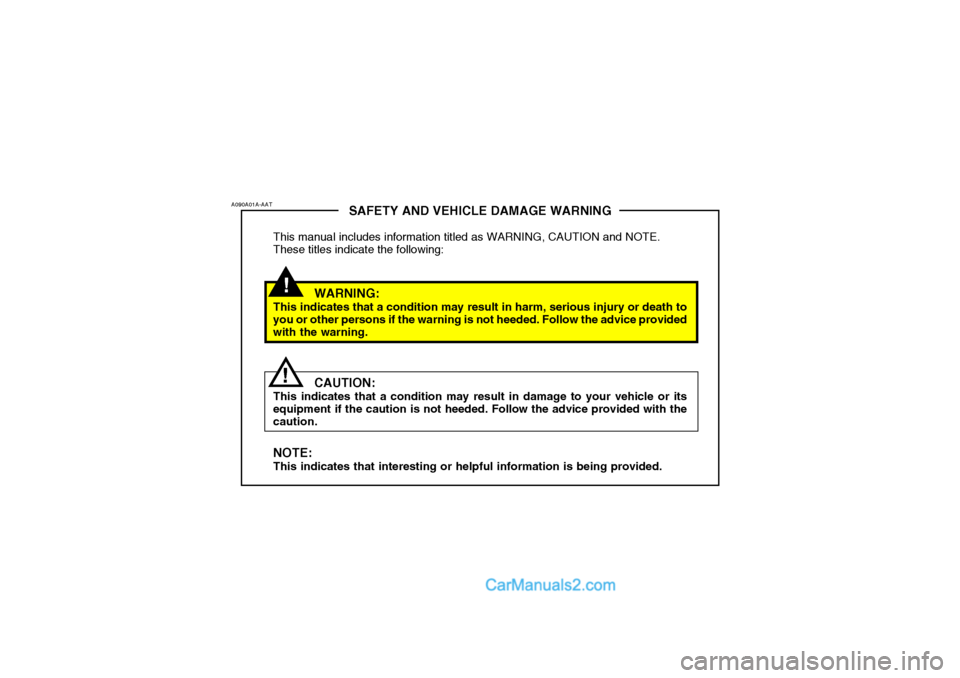
SAFETY AND VEHICLE DAMAGE WARNING
This manual includes information titled as WARNING, CAUTION and NOTE. These titles indicate the following:
WARNING:
This indicates that a condition may result in harm, serious injury or death to you or other persons if the warning is not heeded. Follow the advice provided with the warning.
CAUTION:
This indicates that a condition may result in damage to your vehicle or its equipment if the caution is not heeded. Follow the advice provided with the caution. NOTE: This indicates that interesting or helpful information is being provided.
A090A01A-AAT
!
Page 9 of 490
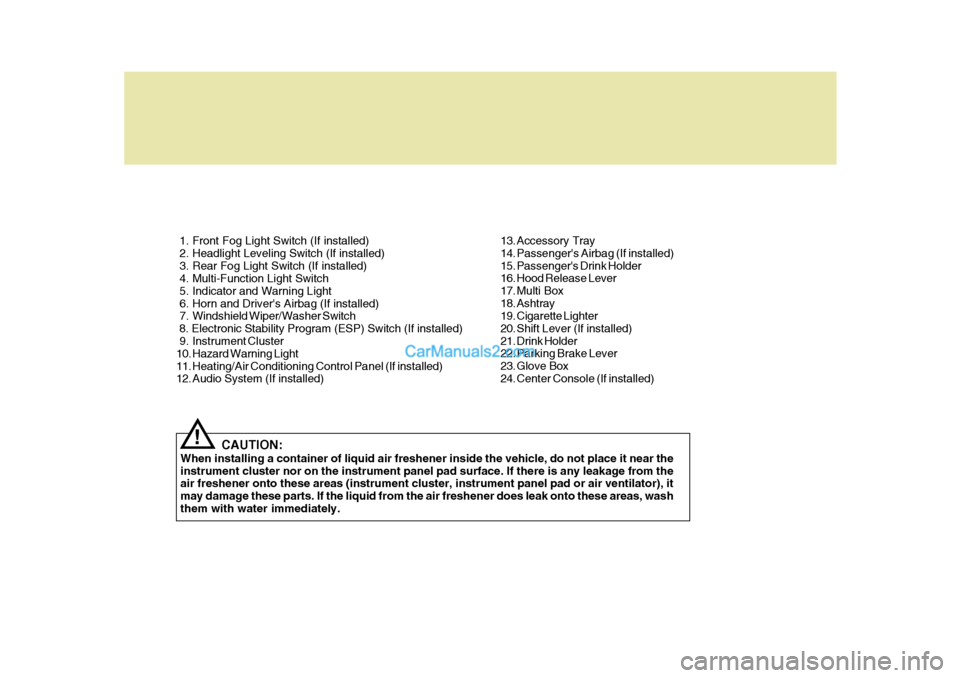
1. Front Fog Light Switch (If installed)
2. Headlight Leveling Switch (If installed)
3. Rear Fog Light Switch (If installed)
4. Multi-Function Light Switch
5. Indicator and Warning Light
6. Horn and Driver's Airbag (If installed)
7. Windshield Wiper/Washer Switch 8. Electronic Stability Program (ESP) Switch (If installed)
9. Instrument Cluster
10. Hazard Warning Light
11. Heating/Air Conditioning Control Panel (If installed)
12. Audio System (If installed)CAUTION:
When installing a container of liquid air freshener inside the vehicle, do not place it near the instrument cluster nor on the instrument panel pad surface. If there is any leakage from the air freshener onto these areas (instrument cluster, instrument panel pad or air ventilator), it may damage these parts. If the liquid from the air freshener does leak onto these areas, washthem with water immediately.
! 13. Accessory Tray
14. Passenger's Airbag (If installed)
15. Passenger's Drink Holder
16. Hood Release Lever
17. Multi Box
18. Ashtray
19. Cigarette Lighter
20. Shift Lever (If installed)
21. Drink Holder
22. Parking Brake Lever
23. Glove Box
24. Center Console (If installed)
Page 11 of 490
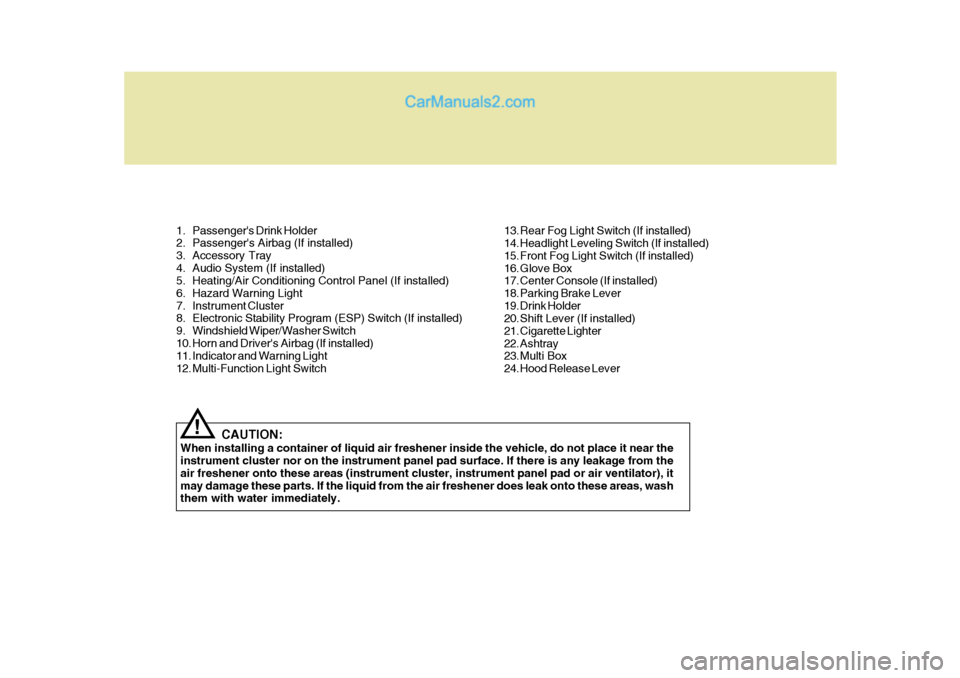
1. Passenger's Drink Holder
2. Passenger's Airbag (If installed)
3. Accessory Tray
4. Audio System (If installed)
5. Heating/Air Conditioning Control Panel (If installed)
6. Hazard Warning Light
7. Instrument Cluster
8. Electronic Stability Program (ESP) Switch (If installed)
9. Windshield Wiper/Washer Switch
10. Horn and Driver's Airbag (If installed)
11. Indicator and Warning Light
12. Multi-Function Light SwitchCAUTION:
When installing a container of liquid air freshener inside the vehicle, do not place it near the instrument cluster nor on the instrument panel pad surface. If there is any leakage from the air freshener onto these areas (instrument cluster, instrument panel pad or air ventilator), itmay damage these parts. If the liquid from the air freshener does leak onto these areas, wash them with water immediately.
! 13. Rear Fog Light Switch (If installed)
14. Headlight Leveling Switch (If installed)
15. Front Fog Light Switch (If installed)
16. Glove Box
17. Center Console (If installed)
18. Parking Brake Lever
19. Drink Holder
20. Shift Lever (If installed)
21. Cigarette Lighter
22. Ashtray
23. Multi Box
24. Hood Release Lever
Page 12 of 490
YOUR VEHICLE AT A GLANCE
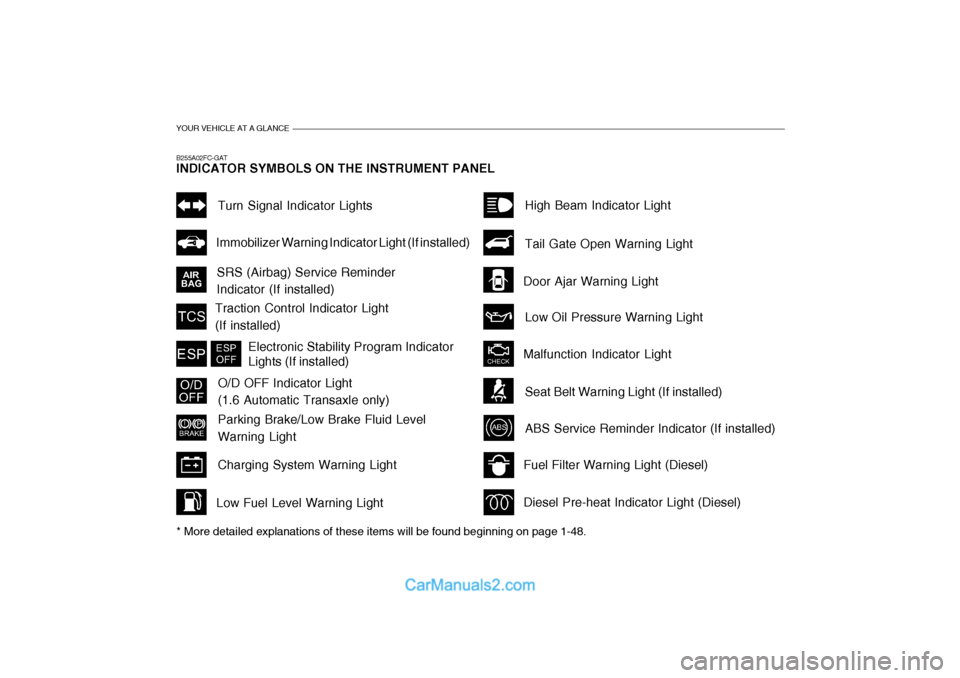
B255A02FC-GAT INDICATOR SYMBOLS ON THE INSTRUMENT PANEL * More detailed explanations of these items will be found beginning on page 1-48.
SRS (Airbag) Service Reminder Indicator (If installed)Turn Signal Indicator Lights
Malfunction Indicator Light
Traction Control Indicator Light(If installed)
O/D OFF Indicator Light (1.6 Automatic Transaxle only)
Parking Brake/Low Brake Fluid Level Warning Light
Charging System Warning Light
Fuel Filter Warning Light (Diesel) Diesel Pre-heat Indicator Light (Diesel)
Immobilizer Warning Indicator Light (If installed)
ABS Service Reminder Indicator (If installed)
High Beam Indicator Light Low Oil Pressure Warning Light
Tail Gate Open Warning Light
Door Ajar Warning Light
Low Fuel Level Warning Light
Electronic Stability Program Indicator Lights (If installed)
Seat Belt Warning Light (If installed)
Page 13 of 490
Fuel Recommendations ............................................... 1-2
Breaking In Your New Hyundai .................................... 1-3
Keys .............................................................................. 1-4
Immobilizer System ...................................................... 1-5
Door .............................................................................. 1-7
Theft-Alarm System ....................................................1-10
Window ....................................................................... 1-13
Seat ............................................................................ 1-14
Seat Belts ................................................................... 1-21
Child Restraint System............................................... 1-28
Supplemental Restraint (AIRBAG) System ............... 1-37
Instrument Cluster and Indicator ................................ 1-44
Warning and Indicator Lights ..................................... 1-48
Trip Computer .............................................................. 1-57
Multi-function Light Switch ........................................... 1-59
Windshield Wiper/Washer Switch ................................1-61
Sunroof ........................................................................ 1-69
Mirror ........................................................................... 1-73
Hood R elease .............................................................. 1-76
Heating and Cooling Control .......... ..............................1-83
Stereo Sound System ................................................. 1-99
Audio System ............................................................ 1-102
Antenna ..................................................................... 1-133
FEATURES OF YOUR HYUNDAI
1
1
Page 18 of 490
1FEATURES OF YOUR HYUNDAI
6
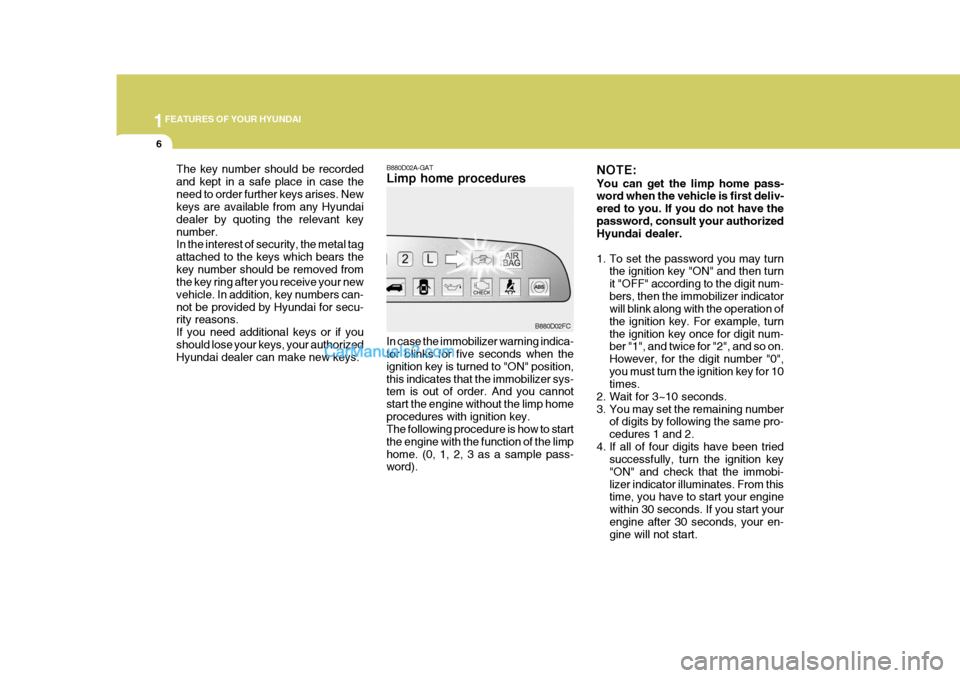
B880D02A-GAT Limp home procedures
The key number should be recorded and kept in a safe place in case theneed to order further keys arises. New keys are available from any Hyundai dealer by quoting the relevant keynumber. In the interest of security, the metal tag attached to the keys which bears thekey number should be removed from the key ring after you receive your new vehicle. In addition, key numbers can-not be provided by Hyundai for secu- rity reasons. If you need additional keys or if youshould lose your keys, your authorized Hyundai dealer can make new keys. In case the immobilizer warning indica-tor blinks for five seconds when the ignition key is turned to "ON" position,this indicates that the immobilizer sys- tem is out of order. And you cannot start the engine without the limp homeprocedures with ignition key. The following procedure is how to start the engine with the function of the limphome. (0, 1, 2, 3 as a sample pass- word).B880D02FCNOTE: You can get the limp home pass- word when the vehicle is first deliv- ered to you. If you do not have thepassword, consult your authorized Hyundai dealer.
1. To set the password you may turn
the ignition key "ON" and then turn it "OFF" according to the digit num-bers, then the immobilizer indicator will blink along with the operation of the ignition key. For example, turnthe ignition key once for digit num- ber "1", and twice for "2", and so on. However, for the digit number "0",you must turn the ignition key for 10 times.
2. Wait for 3~10 seconds.
3. You may set the remaining number of digits by following the same pro-cedures 1 and 2.
4. If all of four digits have been tried successfully, turn the ignition key"ON" and check that the immobi-lizer indicator illuminates. From this time, you have to start your engine within 30 seconds. If you start yourengine after 30 seconds, your en- gine will not start.
Page 19 of 490
1
FEATURES OF YOUR HYUNDAI
7
NOTE: If the engine dies while driving after limp home procedure, you can start your engine within 8 seconds with-out limp home procedure again.
5. If the immobilizer indicator blinks for
five seconds, you have to try the limp home procedure again from the beginning.
After doing the limp home procedure,you have to consult with your autho-rized Hyundai dealer as soon as pos- sible.
! CAUTION:
o If you fail to try the limp home procedure with the sequence of three times, you have to wait for about one hour to do the limphome procedure again.
o If you cannot start your engine in
spite of limp home procedure,have your vehicle towed by an authorized Hyundai dealer.
!
DOOR
B040A02Y-AAT DOOR LOCKS
WARNING:
o Unlocked doors can be danger- ous. Before you drive away (es- pecially if there are children in the car), be sure that all the doorsare securely closed and locked so that the doors cannot be inad- vertently opened from the inside.This helps ensure that the doors will not be opened accidentally. Also, when combined with theproper use of seat belts, locking the doors helps keep occupants from being ejected from the carin case of an accident.
o Before opening the door, always
look for and avoid oncoming traf-fic.
o In case of accident the door is
unlocked automatically (If in-stalled) UNLOCK
LOCK
HFC2004
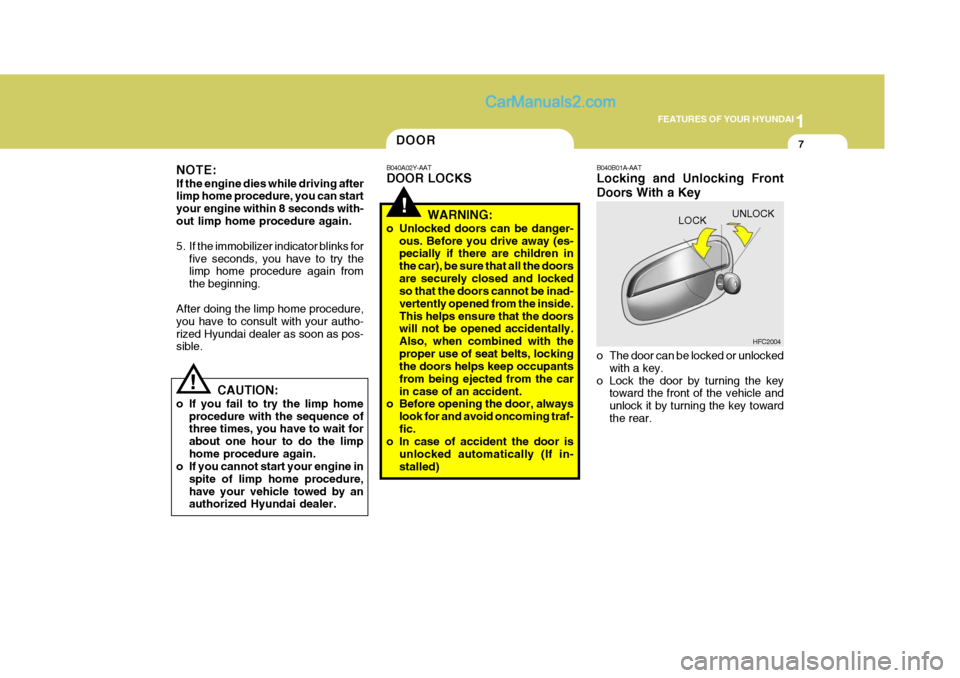
B040B01A-AAT Locking and Unlocking Front Doors With a Key
o The door can be locked or unlocked
with a key.
o Lock the door by turning the key toward the front of the vehicle and unlock it by turning the key towardthe rear.
Page 25 of 490

1
FEATURES OF YOUR HYUNDAI
13WINDOW
!
B050A01A-AAT WINDOW GLASS To raise or lower the window, turn the window regulator handle clockwise or counterclockwise.
WARNING:
When opening or closing the win-dows, make sure your passenger'sarms, hands and body are safely out of the way. B050A01FCB060A02E-AAT POWER WINDOWS (If Installed)
Close
The power windows operate when the ignition key is in the "ON" position. The main switches are located on thedriver's armrest and control the front and rear windows on both sides of the vehicle. The windows may be openedby depressing the appropriate window switch and closed by pulling up the switch. To open the window on thedriver's side, press the switch(1) down. The window moves as long as the switch is operated. B060A01FC
(1)
Open
In order to prevent operation of the passenger front and rear windows, awindow lock switch is provided on the armrest of the driver's door. To disable the power windows, press the windowlock switch. To return to normal operation, press the window lock switch a second time. HFC2013
Page 26 of 490

1FEATURES OF YOUR HYUNDAI
14
!
!
SEAT
WARNING:
1) Be careful that someone's head, hands or body are not trapped by a closing window.
2) Never try to operate the main switch on the driver's door andthe individual door window switch in opposing directions atthe same time. If this is done, the window will stop and cannot be opened or closed.
3) Do not leave children alone in the car. Always remove the ignitionkey for their safety. HFC2024
B080B02FC-GAT FRONT SEATS Adjusting Seat Forward andRearward
B080A01FC-GAT ADJUSTABLE FRONT SEATS
WARNING:
Never attempt to adjust the seat while the vehicle is moving. This could result in loss of control, or an accident which may cause death,serious injury, or property damage.
To move the seat toward the front orrear, pull the lock release lever up- ward. This will release the seat on its track so you can move it forward orrearward to the desired position. When you find the position you want, release the lever and slide the seat forward orrearward on its track until it locks into the desired position and cannot be moved further.
Auto-Down Window (Driver's Side) The Auto-Down window is moved to its fully open position by pushing theswitch. To stop at the desired loction, the switch must be pulled up.
Page 27 of 490

1
FEATURES OF YOUR HYUNDAI
15
!
!WARNING:
To minimize risk of severe injury in the event of a collision or a sudden stop, both the driver and passen- ger seatbacks should always be inan upright position while the ve- hicle is in motion. The protection provided by the seat belts andairbags in a frontal collision may be reduced significantly when the seatbacks are reclined. There isgreater risk that the driver and pas- senger will slide under the seat belt which may result in serious injury ifa crash occurs when the seatbacks are reclined. The seat belt cannot provide full protection to an occu-pant if the seat back is reclined.
To recline the seatback, lean forward totake your weight off it, then pull up on the recliner control lever at the outside edge of the seat. HFC2025
B080C01A-AAT Adjusting Seatback Angle
WARNING:
To ensure the seat is locked se- curely, attempt to move the seat forward or rearward without using the lock release lever. Now lean back until the desired seatbackangle is achieved. To lock the seatbackinto position, release the recliner con- trol lever.
Lock KnobHFC2028
B080D03A-AAT Adjustable Headrests Headrests are designed to help reduce the risk of neck injuries. To raise the headrest, pull it up. To lower the headrest, push it down whilepressing the lock knob.