lock HYUNDAI NEXO 2019 Manual Online
[x] Cancel search | Manufacturer: HYUNDAI, Model Year: 2019, Model line: Nexo, Model: Hyundai Nexo 2019Pages: 561, PDF Size: 48.42 MB
Page 328 of 561
5-61
Driving your vehicle
5
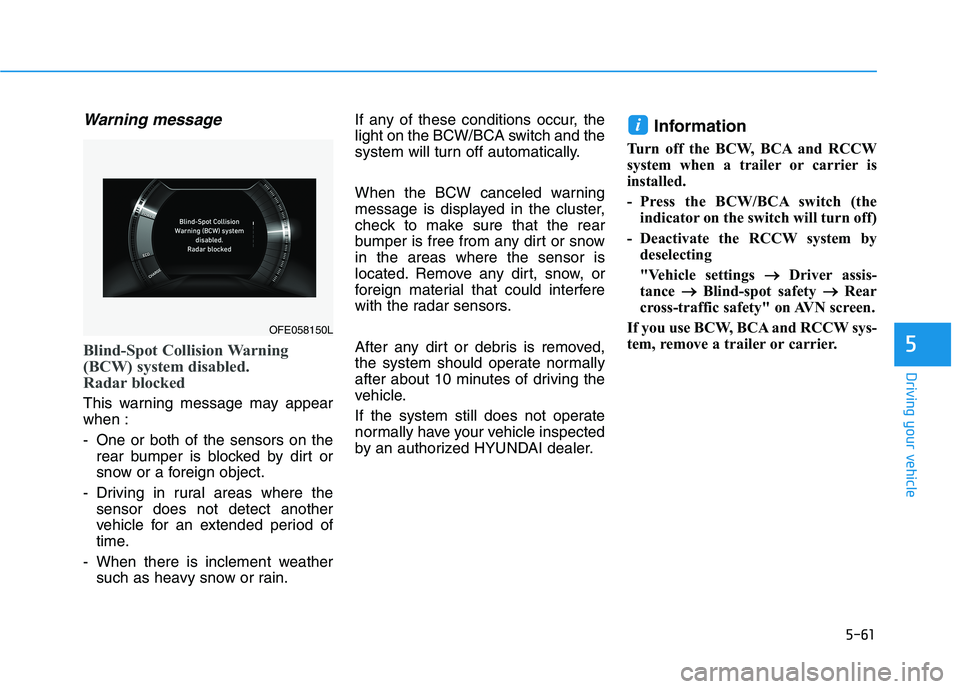
Warning message
Blind-Spot Collision Warning
(BCW) system disabled.
Radar blocked
This warning message may appear
when :
- One or both of the sensors on the
rear bumper is blocked by dirt or
snow or a foreign object.
- Driving in rural areas where the
sensor does not detect another
vehicle for an extended period of
time.
- When there is inclement weather
such as heavy snow or rain.If any of these conditions occur, the
light on the BCW/BCA switch and the
system will turn off automatically.
When the BCW canceled warning
message is displayed in the cluster,
check to make sure that the rear
bumper is free from any dirt or snow
in the areas where the sensor is
located. Remove any dirt, snow, or
foreign material that could interfere
with the radar sensors.
After any dirt or debris is removed,
the system should operate normally
after about 10 minutes of driving the
vehicle.
If the system still does not operate
normally have your vehicle inspected
by an authorized HYUNDAI dealer.
Information
Turn off the BCW, BCA and RCCW
system when a trailer or carrier is
installed.
- Press the BCW/BCA switch (the
indicator on the switch will turn off)
- Deactivate the RCCW system by
deselecting
"Vehicle settings → →
Driver assis-
tance → →
Blind-spot safety → →
Rear
cross-traffic safety" on AVN screen.
If you use BCW, BCA and RCCW sys-
tem, remove a trailer or carrier.
i
OFE058150L
Page 329 of 561
5-62
Driving your vehicle
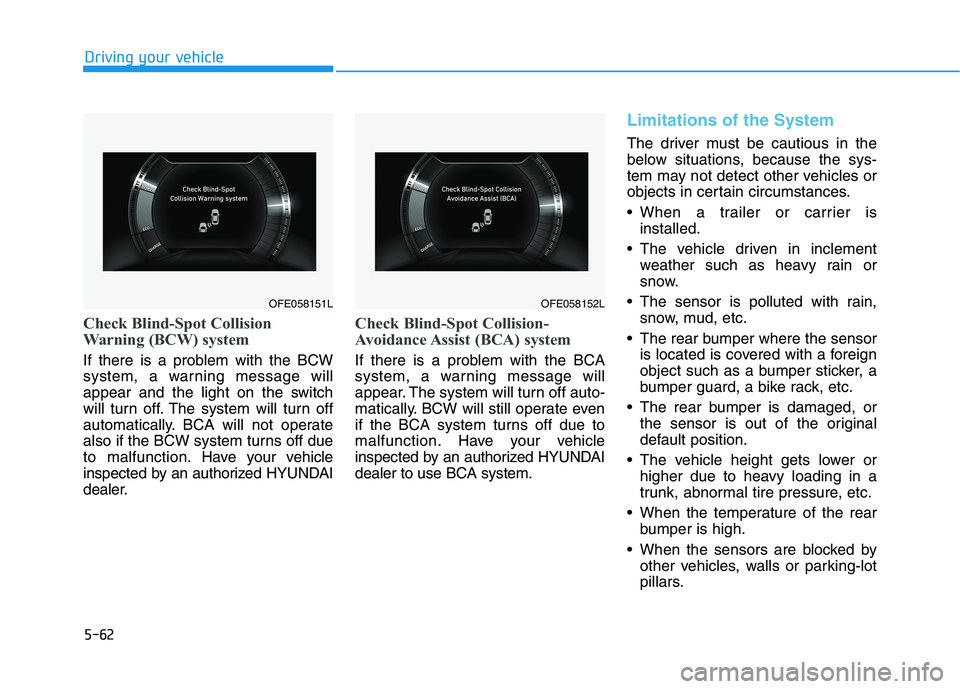
Check Blind-Spot Collision
Warning (BCW) system
If there is a problem with the BCW
system, a warning message will
appear and the light on the switch
will turn off. The system will turn off
automatically. BCA will not operate
also if the BCW system turns off due
to malfunction. Have your vehicle
inspected by an authorized HYUNDAI
dealer.
Check Blind-Spot Collision-
Avoidance Assist (BCA) system
If there is a problem with the BCA
system, a warning message will
appear. The system will turn off auto-
matically. BCW will still operate even
if the BCA system turns off due to
malfunction. Have your vehicle
inspected by an authorized HYUNDAI
dealer to use BCA system.
Limitations of the System
The driver must be cautious in the
below situations, because the sys-
tem may not detect other vehicles or
objects in certain circumstances.
When a trailer or carrier is
installed.
The vehicle driven in inclement
weather such as heavy rain or
snow.
The sensor is polluted with rain,
snow, mud, etc.
The rear bumper where the sensor
is located is covered with a foreign
object such as a bumper sticker, a
bumper guard, a bike rack, etc.
The rear bumper is damaged, or
the sensor is out of the original
default position.
The vehicle height gets lower or
higher due to heavy loading in a
trunk, abnormal tire pressure, etc.
When the temperature of the rear
bumper is high.
When the sensors are blocked by
other vehicles, walls or parking-lot
pillars.
OFE058152LOFE058151L
Page 337 of 561
5-70
Driving your vehicle
Rear Cross-Traffic Collision-
Avoidance Assist (RCCA)
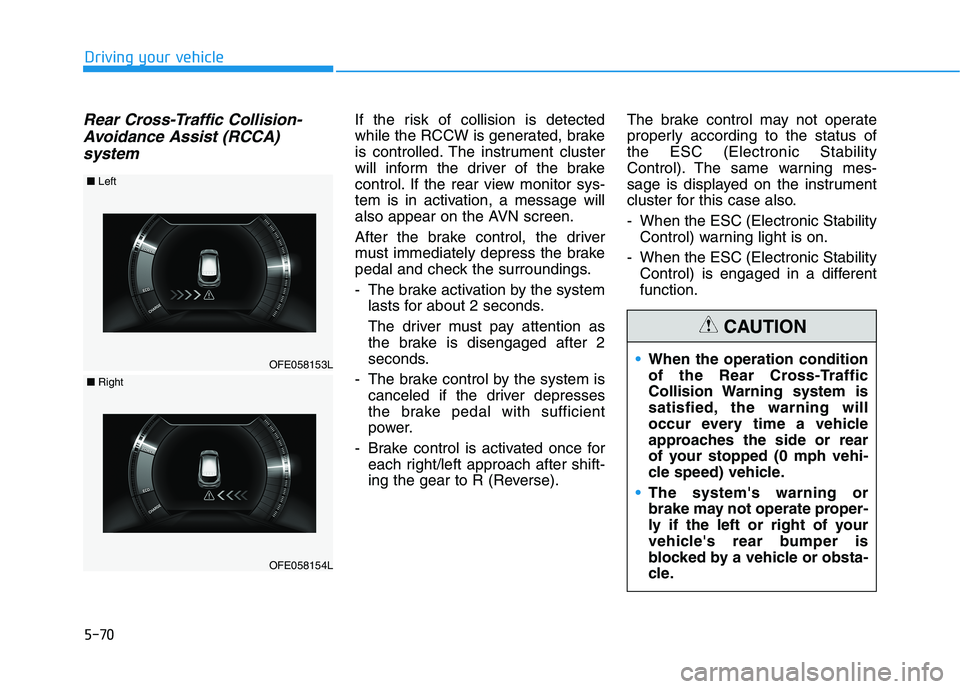
systemIf the risk of collision is detected
while the RCCW is generated, brake
is controlled. The instrument cluster
will inform the driver of the brake
control. If the rear view monitor sys-
tem is in activation, a message will
also appear on the AVN screen.
After the brake control, the driver
must immediately depress the brake
pedal and check the surroundings.
- The brake activation by the system
lasts for about 2 seconds.
The driver must pay attention as
the brake is disengaged after 2
seconds.
- The brake control by the system is
canceled if the driver depresses
the brake pedal with sufficient
power.
- Brake control is activated once for
each right/left approach after shift-
ing the gear to R (Reverse).The brake control may not operate
properly according to the status of
the ESC (Electronic Stability
Control). The same warning mes-
sage is displayed on the instrument
cluster for this case also.
- When the ESC (Electronic Stability
Control) warning light is on.
- When the ESC (Electronic Stability
Control) is engaged in a different
function.
OFE058153L
■Left
OFE058154L
■Right
When the operation condition
of the Rear Cross-Traffic
Collision Warning system is
satisfied, the warning will
occur every time a vehicle
approaches the side or rear
of your stopped (0 mph vehi-
cle speed) vehicle.
The system's warning or
brake may not operate proper-
ly if the left or right of your
vehicle's rear bumper is
blocked by a vehicle or obsta-
cle.
CAUTION
Page 339 of 561
5-72
Driving your vehicle
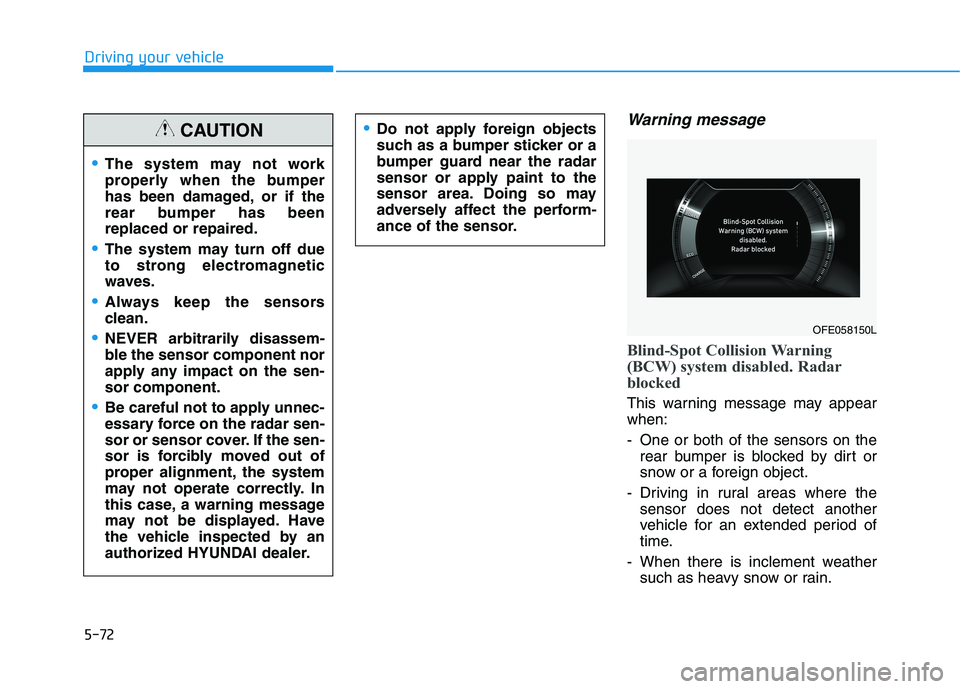
Warning message
Blind-Spot Collision Warning
(BCW) system disabled. Radar
blocked
This warning message may appear
when:
- One or both of the sensors on the
rear bumper is blocked by dirt or
snow or a foreign object.
- Driving in rural areas where the
sensor does not detect another
vehicle for an extended period of
time.
- When there is inclement weather
such as heavy snow or rain.
The system may not work
properly when the bumper
has been damaged, or if the
rear bumper has been
replaced or repaired.
The system may turn off due
to strong electromagnetic
waves.
Always keep the sensors
clean.
NEVER arbitrarily disassem-
ble the sensor component nor
apply any impact on the sen-
sor component.
Be careful not to apply unnec-
essary force on the radar sen-
sor or sensor cover. If the sen-
sor is forcibly moved out of
proper alignment, the system
may not operate correctly. In
this case, a warning message
may not be displayed. Have
the vehicle inspected by an
authorized HYUNDAI dealer.
CAUTIONDo not apply foreign objects
such as a bumper sticker or a
bumper guard near the radar
sensor or apply paint to the
sensor area. Doing so may
adversely affect the perform-
ance of the sensor.
OFE058150L
Page 340 of 561
5-73
Driving your vehicle
5
If any of these conditions occur, the
light on the BCW/BCA switch and the
system will turn off automatically.
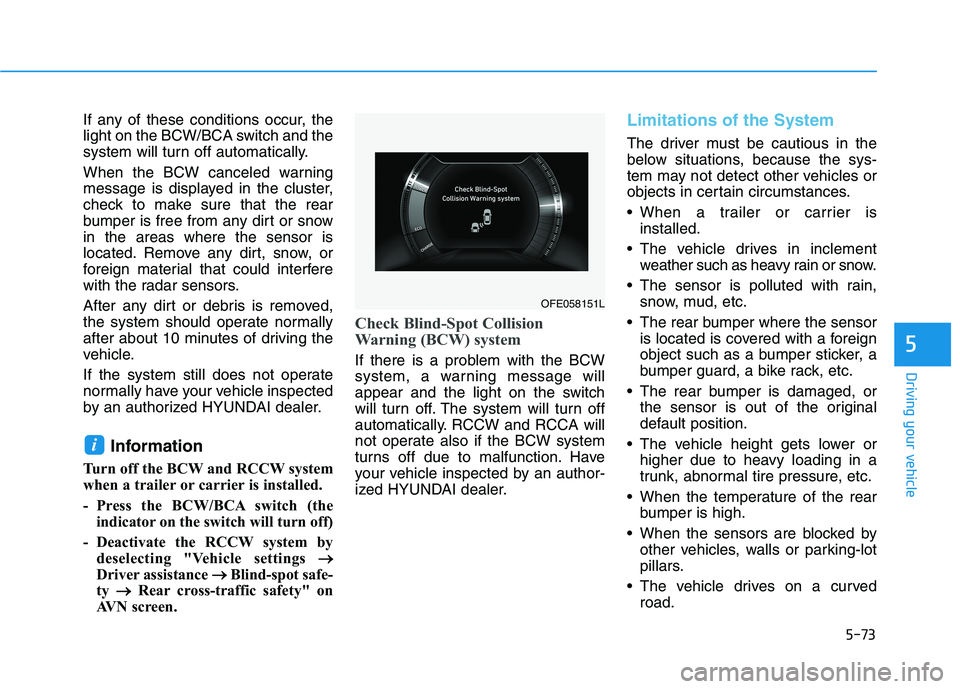
When the BCW canceled warning
message is displayed in the cluster,
check to make sure that the rear
bumper is free from any dirt or snow
in the areas where the sensor is
located. Remove any dirt, snow, or
foreign material that could interfere
with the radar sensors.
After any dirt or debris is removed,
the system should operate normally
after about 10 minutes of driving the
vehicle.
If the system still does not operate
normally have your vehicle inspected
by an authorized HYUNDAI dealer.
Information
Turn off the BCW and RCCW system
when a trailer or carrier is installed.
- Press the BCW/BCA switch (the
indicator on the switch will turn off)
- Deactivate the RCCW system by
deselecting "Vehicle settings → →
Driver assistance → →
Blind-spot safe-
ty → →
Rear cross-traffic safety" on
AVN screen.
Check Blind-Spot Collision
Warning (BCW) system
If there is a problem with the BCW
system, a warning message will
appear and the light on the switch
will turn off. The system will turn off
automatically. RCCW and RCCA will
not operate also if the BCW system
turns off due to malfunction. Have
your vehicle inspected by an author-
ized HYUNDAI dealer.
Limitations of the System
The driver must be cautious in the
below situations, because the sys-
tem may not detect other vehicles or
objects in certain circumstances.
When a trailer or carrier is
installed.
The vehicle drives in inclement
weather such as heavy rain or snow.
The sensor is polluted with rain,
snow, mud, etc.
The rear bumper where the sensor
is located is covered with a foreign
object such as a bumper sticker, a
bumper guard, a bike rack, etc.
The rear bumper is damaged, or
the sensor is out of the original
default position.
The vehicle height gets lower or
higher due to heavy loading in a
trunk, abnormal tire pressure, etc.
When the temperature of the rear
bumper is high.
When the sensors are blocked by
other vehicles, walls or parking-lot
pillars.
The vehicle drives on a curved
road.
i
OFE058151L
Page 353 of 561
5-86
Driving your vehicle
When front visibility is poor
The windshield or the camera lens
is blocked with dirt or debris.
The windshield glass is fogged up;
a clear view of the road is obstruct-
ed.
Placing objects on the dashboard,
etc.
The sensor cannot detect the lane
because of fog, heavy rain or snow.
LKA System Function Change
The driver can change LKA to the
Lane Departure Warning (LDW) sys-
tem or change the LKA system mode
from the AVN screen. Go to the
"Vehicle settings →Driver
Assistance →Lane Safety →Lane
Keeping Assist (LKA)/Lane
Departure Warning (LDW)/Off".
The system is automatically set to
Lane Keeping Assist (LKA) if a func-
tion is not selected.
lane Keeping Assist (LKA)
This mode guides the driver to help
keep the vehicle within the lanes. It
rarely controls the steering wheel,
when the vehicle drives well inside
the lanes. However, it starts to con-
trol the steering wheel, when the
vehicle is about to deviate out of the
lane.
Lane Departure Warning
LDW system alerts the driver with a
visual warning and a warning alarm
when the system detects the vehicle
departing the lane. The steering
wheel will not be controlled.
Off
If you select "Off", the LKA system is
deactivated.
The Lane Keeping Assist (LKA)
system is a system to help pre-
vent the driver from leaving the
lane. However, the driver should
not solely rely on the system
but always take the necessary
actions for safe driving prac-
tices.
WARNING
Page 360 of 561
5-93
Driving your vehicle
Driving on a steep grade, over a
hill, or when driving on a curved
road.
The adverse road conditions cause
excessive vehicle vibrations while
driving.
The surrounding of the inside rear
view mirror temperature is high
due to direct sunlight, etc.
When front visibility is poor
The windshield or the camera lens
is blocked with dirt or debris.
The windshield glass is fogged up;
a clear view of the road is obstruct-
ed.
Placing objects on the dashboard,
etc.
The sensor cannot detect the lane
because of fog, heavy rain or snow.
5
Page 370 of 561
5-103
Driving your vehicle
5
To temporarily accelerate with
the Smart Cruise Control on
If you want to speed up temporarily
when the Smart Cruise Control is on,
depress the accelerator pedal.
Increased speed will not interfere
with Smart Cruise Control operation
or change the set speed.
To return to the set speed, take your
foot off the accelerator pedal.
If you push the toggle switch down
(SET-) at increased speed, the cruis-
ing speed will be set again pedal.
Smart Cruise Control set speed
will be temporarily canceled
when:
Canceled manually
Depressing the brake pedal.
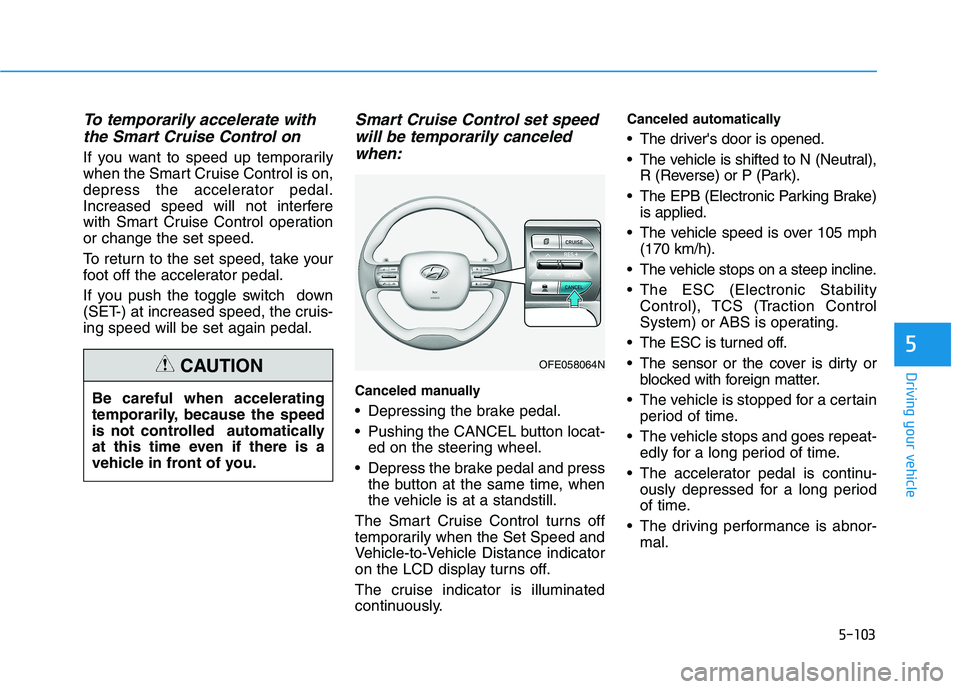
Pushing the CANCEL button locat-
ed on the steering wheel.
Depress the brake pedal and press
the button at the same time, when
the vehicle is at a standstill.
The Smart Cruise Control turns off
temporarily when the Set Speed and
Vehicle-to-Vehicle Distance indicator
on the LCD display turns off.
The cruise indicator is illuminated
continuously.
Canceled automatically
The driver's door is opened.
The vehicle is shifted to N (Neutral),
R (Reverse) or P (Park).
The EPB (Electronic Parking Brake)
is applied.
The vehicle speed is over 105 mph
(170 km/h).
The vehicle stops on a steep incline.
The ESC (Electronic Stability
Control), TCS (Traction Control
System) or ABS is operating.
The ESC is turned off.
The sensor or the cover is dirty or
blocked with foreign matter.
The vehicle is stopped for a certain
period of time.
The vehicle stops and goes repeat-
edly for a long period of time.
The accelerator pedal is continu-
ously depressed for a long period
of time.
The driving performance is abnor-
mal. Be careful when accelerating
temporarily, because the speed
is not controlled automatically
at this time even if there is a
vehicle in front of you.
CAUTIONOFE058064N
Page 376 of 561
5-109
Driving your vehicle
5
If the sensor is covered with dirt or
other foreign matter, the vehicle to
vehicle distance control may not
operate correctly.
Always keep the sensor clean.Warning message
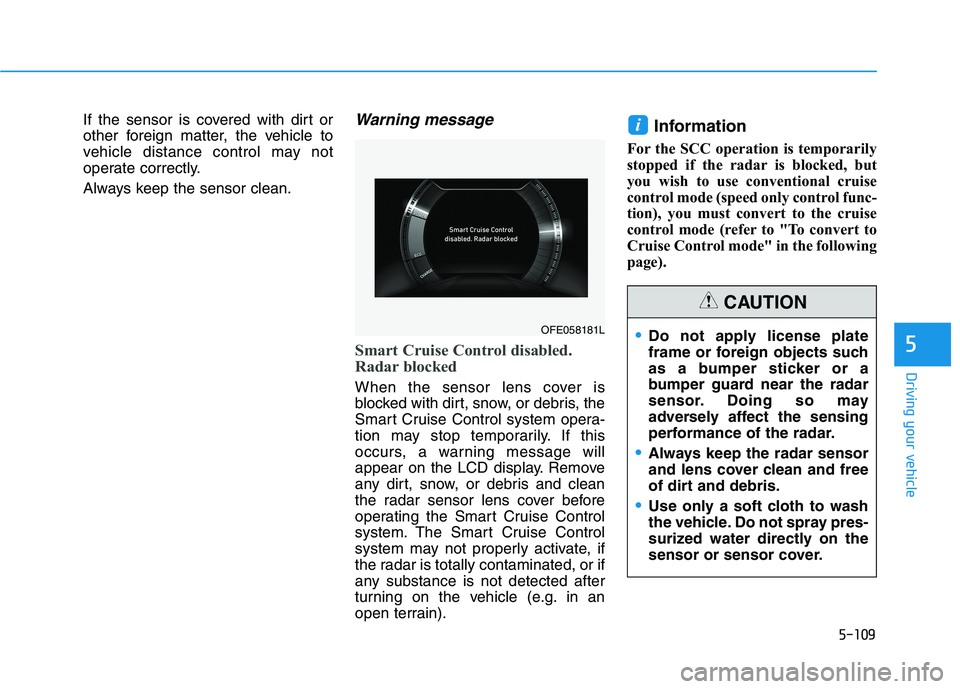
Smart Cruise Control disabled.
Radar blocked
When the sensor lens cover is
blocked with dirt, snow, or debris, the
Smart Cruise Control system opera-
tion may stop temporarily. If this
occurs, a warning message will
appear on the LCD display. Remove
any dirt, snow, or debris and clean
the radar sensor lens cover before
operating the Smart Cruise Control
system. The Smart Cruise Control
system may not properly activate, if
the radar is totally contaminated, or if
any substance is not detected after
turning on the vehicle (e.g. in an
open terrain).
Information
For the SCC operation is temporarily
stopped if the radar is blocked, but
you wish to use conventional cruise
control mode (speed only control func-
tion), you must convert to the cruise
control mode (refer to "To convert to
Cruise Control mode" in the following
page).
i
OFE058181LDo not apply license plate
frame or foreign objects such
as a bumper sticker or a
bumper guard near the radar
sensor. Doing so may
adversely affect the sensing
performance of the radar.
Always keep the radar sensor
and lens cover clean and free
of dirt and debris.
Use only a soft cloth to wash
the vehicle. Do not spray pres-
surized water directly on the
sensor or sensor cover.
CAUTION
Page 389 of 561
5-122
Driving your vehicle
The severe weather conditions of
winter quickly wear out tires and
cause other problems. To minimize
winter driving problems, you should
take the following suggestions:
Snow or Icy Conditions
You need to keep sufficient distance
between your vehicle and the vehicle
in front of you.
Apply the brakes gently. Speeding,
rapid acceleration, sudden brake
applications, and sharp turns are
potentially very hazardous practices.
During deceleration, use regenera-
tive braking to the fullest extent.
Sudden brake applications on snowy
or icy roads may cause the vehicle to
skid.
To drive your vehicle in deep snow, it
may be necessary to use snow tires
or to install tire chains on your tires.
Always carry emergency equipment.
Some of the items you may want to
carry include tire chains, tow straps
or chains, a flashlight, emergency
flares, sand, a shovel, jumper cables,
a window scraper, gloves, ground
cloth, coveralls, a blanket, etc.
Snow tires
If you mount snow tires on your vehi-
cle, make sure to use radial tires of
the same size and load range as the
original tires. Mount snow tires on all
four wheels to balance your vehicle’s
handling in all weather conditions.
The traction provided by snow tires
on dry roads may not be as high as
your vehicle's original equipment
tires. Check with the tire dealer for
maximum speed recommendations.
Information
Do not install studded tires without
first checking local, state and munici-
pal regulations for possible restric-
tions against their use.
Air cleaner filter (FCEV)
The snow may block the air cleaner
filter after driving the vehicle in heavy
snow when the ambient temperature
is below 50°F (10°C).
If a warning message "Air filter
blocked. Check filter or see user
manual" appears on LCD display
after turning off the vehicle, remove
the snow from the inside of the air
cleaner filter and turn on and off the
vehicle. If the warning message is
displayed again, the exhaust pipe
may be blocked. Then, move your
vehicle indoors and leave it inside
more than one day to defrost the
exhaust pipe.
If the warning message is displayed
again, have the vehicle checked by
an authorized HYUNDAI dealer.
i
W WI
IN
NT
TE
ER
R
D
DR
RI
IV
VI
IN
NG
G
Snow tires should be equivalent
in size and type to the vehicle's
standard tires. Otherwise, the
safety and handling of your
vehicle may be adversely affect-
ed.
WARNING