fuel HYUNDAI NEXO 2020 User Guide
[x] Cancel search | Manufacturer: HYUNDAI, Model Year: 2020, Model line: NEXO, Model: HYUNDAI NEXO 2020Pages: 561, PDF Size: 48.42 MB
Page 144 of 561
3-57
Convenient features of your vehicle
3
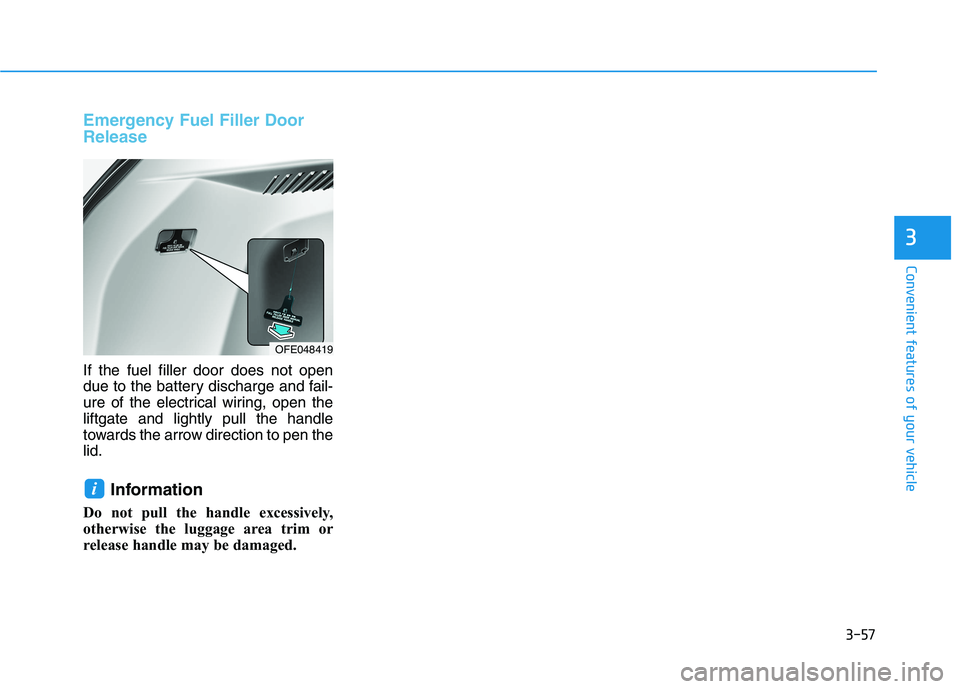
Emergency Fuel Filler Door
Release
If the fuel filler door does not open
due to the battery discharge and fail-
ure of the electrical wiring, open the
liftgate and lightly pull the handle
towards the arrow direction to pen the
lid.
Information
Do not pull the handle excessively,
otherwise the luggage area trim or
release handle may be damaged.
i
OFE048419
Page 145 of 561
3-58
Convenient features of your vehicle
I IN
NS
ST
TR
RU
UM
ME
EN
NT
T
C
CL
LU
US
ST
TE
ER
R
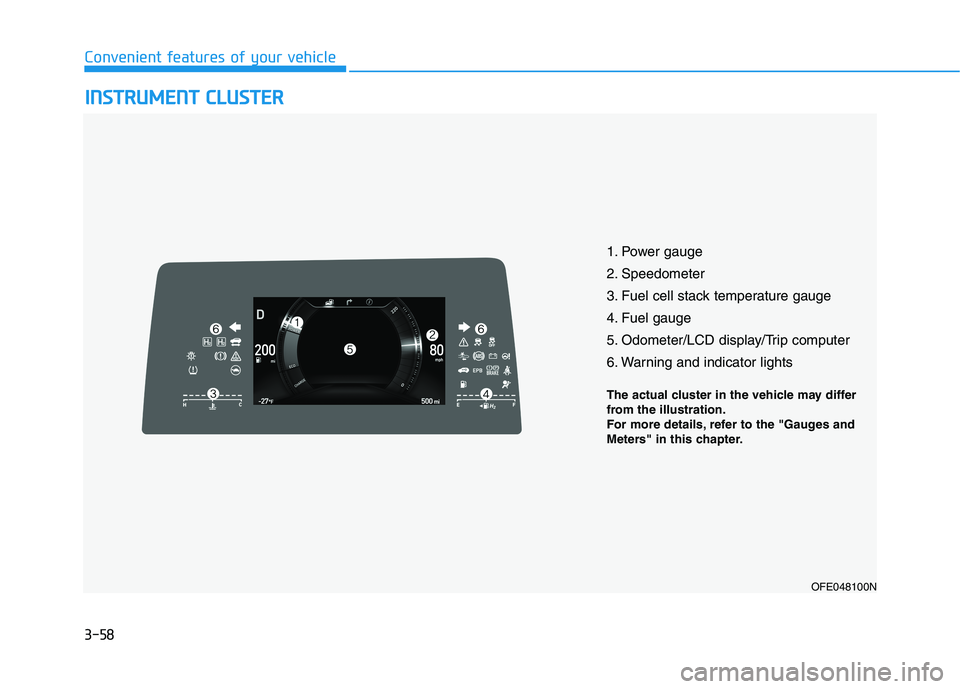
1. Power gauge
2. Speedometer
3. Fuel cell stack temperature gauge
4. Fuel gauge
5. Odometer/LCD display/Trip computer
6. Warning and indicator lights
OFE048100N
The actual cluster in the vehicle may differ
from the illustration.
For more details, refer to the "Gauges and
Meters" in this chapter.
Page 147 of 561
3-60
Convenient features of your vehicle
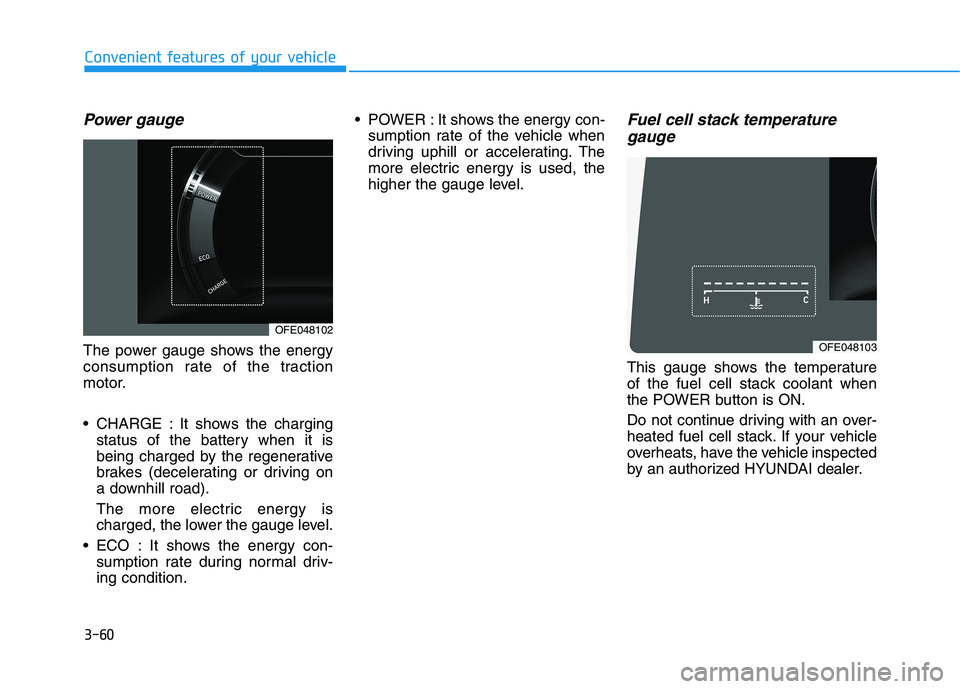
Power gauge
The power gauge shows the energy
consumption rate of the traction
motor.
CHARGE : It shows the charging
status of the battery when it is
being charged by the regenerative
brakes (decelerating or driving on
a downhill road).
The more electric energy is
charged, the lower the gauge level.
ECO : It shows the energy con-
sumption rate during normal driv-
ing condition. POWER : It shows the energy con-
sumption rate of the vehicle when
driving uphill or accelerating. The
more electric energy is used, the
higher the gauge level.
Fuel cell stack temperature
gauge
This gauge shows the temperature
of the fuel cell stack coolant when
the POWER button is ON.
Do not continue driving with an over-
heated fuel cell stack. If your vehicle
overheats, have the vehicle inspected
by an authorized HYUNDAI dealer.
OFE048102
OFE048103
Page 148 of 561
3-61
Convenient features of your vehicle
3
- Fuel Cell Stack
Overheats
If the gauge pointer moves
beyond the normal range area
toward the "H" position, it indi-
cates overheating that may dam-
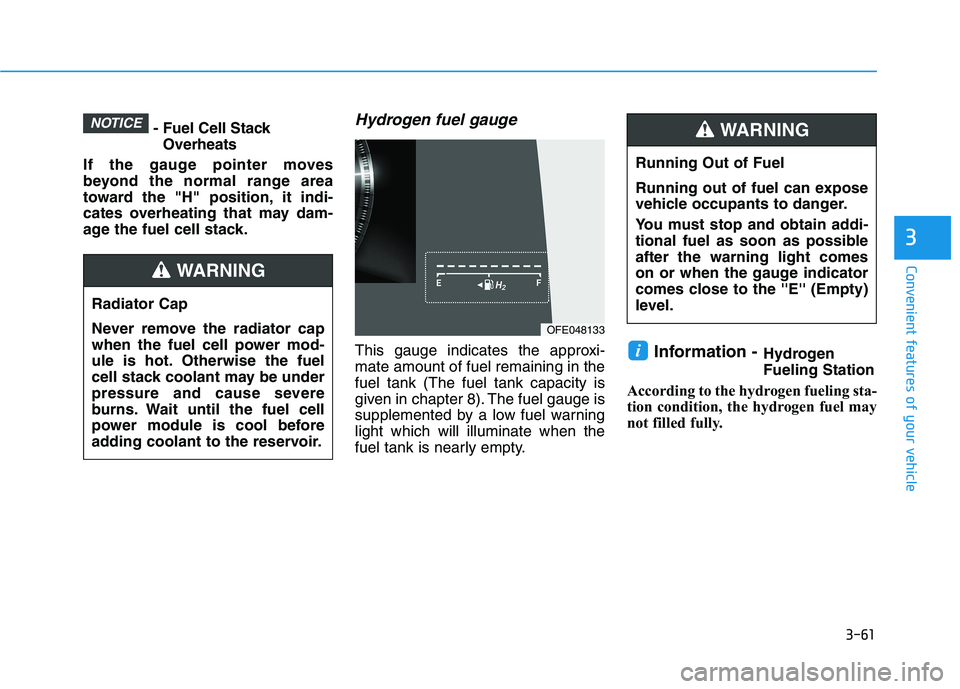
age the fuel cell stack.Hydrogen fuel gauge
This gauge indicates the approxi-
mate amount of fuel remaining in the
fuel tank (The fuel tank capacity is
given in chapter 8). The fuel gauge is
supplemented by a low fuel warning
light which will illuminate when the
fuel tank is nearly empty.Information -Hydrogen
Fueling Station
According to the hydrogen fueling sta-
tion condition, the hydrogen fuel may
not filled fully.i
NOTICE
Running Out of Fuel
Running out of fuel can expose
vehicle occupants to danger.
You must stop and obtain addi-
tional fuel as soon as possible
after the warning light comes
on or when the gauge indicator
comes close to the ''E'' (Empty)
level.
WARNING
Radiator Cap
Never remove the radiator cap
when the fuel cell power mod-
ule is hot. Otherwise the fuel
cell stack coolant may be under
pressure and cause severe
burns. Wait until the fuel cell
power module is cool before
adding coolant to the reservoir.
WARNING
OFE048133
Page 150 of 561
3-63
Convenient features of your vehicle
3
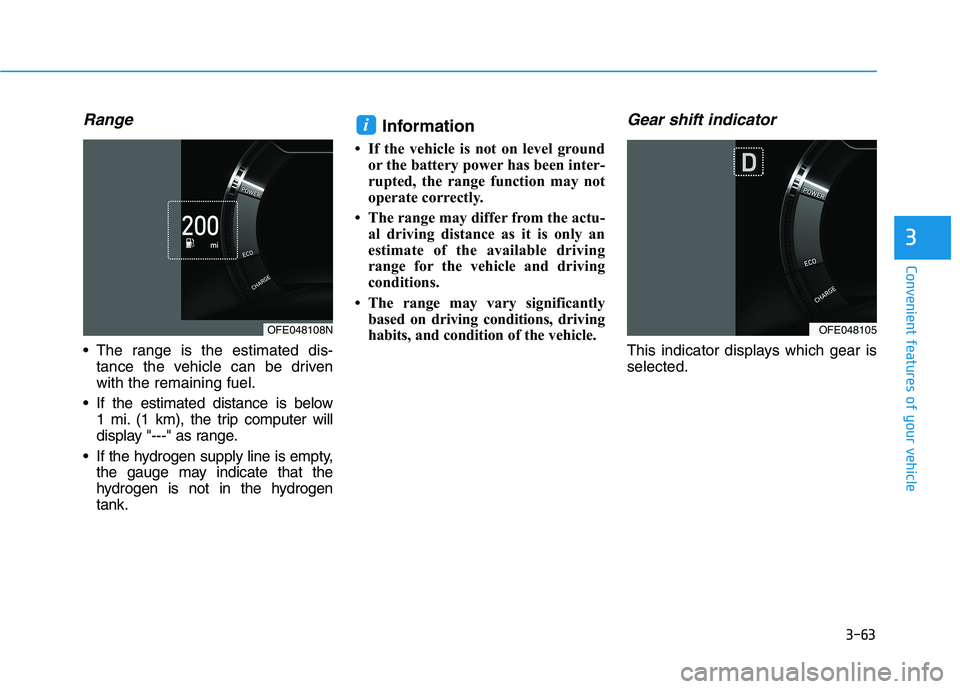
Range
The range is the estimated dis-
tance the vehicle can be driven
with the remaining fuel.
If the estimated distance is below
1 mi. (1 km), the trip computer will
display "---" as range.
If the hydrogen supply line is empty,
the gauge may indicate that the
hydrogen is not in the hydrogen
tank.
Information
• If the vehicle is not on level ground
or the battery power has been inter-
rupted, the range function may not
operate correctly.
• The range may differ from the actu-
al driving distance as it is only an
estimate of the available driving
range for the vehicle and driving
conditions.
• The range may vary significantly
based on driving conditions, driving
habits, and condition of the vehicle.
Gear shift indicator
This indicator displays which gear is
selected.
i
OFE048108NOFE048105
Page 152 of 561
3-65
Convenient features of your vehicle
Warning and Indicator lights
Information
Make sure that all warning lights are
OFF after starting the vehicle. If any
light is still ON, this indicates a situa-
tion that needs attention.
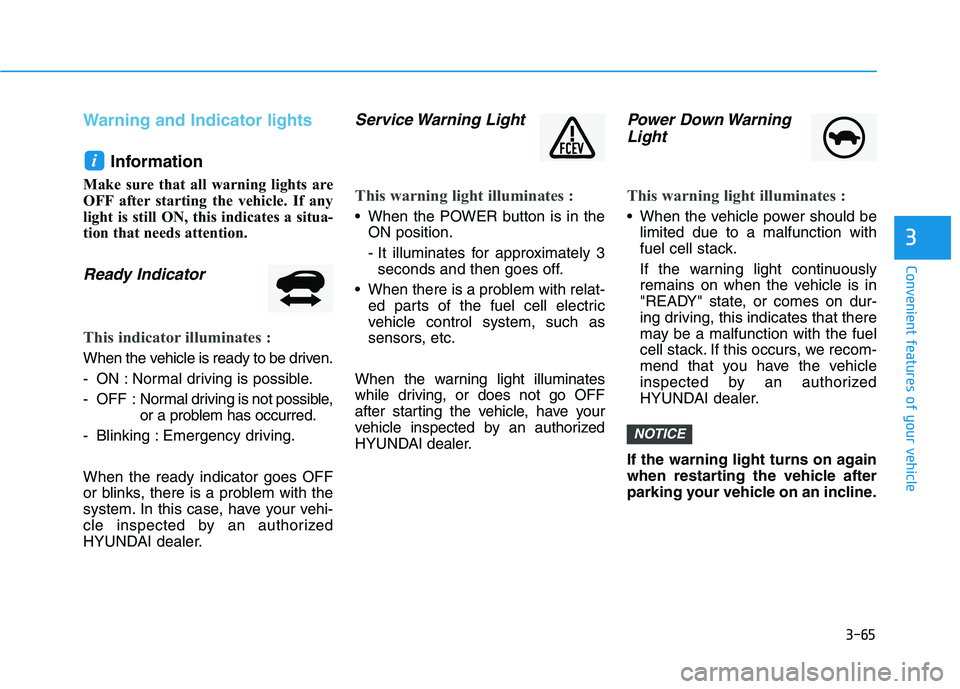
Ready Indicator
This indicator illuminates :
When the vehicle is ready to be driven.
- ON : Normal driving is possible.
- OFF : Normal driving is not possible,
or a problem has occurred.
- Blinking : Emergency driving.
When the ready indicator goes OFF
or blinks, there is a problem with the
system. In this case, have your vehi-
cle inspected by an authorized
HYUNDAI dealer.
Service Warning Light
This warning light illuminates :
When the POWER button is in the
ON position.
- It illuminates for approximately 3
seconds and then goes off.
When there is a problem with relat-
ed parts of the fuel cell electric
vehicle control system, such as
sensors, etc.
When the warning light illuminates
while driving, or does not go OFF
after starting the vehicle, have your
vehicle inspected by an authorized
HYUNDAI dealer.
Power Down Warning
Light
This warning light illuminates :
When the vehicle power should be
limited due to a malfunction with
fuel cell stack.
If the warning light continuously
remains on when the vehicle is in
"READY" state, or comes on dur-
ing driving, this indicates that there
may be a malfunction with the fuel
cell stack. If this occurs, we recom-
mend that you have the vehicle
inspected by an authorized
HYUNDAI dealer.
If the warning light turns on again
when restarting the vehicle after
parking your vehicle on an incline.
NOTICE
i
3
Page 153 of 561
3-66
Icy Road Warning Light
(if equipped)
This warning light is to warn the driver
the road may be icy.
When the temperature on the out-
side temperature gauge is approxi-
mately below 40°F (4°C), the Icy
Road Warning Light and Outside
Temperature Gauge blinks and then
illuminates. Also, the warning chime
sounds 1 time.
The Icy Road Warning function can
be activated or deactivated from the
Vehicle Settings mode in the AVN
screen.
Information
If the icy road warning light appears
while driving, you should drive more
attentively and safely, refraining from
over-speeding, rapid acceleration, sud-
den braking or sharp turning, etc.
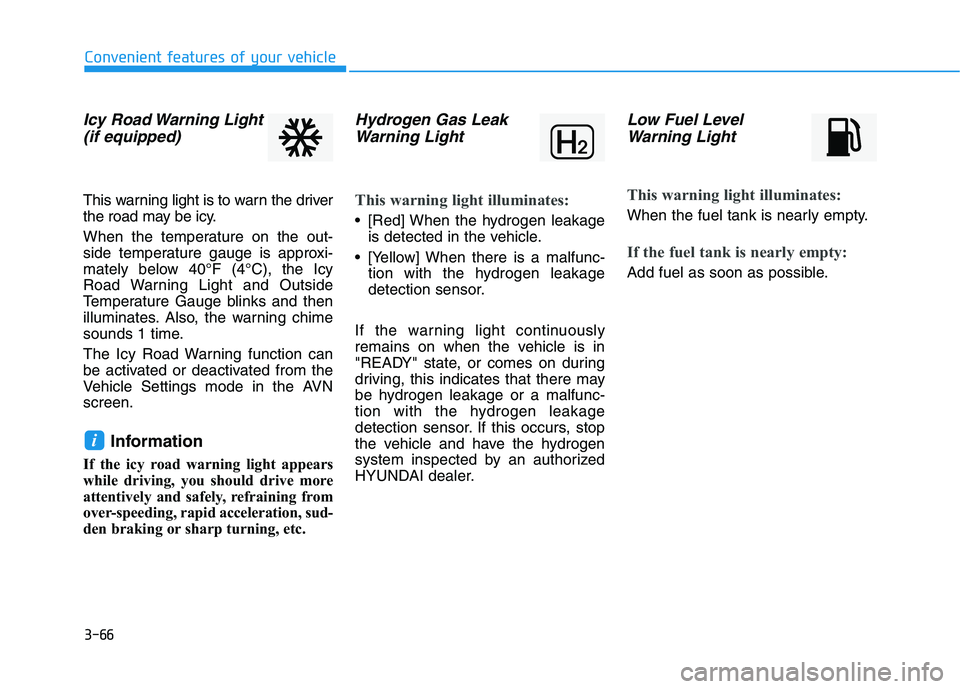
Hydrogen Gas Leak
Warning Light
This warning light illuminates:
[Red] When the hydrogen leakage
is detected in the vehicle.
[Yellow] When there is a malfunc-
tion with the hydrogen leakage
detection sensor.
If the warning light continuously
remains on when the vehicle is in
"READY" state, or comes on during
driving, this indicates that there may
be hydrogen leakage or a malfunc-
tion with the hydrogen leakage
detection sensor. If this occurs, stop
the vehicle and have the hydrogen
system inspected by an authorized
HYUNDAI dealer.
Low Fuel Level
Warning Light
This warning light illuminates:
When the fuel tank is nearly empty.
If the fuel tank is nearly empty:
Add fuel as soon as possible.
i
Convenient features of your vehicle
Page 170 of 561
3-83
Convenient features of your vehicle
3
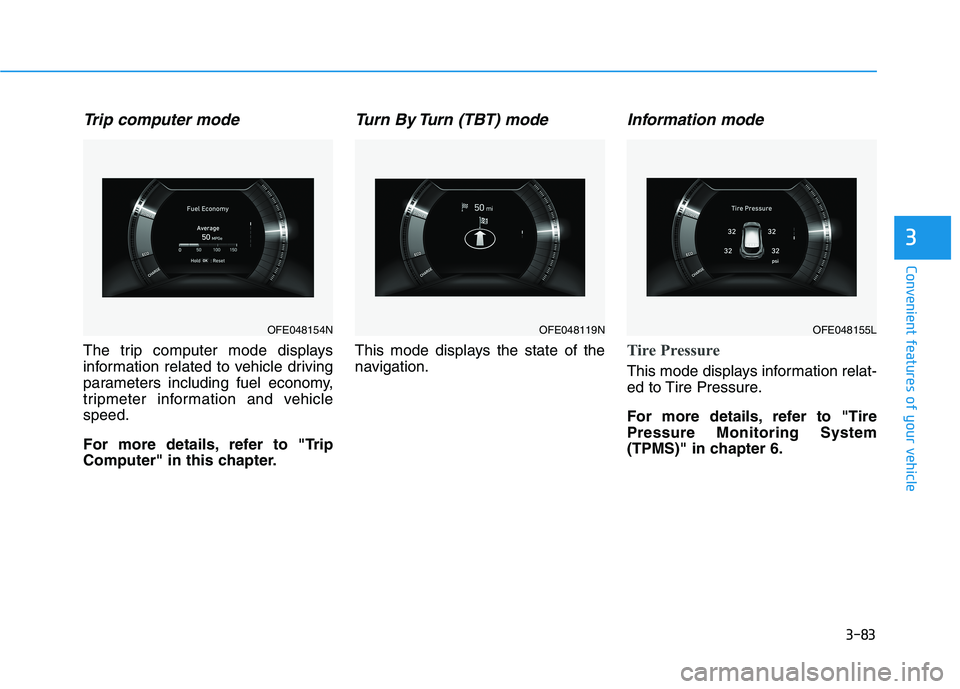
Trip computer mode
The trip computer mode displays
information related to vehicle driving
parameters including fuel economy,
tripmeter information and vehicle
speed.
For more details, refer to "Trip
Computer" in this chapter.
Turn By Turn (TBT) mode
This mode displays the state of the
navigation.
Information mode
Tire Pressure
This mode displays information relat-
ed to Tire Pressure.
For more details, refer to "Tire
Pressure Monitoring System
(TPMS)" in chapter 6.
OFE048154NOFE048119NOFE048155L
Page 172 of 561
3-85
Convenient features of your vehicle
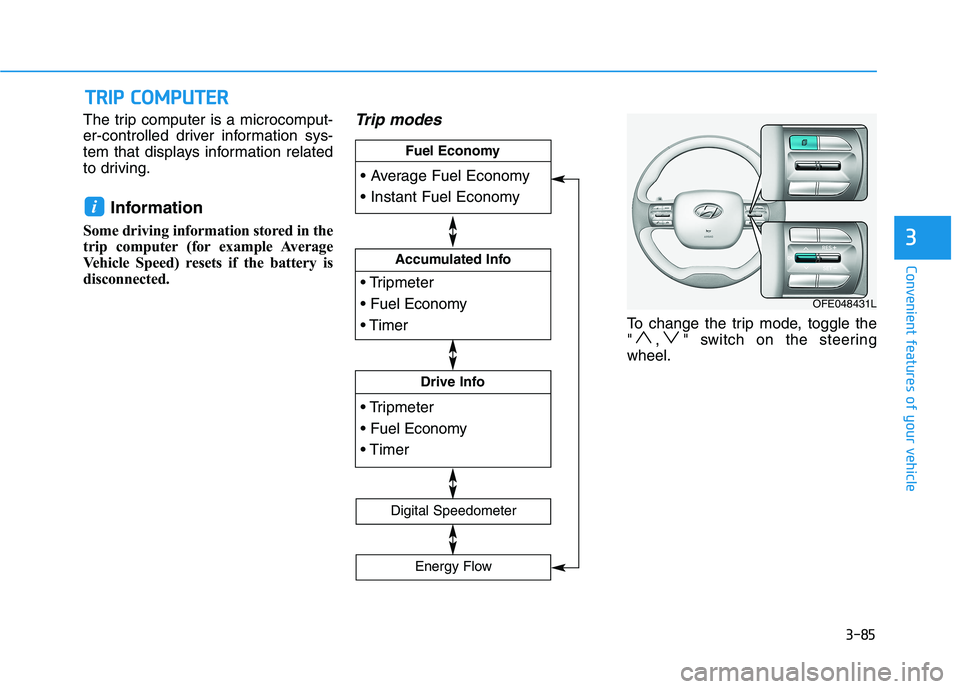
The trip computer is a microcomput-
er-controlled driver information sys-
tem that displays information related
to driving.
Information
Some driving information stored in the
trip computer (for example Average
Vehicle Speed) resets if the battery is
disconnected.
Trip modes
To change the trip mode, toggle the
" , " switch on the steering
wheel.
i
T TR
RI
IP
P
C
CO
OM
MP
PU
UT
TE
ER
R
3
Accumulated Info
Drive Info
Fuel Economy
Digital Speedometer
Energy Flow
OFE048431L
Page 173 of 561
3-86
Convenient features of your vehicle
Average fuel economy/
Instant fuel economy
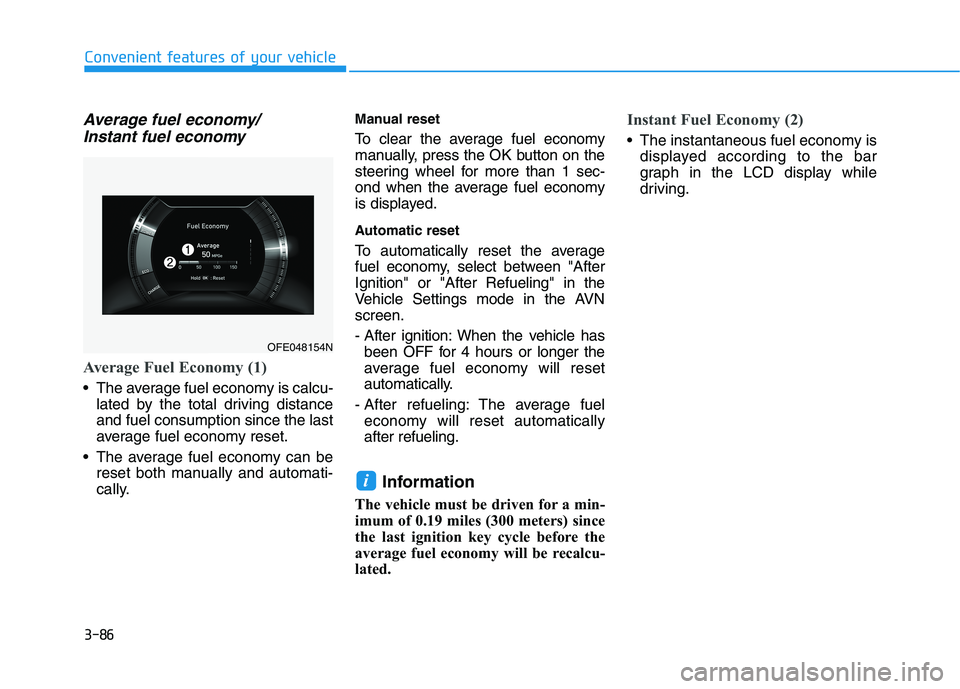
Average Fuel Economy (1)
The average fuel economy is calcu-
lated by the total driving distance
and fuel consumption since the last
average fuel economy reset.
The average fuel economy can be
reset both manually and automati-
cally.
Manual reset
To clear the average fuel economy
manually, press the OK button on the
steering wheel for more than 1 sec-
ond when the average fuel economy
is displayed.
Automatic reset
To automatically reset the average
fuel economy, select between "After
Ignition" or "After Refueling" in the
Vehicle Settings mode in the AVN
screen.
- After ignition: When the vehicle has
been OFF for 4 hours or longer the
average fuel economy will reset
automatically.
- After refueling: The average fuel
economy will reset automatically
after refueling.
Information
The vehicle must be driven for a min-
imum of 0.19 miles (300 meters) since
the last ignition key cycle before the
average fuel economy will be recalcu-
lated.
Instant Fuel Economy (2)
The instantaneous fuel economy is
displayed according to the bar
graph in the LCD display while
driving.
i
OFE048154N