trip computer HYUNDAI PALISADE 2022 User Guide
[x] Cancel search | Manufacturer: HYUNDAI, Model Year: 2022, Model line: PALISADE, Model: HYUNDAI PALISADE 2022Pages: 663, PDF Size: 15.74 MB
Page 238 of 663
3-142
Convenience Features
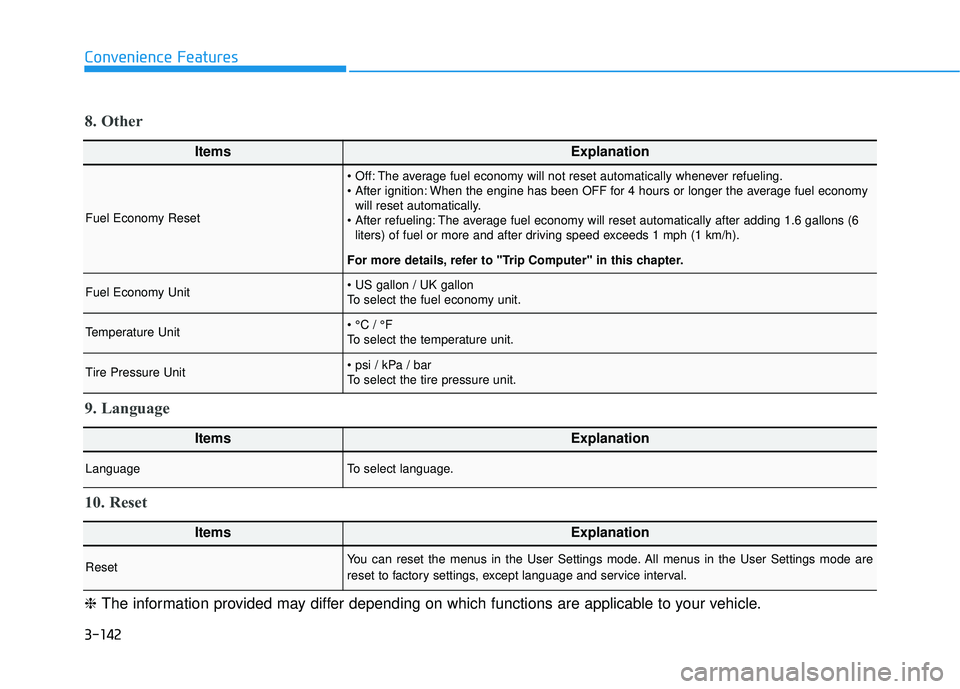
ItemsExplanation
Fuel Economy Reset
The average fuel economy will not reset automatically whenever refueling.
When the engine has been OFF for 4 hours or longer the average fuel economywill reset automatically.
The average fuel economy will reset automatically after adding 1.6 gallons (6 liters) of fuel or more and after driving speed exceeds 1 mph (1 km/h).
For more details, refer to "Trip Computer" in this chapter.
Fuel Economy Unit
To select the fuel economy unit.
Temperature Unit
To select the temperature unit.
Tire Pressure Unit
To select the tire pressure unit.
8. Other
ItemsExplanation
LanguageTo select language.
9. Language
ItemsExplanation
ResetYou can reset the menus in the User Settings mode. All menus in the User Settings mode are
reset to factory settings, except language and service interval.
10. Reset
❈ The information provided may differ depending on which functions are applicable to your vehicle.
Page 591 of 663
7-32
Maintenance
AGM battery
Absorbent Glass Matt (AGM) batteries are maintenance-free
and we recommend that the
AGM battery be serviced by an
authorized retailer of HYUNDAI
dealer. For charging your AGM
battery, use only fully automatic
battery chargers that are spe-
cially developed for AGM batter-
ies.
When replacing the AGM bat- tery, we recommend that you
use parts for replacement from
an authorized retailer of
HYUNDAI dealer.
Do not open or remove the cap on top of the battery. This may
cause leaks of internal elec-
trolyte that could result in
severe injury.
By jump starting
After a jump start from a good bat-
tery, drive the vehicle for at least 30
minutes or operate at idle for at least
60 minutes before it is shutoff.
Alternatively you may visit a dealer
for charge and battery test.
The vehicle may not restart if you
shut it off before the battery had a
chance to adequately recharge. See
"Jump Starting" in chapter 6 for more
information on jump starting proce-
dures.
Information
An inappropriately disposedbattery can be harmful to
the environment and human
health. Dispose of the bat-
tery according to your local
law(s) or regulations.
Reset Features
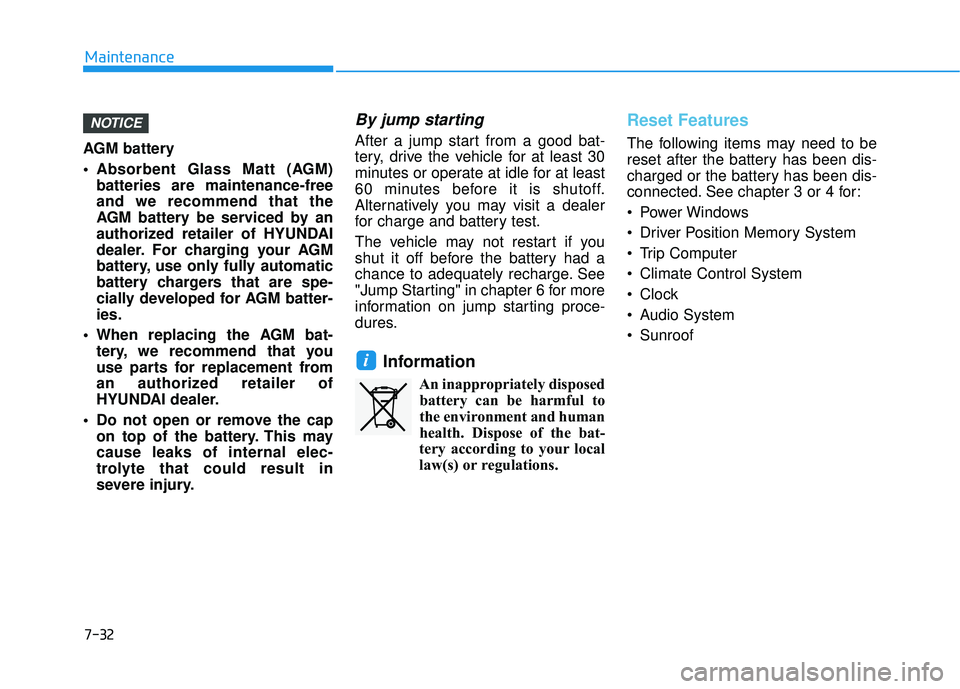
The following items may need to be
reset after the battery has been dis-
charged or the battery has been dis-
connected. See chapter 3 or 4 for:
Power Windows
Driver Position Memory System
Trip Computer
Climate Control System
Clock
Audio System
Sunroof
i
NOTICE
Page 662 of 663
I-9
Surround View Monitor (SVM)....................................3-176Surround View Monitor malfunction and limitations ...............................................................3-180
Surround View Monitor operation ...........................3-178
Surround View Monitor settings ..............................3-176
Theft-alarm System.........................................................3-31
Tire Pressure Monitoring System (TPMS) .......................6-8 Changing a Tire with TPMS ......................................6-12
Check Tire Pressure......................................................6-8
Low Tire Pressure LCD Display with Position Indicator ...................................................................6-10
Low Tire Pressure Telltale..........................................6-10
Tire Pressure Monitoring System.................................6-9
TPMS Malfunction Indicator .....................................6-11
Tire Specification and Pressure Label ............................8-11
Tires and wheels .............................................................7-33 All Season Tires .........................................................7-46
Check Tire Inflation Pressure .....................................7-35
Radial-Ply Tires ..........................................................7-46
Recommended Cold Tire Inflation Pressures.............7-34
Snow Tires ..................................................................7-46
Tire Care .....................................................................7-3\
3
Tire Maintenance ........................................................7-39
Tire Replacement ......................................................7-37
Tire Rotation...............................................................7-35
Tire Sidewall Labeling ...............................................7-39 Tire Terminology and Definitions ..............................7-43
Tire Traction ...............................................................7-38
Wheel Alignment and Tire Balance ...........................7-36
Wheel Replacement....................................................7-38
Tires and Wheels...............................................................8-5
Towing ........................................................................\
....6-22 Emergency Towing.....................................................6-24
Removable Towing Hook...........................................6-23
Towing Service ...........................................................6-22
Trailer towing................................................................5-186 Driving with a trailer ................................................5-189
If you decide to pull a trailer....................................5-186
Maintenance when trailer towing ............................5-192
Trailer towing equipment .........................................5-188
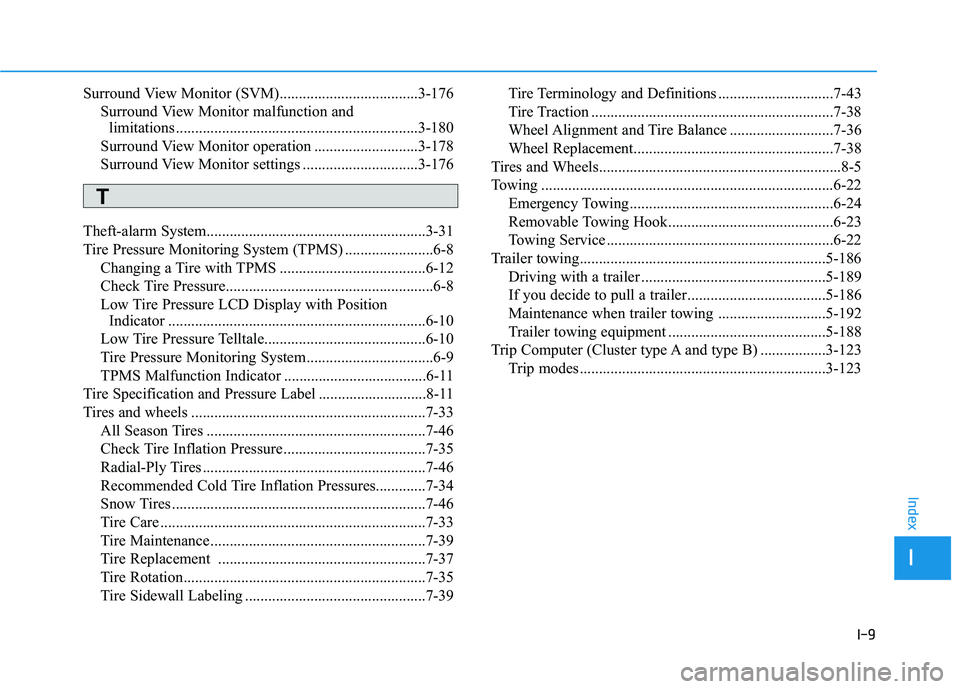
Trip Computer (Cluster type A and type B) .................3-123 Trip modes ................................................................3-123
I
Index
T