mirror HYUNDAI PALISADE 2022 Owner's Guide
[x] Cancel search | Manufacturer: HYUNDAI, Model Year: 2022, Model line: PALISADE, Model: HYUNDAI PALISADE 2022Pages: 663, PDF Size: 15.74 MB
Page 435 of 663
5-101
Driving your vehicle
5
Blind-Spot Collision-
Avoidance Assist operation
Warning and control
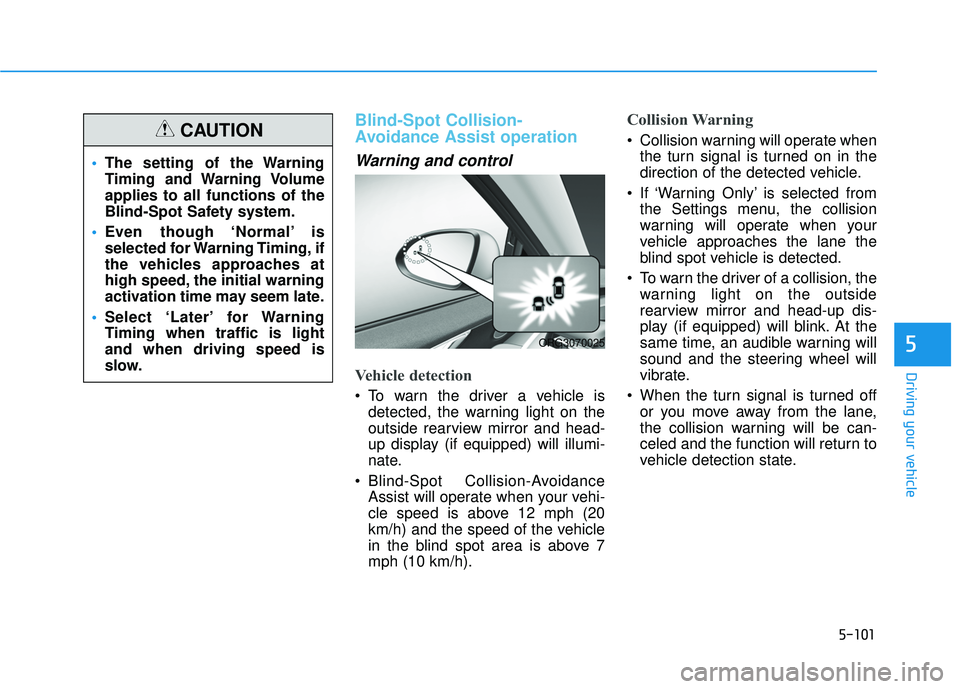
Vehicle detection
To warn the driver a vehicle isdetected, the warning light on the
outside rearview mirror and head-
up display (if equipped) will illumi-
nate.
Blind-Spot Collision-Avoidance Assist will operate when your vehi-
cle speed is above 12 mph (20
km/h) and the speed of the vehicle
in the blind spot area is above 7
mph (10 km/h).
Collision Warning
Collision warning will operate whenthe turn signal is turned on in the
direction of the detected vehicle.
If ‘Warning Only’ is selected from the Settings menu, the collision
warning will operate when your
vehicle approaches the lane the
blind spot vehicle is detected.
To warn the driver of a collision, the warning light on the outside
rearview mirror and head-up dis-
play (if equipped) will blink. At the
same time, an audible warning will
sound and the steering wheel will
vibrate.
When the turn signal is turned off or you move away from the lane,
the collision warning will be can-
celed and the function will return to
vehicle detection state.
The setting of the Warning
Timing and Warning Volume
applies to all functions of the
Blind-Spot Safety system.
Even though ‘Normal’ is
selected for Warning Timing, if
the vehicles approaches at
high speed, the initial warning
activation time may seem late.
Select ‘Later’ for Warning
Timing when traffic is light
and when driving speed is
slow.CAUTION
ORG3070025
Page 436 of 663
5-102
Driving your vehicle
Information
If the driver's seat is on the left side,
the collision warning may occur when
you turn left. Maintain a proper dis-
tance with the vehicles in the left lane.
If the driver's seat is on the right side,
the collision warning may occur when
you turn right. Maintain a proper dis-
tance with the vehicles in the right
lane.
Collision-Avoidance Assist (while
driving)
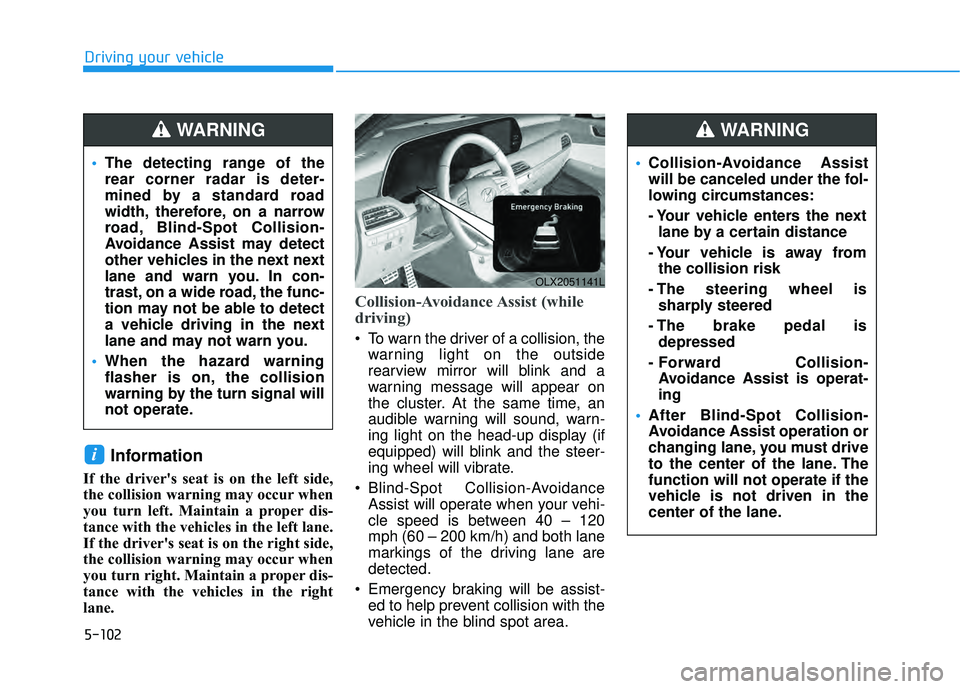
To warn the driver of a collision, thewarning light on the outside
rearview mirror will blink and a
warning message will appear on
the cluster. At the same time, an
audible warning will sound, warn-
ing light on the head-up display (if
equipped) will blink and the steer-
ing wheel will vibrate.
Blind-Spot Collision-Avoidance Assist will operate when your vehi-
cle speed is between 40 – 120
mph (60 – 200 km/h) and both lane
markings of the driving lane are
detected.
Emergency braking will be assist- ed to help prevent collision with the
vehicle in the blind spot area.
i
OLX2051141L
The detecting range of the
rear corner radar is deter-
mined by a standard road
width, therefore, on a narrow
road, Blind-Spot Collision-
Avoidance Assist may detect
other vehicles in the next next
lane and warn you. In con-
trast, on a wide road, the func-
tion may not be able to detect
a vehicle driving in the next
lane and may not warn you.
When the hazard warning
flasher is on, the collision
warning by the turn signal will
not operate.
WARNING
Collision-Avoidance Assist
will be canceled under the fol-
lowing circumstances:
- Your vehicle enters the next
lane by a certain distance
- Your vehicle is away from the collision risk
- The steering wheel is sharply steered
- The brake pedal is depressed
- Forward Collision- Avoidance Assist is operat-
ing
After Blind-Spot Collision-
Avoidance Assist operation or
changing lane, you must drive
to the center of the lane. The
function will not operate if the
vehicle is not driven in the
center of the lane.
WARNING
Page 437 of 663
5-103
Driving your vehicle
5
Collision-Avoidance Assist (while
departing)
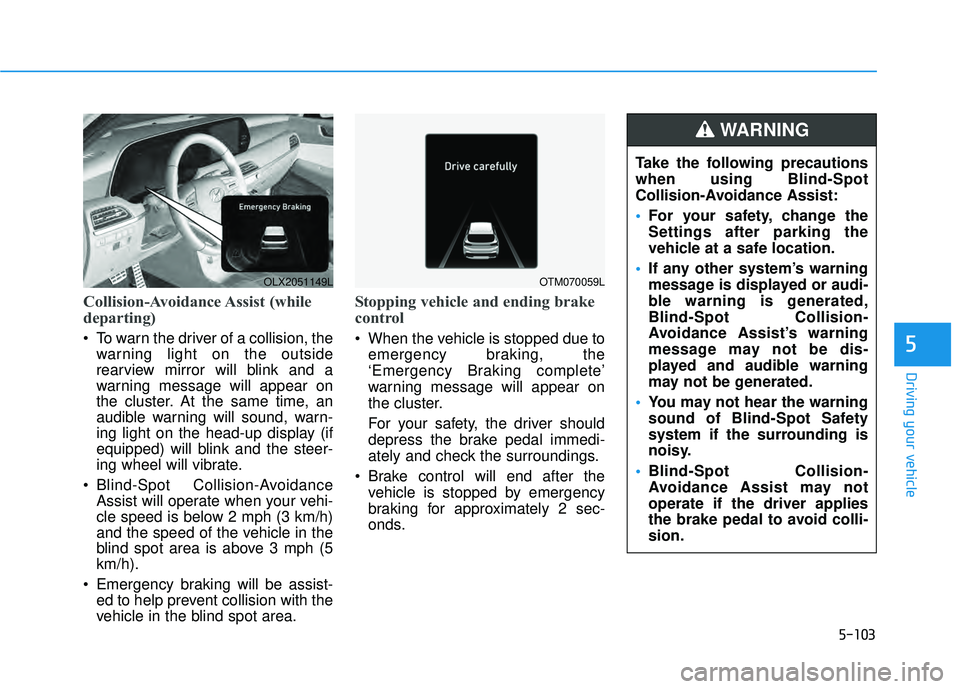
To warn the driver of a collision, thewarning light on the outside
rearview mirror will blink and a
warning message will appear on
the cluster. At the same time, an
audible warning will sound, warn-
ing light on the head-up display (if
equipped) will blink and the steer-
ing wheel will vibrate.
Blind-Spot Collision-Avoidance Assist will operate when your vehi-
cle speed is below 2 mph (3 km/h)
and the speed of the vehicle in the
blind spot area is above 3 mph (5
km/h).
Emergency braking will be assist- ed to help prevent collision with the
vehicle in the blind spot area.
Stopping vehicle and ending brake
control
When the vehicle is stopped due to
emergency braking, the
‘Emergency Braking complete’
warning message will appear on
the cluster.
For your safety, the driver should
depress the brake pedal immedi-
ately and check the surroundings.
Brake control will end after the vehicle is stopped by emergency
braking for approximately 2 sec-
onds.
OLX2051149LOTM070059L
Take the following precautions
when using Blind-Spot
Collision-Avoidance Assist:
For your safety, change the
Settings after parking the
vehicle at a safe location.
If any other system’s warning
message is displayed or audi-
ble warning is generated,
Blind-Spot Collision-
Avoidance Assist’s warning
message may not be dis-
played and audible warning
may not be generated.
You may not hear the warning
sound of Blind-Spot Safety
system if the surrounding is
noisy.
Blind-Spot Collision-
Avoidance Assist may not
operate if the driver applies
the brake pedal to avoid colli-
sion.
WARNING
Page 439 of 663
5-105
Driving your vehicle
5
Blind-Spot Collision-
Avoidance Assist malfunction
and limitations
Blind-Spot Collision-AvoidanceAssist malfunction
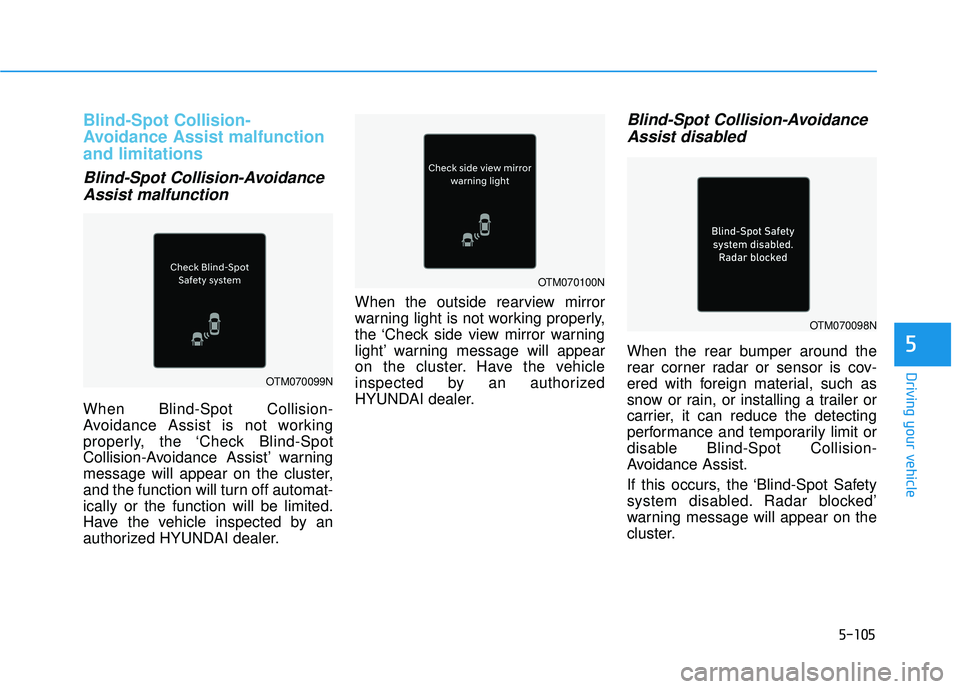
When Blind-Spot Collision-
Avoidance Assist is not working
properly, the ‘Check Blind-Spot
Collision-Avoidance Assist’ warning
message will appear on the cluster,
and the function will turn off automat-
ically or the function will be limited.
Have the vehicle inspected by an
authorized HYUNDAI dealer. When the outside rearview mirror
warning light is not working properly,
the ‘Check side view mirror warning
light’ warning message will appear
on the cluster. Have the vehicle
inspected by an authorized
HYUNDAI dealer.
Blind-Spot Collision-Avoidance
Assist disabled
When the rear bumper around the
rear corner radar or sensor is cov-
ered with foreign material, such as
snow or rain, or installing a trailer or
carrier, it can reduce the detecting
performance and temporarily limit or
disable Blind-Spot Collision-
Avoidance Assist.
If this occurs, the ‘Blind-Spot Safety
system disabled. Radar blocked’
warning message will appear on the
cluster.
OTM070099N
OTM070098N
OTM070100N
Page 448 of 663
5-114
Driving your vehicle
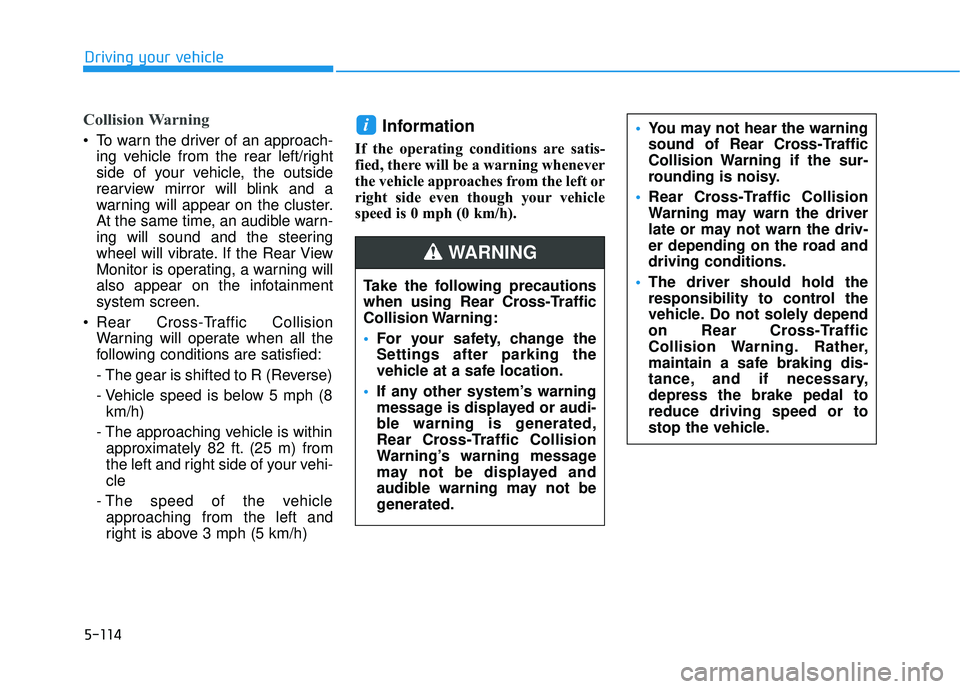
Collision Warning
To warn the driver of an approach-ing vehicle from the rear left/right
side of your vehicle, the outside
rearview mirror will blink and a
warning will appear on the cluster.
At the same time, an audible warn-
ing will sound and the steering
wheel will vibrate. If the Rear View
Monitor is operating, a warning will
also appear on the infotainment
system screen.
Rear Cross-Traffic Collision Warning will operate when all the
following conditions are satisfied:
- The gear is shifted to R (Reverse)
- Vehicle speed is below 5 mph (8km/h)
- The approaching vehicle is within approximately 82 ft. (25 m) from
the left and right side of your vehi-
cle
- The speed of the vehicle approaching from the left and
right is above 3 mph (5 km/h)Information
If the operating conditions are satis-
fied, there will be a warning whenever
the vehicle approaches from the left or
right side even though your vehicle
speed is 0 mph (0 km/h).
i
Take the following precautions
when using Rear Cross-Traffic
Collision Warning:
For your safety, change the
Settings after parking the
vehicle at a safe location.
If any other system’s warning
message is displayed or audi-
ble warning is generated,
Rear Cross-Traffic Collision
Warning’s warning message
may not be displayed and
audible warning may not be
generated.
You may not hear the warning
sound of Rear Cross-Traffic
Collision Warning if the sur-
rounding is noisy.
Rear Cross-Traffic Collision
Warning may warn the driver
late or may not warn the driv-
er depending on the road and
driving conditions.
The driver should hold the
responsibility to control the
vehicle. Do not solely depend
on Rear Cross-Traffic
Collision Warning. Rather,
maintain a safe braking dis-
tance, and if necessary,
depress the brake pedal to
reduce driving speed or to
stop the vehicle.
WARNING
Page 449 of 663
5-115
Driving your vehicle
5
Rear Cross-Traffic Collision
Warning malfunction and limi-
tations
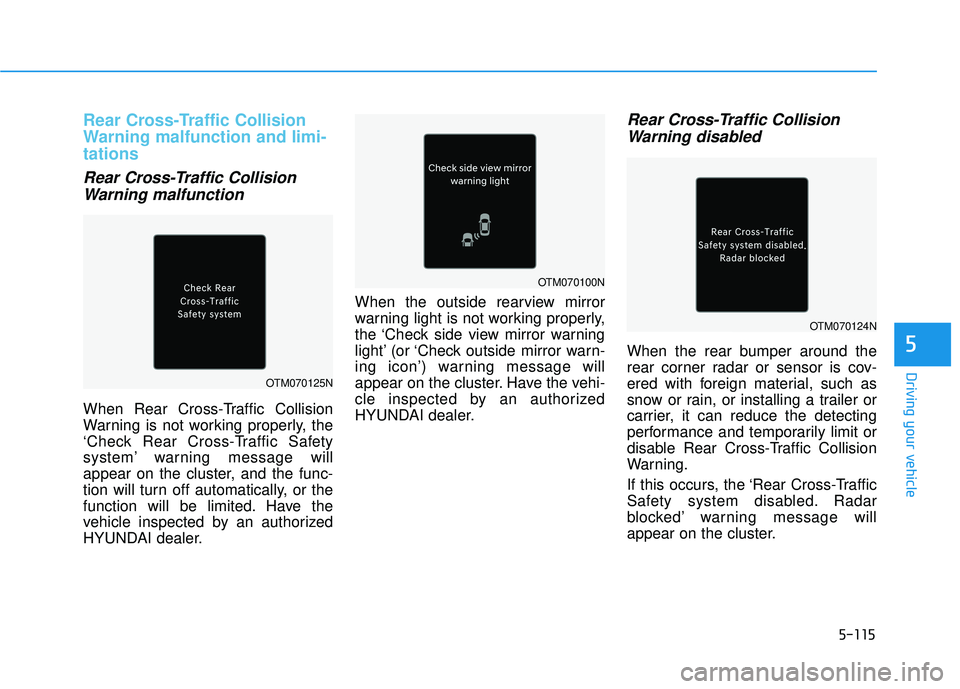
Rear Cross-Traffic CollisionWarning malfunction
When Rear Cross-Traffic Collision
Warning is not working properly, the
‘Check Rear Cross-Traffic Safety
system’ warning message will
appear on the cluster, and the func-
tion will turn off automatically, or the
function will be limited. Have the
vehicle inspected by an authorized
HYUNDAI dealer. When the outside rearview mirror
warning light is not working properly,
the ‘Check side view mirror warning
light’ (or ‘Check outside mirror warn-
ing icon’) warning message will
appear on the cluster. Have the vehi-
cle inspected by an authorized
HYUNDAI dealer.
Rear Cross-Traffic Collision
Warning disabled
When the rear bumper around the
rear corner radar or sensor is cov-
ered with foreign material, such as
snow or rain, or installing a trailer or
carrier, it can reduce the detecting
performance and temporarily limit or
disable Rear Cross-Traffic Collision
Warning.
If this occurs, the ‘Rear Cross-Traffic
Safety system disabled. Radar
blocked’ warning message will
appear on the cluster.
OTM070125N
OTM070100N
OTM070124N
Page 456 of 663
5-122
Driving your vehicle
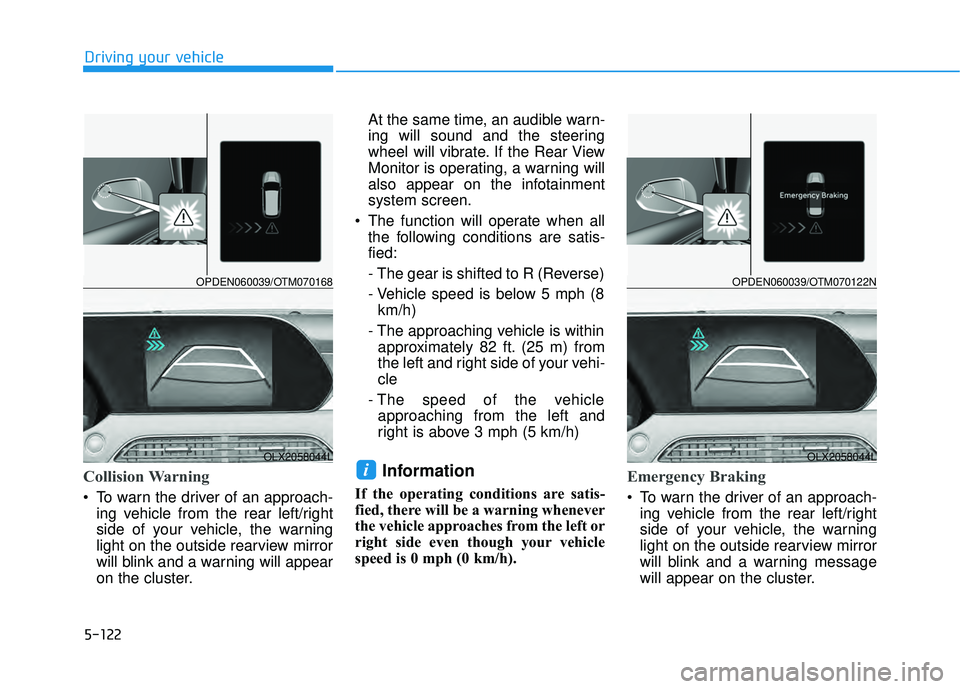
Collision Warning
To warn the driver of an approach-ing vehicle from the rear left/right
side of your vehicle, the warning
light on the outside rearview mirror
will blink and a warning will appear
on the cluster. At the same time, an audible warn-
ing will sound and the steering
wheel will vibrate. If the Rear View
Monitor is operating, a warning will
also appear on the infotainment
system screen.
The function will operate when all the following conditions are satis-
fied:
- The gear is shifted to R (Reverse)
- Vehicle speed is below 5 mph (8km/h)
- The approaching vehicle is within approximately 82 ft. (25 m) from
the left and right side of your vehi-
cle
- The speed of the vehicle approaching from the left and
right is above 3 mph (5 km/h)
Information
If the operating conditions are satis-
fied, there will be a warning whenever
the vehicle approaches from the left or
right side even though your vehicle
speed is 0 mph (0 km/h).
Emergency Braking
To warn the driver of an approach- ing vehicle from the rear left/right
side of your vehicle, the warning
light on the outside rearview mirror
will blink and a warning message
will appear on the cluster.
iOLX2058044L
OPDEN060039/OTM070168
OLX2058044L
OPDEN060039/OTM070122N
Page 460 of 663
5-126
Driving your vehicle
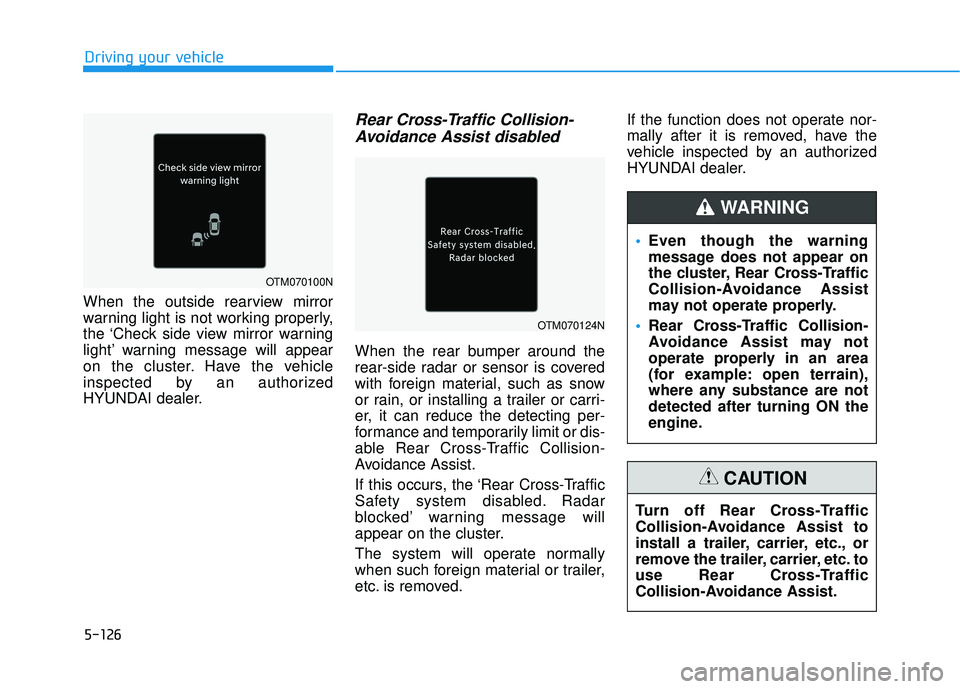
When the outside rearview mirror
warning light is not working properly,
the ‘Check side view mirror warning
light’ warning message will appear
on the cluster. Have the vehicle
inspected by an authorized
HYUNDAI dealer.
Rear Cross-Traffic Collision- Avoidance Assist disabled
When the rear bumper around the
rear-side radar or sensor is covered
with foreign material, such as snow
or rain, or installing a trailer or carri-
er, it can reduce the detecting per-
formance and temporarily limit or dis-
able Rear Cross-Traffic Collision-
Avoidance Assist.
If this occurs, the ‘Rear Cross-Traffic
Safety system disabled. Radar
blocked’ warning message will
appear on the cluster.
The system will operate normally
when such foreign material or trailer,
etc. is removed. If the function does not operate nor-
mally after it is removed, have the
vehicle inspected by an authorized
HYUNDAI dealer.
Even though the warning
message does not appear on
the cluster, Rear Cross-Traffic
Collision-Avoidance Assist
may not operate properly.
Rear Cross-Traffic Collision-
Avoidance Assist may not
operate properly in an area
(for example: open terrain),
where any substance are not
detected after turning ON the
engine.
WARNING
Turn off Rear Cross-Traffic
Collision-Avoidance Assist to
install a trailer, carrier, etc., or
remove the trailer, carrier, etc. to
use Rear Cross-Traffic
Collision-Avoidance Assist.
CAUTION
OTM070100N
OTM070124N
Page 513 of 663
5-179
Driving your vehicle
5
Information
The ESC system must be turned OFF
before rocking the vehicle.
If you are still stuck after rocking
the vehicle a few times, have the
vehicle pulled out by a tow vehicle
to avoid engine overheating, pos-
sible damage to the transmission,
and tire damage. See "Towing" in
chapter 6.
Smooth Cornering
Avoid braking or gear changing in
corners, especially when roads are
wet. Ideally, corners should always
be taken under gentle acceleration.
Driving at Night
Night driving presents more hazards
than driving in the daylight. Here are
some important tips to remember:
Slow down and keep more dis-tance between you and other vehi-
cles, as it may be more difficult to
see at night, especially in areas
where there may not be any street
lights.
Adjust your mirrors to reduce the glare from other driver's head-
lamps.
Keep your headlamps clean and properly aimed. Dirty or improperly
aimed headlamps will make it
much more difficult to see at night.
Avoid staring directly at the head- lamps of oncoming vehicles. You
could be temporarily blinded, and it
will take several seconds for your
eyes to readjust to the darkness.
Driving in the Rain
Rain and wet roads can make driving
dangerous. Here are a few things to
consider when driving in the rain or
on slick pavement:
Slow down and allow extra follow-ing distance. A heavy rainfall
makes it harder to see and increas-
es the distance needed to stop
your vehicle.
Turn OFF your Cruise Control.
Replace your windshield wiper blades when they show signs of
streaking or missing areas on the
windshield.
Tires should be properly main- tained with at least 2/32nds of an
inch of tread depth. If your tires do
not have enough tread, making a
quick stop on wet pavement can
cause a skid and possibly lead to
an accident. See "Tire replace-
ment" in chapter 7 .
Turn on your headlamps to make it easier for others to see you.
NOTICE
i
Page 611 of 663
7-52
Maintenance
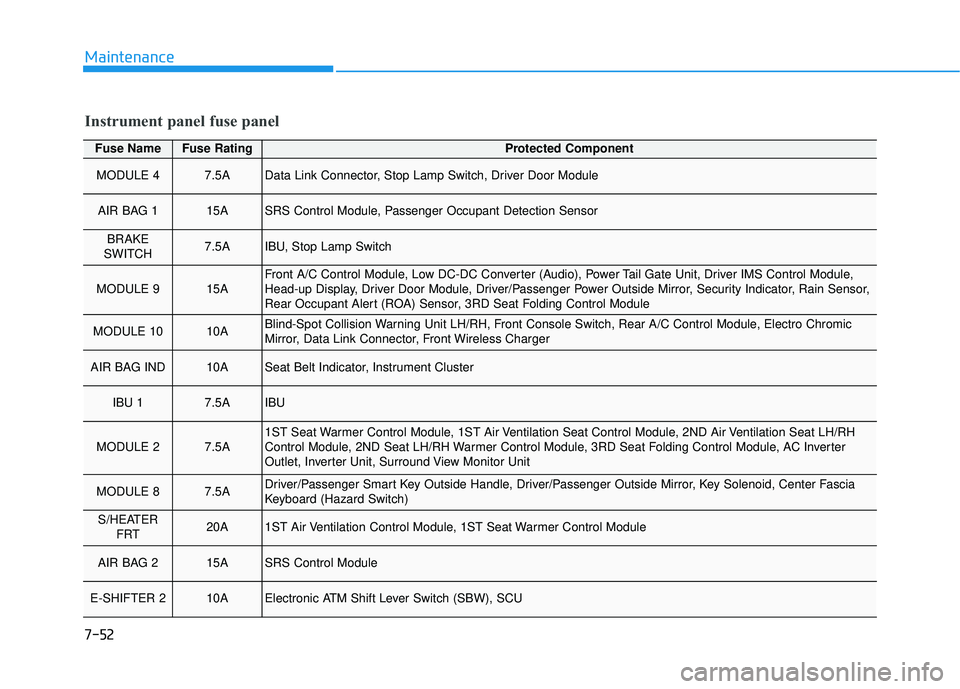
Fuse NameFuse RatingProtected Component
MODULE 47.5AData Link Connector, Stop Lamp Switch, Driver Door Module
AIR BAG 115ASRS Control Module, Passenger Occupant Detection Sensor
BRAKE
SWITCH7.5AIBU, Stop Lamp Switch
MODULE 915AFront A/C Control Module, Low DC-DC Converter (Audio), Power Tail Gate Unit, Driver IMS Control Module,
Head-up Display, Driver Door Module, Driver/Passenger Power Outside Mirror, Security Indicator, Rain Sensor,
Rear Occupant Alert (ROA) Sensor, 3RD Seat Folding Control Module
MODULE 1010ABlind-Spot Collision Warning Unit LH/RH, Front Console Switch, Rear A/C Control Module, Electro Chromic
Mirror, Data Link Connector, Front Wireless Charger
AIR BAG IND10ASeat Belt Indicator, Instrument Cluster
IBU 17.5AIBU
MODULE 27.5A1ST Seat Warmer Control Module, 1ST Air Ventilation Seat Control Module, 2ND Air Ventilation Seat LH/RH
Control Module, 2ND Seat LH/RH Warmer Control Module, 3RD Seat Folding Control Module, AC Inverter
Outlet, Inverter Unit, Surround View Monitor Unit
MODULE 87.5ADriver/Passenger Smart Key Outside Handle, Driver/Passenger Outside Mirror, Key Solenoid, Center Fascia
Keyboard (Hazard Switch)
S/HEATER FRT20A1ST Air Ventilation Control Module, 1ST Seat Warmer Control Module
AIR BAG 215ASRS Control Module
E-SHIFTER 210AElectronic ATM Shift Lever Switch (SBW), SCU
Instrument panel fuse panel