sensor HYUNDAI PALISADE 2022 Workshop Manual
[x] Cancel search | Manufacturer: HYUNDAI, Model Year: 2022, Model line: PALISADE, Model: HYUNDAI PALISADE 2022Pages: 663, PDF Size: 15.74 MB
Page 425 of 663
5-91
Driving your vehicle
5
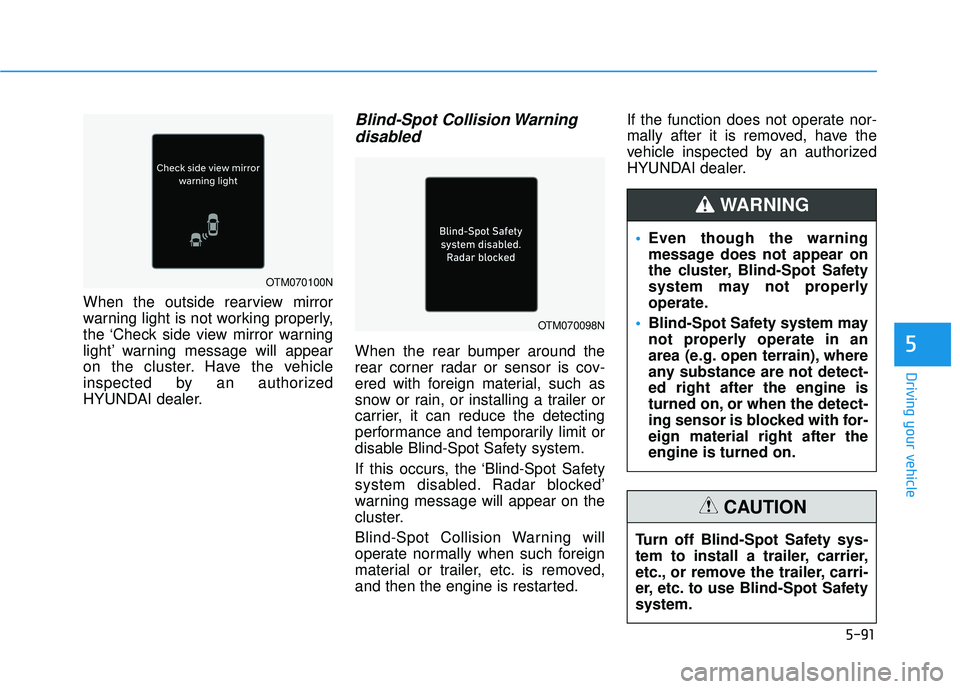
When the outside rearview mirror
warning light is not working properly,
the ‘Check side view mirror warning
light’ warning message will appear
on the cluster. Have the vehicle
inspected by an authorized
HYUNDAI dealer.
Blind-Spot Collision Warningdisabled
When the rear bumper around the
rear corner radar or sensor is cov-
ered with foreign material, such as
snow or rain, or installing a trailer or
carrier, it can reduce the detecting
performance and temporarily limit or
disable Blind-Spot Safety system.
If this occurs, the ‘Blind-Spot Safety
system disabled. Radar blocked’
warning message will appear on the
cluster.
Blind-Spot Collision Warning will
operate normally when such foreign
material or trailer, etc. is removed,
and then the engine is restarted. If the function does not operate nor-
mally after it is removed, have the
vehicle inspected by an authorized
HYUNDAI dealer.
OTM070098N
OTM070100N
Even though the warning
message does not appear on
the cluster, Blind-Spot Safety
system may not properly
operate.
Blind-Spot Safety system may
not properly operate in an
area (e.g. open terrain), where
any substance are not detect-
ed right after the engine is
turned on, or when the detect-
ing sensor is blocked with for-
eign material right after the
engine is turned on.
WARNING
Turn off Blind-Spot Safety sys-
tem to install a trailer, carrier,
etc., or remove the trailer, carri-
er, etc. to use Blind-Spot Safety
system.
CAUTION
Page 431 of 663
5-97
Driving your vehicle
5
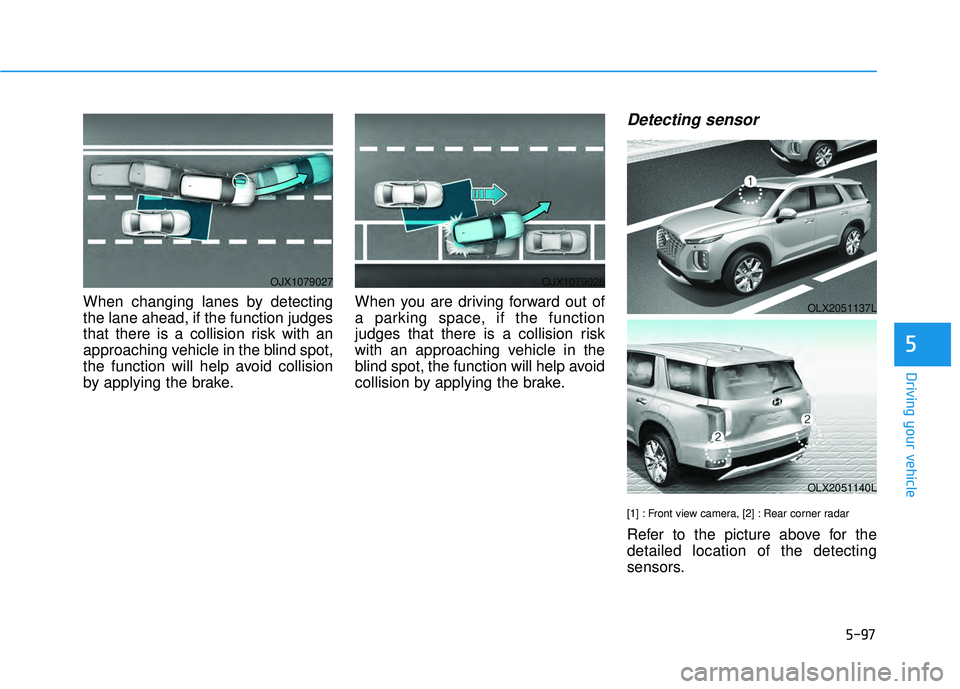
When changing lanes by detecting
the lane ahead, if the function judges
that there is a collision risk with an
approaching vehicle in the blind spot,
the function will help avoid collision
by applying the brake.When you are driving forward out of
a parking space, if the function
judges that there is a collision risk
with an approaching vehicle in the
blind spot, the function will help avoid
collision by applying the brake.
Detecting sensor
[1] : Front view camera, [2] : Rear corner radar
Refer to the picture above for the
detailed location of the detecting
sensors.
OJX1079027OJX1079028
OLX2051137L
OLX2051140L
Page 432 of 663
5-98
Driving your vehicle
Blind-Spot Collision Warning
settings
Setting features
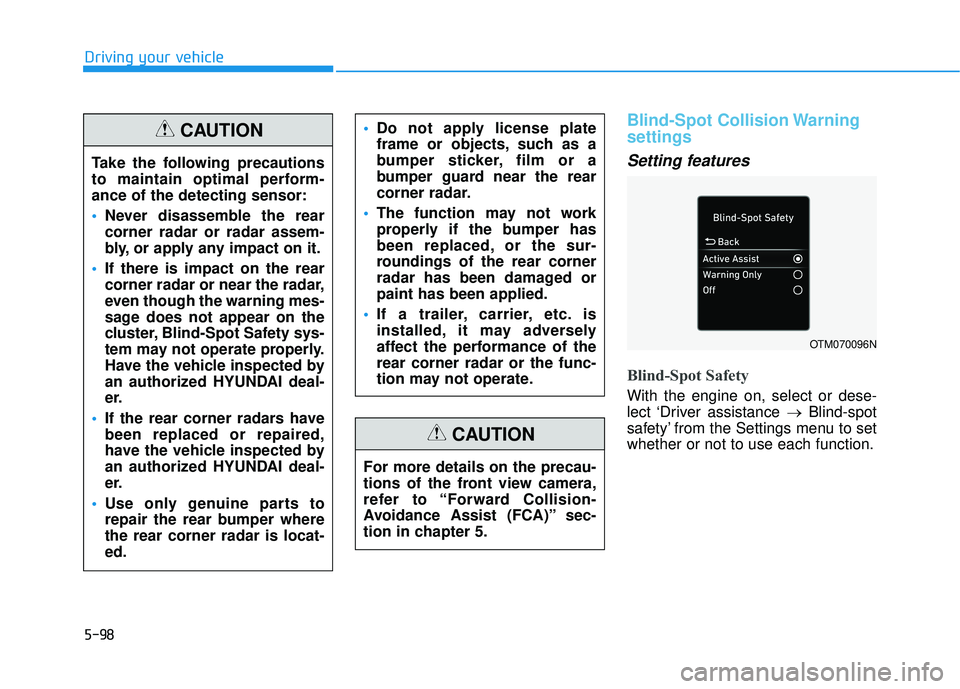
Blind-Spot Safety
With the engine on, select or dese-
lect ‘Driver assistance →Blind-spot
safety’ from the Settings menu to set
whether or not to use each function.
OTM070096N
Take the following precautions
to maintain optimal perform-
ance of the detecting sensor:
Never disassemble the rear
corner radar or radar assem-
bly, or apply any impact on it.
If there is impact on the rear
corner radar or near the radar,
even though the warning mes-
sage does not appear on the
cluster, Blind-Spot Safety sys-
tem may not operate properly.
Have the vehicle inspected by
an authorized HYUNDAI deal-
er.
If the rear corner radars have
been replaced or repaired,
have the vehicle inspected by
an authorized HYUNDAI deal-
er.
Use only genuine parts to
repair the rear bumper where
the rear corner radar is locat-
ed.
Do not apply license plate
frame or objects, such as a
bumper sticker, film or a
bumper guard near the rear
corner radar.
The function may not work
properly if the bumper has
been replaced, or the sur-
roundings of the rear corner
radar has been damaged or
paint has been applied.
If a trailer, carrier, etc. is
installed, it may adversely
affect the performance of the
rear corner radar or the func-
tion may not operate.CAUTION
For more details on the precau-
tions of the front view camera,
refer to “Forward Collision-
Avoidance Assist (FCA)” sec-
tion in chapter 5.
CAUTION
Page 439 of 663
5-105
Driving your vehicle
5
Blind-Spot Collision-
Avoidance Assist malfunction
and limitations
Blind-Spot Collision-AvoidanceAssist malfunction
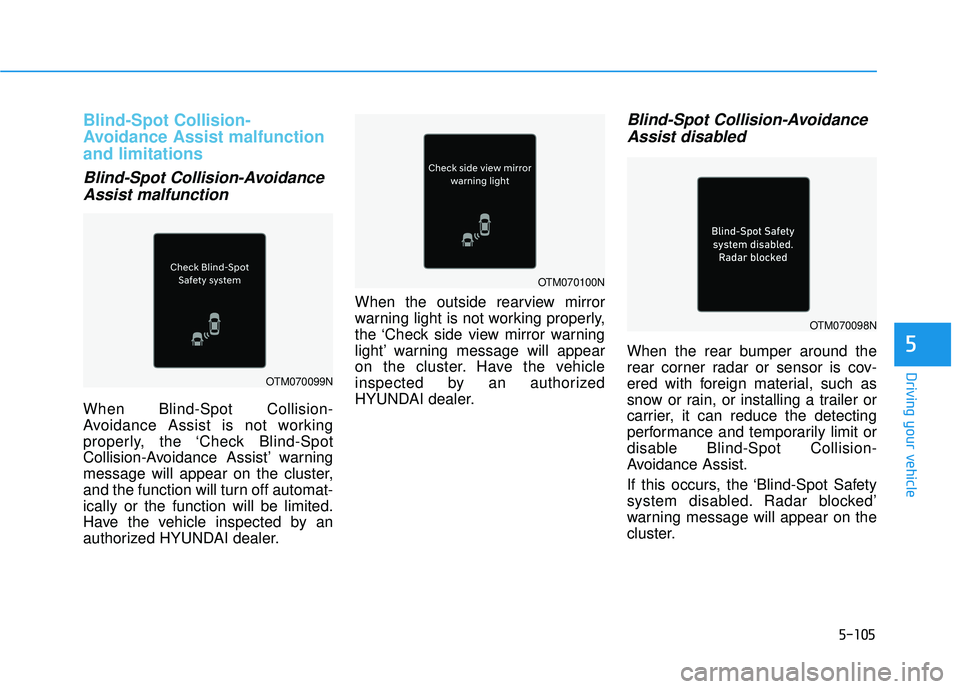
When Blind-Spot Collision-
Avoidance Assist is not working
properly, the ‘Check Blind-Spot
Collision-Avoidance Assist’ warning
message will appear on the cluster,
and the function will turn off automat-
ically or the function will be limited.
Have the vehicle inspected by an
authorized HYUNDAI dealer. When the outside rearview mirror
warning light is not working properly,
the ‘Check side view mirror warning
light’ warning message will appear
on the cluster. Have the vehicle
inspected by an authorized
HYUNDAI dealer.
Blind-Spot Collision-Avoidance
Assist disabled
When the rear bumper around the
rear corner radar or sensor is cov-
ered with foreign material, such as
snow or rain, or installing a trailer or
carrier, it can reduce the detecting
performance and temporarily limit or
disable Blind-Spot Collision-
Avoidance Assist.
If this occurs, the ‘Blind-Spot Safety
system disabled. Radar blocked’
warning message will appear on the
cluster.
OTM070099N
OTM070098N
OTM070100N
Page 445 of 663
5-111
Driving your vehicle
5
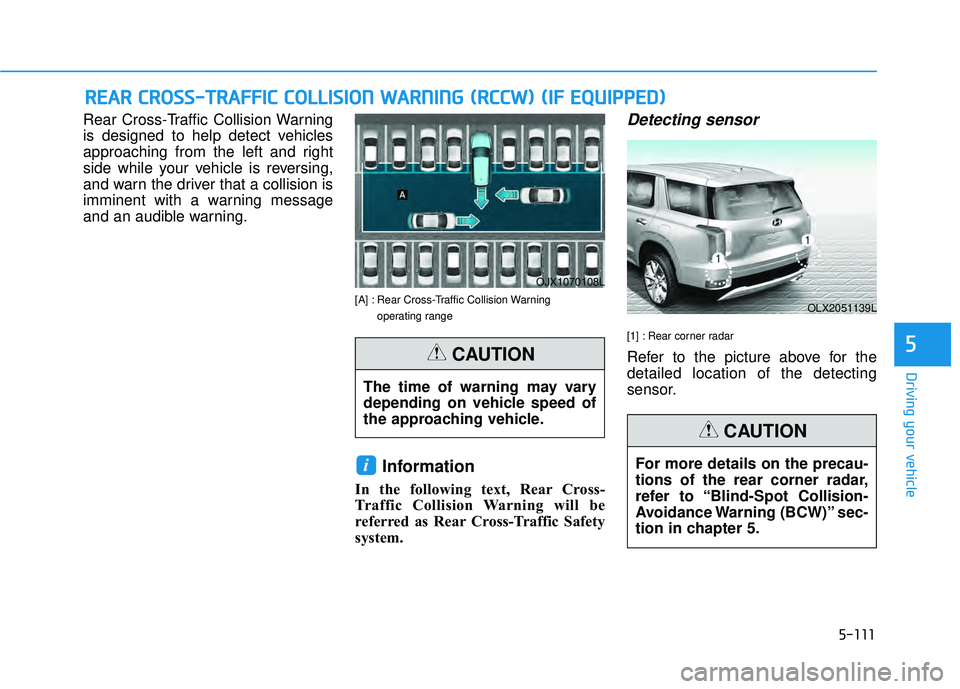
Rear Cross-Traffic Collision Warning
is designed to help detect vehicles
approaching from the left and right
side while your vehicle is reversing,
and warn the driver that a collision is
imminent with a warning message
and an audible warning.
[A] : Rear Cross-Traffic Collision Warning operating range
Information
In the following text, Rear Cross-
Traffic Collision Warning will be
referred as Rear Cross-Traffic Safety
system.
Detecting sensor
[1] : Rear corner radar
Refer to the picture above for the
detailed location of the detecting
sensor.
i
R RE EA A R R C C R R O O S SS S- -T T R R A A F FF FI IC C C C O O L LL LI IS S I IO O N N W W A AR RN N I IN N G G ( ( R R C CC CW W ) ) ( ( I IF F E E Q Q U UI IP P P PE ED D ) )
OJX1070108L
OLX2051139L
The time of warning may vary
depending on vehicle speed of
the approaching vehicle.
CAUTION
For more details on the precau-
tions of the rear corner radar,
refer to “Blind-Spot Collision-
Avoidance Warning (BCW)” sec-
tion in chapter 5.
CAUTION
Page 449 of 663
5-115
Driving your vehicle
5
Rear Cross-Traffic Collision
Warning malfunction and limi-
tations
Rear Cross-Traffic CollisionWarning malfunction
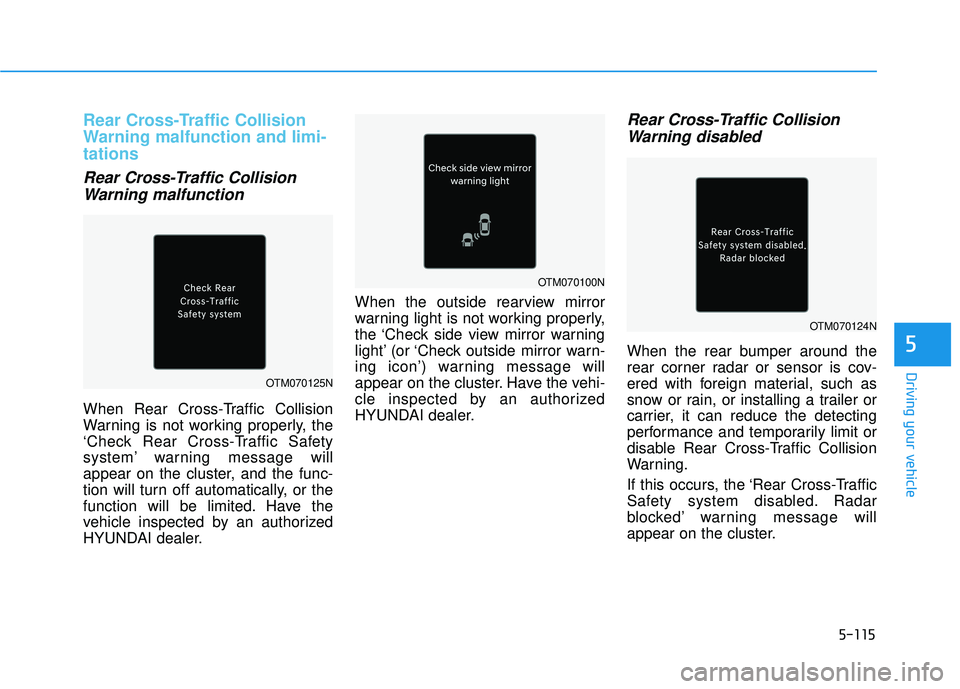
When Rear Cross-Traffic Collision
Warning is not working properly, the
‘Check Rear Cross-Traffic Safety
system’ warning message will
appear on the cluster, and the func-
tion will turn off automatically, or the
function will be limited. Have the
vehicle inspected by an authorized
HYUNDAI dealer. When the outside rearview mirror
warning light is not working properly,
the ‘Check side view mirror warning
light’ (or ‘Check outside mirror warn-
ing icon’) warning message will
appear on the cluster. Have the vehi-
cle inspected by an authorized
HYUNDAI dealer.
Rear Cross-Traffic Collision
Warning disabled
When the rear bumper around the
rear corner radar or sensor is cov-
ered with foreign material, such as
snow or rain, or installing a trailer or
carrier, it can reduce the detecting
performance and temporarily limit or
disable Rear Cross-Traffic Collision
Warning.
If this occurs, the ‘Rear Cross-Traffic
Safety system disabled. Radar
blocked’ warning message will
appear on the cluster.
OTM070125N
OTM070100N
OTM070124N
Page 453 of 663
5-119
Driving your vehicle
5
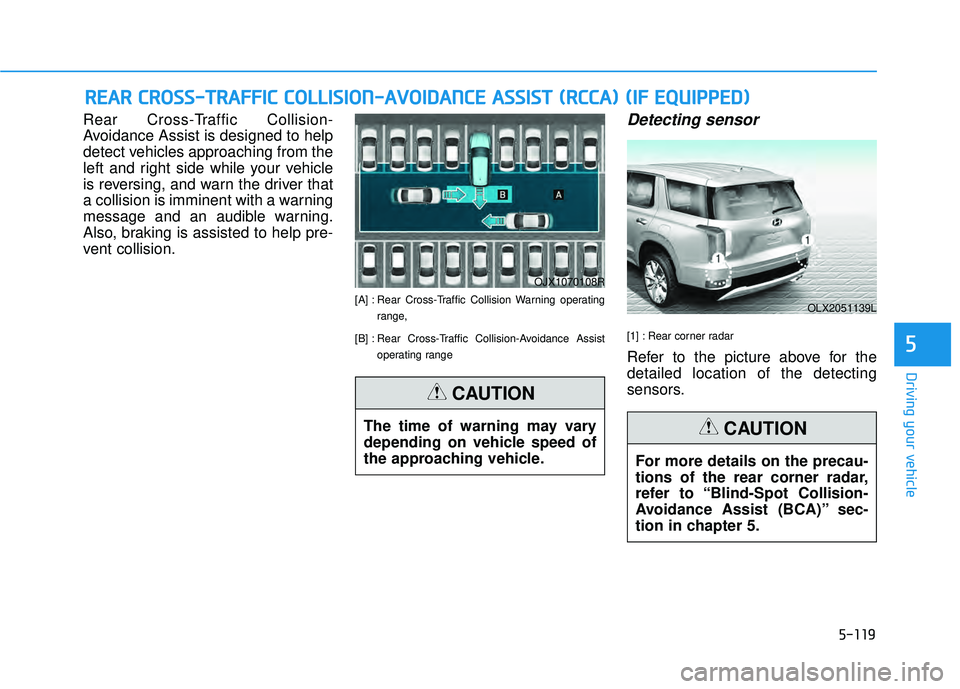
Rear Cross-Traffic Collision-
Avoidance Assist is designed to help
detect vehicles approaching from the
left and right side while your vehicle
is reversing, and warn the driver that
a collision is imminent with a warning
message and an audible warning.
Also, braking is assisted to help pre-
vent collision.
[A] : Rear Cross-Traffic Collision Warning operatingrange,
[B] : Rear Cross-Traffic Collision-Avoidance Assist operating range
Detecting sensor
[1] : Rear corner radar
Refer to the picture above for the
detailed location of the detecting
sensors.
R RE EA A R R C C R R O O S SS S- -T T R R A A F FF FI IC C C C O O L LL LI IS S I IO O N N- -A A V VO O I ID D A A N N C CE E A A S SS SI IS S T T ( ( R R C CC CA A ) ) ( ( I IF F E E Q Q U UI IP P P PE ED D ) )
OJX1070108R
OLX2051139L
The time of warning may vary
depending on vehicle speed of
the approaching vehicle.
CAUTION
For more details on the precau-
tions of the rear corner radar,
refer to “Blind-Spot Collision-
Avoidance Assist (BCA)” sec-
tion in chapter 5.
CAUTION
Page 460 of 663
5-126
Driving your vehicle
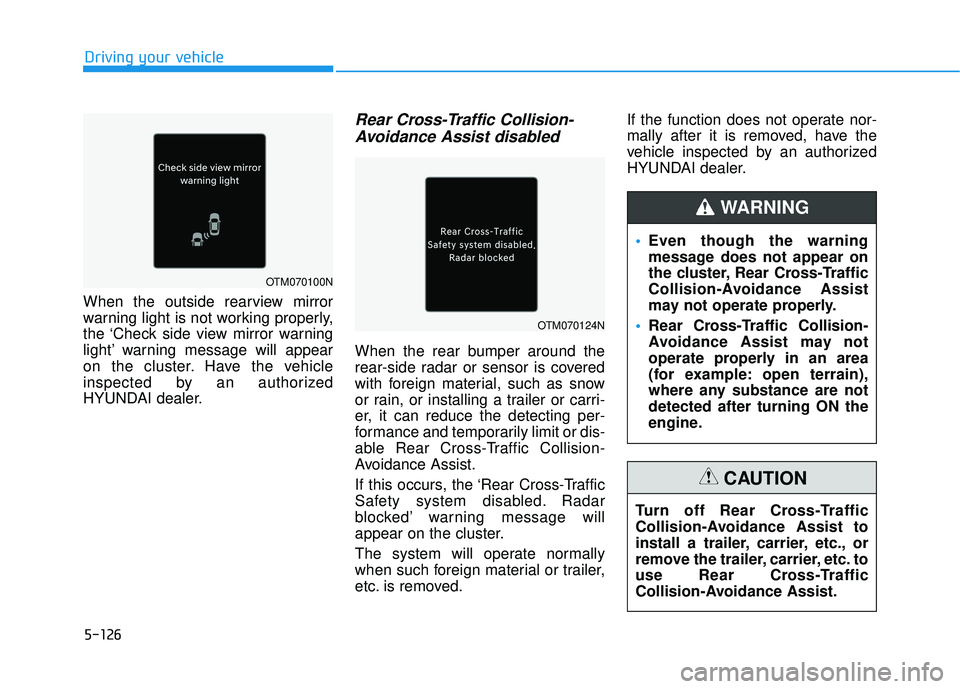
When the outside rearview mirror
warning light is not working properly,
the ‘Check side view mirror warning
light’ warning message will appear
on the cluster. Have the vehicle
inspected by an authorized
HYUNDAI dealer.
Rear Cross-Traffic Collision- Avoidance Assist disabled
When the rear bumper around the
rear-side radar or sensor is covered
with foreign material, such as snow
or rain, or installing a trailer or carri-
er, it can reduce the detecting per-
formance and temporarily limit or dis-
able Rear Cross-Traffic Collision-
Avoidance Assist.
If this occurs, the ‘Rear Cross-Traffic
Safety system disabled. Radar
blocked’ warning message will
appear on the cluster.
The system will operate normally
when such foreign material or trailer,
etc. is removed. If the function does not operate nor-
mally after it is removed, have the
vehicle inspected by an authorized
HYUNDAI dealer.
Even though the warning
message does not appear on
the cluster, Rear Cross-Traffic
Collision-Avoidance Assist
may not operate properly.
Rear Cross-Traffic Collision-
Avoidance Assist may not
operate properly in an area
(for example: open terrain),
where any substance are not
detected after turning ON the
engine.
WARNING
Turn off Rear Cross-Traffic
Collision-Avoidance Assist to
install a trailer, carrier, etc., or
remove the trailer, carrier, etc. to
use Rear Cross-Traffic
Collision-Avoidance Assist.
CAUTION
OTM070100N
OTM070124N
Page 465 of 663
5-131
Driving your vehicle
5
Lane Following Assist is designed to
help detect lane markings and/or
vehicles on the road, and assists the
driver’s steering to help keep the
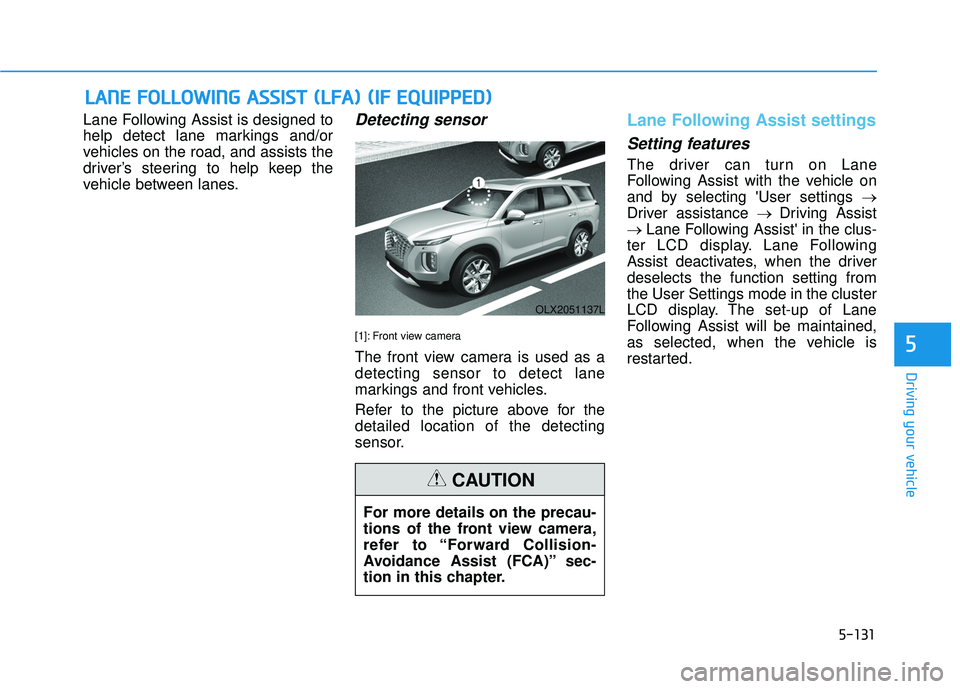
vehicle between lanes.Detecting sensor
[1]: Front view camera
The front view camera is used as a
detecting sensor to detect lane
markings and front vehicles.
Refer to the picture above for the
detailed location of the detecting
sensor.
Lane Following Assist settings
Setting features
The driver can turn on Lane
Following Assist with the vehicle on
and by selecting 'User settings →
Driver assistance → Driving Assist
→ Lane Following Assist' in the clus-
ter LCD display. Lane Following
Assist deactivates, when the driver
deselects the function setting from
the User Settings mode in the cluster
LCD display. The set-up of Lane
Following Assist will be maintained,
as selected, when the vehicle is
restarted.
L L A A N N E E F F O O L LL LO O W W I IN N G G A A S SS SI IS S T T ( ( L L F F A A ) ) ( ( I IF F E E Q Q U UI IP P P PE ED D ) )
OLX2051137L
For more details on the precau-
tions of the front view camera,
refer to “Forward Collision-
Avoidance Assist (FCA)” sec-
tion in this chapter.
CAUTION
5
Page 470 of 663
5-136
Driving your vehicle
Basic function
Driver Attention Warning will help
determine the driver's attention level
by analyzing driving pattern, driving
time, etc. while vehicle is being driv-
en. Driver Attention Warning will rec-
ommend a break when the driver’s
attention level falls below a certain
level.
Leading vehicle departure alert
function
Leading Vehicle Departure Alert
function will inform the driver when
the front vehicle departs from a stop.
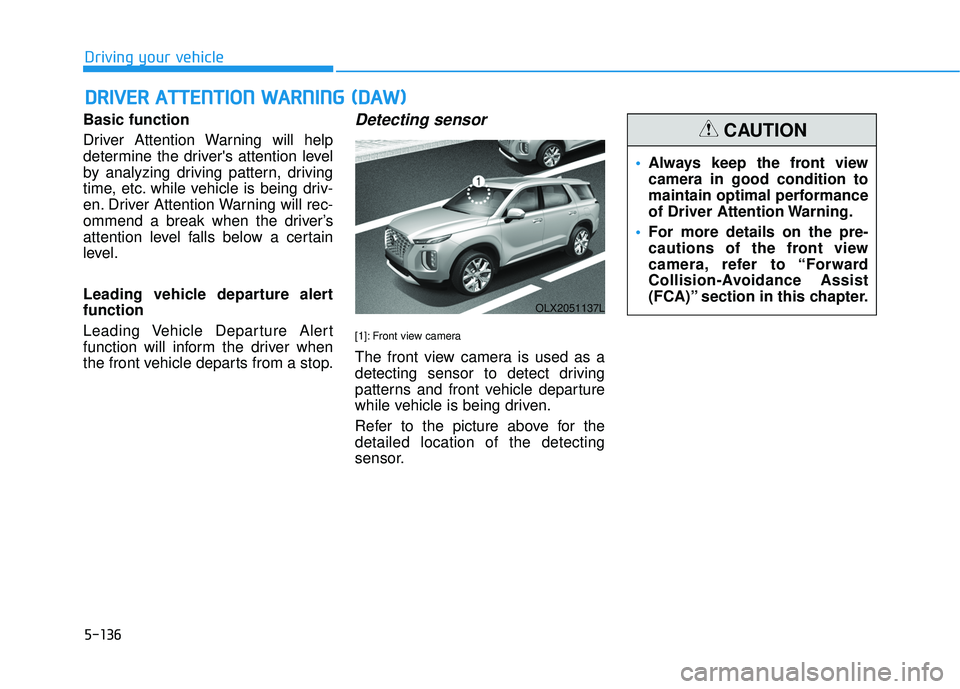
Detecting sensor
[1]: Front view camera
The front view camera is used as a
detecting sensor to detect driving
patterns and front vehicle departure
while vehicle is being driven.
Refer to the picture above for the
detailed location of the detecting
sensor.
D D R RI IV V E ER R A A T TT TE EN N T TI IO O N N W W A AR RN N I IN N G G ( ( D D A A W W ) )
OLX2051137L
Always keep the front view
camera in good condition to
maintain optimal performance
of Driver Attention Warning.
For more details on the pre-
cautions of the front view
camera, refer to “Forward
Collision-Avoidance Assist
(FCA)” section in this chapter.
CAUTION