warning Hyundai Santa Fe 2018 Owner's Manual
[x] Cancel search | Manufacturer: HYUNDAI, Model Year: 2018, Model line: Santa Fe, Model: Hyundai Santa Fe 2018Pages: 570, PDF Size: 16.8 MB
Page 381 of 570
589
Driving your vehicle
BSD (Blind Spot Detection) /
LCA (Lane Change Assist)
(if equipped)
Operating conditions
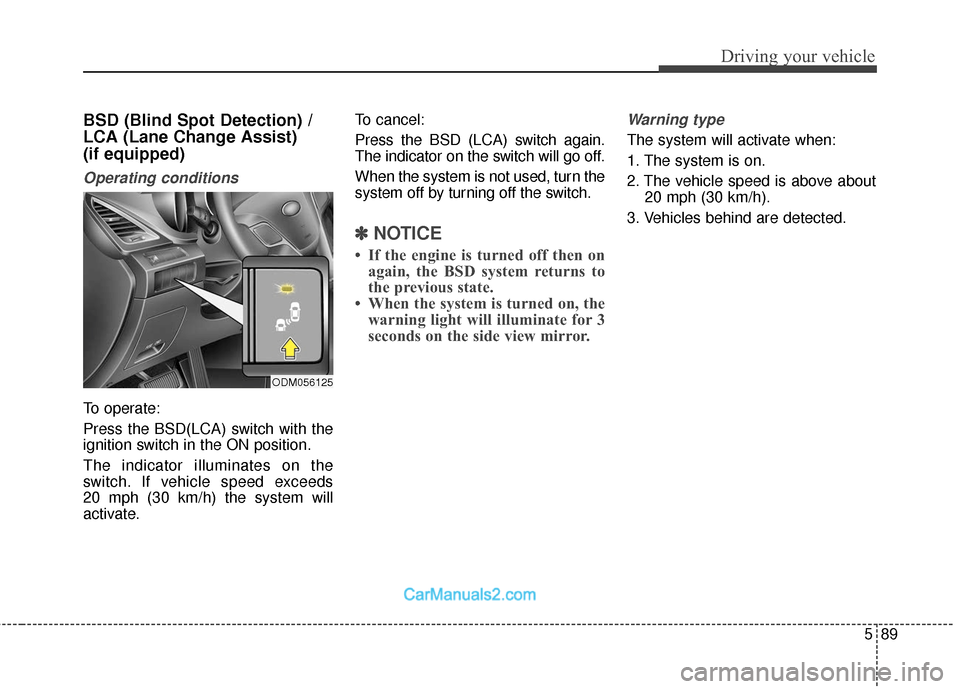
To operate:
Press the BSD(LCA) switch with the
ignition switch in the ON position.
The indicator illuminates on the
switch. If vehicle speed exceeds
20 mph (30 km/h) the system will
activate.To cancel:
Press the BSD (LCA) switch again.
The indicator on the switch will go off.
When the system is not used, turn the
system off by turning off the switch.
✽ ✽
NOTICE
• If the engine is turned off then on
again, the BSD system returns to
the previous state.
• When the system is turned on, the warning light will illuminate for 3
seconds on the side view mirror.
Warning type
The system will activate when:
1. The system is on.
2. The vehicle speed is above about
20 mph (30 km/h).
3. Vehicles behind are detected.
ODM056125
Page 382 of 570
Driving your vehicle
90
5
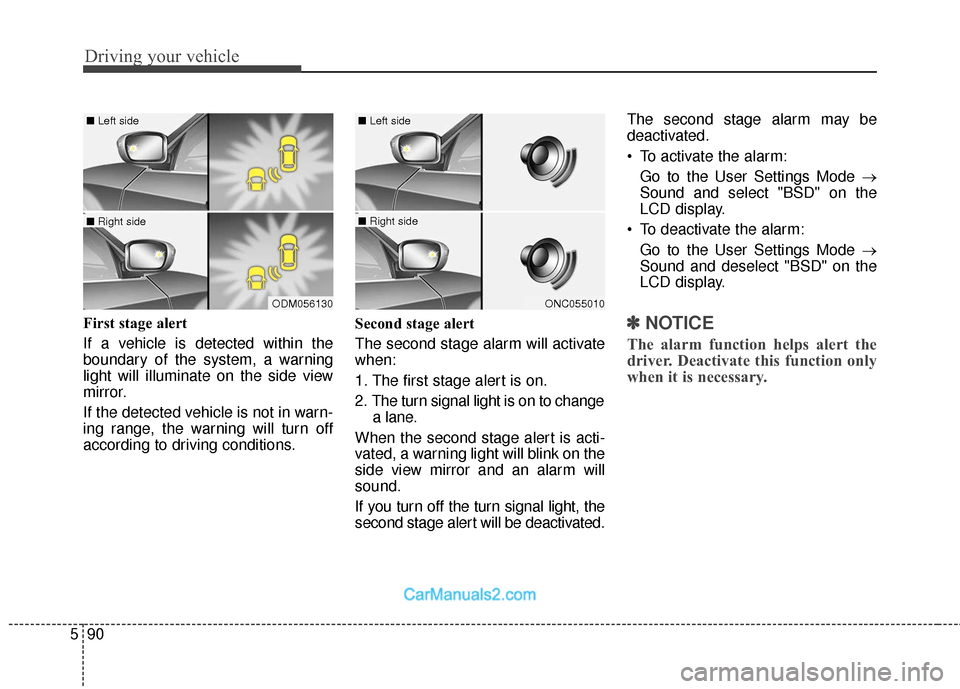
First stage alert
If a vehicle is detected within the
boundary of the system, a warning
light will illuminate on the side view
mirror.
If the detected vehicle is not in warn-
ing range, the warning will turn off
according to driving conditions. Second stage alert
The second stage alarm will activate
when:
1. The first stage alert is on.
2. The turn signal light is on to change
a lane.
When the second stage alert is acti-
vated, a warning light will blink on the
side view mirror and an alarm will
sound.
If you turn off the turn signal light, the
second stage alert will be deactivated. The second stage alarm may be
deactivated.
To activate the alarm:
Go to the User Settings Mode →
Sound and select "BSD" on the
LCD display.
To deactivate the alarm: Go to the User Settings Mode →
Sound and deselect "BSD" on the
LCD display.✽ ✽ NOTICE
The alarm function helps alert the
driver. Deactivate this function only
when it is necessary.
ODM056130
■ Left side
■ Right side
ONC055010
■ Left side
■ Right side
Page 383 of 570
591
Driving your vehicle
Detecting sensor
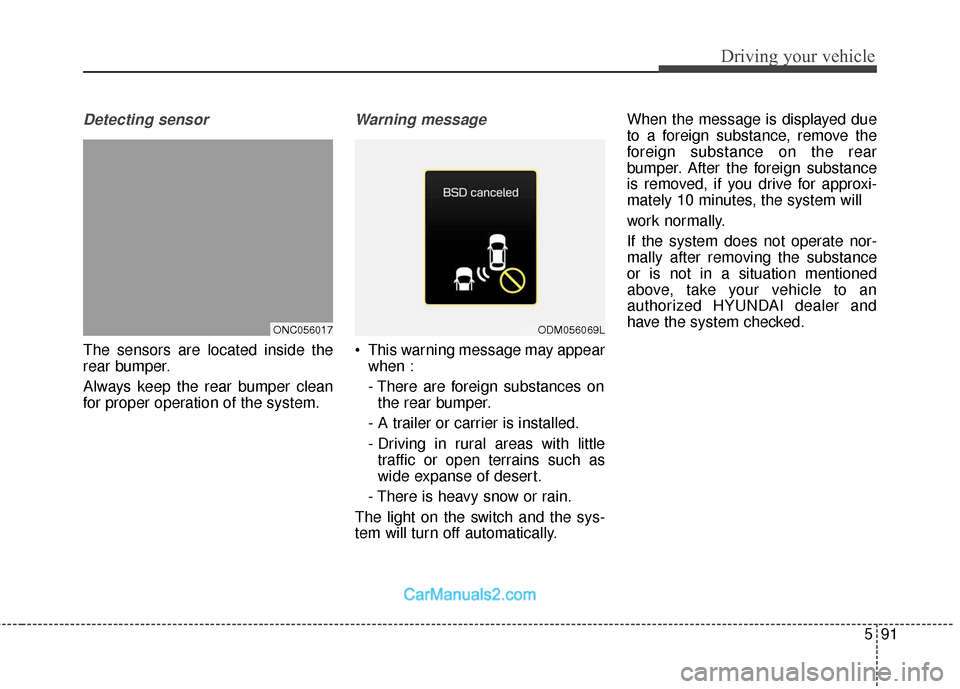
The sensors are located inside the
rear bumper.
Always keep the rear bumper clean
for proper operation of the system.
Warning message
This warning message may appearwhen :
- There are foreign substances onthe rear bumper.
- A trailer or carrier is installed.
- Driving in rural areas with little traffic or open terrains such as
wide expanse of desert.
- There is heavy snow or rain.
The light on the switch and the sys-
tem will turn off automatically. When the message is displayed due
to a foreign substance, remove the
foreign substance on the rear
bumper. After the foreign substance
is removed, if you drive for approxi-
mately 10 minutes, the system will
work normally.
If the system does not operate nor-
mally after removing the substance
or is not in a situation mentioned
above, take your vehicle to an
authorized HYUNDAI dealer and
have the system checked.
ONC056017ODM056069L
Page 384 of 570
Driving your vehicle
92
5
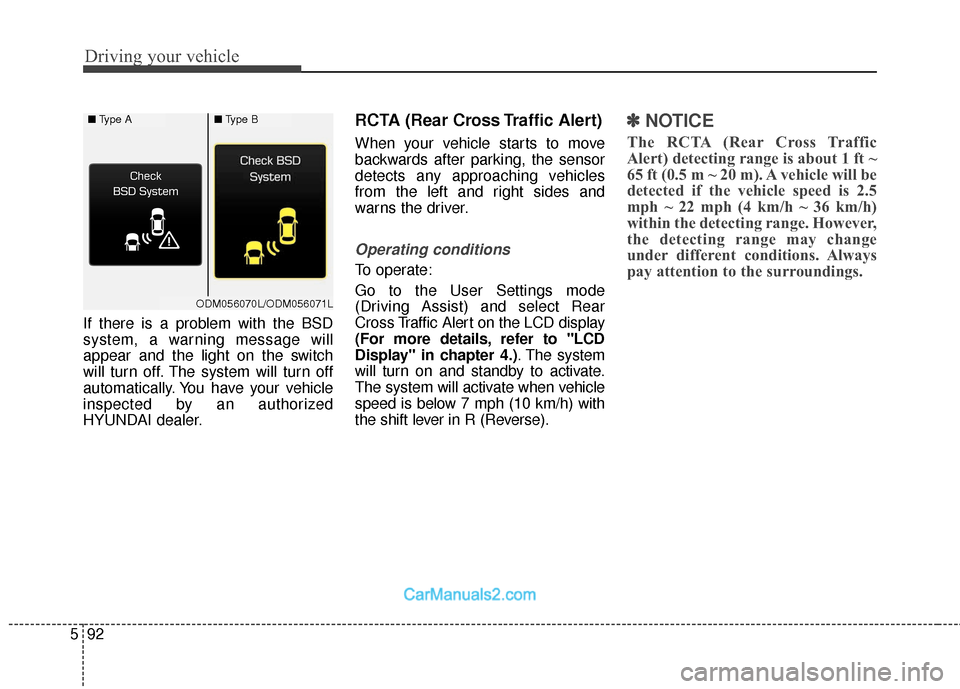
If there is a problem with the BSD
system, a warning message will
appear and the light on the switch
will turn off. The system will turn off
automatically. You have your vehicle
inspected by an authorized
HYUNDAI dealer.
RCTA (Rear Cross Traffic Alert)
When your vehicle starts to move
backwards after parking, the sensor
detects any approaching vehicles
from the left and right sides and
warns the driver.
Operating conditions
To operate:
Go to the User Settings mode
(Driving Assist) and select Rear
Cross Traffic Alert on the LCD display
(For more details, refer to "LCD
Display" in chapter 4.) . The system
will turn on and standby to activate.
The system will activate when vehicle
speed is below 7 mph (10 km/h) with
the shift lever in R (Reverse).
✽ ✽ NOTICE
The RCTA (Rear Cross Traffic
Alert) detecting range is about 1 ft ~
65 ft (0.5 m ~ 20 m). A vehicle will be
detected if the vehicle speed is 2.5
mph ~ 22 mph (4 km/h ~ 36 km/h)
within the detecting range. However,
the detecting range may change
under different conditions. Always
pay attention to the surroundings.
■ Type A■Type B
ODM056070L/ODM056071L
Page 385 of 570
593
Driving your vehicle
Warning type
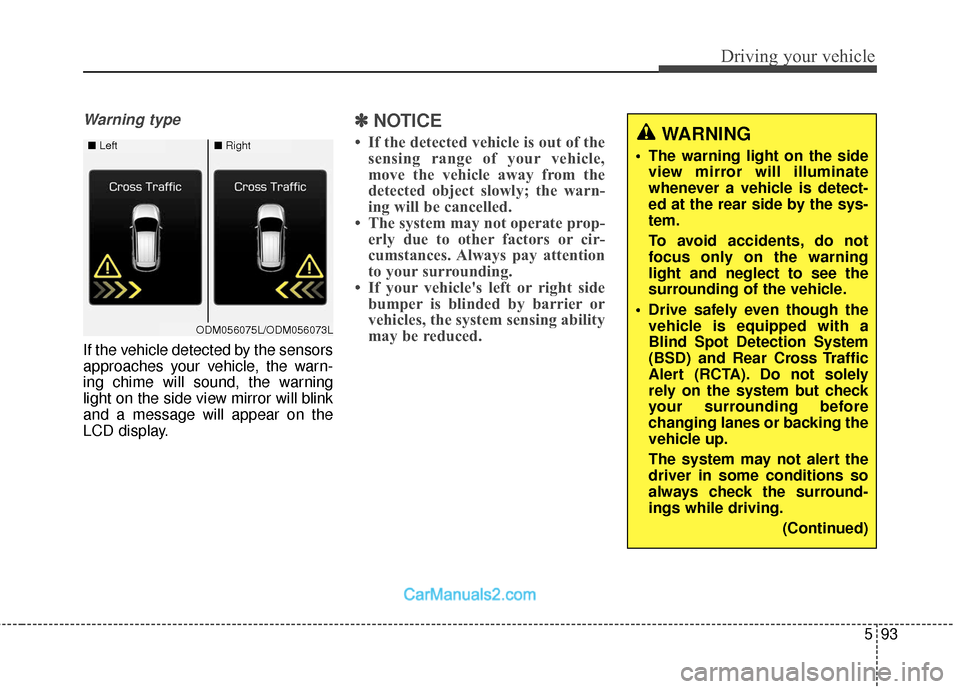
If the vehicle detected by the sensors
approaches your vehicle, the warn-
ing chime will sound, the warning
light on the side view mirror will blink
and a message will appear on the
LCD display.
✽ ✽NOTICE
• If the detected vehicle is out of the
sensing range of your vehicle,
move the vehicle away from the
detected object slowly; the warn-
ing will be cancelled.
• The system may not operate prop- erly due to other factors or cir-
cumstances. Always pay attention
to your surrounding.
• If your vehicle's left or right side bumper is blinded by barrier or
vehicles, the system sensing ability
may be reduced.WARNING
The warning light on the side
view mirror will illuminate
whenever a vehicle is detect-
ed at the rear side by the sys-
tem.
To avoid accidents, do not
focus only on the warning
light and neglect to see the
surrounding of the vehicle.
Drive safely even though the vehicle is equipped with a
Blind Spot Detection System
(BSD) and Rear Cross Traffic
Alert (RCTA). Do not solely
rely on the system but check
your surrounding before
changing lanes or backing the
vehicle up.
The system may not alert the
driver in some conditions so
always check the surround-
ings while driving.
(Continued)■Left■Right
ODM056075L/ODM056073L
Page 388 of 570
Driving your vehicle
96
5
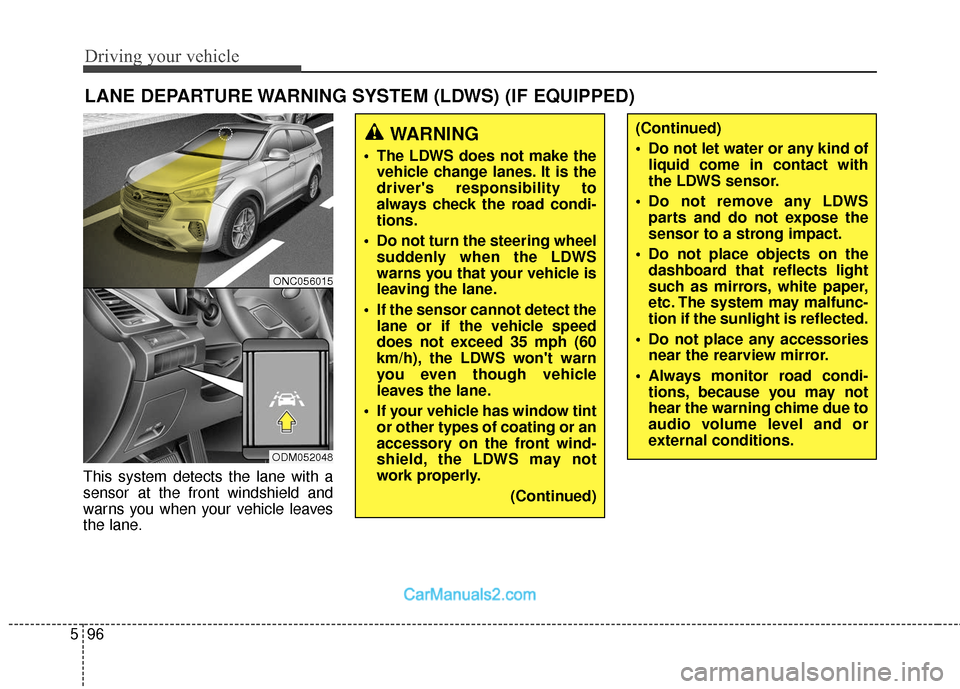
This system detects the lane with a
sensor at the front windshield and
warns you when your vehicle leaves
the lane.
LANE DEPARTURE WARNING SYSTEM (LDWS) (IF EQUIPPED)
WARNING
The LDWS does not make the
vehicle change lanes. It is the
driver's responsibility to
always check the road condi-
tions.
Do not turn the steering wheel suddenly when the LDWS
warns you that your vehicle is
leaving the lane.
If the sensor cannot detect the lane or if the vehicle speed
does not exceed 35 mph (60
km/h), the LDWS won't warn
you even though vehicle
leaves the lane.
If your vehicle has window tint or other types of coating or an
accessory on the front wind-
shield, the LDWS may not
work properly.
(Continued)
(Continued)
Do not let water or any kind ofliquid come in contact with
the LDWS sensor.
Do not remove any LDWS parts and do not expose the
sensor to a strong impact.
Do not place objects on the dashboard that reflects light
such as mirrors, white paper,
etc. The system may malfunc-
tion if the sunlight is reflected.
Do not place any accessories near the rearview mirror.
Always monitor road condi- tions, because you may not
hear the warning chime due to
audio volume level and or
external conditions.
ONC056015
ODM052048
Page 389 of 570
597
Driving your vehicle
To operate the LDWS, press the but-
ton with the engine start/stop button
in the ON position. The indicator illu-
minates on the cluster. To cancel the
LDWS, press the button again.
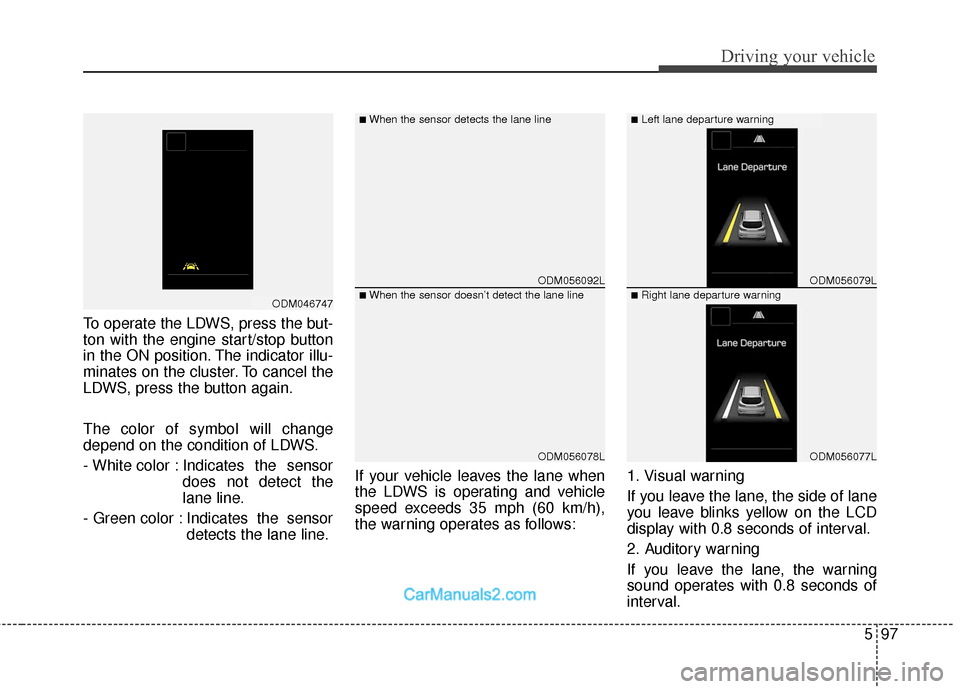
The color of symbol will change
depend on the condition of LDWS.
- White color : Indicates the sensordoes not detect the
lane line.
- Green color : Indicates the sensor detects the lane line. If your vehicle leaves the lane when
the LDWS is operating and vehicle
speed exceeds 35 mph (60 km/h),
the warning operates as follows:
1. Visual warning
If you leave the lane, the side of lane
you leave blinks yellow on the LCD
display with 0.8 seconds of interval.
2. Auditory warning
If you leave the lane, the warning
sound operates with 0.8 seconds of
interval.
ODM056092L
ODM056078L
ODM056079L
ODM056077L
■When the sensor detects the lane line■Left lane departure warning
■When the sensor doesn’t detect the lane line■Right lane departure warningODM046747
Page 390 of 570
Driving your vehicle
98
5
Warning indicator
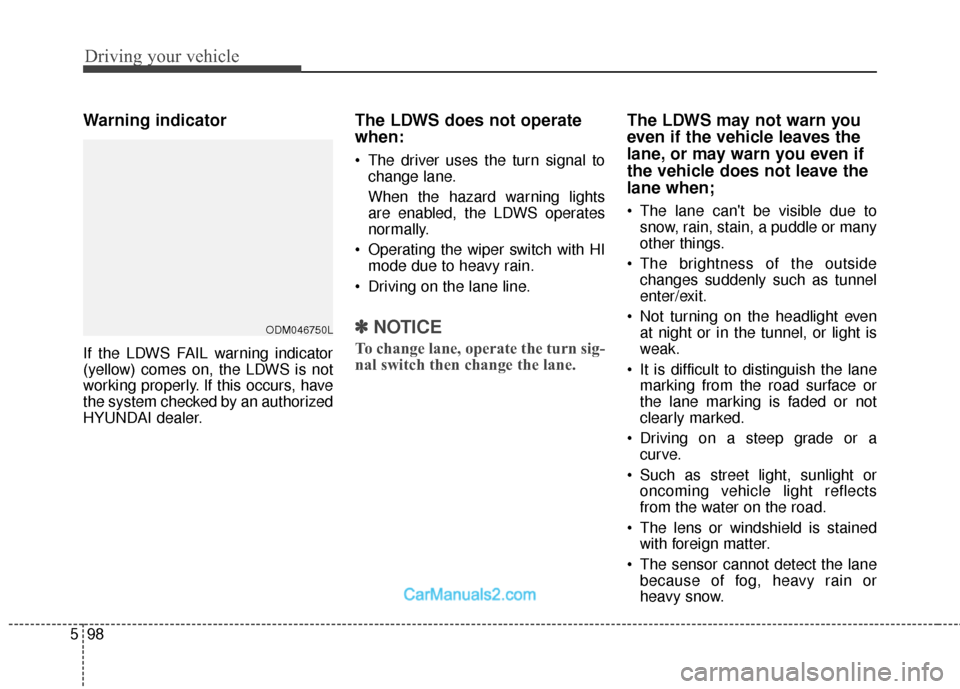
If the LDWS FAIL warning indicator
(yellow) comes on, the LDWS is not
working properly. If this occurs, have
the system checked by an authorized
HYUNDAI dealer.
The LDWS does not operate
when:
The driver uses the turn signal to
change lane.
When the hazard warning lights
are enabled, the LDWS operates
normally.
Operating the wiper switch with HI mode due to heavy rain.
Driving on the lane line.
✽ ✽ NOTICE
To change lane, operate the turn sig-
nal switch then change the lane.
The LDWS may not warn you
even if the vehicle leaves the
lane, or may warn you even if
the vehicle does not leave the
lane when;
The lane can't be visible due to
snow, rain, stain, a puddle or many
other things.
The brightness of the outside changes suddenly such as tunnel
enter/exit.
Not turning on the headlight even at night or in the tunnel, or light is
weak.
It is difficult to distinguish the lane marking from the road surface or
the lane marking is faded or not
clearly marked.
Driving on a steep grade or a curve.
Such as street light, sunlight or oncoming vehicle light reflects
from the water on the road.
The lens or windshield is stained with foreign matter.
The sensor cannot detect the lane because of fog, heavy rain or
heavy snow.
ODM046750L
Page 394 of 570
Driving your vehicle
102
5
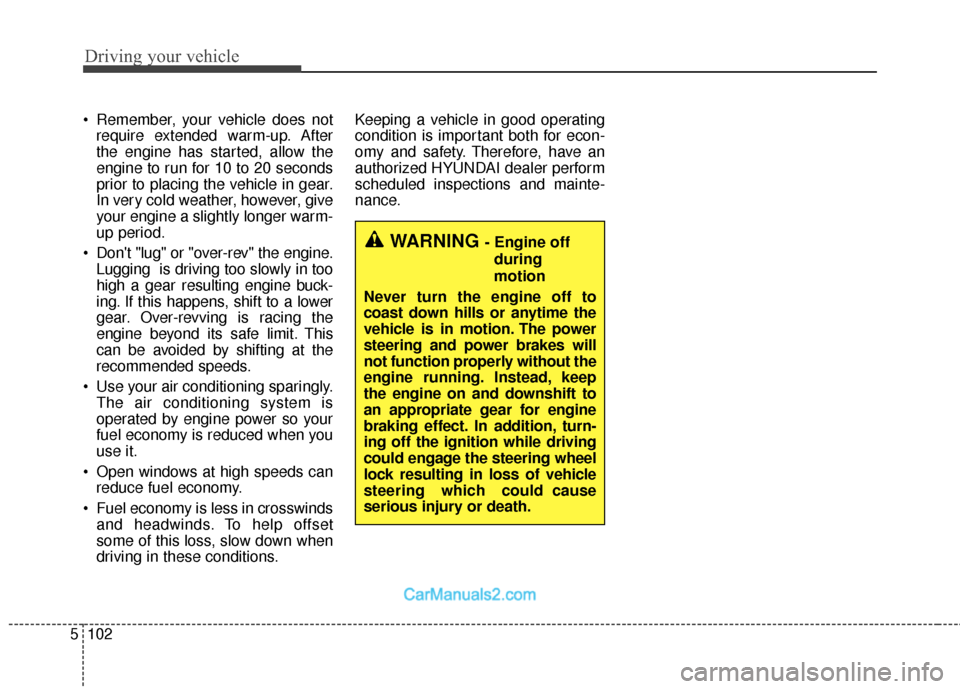
Remember, your vehicle does not
require extended warm-up. After
the engine has started, allow the
engine to run for 10 to 20 seconds
prior to placing the vehicle in gear.
In very cold weather, however, give
your engine a slightly longer warm-
up period.
Don't "lug" or "over-rev" the engine. Lugging is driving too slowly in too
high a gear resulting engine buck-
ing. If this happens, shift to a lower
gear. Over-revving is racing the
engine beyond its safe limit. This
can be avoided by shifting at the
recommended speeds.
Use your air conditioning sparingly. The air conditioning system is
operated by engine power so your
fuel economy is reduced when you
use it.
Open windows at high speeds can reduce fuel economy.
Fuel economy is less in crosswinds and headwinds. To help offset
some of this loss, slow down when
driving in these conditions. Keeping a vehicle in good operating
condition is important both for econ-
omy and safety. Therefore, have an
authorized HYUNDAI dealer perform
scheduled inspections and mainte-
nance.
WARNING - Engine off
during
motion
Never turn the engine off to
coast down hills or anytime the
vehicle is in motion. The power
steering and power brakes will
not function properly without the
engine running. Instead, keep
the engine on and downshift to
an appropriate gear for engine
braking effect. In addition, turn-
ing off the ignition while driving
could engage the steering wheel
lock resulting in loss of vehicle
steering which could cause
serious injury or death.
Page 395 of 570
5103
Driving your vehicle
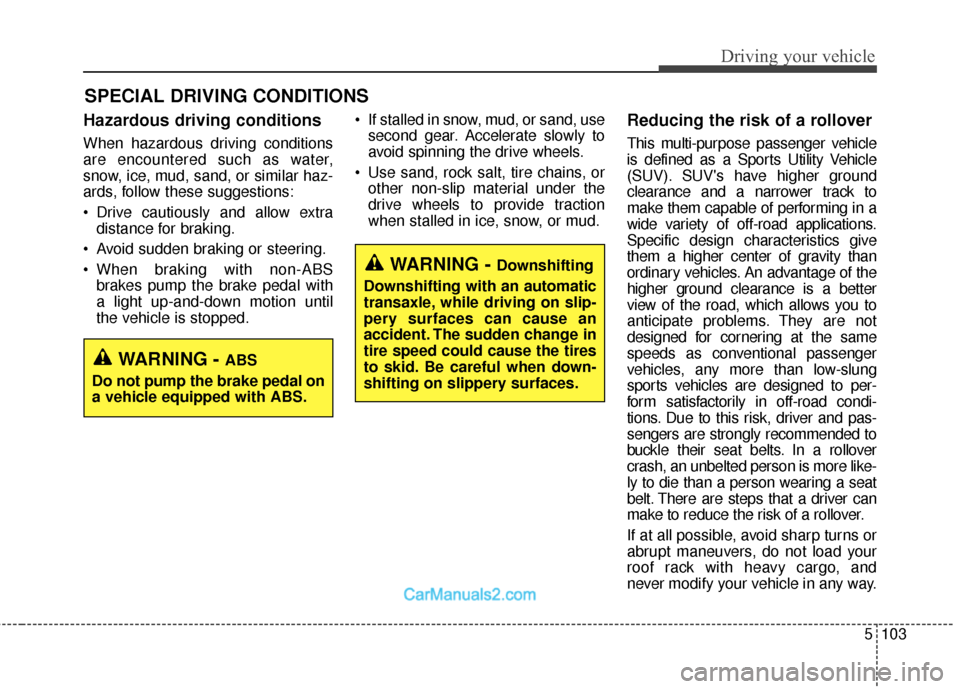
Hazardous driving conditions
When hazardous driving conditions
are encountered such as water,
snow, ice, mud, sand, or similar haz-
ards, follow these suggestions:
Drive cautiously and allow extradistance for braking.
Avoid sudden braking or steering.
When braking with non-ABS brakes pump the brake pedal with
a light up-and-down motion until
the vehicle is stopped. If stalled in snow, mud, or sand, use
second gear. Accelerate slowly to
avoid spinning the drive wheels.
Use sand, rock salt, tire chains, or other non-slip material under the
drive wheels to provide traction
when stalled in ice, snow, or mud.
Reducing the risk of a rollover
This multi-purpose passenger vehicle
is defined as a Sports Utility Vehicle
(SUV). SUV's have higher ground
clearance and a narrower track to
make them capable of performing in a
wide variety of off-road applications.
Specific design characteristics give
them a higher center of gravity than
ordinary vehicles. An advantage of the
higher ground clearance is a better
view of the road, which allows you to
anticipate problems. They are not
designed for cornering at the same
speeds as conventional passenger
vehicles, any more than low-slung
sports vehicles are designed to per-
form satisfactorily in off-road condi-
tions. Due to this risk, driver and pas-
sengers are strongly recommended to
buckle their seat belts. In a rollover
crash, an unbelted person is more like-
ly to die than a person wearing a seat
belt. There are steps that a driver can
make to reduce the risk of a rollover.
If at all possible, avoid sharp turns or
abrupt maneuvers, do not load your
roof rack with heavy cargo, and
never modify your vehicle in any way.
SPECIAL DRIVING CONDITIONS
WARNING - Downshifting
Downshifting with an automatic
transaxle, while driving on slip-
pery surfaces can cause an
accident. The sudden change in
tire speed could cause the tires
to skid. Be careful when down-
shifting on slippery surfaces.
WARNING - ABS
Do not pump the brake pedal on
a vehicle equipped with ABS.