automatic Hyundai Santa Fe 2020 Owners Manual
[x] Cancel search | Manufacturer: HYUNDAI, Model Year: 2020, Model line: Santa Fe, Model: Hyundai Santa Fe 2020Pages: 557, PDF Size: 19.29 MB
Page 327 of 557
5-53
Driving your vehicle
Limitation of SMART mode
The SMART mode may be limited in
following situations. (The OFF indica-
tor illuminates in those situations.)
The driver manually moves theshift lever :
It deactivates SMART mode. The
vehicle drives, as the driver manu-
ally moves the shift lever.
The cruise control is activated : The cruise control system may
deactivate the SMART mode when
the vehicle is controlled by the set
speed of the smart cruise control
system. (SMART mode is not
deactivated just by activating the
cruise control system.) The transmission oil temperature is
either extremely low or extremely
high :
The SMART mode can be active in
most of the normal driving situa-
tions. However, an extremely high/
low transmission oil temperature
may temporarily deactivate the
SMART mode, because the trans-
mission condition is out of normal
operation condition.
Smart Shift in Trip Computer
mode
Select the Trip Computer mode ( )
on the instrument cluster LCD display
and move to the smart shift screen.
Then, the driver can see the drive
mode selected and the drive mode
which is automatically switched by
the SMART mode.
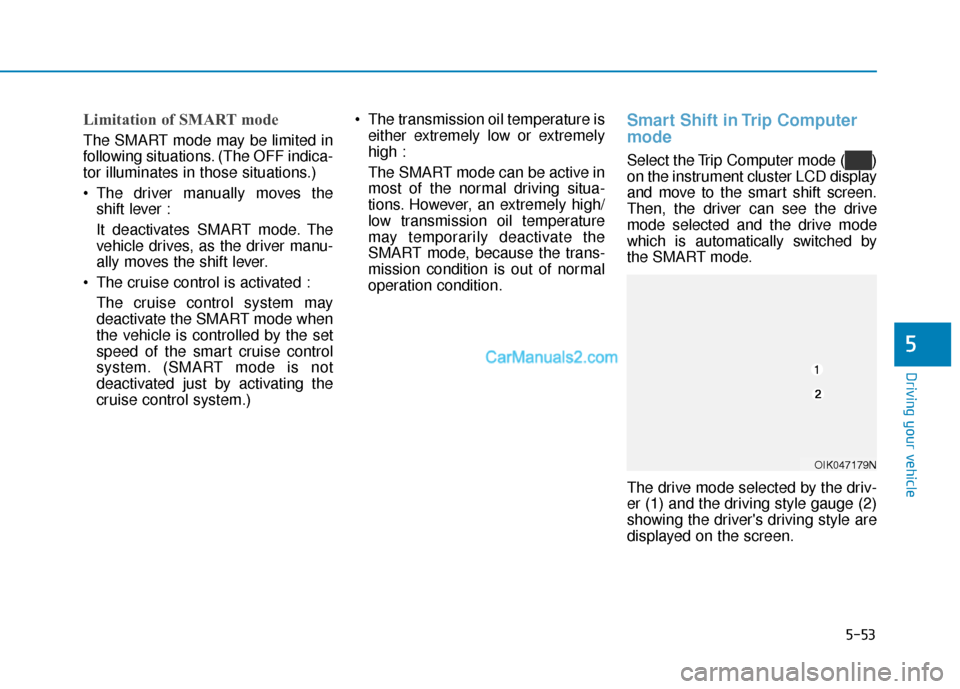
The drive mode selected by the driv-
er (1) and the driving style gauge (2)
showing the driver's driving style are
displayed on the screen.
5
OIK047179N
Page 330 of 557
5-56
- Later :When this condition is selected,
the initial Forward Collision
Warning is activated later than
normal. This setting reduces the
amount of distance between the
vehicle or pedestrian ahead
before the initial warning occurs.
Select 'Later' when traffic is light
and when driving speed is slow.
Information
If you change the warning timing, the
warning time of other systems may
change. Always be aware before
changing the warning timing.
Prerequisite for activation
The FCA system is on and ready
when FCA is selected on the LCD
display and when the following pre-
requisites are satisfied:
- The ESC (Electronic StabilityControl) is on.
- Driving speed exceeds approxi- mately 6mph (10km/h) (The FCA
is only activated within a certain
speed range.).
- The system detects a pedestrian or a vehicle in front, which may
collide with your vehicle. (The FCA
may not be activated or may
sound a warning alarm in accor-
dance with the driving situation or
vehicle condition.)
i
Driving your vehicle
Completely stop the vehicle
on a safe location before
operating the switch on the
steering wheel to activate
/deactivate the FCA system.
The FCA automatically acti-
vates upon placing the igni-
tion switch to the ON position.
The driver can deactivate the
FCA by canceling the system
setting on the LCD display.
The FCA automatically deacti-
vates upon canceling the ESC
(Electronic Stability Control).
When the ESC is canceled,
the FCA cannot be activated
on the LCD display. The FCA
warning light will illuminate
which is normal.
WARNING
Page 332 of 557
5-58
Driving your vehicle
- If you select "Warning Only", the FCA system activates and pro-
duces only warning alarms in
accordance with the collision risk
levels. You should control the brake
directly because the FCA system
do not control the brake.
Brake operation
In an urgent situation, the braking system enters into the ready status
for prompt reaction against the dri-
ver’s depressing the brake pedal.
The FCA provides additional brak- ing power for optimum braking per-
formance, when the driver
depresses the brake pedal.
The braking control is automatical- ly deactivated, when the driver
sharply depresses the accelerator
pedal, or when the driver abruptly
operates the steering wheel.
The FCA braking control is auto- matically canceled, when risk fac-
tors disappear.
The driver should always use
extreme caution while operat-
ing the vehicle, whether or not
there is a warning message or
alarm from the FCA system.
If any other warning sound such
as seat belt warning chime is
already generated, the Forward
Collision-Avoidance Assist (FCA)
system warning may not sound.
CAUTION
The FCA system logic operates
within certain parameters, such
as the distance from the vehicle
or pedestrian ahead, the speed
of the vehicle ahead, and the
driver's vehicle speed. Certain
conditions such as inclement
weather and road conditions
may affect the operation of the
FCA system.
WARNING
The FCA braking control cannot
completely stop the vehicle nor
avoid all collisions. The driver
should hold the responsibility
to safely drive and control the
vehicle.
WARNING
Never deliberately drive danger-
ously to activate the system.
WARNING
Page 348 of 557
5-74
Driving your vehicle
Blind-Spot Collision-Avoidance Assist
(BCA) system is automatically deacti-
vated when:
- The vehicle drives a certain dis- tance away
- The vehicle direction is changed against the possible-colliding point
- The steering wheel is abruptly moved
- The brake pedal is depressed
- After a certain period of time
The driver should drive the vehicle in
the middle of the vehicle lanes to
keep the system in the ready status.
When the vehicle drives too close to
one side of the vehicle lanes, the
system may not properly operate.
In addition, the system may not prop-
erly control your vehicle in accor-
dance with driving situations. Thus,
always pay close attention to road
situations.
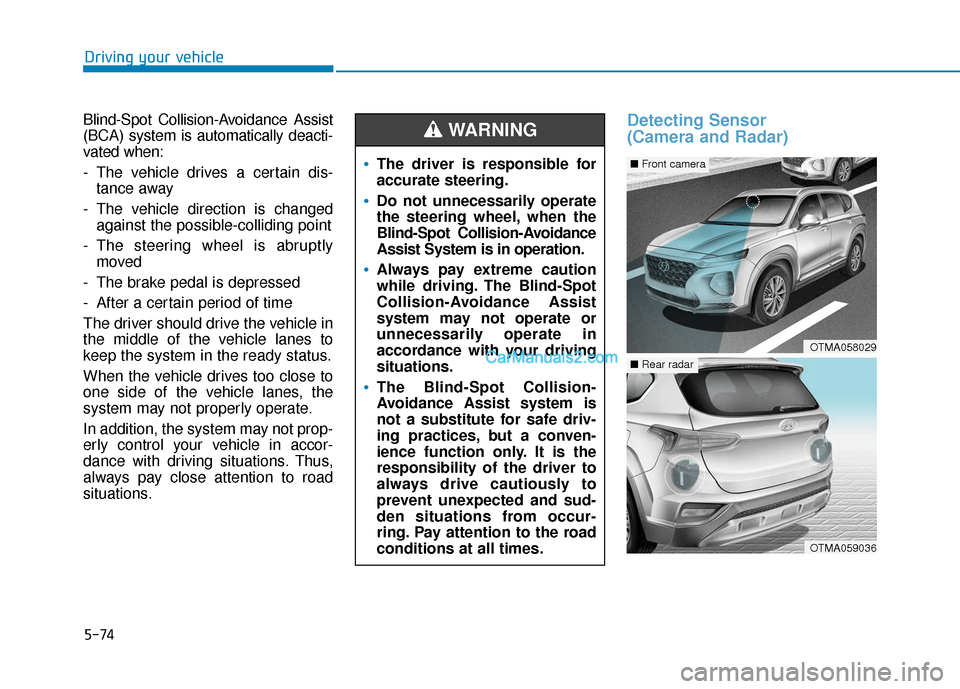
Detecting Sensor
(Camera and Radar)
The driver is responsible for
accurate steering.
Do not unnecessarily operate
the steering wheel, when the
Blind-Spot Collision-Avoidance
Assist System is in operation.
Always pay extreme caution
while driving. The Blind-Spot
Collision-Avoidance Assist
system may not operate or
unnecessarily operate in
accordance with your driving
situations.
The Blind-Spot Collision-
Avoidance Assist system is
not a substitute for safe driv-
ing practices, but a conven-
ience function only. It is the
responsibility of the driver to
always drive cautiously to
prevent unexpected and sud-
den situations from occur-
ring. Pay attention to the road
conditions at all times.
WARNING
OTMA058029
■ Front camera
OTMA059036
■Rear radar
Page 350 of 557
5-76
Warning message
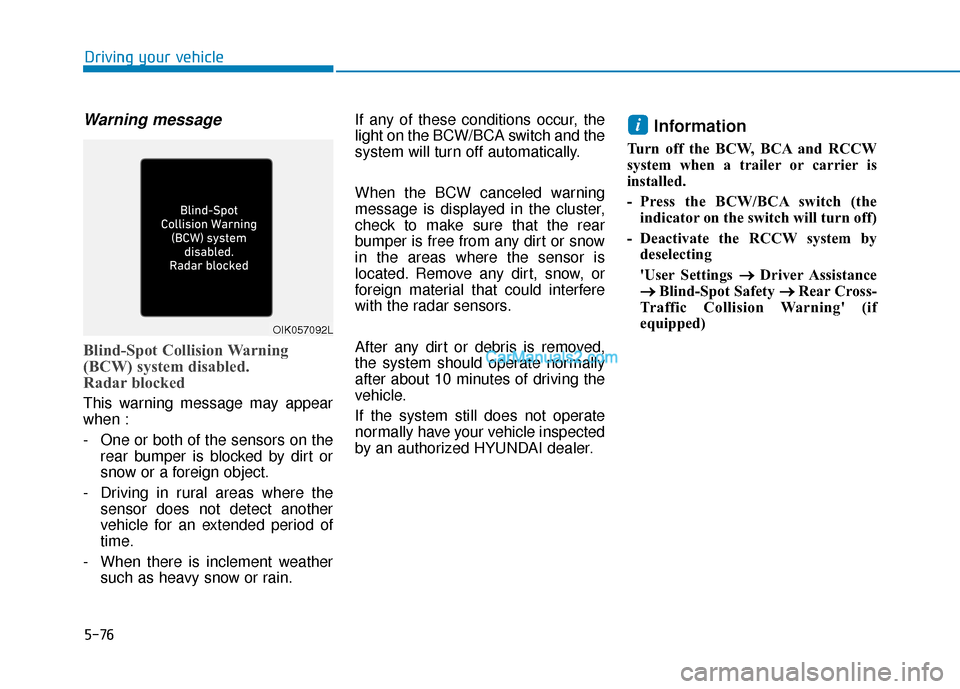
Blind-Spot Collision Warning
(BCW) system disabled.
Radar blocked
This warning message may appear
when :
- One or both of the sensors on therear bumper is blocked by dirt or
snow or a foreign object.
- Driving in rural areas where the sensor does not detect another
vehicle for an extended period of
time.
- When there is inclement weather such as heavy snow or rain. If any of these conditions occur, the
light on the BCW/BCA switch and the
system will turn off automatically.
When the BCW canceled warning
message is displayed in the cluster,
check to make sure that the rear
bumper is free from any dirt or snow
in the areas where the sensor is
located. Remove any dirt, snow, or
foreign material that could interfere
with the radar sensors.
After any dirt or debris is removed,
the system should operate normally
after about 10 minutes of driving the
vehicle.
If the system still does not operate
normally have your vehicle inspected
by an authorized HYUNDAI dealer.
Information
Turn off the BCW, BCA and RCCW
system when a trailer or carrier is
installed.
- Press the BCW/BCA switch (the
indicator on the switch will turn off)
- Deactivate the RCCW system by deselecting
'User Settings → →
Driver Assistance
→
→ Blind-Spot Safety →
→
Rear Cross-
Traffic Collision Warning' (if
equipped)
i
Driving your vehicle
OIK057092L
Page 351 of 557
5-77
Driving your vehicle
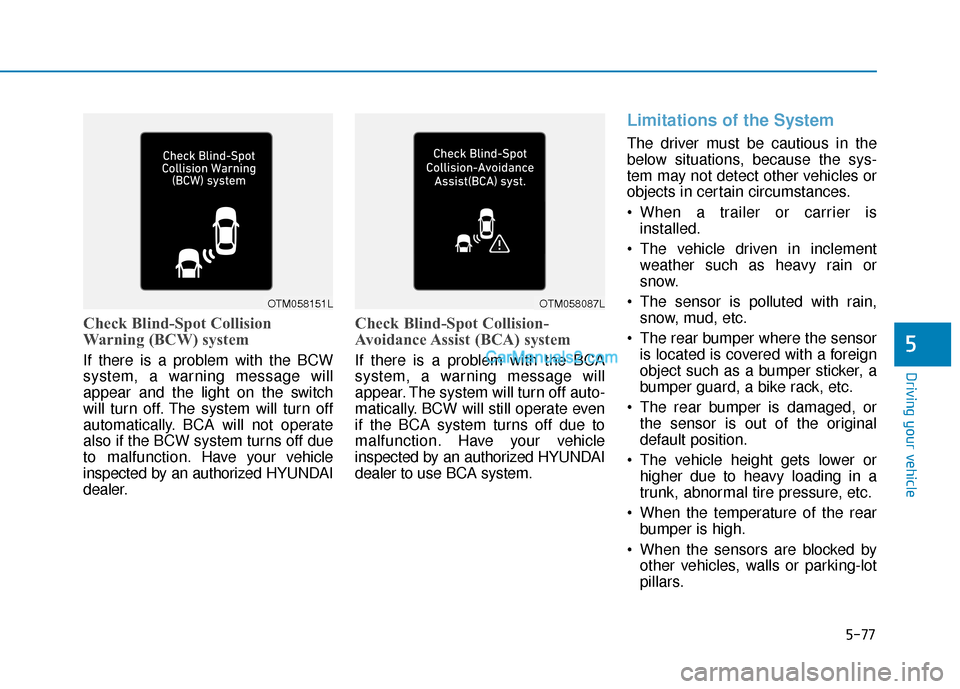
Check Blind-Spot Collision
Warning (BCW) system
If there is a problem with the BCW
system, a warning message will
appear and the light on the switch
will turn off. The system will turn off
automatically. BCA will not operate
also if the BCW system turns off due
to malfunction. Have your vehicle
inspected by an authorized HYUNDAI
dealer.
Check Blind-Spot Collision-
Avoidance Assist (BCA) system
If there is a problem with the BCA
system, a warning message will
appear. The system will turn off auto-
matically. BCW will still operate even
if the BCA system turns off due to
malfunction. Have y our vehicle
inspected by an authorized HYUNDAI
dealer to use BCA system.
Limitations of the System
The driver must be cautious in the
below situations, because the sys-
tem may not detect other vehicles or
objects in certain circumstances.
When a trailer or carrier is installed.
The vehicle driven in inclement weather such as heavy rain or
snow.
The sensor is polluted with rain, snow, mud, etc.
The rear bumper where the sensor is located is covered with a foreign
object such as a bumper sticker, a
bumper guard, a bike rack, etc.
The rear bumper is damaged, or the sensor is out of the original
default position.
The vehicle height gets lower or higher due to heavy loading in a
trunk, abnormal tire pressure, etc.
When the temperature of the rear bumper is high.
When the sensors are blocked by other vehicles, walls or parking-lot
pillars.
5
OTM058087LOTM058151L
Page 363 of 557
5-89
Driving your vehicle
5
If any of these conditions occur, the
light on the BCW/BCA switch and the
system will turn off automatically.
When the BCW canceled warning
message is displayed in the cluster,
check to make sure that the rear
bumper is free from any dirt or snow
in the areas where the sensor is
located. Remove any dirt, snow, or
foreign material that could interfere
with the radar sensors.
After any dirt or debris is removed,
the system should operate normally
after about 10 minutes of driving the
vehicle.
If the system still does not operate
normally have your vehicle inspected
by an authorized HYUNDAI dealer.
Information
Turn off the BCW and RCCW system
when a trailer or carrier is installed.
- Press the BCW/BCA switch (theindicator on the switch will turn
off)
- Deactivate the RCCW system by deselecting ‘User Settings → →
Driver
Assistance →
→
Blind-Spot Safety →
→
Rear Cross-Traffic Collision Warning’
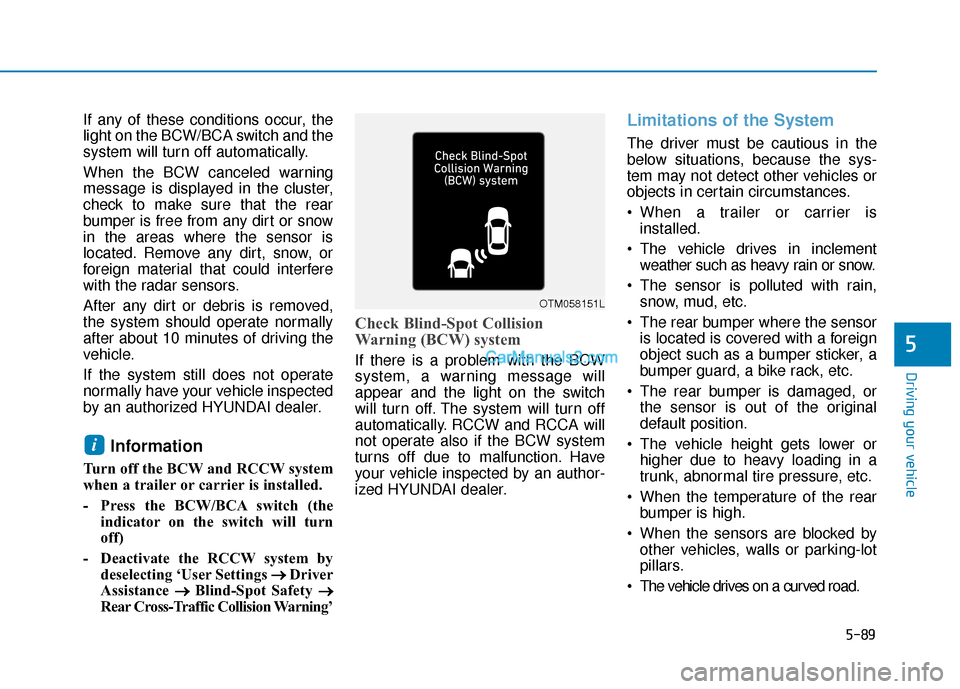
Check Blind-Spot Collision
Warning (BCW) system
If there is a problem with the BCW
system, a warning message will
appear and the light on the switch
will turn off. The system will turn off
automatically. RCCW and RCCA will
not operate also if the BCW system
turns off due to malfunction. Have
your vehicle inspected by an author-
ized HYUNDAI dealer.
Limitations of the System
The driver must be cautious in the
below situations, because the sys-
tem may not detect other vehicles or
objects in certain circumstances.
When a trailer or carrier is installed.
The vehicle drives in inclement weather such as heavy rain or snow.
The sensor is polluted with rain, snow, mud, etc.
The rear bumper where the sensor is located is covered with a foreign
object such as a bumper sticker, a
bumper guard, a bike rack, etc.
The rear bumper is damaged, or the sensor is out of the original
default position.
The vehicle height gets lower or higher due to heavy loading in a
trunk, abnormal tire pressure, etc.
When the temperature of the rear bumper is high.
When the sensors are blocked by other vehicles, walls or parking-lot
pillars.
The vehicle drives on a curved road.
i
OTM058151L
Page 380 of 557
5-106
Driving your vehicle
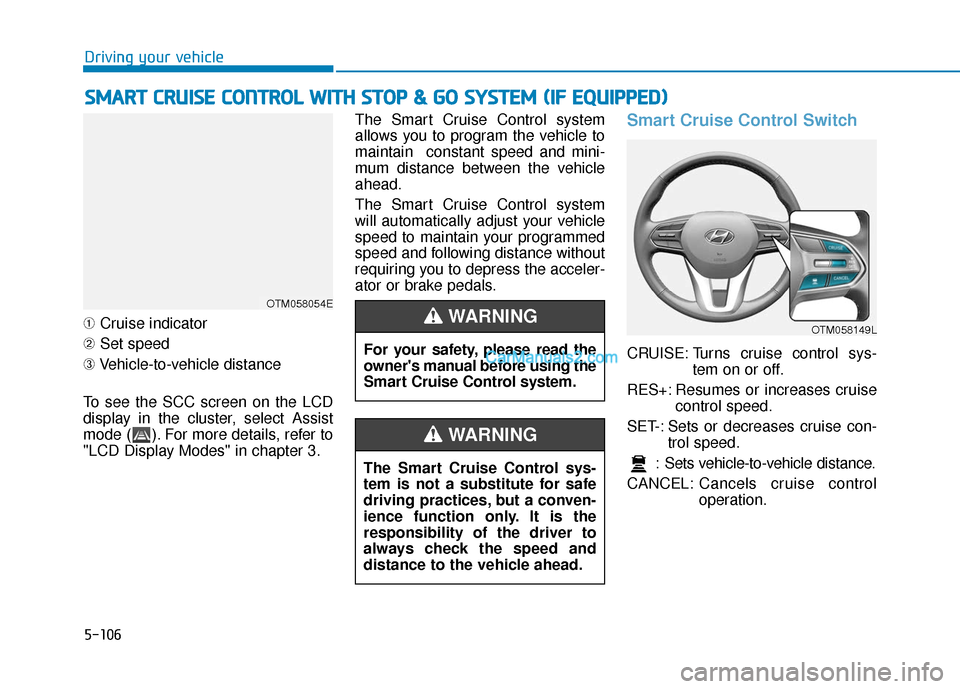
➀ Cruise indicator
➁ Set speed
➂ Vehicle-to-vehicle distance
To see the SCC screen on the LCD
display in the cluster, select Assist
mode ( ). For more details, refer to
"LCD Display Modes" in chapter 3. The Smart Cruise Control system
allows you to program the vehicle to
maintain constant speed and mini-
mum distance between the vehicle
ahead.
The Smart Cruise Control system
will automatically adjust your vehicle
speed to maintain your programmed
speed and following distance without
requiring you to depress the acceler-
ator or brake pedals.
Smart Cruise Control Switch
CRUISE: Turns cruise control sys-
tem on or off.
RES+: Resumes or increases cruise control speed.
SET-: Sets or decreases cruise con- trol speed.
: Sets vehicle-to-vehicle distance.
CANCEL: Cancels cruise control
operation.
S
SM
M A
AR
RT
T
C
C R
R U
U I
IS
S E
E
C
C O
O N
NT
TR
R O
O L
L
W
W I
IT
T H
H
S
S T
T O
O P
P
&
&
G
G O
O
S
S Y
Y S
ST
T E
EM
M
(
( I
IF
F
E
E Q
Q U
UI
IP
P P
PE
ED
D )
)
OTM058054E
For your safety, please read the
owner's manual before using the
Smart Cruise Control system.
WARNING
The Smart Cruise Control sys-
tem is not a substitute for safe
driving practices, but a conven-
ience function only. It is the
responsibility of the driver to
always check the speed and
distance to the vehicle ahead.
WARNING
OTM058149L
Page 383 of 557
5-109
Driving your vehicle
5
To temporarily accelerate withthe Smart Cruise Control on
If you want to speed up temporarily
when the Smart Cruise Control is on,
depress the accelerator pedal.
Increased speed will not interfere
with Smart Cruise Control operation
or change the set speed.
To return to the set speed, take your
foot off the accelerator pedal.
If you push the toggle switch down
(SET-) at increased speed, the cruis-
ing speed will be set again pedal.
Smart Cruise Control set speedwill be temporarily canceledwhen:
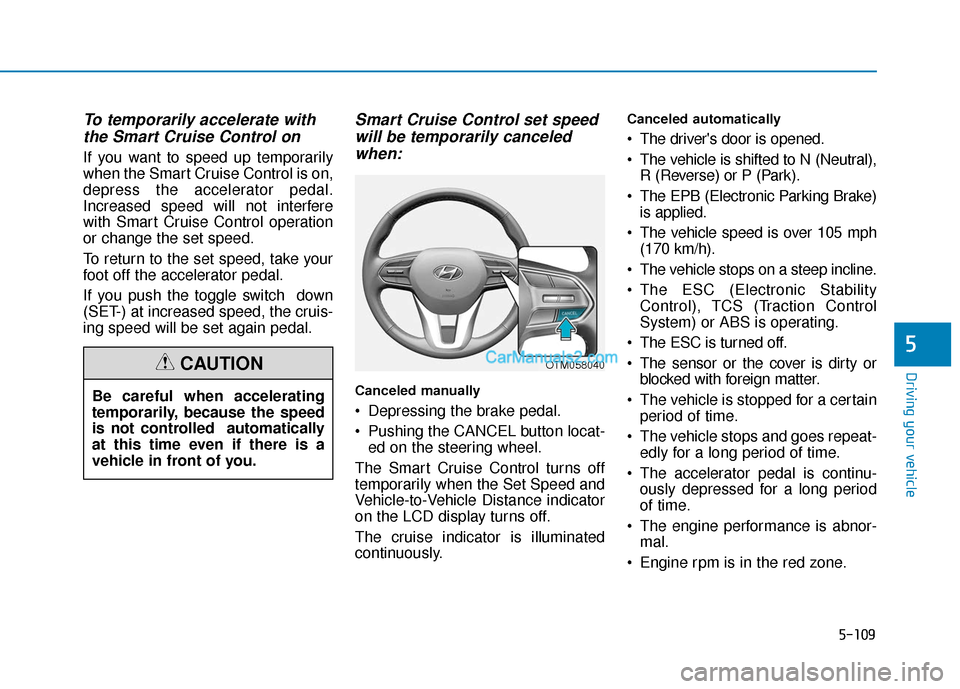
Canceled manually
Depressing the brake pedal.
Pushing the CANCEL button locat-
ed on the steering wheel.
The Smart Cruise Control turns off
temporarily when the Set Speed and
Vehicle-to-Vehicle Distance indicator
on the LCD display turns off.
The cruise indicator is illuminated
continuously.
Canceled automatically
The driver's door is opened.
The vehicle is shifted to N (Neutral), R (Reverse) or P (Park).
The EPB (Electronic Parking Brake) is applied.
The vehicle speed is over 105 mph (170 km/h).
The vehicle stops on a steep incline.
The ESC (Electronic Stability Control), TCS (Traction Control
System) or ABS is operating.
The ESC is turned off.
The sensor or the cover is dirty or blocked with foreign matter.
The vehicle is stopped for a certain period of time.
The vehicle stops and goes repeat- edly for a long period of time.
The accelerator pedal is continu- ously depressed for a long period
of time.
The engine performance is abnor- mal.
Engine rpm is in the red zone.
Be careful when accelerating
temporarily, because the speed
is not controlled automatically
at this time even if there is a
vehicle in front of you.
CAUTIONOTM058040
Page 384 of 557
5-110
Driving your vehicle
The driver starts driving by pushing the toggle switch up (RES+)/down
(SET-) or depressing the accelera-
tor pedal, after the vehicle is
stopped by the Smart Cruise
Control system with no other vehi-
cle ahead.
The driver starts driving by pushing the toggle switch up (RES+)/down
(SET-) or depressing the accelera-
tor pedal, after stopping the vehicle
with a vehicle stopped far away in
front.
The Forward Collision-Avoidance Assist (FCA) is activated.
Each of these actions will cancel the
Smart Cruise Control operation. The
Set Speed and Vehicle-to-Vehicle
Distance on the LCD display will go
off.
In a condition the Smart Cruise
Control is cancelled automatically,
the Smart Cruise Control will not
resume even though the RES+ or
SET- toggle switch is pushed.
Information
If the Smart Cruise Control is canceled
by other than the reasons mentioned,
have the system checked by an author-
ized HYUNDAI dealer.
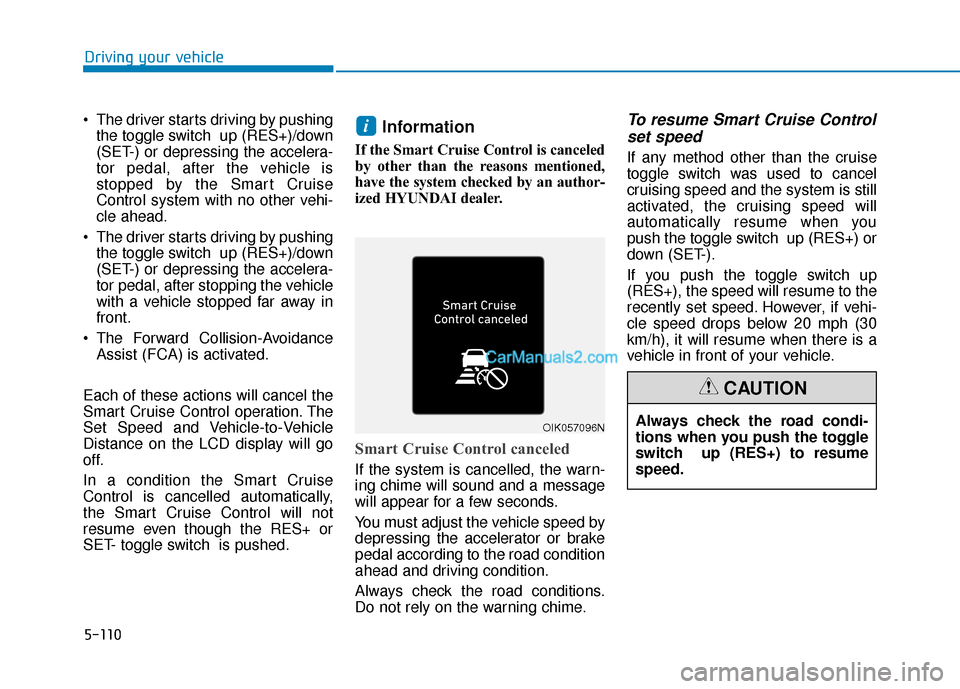
Smart Cruise Control canceled
If the system is cancelled, the warn-
ing chime will sound and a message
will appear for a few seconds.
You must adjust the vehicle speed by
depressing the accelerator or brake
pedal according to the road condition
ahead and driving condition.
Always check the road conditions.
Do not rely on the warning chime.
To resume Smart Cruise Control set speed
If any method other than the cruise
toggle switch was used to cancel
cruising speed and the system is still
activated, the cruising speed will
automatically resume when you
push the toggle switch up (RES+) or
down (SET-).
If you push the toggle switch up
(RES+), the speed will resume to the
recently set speed. However, if vehi-
cle speed drops below 20 mph (30
km/h), it will resume when there is a
vehicle in front of your vehicle.
i
OIK057096NAlways check the road condi-
tions when you push the toggle
switch up (RES+) to resume
speed.
CAUTION