warning Hyundai Sonata
[x] Cancel search | Manufacturer: HYUNDAI, Model Year: , Model line: , Model:Pages: 363, PDF Size: 30.3 MB
Page 134 of 363
Features of your vehicle
62
4
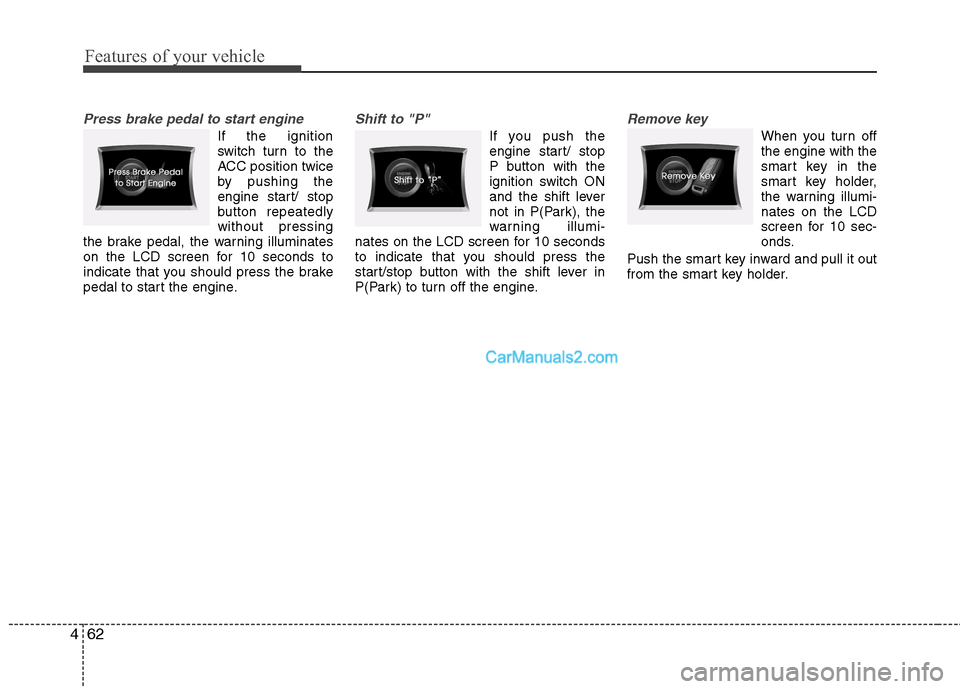
Press brake pedal to start engine
If the ignition
switch turn to the
ACC position twice
by pushing the
engine start/ stop
button repeatedlywithout pressing
the brake pedal, the warning illuminates
on the LCD screen for 10 seconds to
indicate that you should press the brake
pedal to start the engine.
Shift to "P"
If you push the
engine start/ stop
P button with the
ignition switch ON
and the shift lever
not in P(Park), the
warning illumi-
nates on the LCD screen for 10 seconds
to indicate that you should press the
start/stop button with the shift lever in
P(Park) to turn off the engine.
Remove key
When you turn off the engine with the
smart key in the
smart key holder,
the warning illumi-nates on the LCD
screen for 10 sec-
onds.
Push the smart key inward and pull it out
from the smart key holder.
Page 135 of 363
463
Features of your vehicle
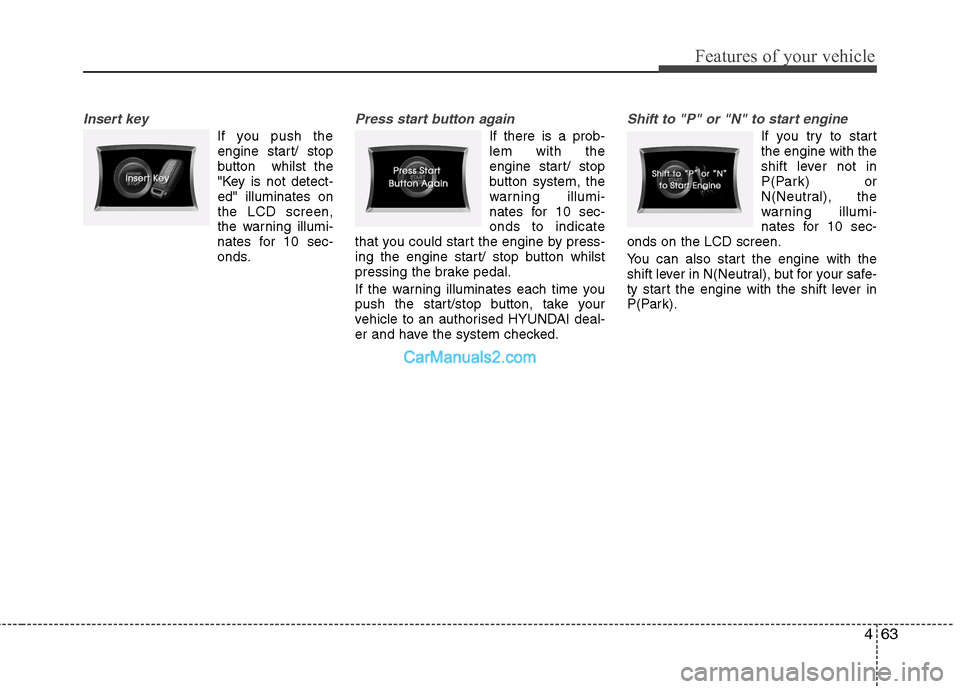
Insert key
If you push theengine start/ stop
button whilst the
"Key is not detect-ed" illuminates onthe LCD screen,
the warning illumi-
nates for 10 sec-
onds.
Press start button again
If there is a prob- lem with the
engine start/ stop
button system, the
warning illumi-
nates for 10 sec-onds to indicate
that you could start the engine by press-
ing the engine start/ stop button whilst
pressing the brake pedal.
If the warning illuminates each time you
push the start/stop button, take your
vehicle to an authorised HYUNDAI deal-
er and have the system checked.
Shift to "P" or "N" to start engine
If you try to start the engine with the
shift lever not in
P(Park) or
N(Neutral), the
warning illumi-
nates for 10 sec-
onds on the LCD screen.
You can also start the engine with the
shift lever in N(Neutral), but for your safe-
ty start the engine with the shift lever in
P(Park).
Page 136 of 363
Features of your vehicle
64
4
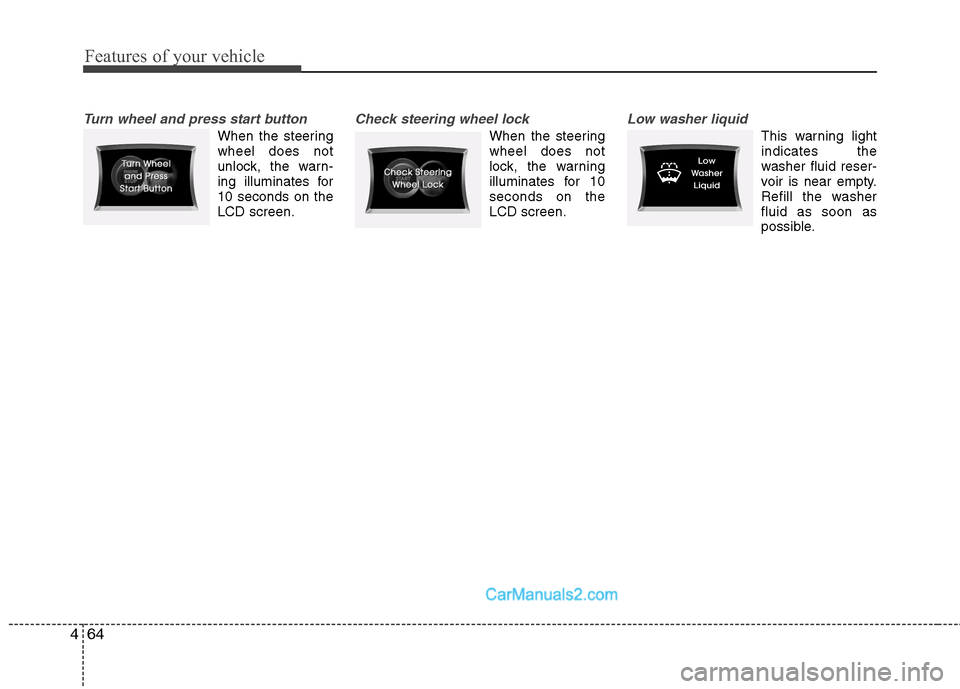
Turn wheel and press start button
When the steering wheel does not
unlock, the warn-
ing illuminates for10 seconds on theLCD screen.
Check steering wheel lock
When the steering wheel does not
lock, the warning
illuminates for 10seconds on theLCD screen.
Low washer liquid
This warning light indicates the
washer fluid reser-
voir is near empty.
Refill the washerfluid as soon as
possible.
Page 137 of 363
465
Features of your vehicle
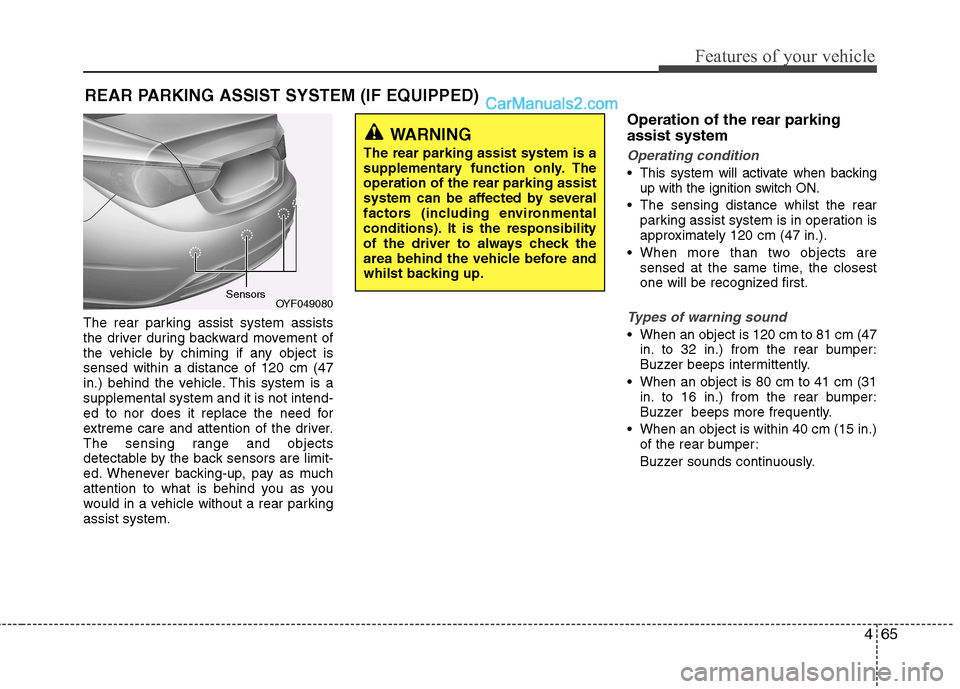
The rear parking assist system assists
the driver during backward movement of
the vehicle by chiming if any object issensed within a distance of 120 cm (47
in.) behind the vehicle. This system is asupplemental system and it is not intend-
ed to nor does it replace the need for
extreme care and attention of the driver.
The sensing range and objects
detectable by the back sensors are limit-
ed. Whenever backing-up, pay as much
attention to what is behind you as you
would in a vehicle without a rear parkingassist system.Operation of the rear parking assist system
Operating condition
This system will activate when backing
up with the ignition switch ON.
The sensing distance whilst the rear parking assist system is in operation is
approximately 120 cm (47 in.).
When more than two objects are sensed at the same time, the closest
one will be recognized first.
Types of warning sound
When an object is 120 cm to 81 cm (47in. to 32 in.) from the rear bumper:
Buzzer beeps intermittently.
When an object is 80 cm to 41 cm (31 in. to 16 in.) from the rear bumper:
Buzzer beeps more frequently.
When an object is within 40 cm (15 in.) of the rear bumper:
Buzzer sounds continuously.
REAR PARKING ASSIST SYSTEM (IF EQUIPPED)
OYF049080
Sensors
WARNING
The rear parking assist system is a
supplementary function only. Theoperation of the rear parking assist
system can be affected by several
factors (including environmental
conditions). It is the responsibility
of the driver to always check the
area behind the vehicle before and
whilst backing up.
Page 139 of 363
467
Features of your vehicle
✽✽NOTICE
This system can only sense objects with-
in the range and location of the sensors;
It can not detect objects in other areas
where sensors are not installed. Also,
small or slim objects, such as poles or
objects located between sensors may not
be detected by the sensors.
Always visually check behind the vehi-
cle when backing up.
Be sure to inform any drivers of the
vehicle that may be unfamiliar with the
system regarding the systems capabili-
ties and limitations.Self-diagnosis
If you don’t hear an audible warning
sound or if the buzzer sounds intermit-tently when shifting the gear to the R
(Reverse) position, this may indicate a
malfunction in the rear parking assist sys-
tem. If this occurs, have your vehicle
checked by an authorised HYUNDAI
dealer as soon as possible.
WARNING
Pay close attention when the vehi-
cle is driven close to objects on the
road, particularly pedestrians, and
especially children. Be aware that
some objects may not be detected
by the sensors, due to the object’s
distance, size or material, all of
which can limit the effectiveness of
the sensor. Always perform a visu-al inspection to make sure the vehi-
cle is clear of all obstructions
before moving the vehicle in anydirection.
WARNING
Your new vehicle warranty does not
cover any accidents or damage to
the vehicle or injuries to its occu-pants due to a rear parking assist
system malfunction. Always drive
safely and cautiously.
Page 140 of 363
Features of your vehicle
68
4
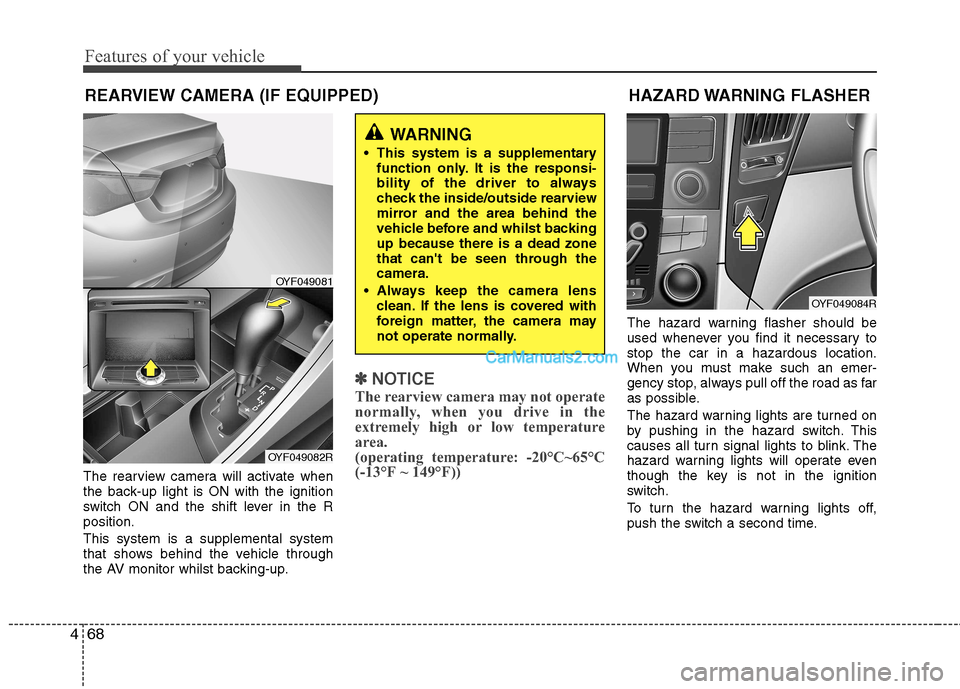
The rearview camera will activate when
the back-up light is ON with the ignition
switch ON and the shift lever in the Rposition. This system is a supplemental system
that shows behind the vehicle through
the AV monitor whilst backing-up.
✽✽
NOTICE
The rearview camera may not operate
normally, when you drive in the
extremely high or low temperature
area.
(operating temperature: -20°C~65°C
(-13°F ~ 149°F))
The hazard warning flasher should be
used whenever you find it necessary tostop the car in a hazardous location.
When you must make such an emer-
gency stop, always pull off the road as far
as possible.
The hazard warning lights are turned on
by pushing in the hazard switch. This
causes all turn signal lights to blink. The
hazard warning lights will operate even
though the key is not in the ignition
switch.
To turn the hazard warning lights off,
push the switch a second time.
WARNING
This system is a supplementary function only. It is the responsi-
bility of the driver to always
check the inside/outside rearview
mirror and the area behind the
vehicle before and whilst backingup because there is a dead zone
that can't be seen through thecamera.
Always keep the camera lens clean. If the lens is covered with
foreign matter, the camera may
not operate normally.
HAZARD WARNING FLASHER
OYF049084R
REARVIEW CAMERA (IF EQUIPPED)
OYF049081
OYF049082R
Page 143 of 363
471
Features of your vehicle
Auto light position (if equipped)
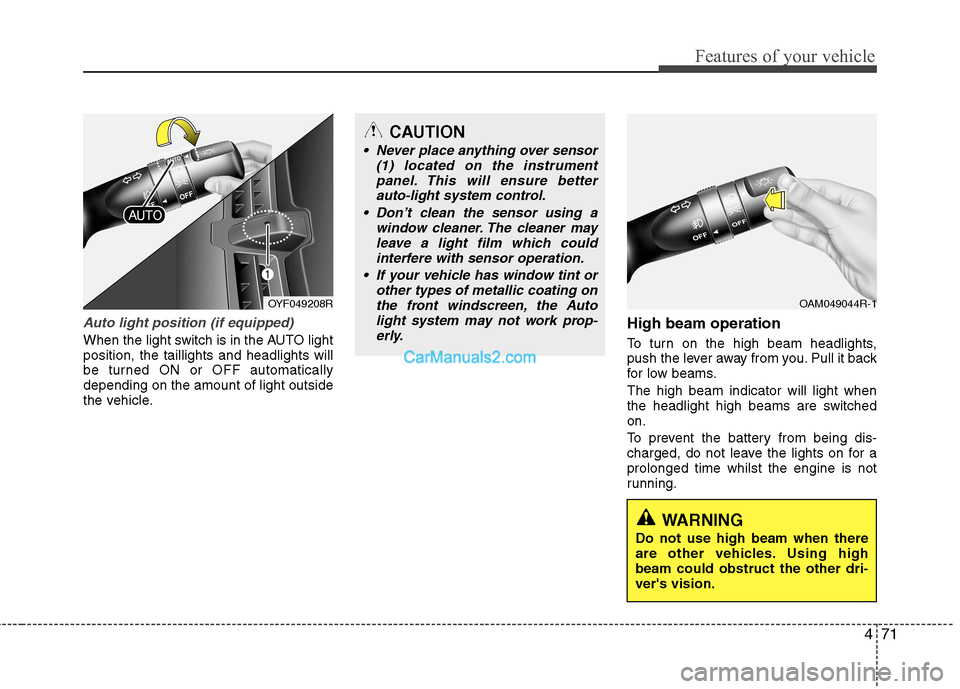
When the light switch is in the AUTO light position, the taillights and headlights will
be turned ON or OFF automaticallydepending on the amount of light outside
the vehicle.High beam operation
To turn on the high beam headlights,
push the lever away from you. Pull it back
for low beams. The high beam indicator will light when
the headlight high beams are switchedon.
To prevent the battery from being dis-
charged, do not leave the lights on for aprolonged time whilst the engine is not
running.
OYF049208ROAM049044R-1
CAUTION
Never place anything over sensor
(1) located on the instrument
panel. This will ensure betterauto-light system control.
Don’t clean the sensor using a window cleaner. The cleaner may
leave a light film which could interfere with sensor operation.
If your vehicle has window tint or other types of metallic coating onthe front windscreen, the Auto
light system may not work prop-erly.
WARNING
Do not use high beam when there
are other vehicles. Using highbeam could obstruct the other dri-ver's vision.
Page 148 of 363
Features of your vehicle
76
4
Windscreen washers
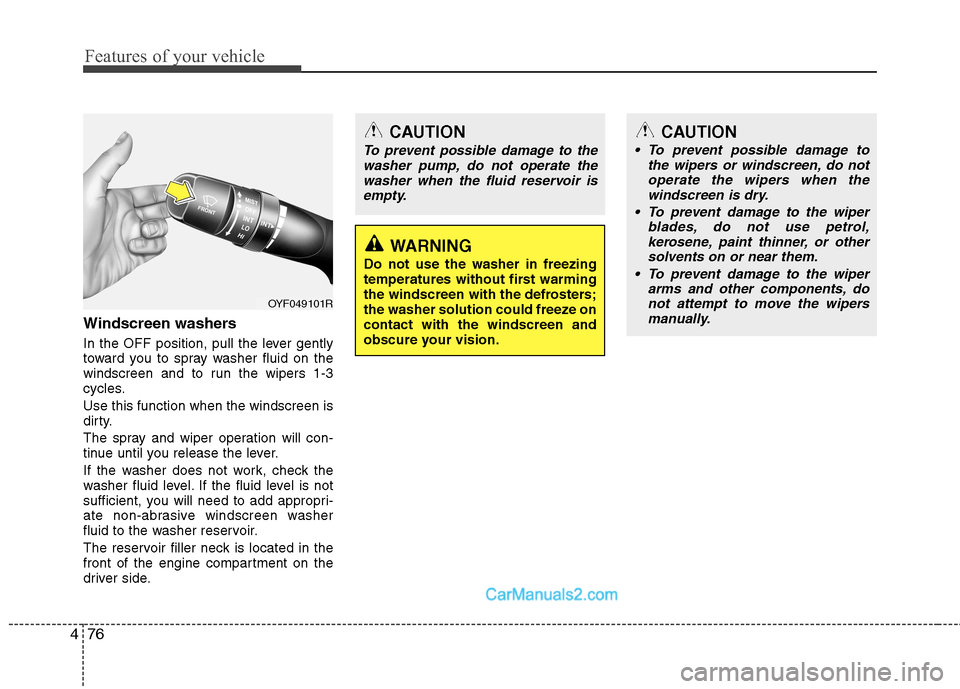
In the OFF position, pull the lever gently
toward you to spray washer fluid on the
windscreen and to run the wipers 1-3
cycles. Use this function when the windscreen is
dirty.
The spray and wiper operation will con-
tinue until you release the lever.
If the washer does not work, check the
washer fluid level. If the fluid level is not
sufficient, you will need to add appropri-
ate non-abrasive windscreen washer
fluid to the washer reservoir.
The reservoir filler neck is located in the
front of the engine compartment on the
driver side.
OYF049101R
CAUTION
To prevent possible damage to the
washer pump, do not operate the
washer when the fluid reservoir isempty.
WARNING
Do not use the washer in freezing
temperatures without first warming
the windscreen with the defrosters;
the washer solution could freeze oncontact with the windscreen and
obscure your vision.
CAUTION
To prevent possible damage to the wipers or windscreen, do notoperate the wipers when the
windscreen is dry.
To prevent damage to the wiper blades, do not use petrol,
kerosene, paint thinner, or othersolvents on or near them.
To prevent damage to the wiper arms and other components, do
not attempt to move the wipersmanually.
Page 149 of 363
477
Features of your vehicle
INTERIOR LIGHT
Automatic turn off function (if equipped)
The interior lights automatically turn off
approximately 20 minutes after the igni-
tion switch is turned off.
If your vehicle is equipped with the theft
alarm system, the interior lights automat-
ically turns off approximately 5 seconds
after the system is armed stage. M
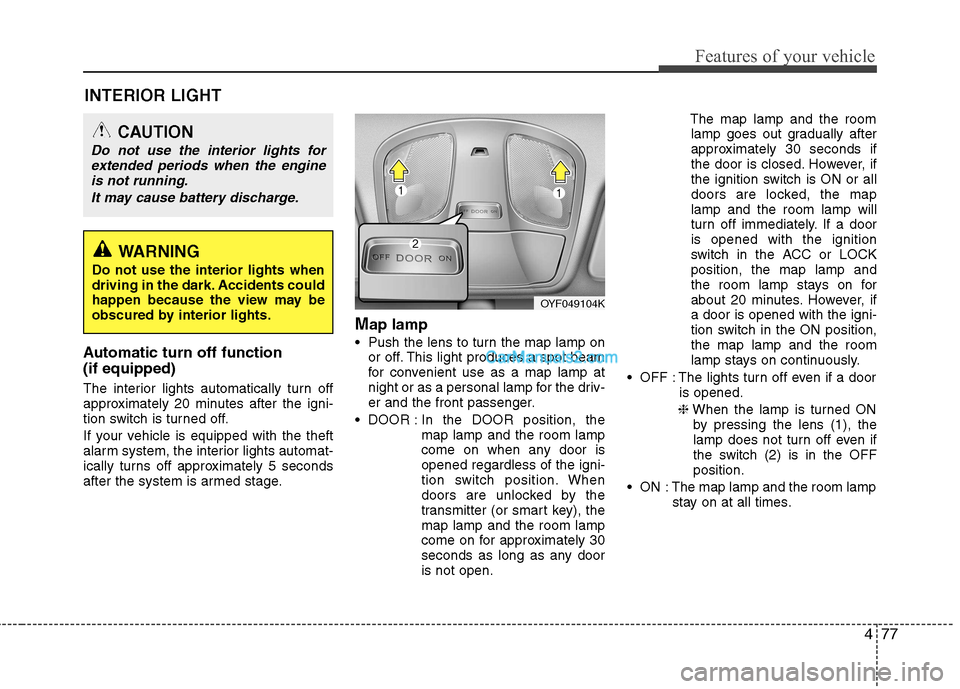
ap lamp
Push the lens to turn the map lamp on or off. This light produces a spot beam
for convenient use as a map lamp at
night or as a personal lamp for the driv-
er and the front passenger.
DOOR : In the DOOR position, the
map lamp and the room lamp
come on when any door isopened regardless of the igni-
tion switch position. When
doors are unlocked by the
transmitter (or smart key), themap lamp and the room lamp
come on for approximately 30
seconds as long as any dooris not open. The map lamp and the room
lamp goes out gradually after
approximately 30 seconds if
the door is closed. However, if
the ignition switch is ON or all
doors are locked, the maplamp and the room lamp will
turn off immediately. If a dooris opened with the ignition
switch in the ACC or LOCKposition, the map lamp and
the room lamp stays on for
about 20 minutes. However, ifa door is opened with the igni-
tion switch in the ON position,the map lamp and the room
lamp stays on continuously.
OFF : The lights turn off even if a door is opened.
❈ When the lamp is turned ON
by pressing the lens (1), the
lamp does not turn off even if
the switch (2) is in the OFFposition.
ON : The map lamp and the room lamp stay on at all times.
CAUTION
Do not use the interior lights for
extended periods when the engine
is not running.
It may cause battery discharge.
OYF049104K
WARNING
Do not use the interior lights when
driving in the dark. Accidents could
happen because the view may be
obscured by interior lights.
Page 151 of 363
479
Features of your vehicle
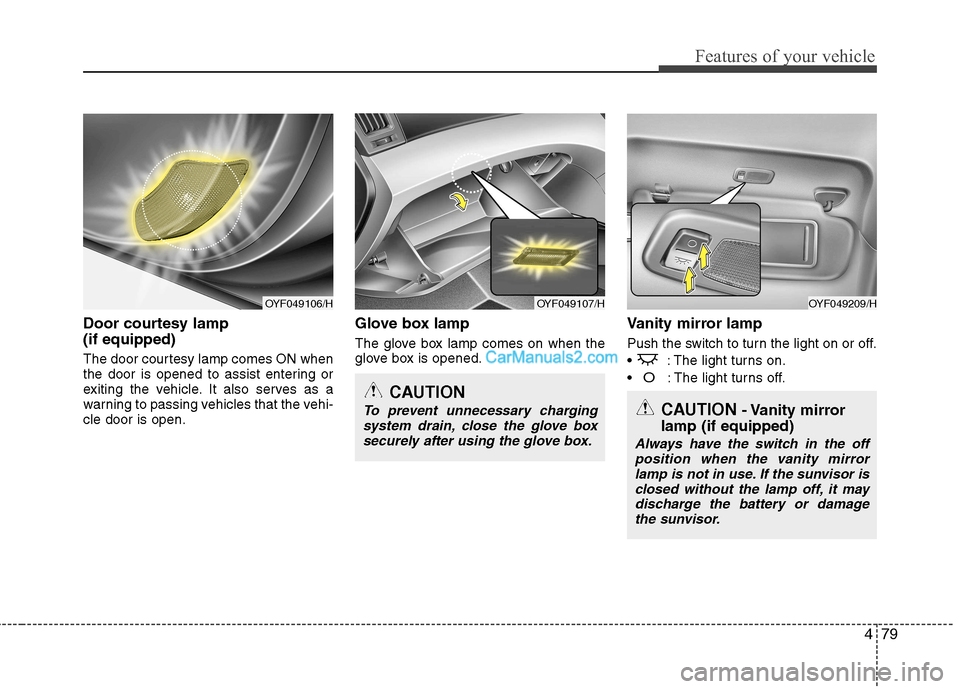
Door courtesy lamp (if equipped)
The door courtesy lamp comes ON when
the door is opened to assist entering or
exiting the vehicle. It also serves as a
warning to passing vehicles that the vehi-cle door is open.Glove box lamp
The glove box lamp comes on when the
glove box is opened.
Vanity mirror lamp
Push the switch to turn the light on or off.
: The light turns on.
O: The light turns off.
OYF049107/HOYF049209/H
CAUTION
To prevent unnecessary charging
system drain, close the glove box securely after using the glove box.
OYF049106/H
CAUTION - Vanity mirror
lamp (if equipped)
Always have the switch in the off position when the vanity mirror
lamp is not in use. If the sunvisor is closed without the lamp off, it maydischarge the battery or damage the sunvisor.