Light switch Hyundai Sonata 2009 Owner's Guide
[x] Cancel search | Manufacturer: HYUNDAI, Model Year: 2009, Model line: Sonata, Model: Hyundai Sonata 2009Pages: 286, PDF Size: 9.58 MB
Page 104 of 286
1
FEATURES OF YOUR HYUNDAI
91
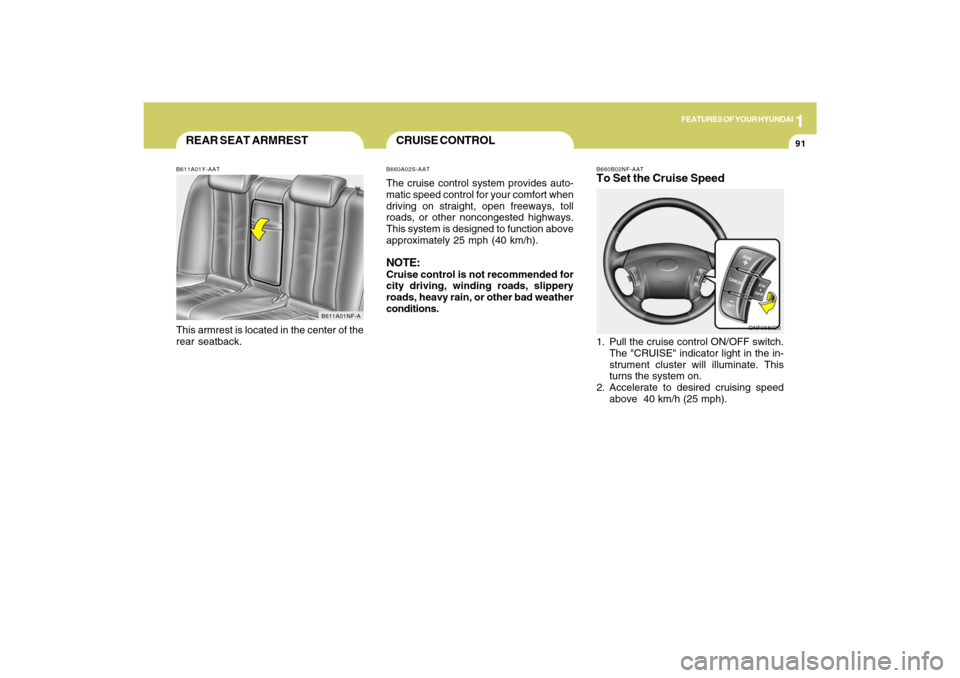
B660B02NF-AATTo Set the Cruise Speed1. Pull the cruise control ON/OFF switch.
The "CRUISE" indicator light in the in-
strument cluster will illuminate. This
turns the system on.
2. Accelerate to desired cruising speed
above 40 km/h (25 mph).
ONF058020
REAR SEAT ARMRESTB611A01Y-AATThis armrest is located in the center of the
rear seatback.
B611A01NF-A
CRUISE CONTROLB660A02S-AATThe cruise control system provides auto-
matic speed control for your comfort when
driving on straight, open freeways, toll
roads, or other noncongested highways.
This system is designed to function above
approximately 25 mph (40 km/h).NOTE:Cruise control is not recommended for
city driving, winding roads, slippery
roads, heavy rain, or other bad weather
conditions.
Page 105 of 286
1FEATURES OF YOUR HYUNDAI92
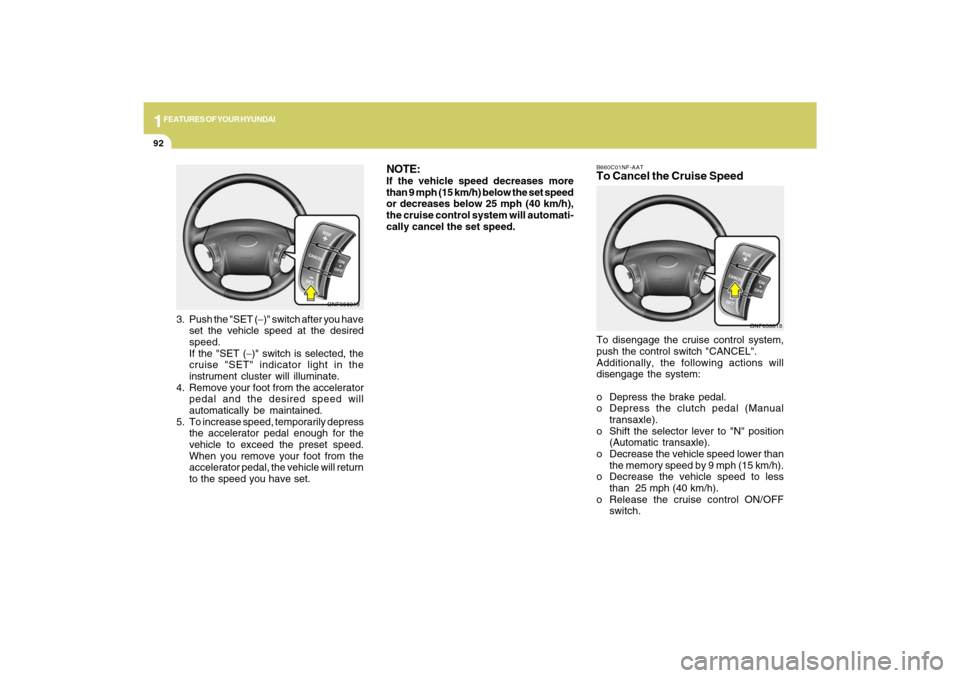
B660C01NF-AATTo Cancel the Cruise SpeedTo disengage the cruise control system,
push the control switch "CANCEL".
Additionally, the following actions will
disengage the system:
o Depress the brake pedal.
o Depress the clutch pedal (Manual
transaxle).
o Shift the selector lever to "N" position
(Automatic transaxle).
o Decrease the vehicle speed lower than
the memory speed by 9 mph (15 km/h).
o Decrease the vehicle speed to less
than 25 mph (40 km/h).
o Release the cruise control ON/OFF
switch.
ONF058018
ONF058019
3. Push the "SET (−)" switch after you have
set the vehicle speed at the desired
speed.
If the "SET (−)" switch is selected, the
cruise "SET" indicator light in the
instrument cluster will illuminate.
4. Remove your foot from the accelerator
pedal and the desired speed will
automatically be maintained.
5. To increase speed, temporarily depress
the accelerator pedal enough for the
vehicle to exceed the preset speed.
When you remove your foot from the
accelerator pedal, the vehicle will return
to the speed you have set.
NOTE:If the vehicle speed decreases more
than 9 mph (15 km/h) below the set speed
or decreases below 25 mph (40 km/h),
the cruise control system will automati-
cally cancel the set speed.
Page 106 of 286
1
FEATURES OF YOUR HYUNDAI
93
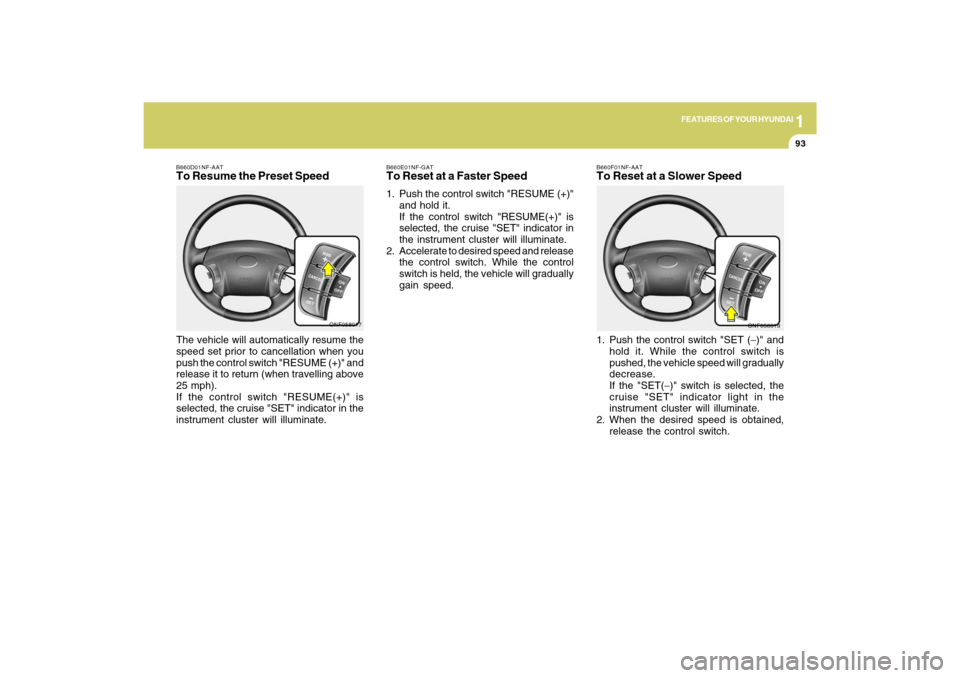
B660D01NF-AATTo Resume the Preset SpeedThe vehicle will automatically resume the
speed set prior to cancellation when you
push the control switch "RESUME (+)" and
release it to return (when travelling above
25 mph).
If the control switch "RESUME(+)" is
selected, the cruise "SET" indicator in the
instrument cluster will illuminate.
ONF058017
B660F01NF-AATTo Reset at a Slower Speed1. Push the control switch "SET (−)" and
hold it. While the control switch is
pushed, the vehicle speed will gradually
decrease.
If the "SET(−)" switch is selected, the
cruise "SET" indicator light in the
instrument cluster will illuminate.
2. When the desired speed is obtained,
release the control switch.
ONF058019 B660E01NF-GAT
To Reset at a Faster Speed1. Push the control switch "RESUME (+)"
and hold it.
If the control switch "RESUME(+)" is
selected, the cruise "SET" indicator in
the instrument cluster will illuminate.
2. Accelerate to desired speed and release
the control switch. While the control
switch is held, the vehicle will gradually
gain speed.
Page 114 of 286
1
FEATURES OF YOUR HYUNDAI
101101
B730A01L-AATOperation Tipso To keep dust or unpleasant fumes from
entering the car through the ventilation
system, temporarily set the air intake
control at the position. Be sure to
return the control to the position
when the irritation has passed to keep
fresh air in the vehicle. This will help
keep the driver alert and comfortable.
o Air for the heating/cooling system is
drawn in through the grilles just ahead
of the windshield. Care should be taken
that these are not blocked by leaves,
snow, ice or other obstructions.
o To prevent interior fog on the wind-
shield, set the air intake control to the
fresh air ( ) position and fan speed to
the desired position, turn on the air
conditioning system, and adjust
temperature control to desired tempera-
ture.
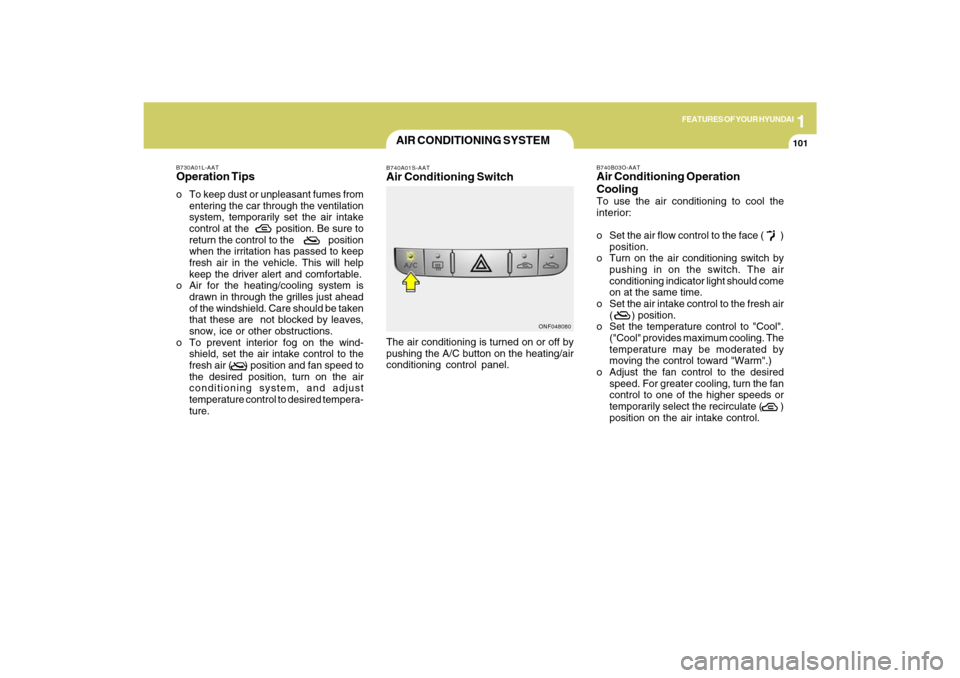
AIR CONDITIONING SYSTEMB740A01S-AATAir Conditioning SwitchThe air conditioning is turned on or off by
pushing the A/C button on the heating/air
conditioning control panel.
ONF048080B740B03O-AAT
Air Conditioning Operation
CoolingTo use the air conditioning to cool the
interior:
o Set the air flow control to the face ( )
position.
o Turn on the air conditioning switch by
pushing in on the switch. The air
conditioning indicator light should come
on at the same time.
o Set the air intake control to the fresh air
( ) position.
o Set the temperature control to "Cool".
("Cool" provides maximum cooling. The
temperature may be moderated by
moving the control toward "Warm".)
o Adjust the fan control to the desired
speed. For greater cooling, turn the fan
control to one of the higher speeds or
temporarily select the recirculate ( )
position on the air intake control.
Page 115 of 286

1FEATURES OF YOUR HYUNDAI
102
B740C02O-AATDe-Humidified HeatingFor dehumidified heating:
o Set the air flow control to the face ( )
position.
o Turn on the air conditioning switch. The
air conditioning indicator light should
come on at the same time.
o Set the air intake control to the fresh air
( ) position.
o Adjust the fan control to the desired
speed.
o For more rapid action, set the fan at one
of the higher speeds.
o Adjust the temperature control to provide
the desired amount of warmth.
B740D02Y-AATOperation Tipso If the interior of the car is hot when you
first get in, open the windows for a few
minutes to expel the hot air.
o When you are using the air conditioning
system, keep all windows closed to
keep hot air out.
o When moving slowly, as in heavy traffic,
shift to a lower gear. This increases
engine speed, which in turn increases
the speed of the air conditioning
compressor.
o On steep grades, turn the air condition-
ing off to avoid the possibility of the
engine overheating.
o During winter months or in periods when
the air conditioning is not used regularly,
run the air conditioning once every
month for a few minutes. This will help
circulate the lubricants and keep your
system in peak operating condition.
Page 118 of 286
1
FEATURES OF YOUR HYUNDAI
105105
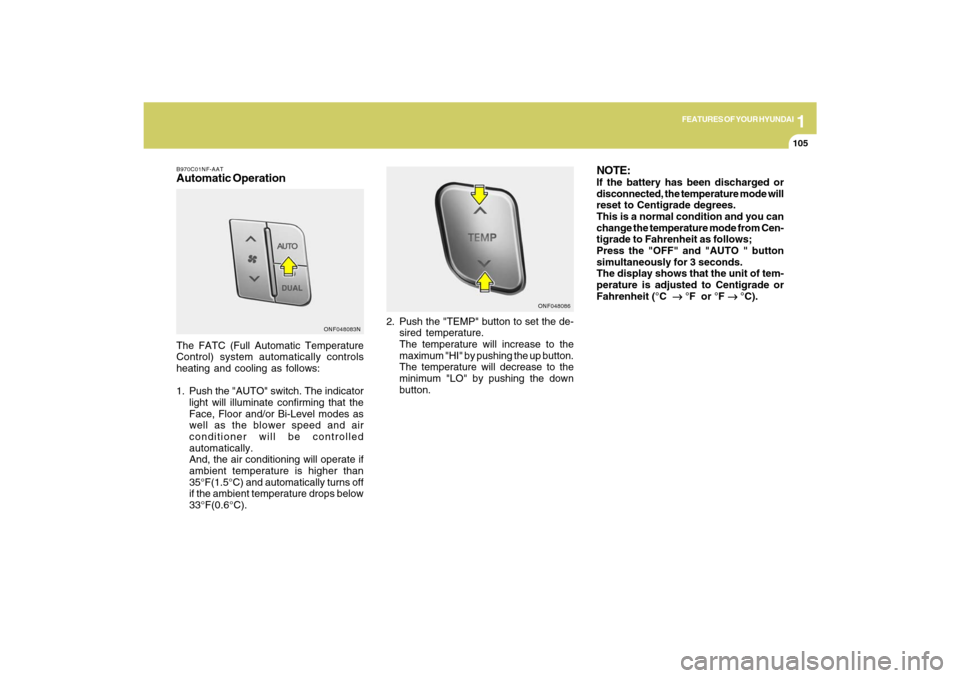
B970C01NF-AATAutomatic OperationThe FATC (Full Automatic Temperature
Control) system automatically controls
heating and cooling as follows:
1. Push the "AUTO" switch. The indicator
light will illuminate confirming that the
Face, Floor and/or Bi-Level modes as
well as the blower speed and air
conditioner will be controlled
automatically.
And, the air conditioning will operate if
ambient temperature is higher than
35°F(1.5°C) and automatically turns off
if the ambient temperature drops below
33°F(0.6°C).2. Push the "TEMP" button to set the de-
sired temperature.
The temperature will increase to the
maximum "HI" by pushing the up button.
The temperature will decrease to the
minimum "LO" by pushing the down
button.
NOTE:If the battery has been discharged or
disconnected, the temperature mode will
reset to Centigrade degrees.
This is a normal condition and you can
change the temperature mode from Cen-
tigrade to Fahrenheit as follows;
Press the "OFF" and "AUTO " button
simultaneously for 3 seconds.
The display shows that the unit of tem-
perature is adjusted to Centigrade or
Fahrenheit (°C
→ →→ →
→ °F or °F
→ →→ →
→ °C).
ONF048083NONF048086
Page 120 of 286
1
FEATURES OF YOUR HYUNDAI
107107
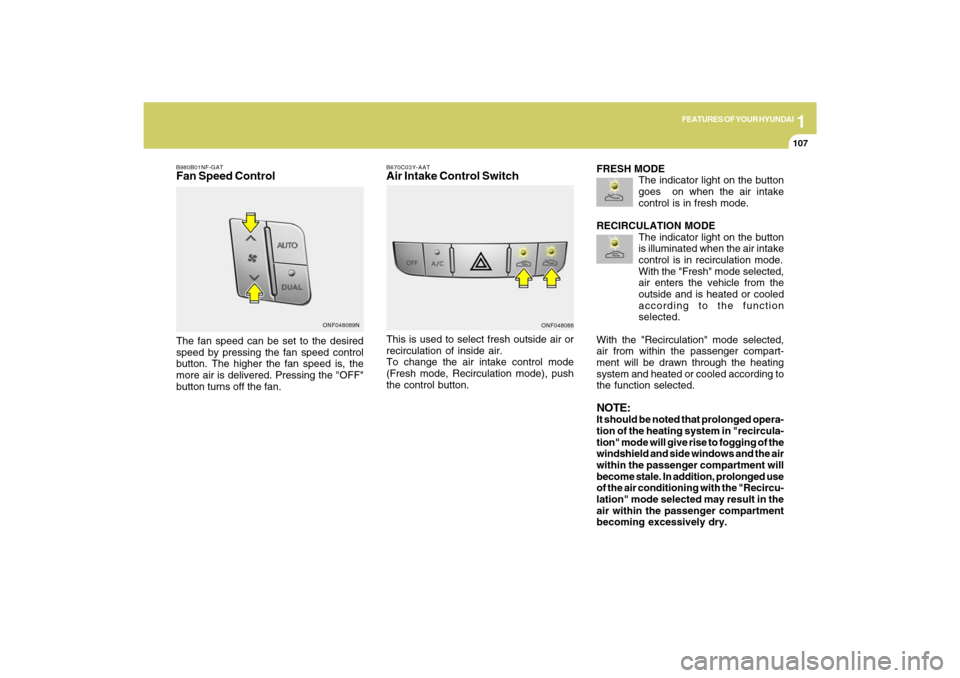
B980B01NF-GATFan Speed ControlThe fan speed can be set to the desired
speed by pressing the fan speed control
button. The higher the fan speed is, the
more air is delivered. Pressing the "OFF"
button turns off the fan.
ONF048089N
B670C03Y-AATAir Intake Control SwitchThis is used to select fresh outside air or
recirculation of inside air.
To change the air intake control mode
(Fresh mode, Recirculation mode), push
the control button.
ONF048088
FRESH MODE
The indicator light on the button
goes on when the air intake
control is in fresh mode.
RECIRCULATION MODE
The indicator light on the button
is illuminated when the air intake
control is in recirculation mode.
With the "Fresh" mode selected,
air enters the vehicle from the
outside and is heated or cooled
according to the function
selected.
With the "Recirculation" mode selected,
air from within the passenger compart-
ment will be drawn through the heating
system and heated or cooled according to
the function selected.NOTE:It should be noted that prolonged opera-
tion of the heating system in "recircula-
tion" mode will give rise to fogging of the
windshield and side windows and the air
within the passenger compartment will
become stale. In addition, prolonged use
of the air conditioning with the "Recircu-
lation" mode selected may result in the
air within the passenger compartment
becoming excessively dry.
Page 122 of 286
1
FEATURES OF YOUR HYUNDAI
109109
Floor-Defrost Level (A, C, E, D) *
1
When selecting the "Floor-Defrost" mode,
the indicator light will come on and the air
will be discharged through the windshield
defroster nozzle, the floor vents, side
defroster nozzle and side ventilator.
If any of the temperature control switch, the
blower fan control switch, or the defrost
switch is selected in "Floor-Defrost" mode,
the A/C will turn on automatically and
"Fresh" mode will be activated.
*1 : See page 1-96
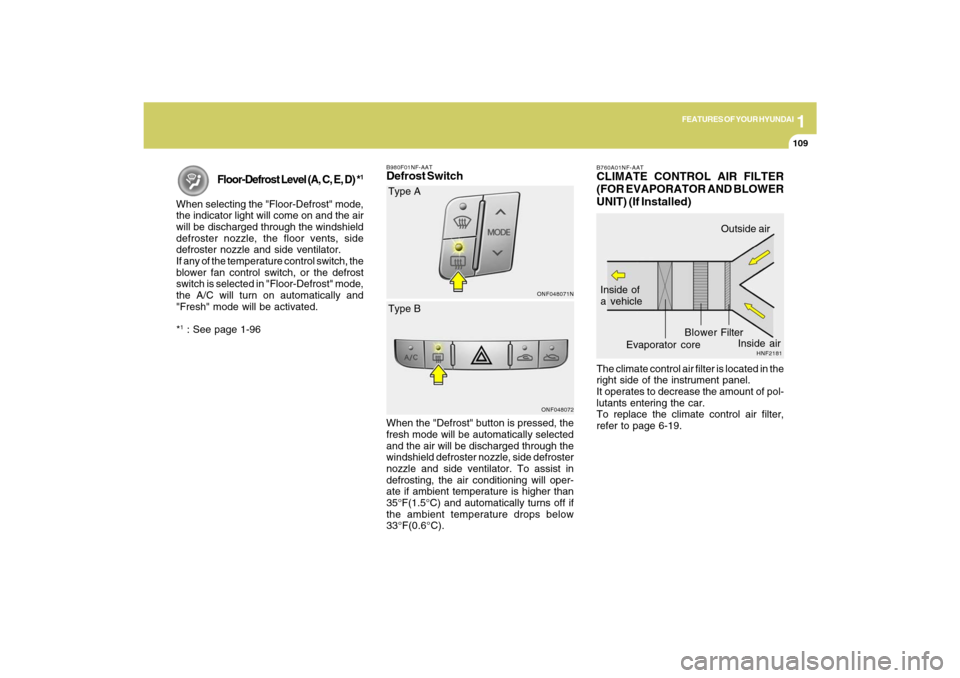
B980F01NF-AATDefrost Switch
ONF048071NONF048072
Type A
When the "Defrost" button is pressed, the
fresh mode will be automatically selected
and the air will be discharged through the
windshield defroster nozzle, side defroster
nozzle and side ventilator. To assist in
defrosting, the air conditioning will oper-
ate if ambient temperature is higher than
35°F(1.5°C) and automatically turns off if
the ambient temperature drops below
33°F(0.6°C).Type B
B760A01NF-AATCLIMATE CONTROL AIR FILTER
(FOR EVAPORATOR AND BLOWER
UNIT) (If Installed)The climate control air filter is located in the
right side of the instrument panel.
It operates to decrease the amount of pol-
lutants entering the car.
To replace the climate control air filter,
refer to page 6-19.
HNF2181
Inside of
a vehicle
Evaporator coreFilter BlowerOutside air
Inside air
Page 132 of 286
1
FEATURES OF YOUR HYUNDAI
119
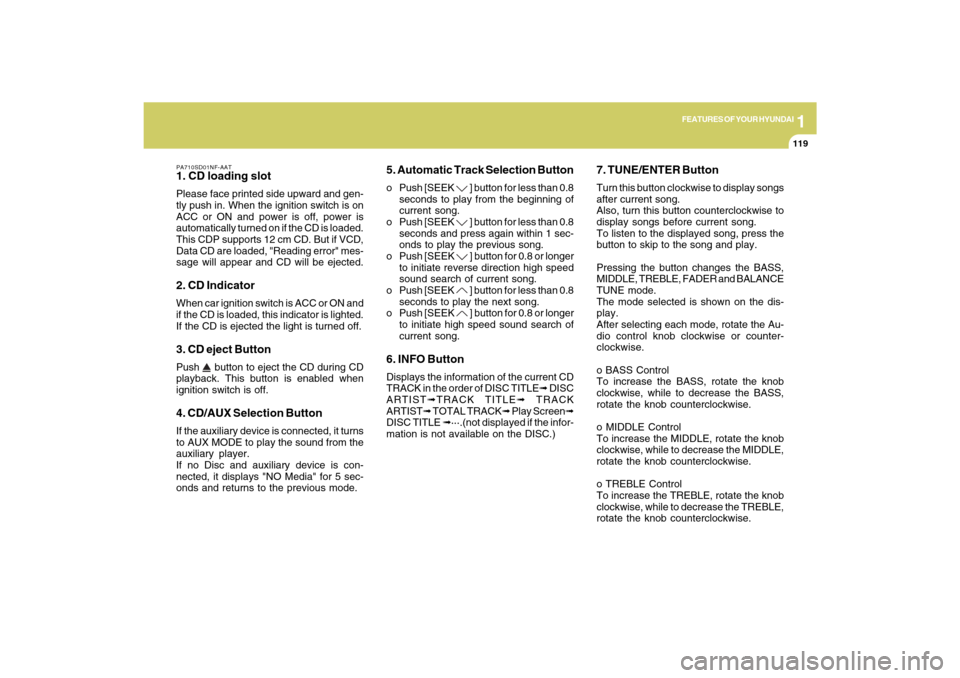
PA710SD01NF-AAT1. CD loading slotPlease face printed side upward and gen-
tly push in. When the ignition switch is on
ACC or ON and power is off, power is
automatically turned on if the CD is loaded.
This CDP supports 12 cm CD. But if VCD,
Data CD are loaded, "Reading error" mes-
sage will appear and CD will be ejected.2. CD IndicatorWhen car ignition switch is ACC or ON and
if the CD is loaded, this indicator is lighted.
If the CD is ejected the light is turned off.3. CD eject ButtonPush
button to eject the CD during CD
playback. This button is enabled when
ignition switch is off.
4. CD/AUX Selection ButtonIf the auxiliary device is connected, it turns
to AUX MODE to play the sound from the
auxiliary player.
If no Disc and auxiliary device is con-
nected, it displays "NO Media" for 5 sec-
onds and returns to the previous mode.
5. Automatic Track Selection Buttono Push [SEEK
] button for less than 0.8
seconds to play from the beginning of
current song.
o Push [SEEK ] button for less than 0.8
seconds and press again within 1 sec-
onds to play the previous song.
o Push [SEEK ] button for 0.8 or longer
to initiate reverse direction high speed
sound search of current song.
o Push [SEEK ] button for less than 0.8
seconds to play the next song.
o Push [SEEK ] button for 0.8 or longer
to initiate high speed sound search of
current song.
6. INFO ButtonDisplays the information of the current CD
TRACK in the order of DISC TITLE➟ DISC
ARTIST➟TRACK TITLE➟ TRACK
ARTIST➟ TOTAL TRACK➟ Play Screen➟
DISC TITLE ➟···.(not displayed if the infor-
mation is not available on the DISC.)
7. TUNE/ENTER ButtonTurn this button clockwise to display songs
after current song.
Also, turn this button counterclockwise to
display songs before current song.
To listen to the displayed song, press the
button to skip to the song and play.
Pressing the button changes the BASS,
MIDDLE, TREBLE, FADER and BALANCE
TUNE mode.
The mode selected is shown on the dis-
play.
After selecting each mode, rotate the Au-
dio control knob clockwise or counter-
clockwise.
o BASS Control
To increase the BASS, rotate the knob
clockwise, while to decrease the BASS,
rotate the knob counterclockwise.
o MIDDLE Control
To increase the MIDDLE, rotate the knob
clockwise, while to decrease the MIDDLE,
rotate the knob counterclockwise.
o TREBLE Control
To increase the TREBLE, rotate the knob
clockwise, while to decrease the TREBLE,
rotate the knob counterclockwise.
Page 145 of 286
1FEATURES OF YOUR HYUNDAI
132
PA760SD01NF-AAT1. CD loading slotPlease face printed side upward and gen-
tly push in. When the ignition switch is on
ACC or ON and power is off, power is
automatically turned on if the CD is loaded.
This CDP supports 12 cm CD. But if VCD,
Data CD are loaded, "Reading error" mes-
sage will appear and CD will be ejected.2. CD IndicatorWhen car ignition switch is ACC or ON and
if the CD is loaded, this indicator is lighted.
If the CD is ejected the light is turned off.3. CD eject ButtonPush
button to eject the CD during CD
playback. This button is enabled when
ignition switch is off.
4. CD LOAD ButtonPush [LOAD] button to load CDs to avail-
able CDC deck (from 1~6). Push [LOAD]
button for more than 2 seconds to load into
all available decks.
The last CD will play. 10 seconds idle
status will disable loading process.
5. CD/AUX Selection ButtonIf the auxiliary device is connected, it turns
to AUX MODE to play the sound from the
auxiliary player.
If no auxiliary device is connected, it dis-
plays "NO MEDIA" for 5 seconds and re-
turns to the previous mode.6. Automatic Track Selection Buttono Push [SEEK
] button for less than 0.8
seconds to play from the beginning of
current song.
o Push [SEEK ] button for less than 0.8
seconds and press again within 1 sec-
ond to play the previous song.
o Push [SEEK ] button for 0.8 or longer
to initiate reverse direction high speed
sound search of current song.
o Push [SEEK ] button for less than 0.8
seconds to play the next song.
o Push [SEEK ] button for 0.8 or longer
to initiate high speed sound search of
current song.
7. INFO ButtonDisplays the information of the current CD
TRACK in the order of DISC TITLE➟ DISC
ARTIST➟TRACK TITLE➟ TRACK
ARTIST➟TOTAL TRACK➟ Play Screen➟
DISC TITLE➟···.(not displayed if the infor-
mation is not available on the DISC.)8. TUNE/ENTER ButtonTurn this button clockwise to display songs
after current song.
Also, turn this button counterclockwise to
display songs before current song.
To listen to the displayed song, press the
button to skip to the song and play.
Pressing the button changes the BASS,
MIDDLE, TREBLE, FADER and BALANCE
TUNE mode.
The mode selected is shown on the dis-
play.
After selecting each mode, rotate the Au-
dio control knob clockwise or counter-
clockwise.
o BASS Control
To increase the BASS, rotate the knob
clockwise, while to decrease the BASS,
rotate the knob counterclockwise.