trunk Hyundai Sonata 2019 Owner's Guide
[x] Cancel search | Manufacturer: HYUNDAI, Model Year: 2019, Model line: Sonata, Model: Hyundai Sonata 2019Pages: 522, PDF Size: 15.66 MB
Page 181 of 522
3-96
Convenient features of your vehicle
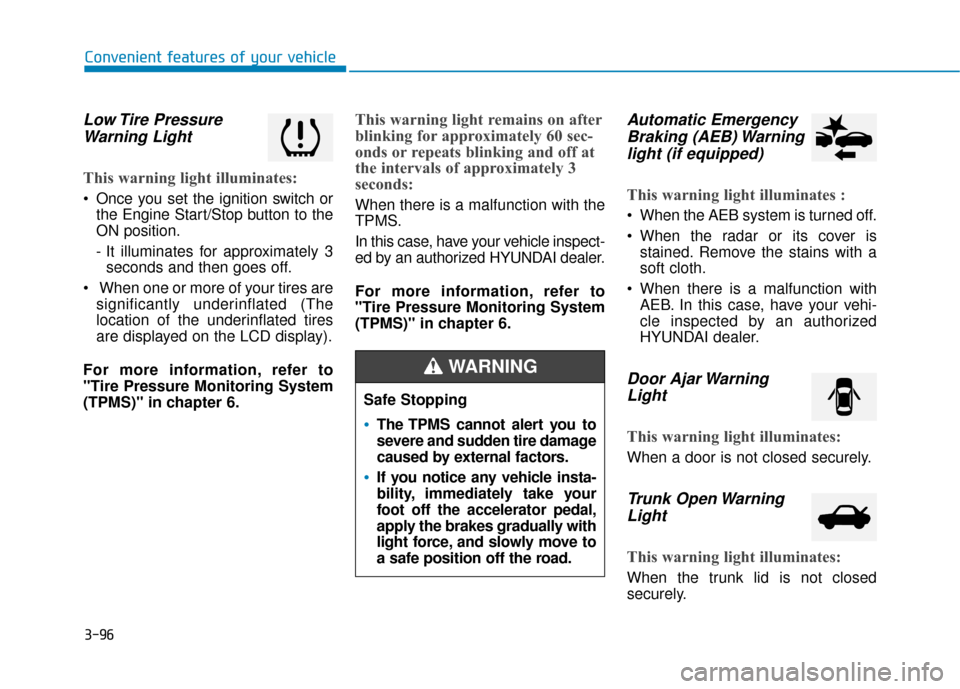
Low Tire PressureWarning Light
This warning light illuminates:
Once you set the ignition switch or
the Engine Start/Stop button to the
ON position.
- It illuminates for approximately 3seconds and then goes off.
When one or more of your tires are significantly underinflated (The
location of the underinflated tires
are displayed on the LCD display).
For more information, refer to
"Tire Pressure Monitoring System
(TPMS)" in chapter 6.
This warning light remains on after
blinking for approximately 60 sec-
onds or repeats blinking and off at
the intervals of approximately 3
seconds:
When there is a malfunction with the
TPMS.
In this case, have your vehicle inspect-
ed by an authorized HYUNDAI dealer.
For more information, refer to
"Tire Pressure Monitoring System
(TPMS)" in chapter 6.
Automatic Emergency Braking (AEB) Warninglight (if equipped)
This warning light illuminates :
When the AEB system is turned off.
When the radar or its cover is
stained. Remove the stains with a
soft cloth.
When there is a malfunction with AEB. In this case, have your vehi-
cle inspected by an authorized
HYUNDAI dealer.
Door Ajar WarningLight
This warning light illuminates:
When a door is not closed securely.
Trunk Open WarningLight
This warning light illuminates:
When the trunk lid is not closed
securely.
Safe Stopping
The TPMS cannot alert you to
severe and sudden tire damage
caused by external factors.
If you notice any vehicle insta-
bility, immediately take your
foot off the accelerator pedal,
apply the brakes gradually with
light force, and slowly move to
a safe position off the road.
WARNING
Page 195 of 522
3-110
Convenient features of your vehicle
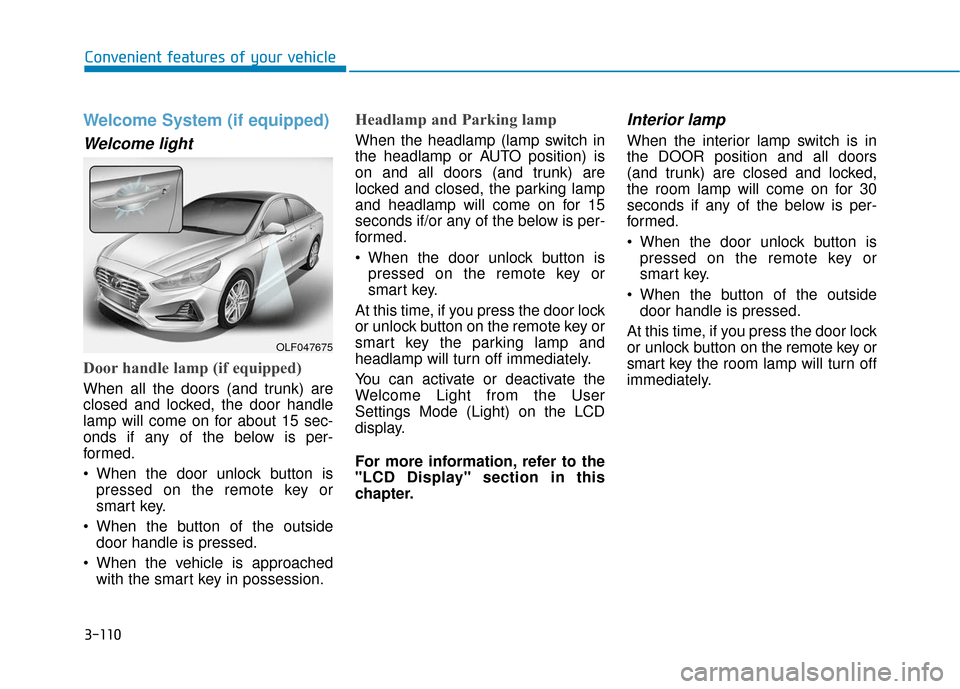
Welcome System (if equipped)
Welcome light
Door handle lamp (if equipped)
When all the doors (and trunk) are
closed and locked, the door handle
lamp will come on for about 15 sec-
onds if any of the below is per-
formed.
When the door unlock button ispressed on the remote key or
smart key.
When the button of the outside door handle is pressed.
When the vehicle is approached with the smart key in possession.
Headlamp and Parking lamp
When the headlamp (lamp switch in
the headlamp or AUTO position) is
on and all doors (and trunk) are
locked and closed, the parking lamp
and headlamp will come on for 15
seconds if/or any of the below is per-
formed.
When the door unlock button ispressed on the remote key or
smart key.
At this time, if you press the door lock
or unlock button on the remote key or
smart key the parking lamp and
headlamp will turn off immediately.
You can activate or deactivate the
Welcome Light from the User
Settings Mode (Light) on the LCD
display.
For more information, refer to the
"LCD Display" section in this
chapter.
Interior lamp
When the interior lamp switch is in
the DOOR position and all doors
(and trunk) are closed and locked,
the room lamp will come on for 30
seconds if any of the below is per-
formed.
When the door unlock button is pressed on the remote key or
smart key.
When the button of the outside door handle is pressed.
At this time, if you press the door lock
or unlock button on the remote key or
smart key the room lamp will turn off
immediately.
OLF047675
Page 198 of 522
3-113
Convenient features of your vehicle
3
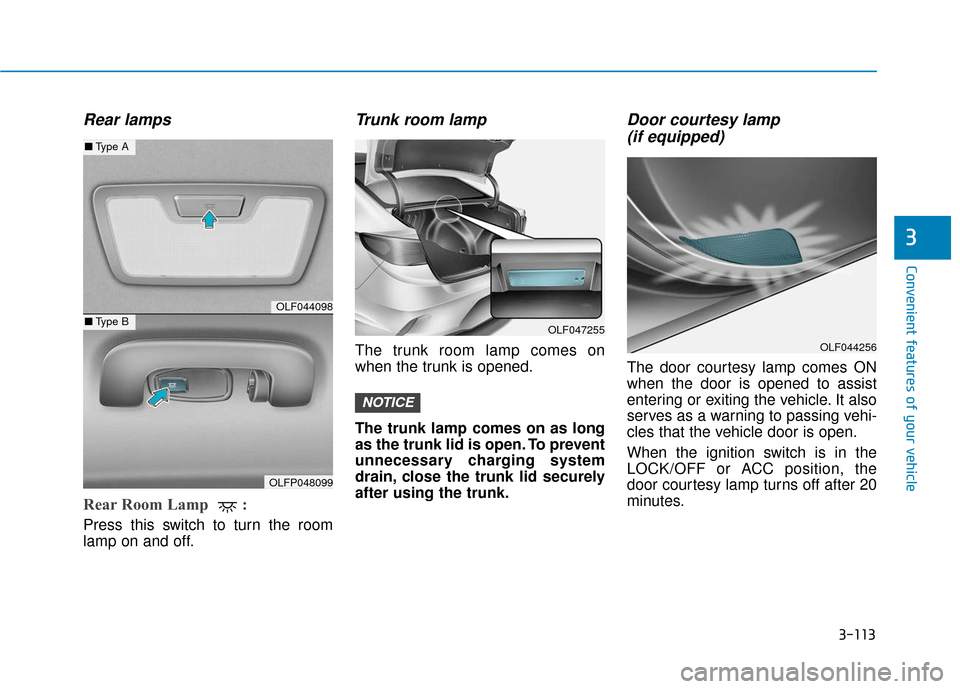
Rear lamps
Rear Room Lamp :
Press this switch to turn the room
lamp on and off.
Trunk room lamp
The trunk room lamp comes on
when the trunk is opened.
The trunk lamp comes on as long
as the trunk lid is open. To prevent
unnecessary charging system
drain, close the trunk lid securely
after using the trunk.
Door courtesy lamp (if equipped)
The door courtesy lamp comes ON
when the door is opened to assist
entering or exiting the vehicle. It also
serves as a warning to passing vehi-
cles that the vehicle door is open.
When the ignition switch is in the
LOCK/OFF or ACC position, the
door courtesy lamp turns off after 20
minutes.
NOTICE
OLF047255
OLF044256
OLF044098
OLFP048099
■ Type A
■Type B
Page 243 of 522
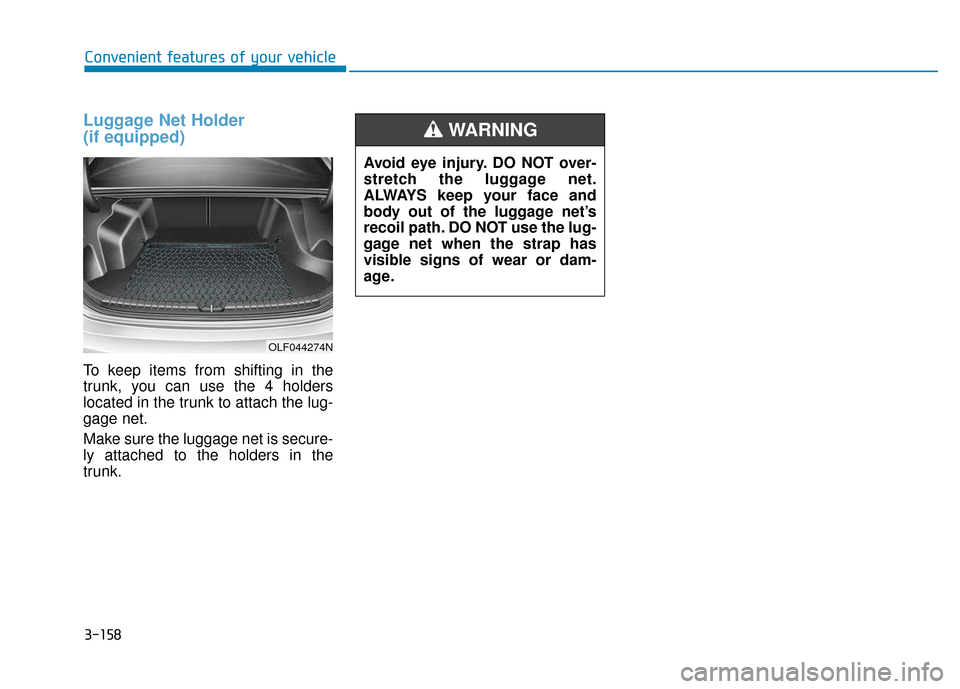
Luggage Net Holder
(if equipped)
To keep items from shifting in the
trunk, you can use the 4 holders
located in the trunk to attach the lug-
gage net.
Make sure the luggage net is secure-
ly attached to the holders in the
trunk.Convenient features of your vehicle
3-158
Avoid eye injury. DO NOT over-
stretch the luggage net.
ALWAYS keep your face and
body out of the luggage net’s
recoil path. DO NOT use the lug-
gage net when the strap has
visible signs of wear or dam-
age.
WARNING
OLF044274N
Page 253 of 522
5-3
Driving your vehicle
5
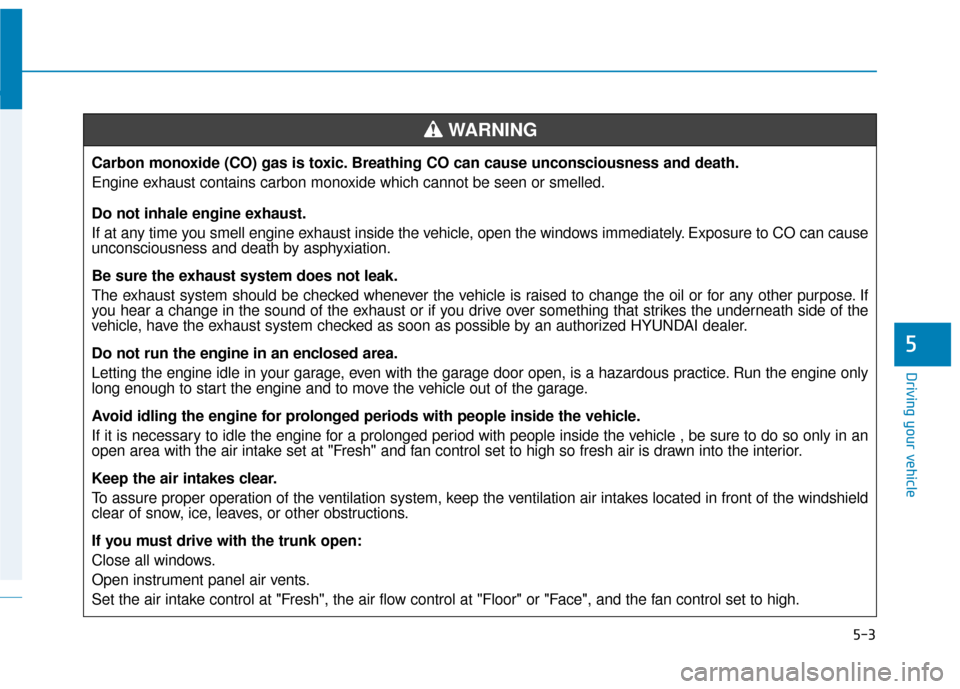
Carbon monoxide (CO) gas is toxic. Breathing CO can cause unconsciousness and death.
Engine exhaust contains carbon monoxide which cannot be seen or smelled.
Do not inhale engine exhaust.
If at any time you smell engine exhaust inside the vehicle, open the windows immediately. Exposure to CO can cause
unconsciousness and death by asphyxiation.
Be sure the exhaust system does not leak.
The exhaust system should be checked whenever the vehicle is raised to change the oil or for any other purpose. If
you hear a change in the sound of the exhaust or if you drive over something that strikes the underneath side of the
vehicle, have the exhaust system checked as soon as possible by an authorized HYUNDAI dealer.
Do not run the engine in an enclosed area.
Letting the engine idle in your garage, even with the garage door open, is a hazardous practice. Run the engine only
long enough to start the engine and to move the vehicle out of the garage.
Avoid idling the engine for prolonged periods with people inside the vehicle.
If it is necessary to idle the engine for a prolonged period with people inside the vehicle , be sure to do so only in an
open area with the air intake set at "Fresh" and fan control set to high so fresh air is drawn into the interior.
Keep the air intakes clear.
To assure proper operation of the ventilation system, keep the ventilation air intakes located in front of the windshield
clear of snow, ice, leaves, or other obstructions.
If you must drive with the trunk open:
Close all windows.
Open instrument panel air vents.
Set the air intake control at "Fresh", the air flow control at "Floor" or "Face", and the fan control set to high.
WARNING
Page 254 of 522
5-4
Driving your vehicle
Before Entering the Vehicle
• Be sure all windows, outside mir-ror(s), and outside lights are clean
and unobstructed.
Remove frost, snow, or ice.
Visually check the tires for uneven wear and damage.
Check under the vehicle for any sign of leaks.
Be sure there are no obstacles behind you if you intend to back up.
Before Starting
Make sure the hood, the trunk, andthe doors are securely closed and
locked.
Adjust the position of the seat and steering wheel.
Adjust the inside and outside rearview mirrors.
Verify all the lights work.
Fasten your seatbelt. Check that all passengers have fastened their
seatbelts.
Check the gauges and indicators in the instrument panel and the mes-
sages on the instrument display
when the ignition switch is in the
ON position.
Check that any items you are car- rying are stored properly or fas-
tened down securely.
CALIFORNIA PROPOSITION 65
WARNING
Engine exhaust and a wide vari-
ety of automobile components
including components found in
the interior furnishings in a
vehicle, contain or emit harmful
chemicals known to the State of
California to cause cancer and
birth defects and reproductive
harm. In addition, certain fluids
contained in vehicles and cer-
tain products of components
contain or emit chemicals
known to the State of California
to cause cancer and birth
defects or other reproductive
harm.WARNING
B B
E
EF
FO
O R
RE
E
D
D R
RI
IV
V I
IN
N G
G
Page 282 of 522
5-32
Driving your vehicle
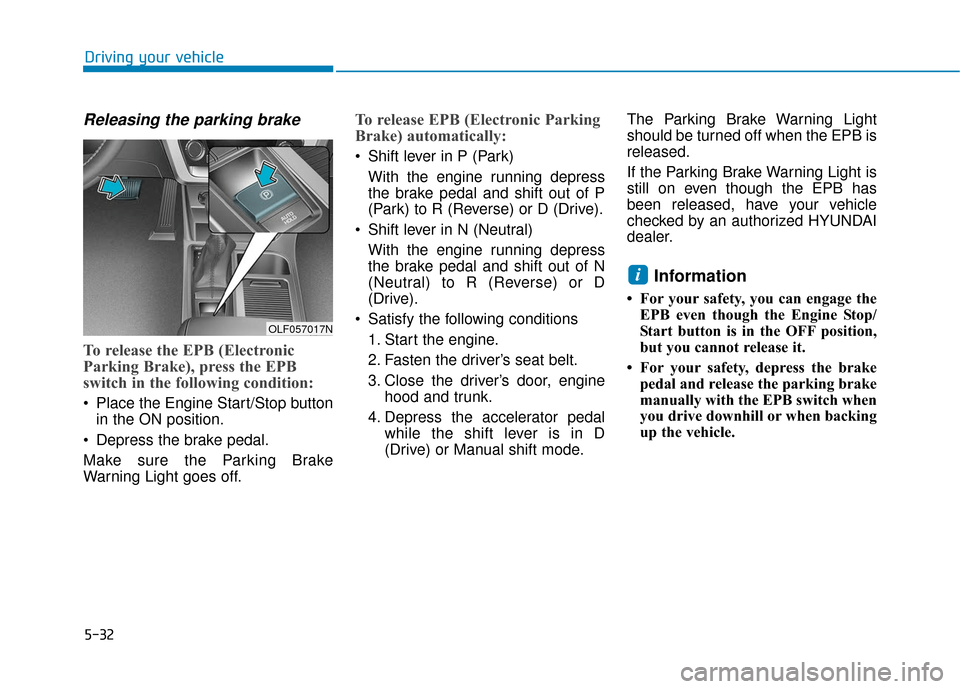
Releasing the parking brake
To release the EPB (Electronic
Parking Brake), press the EPB
switch in the following condition:
Place the Engine Start/Stop buttonin the ON position.
Depress the brake pedal.
Make sure the Parking Brake
Warning Light goes off.
To release EPB (Electronic Parking
Brake) automatically:
Shift lever in P (Park) With the engine running depress
the brake pedal and shift out of P
(Park) to R (Reverse) or D (Drive).
Shift lever in N (Neutral) With the engine running depress
the brake pedal and shift out of N
(Neutral) to R (Reverse) or D
(Drive).
Satisfy the following conditions 1. Start the engine.
2. Fasten the driver’s seat belt.
3. Close the driver’s door, engine hood and trunk.
4. Depress the accelerator pedal while the shift lever is in D
(Drive) or Manual shift mode. The Parking Brake Warning Light
should be turned off when the EPB is
released.
If the Parking Brake Warning Light is
still on even though the EPB has
been released, have your vehicle
checked by an authorized HYUNDAI
dealer.
Information
• For your safety, you can engage the
EPB even though the Engine Stop/
Start button is in the OFF position,
but you cannot release it.
• For your safety, depress the brake pedal and release the parking brake
manually with the EPB switch when
you drive downhill or when backing
up the vehicle.
i
OLF057017N
Page 284 of 522
5-34
Driving your vehicle
Warning messages
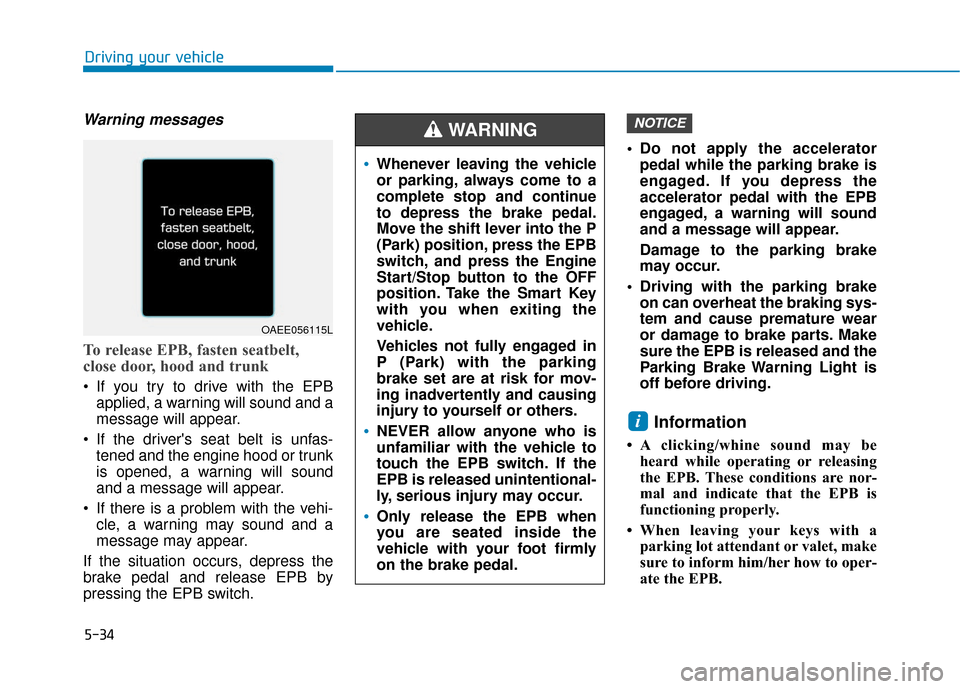
To release EPB, fasten seatbelt,
close door, hood and trunk
• If you try to drive with the EPBapplied, a warning will sound and a
message will appear.
If the driver's seat belt is unfas- tened and the engine hood or trunk
is opened, a warning will sound
and a message will appear.
If there is a problem with the vehi- cle, a warning may sound and a
message may appear.
If the situation occurs, depress the
brake pedal and release EPB by
pressing the EPB switch. • Do not apply the accelerator
pedal while the parking brake is
engaged. If you depress the
accelerator pedal with the EPB
engaged, a warning will sound
and a message will appear.
Damage to the parking brake
may occur.
Driving with the parking brake on can overheat the braking sys-
tem and cause premature wear
or damage to brake parts. Make
sure the EPB is released and the
Parking Brake Warning Light is
off before driving.
Information
• A clicking/whine sound may beheard while operating or releasing
the EPB. These conditions are nor-
mal and indicate that the EPB is
functioning properly.
• When leaving your keys with a parking lot attendant or valet, make
sure to inform him/her how to oper-
ate the EPB.
i
NOTICE
Whenever leaving the vehicle
or parking, always come to a
complete stop and continue
to depress the brake pedal.
Move the shift lever into the P
(Park) position, press the EPB
switch, and press the Engine
Start/Stop button to the OFF
position. Take the Smart Key
with you when exiting the
vehicle.
Vehicles not fully engaged in
P (Park) with the parking
brake set are at risk for mov-
ing inadvertently and causing
injury to yourself or others.
NEVER allow anyone who is
unfamiliar with the vehicle to
touch the EPB switch. If the
EPB is released unintentional-
ly, serious injury may occur.
Only release the EPB when
you are seated inside the
vehicle with your foot firmly
on the brake pedal.
WARNING
OAEE056115L
Page 320 of 522
5-70
Driving your vehicle
Lane changing
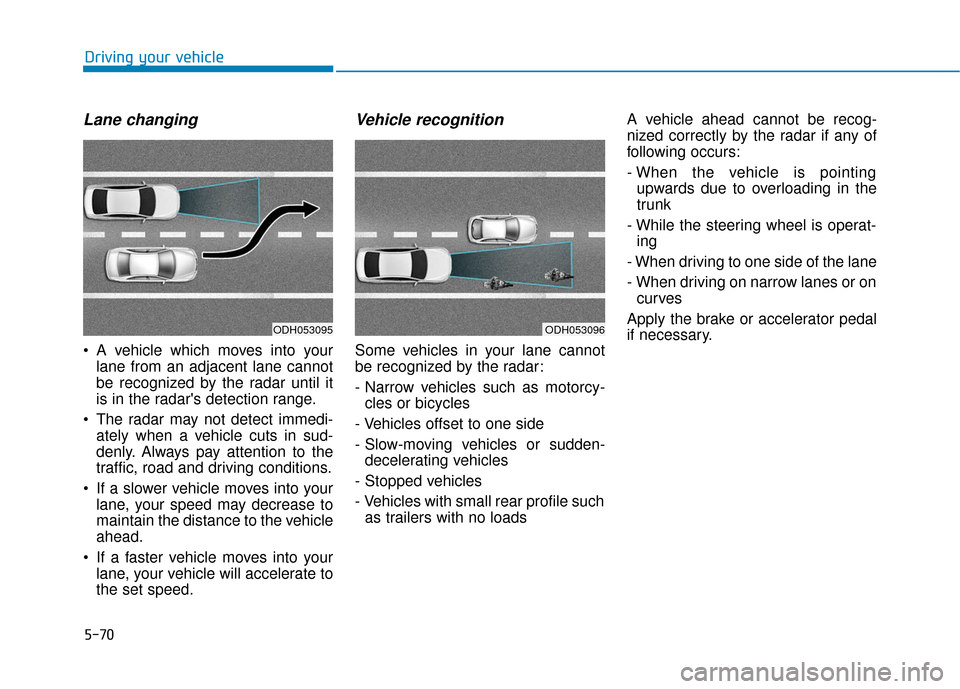
A vehicle which moves into yourlane from an adjacent lane cannot
be recognized by the radar until it
is in the radar's detection range.
The radar may not detect immedi- ately when a vehicle cuts in sud-
denly. Always pay attention to the
traffic, road and driving conditions.
If a slower vehicle moves into your lane, your speed may decrease to
maintain the distance to the vehicle
ahead.
If a faster vehicle moves into your lane, your vehicle will accelerate to
the set speed.
Vehicle recognition
Some vehicles in your lane cannot
be recognized by the radar:
- Narrow vehicles such as motorcy-cles or bicycles
- Vehicles offset to one side
- Slow-moving vehicles or sudden- decelerating vehicles
- Stopped vehicles
- Vehicles with small rear profile such as trailers with no loads A vehicle ahead cannot be recog-
nized correctly by the radar if any of
following occurs:
- When the vehicle is pointing
upwards due to overloading in the
trunk
- While the steering wheel is operat- ing
- When driving to one side of the lane
- When driving on narrow lanes or on curves
Apply the brake or accelerator pedal
if necessary.
ODH053096ODH053095
Page 345 of 522
5-95
Driving your vehicle
5
The system may not work prop-erly if the bumper has been
replaced or if repair work has
been done near the radar.
The detection area differs according to the roads width. If
the road is narrow the system
may detect other vehicles in the
next lane. In addition, if the road
is very wide the system may not
detect other vehicles.
The system may turn off due to strong electromagnetic waves.
Non-operating condition
Outside rearview mirror may not
alert the driver when:
- The outside rearview mirror hous-ing is damaged or covered with
debris.
- The window is covered with debris.
- The windows are severely tinted.
DRIVER'S ATTENTION
The driver must be cautious in the
below situations for the system
may not detect other vehicles or
objects in certain circumstances.
- Curved roads, tollgates, etc.
- The surrounding of the radar is polluted with rain, snow, mud,
etc
- The rear bumper near the radar is covered or hidden with a for-
eign matter such as a sticker,
bumper guard, bicycle stand etc.
- The rear bumper is damaged or the radar is out of place.
- The height of the vehicle is altered such as when the trunk is
loaded with heavy objects, or
there is low tire pressure etc.
- Bad weather such as heavy rain or snow.
- A fixed object is near such as a guardrail, tunnel, human and ani-
mal etc.
(Continued)
NOTICE