change wheel HYUNDAI SONATA 2021 User Guide
[x] Cancel search | Manufacturer: HYUNDAI, Model Year: 2021, Model line: SONATA, Model: HYUNDAI SONATA 2021Pages: 546, PDF Size: 51.21 MB
Page 345 of 546
06
6-61
LKA Operation
ODN8069059
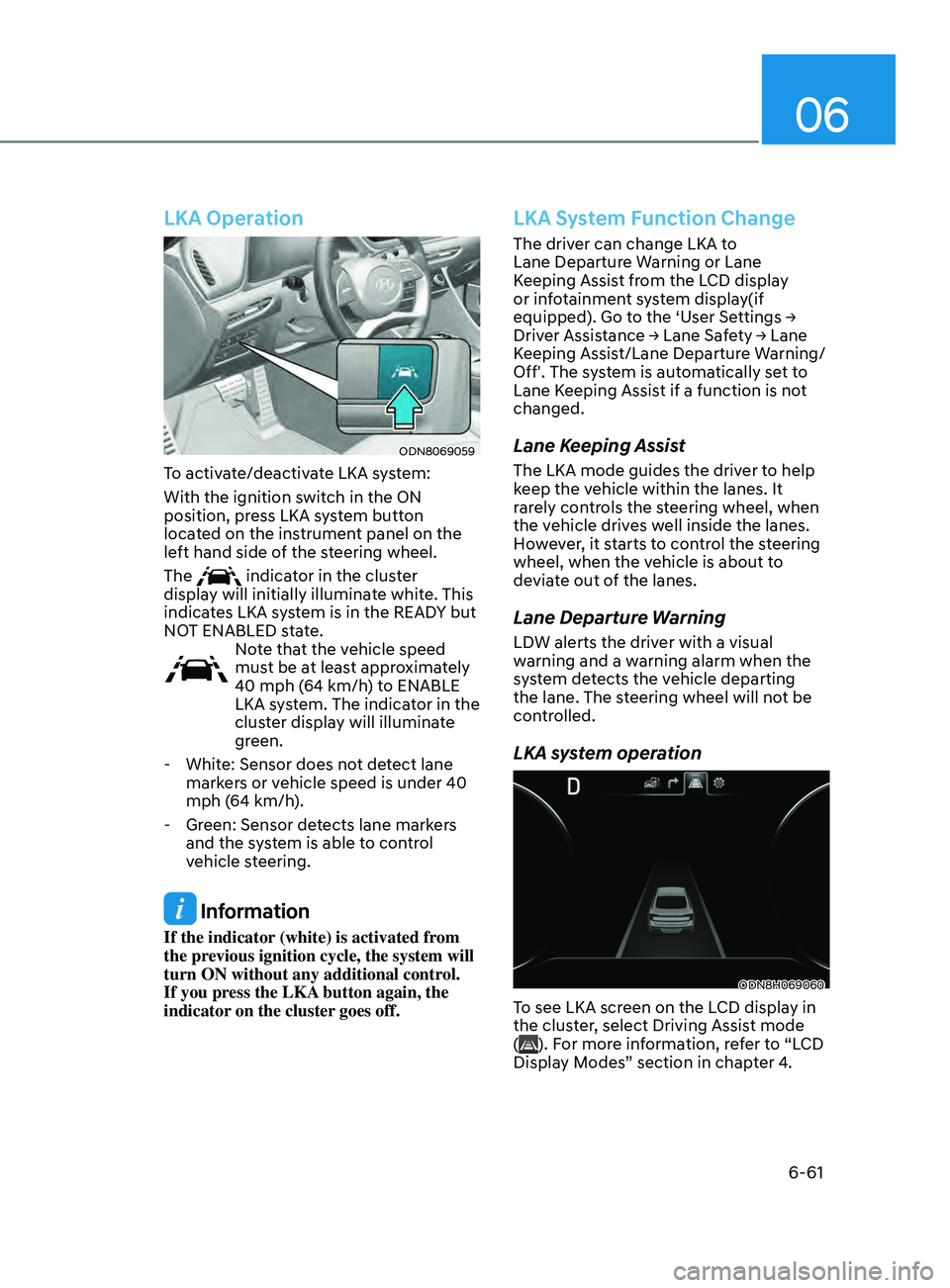
To activate/deactivate LKA system:
With the ignition switch in the ON
position, press LKA system button
located on the instrument panel on the
left hand side of the steering wheel.
The
indicator in the cluster
display will initially illuminate white. This
indicates LKA system is in the READY but
NOT ENABLED state.
Note that the vehicle speed
must be at least approximately
40 mph (64 km/h) to ENABLE
LKA system. The indicator in the
cluster display will illuminate
green.
- Whit
e: Sensor does not detect lane
markers or vehicle speed is under 40
mph (64 km/h).
- Gr
een: Sensor detects lane markers
and the system is able to control
vehicle steering.
Information
If the indicator (white) is activated from
the previous ignition cycle, the system will
turn ON without any additional control.
If you press the LKA button again, the
indicator on the cluster goes off.
LKA System Function Change
The driver can change LKA to
Lane Departure Warning or Lane
Keeping Assist from the LCD display
or infotainment system display(if
equipped).
Go to the ‘User Settings →
Driv
er Assistance → Lane Safety → Lane
K
eeping Assist/Lane Departure Warning/
Off'. The system is automatically set to
Lane Keeping Assist if a function is not
changed.
Lane Keeping Assist
The LKA mode guides the driver to help
keep the vehicle within the lanes. It
rarely controls the steering wheel, when
the vehicle drives well inside the lanes.
However, it starts to control the steering
wheel, when the vehicle is about to
deviate out of the lanes.
Lane Departure Warning
LDW alerts the driver with a visual
warning and a warning alarm when the
system detects the vehicle departing
the lane. The steering wheel will not be
controlled.
LKA system operation
ODN8H069060
To see LKA screen on the LCD display in
the cluster, select Driving Assist mode
(
). For more information, refer to “LCD
Display Modes” section in chapter 4.
Page 346 of 546
6-62
•„Lane marker undetected•„Lane marker detected
ODN8H069064LODN8069062
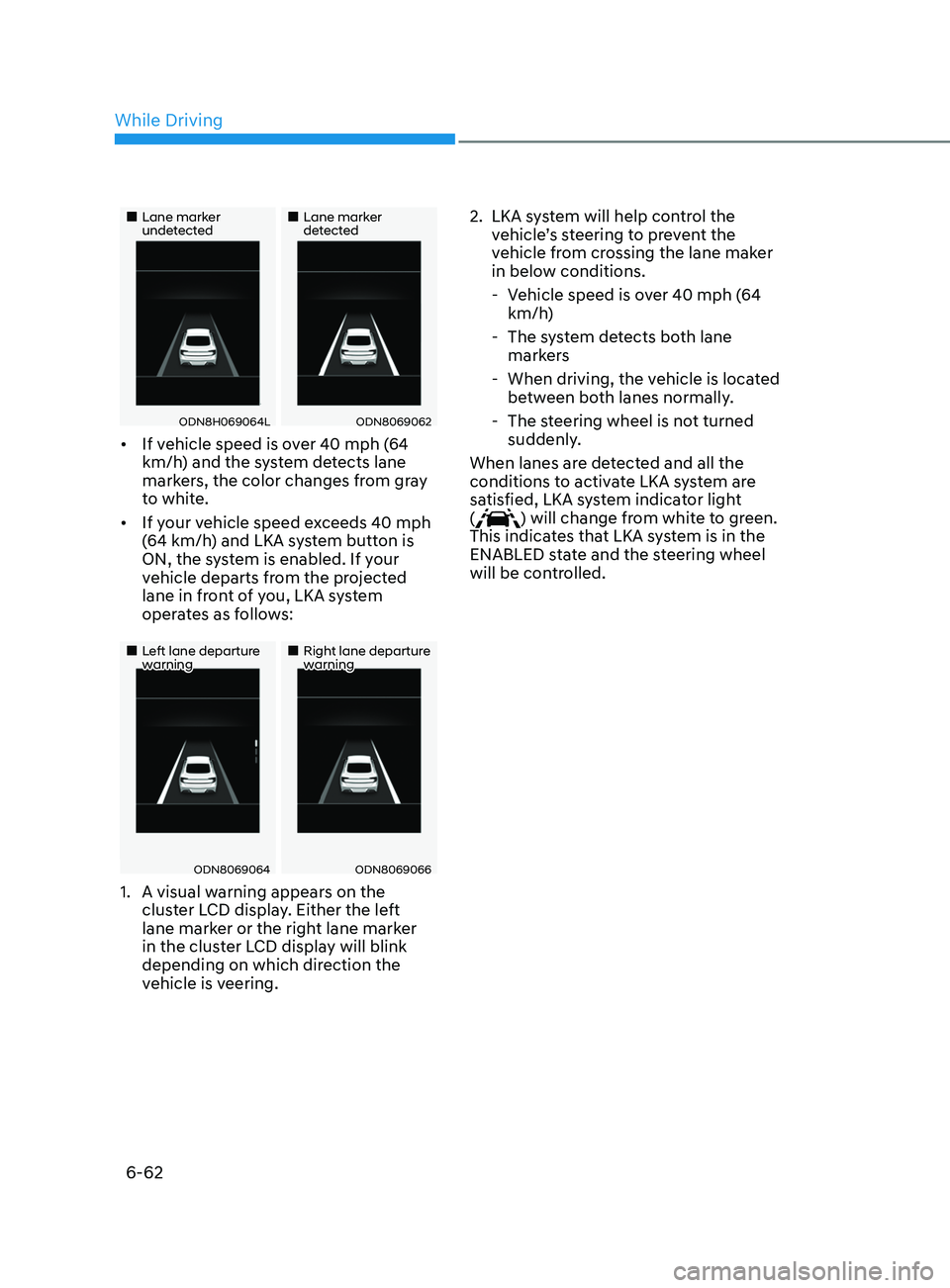
• If vehicle speed is over 40 mph (64
km/h) and the system detects lane
markers, the color changes from gray
to white.
• If your vehicle speed exceeds 40 mph
(64 km/h) and LKA system button is
ON, the system is enabled. If your
vehicle departs from the projected
lane in front of you, LKA system
operates as follows:
•„Left lane departure warning•„Right lane departure warning
ODN8069064ODN8069066
1. A visual w arning appears on the
cluster LCD display. Either the left
lane marker or the right lane marker
in the cluster LCD display will blink
depending on which direction the
vehicle is veering. 2.
LKA s
ystem will help control the
vehicle’s steering to prevent the
vehicle from crossing the lane maker
in below conditions.
- V
ehicle speed is over 40 mph (64
km/h)
- The s
ystem detects both lane
markers
- When driving, the v
ehicle is located
between both lanes normally.
- The s
teering wheel is not turned
suddenly.
When lanes are detected and all the
conditions to activate LKA system are
satisfied, LKA system indicator light
(
) will change from white to green.
This indicates that LKA system is in the
ENABLED state and the steering wheel
will be controlled.
While Driving
Page 348 of 546
6-64
Warning Light and Message
•„Type A•„Type B
OIK057121NOIK057122N
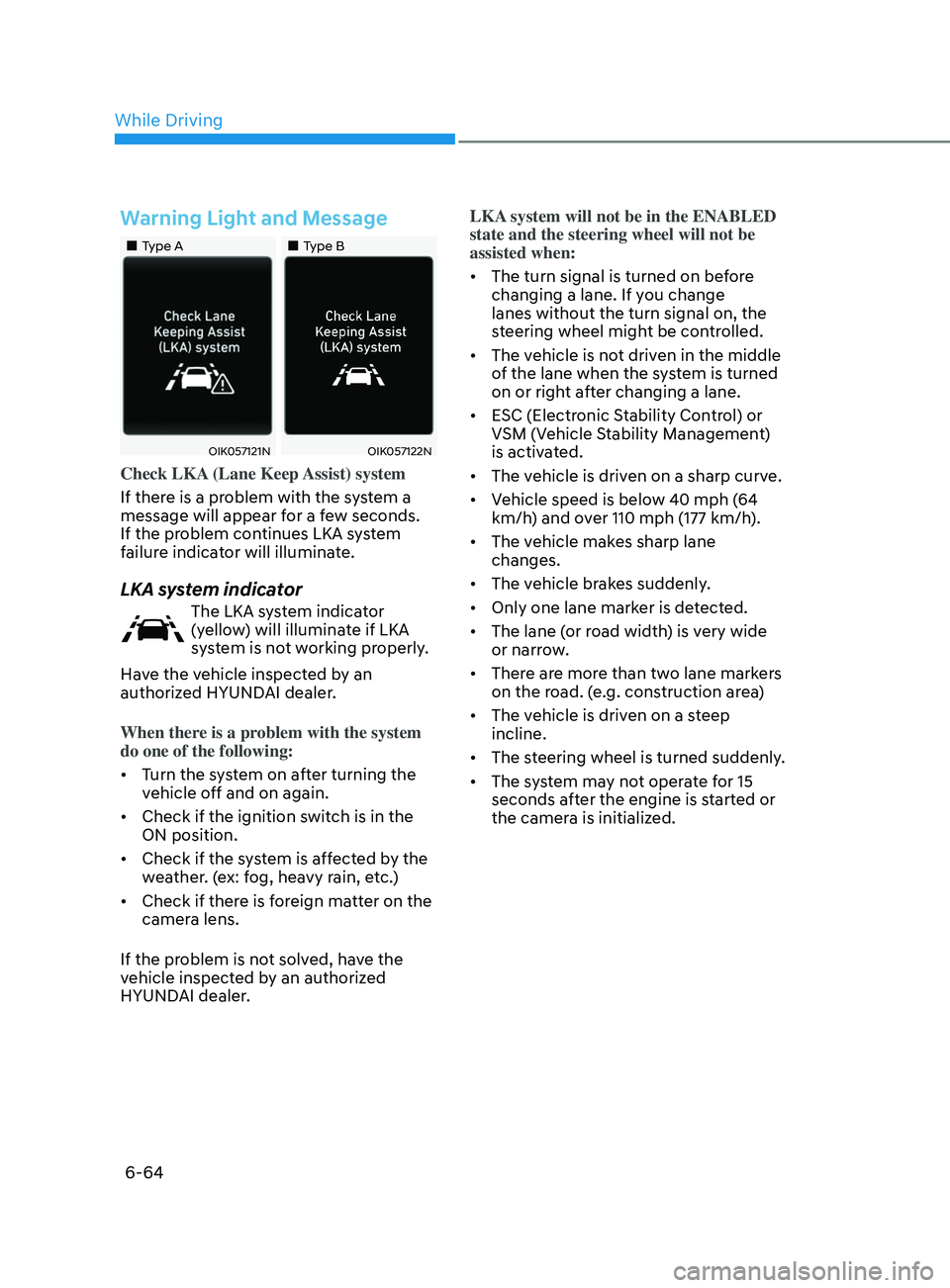
Check LKA (Lane Keep Assist) system
If there is a problem with the system a
message will appear for a few seconds.
If the problem continues LKA system
failure indicator will illuminate.
LKA system indicator
The LKA system indicator
(yellow) will illuminate if LKA
system is not working properly.
Have the vehicle inspected by an
authorized HYUNDAI dealer.
When there is a problem with the system
do one of the following:
• Turn the system on after turning the
vehicle off and on again.
• Check if the ignition switch is in the
ON position.
• Check if the system is affected by the
weather. (ex: fog, heavy rain, etc.)
• Check if there is foreign matter on the
camera lens.
If the problem is not solved, have the
vehicle inspected by an authorized
HYUNDAI dealer. LKA system will not be in the ENABLED
state and the steering wheel will not be
assisted when:
•
The turn signal is turned on before
changing a lane. If you change
lanes without the turn signal on, the
steering wheel might be controlled.
• The vehicle is not driven in the middle
of the lane when the system is turned
on or right after changing a lane.
• ESC (Electronic Stability Control) or
VSM (Vehicle Stability Management)
is activated.
• The vehicle is driven on a sharp curve.
• Vehicle speed is below 40 mph (64
km/h) and over 110 mph (177 km/h).
• The vehicle makes sharp lane
changes.
• The vehicle brakes suddenly.
• Only one lane marker is detected.
• The lane (or road width) is very wide
or narrow.
• There are more than two lane markers
on the road. (e.g. construction area)
• The vehicle is driven on a steep
incline.
• The steering wheel is turned suddenly.
• The system may not operate for 15
seconds after the engine is started or
the camera is initialized.
While Driving
Page 355 of 546
06
6-71
WARNING
• The warning light on the side view
mirror will illuminate whenever a
vehicle is detected at the rear side by
the system.
To avoid accidents, do not focus only
on the warning light and neglect to
see the surrounding of the vehicle.
• Drive safely even though the
vehicle is equipped with Blind-Spot
Collision-Avoidance Assist system.
Do not solely rely on the system
but check your surrounding before
changing lanes or backing the
vehicle up.
• The system may not alert the driver
in some conditions so always check
your surroundings while driving.
CAUTION
• The driver should always use
extreme caution while operating
the vehicle, whether or not the
warning light on the side view mirror
illuminates or there is a warning
alarm.
• Playing the vehicle audio system at
high volume may offset the Blind-
Spot Collision Warning system
warning sounds.
• The warning of Blind-Spot Collision-
Avoidance Assist system may not
sound while other system’s warning
sounds.
Blind-Spot Collision-Avoidance
Assist
Blind-Spot Collision-Avoidance Assist
system may apply braking power, when
an approaching vehicle is detected
within a certain distance next to or
behind your vehicle.
It gently applies braking power on the
tire, which is located in the opposite
side of the possibly-colliding point. The
instrument cluster will inform the driver
of the system activation.
Blind-Spot Collision-Avoidance Assist
system is automatically deactivated
when:
- The v
ehicle drives a certain distance
away
- The v
ehicle direction is changed
against the possible-colliding point
- The s
teering wheel is abruptly moved
- The br
ake pedal is depressed
- A
fter a certain period of time
The driver should drive the vehicle in the
middle of the vehicle lanes to keep the
system in the ready status.
When the vehicle drives too close to one
side of the vehicle lanes, the system may
not properly operate.
In addition, the system may not properly
control your vehicle in accordance with
driving situations. Thus, always pay close
attention to road situations.
Page 383 of 546
06
6-99
To temporarily accelerate with
Smart Cruise Control on
If you want to speed up temporarily
when Smart Cruise Control is on, depress
the accelerator pedal. Increased speed
will not interfere with Smart Cruise
Control operation or change the set
speed.
To return to the set speed, take your foot
off the accelerator pedal.
If you push the toggle switch down
(SET-) at increased speed, the set speed
is updated.
Information
Be careful when accelerating temporarily,
because the speed is not controlled
automatically at this time even if there is a
vehicle in front of you.
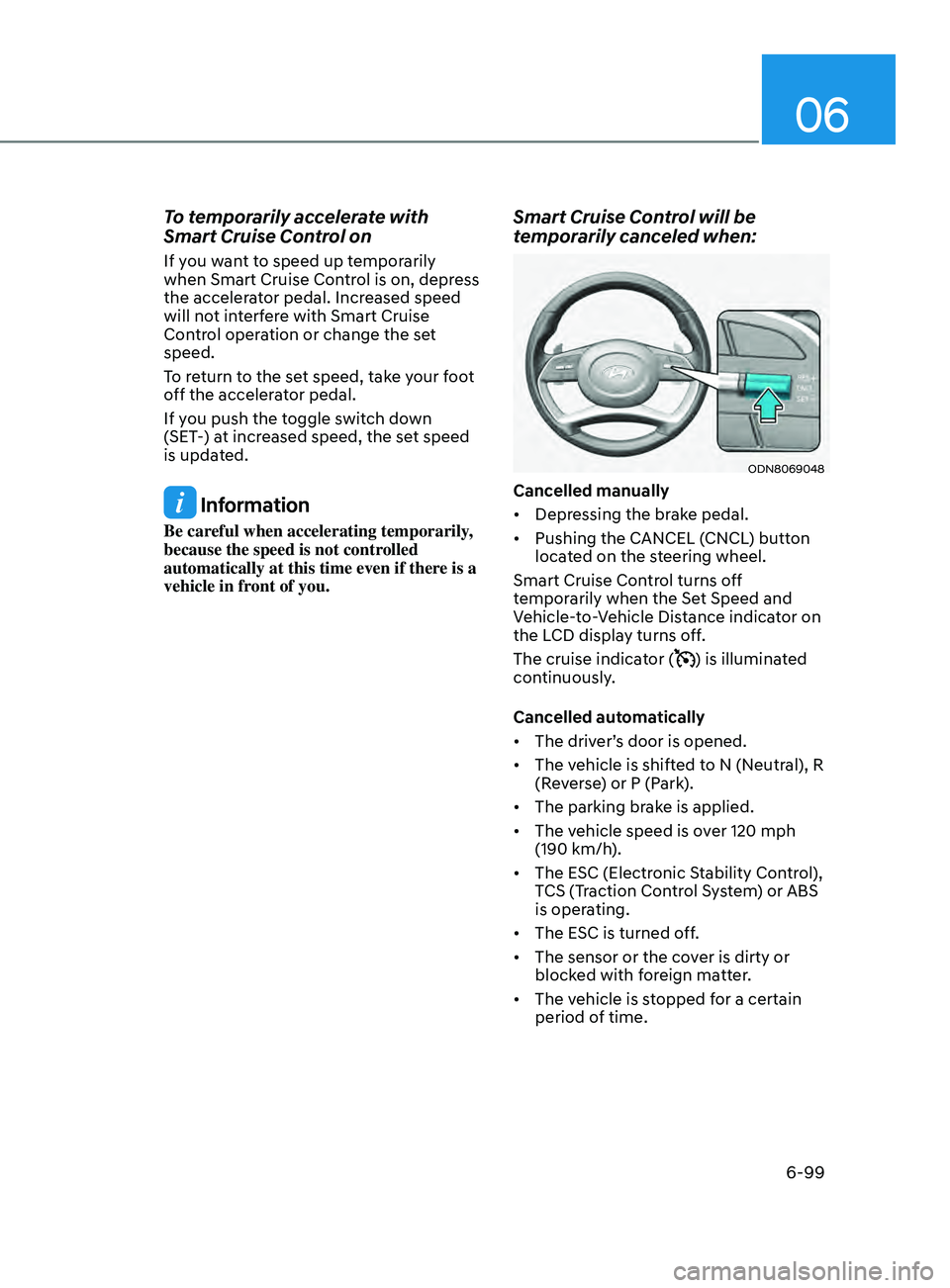
Smart Cruise Control will be
temporarily canceled when:
ODN8069048
Cancelled manually
• Depressing the brake pedal.
• Pushing the CANCEL (CNCL) button
located on the steering wheel.
Smart Cruise Control turns off
temporarily when the Set Speed and
Vehicle-to-Vehicle Distance indicator on
the LCD display turns off.
The cruise indicator (
) is illuminated
continuously.
Cancelled automatically
• The driver’s door is opened.
• The vehicle is shifted to N (Neutral), R
(Reverse) or P (Park).
• The parking brake is applied.
• The vehicle speed is over 120 mph
(190 km/h).
• The ESC (Electronic Stability Control),
TCS (Traction Control System) or ABS
is operating.
• The ESC is turned off.
• The sensor or the cover is dirty or
blocked with foreign matter.
• The vehicle is stopped for a certain
period of time.
Page 402 of 546
6-118
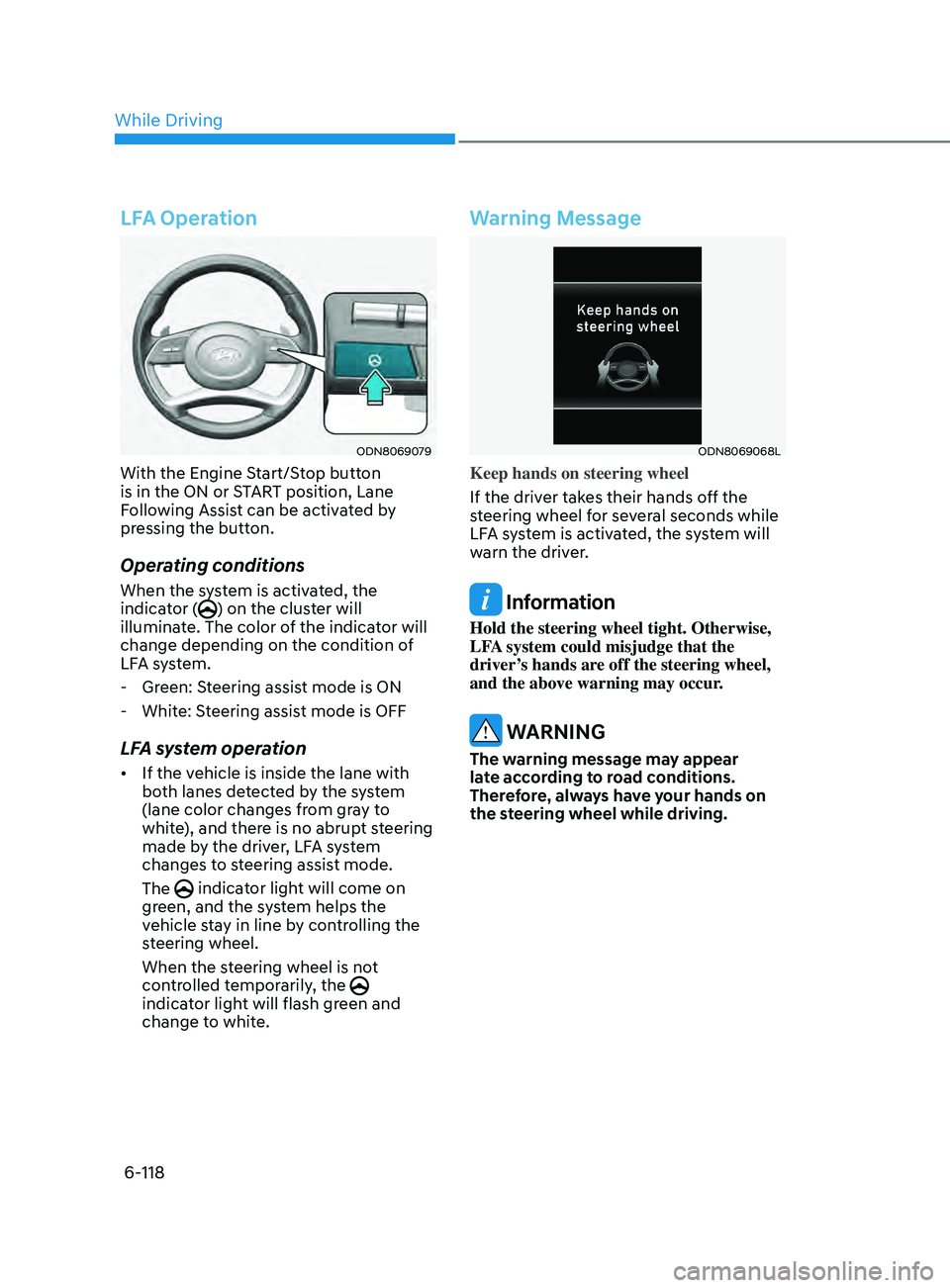
LFA Operation
ODN8069079
With the Engine Start/Stop button
is in the ON or START position, Lane
Following Assist can be activated by
pressing the button.
Operating conditions
When the system is activated, the
indicator () on the cluster will
illuminate. The color of the indicator will
change depending on the condition of
LFA system.
- Gr
een: Steering assist mode is ON
- Whit
e: Steering assist mode is OFF
LFA system operation
• If the vehicle is inside the lane with
both lanes detected by the system
(lane color changes from gray to
white), and there is no abrupt steering
made by the driver, LFA system
changes to steering assist mode.
The
indicator light will come on
green, and the system helps the
vehicle stay in line by controlling the
steering wheel.
When the steering wheel is not
controlled temporarily, the
indicator light will flash green and
change to white.
Warning Message
ODN8069068L
Keep hands on steering wheel
If the driver takes their hands off the
steering wheel for several seconds while
LFA system is activated, the system will
warn the driver.
Information
Hold the steering wheel tight. Otherwise,
LFA system could misjudge that the
driver’s hands are off the steering wheel,
and the above warning may occur.
WARNING
The warning message may appear
late according to road conditions.
Therefore, always have your hands on
the steering wheel while driving.
While Driving
Page 404 of 546
6-120
LFA system will not be in the ENABLED
state and/or the steering wheel will not be
assisted when:
• The turn signal is turned on before
changing a lane. If you change
lanes without the turn signal on, the
steering wheel might be controlled.
• The vehicle is not driven in the middle
of the lane when the system is turned
on or right after changing a lane.
• ESC (Electronic Stability Control) or
VSM (Vehicle Stability Management)
is activated.
• The vehicle is driven on a sharp curve.
• If vehicle speed is over 95 mph (153
km/h)
• The vehicle makes sharp lane
changes.
• The vehicle brakes suddenly.
• Only one lane marker is detected.
• The lane is very wide or narrow.
• There are more than two lane markers
on the road (e.g. construction area).
• Radius of a curve is too small.
• The vehicle is driven on a steep
incline.
• The steering wheel is turned suddenly.
• The system may not operate for 15
seconds after the engine is started or
the camera is initialized.Limitations of the System
LFA system may operate prematurely
even if the vehicle does not depart from
the intended lane, OR, LFA system may
not assist your steering or warn you if the
vehicle leaves the intended lane under
the following circumstances:
When the lane and road conditions are
poor
• It is difficult to distinguish the lane
marking from the road surface or the
lane marking is faded or not clearly
marked.
• It is difficult to distinguish the color of
the lane marker from the road.
• There are markings on the road
surface that look like a lane marker
that is inadvertently being detected
by the camera.
• The lane marker is indistinct or
damaged.
• The lane marker is merged or divided
(e.g. tollgate).
• The lane number increases or
decreases or the lane marker are
crossing complicatedly.
• There are more than two lane markers
on the road in front of you.
• The lane marker is very thick or thin.
• The lane is very wide or narrow.
• The lane marker ahead is not visible
due to rain, snow, water on the road,
damaged or stained road surface, or
other factors.
While Driving
Page 407 of 546
06
6-123
System Setting and Operation
System setting
• With the Engine Start/Stop button in
the ON or START position, Highway
Driving Assist can be activated
by selecting 'Driver Assistance
→
Highway Driving Assist’ from the User
Settings mode on the infotainment
system. For detailed information,
please refer to the infotainment
system manual separately supplied.
• If the engine is turned off then on
again, the system maintains the last
setting.
Operating conditions
Select 'Highway Driving Assist' from
the Settings menu in the infotainment
system screen and satisfy the following
conditions for the system to operate.
• Driving on the highway main line
• Smart Cruise Control is operating
- If Smart Cruise Con
trol is in the
READY state the Highway Driving
Assist will be in the READY state.
The
indicator on the cluster
will illuminate white.
• Vehicle speed is under 95 mph (153
km/h)
If all the mentioned conditions are
satisfied, the system is ENABLED and
the
indicator on the cluster will
illuminate green.
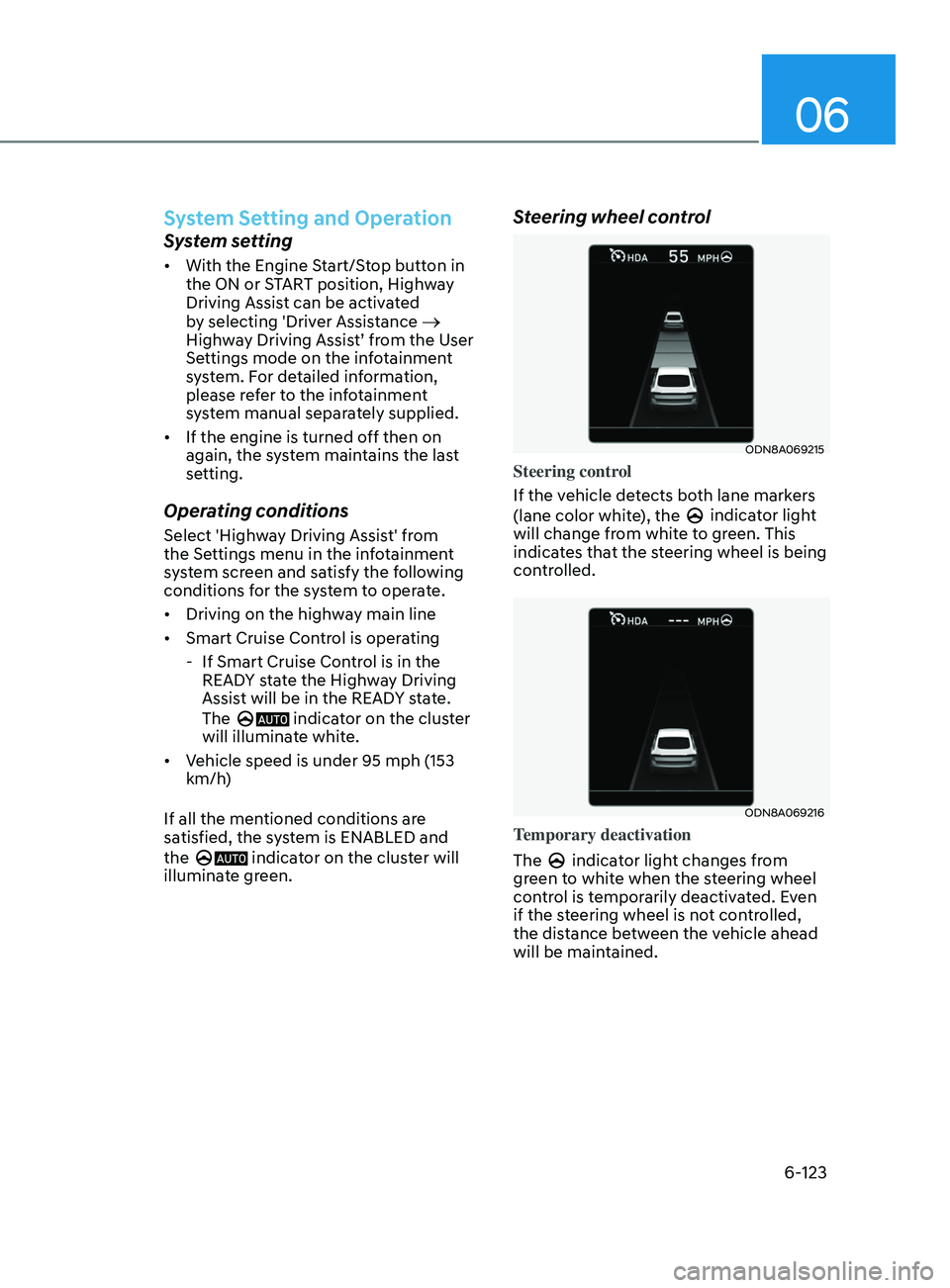
Steering wheel control
ODN8A069215
Steering control
If the vehicle detects both lane markers
(lane color white), the
indicator light
will change from white to green. This
indicates that the steering wheel is being
controlled.
ODN8A069216
Temporary deactivation
The
indicator light changes from
green to white when the steering wheel
control is temporarily deactivated. Even
if the steering wheel is not controlled,
the distance between the vehicle ahead
will be maintained.
Page 408 of 546
6-124
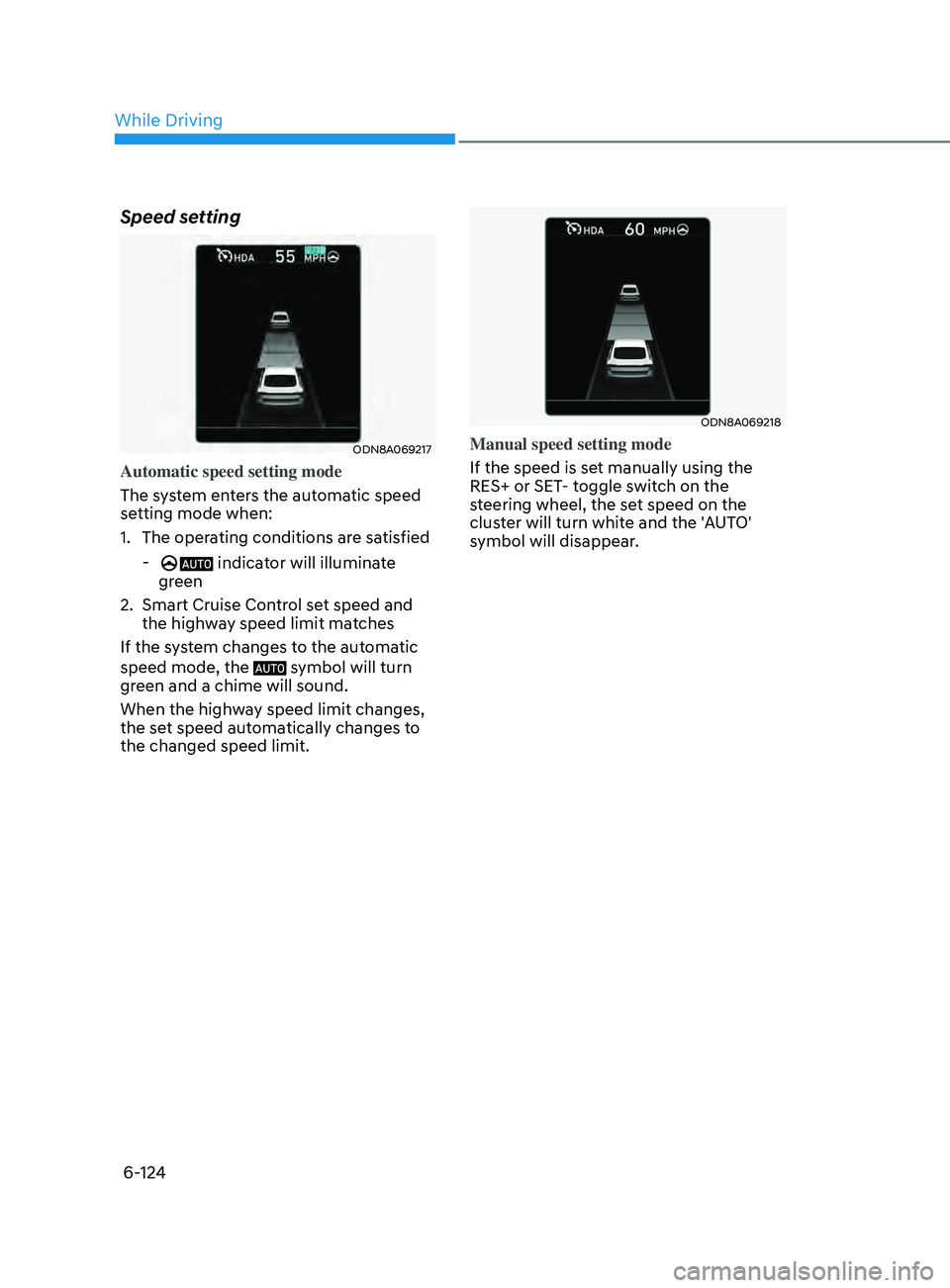
Speed setting
ODN8A069217
Automatic speed setting mode
The system enters the automatic speed
setting mode when:
1.
The oper
ating conditions are satisfied
- indicator will illuminate
green
2.
Smart Cruise Con
trol set speed and
the highway speed limit matches
If the system changes to the automatic
speed mode, the
symbol will turn
green and a chime will sound.
When the highway speed limit changes,
the set speed automatically changes to
the changed speed limit.
ODN8A069218
Manual speed setting mode
If the speed is set manually using the
RES+ or SET- toggle switch on the
steering wheel, the set speed on the
cluster will turn white and the 'AUTO'
symbol will disappear.
While Driving
Page 409 of 546
06
6-125
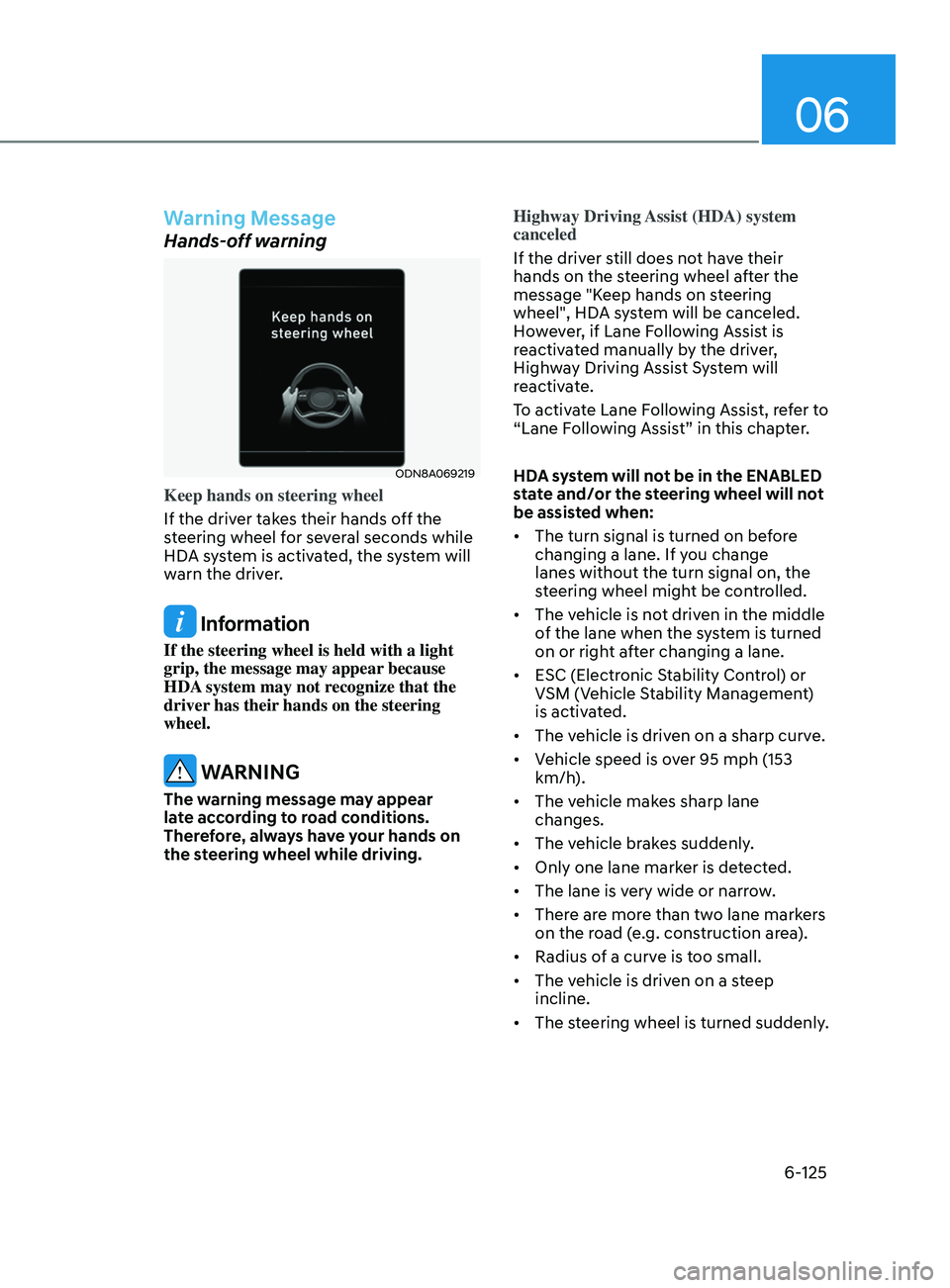
Warning Message
Hands-off warning
ODN8A069219
Keep hands on steering wheel
If the driver takes their hands off the
steering wheel for several seconds while
HDA system is activated, the system will
warn the driver.
Information
If the steering wheel is held with a light
grip, the message may appear because
HDA system may not recognize that the
driver has their hands on the steering
wheel.
WARNING
The warning message may appear
late according to road conditions.
Therefore, always have your hands on
the steering wheel while driving.Highway Driving Assist (HDA) system
canceled
If the driver still does not have their
hands on the steering wheel after the
message "Keep hands on steering
wheel", HDA system will be canceled.
However, if Lane Following Assist is
reactivated manually by the driver,
Highway Driving Assist System will
reactivate.
To activate Lane Following Assist, refer to
“Lane Following Assist” in this chapter.
HDA system will not be in the ENABLED
state and/or the steering wheel will not
be assisted when:
•
The turn signal is turned on before
changing a lane. If you change
lanes without the turn signal on, the
steering wheel might be controlled.
• The vehicle is not driven in the middle
of the lane when the system is turned
on or right after changing a lane.
• ESC (Electronic Stability Control) or
VSM (Vehicle Stability Management)
is activated.
• The vehicle is driven on a sharp curve.
• Vehicle speed is over 95 mph (153
km/h).
• The vehicle makes sharp lane
changes.
• The vehicle brakes suddenly.
• Only one lane marker is detected.
• The lane is very wide or narrow.
• There are more than two lane markers
on the road (e.g. construction area).
• Radius of a curve is too small.
• The vehicle is driven on a steep
incline.
• The steering wheel is turned suddenly.