brake HYUNDAI SONATA 2023 User Guide
[x] Cancel search | Manufacturer: HYUNDAI, Model Year: 2023, Model line: SONATA, Model: HYUNDAI SONATA 2023Pages: 555, PDF Size: 42.72 MB
Page 105 of 555
04
4-19
LCD Display Messages
Shift to P or N to start engine
(for smart key system)
This warning message is displayed if
you try to start the engine with the shift
button not in the P (Park) or N (Neutral) position.
Information
You can start the engine with the shift
button in the N (Neutral) position. But, for
your safety, we recommend that you start
the engine with the shift button in the P (Park) position.
Shift to P (for smart key system)
This message is displayed if you try to
turn off the engine without the shift
button in P (Park) position.
If this occurs, the Engine Start/Stop
button turns to the ACC position (If you
press the Engine Start/Stop button once
more, it will turn to the ON position).
Low key battery
(for smart key system)
This warning message is displayed if the
battery of the smart key is discharged
while changing the Engine Start/Stop
button to the OFF position.
Press brake pedal to start engine
(for smart key system)
This warning message is displayed if the
Engine Start/Stop button changes to
the ACC position twice by pressing the
button repeatedly without depressing
the brake pedal.
You can start the vehicle by depressing
the brake pedal and then pressing the
Engine Start/Stop button. Key not in vehicle
(for smart key system)
This warning message is displayed if the
smart key is not in the vehicle when you
press the Engine Start/Stop button.
When attempting to start the vehicle,
always have the smart key with you.
Key not detected
(for smart key system)
This warning message is displayed if the
smart key is not detected when you press
the Engine Start/Stop button.
Press START button again
(for smart key system)
This message is displayed if you were
unable to start the vehicle when the
Engine Start/Stop button was pressed.
If this occurs, attempt to start the engine
by pressing the Engine Start/Stop button again.
If the warning message appears each
time you press the Engine Start/Stop
button, have your vehicle inspected by
an authorized HYUNDAI dealer.
Battery discharging due to external
electrical devices (if equipped)
This message is displayed if the battery
voltage is weak due to any non-factory
electrical accessories (ex. dashboard
camera) while parking. Be careful that
the battery is not discharged.
If the warning message appears after
removing the non-factory electrical
accessories, have the vehicle inspected
by an authorized HYUNDAI dealer.
Page 106 of 555
Instrument Cluster
4-20
Press START button with key
(for smart key system)
This warning message is displayed if you
press the Engine Start/Stop button while
the warning message "Key not detected"
is displayed.
At this time, the immobilizer indicator
light blinks.
Check BRAKE SWITCH fuse
(for smart key system)
This warning message is displayed if the
brake switch fuse is disconnected.
You need to replace the fuse with a new
one before starting the engine.
If that is not possible, you can start the
engine by pressing the Engine Start/
Stop button for 10 seconds in the ACC position.
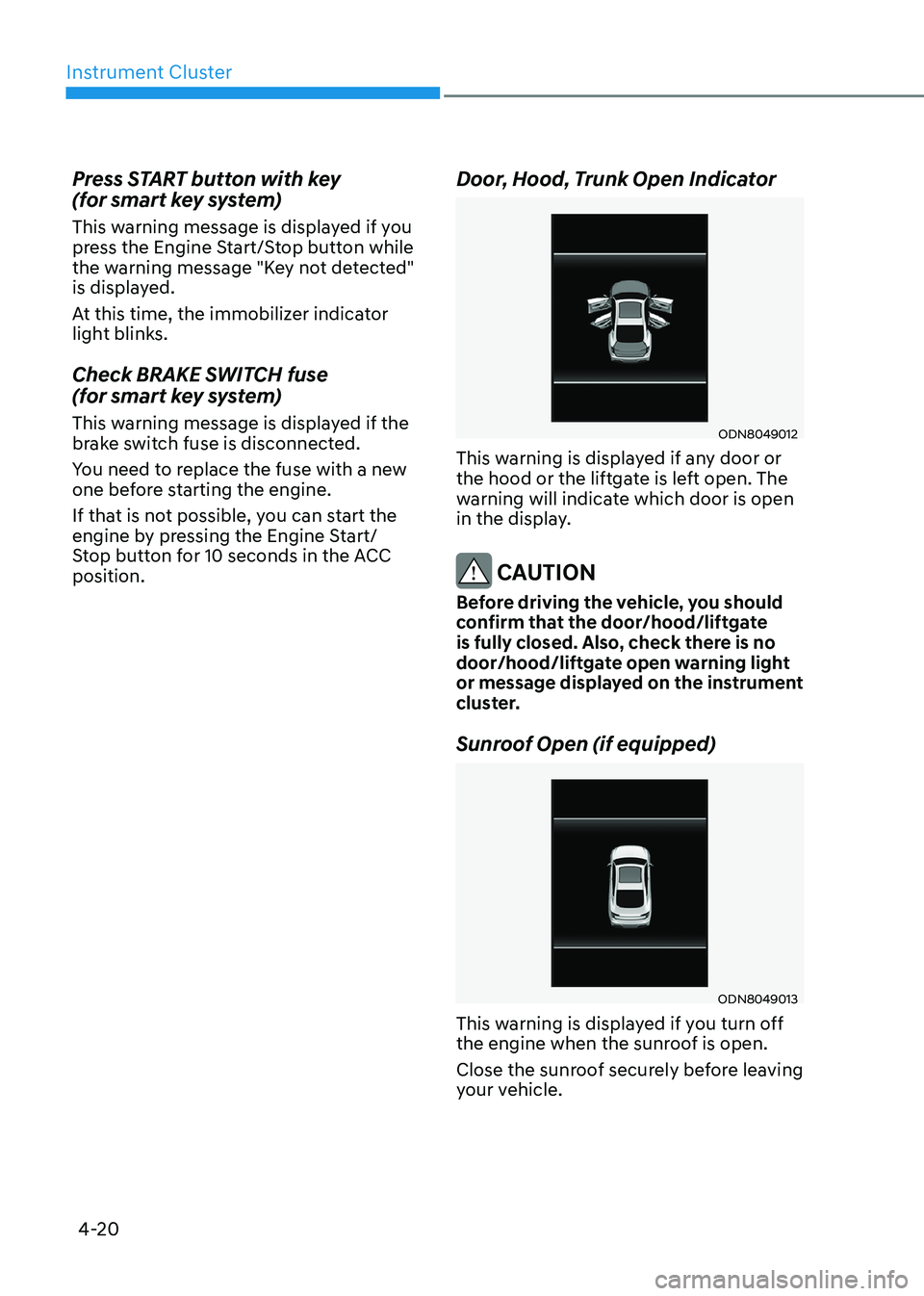
Door, Hood, Trunk Open Indicator
ODN8049012
This warning is displayed if any door or
the hood or the liftgate is left open. The
warning will indicate which door is open
in the display.
CAUTION
Before driving the vehicle, you should
confirm that the door/hood/liftgate
is fully closed. Also, check there is no
door/hood/liftgate open warning light
or message displayed on the instrument
cluster.
Sunroof Open (if equipped)
ODN8049013
This warning is displayed if you turn off
the engine when the sunroof is open.
Close the sunroof securely before leaving
your vehicle.
Page 112 of 555
Instrument Cluster
4-26
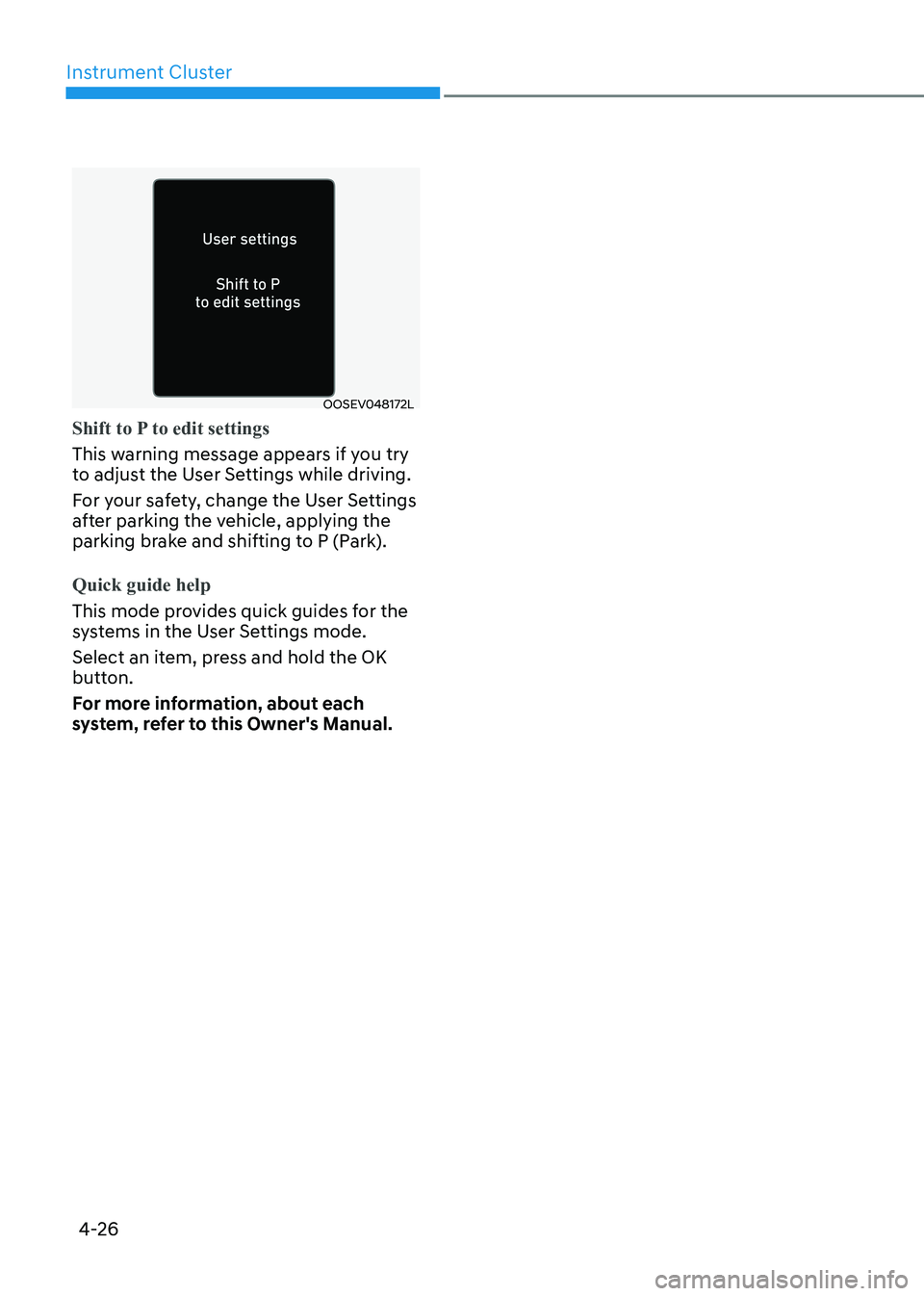
OOSEV048172L
Shift to P to edit settings
This warning message appears if you try
to adjust the User Settings while driving.
For your safety, change the User Settings
after parking the vehicle, applying the
parking brake and shifting to P (Park).
Quick guide help
This mode provides quick guides for the
systems in the User Settings mode.
Select an item, press and hold the OK
button.
For more information, about each
system, refer to this Owner's Manual.
Page 128 of 555
Instrument Cluster
4-42
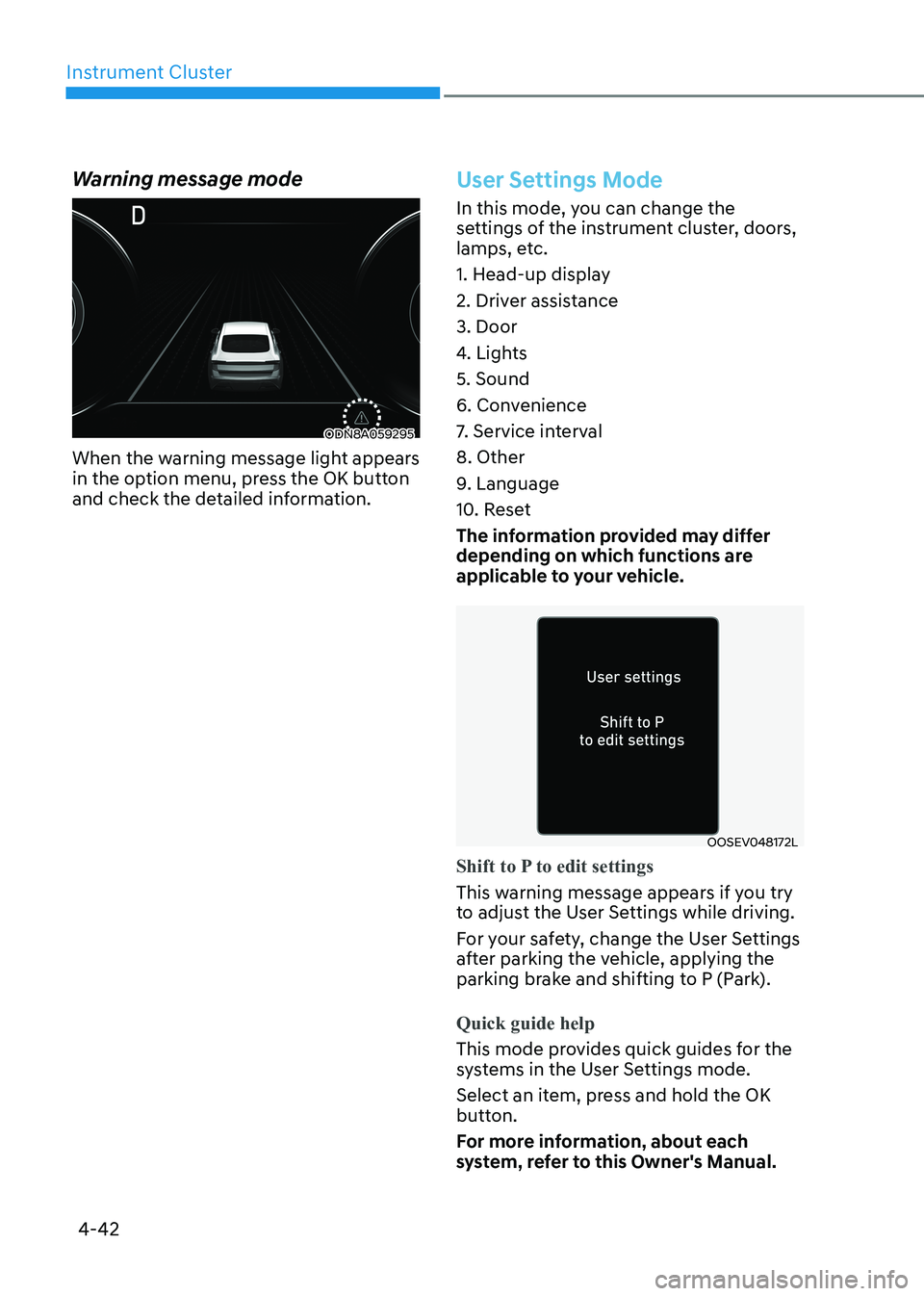
Warning message mode
ODN8A059295
When the warning message light appears
in the option menu, press the OK button
and check the detailed information.
User Settings Mode
In this mode, you can change the
settings of the instrument cluster, doors,
lamps, etc.
1. Head-up display
2. Driver assistance3. Door
4. Lights5. Sound
6. Convenience
7. Service interval8. Other
9. Language
10. Reset
The information provided may differ
depending on which functions are
applicable to your vehicle.
OOSEV048172L
Shift to P to edit settings
This warning message appears if you try
to adjust the User Settings while driving.
For your safety, change the User Settings
after parking the vehicle, applying the
parking brake and shifting to P (Park).
Quick guide help
This mode provides quick guides for the
systems in the User Settings mode.
Select an item, press and hold the OK
button.
For more information, about each
system, refer to this Owner's Manual.
Page 140 of 555
Instrument Cluster
4-54
Warning message mode
When the warning message light appears
in the option menu, press the OK button
and check the detailed information.
User Settings Mode
In this mode, you can change the
settings of the instrument cluster, doors,
lamps, etc.
1. Head-up display (if quipped)
2. Driver assistance3. Door
4. Lights5. Sound
6. Convenience
7. Service interval8. Other
9. Language
10. Reset
The information provided may differ
depending on which functions are
applicable to your vehicle.
OOSEV048172L
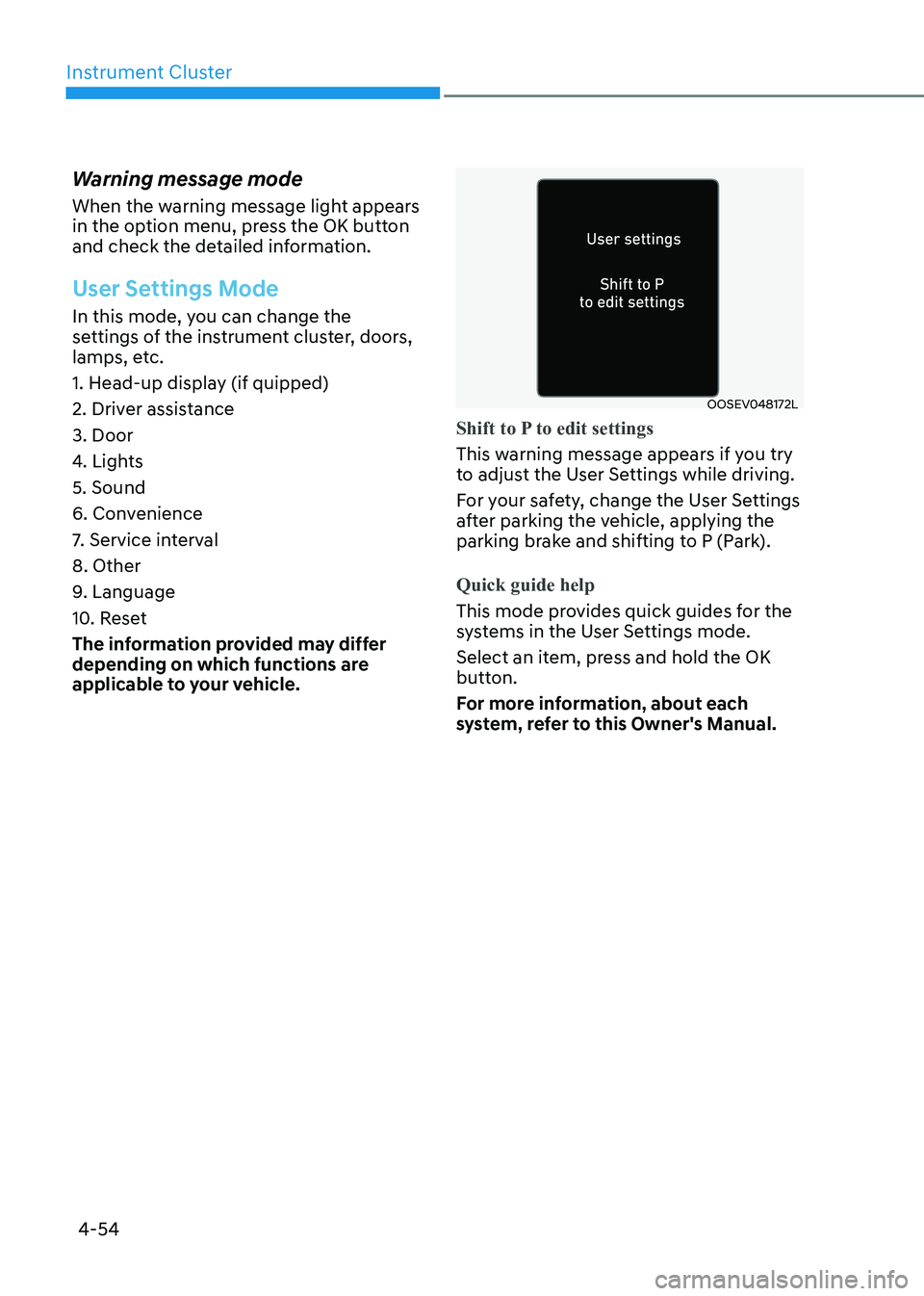
Shift to P to edit settings
This warning message appears if you try
to adjust the User Settings while driving.
For your safety, change the User Settings
after parking the vehicle, applying the
parking brake and shifting to P (Park).
Quick guide help
This mode provides quick guides for the
systems in the User Settings mode.
Select an item, press and hold the OK
button.
For more information, about each
system, refer to this Owner's Manual.
Page 165 of 555
05
5-19
WARNING
• The doors should always be fully
closed and locked while the
vehicle is in motion. If the doors
are unlocked, the risk of being
thrown from the vehicle in a crash is
increased.
• Do not pull the inner door handle of
the driver’s or passenger’s door while
the vehicle is moving.
WARNING
Do not leave children or animals
unattended in your vehicle. An enclosed
vehicle can become extremely hot,
causing death or serious injury to
unattended children or animals who
cannot escape the vehicle.
Children might operate features of the
vehicle that could injure them, or they
could encounter other harm, possibly
from someone gaining entry to the
vehicle.
WARNING
Always secure your vehicle.
Leaving your vehicle unlocked increases
the potential risk to you or others from
someone hiding in your vehicle.
To secure your vehicle, while depressing
the brake, move the shift button to the
P (Park) position, engage the parking
brake, and place the ignition switch
in the LOCK/OFF position, close all
windows, lock all doors, and always
take the key with you.
CAUTION
Opening a door when something is
approaching may cause damage or
injury. Be careful when opening doors
and watch for vehicles, motorcycles,
bicycles or pedestrians approaching the
vehicle in the path of the door.
WARNING
If you stay in the vehicle for a long time
while the weather is very hot or cold,
there are risks of injuries or danger to
life. Do not lock the vehicle from the
outside when someone is in the vehicle.
WARNING
Opening a door when something is
approaching may cause damage or
injury. Be careful when opening doors
and watch for vehicles, motorcycles,
bicycles or pedestrians approaching the
vehicle in the path of the door.
Page 168 of 555
Convenience Features
5-22
Vehicle Auto-Shut Off Function
If your parked vehicle in a garage is on
for a period of time, the engine turns
off automatically to prevent carbon
monoxide poisoning.
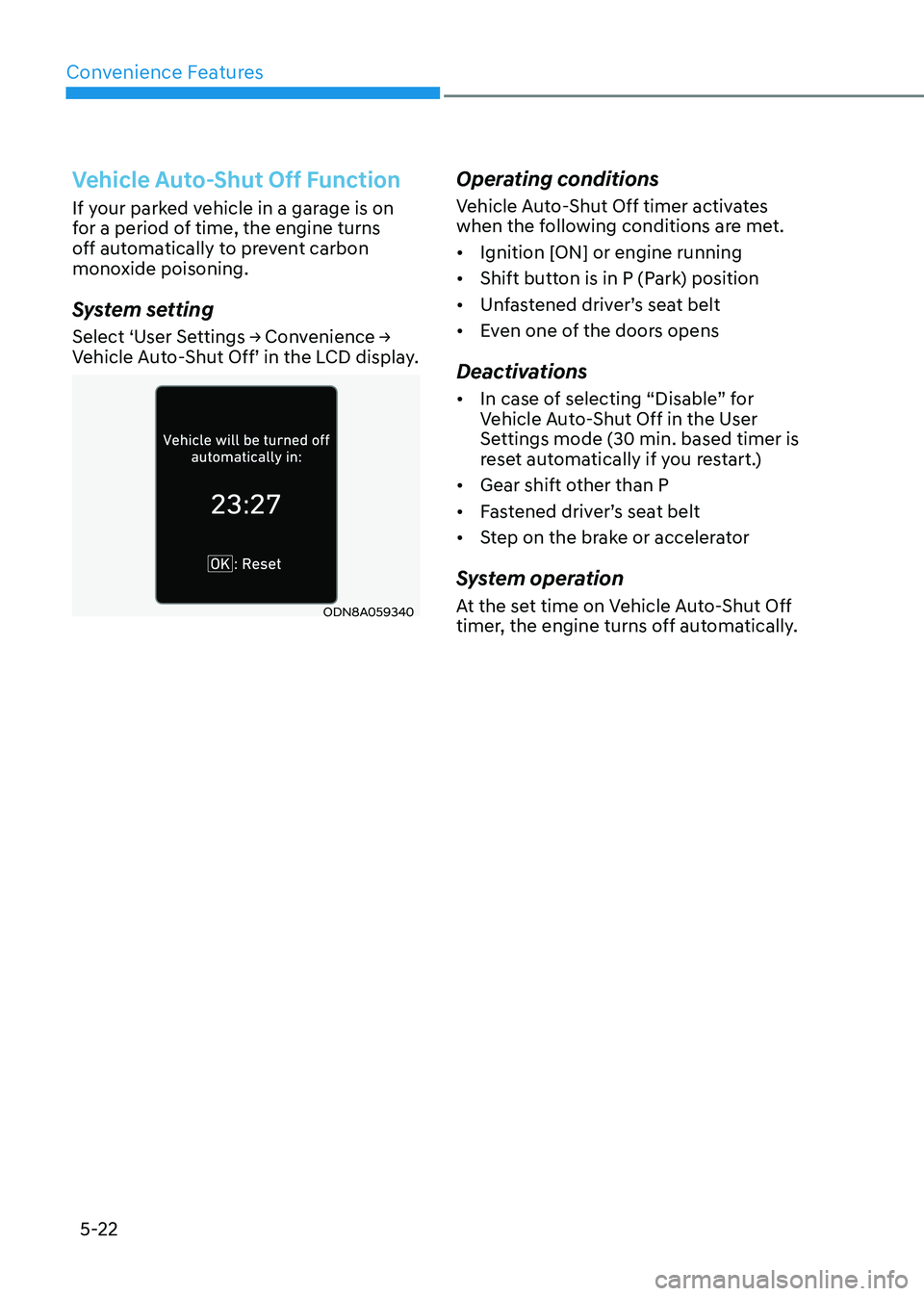
System setting
Select ‘User Settings → Convenience →
Vehicle Auto-Shut Off’ in the LCD display.
ODN8A059340Operating conditions
Vehicle Auto-Shut Off timer activates
when the following conditions are met. •
Ignition [ON] or engine running
• Shift button is in P (Park) position
• Unfastened driver’s seat belt
• Even one of the doors opens
Deactivations • In case of selecting “Disable” for
Vehicle Auto-Shut Off in the User
Settings mode (30 min. based timer is
reset automatically if you restart.)
• Gear shift other than P
• Fastened driver’s seat belt
• Step on the brake or accelerator
System operation
At the set time on Vehicle Auto-Shut Off
timer, the engine turns off automatically.
Page 196 of 555
Convenience Features
5-50
Hood
Opening the hood
ODN8A059040
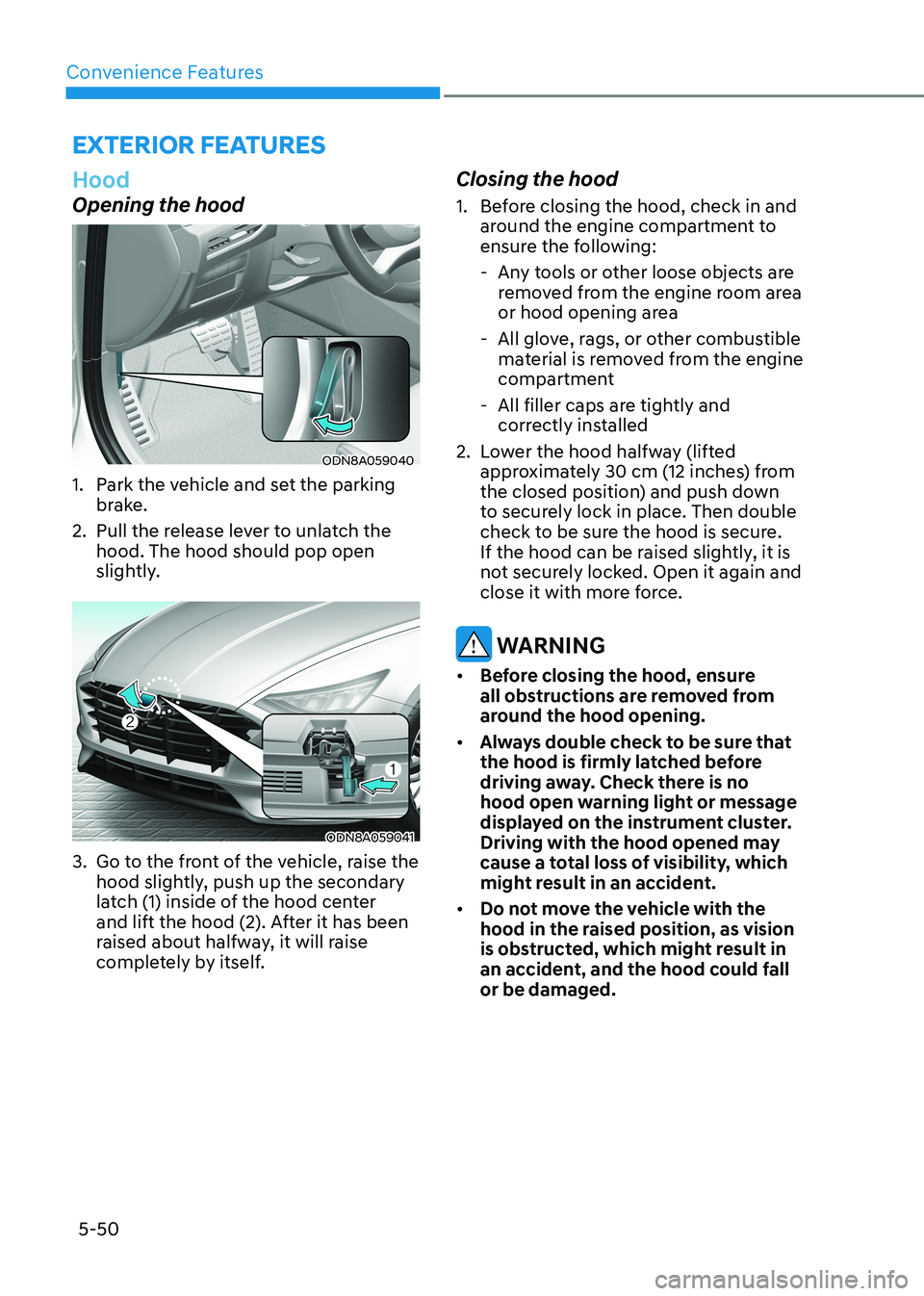
1. Park the vehicle and set the parking brake.
2. Pull the release lever to unlatch the hood. The hood should pop open
slightly.
ODN8A059041
3. Go to the front of the vehicle, raise the hood slightly, push up the secondary
latch (1) inside of the hood center
and lift the hood (2). After it has been
raised about halfway, it will raise
completely by itself. Closing the hood
1. Before closing the hood, check in and
around the engine compartment to
ensure the following:
- Any tools or other loose objects are removed from the engine room area
or hood opening area
- All glove, rags, or other combustible material is removed from the engine
compartment
- All filler caps are tightly and correctly installed
2. Lower the hood halfway (lifted approximately 30 cm (12 inches) from
the closed position) and push down
to securely lock in place. Then double
check to be sure the hood is secure.
If the hood can be raised slightly, it is
not securely locked. Open it again and
close it with more force.
WARNING
• Before closing the hood, ensure
all obstructions are removed from
around the hood opening.
• Always double check to be sure that
the hood is firmly latched before
driving away. Check there is no
hood open warning light or message
displayed on the instrument cluster.
Driving with the hood opened may
cause a total loss of visibility, which
might result in an accident.
• Do not move the vehicle with the
hood in the raised position, as vision
is obstructed, which might result in
an accident, and the hood could fall or be damaged.
exterior FeAtures
Page 203 of 555
05
5-57
Information
If the fuel filler door does not open
because ice has formed around it, tap
lightly or push on the door to break the
ice and release the door. Do not pry on the
door. If necessary, spray around the door
with an approved deicer fluid (do not use
radiator antifreeze) or move the vehicle to a warm place and allow the ice to melt. Closing the fuel filler door
1. To install the fuel tank cap, turn it clockwise until it “clicks” one time.
2. Close the fuel filler door until it is latched securely.
WARNING
Gasoline is highly flammable and
explosive. Failure to follow these
guidelines may result in SERIOUS
INJURY or DEATH: • Read and follow all warnings posted
at the gas station.
• Before refueling, note the location of
the Emergency Gasoline Shut-Off, if
available, at the gas station.
• Before touching the fuel nozzle, you
should eliminate the potential build-
up of static electricity by touching
a metal part of the vehicle, a safe
distance away from the fuel filler
neck, nozzle, or other gas source,
with your bare hand.
• Do not use cellular phones while
refueling. Electric current and/or
electronic interference from cellular
phones can potentially ignite fuel
vapors and cause a fire. •
Do not get back into a vehicle
once you have begun refueling.
You can generate a buildup of
static electricity by touching,
rubbing or sliding against any item
or fabric capable of producing
static electricity. Static electricity
discharge can ignite fuel vapors
causing a fire. If you must re-enter
the vehicle, you should once again
eliminate potentially dangerous
static electricity discharge by
touching a metal part of the vehicle,
away from the fuel filler neck, nozzle
or other gasoline source, with your
bare hand.
• When using an approved portable
fuel container, be sure to place the
container on the ground prior to
refueling. Static electricity discharge
from the container can ignite fuel
vapors causing a fire.
Once refueling has begun, contact
between your bare hand and the
vehicle should be maintained until
the filling is complete.
• Use only approved portable plastic
fuel containers designed to carry and
store gasoline.
• When refueling, always move the
shift button to the P (Park) position
set the parking brake, and place
the ignition switch to the LOCK/
OFF position. Sparks produced by
electrical components related to the
engine can ignite fuel vapors causing
a fire.
• Do not use matches or a lighter and
do not smoke or leave a lit cigarette
in your vehicle while at a gas station,
especially during refueling.
• Do not over-fill or top-off your
vehicle tank, which can cause gasoline spillage.
Page 207 of 555
05
5-61
lighting
Exterior Lights
Lighting control
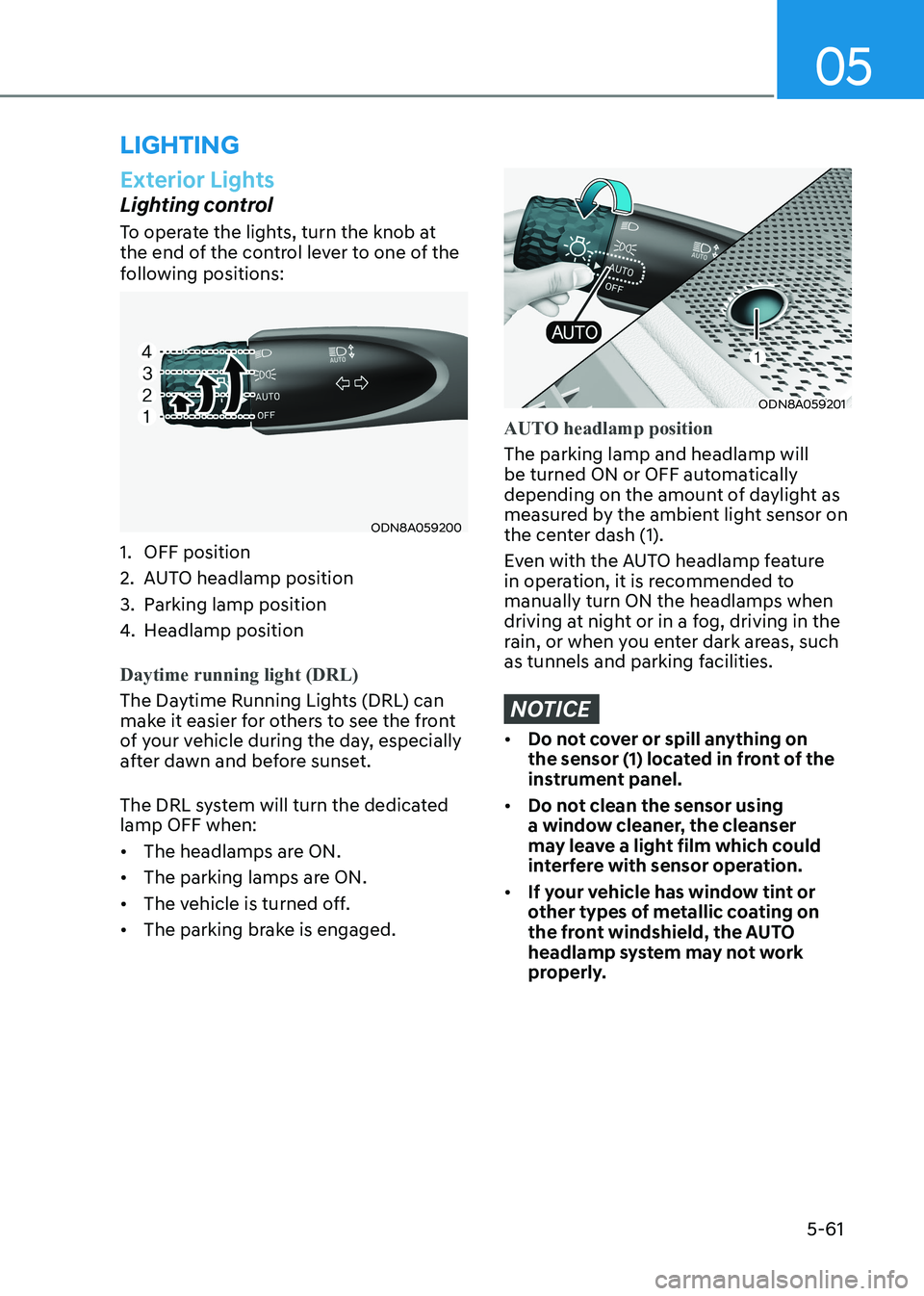
To operate the lights, turn the knob at
the end of the control lever to one of the
following positions:
ODN8A059200
1. OFF position
2. AUTO headlamp position
3. Parking lamp position
4. Headlamp position
Daytime running light (DRL)
The Daytime Running Lights (DRL) can
make it easier for others to see the front
of your vehicle during the day, especially
after dawn and before sunset.
The DRL system will turn the dedicated lamp OFF when: • The headlamps are ON.
• The parking lamps are ON.
• The vehicle is turned off.
• The parking brake is engaged.
ODN8A059201
AUTO headlamp position
The parking lamp and headlamp will
be turned ON or OFF automatically
depending on the amount of daylight as
measured by the ambient light sensor on
the center dash (1).
Even with the AUTO headlamp feature
in operation, it is recommended to manually turn ON the headlamps when
driving at night or in a fog, driving in the
rain, or when you enter dark areas, such
as tunnels and parking facilities.
NOTICE
• Do not cover or spill anything on
the sensor (1) located in front of the
instrument panel.
• Do not clean the sensor using
a window cleaner, the cleanser
may leave a light film which could
interfere with sensor operation.
• If your vehicle has window tint or
other types of metallic coating on
the front windshield, the AUTO
headlamp system may not work
properly.