change time HYUNDAI TUCSON 2007 Owners Manual
[x] Cancel search | Manufacturer: HYUNDAI, Model Year: 2007, Model line: TUCSON, Model: HYUNDAI TUCSON 2007Pages: 306, PDF Size: 11.82 MB
Page 3 of 306
F1
A030A01JM
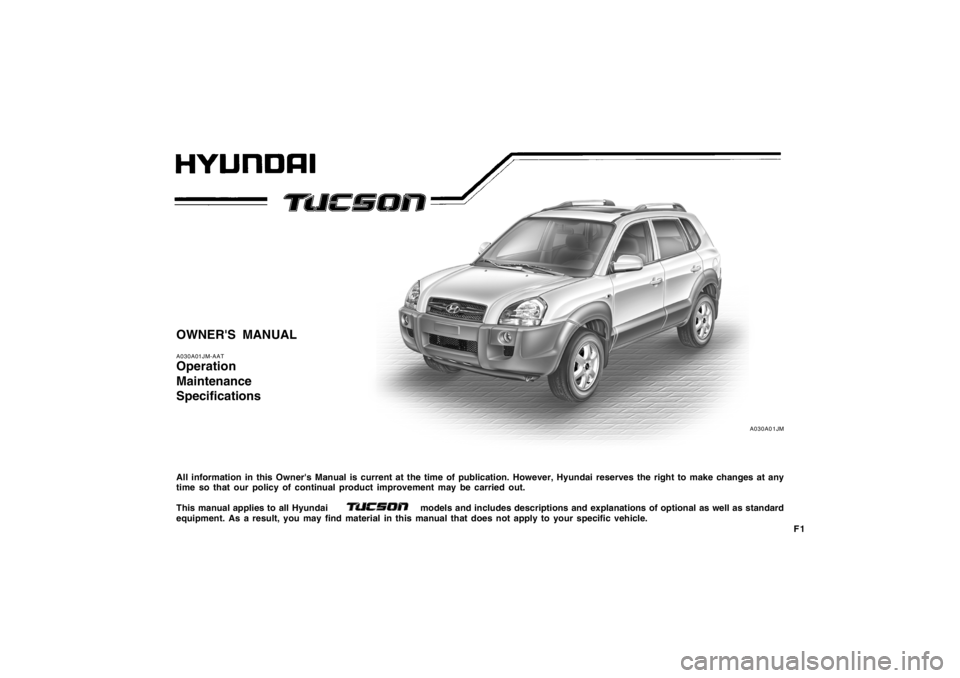
OWNER'S MANUALA030A01JM-AATOperation
Maintenance
SpecificationsAll information in this Owner's Manual is current at the time of publication. However, Hyundai reserves the right to make changes at any
time so that our policy of continual product improvement may be carried out.
This manual applies to all Hyundai models and includes descriptions and explanations of optional as well as standard
equipment. As a result, you may find material in this manual that does not apply to your specific vehicle.
Page 20 of 306
1FEATURES OF YOUR HYUNDAI8
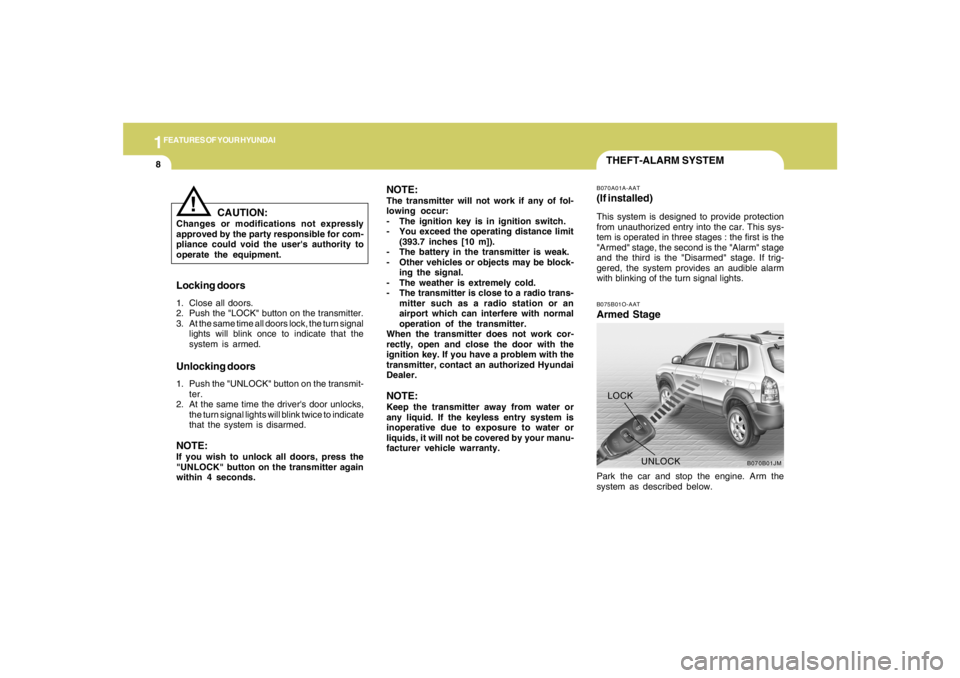
B070B01JM
UNLOCK LOCK
THEFT-ALARM SYSTEMB075B01O-AATArmed StagePark the car and stop the engine. Arm the
system as described below.B070A01A-AAT(If installed)This system is designed to provide protection
from unauthorized entry into the car. This sys-
tem is operated in three stages : the first is the
"Armed" stage, the second is the "Alarm" stage
and the third is the "Disarmed" stage. If trig-
gered, the system provides an audible alarm
with blinking of the turn signal lights.
Locking doors1. Close all doors.
2. Push the "LOCK" button on the transmitter.
3. At the same time all doors lock, the turn signal
lights will blink once to indicate that the
system is armed.Unlocking doors1. Push the "UNLOCK" button on the transmit-
ter.
2. At the same time the driver's door unlocks,
the turn signal lights will blink twice to indicate
that the system is disarmed.NOTE:If you wish to unlock all doors, press the
"UNLOCK" button on the transmitter again
within 4 seconds.
CAUTION:
Changes or modifications not expressly
approved by the party responsible for com-
pliance could void the user's authority to
operate the equipment.
!
NOTE:The transmitter will not work if any of fol-
lowing occur:
- The ignition key is in ignition switch.
- You exceed the operating distance limit
(393.7 inches [10 m]).
- The battery in the transmitter is weak.
- Other vehicles or objects may be block-
ing the signal.
- The weather is extremely cold.
- The transmitter is close to a radio trans-
mitter such as a radio station or an
airport which can interfere with normal
operation of the transmitter.
When the transmitter does not work cor-
rectly, open and close the door with the
ignition key. If you have a problem with the
transmitter, contact an authorized Hyundai
Dealer.NOTE:Keep the transmitter away from water or
any liquid. If the keyless entry system is
inoperative due to exposure to water or
liquids, it will not be covered by your manu-
facturer vehicle warranty.
Page 63 of 306
1
FEATURES OF YOUR HYUNDAI
51
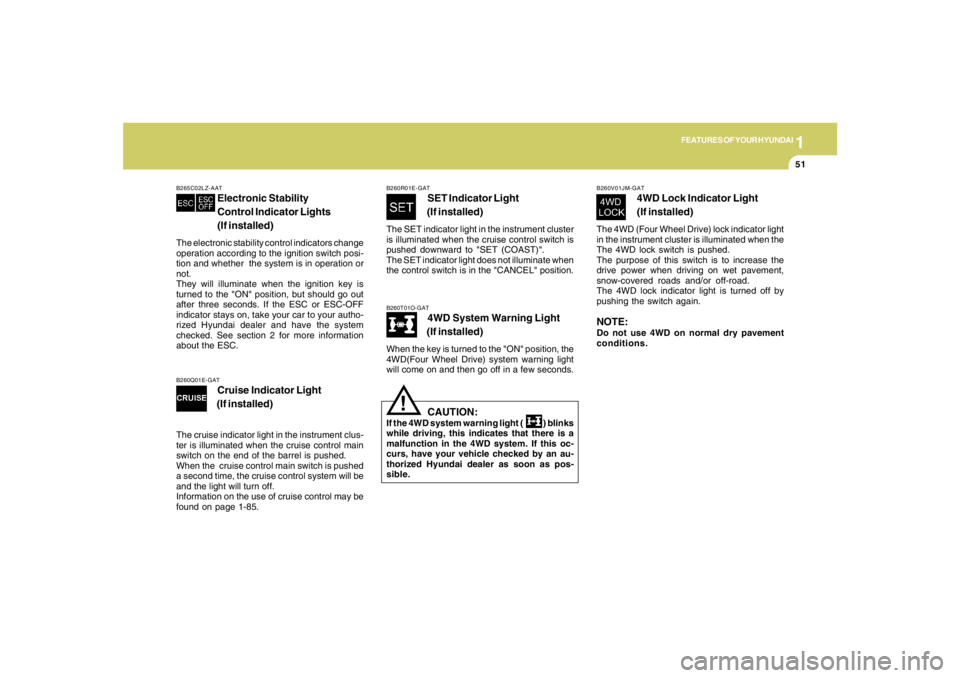
B260T01O-GAT
4WD System Warning Light
(If installed)
When the key is turned to the "ON" position, the
4WD(Four Wheel Drive) system warning light
will come on and then go off in a few seconds.
CAUTION:
If the 4WD system warning light ( ) blinks
while driving, this indicates that there is a
malfunction in the 4WD system. If this oc-
curs, have your vehicle checked by an au-
thorized Hyundai dealer as soon as pos-
sible.
!
B265C02LZ-AAT
Electronic Stability
Control Indicator Lights
(If installed)
The electronic stability control indicators change
operation according to the ignition switch posi-
tion and whether the system is in operation or
not.
They will illuminate when the ignition key is
turned to the "ON" position, but should go out
after three seconds. If the ESC or ESC-OFF
indicator stays on, take your car to your autho-
rized Hyundai dealer and have the system
checked. See section 2 for more information
about the ESC.
B260V01JM-GAT
4WD Lock Indicator Light
(If installed)
The 4WD (Four Wheel Drive) lock indicator light
in the instrument cluster is illuminated when the
The 4WD lock switch is pushed.
The purpose of this switch is to increase the
drive power when driving on wet pavement,
snow-covered roads and/or off-road.
The 4WD lock indicator light is turned off by
pushing the switch again.NOTE:Do not use 4WD on normal dry pavement
conditions.
B260R01E-GAT
SET Indicator Light
(If installed)
The SET indicator light in the instrument cluster
is illuminated when the cruise control switch is
pushed downward to "SET (COAST)".
The SET indicator light does not illuminate when
the control switch is in the "CANCEL" position.
B260Q01E-GAT
Cruise Indicator Light
(If installed)
The cruise indicator light in the instrument clus-
ter is illuminated when the cruise control main
switch on the end of the barrel is pushed.
When the cruise control main switch is pushed
a second time, the cruise control system will be
and the light will turn off.
Information on the use of cruise control may be
found on page 1-85.
Page 68 of 306
1FEATURES OF YOUR HYUNDAI56
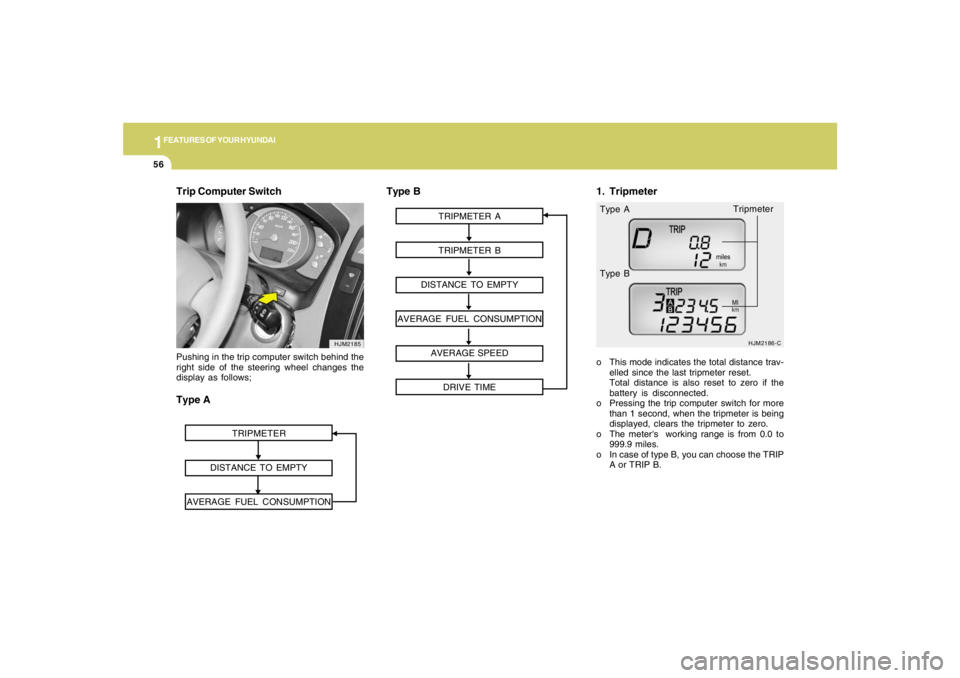
Trip Computer Switch
HJM2185
TRIPMETER
DISTANCE TO EMPTY
AVERAGE FUEL CONSUMPTION
Pushing in the trip computer switch behind the
right side of the steering wheel changes the
display as follows;Type A
TRIPMETER A
TRIPMETER B
DISTANCE TO EMPTY
AVERAGE FUEL CONSUMPTION
AVERAGE SPEED
DRIVE TIME
HJM2186-C
o This mode indicates the total distance trav-
elled since the last tripmeter reset.
Total distance is also reset to zero if the
battery is disconnected.
o Pressing the trip computer switch for more
than 1 second, when the tripmeter is being
displayed, clears the tripmeter to zero.
o The meter's working range is from 0.0 to
999.9 miles.
o In case of type B, you can choose the TRIP
A or TRIP B. Type A
Type B
Type B
1. Tripmeter
Tripmeter
Page 70 of 306
1FEATURES OF YOUR HYUNDAI58
MULTI-FUNCTION LIGHT SWITCHB340A01A-AATCOMBINATION TURN SIGNAL,
HEADLIGHT AND HIGH-BEAM
SWITCH
Turn Signal OperationPulling down on the lever causes the turn
signals on the left side of the car to blink. Pushing
upwards on the lever causes the turn signals on
the right side of the car to blink. As the turn is
completed, the lever will automatically return to
the center position and turn off the turn signals
at the same time. If either turn signal indicator
light blinks more rapidly than usual, goes on but
does not blink, or does not go on at all, there is
a malfunction in the system. Check for a burned-
out fuse or bulb or see your Hyundai dealer.
B340B01A-AATLane Change SignalTo indicate a lane change, move the lever up or
down to a point where it begins flashing.
The lever will automatically return to the center
position when released.
HJM2089
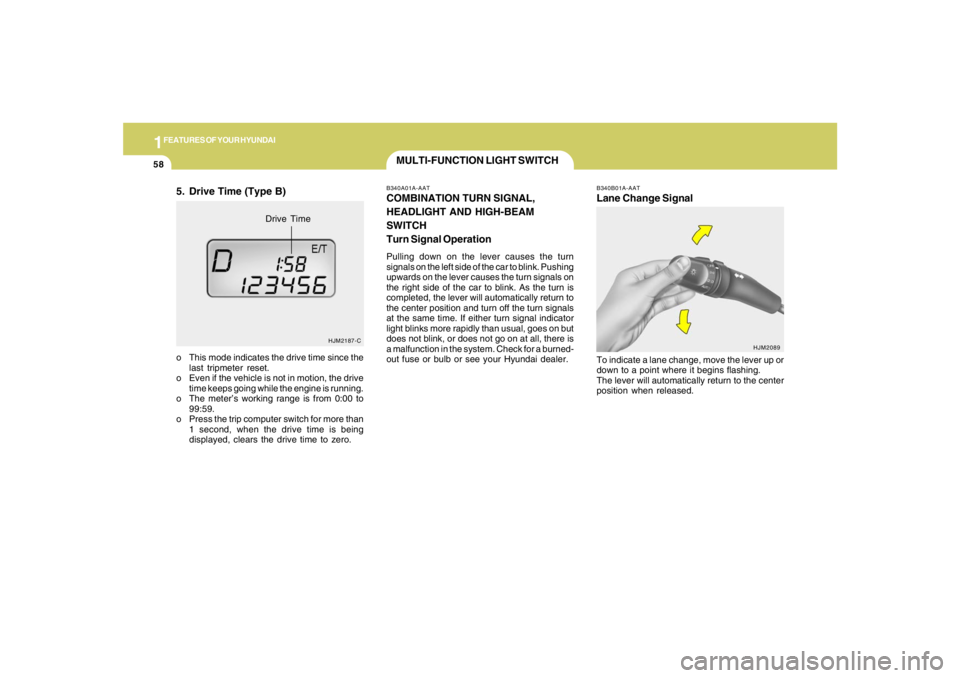
5. Drive Time (Type B)o This mode indicates the drive time since the
last tripmeter reset.
o Even if the vehicle is not in motion, the drive
time keeps going while the engine is running.
o The meter’s working range is from 0:00 to
99:59.
o Press the trip computer switch for more than
1 second, when the drive time is being
displayed, clears the drive time to zero.
HJM2187-C
Drive Time
Page 76 of 306
1FEATURES OF YOUR HYUNDAI64
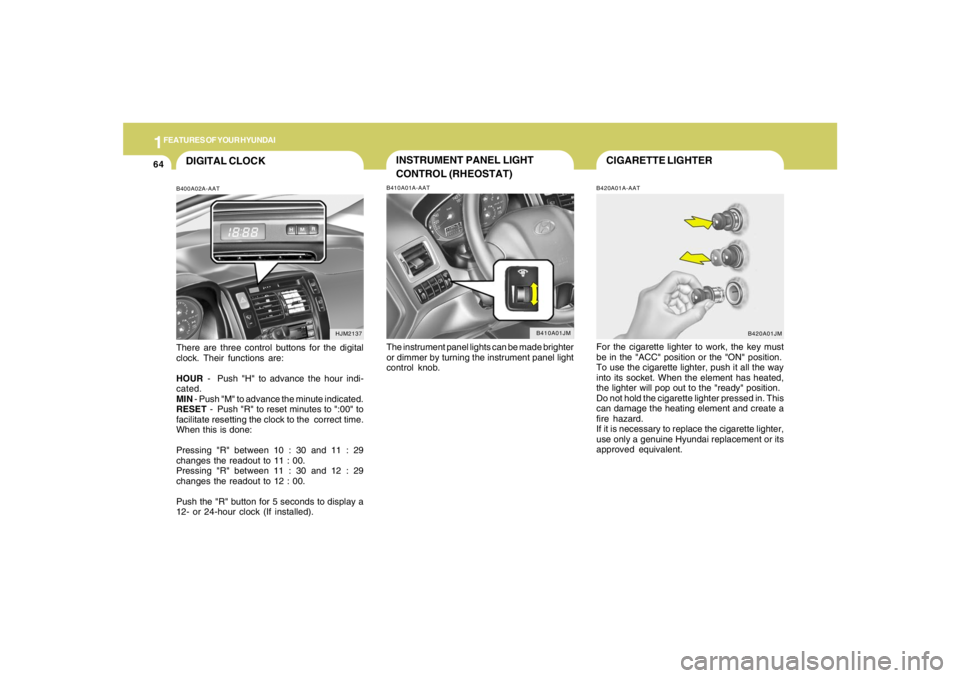
CIGARETTE LIGHTERB420A01A-AATFor the cigarette lighter to work, the key must
be in the "ACC" position or the "ON" position.
To use the cigarette lighter, push it all the way
into its socket. When the element has heated,
the lighter will pop out to the "ready" position.
Do not hold the cigarette lighter pressed in. This
can damage the heating element and create a
fire hazard.
If it is necessary to replace the cigarette lighter,
use only a genuine Hyundai replacement or its
approved equivalent.
B420A01JM
DIGITAL CLOCKB400A02A-AATThere are three control buttons for the digital
clock. Their functions are:
HOUR - Push "H" to advance the hour indi-
cated.
MIN - Push "M" to advance the minute indicated.
RESET - Push "R" to reset minutes to ":00" to
facilitate resetting the clock to the correct time.
When this is done:
Pressing "R" between 10 : 30 and 11 : 29
changes the readout to 11 : 00.
Pressing "R" between 11 : 30 and 12 : 29
changes the readout to 12 : 00.
Push the "R" button for 5 seconds to display a
12- or 24-hour clock (If installed).
HJM2137
INSTRUMENT PANEL LIGHT
CONTROL (RHEOSTAT)B410A01A-AATThe instrument panel lights can be made brighter
or dimmer by turning the instrument panel light
control knob.
B410A01JM
Page 146 of 306
1FEATURES OF YOUR HYUNDAI
134
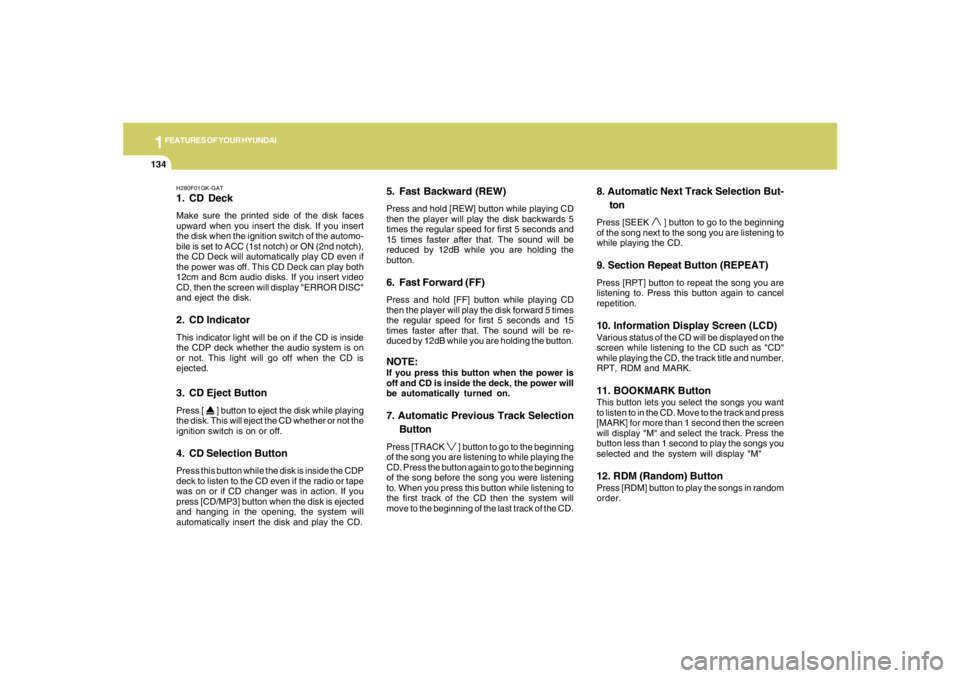
H280F01GK-GAT1. CD DeckMake sure the printed side of the disk faces
upward when you insert the disk. If you insert
the disk when the ignition switch of the automo-
bile is set to ACC (1st notch) or ON (2nd notch),
the CD Deck will automatically play CD even if
the power was off. This CD Deck can play both
12cm and 8cm audio disks. If you insert video
CD, then the screen will display "ERROR DISC"
and eject the disk.2. CD IndicatorThis indicator light will be on if the CD is inside
the CDP deck whether the audio system is on
or not. This light will go off when the CD is
ejected.3. CD Eject ButtonPress [
] button to eject the disk while playing
the disk. This will eject the CD whether or not the
ignition switch is on or off.
4. CD Selection ButtonPress this button while the disk is inside the CDP
deck to listen to the CD even if the radio or tape
was on or if CD changer was in action. If you
press [CD/MP3] button when the disk is ejected
and hanging in the opening, the system will
automatically insert the disk and play the CD.
5. Fast Backward (REW)Press and hold [REW] button while playing CD
then the player will play the disk backwards 5
times the regular speed for first 5 seconds and
15 times faster after that. The sound will be
reduced by 12dB while you are holding the
button.6. Fast Forward (FF)Press and hold [FF] button while playing CD
then the player will play the disk forward 5 times
the regular speed for first 5 seconds and 15
times faster after that. The sound will be re-
duced by 12dB while you are holding the button.NOTE:If you press this button when the power is
off and CD is inside the deck, the power will
be automatically turned on.7. Automatic Previous Track Selection
ButtonPress [TRACK
] button to go to the beginning
of the song you are listening to while playing the
CD. Press the button again to go to the beginning
of the song before the song you were listening
to. When you press this button while listening to
the first track of the CD then the system will
move to the beginning of the last track of the CD.
8. Automatic Next Track Selection But-
tonPress [SEEK
] button to go to the beginning
of the song next to the song you are listening to
while playing the CD.
9. Section Repeat Button (REPEAT)Press [RPT] button to repeat the song you are
listening to. Press this button again to cancel
repetition.10. Information Display Screen (LCD)Various status of the CD will be displayed on the
screen while listening to the CD such as "CD"
while playing the CD, the track title and number,
RPT, RDM and MARK.11. BOOKMARK ButtonThis button lets you select the songs you want
to listen to in the CD. Move to the track and press
[MARK] for more than 1 second then the screen
will display "M" and select the track. Press the
button less than 1 second to play the songs you
selected and the system will display "M"12. RDM (Random) ButtonPress [RDM] button to play the songs in random
order.
Page 154 of 306
1FEATURES OF YOUR HYUNDAI
142
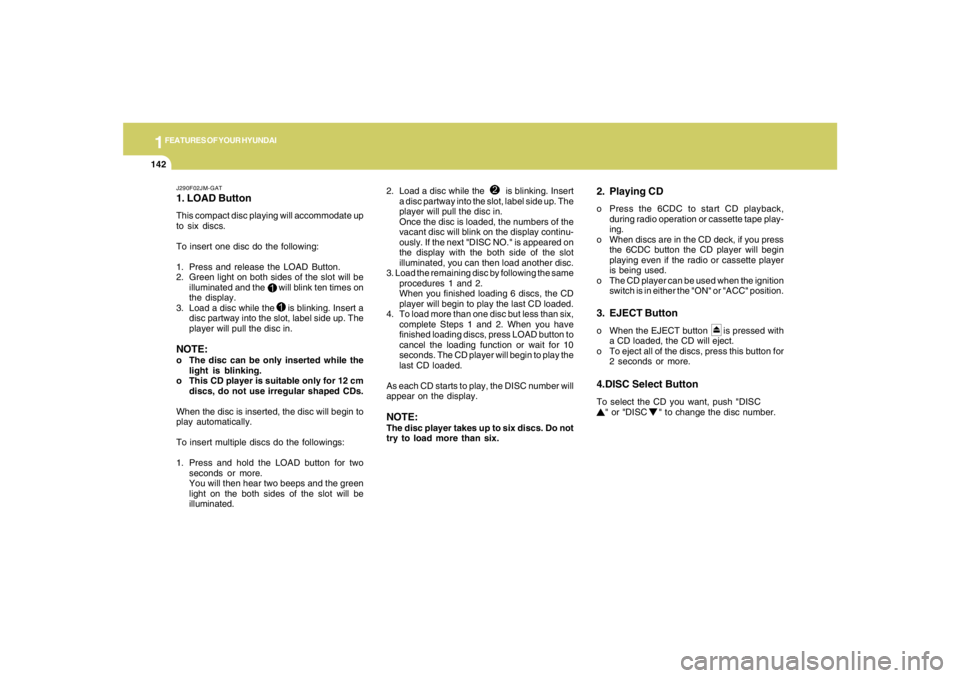
J290F02JM-GAT1. LOAD ButtonThis compact disc playing will accommodate up
to six discs.
To insert one disc do the following:
1. Press and release the LOAD Button.
2. Green light on both sides of the slot will be
illuminated and the will blink ten times on
the display.
3. Load a disc while the is blinking. Insert a
disc partway into the slot, label side up. The
player will pull the disc in.NOTE:o The disc can be only inserted while the
light is blinking.
o This CD player is suitable only for 12 cm
discs, do not use irregular shaped CDs.
When the disc is inserted, the disc will begin to
play automatically.
To insert multiple discs do the followings:
1. Press and hold the LOAD button for two
seconds or more.
You will then hear two beeps and the green
light on the both sides of the slot will be
illuminated.2. Load a disc while the is blinking. Insert
a disc partway into the slot, label side up. The
player will pull the disc in.
Once the disc is loaded, the numbers of the
vacant disc will blink on the display continu-
ously. If the next "DISC NO." is appeared on
the display with the both side of the slot
illuminated, you can then load another disc.
3. Load the remaining disc by following the same
procedures 1 and 2.
When you finished loading 6 discs, the CD
player will begin to play the last CD loaded.
4. To load more than one disc but less than six,
complete Steps 1 and 2. When you have
finished loading discs, press LOAD button to
cancel the loading function or wait for 10
seconds. The CD player will begin to play the
last CD loaded.
As each CD starts to play, the DISC number will
appear on the display.
NOTE:The disc player takes up to six discs. Do not
try to load more than six.
2. Playing CDo Press the 6CDC to start CD playback,
during radio operation or cassette tape play-
ing.
o When discs are in the CD deck, if you press
the 6CDC button the CD player will begin
playing even if the radio or cassette player
is being used.
o The CD player can be used when the ignition
switch is in either the "ON" or "ACC" position.3. EJECT Buttono When the EJECT button is pressed with
a CD loaded, the CD will eject.
o To eject all of the discs, press this button for
2 seconds or more.4.DISC Select ButtonTo select the CD you want, push "DISC
" or "DISC " to change the disc number.
Page 162 of 306
![HYUNDAI TUCSON 2007 Owners Manual 1FEATURES OF YOUR HYUNDAI
150
J295D01JM-GAT1. CD DeckThe deck will open only when you press [LOAD]
button. Make sure the printed side of the disk
faces upward when you insert the disk. The CD
changer](/img/35/56210/w960_56210-161.png "HYUNDAI TUCSON 2007 Owners Manual 1FEATURES OF YOUR HYUNDAI
150
J295D01JM-GAT1. CD DeckThe deck will open only when you press [LOAD]
button. Make sure the printed side of the disk
faces upward when you insert the disk. The CD
changer")
1FEATURES OF YOUR HYUNDAI
150
J295D01JM-GAT1. CD DeckThe deck will open only when you press [LOAD]
button. Make sure the printed side of the disk
faces upward when you insert the disk. The CD
changer can only play 12cm disks. If you insert
video CD or DATA CD, then the screen will
display "ERROR DISC," eject the disk and
return to the previous mode.2. CD Load ButtonWhen you press [LOAD] button, the empty lots
of the CD Changer will be opened in the order
of 1, 2, 3, 4, 5 and 6. When you insert CD, you
can listen to the corresponding CD. In this case,
the last CD you inserted will be played. If you do
not take any actions after pressing (LOAD) then
the (LOAD) will be cancelled.3. CD Ejection ButtonWhen you press [
] button, the currently
played CD will be ejected. If you press the button
for more than 2 seconds, you will be able to eject
all CDs. If currently played CD is in the 3rd slot,
the ejection order will be 3, 4, 5, 6, 1 and 2.
4. DISC DisplayThis shows the location of disk inside the CD
Changer and the corresponding CD deck num-
ber will flicker when you load or eject the CD.5. CD Changer Selection ButtonIf the power was turned off when the CD is inside
the CD changer or if you press "CD" button
when radio was on, the system will play CD. If
you press (CD/MP3) when there is no CD in the
changer then the system will display "NO DISK"
for 2 seconds and return to the previous mode.NOTE:If you press this button when the power is
off and CD is inside the deck, the power will
be automatically turned on.6. Disc Selection ButtonIf you press [DISC
] button while using CD
Changer, the next disc will be played (If you
press the button when you are listening to CD
1, the CD 2 will be played).
If you wish to listen to the previous CD, then
press [DISC
] button then the previous disc
will be played (If you press the button when you
are listening to CD 2, the CD 1 will be played).
If the CD Changer is not fully loaded, this will
move to the next available deck. When the
player moves from deck to deck, the screen will
display the selected deck number.
7. Fast Backward ButtonPress and hold [4 REW] button while playing CD
then the player will play the disk backwards 5
times the regular speed for first 5 seconds and
15 times faster after that. The sound will be
reduced by 12dB while you are holding the
button.8. Fast Forward ButtonPress and hold [1 FF] button while playing CD
then the player will play the disk forward 5 times
the regular speed for first 5 seconds and 15
times faster after that. The sound will be re-
duced by 12dB while you are holding the button.9. Automatic Previous Track Selection
ButtonPress [TRACK
] button to go to the beginning
of the song you are listening to while playing the
CD. Press the button again to go to the beginning
of the song before the song you were listening
to.
10. Automatic Next Track Selection
ButtonPress [SEEK
] button to go to the beginning
of the song next to the song you are listening to
while playing the CD.
Page 163 of 306
![HYUNDAI TUCSON 2007 Owners Manual 1
FEATURES OF YOUR HYUNDAI
151151151151151
11. Section Repeat Button (RPT)Press [5 RPT] button to repeat the song you are
listening to. Press this button again to cancel
repetition.12. SCAN ButtonIf y](/img/35/56210/w960_56210-162.png "HYUNDAI TUCSON 2007 Owners Manual 1
FEATURES OF YOUR HYUNDAI
151151151151151
11. Section Repeat Button (RPT)Press [5 RPT] button to repeat the song you are
listening to. Press this button again to cancel
repetition.12. SCAN ButtonIf y")
1
FEATURES OF YOUR HYUNDAI
151151151151151
11. Section Repeat Button (RPT)Press [5 RPT] button to repeat the song you are
listening to. Press this button again to cancel
repetition.12. SCAN ButtonIf you press this button, the player will play 10
seconds of each track. Press it again to cancel
scanning.13. EQ ButtonEach time you press this button the sound
equalizer setting will switch from
POP➟JAZZ➟ROCK➟CLASSIC➟OFF (Not
displayed).14. Bookmark ButtonThis button lets you select the songs you want
to listen to in the CD. Move to the track and press
(6 MARK) for more than 1 second then the
screen will display " M " and select the track.
Press the button less than 1 second to play the
songs you selected and the system will display
" M "15. Random ButtonPress this button to play the songs in random
order regardless of the order of tracks.
NOTE:When you use CD-R or CD-RW, the CD may
not be played due to the manufacturing
method of CD makers and the recording
method of the user. In this case, change CD
unless the continuous use of such CDs
may cause damage to the system.16. File Search KnobTurn this knob to the left and right while listening
to CD to change track number. If you press the
button within 5 seconds then the selected track
will be played. If you do not press the button
within 5 seconds then it will display the currently
played track.17. Scroll ButtonIf the title of MP3 or WMA file is too long, press
this button to scroll the entire song title on the
LCD screen.18. Directory Search ButtonIn case the MP3/WMA CD contains more than
2 folders, press this button up and down to
search each directory. You can move to the
directory and turn the search knob to search
through the tracks. If you do not press the knob
within 5 seconds after you select a track then
the system will automatically return to the cur-
rent track.
!
CAUTION:
o Do not insert warped or poor quality
discs into the CD player as damage to the
unit may occur.
o Do not insert anything like coins into the
player slot as damage to the unit may
occur.
o Do not place beverages close to the
audio system. The playback mechanism
may be damaged if you spill them.
o Do not strike or allow anything to impact
the audio system, damage to the system
mechanisms could occur.
o Off-road or rough surface driving may
cause the compact disc to skip. Do not
use the compact disc when driving in
such conditions as damage to the com-
pact disc face could occur.
o Do not attempt to grab or pull the com-
pact disc out while the disc is being
pulled into the audio unit by the self-
loading mechanism. Damage to the
audio unit and compact disc could oc-
cur.
o Avoid using recorded compact discs in
your audio unit. Original compact discs
are recommended.