ECO mode HYUNDAI TUCSON 2008 Owners Manual
[x] Cancel search | Manufacturer: HYUNDAI, Model Year: 2008, Model line: TUCSON, Model: HYUNDAI TUCSON 2008Pages: 275, PDF Size: 10.93 MB
Page 15 of 275
1
FEATURES OF YOUR HYUNDAI
3
KEYS
BREAKING IN YOUR NEW HYUNDAI
B010F01A-AATOperation in Foreign CountriesIf you are going to drive your Hyundai in another
country, be sure to:
o Observe all regulations regarding registra-
tion and insurance.
o Determine that acceptable fuel is available.B010E01A-AATGasolines for Cleaner AirTo help contribute to cleaner air, Hyundai rec-
ommends that you use gasolines treated with
detergent additives, which help prevent deposit
formation in the engine. These gasolines will
help the engine run cleaner and enhance per-
formance of the Emission Control System.
B020A01S-AATDuring the First 1,200 Miles (2,000 Km)No formal "break-in" procedure is required with
your new Hyundai. However, you can contrib-
ute to the economical operation and durability of
your Hyundai by observing the following recom-
mendations during the first 1,200 miles (2,000
km).
o Don't drive faster than 55 MPH (88 km/h).
o While driving, keep your engine speed (rpm,
or revolutions per minute) between 2,000
rpm and 4,000 rpm.
o Use moderate acceleration. Don't start
quickly or depress the accelerator pedal
fully.
o For the first 200 miles (300 km), try to avoid
hard stops.
o Don't lug the engine (in other words, don't
drive so slowly in too high a gear that the
engine "bucks"-shift to a lower gear).
o Whether going fast or slow, vary your speed
from time to time.
o Don't let the engine idle longer than 3 minutes
at one time.
o Don't tow a trailer during the first 1,200 miles
(2,000 km) of operation.
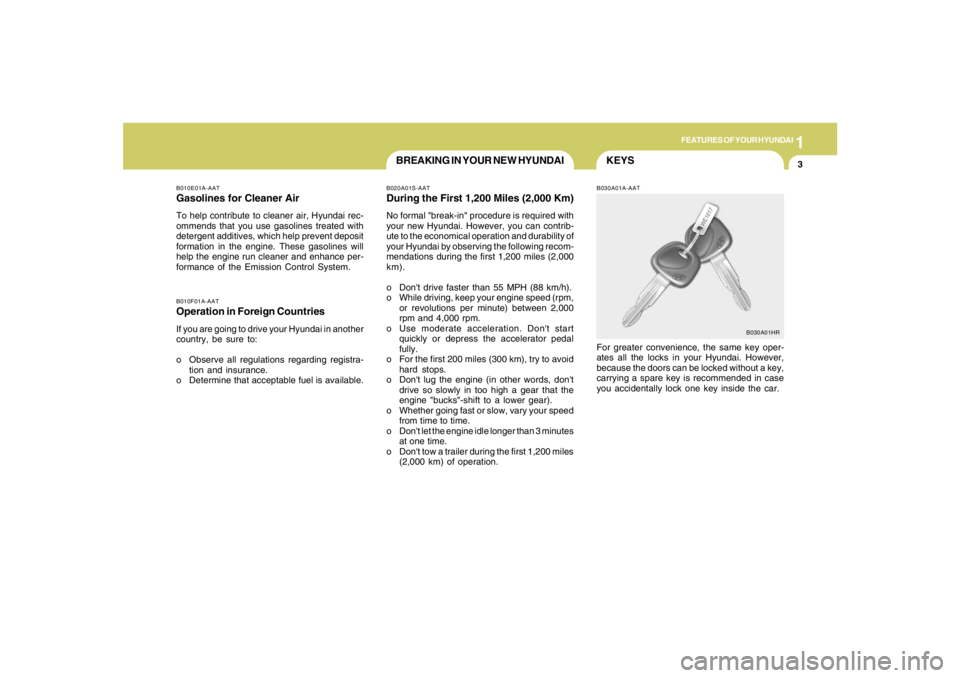
B030A01A-AATFor greater convenience, the same key oper-
ates all the locks in your Hyundai. However,
because the doors can be locked without a key,
carrying a spare key is recommended in case
you accidentally lock one key inside the car.
B030A01HR
Page 34 of 275
1FEATURES OF YOUR HYUNDAI22
!
NOTE:Although the combination retractor pro-
vides the same level of protection for seated
passengers in either emergency or auto-
matic locking modes, it is recommended
that seated passengers use the emergency
locking feature for improved convenience.
The automatic locking function is intended
to facilitate child restraint installation. To
convert from the automatic locking feature
to the emergency locking operation mode,
allow the unbuckled seat belt to fully re-
tract.
WARNING:
o For maximum restraint system protec-
tion, the seat belts must always be used
whenever the car is moving.
o Seat belts are most effective when
seatbacks are in the upright position.
o Children age 12 and younger must al-
ways be properly restrained in the rear
seat. Never allow children to ride in the
front passenger seat. If a child over 13
must be seated in the front seat, he/she
must be properly belted and the seat
should be moved as far back as possible.
o Never wear the shoulder belt under your
arm or behind your back. An improperly
positioned shoulder belt can cause se-
rious injuries in a crash. The shoulder
belt should be positioned midway over
your shoulder across your collarbone.
o Avoid wearing twisted seat belts. A
twisted belt can't do its job as well. In a
collision, it could even cut into you. Be
sure the belt webbing is straight and not
twisted.
o Be careful not to damage the belt web-
bing or hardware. If the belt webbing or
hardware is damaged, replace it.
!
WARNING:
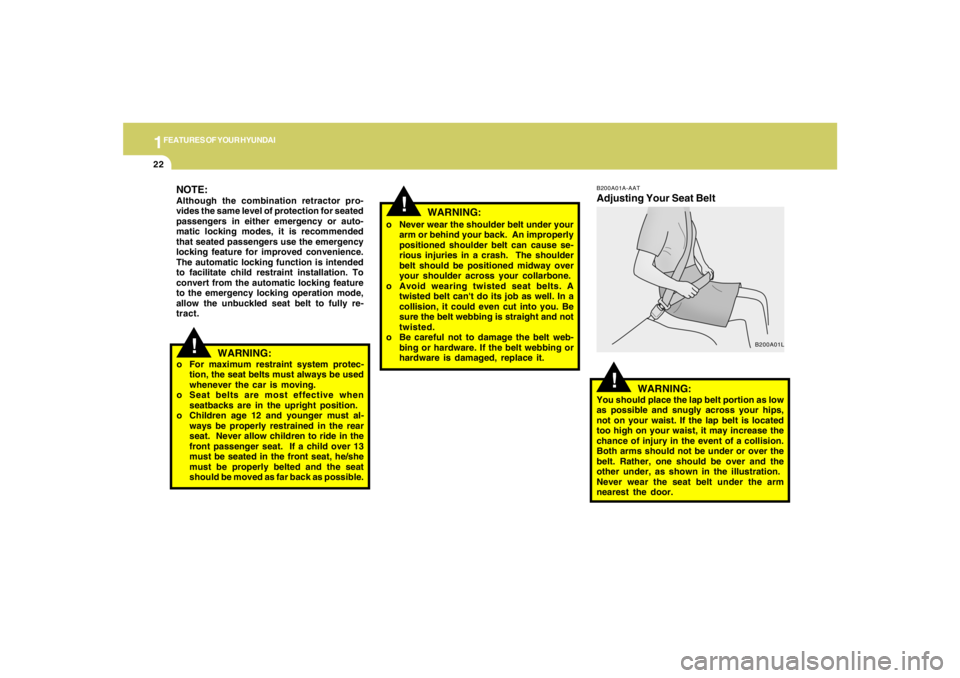
You should place the lap belt portion as low
as possible and snugly across your hips,
not on your waist. If the lap belt is located
too high on your waist, it may increase the
chance of injury in the event of a collision.
Both arms should not be under or over the
belt. Rather, one should be over and the
other under, as shown in the illustration.
Never wear the seat belt under the arm
nearest the door.
!
B200A01A-AATAdjusting Your Seat Belt
B200A01L
WARNING:
Page 45 of 275
1
FEATURES OF YOUR HYUNDAI
33
ADVANCED SUPPLEMENTAL
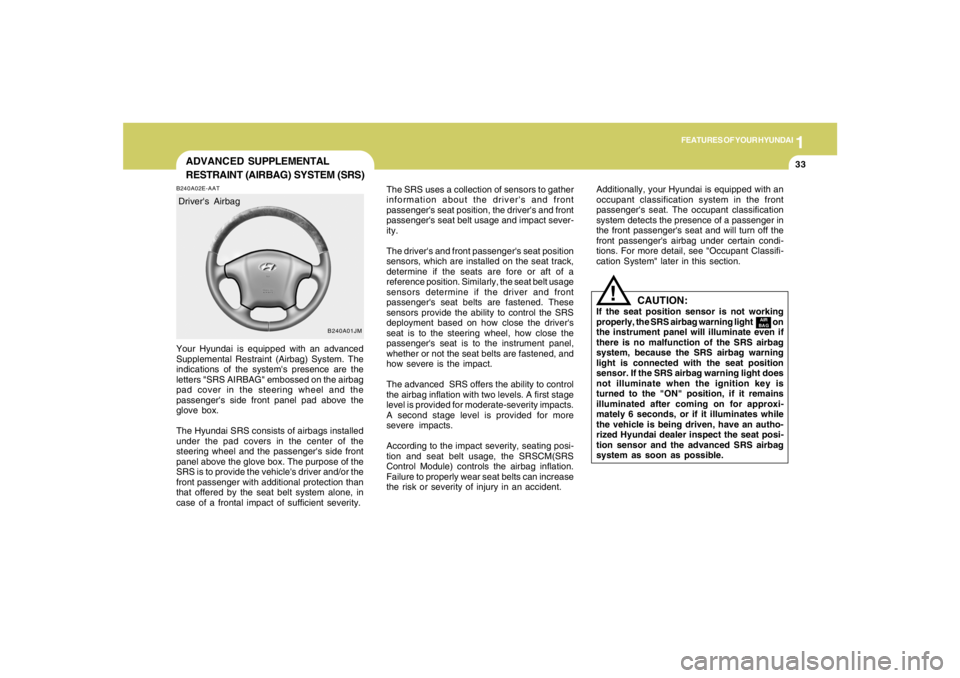
RESTRAINT (AIRBAG) SYSTEM (SRS)B240A02E-AATYour Hyundai is equipped with an advanced
Supplemental Restraint (Airbag) System. The
indications of the system's presence are the
letters "SRS AIRBAG" embossed on the airbag
pad cover in the steering wheel and the
passenger's side front panel pad above the
glove box.
The Hyundai SRS consists of airbags installed
under the pad covers in the center of the
steering wheel and the passenger's side front
panel above the glove box. The purpose of the
SRS is to provide the vehicle's driver and/or the
front passenger with additional protection than
that offered by the seat belt system alone, in
case of a frontal impact of sufficient severity.
B240A01JM
Driver's AirbagThe SRS uses a collection of sensors to gather
information about the driver's and front
passenger's seat position, the driver's and front
passenger's seat belt usage and impact sever-
ity.
The driver's and front passenger's seat position
sensors, which are installed on the seat track,
determine if the seats are fore or aft of a
reference position. Similarly, the seat belt usage
sensors determine if the driver and front
passenger's seat belts are fastened. These
sensors provide the ability to control the SRS
deployment based on how close the driver's
seat is to the steering wheel, how close the
passenger's seat is to the instrument panel,
whether or not the seat belts are fastened, and
how severe is the impact.
The advanced SRS offers the ability to control
the airbag inflation with two levels. A first stage
level is provided for moderate-severity impacts.
A second stage level is provided for more
severe impacts.
According to the impact severity, seating posi-
tion and seat belt usage, the SRSCM(SRS
Control Module) controls the airbag inflation.
Failure to properly wear seat belts can increase
the risk or severity of injury in an accident.
CAUTION:
If the seat position sensor is not working
properly, the SRS airbag warning light on
the instrument panel will illuminate even if
there is no malfunction of the SRS airbag
system, because the SRS airbag warning
light is connected with the seat position
sensor. If the SRS airbag warning light does
not illuminate when the ignition key is
turned to the "ON" position, if it remains
illuminated after coming on for approxi-
mately 6 seconds, or if it illuminates while
the vehicle is being driven, have an autho-
rized Hyundai dealer inspect the seat posi-
tion sensor and the advanced SRS airbag
system as soon as possible.
!
AIR
BAG
Additionally, your Hyundai is equipped with an
occupant classification system in the front
passenger's seat. The occupant classification
system detects the presence of a passenger in
the front passenger's seat and will turn off the
front passenger's airbag under certain condi-
tions. For more detail, see "Occupant Classifi-
cation System" later in this section.
Page 66 of 275
1FEATURES OF YOUR HYUNDAI54
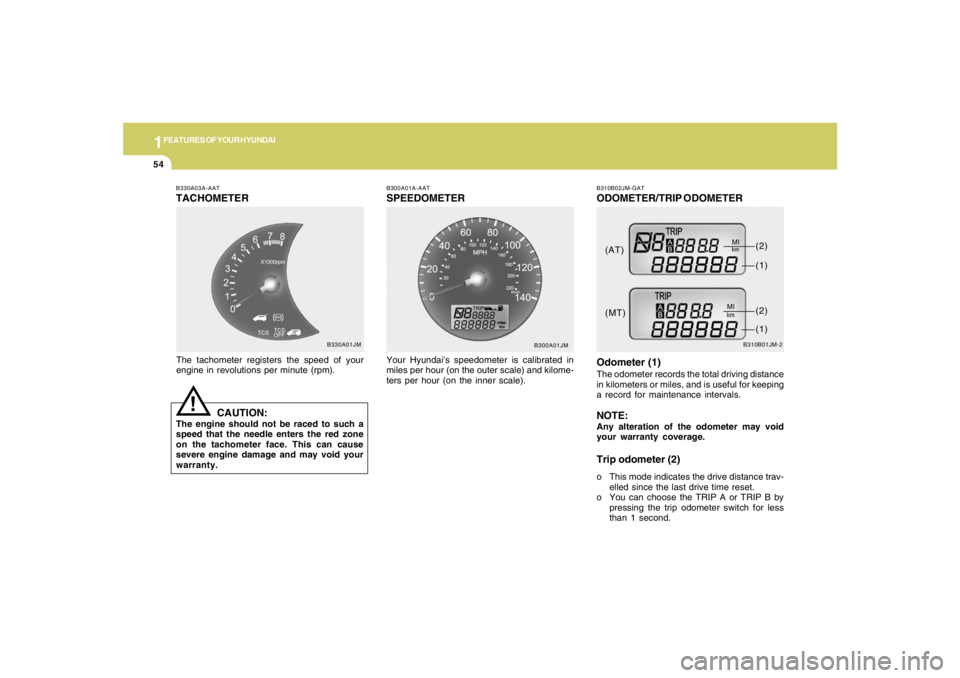
B330A03A-AATTACHOMETERThe tachometer registers the speed of your
engine in revolutions per minute (rpm).
CAUTION:
The engine should not be raced to such a
speed that the needle enters the red zone
on the tachometer face. This can cause
severe engine damage and may void your
warranty.
!
B300A01A-AATSPEEDOMETERYour Hyundai's speedometer is calibrated in
miles per hour (on the outer scale) and kilome-
ters per hour (on the inner scale).
B300A01JM B330A01JMB310B02JM-GAT
ODOMETER/TRIP ODOMETER
B310B01JM-2
Odometer (1)The odometer records the total driving distance
in kilometers or miles, and is useful for keeping
a record for maintenance intervals.NOTE:Any alteration of the odometer may void
your warranty coverage.Trip odometer (2)o This mode indicates the drive distance trav-
elled since the last drive time reset.
o You can choose the TRIP A or TRIP B by
pressing the trip odometer switch for less
than 1 second. (AT)
(MT)(1)
(2)(1)(2)
Page 68 of 275
1FEATURES OF YOUR HYUNDAI56
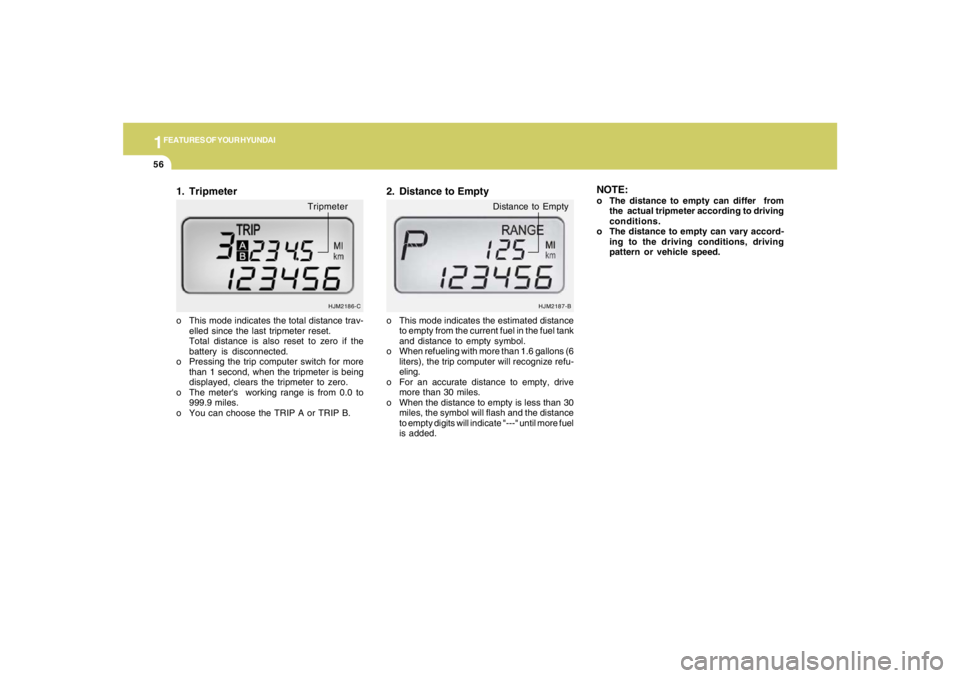
HJM2186-C
o This mode indicates the total distance trav-
elled since the last tripmeter reset.
Total distance is also reset to zero if the
battery is disconnected.
o Pressing the trip computer switch for more
than 1 second, when the tripmeter is being
displayed, clears the tripmeter to zero.
o The meter's working range is from 0.0 to
999.9 miles.
o You can choose the TRIP A or TRIP B.1. Tripmeter
Tripmeter
o This mode indicates the estimated distance
to empty from the current fuel in the fuel tank
and distance to empty symbol.
o When refueling with more than 1.6 gallons (6
liters), the trip computer will recognize refu-
eling.
o For an accurate distance to empty, drive
more than 30 miles.
o When the distance to empty is less than 30
miles, the symbol will flash and the distance
to empty digits will indicate "---" until more fuel
is added.2. Distance to Empty
HJM2187-B
Distance to Empty
NOTE:o The distance to empty can differ from
the actual tripmeter according to driving
conditions.
o The distance to empty can vary accord-
ing to the driving conditions, driving
pattern or vehicle speed.
Page 69 of 275
1
FEATURES OF YOUR HYUNDAI
57
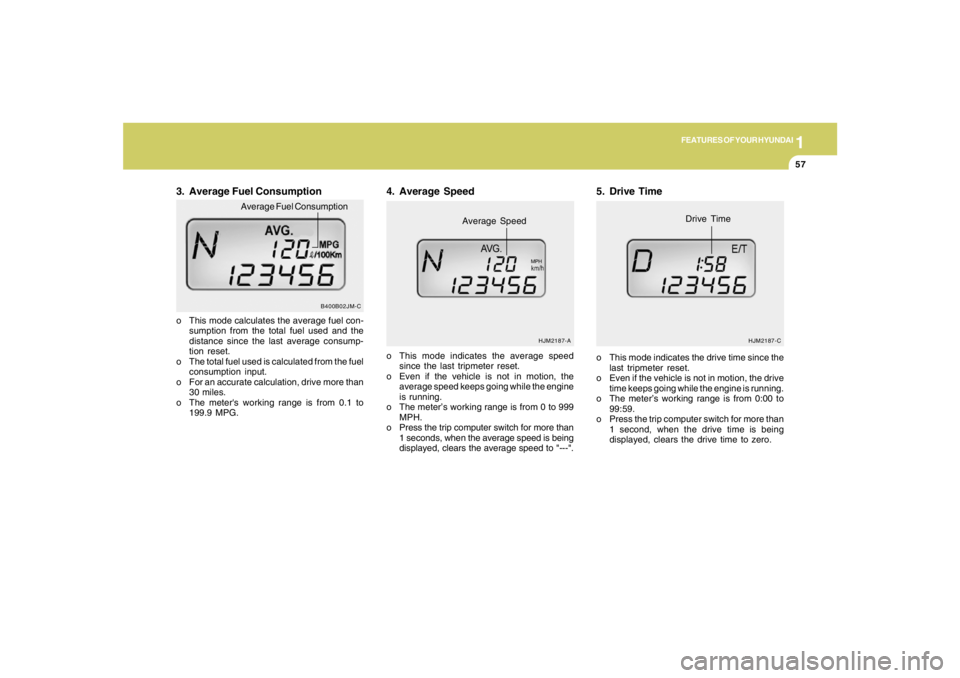
3. Average Fuel Consumptiono This mode calculates the average fuel con-
sumption from the total fuel used and the
distance since the last average consump-
tion reset.
o The total fuel used is calculated from the fuel
consumption input.
o For an accurate calculation, drive more than
30 miles.
o The meter's working range is from 0.1 to
199.9 MPG.o This mode indicates the average speed
since the last tripmeter reset.
o Even if the vehicle is not in motion, the
average speed keeps going while the engine
is running.
o The meter’s working range is from 0 to 999
MPH.
o Press the trip computer switch for more than
1 seconds, when the average speed is being
displayed, clears the average speed to "---".
4. Average Speed
HJM2187-A
Average Speed
MPH
5. Drive Timeo This mode indicates the drive time since the
last tripmeter reset.
o Even if the vehicle is not in motion, the drive
time keeps going while the engine is running.
o The meter’s working range is from 0:00 to
99:59.
o Press the trip computer switch for more than
1 second, when the drive time is being
displayed, clears the drive time to zero.
HJM2187-C
Drive Time
B400B02JM-C
Average Fuel Consumption
Page 106 of 275
1FEATURES OF YOUR HYUNDAI94
With the "Fresh" mode selected, air enters the
vehicle from the outside and is heated or cooled
according to the function selected.
With the "Recirculation" mode selected, air from
within the passenger compartment will be drawn
through the heating system and heated or
cooled according to the function selected.NOTE:It should be noted that prolonged opera-
tion of the heating in "Recirculation" mode
(
) may result in fogging of the wind-
shield and side windows and the air within
the passenger compartment will become
stale. In addition, prolonged use of the air
conditioning with the "Recirculation" mode
( ) selected may result in the air within
the passenger compartment becoming ex-
cessively dry.
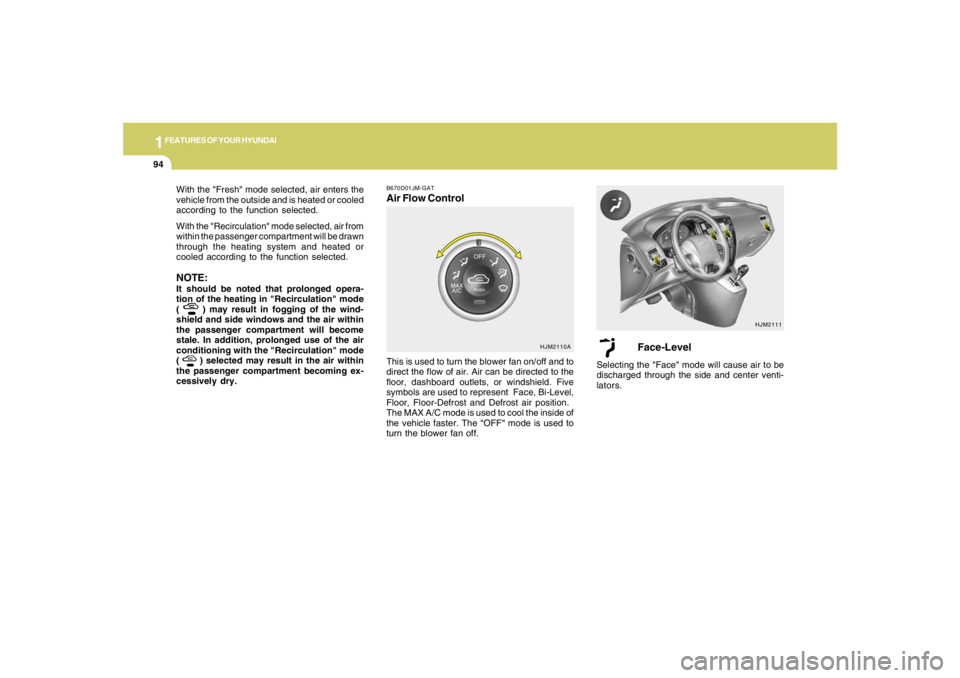
B670D01JM-GATAir Flow Control
HJM2111
HJM2110A
This is used to turn the blower fan on/off and to
direct the flow of air. Air can be directed to the
floor, dashboard outlets, or windshield. Five
symbols are used to represent Face, Bi-Level,
Floor, Floor-Defrost and Defrost air position.
The MAX A/C mode is used to cool the inside of
the vehicle faster. The "OFF" mode is used to
turn the blower fan off.
Face-Level
Selecting the "Face" mode will cause air to be
discharged through the side and center venti-
lators.
Page 117 of 275
1
FEATURES OF YOUR HYUNDAI
105105105105105
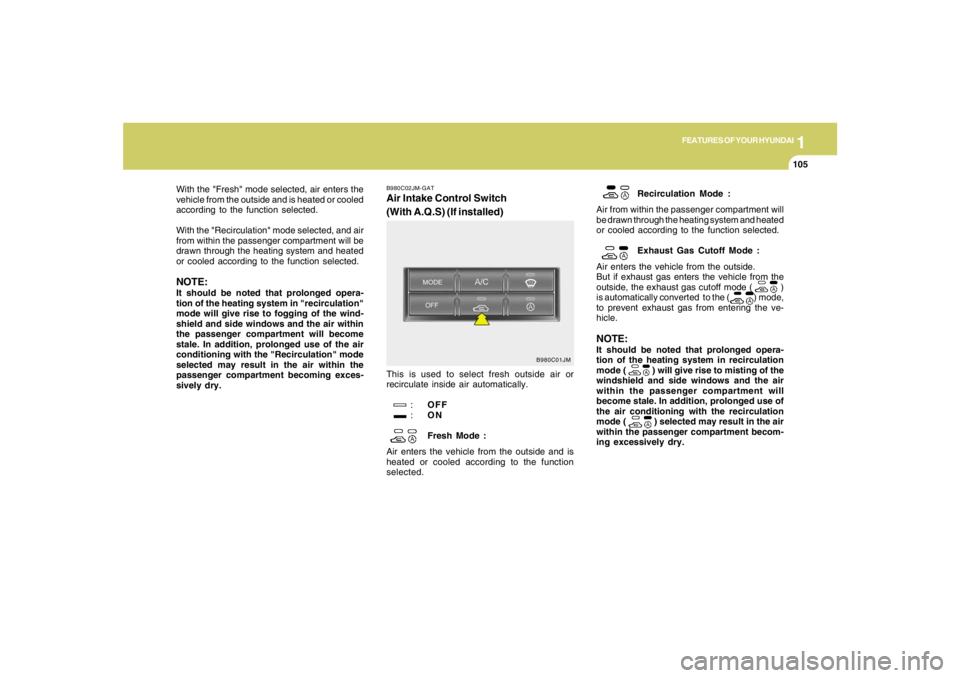
B980C02JM-GATAir Intake Control Switch
(With A.Q.S) (If installed)This is used to select fresh outside air or
recirculate inside air automatically.
:OFF
:ON
Fresh Mode :
Air enters the vehicle from the outside and is
heated or cooled according to the function
selected.Recirculation Mode :
Air from within the passenger compartment will
be drawn through the heating system and heated
or cooled according to the function selected.
Exhaust Gas Cutoff Mode :
Air enters the vehicle from the outside.
But if exhaust gas enters the vehicle from the
outside, the exhaust gas cutoff mode ( )
is automatically converted to the ( ) mode,
to prevent exhaust gas from entering the ve-
hicle.
NOTE:It should be noted that prolonged opera-
tion of the heating system in recirculation
mode (
) will give rise to misting of the
windshield and side windows and the air
within the passenger compartment will
become stale. In addition, prolonged use of
the air conditioning with the recirculation
mode ( ) selected may result in the air
within the passenger compartment becom-
ing excessively dry.
B980C01JM
With the "Fresh" mode selected, air enters the
vehicle from the outside and is heated or cooled
according to the function selected.
With the "Recirculation" mode selected, and air
from within the passenger compartment will be
drawn through the heating system and heated
or cooled according to the function selected.NOTE:It should be noted that prolonged opera-
tion of the heating system in "recirculation"
mode will give rise to fogging of the wind-
shield and side windows and the air within
the passenger compartment will become
stale. In addition, prolonged use of the air
conditioning with the "Recirculation" mode
selected may result in the air within the
passenger compartment becoming exces-
sively dry.
Page 124 of 275
1FEATURES OF YOUR HYUNDAI
112
1. FM Selection ButtonTurns to FM mode and toggles FM1 and FM2
when the button is pressed each time.2. AM Selection ButtonTurns to AM mode, and toggles in the order of
AM1➟AM2➟···➟AM1···when the button is
pressed each time.3. XM Selection ButtonTurns to XM mode, and toggles in the order of
XM1➟XM2➟XM3➟···➟XM1··· when the button
is pressed each time.4. CD/AUX Selection ButtonIf there is a cd in the CDP DECK it turns to CD
mode, and if a device is connected to AUX then
it toggles.
CD➟AUX➟CD··· when the button is pressed
each time.(It will not turn to AUX if the auxiliary
device is not connected)
5. Automatic Channel Selection Buttono When the [SEEK
]button is pressed, it
reduces the band frequency by 200khz to
automatically select channel. Stops at the
previous frequency if no channel is found.
o When the [SEEK ]button is pressed, it
increases the band frequency by 50khz to
automatically select channel. Stops at the
previous frequency if no channel is found.
6. Power ON/OFF & Volume Control
ButtonTurns on/off the set when the IGNITION
SWITCH is on ACC or ON. If the button is turned
to the right, it increases the volume and left,
decreases the volume.7. MUTE ButtonPress to temporarily cut off the Sound.8. SCAN ButtonIf this button is pressed, the frequencies will
become increased and receive the correspond-
ing broadcasts.
This function will play the frequencies for 5
seconds (XM MODE : 10 seconds) each and
find other broadcasts as the frequency in-
creases.Press the button again when desiring to con-
tinue listening to the currently playing broad-
cast.
9. Information Display ButtonInformation Display function operation (Infor-
mation is displayed each time (the) Key is
pressed) : Pressing the Category ➟Channel
Name ➟Artist Name➟Song Title➟Category-
KEY for 3 seconds will display the correspond-
ing text then become restored.
Text Scroll operation
After pressing (the) Key, if the text to be dis-
played is longer than the LCD text line, then
rotating the Tune Knob will operate the Page up
function displaying 8 characters for 3 seconds
each - displays the maximum lines of text
supported by XM.10. SET UP ButtonPress this button to turn to the XMoption, SCROLL
and adjustment mode.
If no action is taken for 5 seconds after pressing
the button, it will return to the play mode.(After
entering SET UP mode, move between items
using the left, right and PUSH functions of the
TUNE button.)
The set up item changes from AUDIO adjust-
ment, TEXT SCROLL, XM setup.
Page 125 of 275
1
FEATURES OF YOUR HYUNDAI
113113113113113
11. TUNE/ENTER ButtonTurn this button clockwise by one notch
to increase frequency by 0.05Mhz from current
frequency.
Turn this button counterclockwise by one notch
to decrease frequency by 0.05Mhz from cur-
rent frequency.
Press this button while holding SET UP button
to activate / inactivate the item to.
Select SET UP item using left and right function
of the Tune button.
Pressing the changes the BASS, MIDR- ANGE,
TREBLE, FADER and BALANCE TUNE mode.
The mode selected is shown on the display.
After selecting each mode, rotate the Audio
control knob clockwise or counterclockwise.
o BASS Control
To increase the BASS, rotate the knob clock-
wise, while to decrease the BASS, rotate the
knob counterclockwise.
o MID-RANGE Control
To increase the MID-RANGE, rotate the knob
clockwise, while to decrease the MID-RANGE,
rotate the knob counterclockwise.o TREBLE Control
To increase the TREBLE, rotate the knob clock-
wise, while to decrease the TREBLE, rotate the
knob counterclockwise.
o FADER Control
Turn the control knob clockwise to emph- asize
rear speaker sound (front speaker sound will be
attenuated). When the control knob is turned
counterclockwise, front speaker sound will be
emphasized (rear speaker sound will be attenu-
ated).
o BALANCE Control
Rotate the knob clockwise to emphasize right
speaker sound (left speaker sound will be
attenuated). When the control knob is turned
counter clockwise, left speaker sound will be
emphasized (right speaker sound will be at-
tenuated).
12. CAT(FLDR) ButtonMoves [CAT
] Button when Category Up
search operation.
o Category is moved Up from the category
currently being received and Category Name
becomes displayed.
o If the Enter Key is not pressed within 5seconds, then the previous mode will be
restored.
o If the Key is pressed while in the last Cat-
egory, then the first category will become
displayed and operation will be repeated.
o Corresponding category can be selected by
pressing ENTER.
Moves [CAT
] Button when Category Down
search operation.
o Category is moved Down from the category
currently being received and Category Name
becomes displayed.
o If the Enter Key is not pressed within 5
seconds, then the previous mode will be
restored.
o If the [CAT ] Key is pressed while in the
first Category, then the last category will
become displayed and operation will be re-
peated.
o Corresponding category can be selected by
pressing ENTER.
13. Preset ButtonPush [1]~[6] buttons less than 0.8 seconds to
play the channel saved in each button.
Push pre-set button for 0.8 seconds or longer
to save current channel to the respective button
with a beep.