chapter 8 HYUNDAI TUCSON 2014 User Guide
[x] Cancel search | Manufacturer: HYUNDAI, Model Year: 2014, Model line: TUCSON, Model: HYUNDAI TUCSON 2014Pages: 542, PDF Size: 7.59 MB
Page 109 of 542
3-23
Convenient features of your vehicle
3
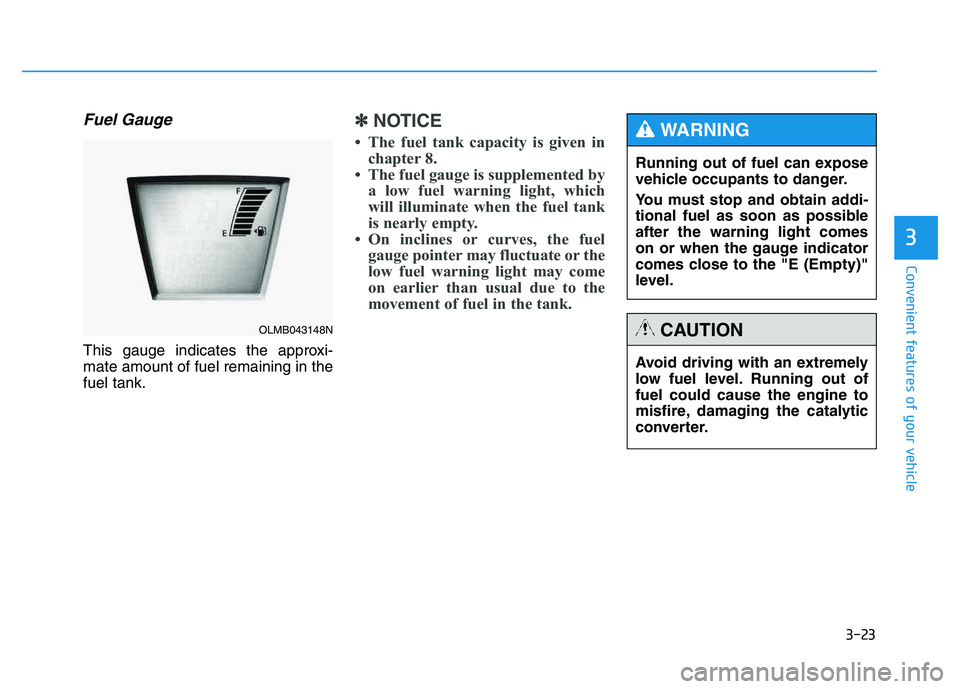
Fuel Gauge
This gauge indicates the approxi- mate amount of fuel remaining in thefuel tank.
✽✽NOTICE
The fuel tank capacity is given in chapter 8.
The fuel gauge is supplemented by a low fuel warning light, which
will illuminate when the fuel tank
is nearly empty.
On inclines or curves, the fuel gauge pointer may fluctuate or the
low fuel warning light may come
on earlier than usual due to the
movement of fuel in the tank.
OLMB043148N
Avoid driving with an extremely
low fuel level. Running out offuel could cause the engine to
misfire, damaging the catalytic
converter.
CAUTION
Running out of fuel can expose
vehicle occupants to danger.
You must stop and obtain addi-
tional fuel as soon as possibleafter the warning light comes
on or when the gauge indicator
comes close to the "E (Empty)"
level.
WARNING
Page 114 of 542
3-28
Convenient features of your vehicle
Warnings and indicators
All warning lights are checked by
placing the ignition switch in the ON
position (do not start the engine).
Any light that does not illuminate
should be checked by an authorized
HYUNDAI dealer.
After starting the engine, check to
make sure that all warning lights are
off. If any are still on, this indicates asituation that needs attention.
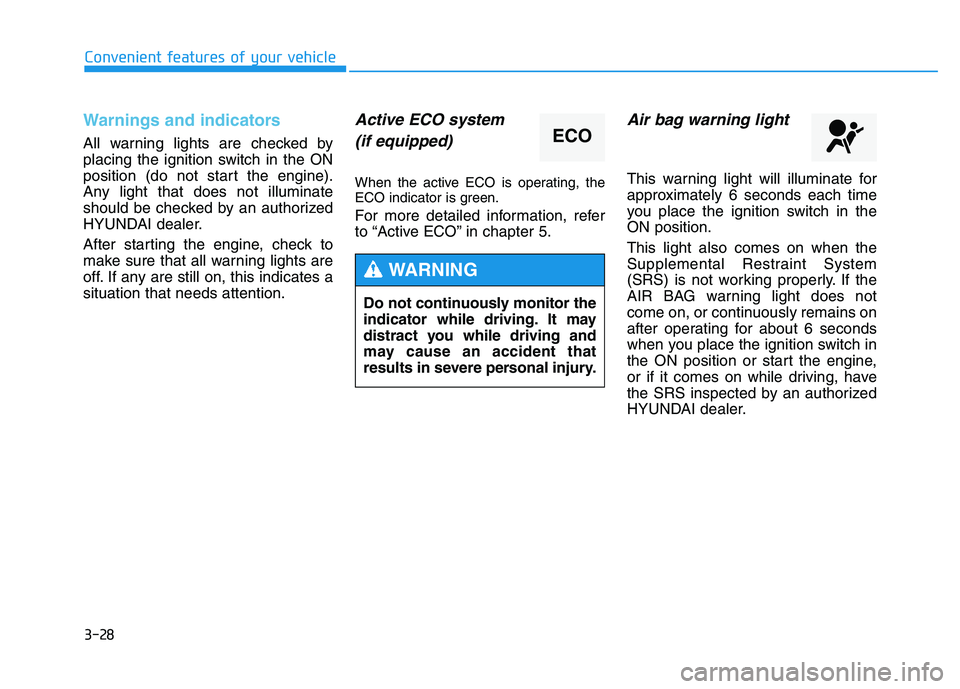
Active ECO system(if equipped)
When the active ECO is operating, the
ECO indicator is green.
For more detailed information, refer
to “Active ECO” in chapter 5.
Air bag warning light
This warning light will illuminate for
approximately 6 seconds each time
you place the ignition switch in theON position. This light also comes on when the
Supplemental Restraint System
(SRS) is not working properly. If the
AIR BAG warning light does not
come on, or continuously remains on
after operating for about 6 seconds
when you place the ignition switch in
the ON position or start the engine,
or if it comes on while driving, have
the SRS inspected by an authorized
HYUNDAI dealer.
ECO
Do not continuously monitor the
indicator while driving. It may
distract you while driving and
may cause an accident that
results in severe personal injury.
WARNING
Page 117 of 542
3-31
Convenient features of your vehicle
3
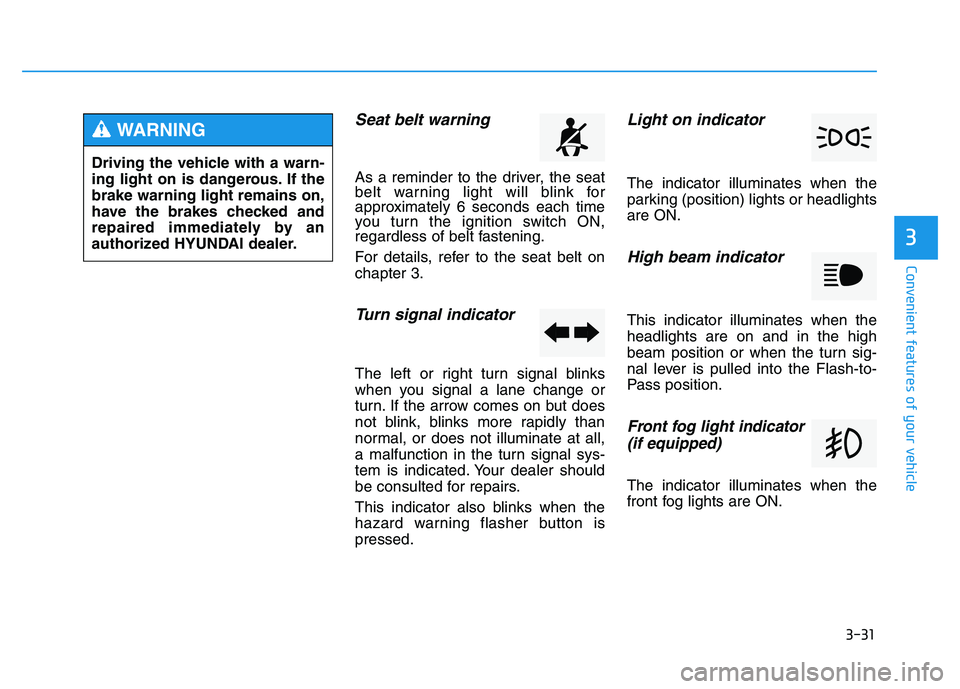
Seat belt warning
As a reminder to the driver, the seat
belt warning light will blink for
approximately 6 seconds each time
you turn the ignition switch ON,
regardless of belt fastening.
For details, refer to the seat belt on chapter 3.
Turn signal indicator
The left or right turn signal blinks
when you signal a lane change or
turn. If the arrow comes on but does
not blink, blinks more rapidly than
normal, or does not illuminate at all,
a malfunction in the turn signal sys-
tem is indicated. Your dealer should
be consulted for repairs.
This indicator also blinks when the
hazard warning flasher button ispressed.
Light on indicator
The indicator illuminates when the
parking (position) lights or headlightsare ON.
High beam indicator
This indicator illuminates when theheadlights are on and in the high
beam position or when the turn sig-
nal lever is pulled into the Flash-to-
Pass position.
Front fog light indicator (if equipped)
The indicator illuminates when the
front fog lights are ON.
Driving the vehicle with a warn-
ing light on is dangerous. If thebrake warning light remains on,
have the brakes checked and
repaired immediately by an
authorized HYUNDAI dealer.
WARNING
Page 123 of 542
3-37
Convenient features of your vehicle
3
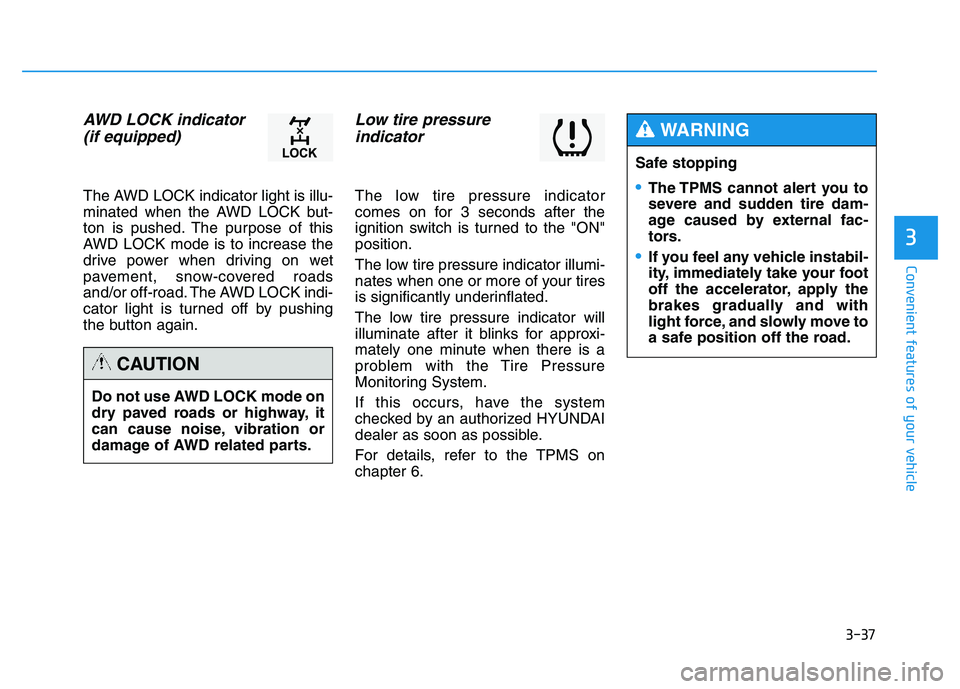
AWD LOCK indicator (if equipped)
The AWD LOCK indicator light is illu-
minated when the AWD LOCK but-
ton is pushed. The purpose of this
AWD LOCK mode is to increase the
drive power when driving on wet
pavement, snow-covered roads
and/or off-road. The AWD LOCK indi-
cator light is turned off by pushing
the button again.
Low tire pressure indicator
The low tire pressure indicator
comes on for 3 seconds after the
ignition switch is turned to the "ON"position.
The low tire pressure indicator illumi-
nates when one or more of your tires
is significantly underinflated.
The low tire pressure indicator will
illuminate after it blinks for approxi-
mately one minute when there is a
problem with the Tire Pressure
Monitoring System.
If this occurs, have the system
checked by an authorized HYUNDAI
dealer as soon as possible.
For details, refer to the TPMS on chapter 6.
Do not use AWD LOCK mode on
dry paved roads or highway, it
can cause noise, vibration or
damage of AWD related parts.
CAUTION
Safe stopping
The TPMS cannot alert you to
severe and sudden tire dam-
age caused by external fac-
tors.
If you feel any vehicle instabil-
ity, immediately take your foot
off the accelerator, apply the
brakes gradually and with
light force, and slowly move to
a safe position off the road.
WARNING
Page 124 of 542
3-38
Convenient features of your vehicle
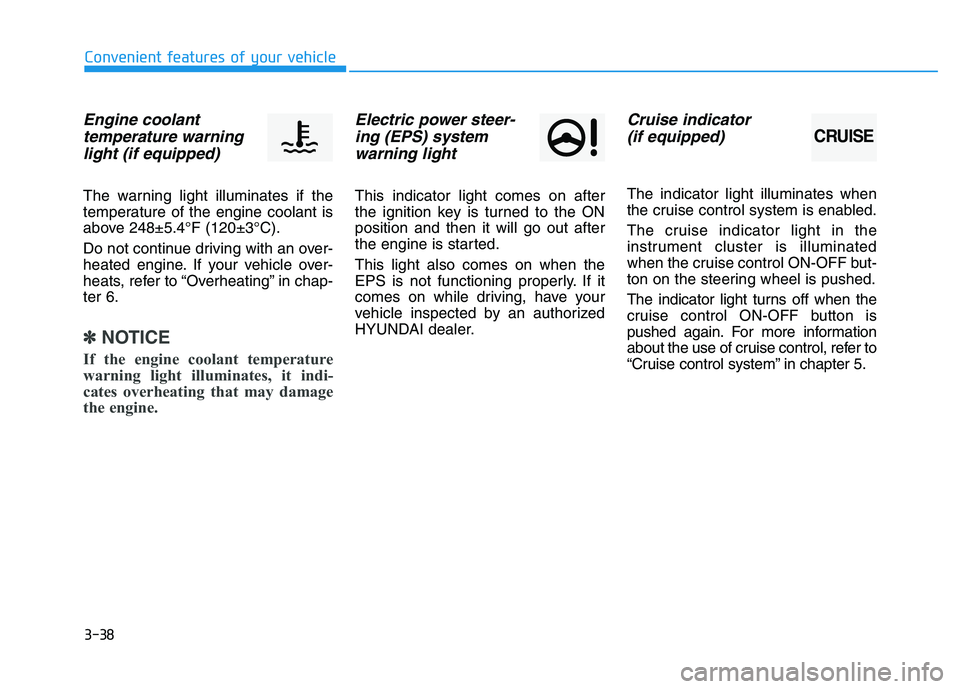
Engine coolanttemperature warning light (if equipped)
The warning light illuminates if the
temperature of the engine coolant is
above 248±5.4°F (120±3°C).
Do not continue driving with an over-
heated engine. If your vehicle over-
heats, refer to “Overheating” in chap-ter 6.
✽✽ NOTICE
If the engine coolant temperature
warning light illuminates, it indi-
cates overheating that may damage
the engine.
Electric power steer- ing (EPS) systemwarning light
This indicator light comes on after
the ignition key is turned to the ONposition and then it will go out after
the engine is started. This light also comes on when the
EPS is not functioning properly. If it
comes on while driving, have your
vehicle inspected by an authorized
HYUNDAI dealer.
Cruise indicator
(if equipped)
The indicator light illuminates when
the cruise control system is enabled.
The cruise indicator light in the
instrument cluster is illuminated
when the cruise control ON-OFF but-
ton on the steering wheel is pushed.
The indicator light turns off when the
cruise control ON-OFF button is
pushed again. For more information
about the use of cruise control, refer to
“Cruise control system” in chapter 5.
CRUISE
Page 132 of 542
3-46
Convenient features of your vehicle
Blue Link®
center (if equipped)
For details, refer to the Blue Link ®
Owner’s Guide, Navigation Manual
or Audio Manual. The Audio Manualis in the chapter 4.
Electric chromic mirror (ECM) with compass and HomeLink ®
system (if equipped)
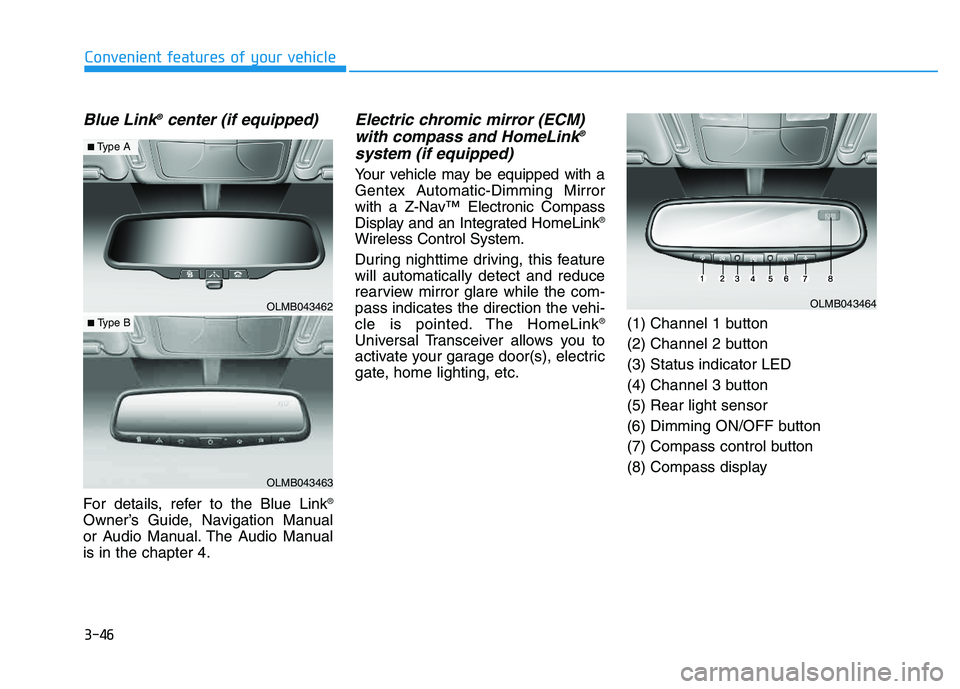
Your vehicle may be equipped with a
Gentex Automatic-Dimming Mirror
with a Z-Nav™ Electronic Compass
Display and an Integrated HomeLink ®
Wireless Control System.
During nighttime driving, this feature will automatically detect and reduce
rearview mirror glare while the com-
pass indicates the direction the vehi-
cle is pointed. The HomeLink ®
Universal Transceiver allows you to
activate your garage door(s), electric
gate, home lighting, etc. (1) Channel 1 button
(2) Channel 2 button(3) Status indicator LED
(4) Channel 3 button(5) Rear light sensor
(6) Dimming ON/OFF button
(7) Compass control button
(8) Compass display
OLMB043462
OLMB043463
■
Type A
■ Type B
OLMB043464
Page 139 of 542
3-53
Convenient features of your vehicle
3
Erasing HomeLink®
buttons
Individual buttons cannot be erased.
However, to erase all three pro-
grammed buttons:
1. Press and hold the two outer
HomeLink ®
buttons until the indi-
cator light begins to flash-after 20
seconds.
2. Release both buttons. Do not hold for longer than 30 seconds.
The Integrated HomeLink ®
Wireless
Control System is now in the training
(learn) mode and can be pro-
grammed at any time following the
appropriate steps in the Programming
chapters above. NVS ®
is a registered trademark and
Z-Nav™ is a trademark of the Gentex
Corporation, Zeeland, Michigan.HomeLink ®
is a registered trademark
owned by Johnson Controls,
Incorporated, Milwaukee, Wisconsin.
FCC ID: NZLZTVHL3
IC: 4112A-ZTVHL3 This device complies with Part 15 of the FCC Rules.
Operation is subject to the following
two conditions:
1. This device may not cause harm-
ful interference, and
2. This device must accept any inter- ference received, including inter-
ference that may cause undesired
operation.
Electric chromic mirror (ECM)
with HomeLink ®
system,
compass and Blue Link ®
(if equipped)
Your vehicle may be equipped with a
Gentex Automatic-Dimming Mirror
with a Z-Nav™ Electronic Compass
Display and an Integrated HomeLink ®
Wireless Control System. During
nighttime driving, this feature willautomatically detect and reduce
rearview mirror glare while the com-
pass indicates the direction the vehi-
cle is pointed. The HomeLink ®
Universal Transceiver allows you to
activate your garage door(s), electric
gate, home lighting, etc.
The transceiver has been testedand complies with FCC and
Industry Canada rules. Changes
or modifications not expressly
approved by the party responsi-
ble for compliance could voidthe user's authority to operate
the device.
WARNING
Page 144 of 542
3-58
Convenient features of your vehicle
Programming
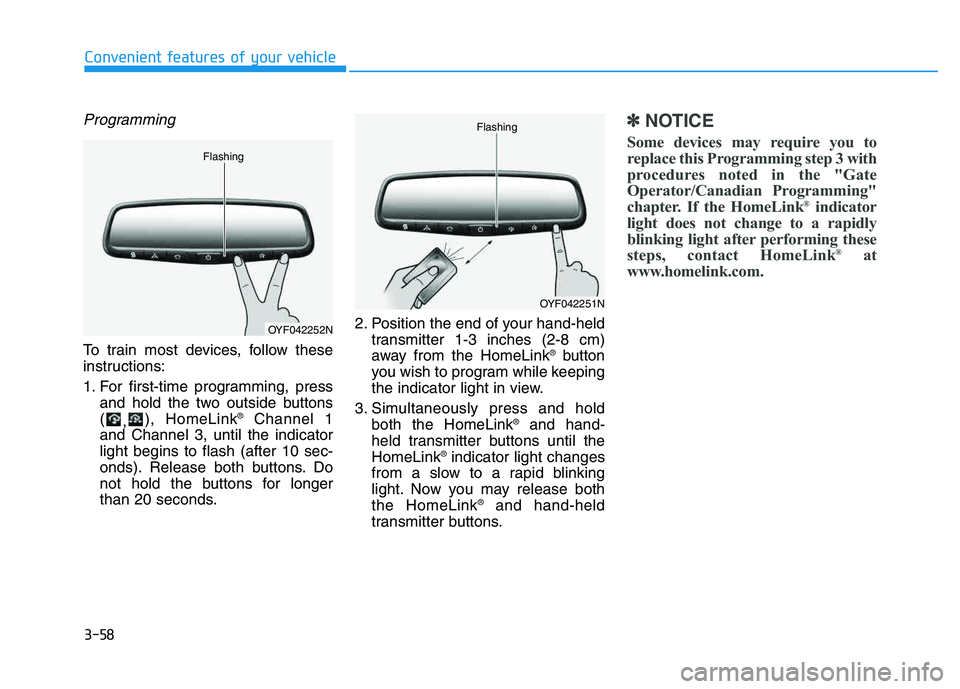
To train most devices, follow these
instructions:
1. For first-time programming, pressand hold the two outside buttons ( ,), HomeLink ®
Channel 1
and Channel 3, until the indicatorlight begins to flash (after 10 sec-
onds). Release both buttons. Do
not hold the buttons for longer
than 20 seconds. 2. Position the end of your hand-held
transmitter 1-3 inches (2-8 cm)
away from the HomeLink ®
button
you wish to program while keeping
the indicator light in view.
3. Simultaneously press and hold both the HomeLink ®
and hand-
held transmitter buttons until theHomeLink ®
indicator light changes
from a slow to a rapid blinking
light. Now you may release boththe HomeLink ®
and hand-held
transmitter buttons.
✽✽ NOTICE
Some devices may require you to
replace this Programming step 3 with
procedures noted in the "Gate
Operator/Canadian Programming"
chapter. If the HomeLink ®
indicator
light does not change to a rapidly
blinking light after performing these
steps, contact HomeLink ®
at
www.homelink.com.
OYF042252N
Flashing
OYF042251N
Flashing
Page 146 of 542
3-60
Convenient features of your vehicle
Reprogramming a single HomeLink®
button
To program a device to HomeLink ®
using a HomeLink ®
button previously
trained, follow these steps:
1.Press and hold the desired HomeLink ®
button. DO NOT release
the button.
2.The indicator light will begin to flash after 20 seconds. Without releasing the HomeLink ®
button, proceed
with "Programming" step 2.
For questions or comments, contactHomeLink ®
at www
.homelink.comor
1-800-355-3515.
Erasing HomeLink®buttons
Individual buttons cannot be erased.
However, to erase all three pro-
grammed buttons:
1. Press and hold the two outer HomeLink ®
buttons until the indi-
cator light begins to flash after 10
seconds.
2. Release both buttons. Do not hold for longer than 20 seconds.
The Integrated HomeLink ®
Wireless
Control System is now in the training
(learn) mode and can be pro-
grammed at any time following the
appropriate steps in the
Programming chapters above. NVS
®
is a registered trademark and
Z-Nav™ is a trademark of the
Gentex Corporation, Zeeland,
Michigan. HomeLink ®
is a registered
trademark owned by Johnson
Controls, Incorporated, Milwaukee,Wisconsin.
Page 164 of 542
3-78
Convenient features of your vehicle
✽✽NOTICE
Make sure to refuel your vehicle according to the "Fuel
Requirements" suggested in the
Introduction chapter.
Do not spill fuel on the exterior surfaces of the vehicle. Any type of
fuel spilled on painted surfaces
may damage the paint.
(Continued)
Do not use matches or a lighter and do not smoke or
leave a lit cigarette in your
vehicle while at a gas station,
especially during refueling.
Do not over-fill or top-off your
vehicle tank, which can cause
gasoline spillage.
If a fire breaks out during refu-
eling, leave the vicinity of the
vehicle, and immediately con-
tact the manager of the gasstation and then contact the
local fire department. Follow
any safety instructions they
provide.
If pressurized fuel sprays out,
it can cover your clothes or
skin and thus subject you to
the risk of fire and burns.
Always remove the fuel cap
carefully and slowly. If the cap
is venting fuel or if you hear a
hissing sound, wait until the
condition stops before com-
pletely removing the cap.
(Continued)
(Continued)
Always check that the fuel cap
is installed securely to pre-
vent fuel spillage in the eventof an accident.
If the fuel filler cap requires
replacement, use only a gen-
uine HYUNDAI cap or the equiv-
alent specified for your vehicle.An incorrect fuel filler cap canresult in a serious malfunctionof the fuel system or emission
control system.
CAUTION
(Continued)
When using an approved
portable fuel container, be sureto place the container on the
ground prior to refueling. Static
electricity discharge from the
container can ignite fuel vapors
causing a fire. Once refueling
has begun, contact between
your bare hand and the vehicleshould be maintained until the
filling is complete.
Use only approved portable
plastic fuel containers designed
to carry and store gasoline.
When refueling, always move
the shift lever to the P (Park)
position, set the parking
brake, and place the ignition
switch to the LOCK/OFF posi-
tion. Sparks produced byelectrical components relatedto the engine can ignite fuel
vapors causing a fire.(Continued)