light HYUNDAI TUCSON 2014 Manual PDF
[x] Cancel search | Manufacturer: HYUNDAI, Model Year: 2014, Model line: TUCSON, Model: HYUNDAI TUCSON 2014Pages: 542, PDF Size: 7.59 MB
Page 183 of 542
3-97
Convenient features of your vehicle
3
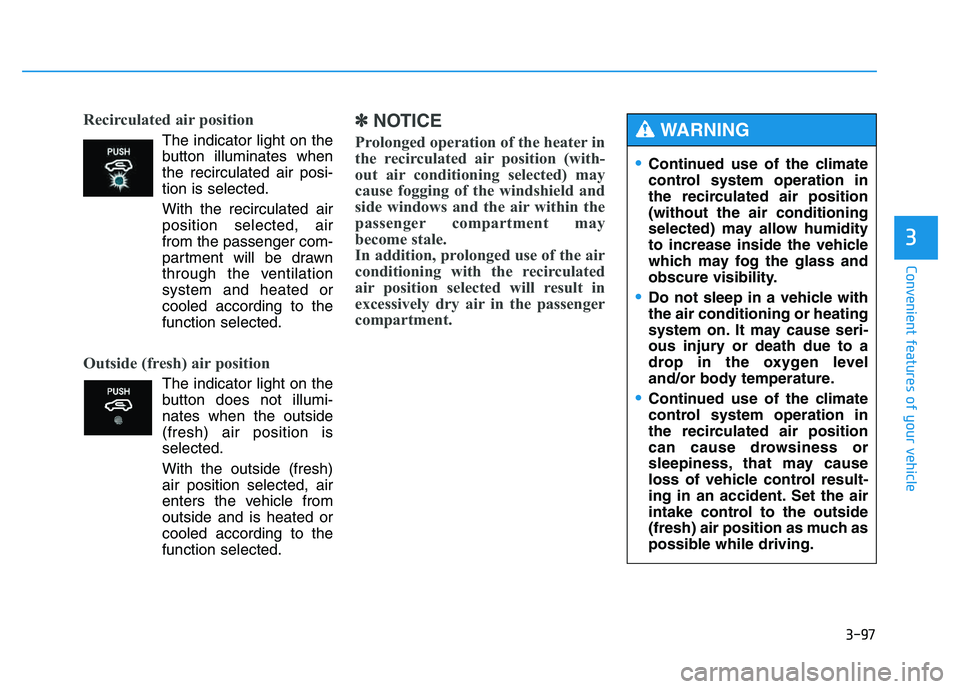
Recirculated air position
The indicator light on the
button illuminates whenthe recirculated air posi-tion is selected.
With the recirculated air position selected, air
from the passenger com-
partment will be drawn
through the ventilationsystem and heated orcooled according to thefunction selected.
Outside (fresh) air position
The indicator light on the
button does not illumi-nates when the outside(fresh) air position isselected.
With the outside (fresh) air position selected, air
enters the vehicle fromoutside and is heated or
cooled according to thefunction selected.
✽✽ NOTICE
Prolonged operation of the heater in
the recirculated air position (with-
out air conditioning selected) may
cause fogging of the windshield and
side windows and the air within the
passenger compartment may
become stale.
In addition, prolonged use of the air
conditioning with the recirculated
air position selected will result in
excessively dry air in the passenger
compartment.
Continued use of the climate
control system operation in
the recirculated air position(without the air conditioning
selected) may allow humidity
to increase inside the vehicle
which may fog the glass and
obscure visibility.
Do not sleep in a vehicle with the air conditioning or heating
system on. It may cause seri-
ous injury or death due to a
drop in the oxygen level
and/or body temperature.
Continued use of the climate
control system operation in
the recirculated air position
can cause drowsiness or
sleepiness, that may cause
loss of vehicle control result-
ing in an accident. Set the air
intake control to the outside
(fresh) air position as much as
possible while driving.
WARNING
Page 184 of 542
3-98
Convenient features of your vehicle
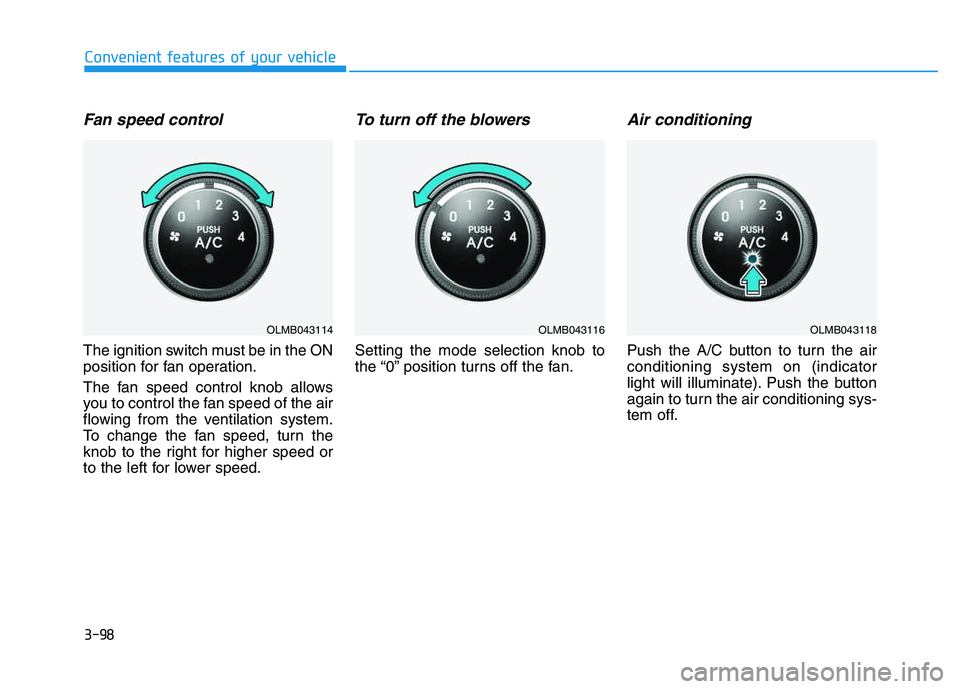
Fan speed control
The ignition switch must be in the ON
position for fan operation.
The fan speed control knob allows
you to control the fan speed of the air
flowing from the ventilation system.
To change the fan speed, turn the
knob to the right for higher speed or
to the left for lower speed.
To turn off the blowers
Setting the mode selection knob to
the “0” position turns off the fan.
Air conditioning
Push the A/C button to turn the airconditioning system on (indicator
light will illuminate). Push the button
again to turn the air conditioning sys-
tem off.
OLMB043114OLMB043116OLMB043118
Page 186 of 542
3-100
Convenient features of your vehicle
✽✽NOTICE
When using the air conditioning system, monitor the engine temper-
ature gauge closely while driving
up hills or in heavy traffic when
outside temperatures are high. Air
conditioning system operation may
cause engine overheating.
Continue to use the blower fan but
turn the air conditioning system off
if the engine temperature gauge
indicates engine overheating.
When opening the windows in humid weather, air conditioning
may create water droplets inside
the vehicle. Since excessive water
droplets may cause damage to
electrical equipment, air condi-
tioning should only be operated
with the windows closed. Air conditioning system operation
tips
If the vehicle has been parked in
direct sunlight during hot weather,
open the windows for a short time
to let the hot air inside the vehicle
escape.
To help reduce moisture inside of the windows on rainy or humid
days, decrease the humidity inside
the vehicle by operating the airconditioning system.
During air conditioning system operation, you may occasionallynotice a slight change in enginespeed as the air conditioning com-
pressor cycles. This is a normal
system operation characteristic.
Use the air conditioning system every month for a few minutes to
ensure maximum system perform-
ance. When using the air conditioning
system, you may notice clear water
dripping (or even puddling) on the
ground under the passenger side
of the vehicle. This is a normal sys-
tem operation characteristic.
Operating the air conditioning sys- tem in the recirculated air position
provides maximum cooling, how-
ever, continual operation in this
mode may cause the air inside the
vehicle to become stale.
During cooling operation, you may occasionally notice a misty air flow
because of rapid cooling and
humid air intake. This is a normal
system operation characteristics.
Page 197 of 542
3-111
Convenient features of your vehicle
3
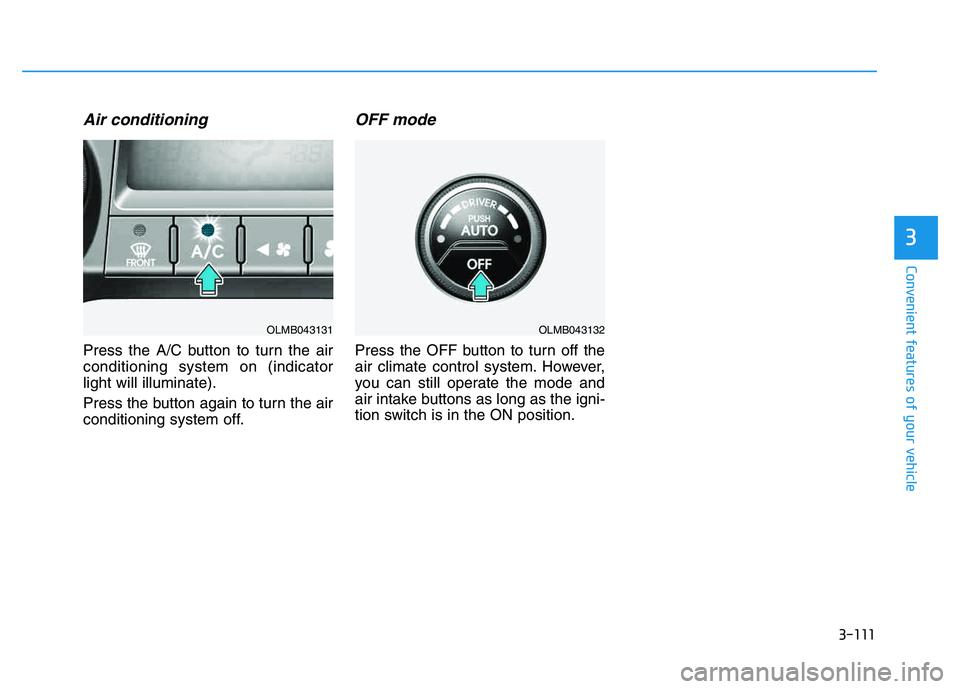
Air conditioning
Press the A/C button to turn the air conditioning system on (indicatorlight will illuminate).
Press the button again to turn the air
conditioning system off.
OFF mode
Press the OFF button to turn off the
air climate control system. However,
you can still operate the mode and
air intake buttons as long as the igni-
tion switch is in the ON position.
OLMB043132OLMB043131
Page 200 of 542
3-114
Convenient features of your vehicle
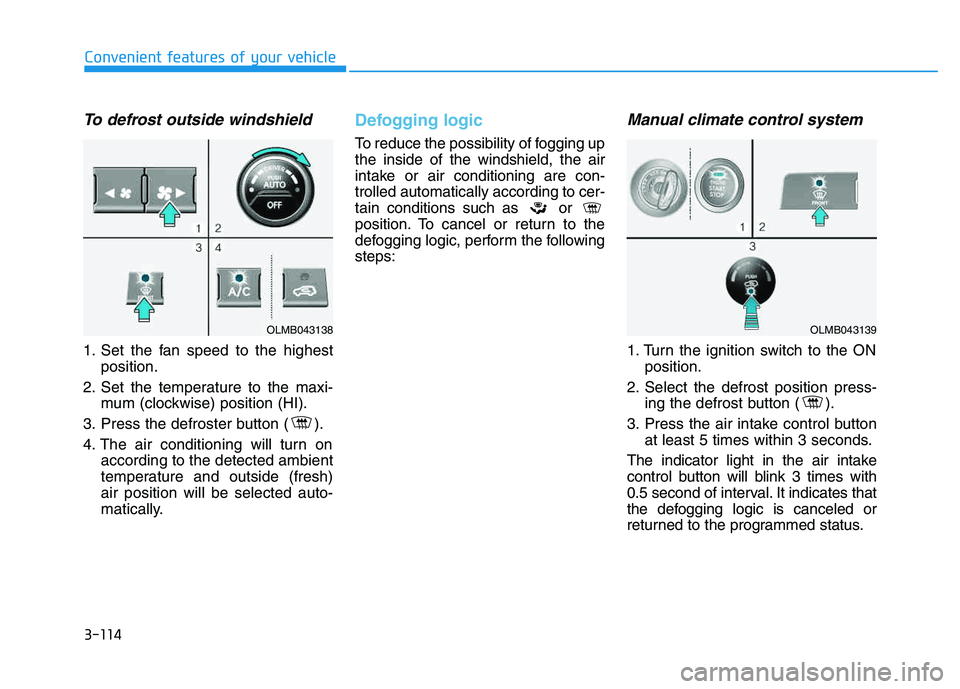
To defrost outside windshield
1. Set the fan speed to the highestposition.
2. Set the temperature to the maxi- mum (clockwise) position (HI).
3. Press the defroster button ( ).
4. The air conditioning will turn on according to the detected ambient
temperature and outside (fresh)air position will be selected auto-
matically.
Defogging logic
To reduce the possibility of fogging up the inside of the windshield, the air
intake or air conditioning are con-trolled automatically according to cer-
tain conditions such as or
position. To cancel or return to the
defogging logic, perform the followingsteps:
Manual climate control system
1. Turn the ignition switch to the ONposition.
2. Select the defrost position press- ing the defrost button ( ).
3. Press the air intake control button at least 5 times within 3 seconds.
The indicator light in the air intake
control button will blink 3 times with
0.5 second of interval. It indicates that
the defogging logic is canceled or
returned to the programmed status.
OLMB043138OLMB043139
Page 202 of 542
3-116
Convenient features of your vehicle
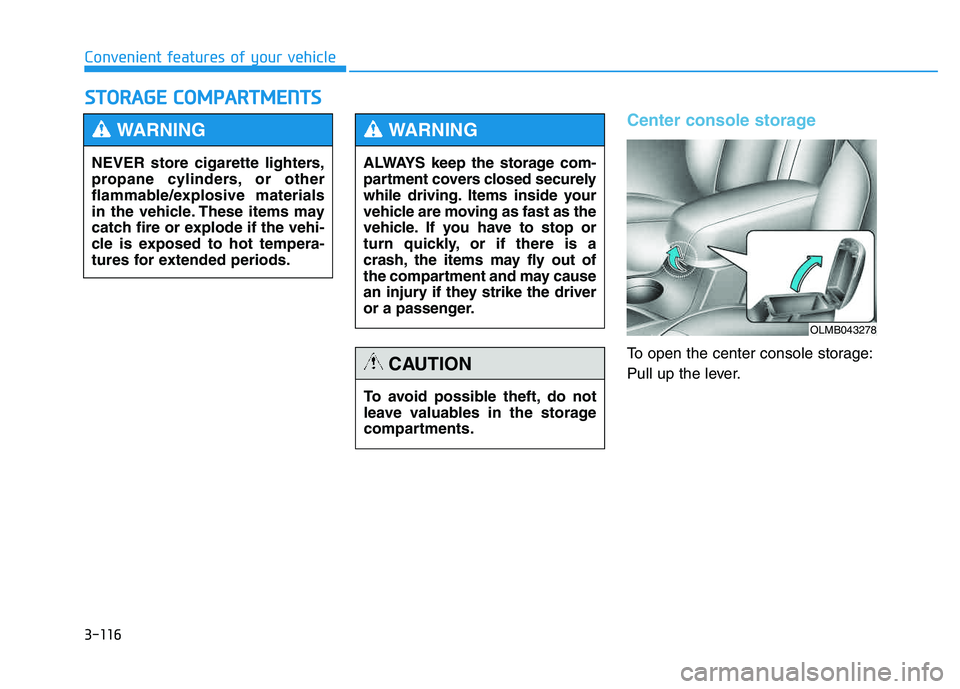
Center console storage
To open the center console storage:
Pull up the lever.
SSTT OO RRAA GG EE CC OO MM PPAA RRTTMM EENN TTSS
NEVER store cigarette lighters,
propane cylinders, or other
flammable/explosive materials
in the vehicle. These items may
catch fire or explode if the vehi-
cle is exposed to hot tempera-
tures for extended periods.
WARNING
ALWAYS keep the storage com-
partment covers closed securely
while driving. Items inside your
vehicle are moving as fast as the
vehicle. If you have to stop or
turn quickly, or if there is a
crash, the items may fly out of
the compartment and may cause
an injury if they strike the driver
or a passenger.
WARNING
To avoid possible theft, do not
leave valuables in the storage
compartments.
CAUTION
OLMB043278
Page 204 of 542
3-118
Convenient features of your vehicle
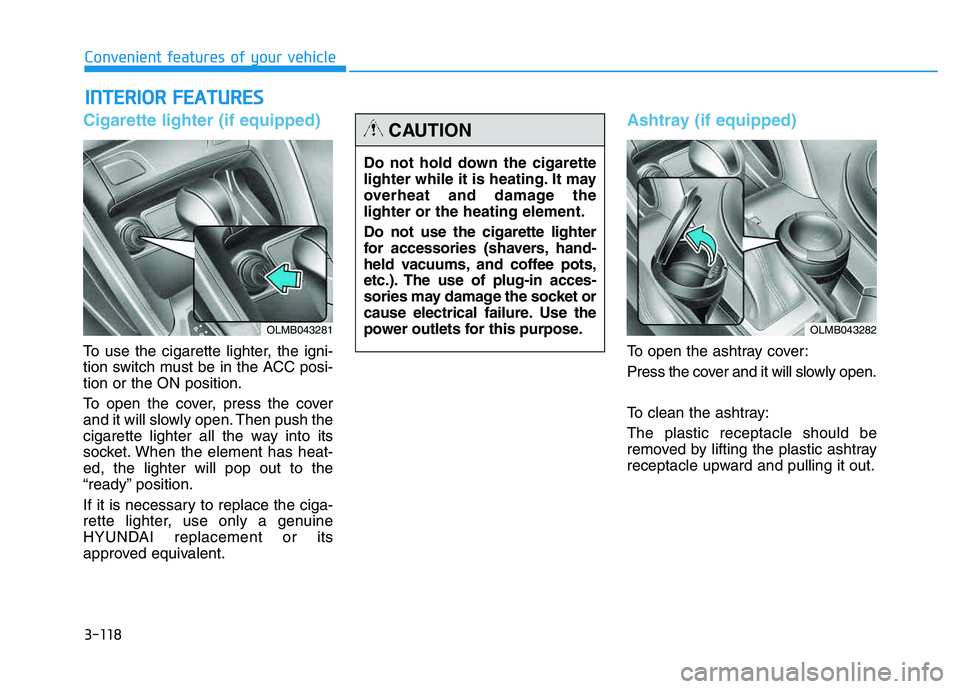
Cigarette lighter (if equipped)
To use the cigarette lighter, the igni-
tion switch must be in the ACC posi- tion or the ON position.
To open the cover, press the cover
and it will slowly open. Then push the
cigarette lighter all the way into its
socket. When the element has heat-ed, the lighter will pop out to the
“ready” position.
If it is necessary to replace the ciga-
rette lighter, use only a genuine
HYUNDAI replacement or its
approved equivalent.
Ashtray (if equipped)
To open the ashtray cover:
Press the cover and it will slowly open.
To clean the ashtray: The plastic receptacle should be
removed by lifting the plastic ashtray
receptacle upward and pulling it out.
IINN TTEERR IIOO RR FF EE AA TTUU RREESS
Do not hold down the cigarette
lighter while it is heating. It may
overheat and damage thelighter or the heating element. Do not use the cigarette lighter
for accessories (shavers, hand-
held vacuums, and coffee pots,
etc.). The use of plug-in acces-
sories may damage the socket or
cause electrical failure. Use the
power outlets for this purpose.
CAUTION
OLMB043281OLMB043282
Page 219 of 542
4-8
Multimedia System
(Continued)
Please refrain from use if the
screen is blank or no sound
can be heard as these signs
may indicate product malfunc-
tion. Continued use in suchconditions could lead to acci-
dents(fires, electric shock) or
product malfunctions.
Do not touch the antenna dur- ing thunder or lightening as
such acts may lead to light-
ning induced electric shock.
Do not stop or park in park- ing-restricted areas to operate
the product. Such acts couldlead to traffic accidents.
Use the system with the vehi-
cle ignition turned on.
Prolonged use with the igni- tion turned off could result in
battery discharge.
Do not stare at the screen
while driving. Staring at the
screen for prolonged periodsof time could lead to trafficaccidents.
Do not disassemble, assem-
ble, or modify the audio sys-
tem. Such acts could result in
accidents, fire, or electric
shock.
Using the phone while driving
may lead to a lack of attention oftraffic conditions and increasethe likelihood of accidents.
Use the phone feature after
parking the vehicle.
Heed caution not to spill water
or introduce foreign objects
into the device. Such acts
could lead to smoke, fire, or
product malfunction.(Continued)
WARNING
Page 236 of 542
4-25
Multimedia System
4
XXMM RR AA DDIIOO
Using XM satellite™ Radio
Your vehicle is equipped with a 3
month complimentary period of XM
Satellite™ Radio. XM provides
access to over 130 channels of
music, information, and entertain-
ment programming.
SEEK
Press the key
select
previous or next channel.
0.8 seconds): continuously move to
previous or next channel.
❈ If the “Category” icon is displayed,channels are changed within the
current category.
SCAN
Press the key
Previews
each broadcast for 5 seconds each
❈ Press the key again to
continue listening to the currentfrequency
❈ If the “Category” icon is displayed,channels are changed within the
current category.
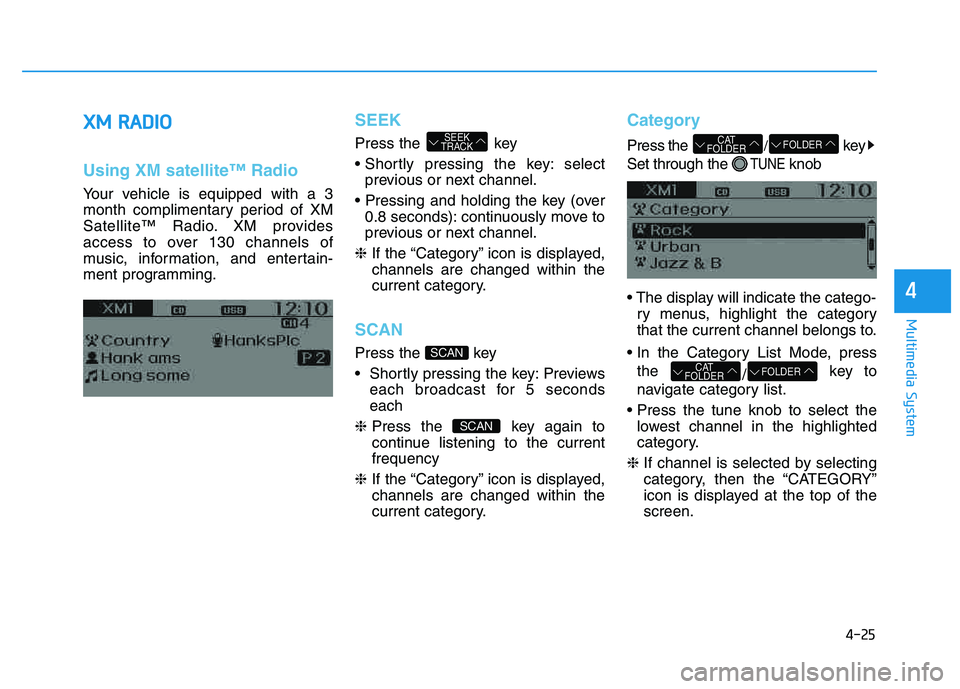
Category
Press the /key
Set through the
TUNEknob
ry menus, highlight the category
that the current channel belongs to.
the /key to
navigate category list.
lowest channel in the highlighted
category.
❈ If channel is selected by selecting
category, then the “CATEGORY”
icon is displayed at the top of thescreen.
FOLDERCAT
FOLDER
FOLDERCAT
FOLDER
SCAN
SCAN
SEEK
TRACK
Page 297 of 542
4-86
Multimedia System
Using iPod®Mode
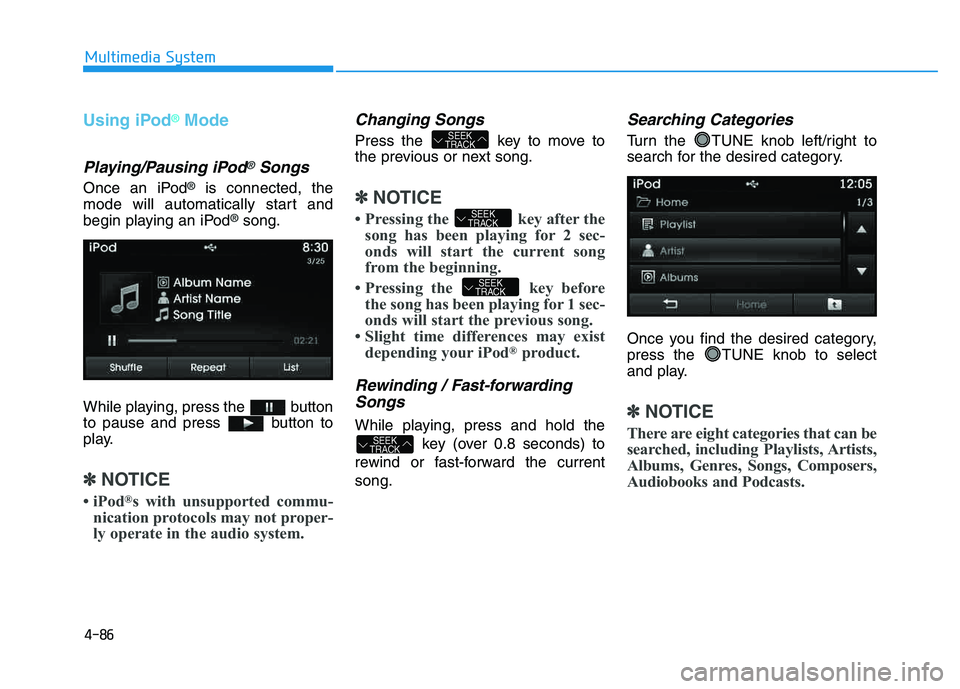
Playing/Pausing iPod®Songs
Once an iPod®is connected, the
mode will automatically start and
begin playing an iPod
®song.
While playing, press the button
to pause and press button to
play.
✽✽ NOTICE
iPod ®
s with unsupported commu-
nication protocols may not proper-
ly operate in the audio system.
Changing Songs
Press the key to move to
the previous or next song.
✽✽ NOTICE
Pressing the key after the song has been playing for 2 sec-
onds will start the current song
from the beginning.
Pressing the key before the song has been playing for 1 sec-
onds will start the previous song.
Slight time differences may exist depending your iPod ®
product.
Rewinding / Fast-forwarding
Songs
While playing, press and hold the
key (over 0.8 seconds) to
rewind or fast-forward the current song.
Searching Categories
Turn the TUNE knob left/right to
search for the desired category.
Once you find the desired category,
press the TUNE knob to select
and play.
✽✽ NOTICE
There are eight categories that can be
searched, including Playlists, Artists,
Albums, Genres, Songs, Composers,
Audiobooks and Podcasts.
SEEK
TRACK
SEEK
TRACK
SEEK
TRACK
SEEK
TRACK