Chapter 5 Hyundai Tucson 2019 User Guide
[x] Cancel search | Manufacturer: HYUNDAI, Model Year: 2019, Model line: Tucson, Model: Hyundai Tucson 2019Pages: 546, PDF Size: 61.38 MB
Page 153 of 546
3-62
Convenient features of your vehicle
1. Setting
To activate the Smart Liftgate, go to
User Settings Mode and select
Smart Liftgate on the LCD display.
For more details, refer to "LCD
Display" in this chapter.
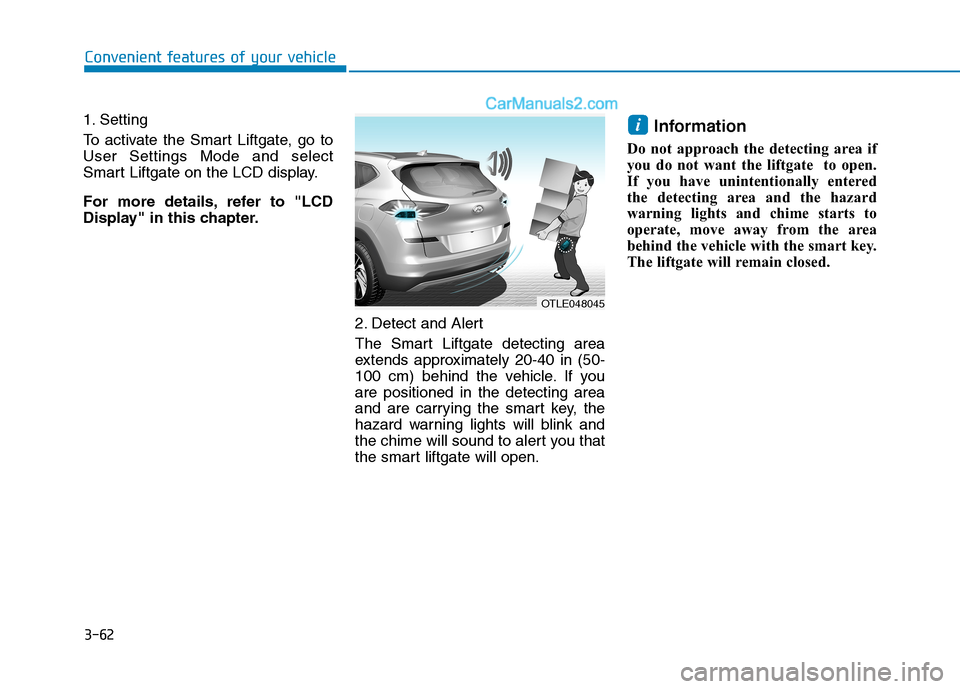
2. Detect and Alert
The Smart Liftgate detecting area
extends approximately 20-40 in (50-
100 cm) behind the vehicle. If you
are positioned in the detecting area
and are carrying the smart key, the
hazard warning lights will blink and
the chime will sound to alert you that
the smart liftgate will open.
Information
Do not approach the detecting area if
you do not want the liftgate to open.
If you have unintentionally entered
the detecting area and the hazard
warning lights and chime starts to
operate, move away from the area
behind the vehicle with the smart key.
The liftgate will remain closed.
i
OTLE048045
Page 159 of 546
3-68
Convenient features of your vehicle
If the gauge pointer moves
beyond the normal range area
toward the "H" position, it indi-
cates overheating that may dam-
age the engine.
Do not continue driving with an
overheated engine. If your vehicle
overheats, refer to "If the Engine
Overheats" in chapter 6.
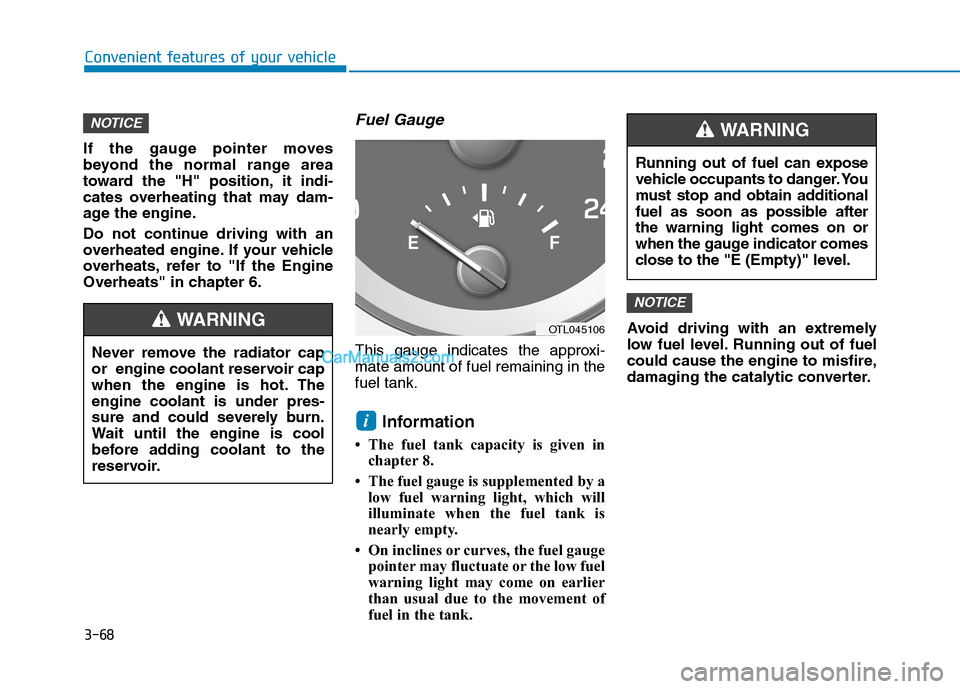
Fuel Gauge
This gauge indicates the approxi-
mate amount of fuel remaining in the
fuel tank.
Information
• The fuel tank capacity is given in
chapter 8.
• The fuel gauge is supplemented by a
low fuel warning light, which will
illuminate when the fuel tank is
nearly empty.
• On inclines or curves, the fuel gauge
pointer may fluctuate or the low fuel
warning light may come on earlier
than usual due to the movement of
fuel in the tank.Avoid driving with an extremely
low fuel level. Running out of fuel
could cause the engine to misfire,
damaging the catalytic converter.
NOTICE
i
NOTICE
Running out of fuel can expose
vehicle occupants to danger. You
must stop and obtain additional
fuel as soon as possible after
the warning light comes on or
when the gauge indicator comes
close to the "E (Empty)" level.
WARNING
Never remove the radiator cap
or engine coolant reservoir cap
when the engine is hot. The
engine coolant is under pres-
sure and could severely burn.
Wait until the engine is cool
before adding coolant to the
reservoir.
WARNINGOTL045106
Page 163 of 546
3-72
Convenient features of your vehicle
Warning and Indicator Lights
Information
Make sure that all warning lights are
OFF after starting the engine. If any
light is still ON, this indicates a situa-
tion that needs attention.
Supplemental Restraint
System Warning Light
This warning light illuminates:
When you set the ignition switch or
the Engine Start/Stop button to the
ON position.
- It illuminates for approximately 6
seconds and then goes off.
When there is a malfunction with
the SRS.
If this occurs, have your vehicle
inspected by an authorized
HYUNDAI dealer.
Seat Belt Warning Light
This warning light informs the driver
that the seat belt is not fastened.
For more details, refer to the "Seat
Belts" in chapter 2.
Parking Brake & Brake
Fluid Warning Light
This warning light illuminates:
When you set the ignition switch or
the Engine Start/Stop button to the
ON position.
- It illuminates for approximately 3
seconds.
- It remains on if the parking brake
is applied.
When the parking brake is applied.
When the brake fluid level in the
reservoir is low.
- If the warning light illuminates
with the parking brake released, it
indicates the brake fluid level in
reservoir is low.
i
Page 164 of 546
3-73
Convenient features of your vehicle
3
If the brake fluid level in the reser-
voir is low:
1. Drive carefully to the nearest safe
location and stop your vehicle.
2. With the engine stopped, check
the brake fluid level immediately
and add fluid as required (For
more details, refer to "Brake
Fluid" in chapter 7).After adding
brake fluid, check all brake com-
ponents for fluid leaks. If a brake
fluid leak is found, or if the warning
light remains on, or if the brakes
do not operate properly, do not
drive the vehicle. Have the vehicle
inspected by an authorized
HYUNDAI dealer.
Dual-diagonal braking system
Your vehicle is equipped with dual-
diagonal braking systems. This
means you still have braking on two
wheels even if one of the dual sys-
tems should fail.
With only one of the dual systems
working, more than normal pedal
travel and greater pedal pressure is
required to stop the vehicle.
Also, the vehicle will not stop in as
short a distance with only a portion
of the brake system working.
If the brakes fail while you are driv-
ing, shift to a lower gear for addition-
al engine braking and stop the vehi-
cle as soon as it is safe to do so.Parking Brake & Brake Fluid
Warning Light
Driving the vehicle with a warn-
ing light ON is dangerous. If the
Parking Brake & Brake Fluid
Warning Light illuminates with
the parking brake released, it
indicates that the brake fluid
level is low.
In this case, have your vehicle
inspected by an authorized
HYUNDAI dealer.WARNING
Page 168 of 546
3-77
Convenient features of your vehicle
3
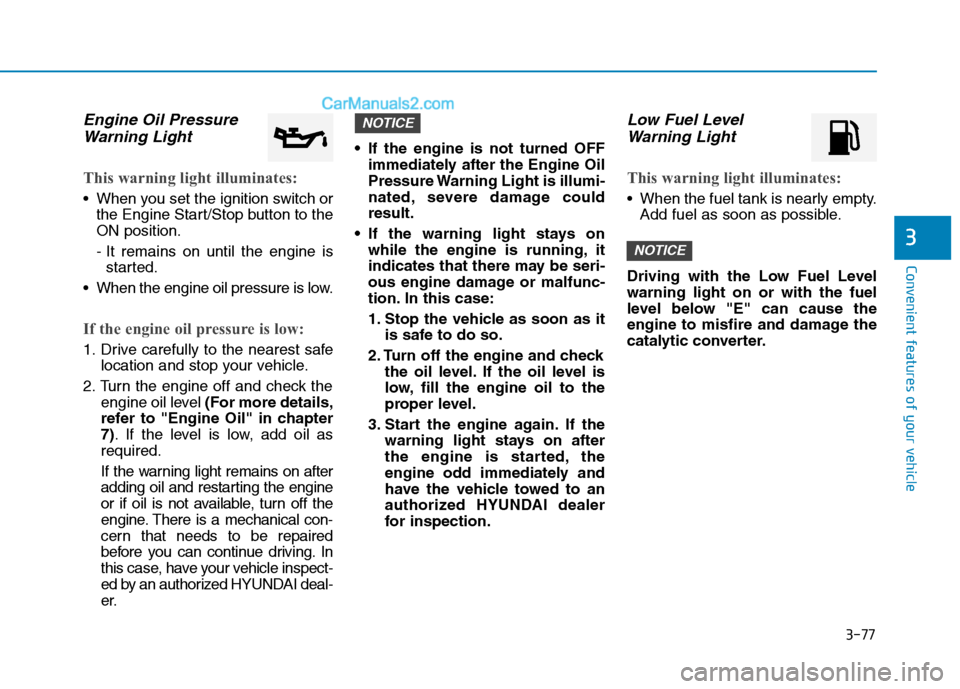
Engine Oil Pressure
Warning Light
This warning light illuminates:
When you set the ignition switch or
the Engine Start/Stop button to the
ON position.
- It remains on until the engine is
started.
When the engine oil pressure is low.
If the engine oil pressure is low:
1. Drive carefully to the nearest safe
location and stop your vehicle.
2. Turn the engine off and check the
engine oil level (For more details,
refer to "Engine Oil" in chapter
7). If the level is low, add oil as
required.
If the warning light remains on after
adding oil and restarting the engine
or if oil is not available, turn off the
engine. There is a mechanical con-
cern that needs to be repaired
before you can continue driving. In
this case, have your vehicle inspect-
ed by an authorized HYUNDAI deal-
er. If the engine is not turned OFF
immediately after the Engine Oil
Pressure Warning Light is illumi-
nated, severe damage could
result.
If the warning light stays on
while the engine is running, it
indicates that there may be seri-
ous engine damage or malfunc-
tion. In this case:
1. Stop the vehicle as soon as it
is safe to do so.
2. Turn off the engine and check
the oil level. If the oil level is
low, fill the engine oil to the
proper level.
3. Start the engine again. If the
warning light stays on after
the engine is started, the
engine odd immediately and
have the vehicle towed to an
authorized HYUNDAI dealer
for inspection.
Low Fuel Level
Warning Light
This warning light illuminates:
When the fuel tank is nearly empty.
Add fuel as soon as possible.
Driving with the Low Fuel Level
warning light on or with the fuel
level below "E" can cause the
engine to misfire and damage the
catalytic converter.
NOTICE
NOTICE
Page 169 of 546
3-78
Convenient features of your vehicle
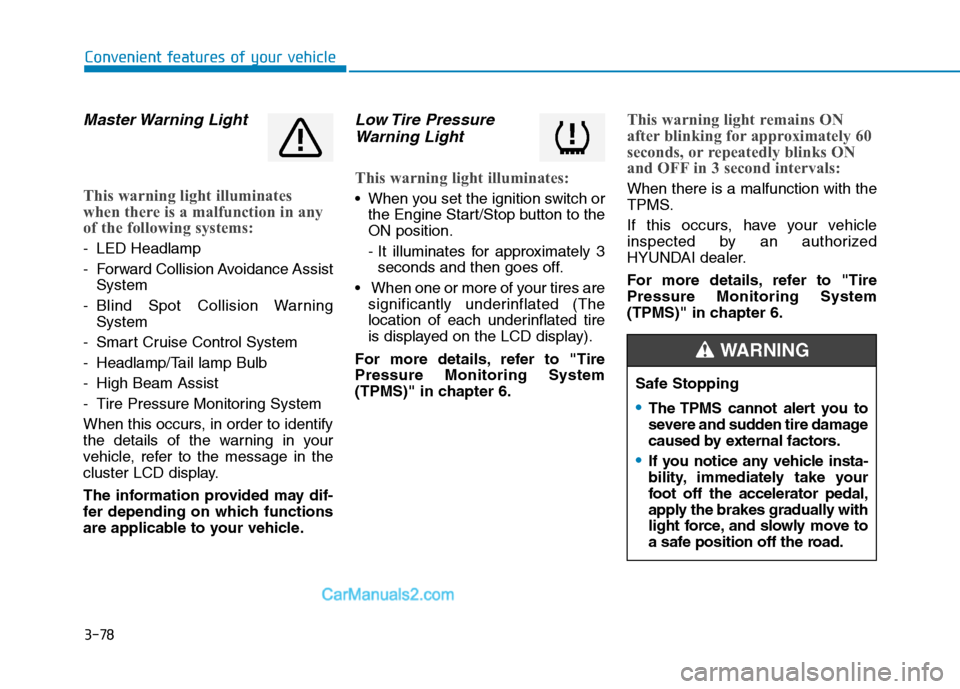
Master Warning Light
This warning light illuminates
when there is a malfunction in any
of the following systems:
- LED Headlamp
- Forward Collision Avoidance Assist
System
- Blind Spot Collision Warning
System
- Smart Cruise Control System
- Headlamp/Tail lamp Bulb
- High Beam Assist
- Tire Pressure Monitoring System
When this occurs, in order to identify
the details of the warning in your
vehicle, refer to the message in the
cluster LCD display.
The information provided may dif-
fer depending on which functions
are applicable to your vehicle.
Low Tire Pressure
Warning Light
This warning light illuminates:
When you set the ignition switch or
the Engine Start/Stop button to the
ON position.
- It illuminates for approximately 3
seconds and then goes off.
When one or more of your tires are
significantly underinflated (The
location of each underinflated tire
is displayed on the LCD display).
For more details, refer to "Tire
Pressure Monitoring System
(TPMS)" in chapter 6.
This warning light remains ON
after blinking for approximately 60
seconds, or repeatedly blinks ON
and OFF in 3 second intervals:
When there is a malfunction with the
TPMS.
If this occurs, have your vehicle
inspected by an authorized
HYUNDAI dealer.
For more details, refer to "Tire
Pressure Monitoring System
(TPMS)" in chapter 6.
Safe Stopping
The TPMS cannot alert you to
severe and sudden tire damage
caused by external factors.
If you notice any vehicle insta-
bility, immediately take your
foot off the accelerator pedal,
apply the brakes gradually with
light force, and slowly move to
a safe position off the road.
WARNING
Page 170 of 546
3-79
Convenient features of your vehicle
3
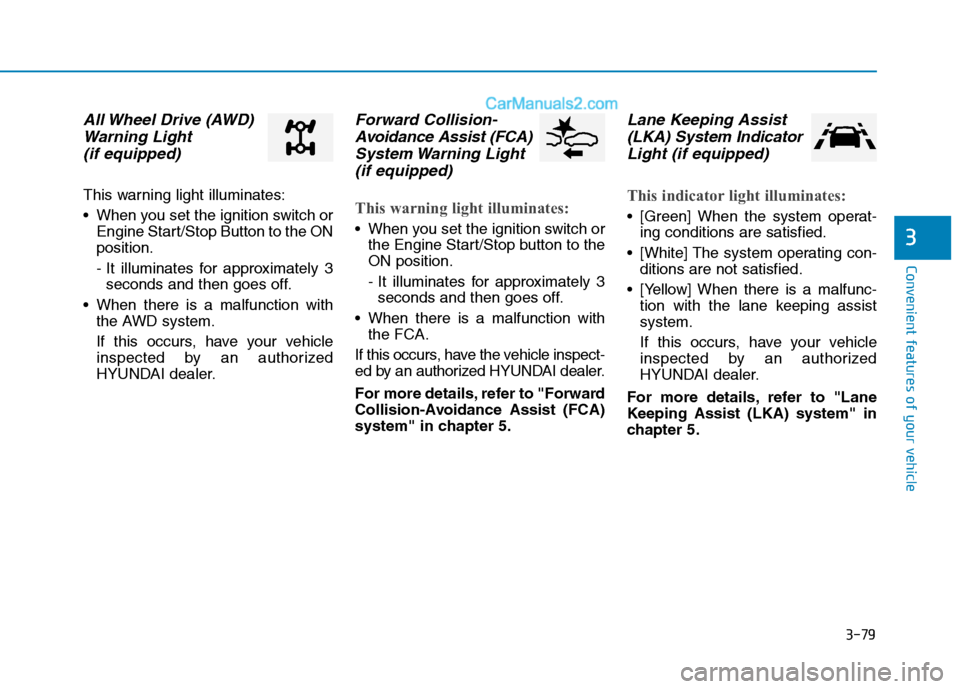
All Wheel Drive (AWD)
Warning Light
(if equipped)
This warning light illuminates:
When you set the ignition switch or
Engine Start/Stop Button to the ON
position.
- It illuminates for approximately 3
seconds and then goes off.
When there is a malfunction with
the AWD system.
If this occurs, have your vehicle
inspected by an authorized
HYUNDAI dealer.
Forward Collision-
Avoidance Assist (FCA)
System Warning Light
(if equipped)
This warning light illuminates:
When you set the ignition switch or
the Engine Start/Stop button to the
ON position.
- It illuminates for approximately 3
seconds and then goes off.
When there is a malfunction with
the FCA.
If this occurs, have the vehicle inspect-
ed by an authorized HYUNDAI dealer.
For more details, refer to "Forward
Collision-Avoidance Assist (FCA)
system" in chapter 5.
Lane Keeping Assist
(LKA) System Indicator
Light (if equipped)
This indicator light illuminates:
[Green] When the system operat-
ing conditions are satisfied.
[White] The system operating con-
ditions are not satisfied.
[Yellow] When there is a malfunc-
tion with the lane keeping assist
system.
If this occurs, have your vehicle
inspected by an authorized
HYUNDAI dealer.
For more details, refer to "Lane
Keeping Assist (LKA) system" in
chapter 5.
Page 171 of 546
3-80
Convenient features of your vehicle
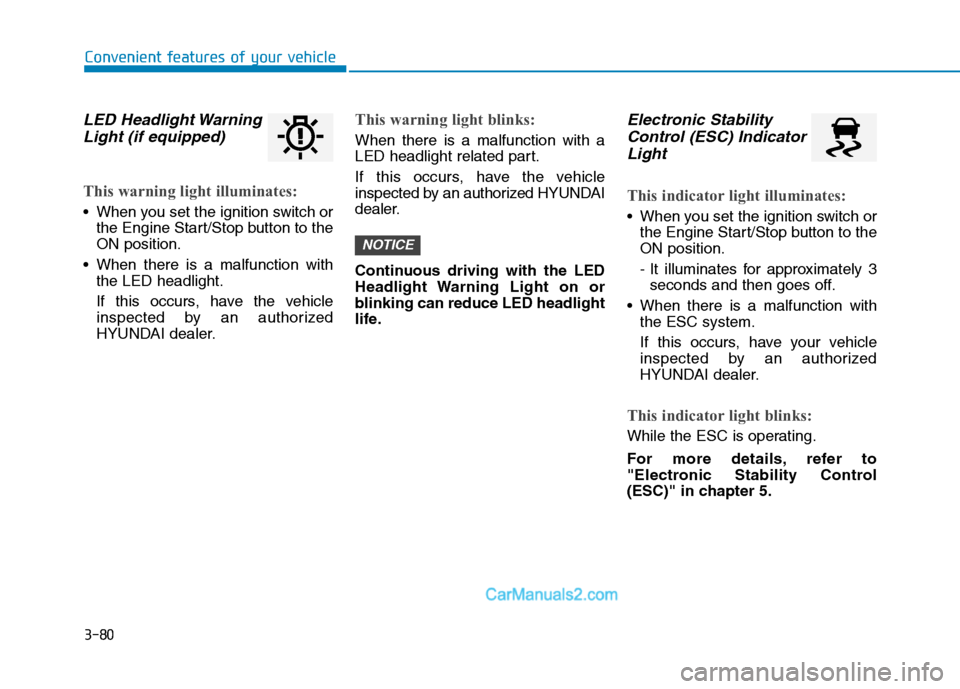
LED Headlight Warning
Light (if equipped)
This warning light illuminates:
When you set the ignition switch or
the Engine Start/Stop button to the
ON position.
When there is a malfunction with
the LED headlight.
If this occurs, have the vehicle
inspected by an authorized
HYUNDAI dealer.
This warning light blinks:
When there is a malfunction with a
LED headlight related part.
If this occurs, have the vehicle
inspected by an authorized HYUNDAI
dealer.
Continuous driving with the LED
Headlight Warning Light on or
blinking can reduce LED headlight
life.
Electronic Stability
Control (ESC) Indicator
Light
This indicator light illuminates:
When you set the ignition switch or
the Engine Start/Stop button to the
ON position.
- It illuminates for approximately 3
seconds and then goes off.
When there is a malfunction with
the ESC system.
If this occurs, have your vehicle
inspected by an authorized
HYUNDAI dealer.
This indicator light blinks:
While the ESC is operating.
For more details, refer to
"Electronic Stability Control
(ESC)" in chapter 5.
NOTICE
Page 172 of 546
3-81
Convenient features of your vehicle
3
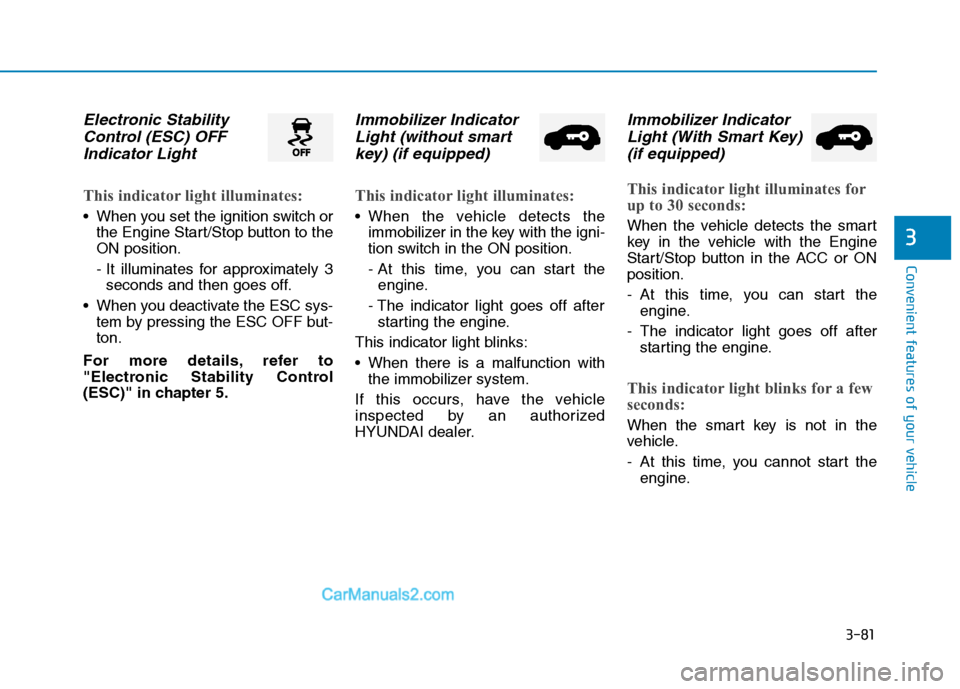
Electronic Stability
Control (ESC) OFF
Indicator Light
This indicator light illuminates:
When you set the ignition switch or
the Engine Start/Stop button to the
ON position.
- It illuminates for approximately 3
seconds and then goes off.
When you deactivate the ESC sys-
tem by pressing the ESC OFF but-
ton.
For more details, refer to
"Electronic Stability Control
(ESC)" in chapter 5.
Immobilizer Indicator
Light (without smart
key) (if equipped)
This indicator light illuminates:
When the vehicle detects the
immobilizer in the key with the igni-
tion switch in the ON position.
- At this time, you can start the
engine.
- The indicator light goes off after
starting the engine.
This indicator light blinks:
When there is a malfunction with
the immobilizer system.
If this occurs, have the vehicle
inspected by an authorized
HYUNDAI dealer.
Immobilizer Indicator
Light (With Smart Key)
(if equipped)
This indicator light illuminates for
up to 30 seconds:
When the vehicle detects the smart
key in the vehicle with the Engine
Start/Stop button in the ACC or ON
position.
- At this time, you can start the
engine.
- The indicator light goes off after
starting the engine.
This indicator light blinks for a few
seconds:
When the smart key is not in the
vehicle.
- At this time, you cannot start the
engine.
Page 173 of 546
3-82
Convenient features of your vehicle
This indicator light illuminates for
2 seconds and goes off:
If the smart key is in the vehicle and
the Engine Start/Stop button is ON,
but the vehicle cannot detect the
smart key.
If this occurs, have your vehicle
inspected by an authorized
HYUNDAI dealer.
This indicator light blinks:
When the battery voltage of the
smart key is low.
- At this time, you can not start the
engine. However, you can start the
engine if you press the ignition
switch or the Engine Start/Stop but-
ton with the smart key.(For more
details, refer to "Starting the
Engine" in chapter 5).
When there is a malfunction with
the immobilizer system.
If this occurs, have your vehicle
inspected by an authorized
HYUNDAI dealer.
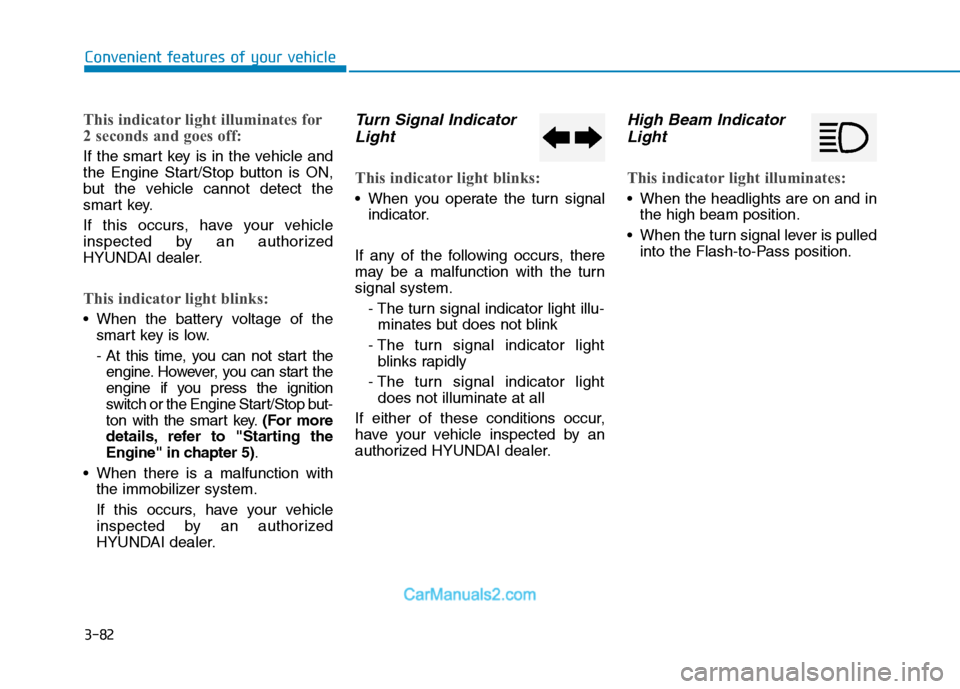
Turn Signal Indicator
Light
This indicator light blinks:
When you operate the turn signal
indicator.
If any of the following occurs, there
may be a malfunction with the turn
signal system.
- The turn signal indicator light illu-
minates but does not blink
- The turn signal indicator light
blinks rapidly
- The turn signal indicator light
does not illuminate at all
If either of these conditions occur,
have your vehicle inspected by an
authorized HYUNDAI dealer.
High Beam Indicator
Light
This indicator light illuminates:
When the headlights are on and in
the high beam position.
When the turn signal lever is pulled
into the Flash-to-Pass position.