low light message Hyundai Tucson 2019 User Guide
[x] Cancel search | Manufacturer: HYUNDAI, Model Year: 2019, Model line: Tucson, Model: Hyundai Tucson 2019Pages: 546, PDF Size: 61.38 MB
Page 354 of 546
5-88
Driving your vehicle
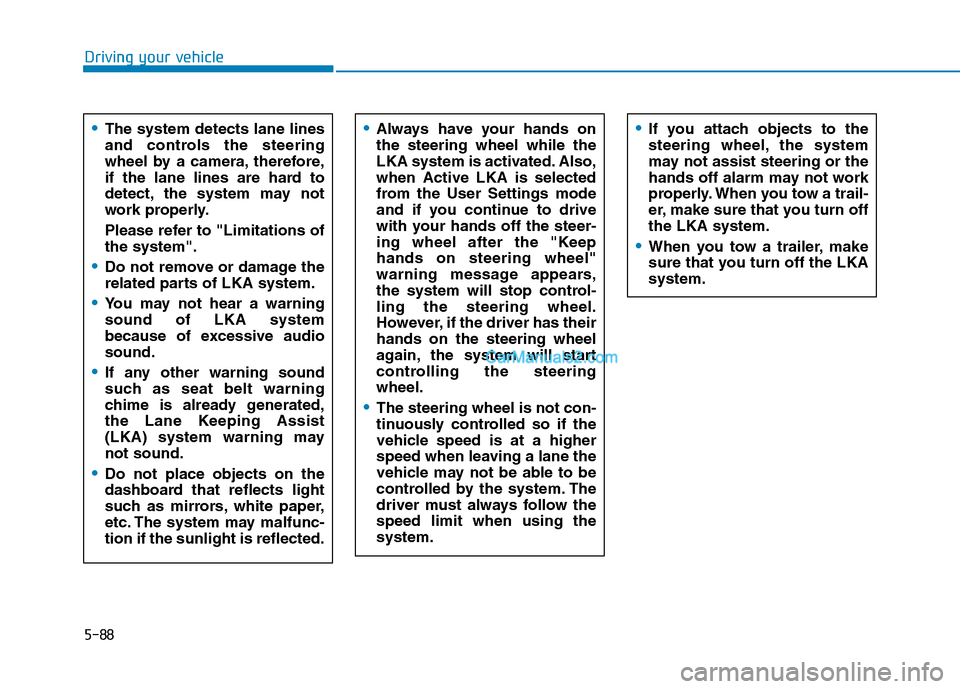
Always have your hands on
the steering wheel while the
LKA system is activated. Also,
when Active LKA is selected
from the User Settings mode
and if you continue to drive
with your hands off the steer-
ing wheel after the "Keep
hands on steering wheel"
warning message appears,
the system will stop control-
ling the steering wheel.
However, if the driver has their
hands on the steering wheel
again, the system will start
controlling the steering
wheel.
The steering wheel is not con-
tinuously controlled so if the
vehicle speed is at a higher
speed when leaving a lane the
vehicle may not be able to be
controlled by the system. The
driver must always follow the
speed limit when using the
system.
If you attach objects to the
steering wheel, the system
may not assist steering or the
hands off alarm may not work
properly. When you tow a trail-
er, make sure that you turn off
the LKA system.
When you tow a trailer, make
sure that you turn off the LKA
system.
The system detects lane lines
and controls the steering
wheel by a camera, therefore,
if the lane lines are hard to
detect, the system may not
work properly.
Please refer to "Limitations of
the system".
Do not remove or damage the
related parts of LKA system.
You may not hear a warning
sound of LKA system
because of excessive audio
sound.
If any other warning sound
such as seat belt warning
chime is already generated,
the Lane Keeping Assist
(LKA) system warning may
not sound.
Do not place objects on the
dashboard that reflects light
such as mirrors, white paper,
etc. The system may malfunc-
tion if the sunlight is reflected.
Page 357 of 546
5-91
Driving your vehicle
5
2. The LKA system will control the
vehicle's steering to prevent the
vehicle from crossing the lane
maker in below conditions.
- Vehicle speed is over 40 mph (64
km/h)
- The system detects both lane
markers
- When driving, the vehicle is locat-
ed between both lanes normally.
- The steering wheel is not turned
suddenly.
When lanes are detected and all the
conditions to activate the LKA sys-
tem are satisfied, a LKA system indi-
cator light ( ) will change from
white to green. This indicates that the
LKA system is in the ENABLED state
and the steering wheel will be able to
be controlled.Warning Light and Message
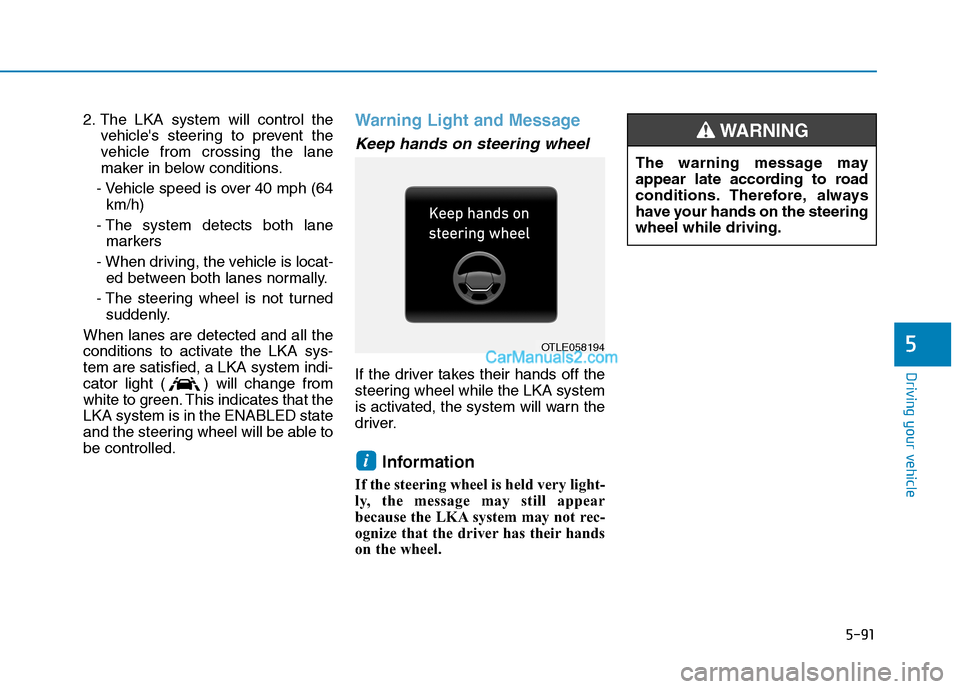
Keep hands on steering wheel
If the driver takes their hands off the
steering wheel while the LKA system
is activated, the system will warn the
driver.
Information
If the steering wheel is held very light-
ly, the message may still appear
because the LKA system may not rec-
ognize that the driver has their hands
on the wheel.
i
The warning message may
appear late according to road
conditions. Therefore, always
have your hands on the steering
wheel while driving.
WARNING
OTLE058194
Page 419 of 546
6-10
What to do in an emergency
If any of the below happens, have
the system checked by an author-
ized HYUNDAI dealer.
1. The Low Tire Pressure TPMS
Malfunction Indicator does not
illuminate for 3 seconds when
the ignition switch is placed to
the ON position or engine is
running.
2. The TPMS Malfunction Indicator
remains illuminated after blink-
ing for approximately 1 minute.
3. The Low Tire Pressure LCD dis-
play remains illuminated
Low Tire Pressure
Telltale
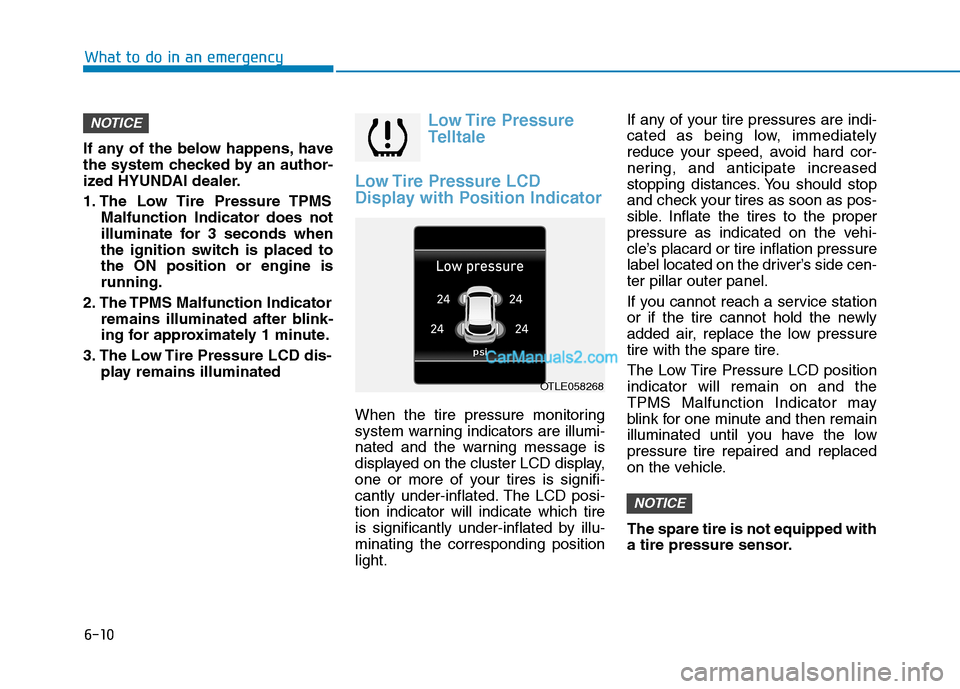
Low Tire Pressure LCD
Display with Position Indicator
When the tire pressure monitoring
system warning indicators are illumi-
nated and the warning message is
displayed on the cluster LCD display,
one or more of your tires is signifi-
cantly under-inflated. The LCD posi-
tion indicator will indicate which tire
is significantly under-inflated by illu-
minating the corresponding position
light.If any of your tire pressures are indi-
cated as being low, immediately
reduce your speed, avoid hard cor-
nering, and anticipate increased
stopping distances. You should stop
and check your tires as soon as pos-
sible. Inflate the tires to the proper
pressure as indicated on the vehi-
cle’s placard or tire inflation pressure
label located on the driver’s side cen-
ter pillar outer panel.
If you cannot reach a service station
or if the tire cannot hold the newly
added air, replace the low pressure
tire with the spare tire.
The Low Tire Pressure LCD position
indicator will remain on and the
TPMS Malfunction Indicator may
blink for one minute and then remain
illuminated until you have the low
pressure tire repaired and replaced
on the vehicle.
The spare tire is not equipped with
a tire pressure sensor.
NOTICE
NOTICE
OTLE058268