tow HYUNDAI TUCSON 2022 Owner's Manual
[x] Cancel search | Manufacturer: HYUNDAI, Model Year: 2022, Model line: TUCSON, Model: HYUNDAI TUCSON 2022Pages: 638, PDF Size: 82.3 MB
Page 277 of 638
05
5-133
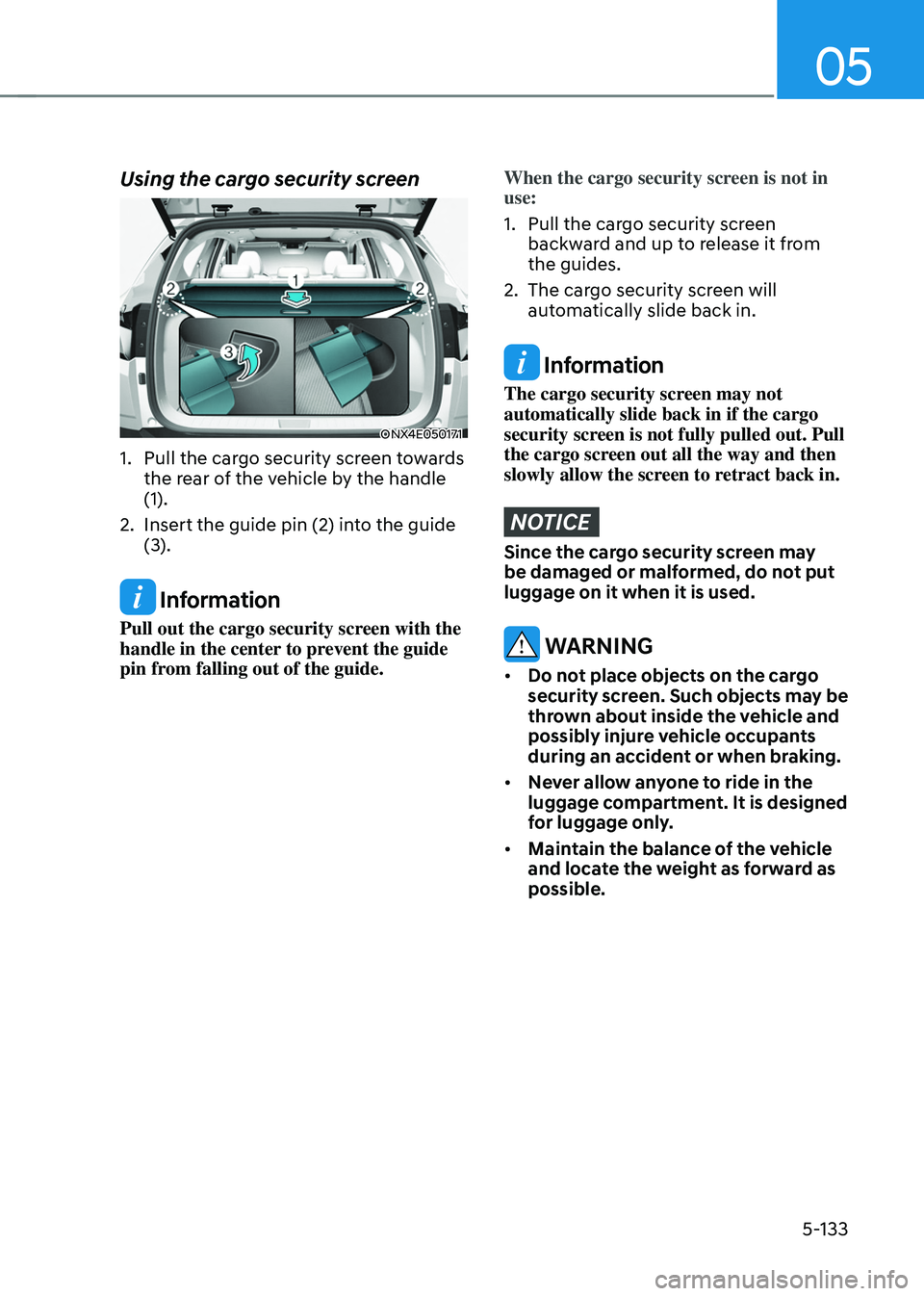
Using the cargo security screen
ONX4E050171
1. Pull the cargo security screen towards
the rear of the vehicle by the handle
(1).
2. Insert the guide pin (2) into the guide
(3).
Information
Pull out the cargo security screen with the
handle in the center to prevent the guide
pin from falling out of the guide.
When the cargo security screen is not in
use:
1. Pull the cargo security screen
backward and up to release it from
the guides.
2. The cargo security screen will
automatically slide back in.
Information
The cargo security screen may not
automatically slide back in if the cargo
security screen is not fully pulled out. Pull
the cargo screen out all the way and then
slowly allow the screen to retract back in.
NOTICE
Since the cargo security screen may
be damaged or malformed, do not put
luggage on it when it is used.
WARNING
• Do not place objects on the cargo
security screen. Such objects may be
thrown about inside the vehicle and
possibly injure vehicle occupants
during an accident or when braking.
• Never allow anyone to ride in the
luggage compartment. It is designed
for luggage only.
• Maintain the balance of the vehicle
and locate the weight as forward as
possible.
Page 282 of 638
Convenient features
5-138
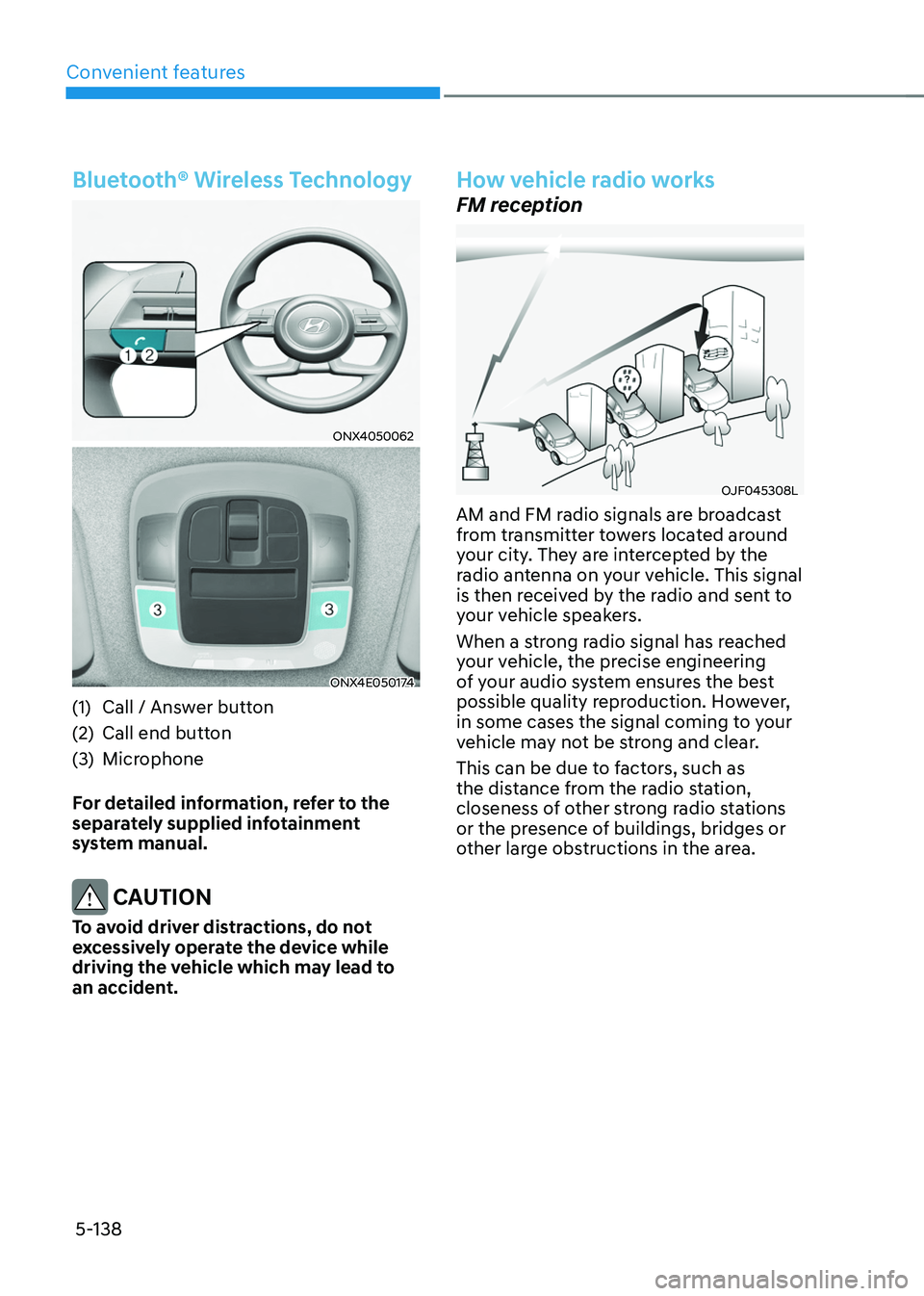
Bluetooth® Wireless Technology
ONX4050062
ONX4E050174
(1) Call / Answer button
(2) Call end button
(3) Microphone
For detailed information, refer to the
separately supplied infotainment
system manual.
CAUTION
To avoid driver distractions, do not
excessively operate the device while
driving the vehicle which may lead to
an accident.
How vehicle radio works
FM reception
OJF045308L
AM and FM radio signals are broadcast
from transmitter towers located around
your city. They are intercepted by the
radio antenna on your vehicle. This signal
is then received by the radio and sent to
your vehicle speakers.
When a strong radio signal has reached
your vehicle, the precise engineering
of your audio system ensures the best
possible quality reproduction. However,
in some cases the signal coming to your
vehicle may not be strong and clear.
This can be due to factors, such as
the distance from the radio station,
closeness of other strong radio stations
or the presence of buildings, bridges or
other large obstructions in the area.
Page 287 of 638

Special driving conditions ........................................................................\
......6-58Hazardous driving conditions ........................................................................\
..........6-58
Rocking the vehicle ........................................................................\
...........................6-58
Smooth cornering ........................................................................\
.............................6-59
Driving at night ........................................................................\
..................................6-59
Driving in the rain ........................................................................\
..............................6-59
Driving in flooded areas ........................................................................\
....................6-60
Highway driving ........................................................................\
................................6-60
Reducing the risk of a rollover ........................................................................\
..........6-60
Winter driving ........................................................................\
...........................6-61Snow or icy conditions ........................................................................\
.......................6-61
Winter precautions ........................................................................\
............................6-63
Trailer towing ........................................................................\
...........................6-65If you decide to pull a trailer? ........................................................................\
...........6-66
Trailer towing equipment ........................................................................\
.................. 6-69
Driving with a trailer
........................................................................\
...........................6-70
Maintenance when towing a trailer ........................................................................\
..6-73
Vehicle load limit ........................................................................\
..................... 6 -74The Loading Information Label ........................................................................\
.........6-75
6
Page 291 of 638
Driving your vehicle
6-6
Key ignition switch positions
Switch
Position Action
Notes
LOCK To turn the ignition switch to the LOCK
position, push the key in at the ACC
position and turn the key towards the
LOCK position.
The ignition key can be removed in
the LOCK position.
The steering wheel locks to protect
the vehicle from theft. (if equipped)
ACC Some electrical accessories are
usable. The steering wheel unlocks.
If difficulty is experienced turning the
ignition switch to the ACC position,
turn the key while turning the steering
wheel right and left to release.
ON This is the normal key position when
the engine has started. All features
and accessories are usable.
The warning lights can be checked
when you turn the ignition switch
from ACC to ON. Do not leave the ignition switch in the
ON position when the engine is not
running to prevent the battery from
discharging.
START To start the engine, turn the ignition
switch to the START position. The
switch returns to the ON position
when you let go of the key. The engine will crank until you release
the key.
Page 292 of 638
06
6 -7
Starting the engine
WARNING
• Always wear appropriate shoes when
operating your vehicle. Unsuitable
shoes, such as high heels, ski boots,
sandals, flip-flops, etc., may interfere
with your ability to use the brake,
accelerator and clutch pedals.
• Do not start the vehicle with the
accelerator pedal depressed. The
vehicle can move which can lead to
an accident.
• Wait until the engine RPM is normal.
The vehicle may suddenly move if
the brake pedal is released when the
RPM is high.
1. Make sure the Electronic Parking
Brake (EPB) is applied.
2. Make sure the shift lever/button is in
P (Park).
3. Depress the brake pedal.
4. Turn the ignition switch to the START
position. Hold the key (maximum of
10 seconds) until the engine starts and
release it.
Information
• Do not wait for the engine to warm up
while the vehicle remains stationary.
Start driving at moderate engine
speeds. (Steep accelerating and
decelerating should be avoided.)
• Always start the vehicle with your foot
on the brake pedal. Do not depress the
accelerator while starting the vehicle.
Do not race the engine while warming
it up.
NOTICE
To prevent damage to the vehicle:
• Do not hold the ignition key in the
START position for more than 10
seconds. Wait 5 to 10 seconds before
trying again.
• Do not turn the ignition switch to
the START position with the engine
running. It may damage the starter.
• If traffic and road conditions permit,
you may put the shift lever in the N
(Neutral) position while the vehicle
is still moving and turn the ignition
switch to the START position in an
attempt to restart the engine.
• Do not push or tow your vehicle to
start the engine.
Page 296 of 638
06
6-11
NOTICE
To prevent damage to the vehicle:
• If the engine stalls while you are in
motion, do not attempt to shift the
gear to the P (Park) position.
If traffic and road conditions permit,
you may put the gear in N (Neutral)
while the vehicle is still moving and
press the Engine Start/Stop button in
an attempt to restart the engine.
• Do not push or tow your vehicle to
start the vehicle.
NOTICE
To prevent damage to the vehicle:
Do not press the Engine Start/Stop
button for more than 10 seconds except
when the stop lamp fuse is blown.
When the stop lamp fuse is blown,
you cannot normally start the engine.
Replace the fuse with a new one. If you
are not able to replace the fuse, you
can start the engine by pressing and
holding the Engine Start/Stop button
for 10 seconds with the Engine Start/
Stop button in the ACC position.
For your safety always depress the
brake pedal before starting the vehicle.
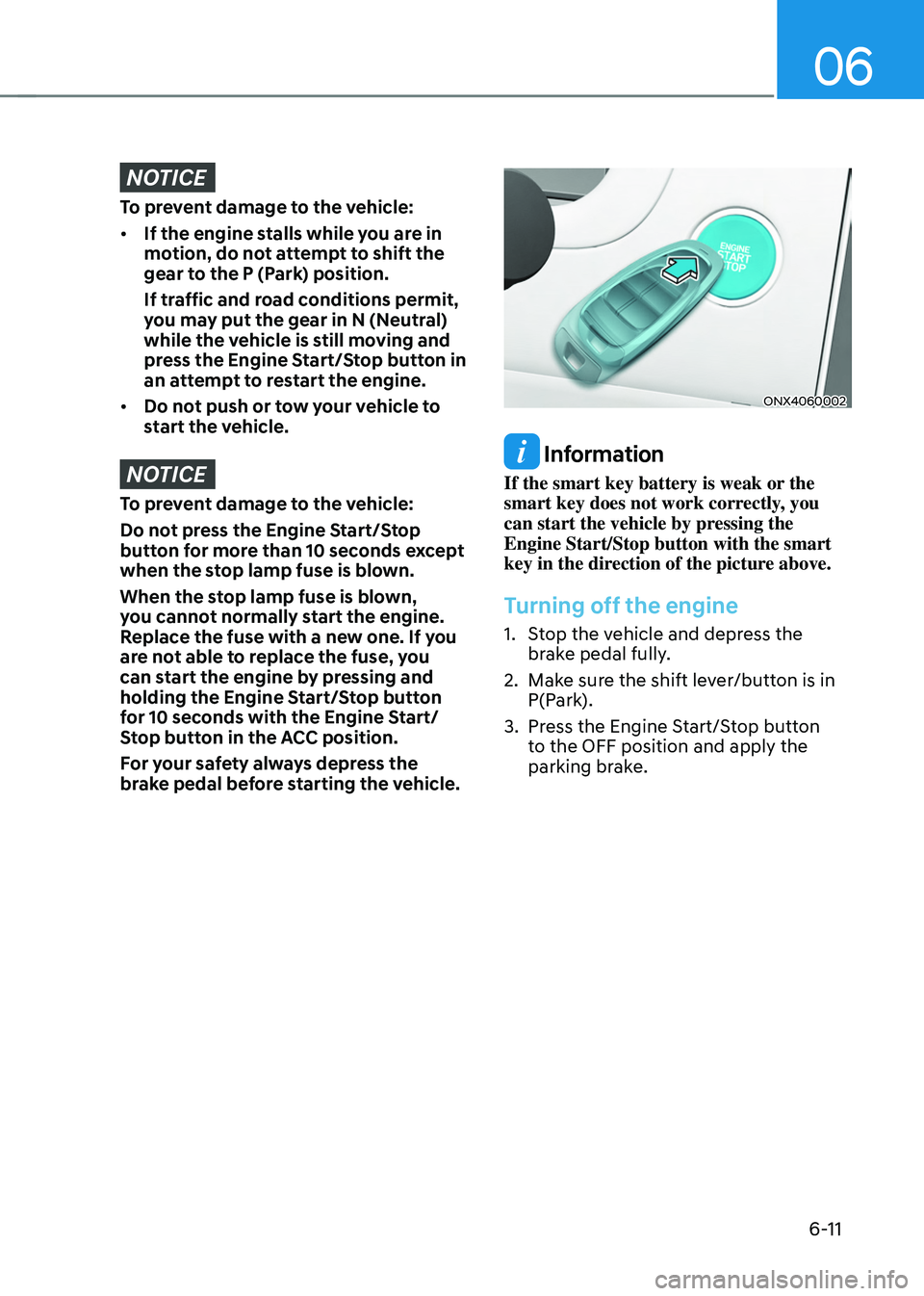
ONX4060002
Information
If the smart key battery is weak or the
smart key does not work correctly, you
can start the vehicle by pressing the
Engine Start/Stop button with the smart
key in the direction of the picture above.
Turning off the engine
1. Stop the vehicle and depress the
brake pedal fully.
2. Make sure the shift lever/button is in
P(Park).
3. Press the Engine Start/Stop button
to the OFF position and apply the
parking brake.
Page 315 of 638
Driving your vehicle
6-30
Parking brake warning light
Check the Parking Brake
warning light by pressing the
Engine Stop/Start button to the
ON position.
This light will be illuminated when the
parking brake is applied with the Engine
Stop/Start button in the START or ON
position.
Before driving, be sure the parking
brake is released and the Parking Brake
warning light is OFF.
If the Parking Brake warning light
remains on after the parking brake is
released while the engine is running,
there may be a malfunction in the
brake system. Immediate attention is
necessary.
If at all possible, cease driving the vehicle
immediately. If that is not possible,
use extreme caution while operating
the vehicle and only continue to drive
the vehicle until you can reach a safe
location.
Electronic Parking Brake (EPB)
Malfunction
If the Electronic Parking Brake (EPB) does
not release normally, DO NOT DRIVE THE
VEHICLE. Have your vehicle inspected at
an authorized HYUNDAI dealer.
It is recommended to have your vehicle
towed on a flatbed tow truck if the EPB
malfunction occurs.
Auto Hold
Auto Hold maintains the vehicle in a
standstill even though the brake pedal is
not depressed after the driver brings the
vehicle to a complete stop by depressing
the brake pedal.
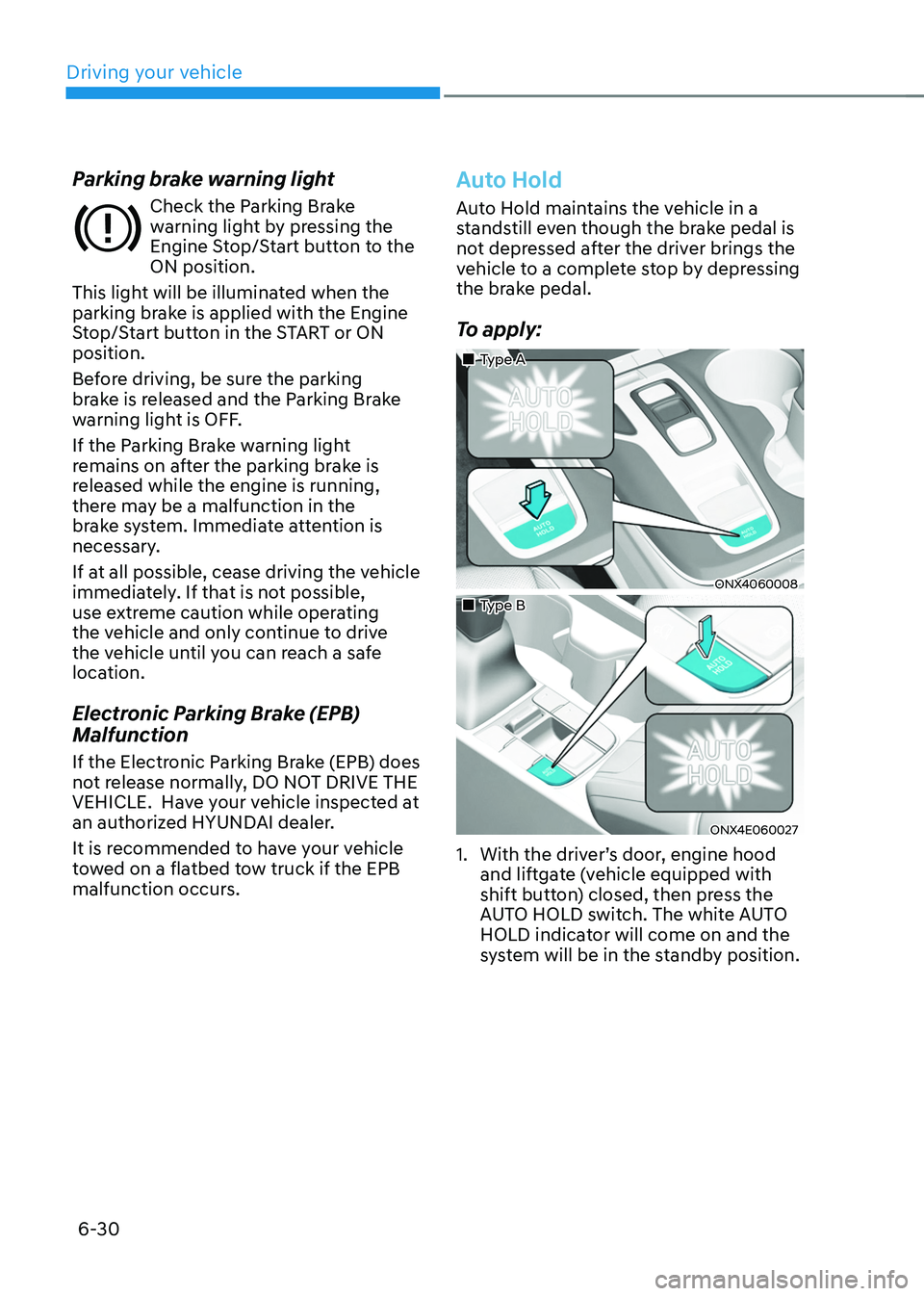
To apply:
„„Type A
ONX4060008
„„Type B
ONX4E060027
1. With the driver’s door, engine hood
and liftgate (vehicle equipped with
shift button) closed, then press the
AUTO HOLD switch. The white AUTO
HOLD indicator will come on and the
system will be in the standby position.
Page 337 of 638
Driving your vehicle
6-52
ALL WHEEL DRIVE (AWD) (IF EQUIPPED)
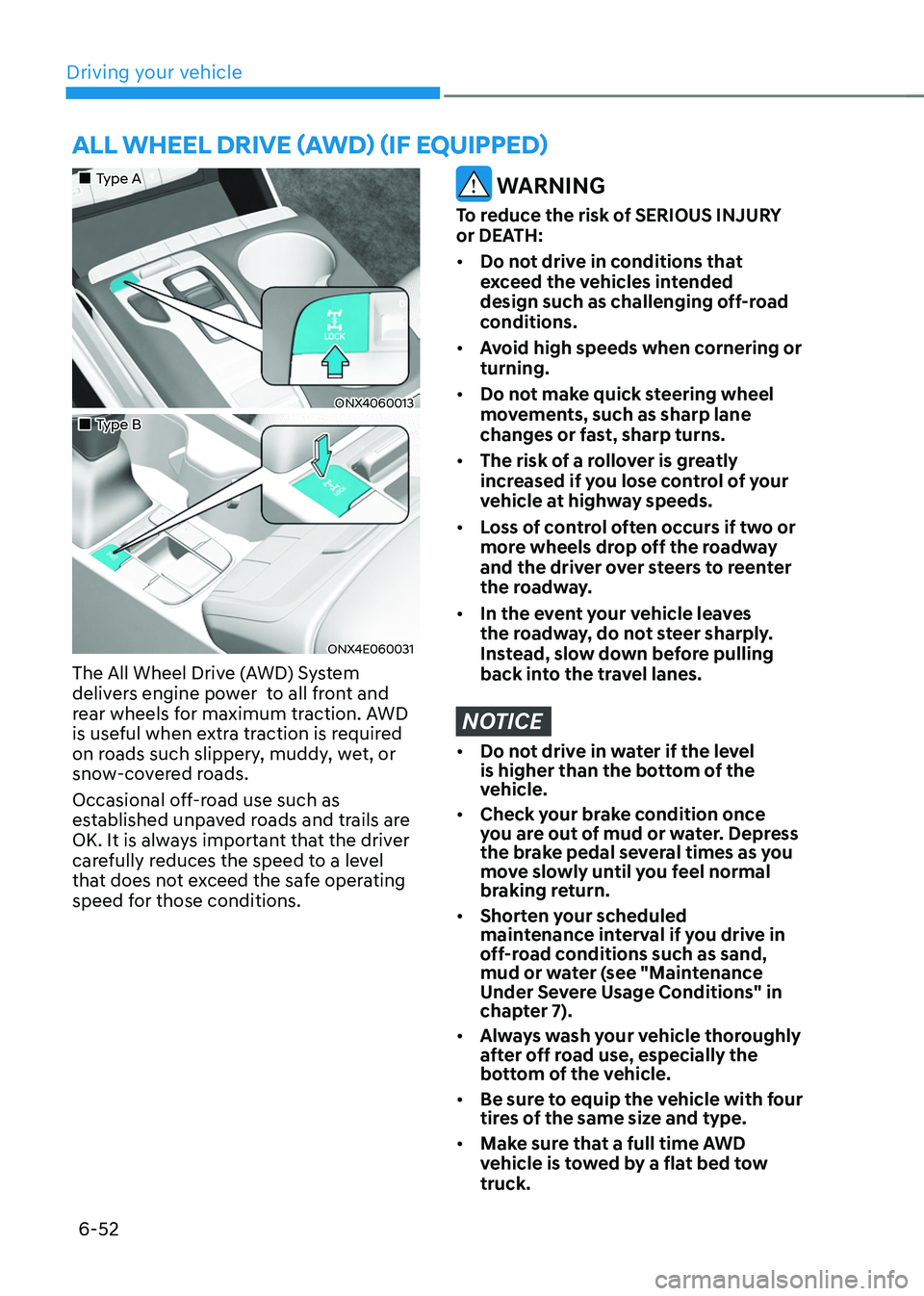
„„Type A
ONX4060013
„„Type B
ONX4E060031
The All Wheel Drive (AWD) System
delivers engine power to all front and
rear wheels for maximum traction. AWD
is useful when extra traction is required
on roads such slippery, muddy, wet, or
snow-covered roads.
Occasional off-road use such as
established unpaved roads and trails are
OK. It is always important that the driver
carefully reduces the speed to a level
that does not exceed the safe operating
speed for those conditions.
WARNING
To reduce the risk of SERIOUS INJURY
or DEATH:
• Do not drive in conditions that
exceed the vehicles intended
design such as challenging off-road
conditions.
• Avoid high speeds when cornering or
turning.
• Do not make quick steering wheel
movements, such as sharp lane
changes or fast, sharp turns.
• The risk of a rollover is greatly
increased if you lose control of your
vehicle at highway speeds.
• Loss of control often occurs if two or
more wheels drop off the roadway
and the driver over steers to reenter
the roadway.
• In the event your vehicle leaves
the roadway, do not steer sharply.
Instead, slow down before pulling
back into the travel lanes.
NOTICE
• Do not drive in water if the level
is higher than the bottom of the
vehicle.
• Check your brake condition once
you are out of mud or water. Depress
the brake pedal several times as you
move slowly until you feel normal
braking return.
• Shorten your scheduled
maintenance interval if you drive in
off-road conditions such as sand,
mud or water (see "Maintenance
Under Severe Usage Conditions" in
chapter 7).
• Always wash your vehicle thoroughly
after off road use, especially the
bottom of the vehicle.
• Be sure to equip the vehicle with four
tires of the same size and type.
• Make sure that a full time AWD
vehicle is tow ed by a flat bed tow
truck.
Page 341 of 638
Driving your vehicle
6-56
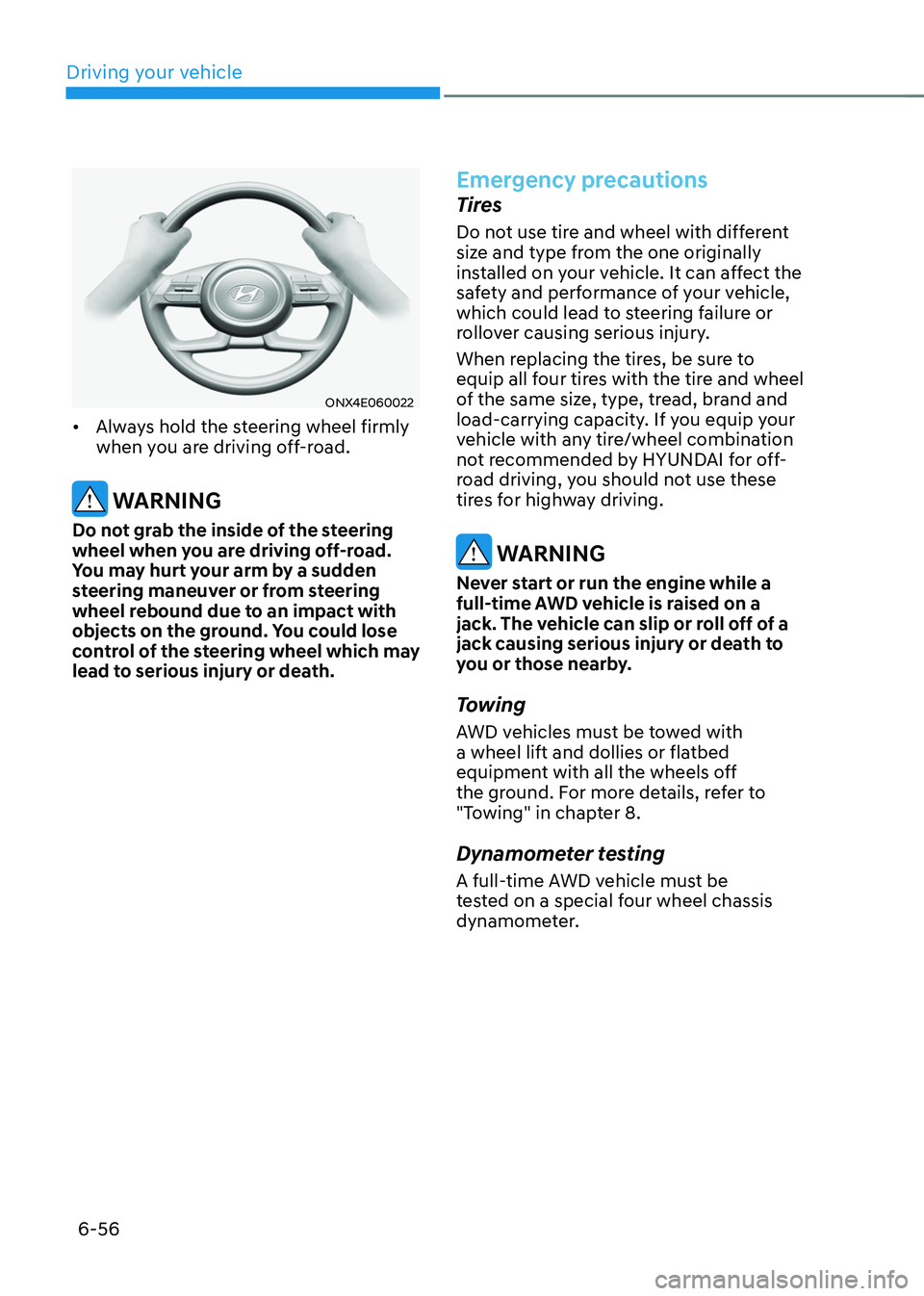
ONX4E060022
• Always hold the steering wheel firmly
when you are driving off-road.
WARNING
Do not grab the inside of the steering
wheel when you are driving off-road.
You may hurt your arm by a sudden
steering maneuver or from steering
wheel rebound due to an impact with
objects on the ground. You could lose
control of the steering wheel which may
lead to serious injury or death.
Emergency precautions
Tires
Do not use tire and wheel with different
size and type from the one originally
installed on your vehicle. It can affect the
safety and performance of your vehicle,
which could lead to steering failure or
rollover causing serious injury.
When replacing the tires, be sure to
equip all four tires with the tire and wheel
of the same size, type, tread, brand and
load-carrying capacity. If you equip your
vehicle with any tire/wheel combination
not recommended by HYUNDAI for off-
road driving, you should not use these
tires for highway driving.
WARNING
Never start or run the engine while a
full-time AWD vehicle is raised on a
jack. The vehicle can slip or roll off of a
jack causing serious injury or death to
you or those nearby.
Towing
AWD vehicles must be towed with
a wheel lift and dollies or flatbed
equipment with all the wheels off
the ground. For more details, refer to
"Towing" in chapter 8.
Dynamometer testing
A full-time AWD vehicle must be
tested on a special four wheel chassis
dynamometer.
Page 344 of 638
06
6-59
NOTICE
If you are still stuck after rocking the
vehicle a few times, have the vehicle
pulled out by a tow vehicle to avoid
engine overheating, possible damage to
the transmission, and tire damage. See
“Towing” section in chapter 8.
Smooth cornering
Avoid braking or gear changing in
corners, especially when roads are wet.
Ideally, corners should always be taken
under gentle acceleration.
Driving at night
Night driving presents more hazards than
driving in the daylight. Here are some
important tips to remember:
• Slow down and keep more distance
between you and other vehicles, as it
may be more difficult to see at night,
especially in areas where there may
not be any street lights.
• Adjust your mirrors to reduce the glare
from other drivers’ headlamps.
• Keep your headlamps clean and
properly aimed. Dirty or improperly
aimed headlamps will make it much
more difficult to see at night.
• Avoid staring directly at the
headlamps of oncoming vehicles. You
could be temporarily blinded, and it
will take several seconds for your eyes
to readjust to the darkness.
Driving in the rain
Rain and wet roads can make driving
dangerous. Here are a few things to
consider when driving in the rain or on
slick pavement:
• Slow down and allow extra following
distance. A heavy rainfall makes
it harder to see and increases the
distance needed to stop your vehicle.
• Turn OFF your Cruise Control. (if
equipped)
• Replace your windshield wiper blades
when they show signs of streaking or
missing areas on the windshield.
• Be sure your tires have enough tread.
If your tires do not have enough tread,
making a quick stop on wet pavement
can cause a skid and possibly lead to
an accident. See “Tire Tread” section
in chapter 9.
• Turn on your headlamps to make it
easier for others to see you.
• Driving too fast through large puddles
can affect your brakes. If you must go
through puddles, try to drive through
them slowly.
• If you believe your brakes may be wet,
apply them lightly while driving until
normal braking operation returns.
Hydroplaning
If the road is wet enough and you are
going fast enough, your vehicle may
have little or no contact with the road
surface and actually ride on the water.
The best advice is SLOW DOWN when
the road is wet.
The risk of hydroplaning increases as
the depth of tire tread decreases, refer
to “Tire Tread” section in chapter 9.