lights HYUNDAI VELOSTER 2019 User Guide
[x] Cancel search | Manufacturer: HYUNDAI, Model Year: 2019, Model line: VELOSTER, Model: HYUNDAI VELOSTER 2019Pages: 491, PDF Size: 15.17 MB
Page 100 of 491
3-20
Convenient features of your vehicle
Tilt Steering / Telescope
Steering
When adjusting the steering wheel to
a comfortable position, adjust the
steering wheel so that it points
toward your chest, not toward your
face. Make sure you can see the
instrument cluster warning lights and
gauges. After adjusting, push the
steering wheel both up and down to
be certain it is locked in position.
Always adjust the position of the
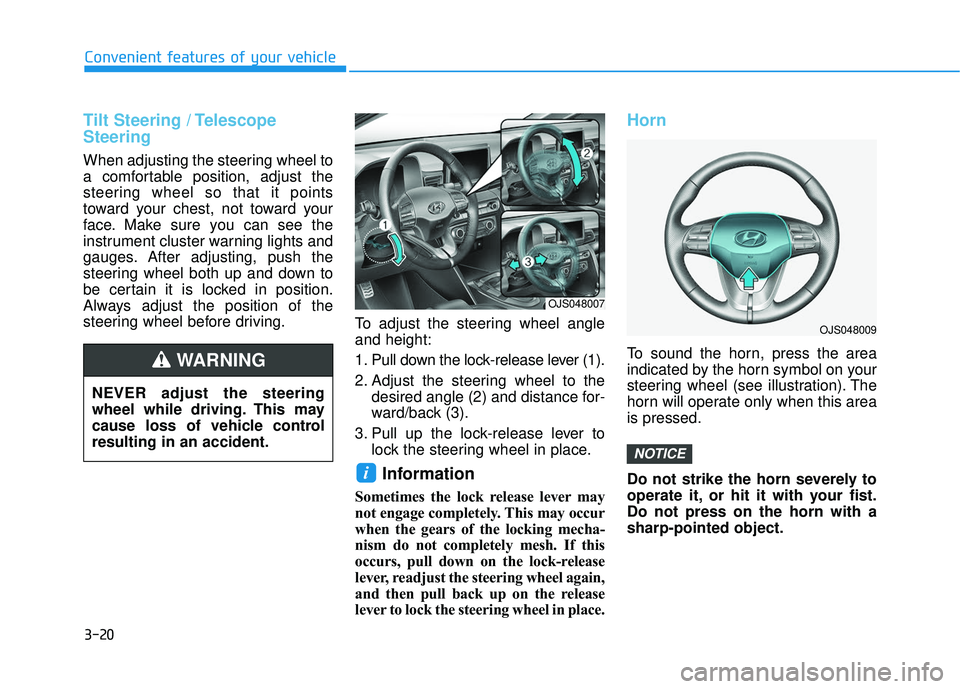
steering wheel before driving.To adjust the steering wheel angle
and height:
1. Pull down the lock-release lever (1).
2. Adjust the steering wheel to the
desired angle (2) and distance for-
ward/back (3).
3. Pull up the lock-release lever to lock the steering wheel in place.
Information
Sometimes the lock release lever may
not engage completely. This may occur
when the gears of the locking mecha-
nism do not completely mesh. If this
occurs, pull down on the lock-release
lever, readjust the steering wheel again,
and then pull back up on the release
lever to lock the steering wheel in place.
Horn
To sound the horn, press the area
indicated by the horn symbol on your
steering wheel (see illustration). The
horn will operate only when this area
is pressed.
Do not strike the horn severely to
operate it, or hit it with your fist.
Do not press on the horn with a
sharp-pointed object.
NOTICE
i
NEVER adjust the steering
wheel while driving. This may
cause loss of vehicle control
resulting in an accident.
WARNING
OJS048007
OJS048009
Page 101 of 491
3-21
Convenient features of your vehicle
3
Inside Rearview Mirror
Before driving your vehicle, check to
see that your inside rearview mirror
is properly positioned. Adjust the
rearview mirror so that the view
through the rear window is properly
centered.When cleaning the mirror, use a
paper towel or similar material
dampened with glass cleaner. Do
not spray glass cleaner directly on
the mirror as this may cause the
liquid cleaner to enter the mirror
housing.
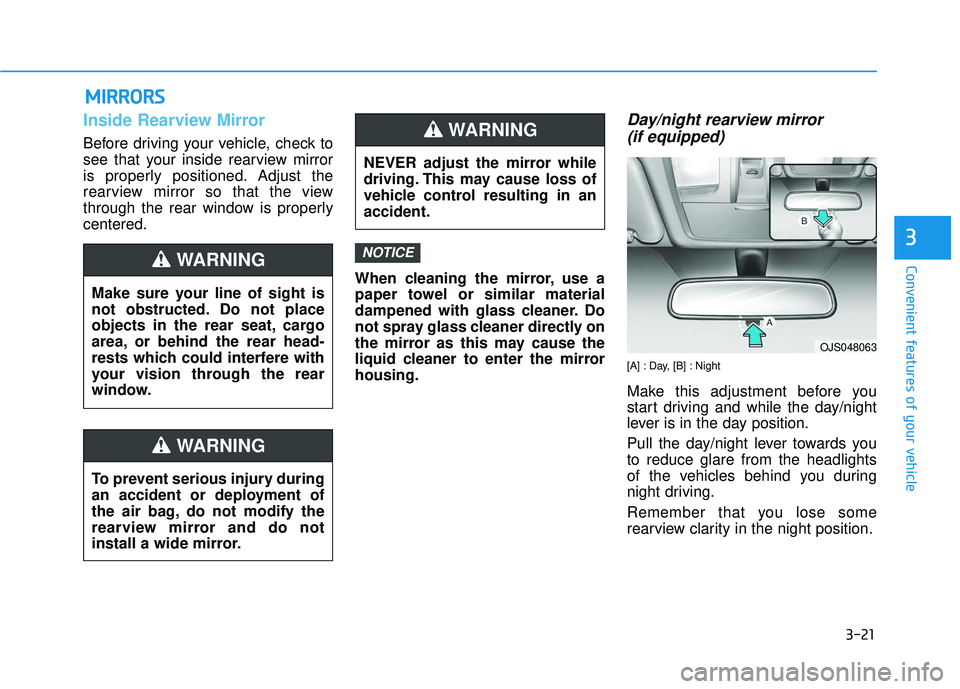
Day/night rearview mirror (if equipped)
[A] : Day, [B] : Night
Make this adjustment before you
start driving and while the day/night
lever is in the day position.
Pull the day/night lever towards you
to reduce glare from the headlights
of the vehicles behind you during
night driving.
Remember that you lose some
rearview clarity in the night position.
NOTICE
Make sure your line of sight is
not obstructed. Do not place
objects in the rear seat, cargo
area, or behind the rear head-
rests which could interfere with
your vision through the rear
window.
WARNING
To prevent serious injury during
an accident or deployment of
the air bag, do not modify the
rearview mirror and do not
install a wide mirror.
WARNING
M M I
IR
R R
RO
O R
RS
S
NEVER adjust the mirror while
driving. This may cause loss of
vehicle control resulting in an
accident.
WARNING
OJS048063
Page 119 of 491
3-39
Convenient features of your vehicle
3
I
IN
N S
ST
T R
R U
U M
M E
EN
N T
T
C
C L
LU
U S
ST
T E
ER
R
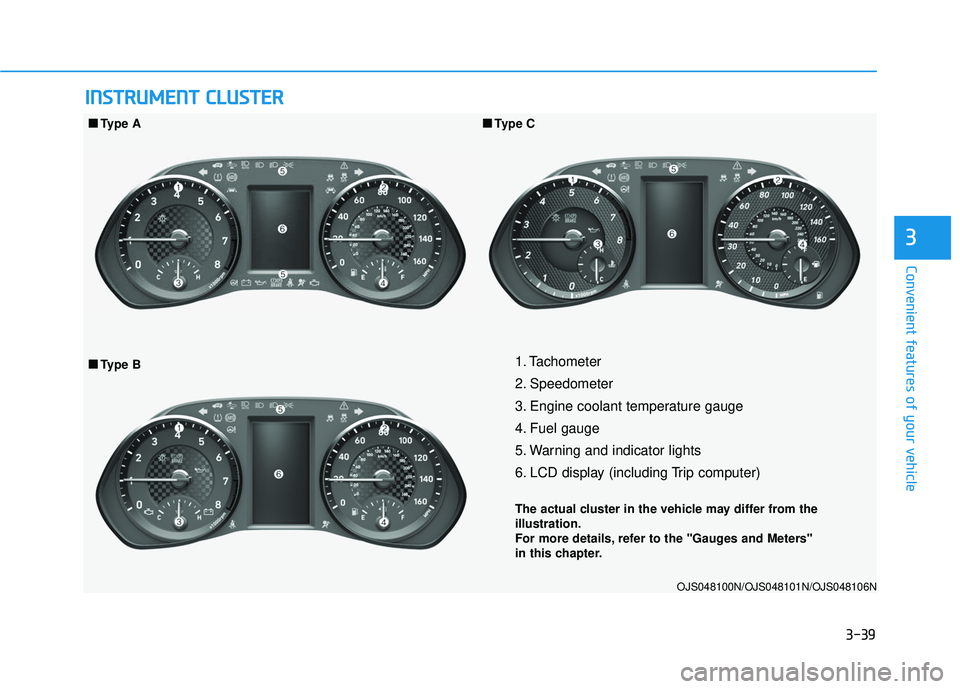
1. Tachometer
2. Speedometer
3. Engine coolant temperature gauge
4. Fuel gauge
5. Warning and indicator lights
6. LCD display (including Trip computer)
The actual cluster in the vehicle may differ from the
illustration.
For more details, refer to the "Gauges and Meters"
in this chapter.
OJS048100N/OJS048101N/OJS048106N
■ ■
Type B
■
■
Type A
■
■Type C
Page 120 of 491
3-40
Convenient features of your vehicle
Instrument Cluster Control
Adjusting instrument clusterillumination
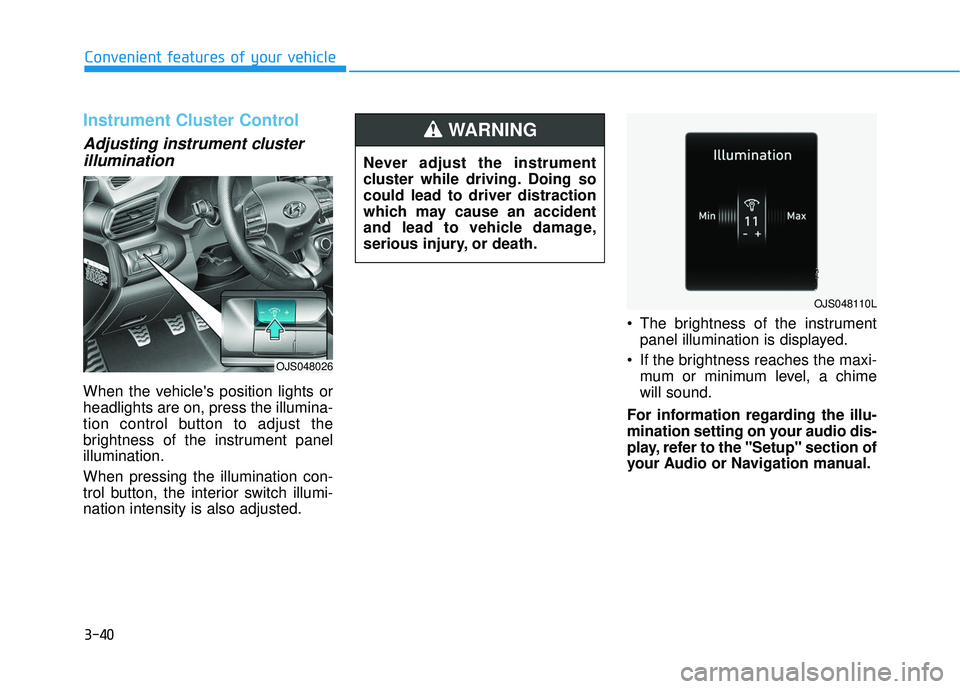
When the vehicle's position lights or
headlights are on, press the illumina-
tion control button to adjust the
brightness of the instrument panel
illumination.
When pressing the illumination con-
trol button, the interior switch illumi-
nation intensity is also adjusted. The brightness of the instrument
panel illumination is displayed.
If the brightness reaches the maxi- mum or minimum level, a chime
will sound.
For information regarding the illu-
mination setting on your audio dis-
play, refer to the "Setup" section of
your Audio or Navigation manual.
Never adjust the instrument
cluster while driving. Doing so
could lead to driver distraction
which may cause an accident
and lead to vehicle damage,
serious injury, or death.
WARNING
OJS048110L
OJS048026
Page 125 of 491
3-45
Convenient features of your vehicle
3
Neutral : N
Manual shift mode- Auto Transmission : 1, 2, 3, 4, 5, 6
- Dual Clutch Transmission : D1,D2, D3, D4, D5, D6, D7
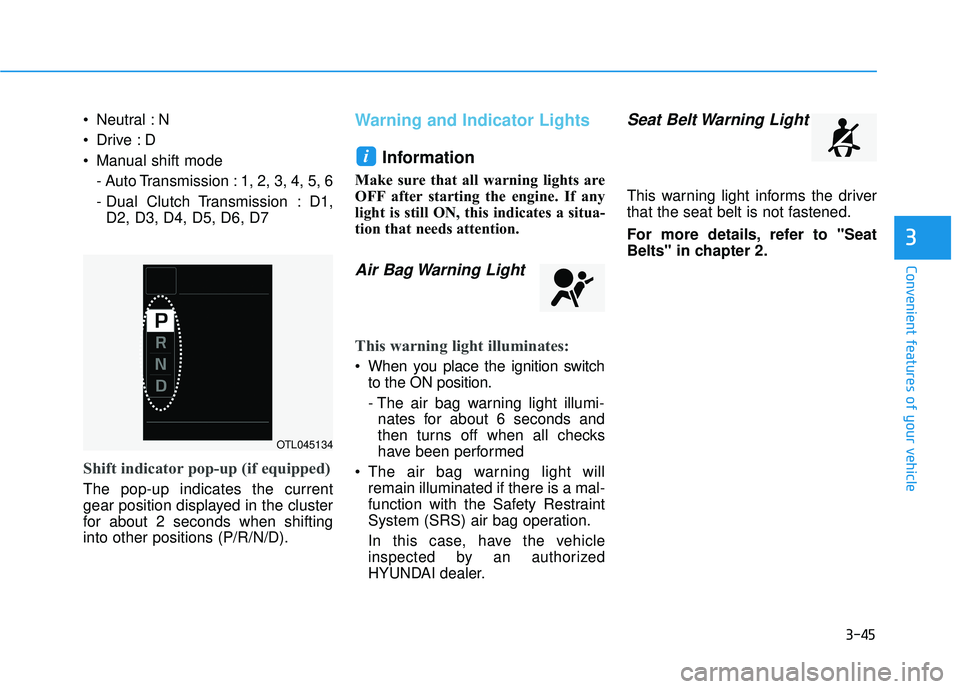
Shift indicator pop-up (if equipped)
The pop-up indicates the current
gear position displayed in the cluster
for about 2 seconds when shifting
into other positions (P/R/N/D).
Warning and Indicator Lights
Information
Make sure that all warning lights are
OFF after starting the engine. If any
light is still ON, this indicates a situa-
tion that needs attention.
Air Bag Warning Light
This warning light illuminates:
When you place the ignition switchto the ON position.
- The air bag warning light illumi-nates for about 6 seconds and
then turns off when all checks
have been performed
The air bag warning light will remain illuminated if there is a mal-
function with the Safety Restraint
System (SRS) air bag operation.
In this case, have the vehicle
inspected by an authorized
HYUNDAI dealer.
Seat Belt Warning Light
This warning light informs the driver
that the seat belt is not fastened.
For more details, refer to "Seat
Belts" in chapter 2.
i
OTL045134
Page 127 of 491
3-47
Convenient features of your vehicle
3
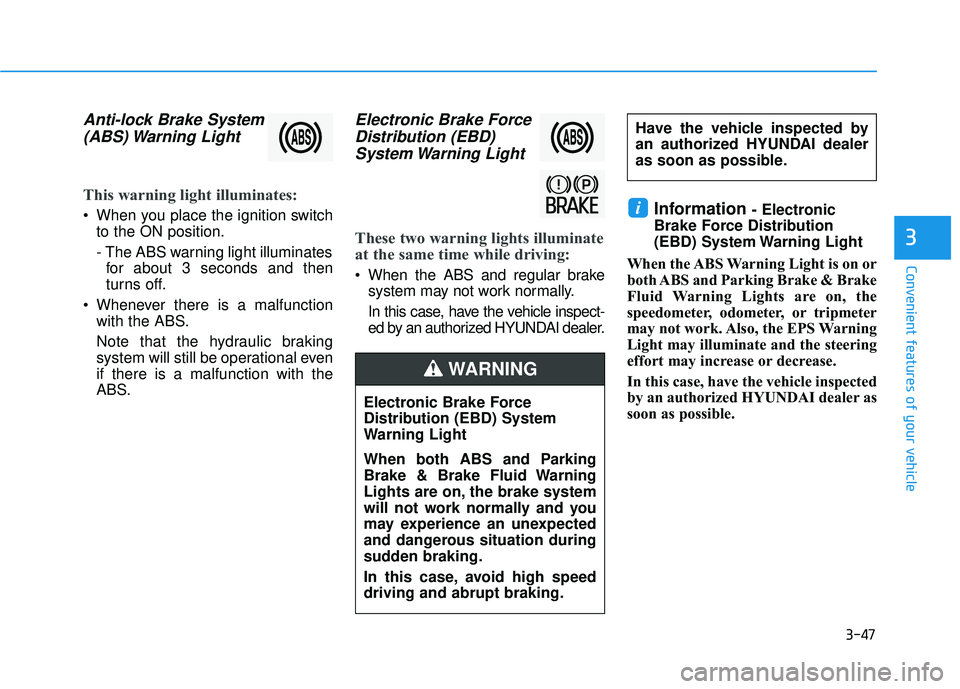
Anti-lock Brake System(ABS) Warning Light
This warning light illuminates:
When you place the ignition switch
to the ON position.
- The ABS warning light illuminatesfor about 3 seconds and then
turns off.
Whenever there is a malfunction with the ABS.
Note that the hydraulic braking
system will still be operational even
if there is a malfunction with the
ABS.
Electronic Brake ForceDistribution (EBD)System Warning Light
These two warning lights illuminate
at the same time while driving:
When the ABS and regular brake
system may not work normally.
In this case, have the vehicle inspect-
ed by an authorized HYUNDAI dealer.
Information - Electronic
Brake Force Distribution
(EBD) System Warning Light
When the ABS Warning Light is on or
both ABS and Parking Brake & Brake
Fluid Warning Lights are on, the
speedometer, odometer, or tripmeter
may not work. Also, the EPS Warning
Light may illuminate and the steering
effort may increase or decrease.
In this case, have the vehicle inspected
by an authorized HYUNDAI dealer as
soon as possible.i
Electronic Brake Force
Distribution (EBD) System
Warning Light
When both ABS and Parking
Brake & Brake Fluid Warning
Lights are on, the brake system
will not work normally and you
may experience an unexpected
and dangerous situation during
sudden braking.
In this case, avoid high speed
driving and abrupt braking.
WARNING
Have the vehicle inspected by
an authorized HYUNDAI dealer
as soon as possible.
Page 133 of 491
3-53
Convenient features of your vehicle
3
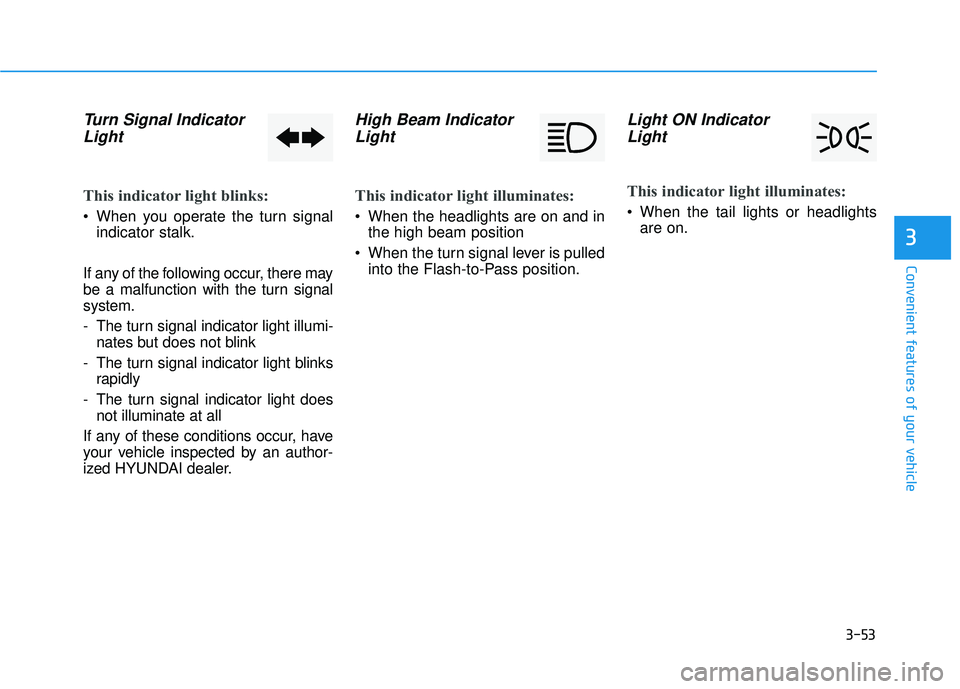
Turn Signal IndicatorLight
This indicator light blinks:
When you operate the turn signal
indicator stalk.
If any of the following occur, there may
be a malfunction with the turn signal
system.
- The turn signal indicator light illumi- nates but does not blink
- The turn signal indicator light blinks rapidly
- The turn signal indicator light does not illuminate at all
If any of these conditions occur, have
your vehicle inspected by an author-
ized HYUNDAI dealer.
High Beam Indicator Light
This indicator light illuminates:
When the headlights are on and in
the high beam position
When the turn signal lever is pulled into the Flash-to-Pass position.
Light ON IndicatorLight
This indicator light illuminates:
When the tail lights or headlights
are on.
Page 140 of 491
3-60
Convenient features of your vehicle
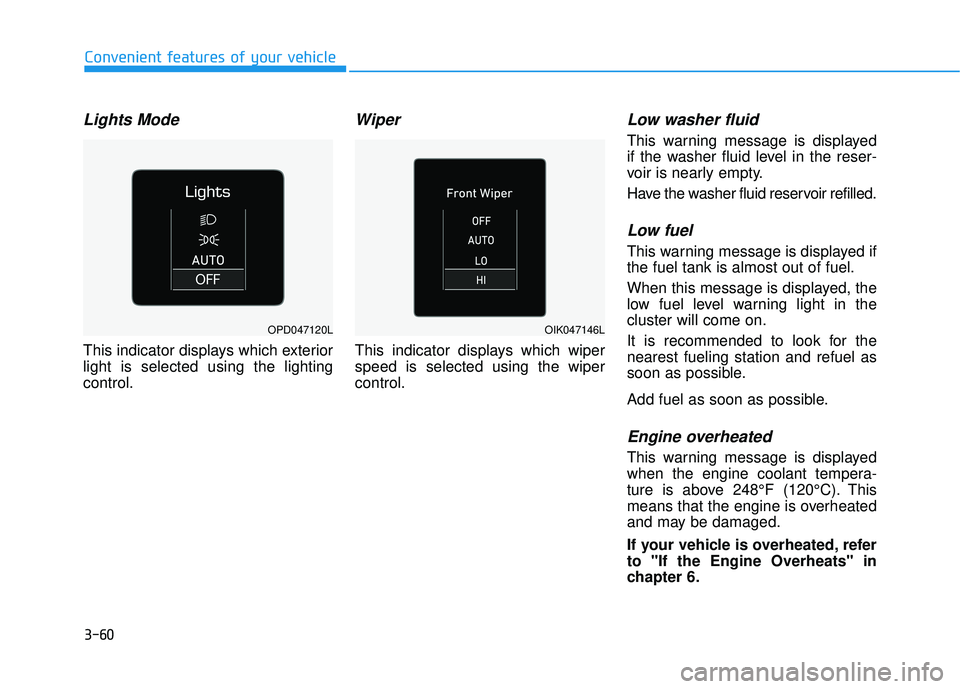
Lights Mode
This indicator displays which exterior
light is selected using the lighting
control.
Wiper
This indicator displays which wiper
speed is selected using the wiper
control.
Low washer fluid
This warning message is displayed
if the washer fluid level in the reser-
voir is nearly empty.
Have the washer fluid reservoir refilled.
Low fuel
This warning message is displayed if
the fuel tank is almost out of fuel.
When this message is displayed, the
low fuel level warning light in the
cluster will come on.
It is recommended to look for the
nearest fueling station and refuel as
soon as possible.
Add fuel as soon as possible.
Engine overheated
This warning message is displayed
when the engine coolant tempera-
ture is above 248°F (120°C). This
means that the engine is overheated
and may be damaged.
If your vehicle is overheated, refer
to "If the Engine Overheats" in
chapter 6.
OPD047120LOIK047146L
Page 141 of 491
3-61
Convenient features of your vehicle
3
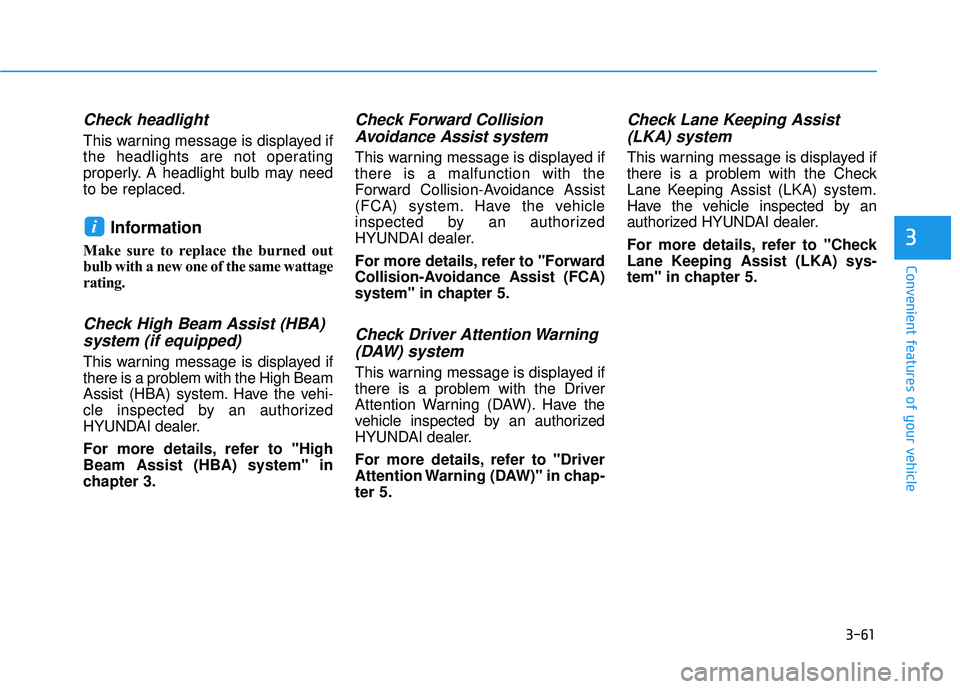
Check headlight
This warning message is displayed if
the headlights are not operating
properly. A headlight bulb may need
to be replaced.
Information
Make sure to replace the burned out
bulb with a new one of the same wattage
rating.
Check High Beam Assist (HBA)system (if equipped)
This warning message is displayed if
there is a problem with the High Beam
Assist (HBA) system. Have the vehi-
cle inspected by an authorized
HYUNDAI dealer.
For more details, refer to "High
Beam Assist (HBA) system" in
chapter 3.
Check Forward CollisionAvoidance Assist system
This warning message is displayed if
there is a malfunction with the
Forward Collision-Avoidance Assist
(FCA) system. Have the vehicle
inspected by an authorized
HYUNDAI dealer.
For more details, refer to "Forward
Collision-Avoidance Assist (FCA)
system" in chapter 5.
Check Driver Attention Warning(DAW) system
This warning message is displayed if
there is a problem with the Driver
Attention Warning (DAW). Have the
vehicle inspected by an authorized
HYUNDAI dealer.
For more details, refer to "Driver
Attention Warning (DAW)" in chap-
ter 5.
Check Lane Keeping Assist(LKA) system
This warning message is displayed if
there is a problem with the Check
Lane Keeping Assist (LKA) system.
Have the vehicle inspected by an
authorized HYUNDAI dealer.
For more details, refer to "Check
Lane Keeping Assist (LKA) sys-
tem" in chapter 5.
i
Page 146 of 491
3-66
Convenient features of your vehicle
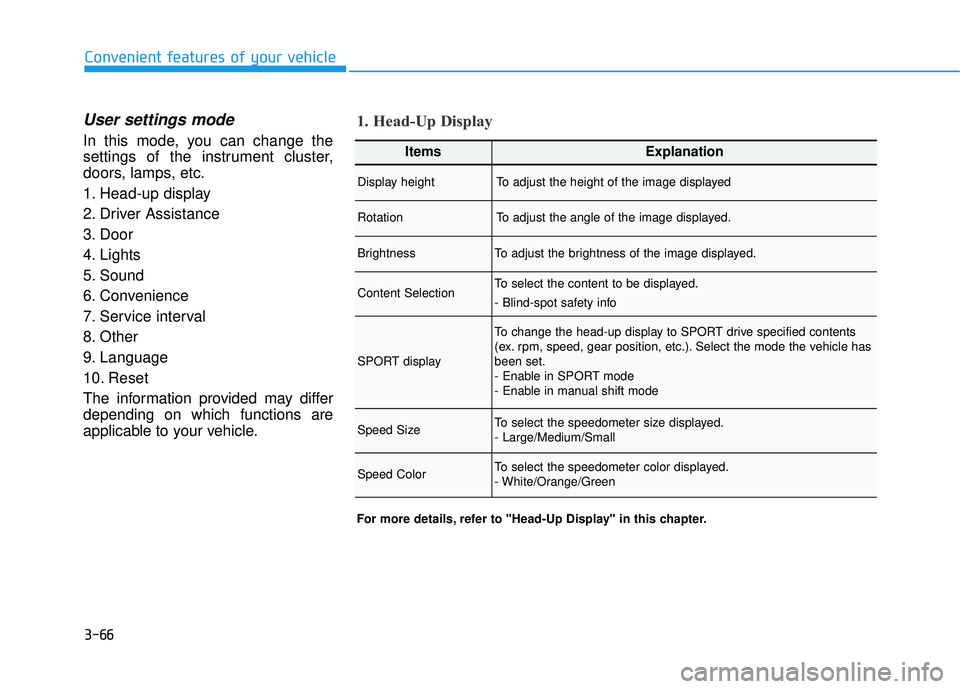
User settings mode
In this mode, you can change the
settings of the instrument cluster,
doors, lamps, etc.
1. Head-up display
2. Driver Assistance
3. Door
4. Lights
5. Sound
6. Convenience
7. Service interval
8. Other
9. Language
10. Reset
The information provided may differ
depending on which functions are
applicable to your vehicle.
1. Head-Up Display
For more details, refer to "Head-Up Display" in this chapter.
ItemsExplanation
Display heightTo adjust the height of the image displayed
RotationTo adjust the angle of the image displayed.
BrightnessTo adjust the brightness of the image displayed.
Content SelectionTo select the content to be displayed.
- Blind-spot safety info
SPORT display
To change the head-up display to SPORT drive specified contents
(ex. rpm, speed, gear position, etc.). Select the mode the vehicle has
been set.
- Enable in SPORT mode
- Enable in manual shift mode
Speed SizeTo select the speedometer size displayed.
- Large/Medium/Small
Speed ColorTo select the speedometer color displayed.
- White/Orange/Green