display HYUNDAI VELOSTER N 2022 Owner's Guide
[x] Cancel search | Manufacturer: HYUNDAI, Model Year: 2022, Model line: VELOSTER N, Model: HYUNDAI VELOSTER N 2022Pages: 446, PDF Size: 9.71 MB
Page 154 of 446
3-76
Convenient features of your vehicle
System operation
Display and control
• High Beam Assist will operate by
following the procedure below.
- Place the headlamp switch in the
AUTO position and push the
headlamp lever towards the
instrument cluster. The High
Beam Assist ( ) indicator light
will illuminate on the cluster and
the system will be enabled.
- When the system is enabled,
high beam will turn on when vehi-
cle speed is above 25 mph (40
km/h). When vehicle speed is
below 15 mph (25 km/h), high
beam will not turn on.
- The High Beam ( ) indicator
light will illuminate on the cluster
when high beam is on.• When High Beam Assist is operat-
ing, if the headlamp lever or switch
is used, the system operates as
follow:
- If the headlamp lever is pulled
towards you when the high beam
is off, the high beam will turn on
without High Beam Assist can-
celed. When you let go of the
headlamp lever, the lever will
move to the middle and the high
beam will turn off.
- If the headlamp lever is pulled
towards you when the high beam
is on by High Beam Assist, low
beam will be on and the system
will turn off.
- If the headlamp switch is placed
from AUTO to another position
(headlamp/position/off), High
Beam Assist will turn off and the
corresponding lamp will turn on.• When High Beam Assist is operat-
ing, high beam switches to low
beam if any of the following condi-
tions occur:
- When the headlamp of an
oncoming vehicle is detected.
- When the tail lamp of a vehicle in
front is detected.
- When the headlamp or tail lamp
of a motorcycle or a bicycle is
detected.
- When the surrounding ambient
light is bright enough that high
beams are not required.
- When streetlights or other lights
are detected.
Page 159 of 446
3-81
Convenient features of your vehicle
3
• To prevent possible damage to
the washer pump, do not oper-
ate the washer when the fluid
reservoir is empty.
• To prevent possible damage to
the wipers or windshield, do not
operate the wipers when the
windshield is dry.
• To prevent damage to the wiper
arms and other components, do
not attempt to move the wipers
manually.
• To prevent possible damage to
the wipers and washer system,
use anti-freezing washer fluids
in the winter season or cold
weather.
Rear Window Wiper and Washer
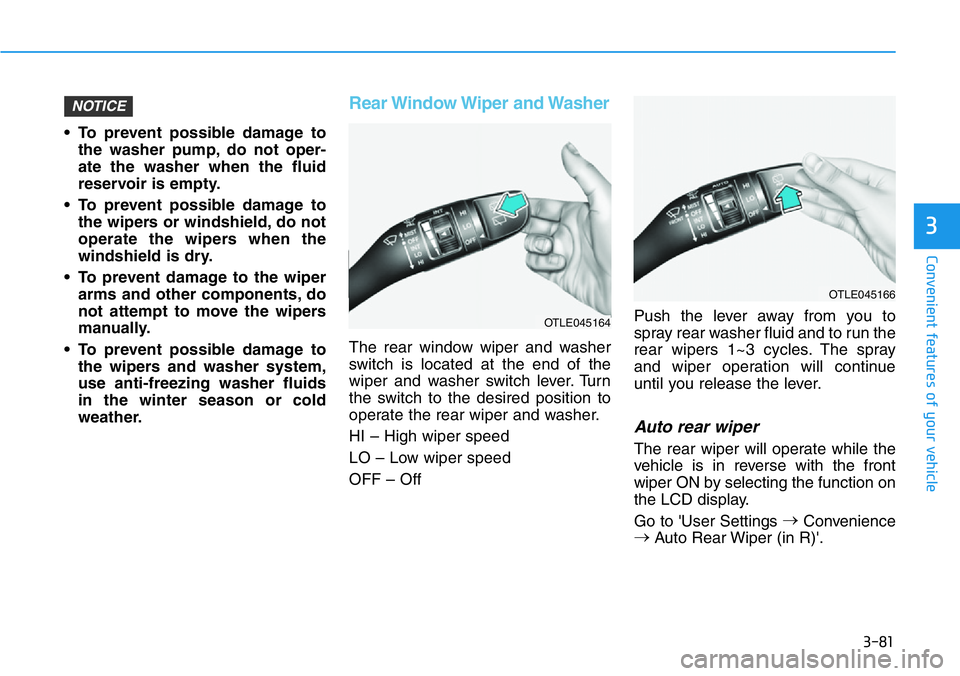
The rear window wiper and washer
switch is located at the end of the
wiper and washer switch lever. Turn
the switch to the desired position to
operate the rear wiper and washer.
HI – High wiper speed
LO – Low wiper speed
OFF – OffPush the lever away from you to
spray rear washer fluid and to run the
rear wipers 1~3 cycles. The spray
and wiper operation will continue
until you release the lever.
Auto rear wiper
The rear wiper will operate while the
vehicle is in reverse with the front
wiper ON by selecting the function on
the LCD display.
Go to 'User Settings →
Convenience
→
Auto Rear Wiper (in R)'.
NOTICE
OTLE045166
OTLE045164
Page 160 of 446
3-82
Convenient features of your vehicle
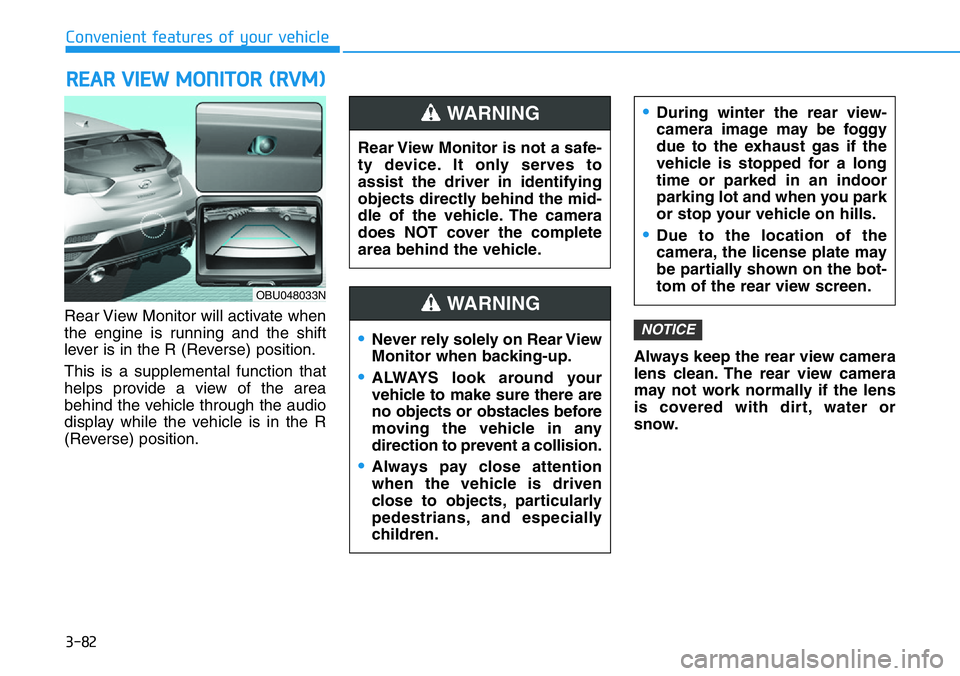
Rear View Monitor will activate when
the engine is running and the shift
lever is in the R (Reverse) position.
This is a supplemental function that
helps provide a view of the area
behind the vehicle through the audio
display while the vehicle is in the R
(Reverse) position.Always keep the rear view camera
lens clean. The rear view camera
may not work normally if the lens
is covered with dirt, water or
snow.
NOTICE
REAR VIEW MONITOR (RVM)
Rear View Monitor is not a safe-
ty device. It only serves to
assist the driver in identifying
objects directly behind the mid-
dle of the vehicle. The camera
does NOT cover the complete
area behind the vehicle.
WARNING
Page 170 of 446
3-92
Convenient features of your vehicle
Automatic Temperature
Control Mode
The Automatic Climate Control
System is controlled by setting the
desired temperature.
1. Press the AUTO button (3).
The modes, fan speeds, air intake
and air-conditioning will be con-
trolled automatically by the tem-
perature setting you select.
2. Turn the temperature control knob
(1) to the desired temperature. If
the temperature is set to the low-
est setting (Lo), the air condition-
ing system will operate continu-
ously. After the interior has cooled
sufficiently, adjust the knob to a
higher temperature set point
whenever possible.
To turn the automatic operation off,
select any button of the following:
- Mode selection button
- Front windshield defroster button
(Press the button one more time
to deselect the front windshield
defroster function. The 'AUTO'
sign will illuminate on the infor-
mation display once again.)
- Fan speed control buttonThe selected function will be con-
trolled manually while other functions
operate automatically.
For your convenience and to improve
the efficiency of the climate control,
use the AUTO button and set the
temperature to 72°F (22°C).
To change the temperature unit from
°F to °C or °C to °F:
- Press and hold the AUTO and OFF
buttons on the climate control unit
for 3 seconds.
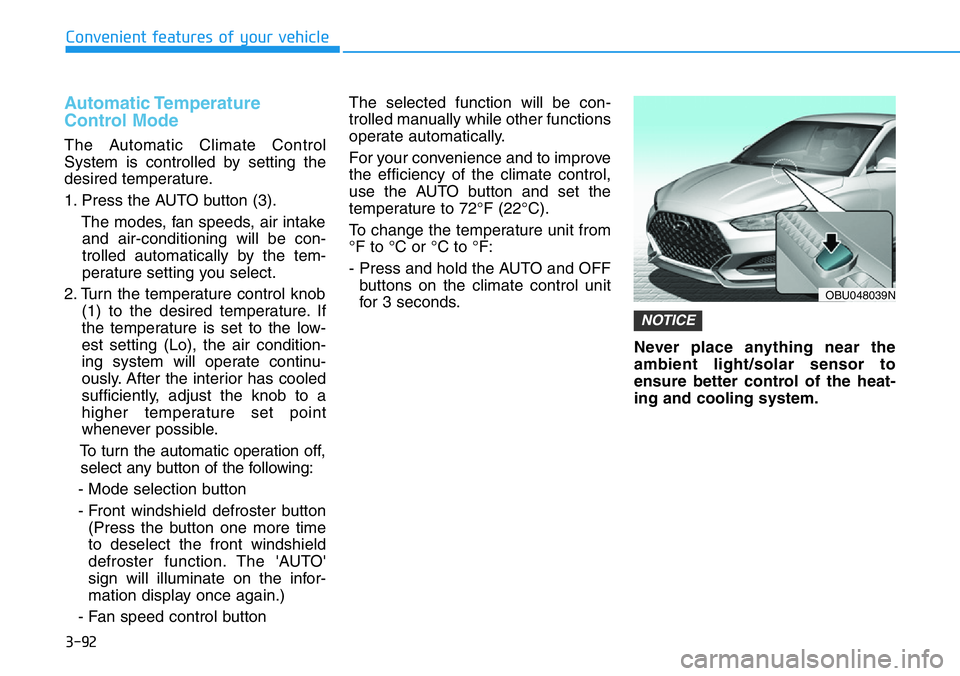
Never place anything near the
ambient light/solar sensor to
ensure better control of the heat-
ing and cooling system.
NOTICE
OBU048039N
Page 188 of 446
3-110
Convenient features of your vehicle
• A smart phone or a tablet PC may
get warmer during the re-charging
process. It does not indicate any
malfunction with the charging sys-
tem.
• A smart phone or a tablet PC,
which adopts a different re-charg-
ing method, may not be properly
re-charged. In this case, use an
exclusive charger of your device.
• The charging terminal is only to
recharge a device. Do not use the
charging terminal either to turn ON
an audio or to play media in the
infotainment system.
Clock
Vehicles with display audio
system
Select the [SETUP]button on the
audio system ➟Select [Date/Time].
• Set time: Set the time displayed on
the audio screen.
• Time format: Choose between 12-
hour and 24-hour time formats.
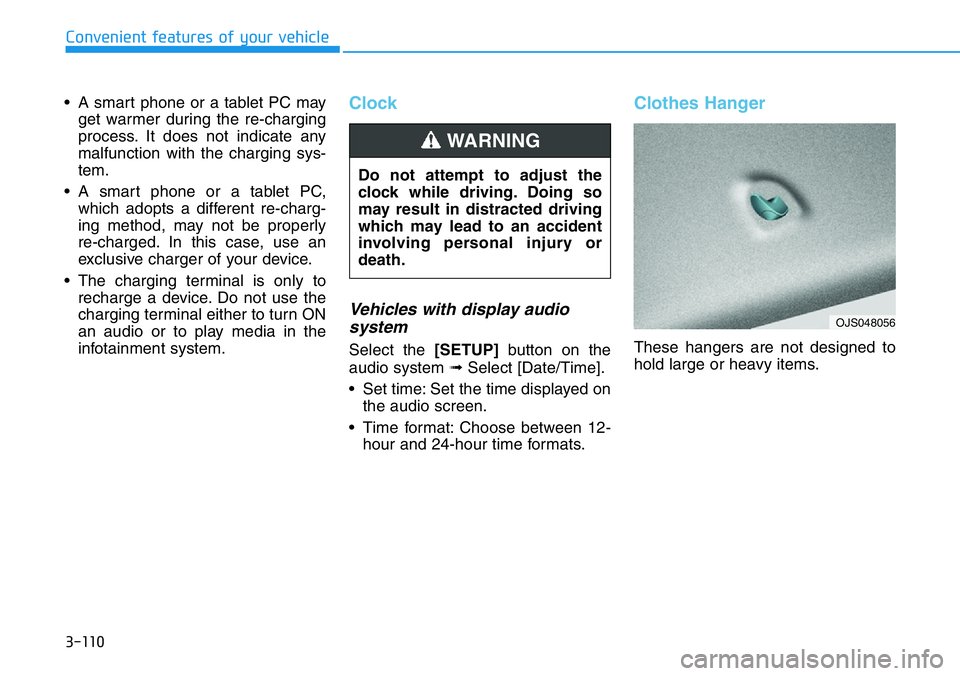
Clothes Hanger
These hangers are not designed to
hold large or heavy items. Do not attempt to adjust the
clock while driving. Doing so
may result in distracted driving
which may lead to an accident
involving personal injury or
death.
WARNING
OJS048056
Page 191 of 446
Infotainment System
Infotainment System..............................................4-2
USB Port ..............................................................................4-2
Antenna ...............................................................................4-2
Steering Wheel Audio Controls ......................................4-3
Bluetooth®Wireless Technology Hands-Free ...........4-4
Display Audio System .......................................................4-4
4
Page 194 of 446
4-4
Infotainment System
Bluetooth®Wireless
Technology Hands-Free
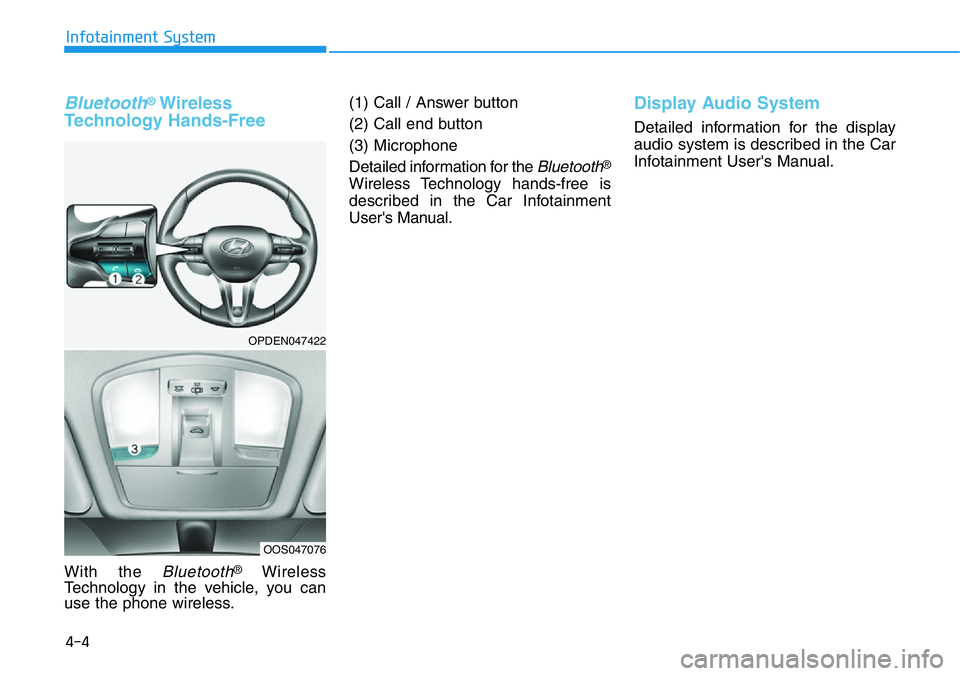
With the Bluetooth®Wireless
Technology in the vehicle, you can
use the phone wireless.(1) Call / Answer button
(2) Call end button
(3) Microphone
Detailed information for the
Bluetooth®
Wireless Technology hands-free is
described in the Car Infotainment
User's Manual.
Display Audio System
Detailed information for the display
audio system is described in the Car
Infotainment User's Manual.
OPDEN047422
OOS047076
Page 198 of 446
5-4
Driving your vehicle
Before Entering the Vehicle
• Be sure all windows, outside mir-
ror(s), and outside lights are clean
and unobstructed.
• Remove frost, snow, or ice.
• Visually check the tires for uneven
wear and damage.
• Check under the vehicle for any
sign of leaks.
• Be sure there are no obstacles
behind you if you intend to back up.
Before Starting
• Make sure the hood, the liftgate,
and the doors are securely closed
and locked.
• Adjust the position of the seat and
steering wheel.
• Adjust the inside and side view mir-
rors.
• Verify all the lights work.
• Fasten your seatbelt. Check that all
passengers have fastened their
seatbelts.
• Check the gauges and indicators in
the instrument panel and the mes-
sages on the instrument display
when the ignition switch is in the
ON position.
• Check that any items you are car-
rying are stored properly or fas-
tened down securely. CALIFORNIA PROPOSITION 65
WARNING
Engine exhaust and a wide vari-
ety of automobile components
including components found in
the interior furnishings in a
vehicle, contain or emit harmful
chemicals known to the State of
California to cause cancer and
birth defects and reproductive
harm. In addition, certain fluids
contained in vehicles and cer-
tain products of components
contain or emit chemicals
known to the State of California
to cause cancer and birth
defects or other reproductive
harm.WARNING
BEFORE DRIVING
Page 211 of 446
5-17
Driving your vehicle
5
Rev Matching operation
Engine speed is automatically syn-
chronized with the next selected
gear. The accelerator pedal does not
have to be depressed to speed up
the engine rpm.
• Clutch depressed with the gear
engaged
At once, engine speed automatically
decreases right after the clutch is
disengaged, but the selected gear is
fixed and then the engine rpm
reverts to the selected gear's target
speed. This operation method gives
more comfortable feeling in public
road driving.
• Upshifting
Engine speed will automatically
decrease and stay at the target
engine speed before the clutch is
engaged.
• Downshifting
Engine speed will automatically
increase and stay at the target
engine speed.
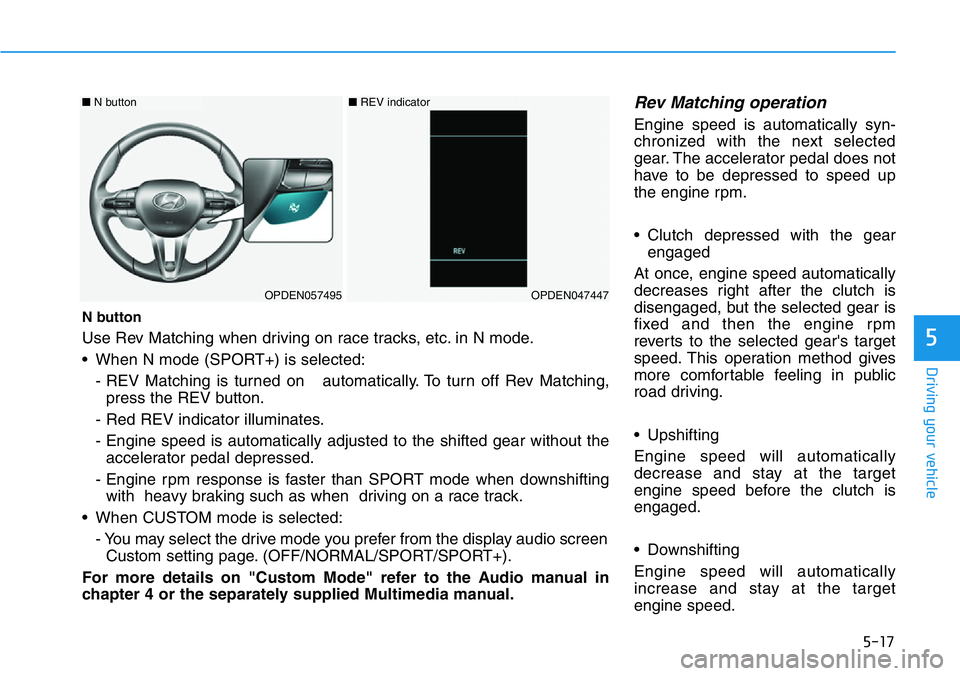
N button
Use Rev Matching when driving on race tracks, etc. in N mode.
• When N mode (SPORT+) is selected:
- REV Matching is turned on automatically. To turn off Rev Matching,
press the REV button.
- Red REV indicator illuminates.
- Engine speed is automatically adjusted to the shifted gear without the
accelerator pedal depressed.
- Engine rpm response is faster than SPORT mode when downshifting
with heavy braking such as when driving on a race track.
• When CUSTOM mode is selected:
- You may select the drive mode you prefer from the display audio screen
Custom setting page. (OFF/NORMAL/SPORT/SPORT+).
For more details on "Custom Mode" refer to the Audio manual in
chapter 4 or the separately supplied Multimedia manual.
OPDEN057495OPDEN047447
■N button ■REV indicator
Page 215 of 446
5-21
Driving your vehicle
5
• Always come to a complete stop
before shifting into D (Drive) or
R (Reverse).
• Do not put the shift lever in N
(Neutral) while driving.
DCT warning messages
Steep grade
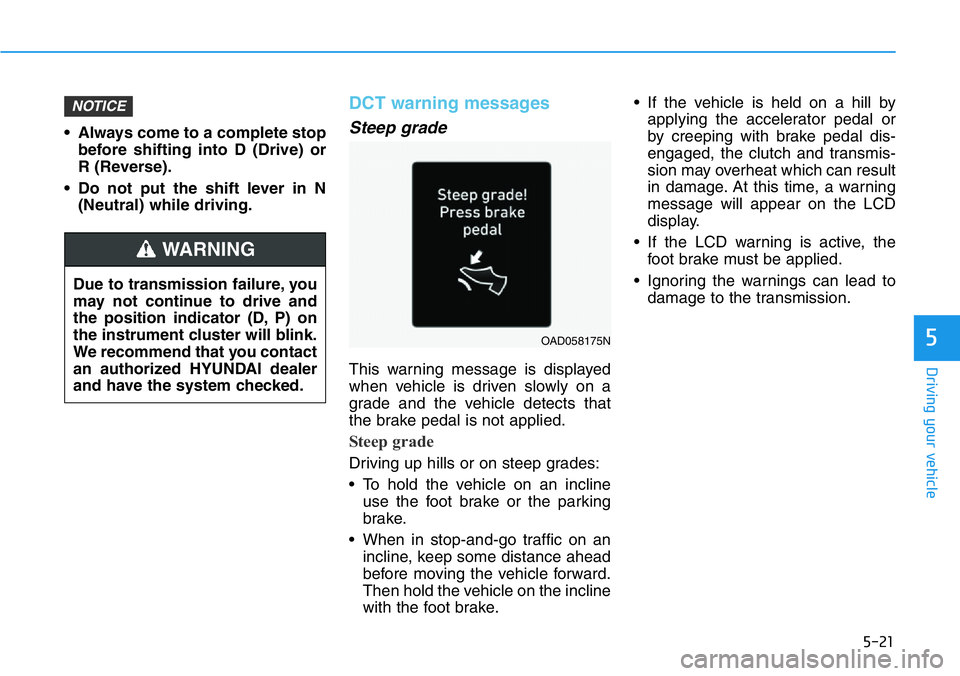
This warning message is displayed
when vehicle is driven slowly on a
grade and the vehicle detects that
the brake pedal is not applied.
Steep grade
Driving up hills or on steep grades:
• To hold the vehicle on an incline
use the foot brake or the parking
brake.
• When in stop-and-go traffic on an
incline, keep some distance ahead
before moving the vehicle forward.
Then hold the vehicle on the incline
with the foot brake.• If the vehicle is held on a hill by
applying the accelerator pedal or
by creeping with brake pedal dis-
engaged, the clutch and transmis-
sion may overheat which can result
in damage. At this time, a warning
message will appear on the LCD
display.
• If the LCD warning is active, the
foot brake must be applied.
• Ignoring the warnings can lead to
damage to the transmission.
NOTICE
Due to transmission failure, you
may not continue to drive and
the position indicator (D, P) on
the instrument cluster will blink.
We recommend that you contact
an authorized HYUNDAI dealer
and have the system checked.
WARNING
OAD058175N