fuel pressure INFINITI QX60 2017 Owner's Manual
[x] Cancel search | Manufacturer: INFINITI, Model Year: 2017, Model line: QX60, Model: INFINITI QX60 2017Pages: 629, PDF Size: 6.89 MB
Page 103 of 629

Master warning light
When the ignition switch is in the ON position,
the master warning light illuminates if any of the
following are displayed on the vehicle information
display:● No key warning
● Low fuel warning
● Low washer fluid warning
● Parking brake release warning
● Door open warning
● Loose fuel cap warning
● Check tire pressure warning
For additional information, refer to “Vehicle infor-
mation display” in this section.
Power steering warning light
WARNING
● If the engine is not running or is turned
off while driving, the power assist for
the steering will not work. Steering will
be harder to operate. ●
When the power steering warning light
illuminates with the engine running,
there will be no power assist for the
steering. You will still have control of
the vehicle but the steering will be
harder to operate. Have the power
steering system checked. It is recom-
mended that you visit an INFINITI re-
tailer for this service.
When the ignition switch is placed in the ON
position, the power steering warning light illumi-
nates. After starting the engine, the power steer-
ing warning light turns off. This indicates that the
electric power steering system is operational.
If the power steering warning light illuminates
while the engine is running, it may indicate the
power steering system is not functioning properly
and may need servicing. Have the hydraulic pump
electric power steering system checked. It is
recommended that you visit an INFINITI retailer
for this service.
When the power steering warning light illumi-
nates with the engine running, there will be no
power assist for the steering but you will still have
control of the vehicle. At this time, greater steer-
ing effort is required to operate the steering
wheel, especially in sharp turns and at low
speeds. For additional information, refer to “Power steer-
ing” in the “Starting and driving” section of this
manual.
Seat belt warning light and
chime
The light and chime remind you to fasten your
seat belts. The light illuminates whenever the
ignition switch is placed in the ON or START
position and remains illuminated until the driver’s
seat belt is fastened. At the same time, the chime
sounds for about 6 seconds unless the driver’s
seat belt is securely fastened.
The seat belt warning light may also illuminate if
the front passenger’s seat belt is not fastened
when the front passenger’s seat is occupied. For
7 seconds after the ignition switch is placed in
the ON position, the system does not activate the
warning light for the front passenger.
For additional information, refer to “Seat belts” in
the “Safety—Seats, seat belts and supplemental
restraint system” section of this manual.
Supplemental air bag warninglight
When the ignition switch is placed in the ON or
START position, the supplemental air bag warn-
ing light illuminates for about 7 seconds and then
turns off. This means the system is operational.
2-12Instruments and controls
Page 108 of 629
HOW TO USE THE VEHICLE
INFORMATION DISPLAY
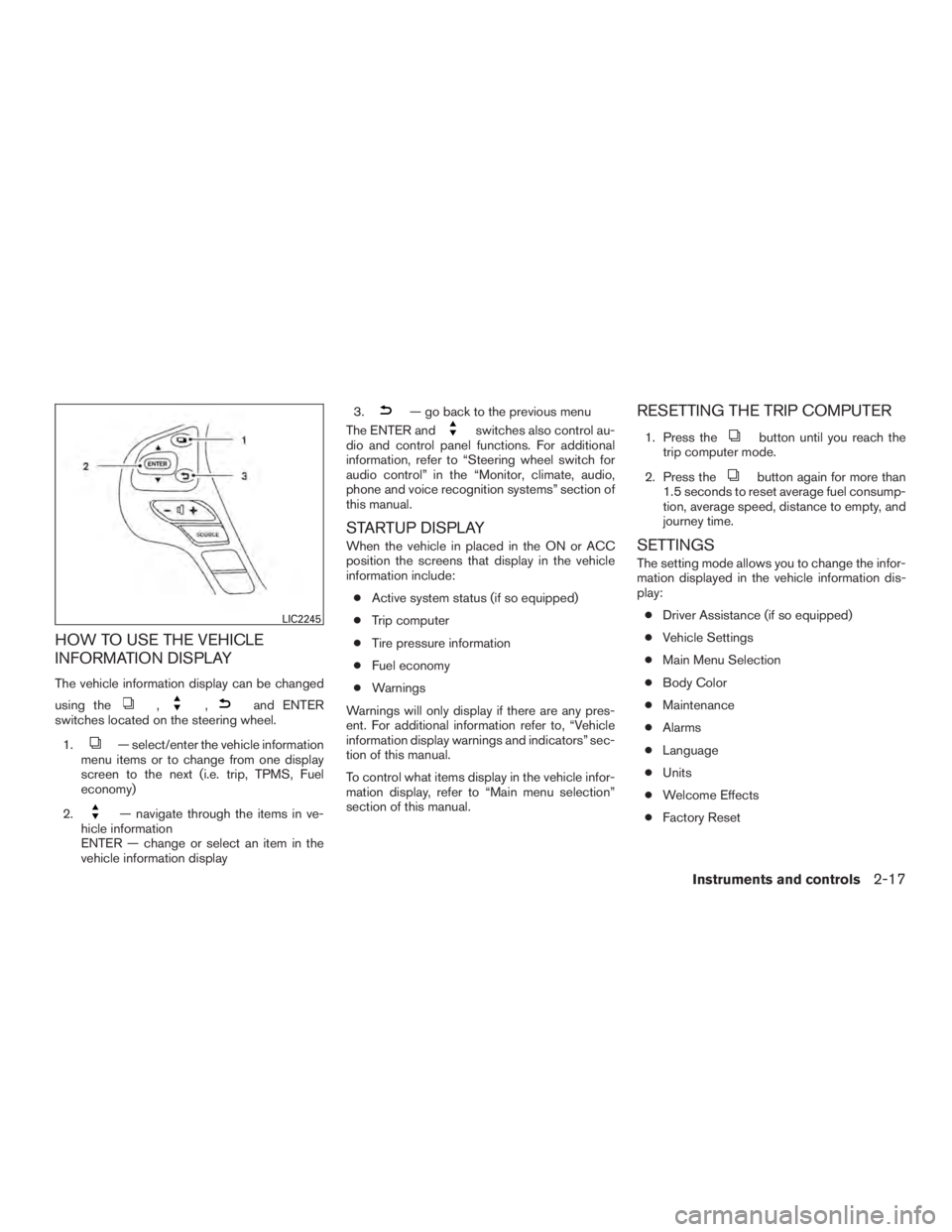
The vehicle information display can be changed
using the
,,and ENTER
switches located on the steering wheel.
1.
— select/enter the vehicle information
menu items or to change from one display
screen to the next (i.e. trip, TPMS, Fuel
economy)
2.
— navigate through the items in ve-
hicle information
ENTER — change or select an item in the
vehicle information display 3.
— go back to the previous menu
The ENTER and
switches also control au-
dio and control panel functions. For additional
information, refer to “Steering wheel switch for
audio control” in the “Monitor, climate, audio,
phone and voice recognition systems” section of
this manual.
STARTUP DISPLAY
When the vehicle in placed in the ON or ACC
position the screens that display in the vehicle
information include:
● Active system status (if so equipped)
● Trip computer
● Tire pressure information
● Fuel economy
● Warnings
Warnings will only display if there are any pres-
ent. For additional information refer to, “Vehicle
information display warnings and indicators” sec-
tion of this manual.
To control what items display in the vehicle infor-
mation display, refer to “Main menu selection”
section of this manual.
RESETTING THE TRIP COMPUTER
1. Press thebutton until you reach the
trip computer mode.
2. Press the
button again for more than
1.5 seconds to reset average fuel consump-
tion, average speed, distance to empty, and
journey time.
SETTINGS
The setting mode allows you to change the infor-
mation displayed in the vehicle information dis-
play:
● Driver Assistance (if so equipped)
● Vehicle Settings
● Main Menu Selection
● Body Color
● Maintenance
● Alarms
● Language
● Units
● Welcome Effects
● Factory Reset
LIC2245
Instruments and controls2-17
Page 111 of 629
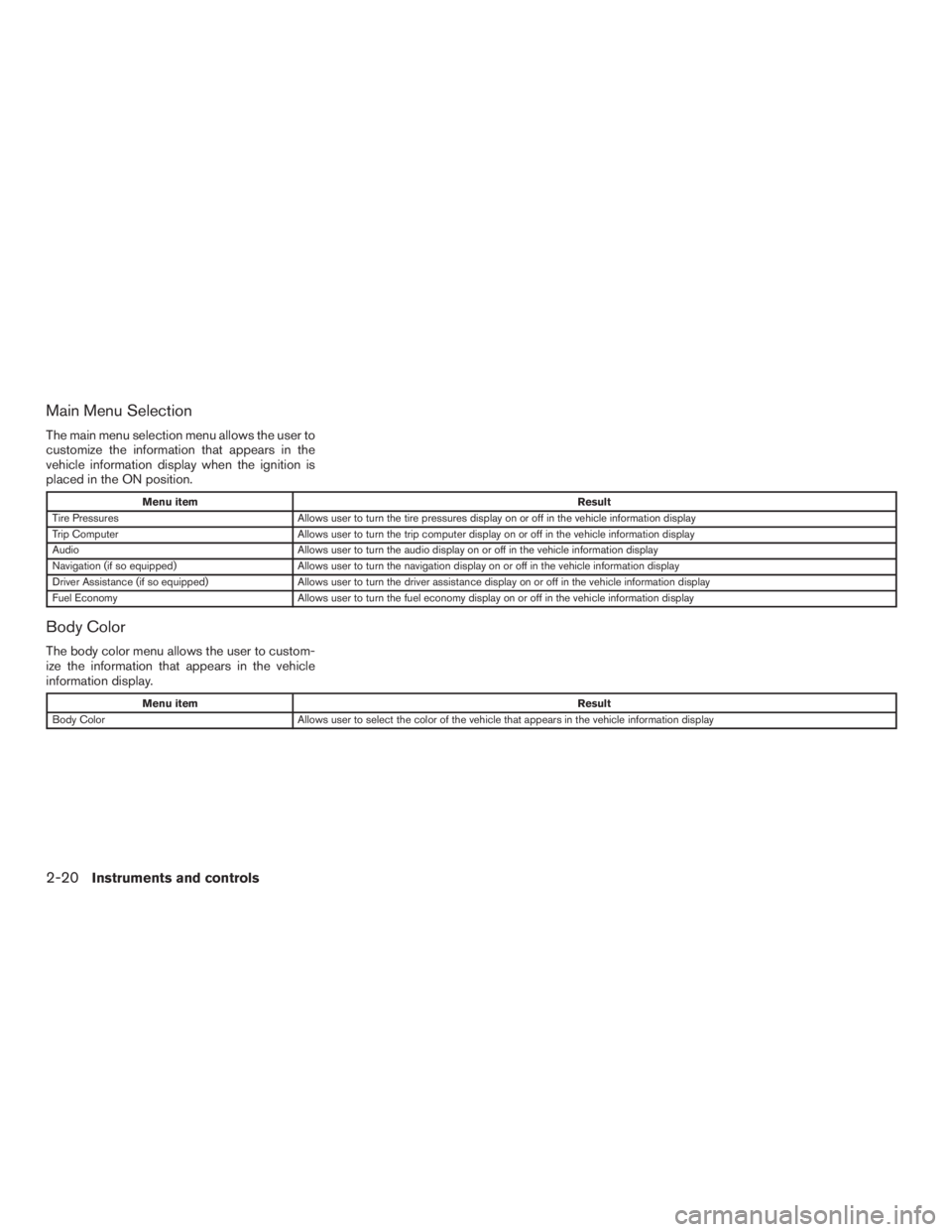
Main Menu Selection
The main menu selection menu allows the user to
customize the information that appears in the
vehicle information display when the ignition is
placed in the ON position.
Menu itemResult
Tire Pressures Allows user to turn the tire pressures display on or off in the vehicle information display
Trip Computer Allows user to turn the trip computer display on or off in the vehicle information display
Audio Allows user to turn the audio display on or off in the vehicle information display
Navigation (if so equipped) Allows user to turn the navigation display on or off in the vehicle information display
Driver Assistance (if so equipped) Allows user to turn the driver assistance display on or off in the vehicle information display
Fuel Economy Allows user to turn the fuel economy display on or off in the vehicle information display
Body Color
The body color menu allows the user to custom-
ize the information that appears in the vehicle
information display.
Menu item Result
Body Color Allows user to select the color of the vehicle that appears in the vehicle information display
2-20Instruments and controls
Page 116 of 629
VEHICLE INFORMATION DISPLAY
WARNINGS AND INDICATORS
1. No Key Detected
2. Key ID Incorrect
3. Key Battery Low
4. I-Key System Error: See Owner’s Manual
5. Key Registration Complete
6. Push brake and start switch to drive
7. Push Ignition to OFF
8. Shift to Park
9. Engine start operation for Intelligent Key sys-tem (if I-Key battery level is low)
10. Release Parking Brake
11. Low Fuel
12. Loose Fuel Cap
13. Low Oil Pressure: See Owner’s Manual
14. Low Washer Fluid
15. Tire Pressure Low - Add Air
16. TPMS Error: See Owner’s Manual
17. AWD Error: See Owner’s Manual (if so equipped) 18. AWD High Temp. Stop Vehicle (if so
equipped)
19. Tire Size Incorrect: See Owner’s Manual (if so equipped)
20. Door Open
21. Liftgate Open
22. Timer Alert – Have a break?
23. Low Outside Temperature
24. Power will turn off to save the battery
25. Turn off the lights
26. Parking Sensor Error: See Owner’s Manual
27. Predictive Forward Collision Warning (PFCW) indicator (if so equipped)
28. Lane Departure Warning (LDW) indicator (if so equipped)
29. Blind Spot Warning (BSW) and Rear Cross Traffic Alert (RCTA) indicator (if so
equipped)
30. Malfunction: See Owner’s Manual (if so equipped)
31. Intelligent Cruise Control (ICC) indicators (if so equipped)
32. Cruise control indicators (if so equipped) 33. INFINITI drive mode selector indicators
34. Unavailable: Road is slippery (if so
equipped)
35. Unavailable: Snow Mode Active (if so equipped)
36. Unavailable: VDC OFF (if so equipped)
37. Unavailable: High Cabin Temp. (if so equipped)
38. Unavailable: Side Radar Obstruction (if so equipped)
39. Unavailable: High Accelerator Temp. (if so equipped)
40. Unavailable: Front Radar Obstruction (if so equipped)
41. BCI OFF (if so equipped)
42. Shipping Mode On Push Storage Fuse
43. CVT Error: See Owner’s Manual
No Key Detected
This warning appears when the Intelligent Key is
left outside the vehicle with the ignition switch in
the ON or ACC position. Make sure the Intelli-
gent Key is inside the vehicle.
Instruments and controls2-25
Page 118 of 629
Low Fuel
This warning illuminates when the fuel level in the
fuel tank is getting low. Refuel as soon as it is
convenient, preferably before the fuel gauge
reaches 0 (Empty) .There will be a small re-
serve of fuel in the tank when the fuel
gauge needle reaches 0 (Empty) .
Loose Fuel Cap
This warning appears when the fuel-filler cap is
not tightened correctly after the vehicle has been
refueled. For additional information, refer to
“Fuel-filler cap” in the “Pre-driving checks and
adjustments” section of this manual.
Low Oil Pressure: See Owner’s Manual
This warning appears in the message area of the
vehicle information display if low oil pressure is
detected. This gauge is not designed to indicate
low oil level. The low oil pressure warning is
not designed to indicate a low oil level. Use
the dipstick to check the oil level. For additional
information, refer to “Engine oil” in the “Do-it-
yourself” section of this manual.
Low Washer Fluid
This warning illuminates when the windshield-
washer fluid is at a low level. Add windshield-
washer fluid as necessary. For additional informa- tion, refer to “Windshield-washer fluid” in the
“Do-it-yourself” section of this manual.
Tire Pressure Low - Add Air
This warning appears when the low tire pressure
warning light in the meter illuminates and low tire
pressure is detected. The warning appears each
time the ignition switch is placed in the ON
position as long as the low tire pressure warning
light remains illuminated. If this warning appears,
stop the vehicle and adjust the tire pressures of
all four tires to the recommended COLD tire
pressure shown on the Tire and Loading Informa-
tion label. For additional information, refer to
“Low tire pressure warning light” in this section
and “Tire Pressure Monitoring System (TPMS)”
in the “Starting and driving” section of this
manual.
TPMS Error: See Owner’s Manual
This warning appears when there is an error with
your TPMS. If this warning comes on, have the
system checked. It is recommended that you visit
an INFINITI retailer for this service.
AWD Error: See Owner’s Manual (if so
equipped)
This warning appears when the all-wheel drive
system is not functioning properly while the en-
gine is running.AWD High Temp. Stop vehicle (if so
equipped)
This warning may appear while trying to free a
stuck vehicle due to increased oil temperature.
The driving mode may change to 2-Wheel Drive
(2WD) . If this warning is displayed, stop the
vehicle with the engine idling, as soon as it is safe
to do so. Then if the warning turns off, you can
continue driving.
Tire Size Incorrect: See Owner’s Manual
(if so equipped)
This warning may appear if there is a large differ-
ence between the diameters of the front and rear
wheels. Pull off the road in a safe area, with the
engine idling. Check that all the tire sizes are the
same, that the tire pressure is correct and that the
tires are not excessively worn.
Door Open
This warning illuminates when a door has been
opened.
Liftgate Open
This warning illuminates when the liftgate has
been opened.
Instruments and controls2-27
Page 370 of 629
CAUTION
●Do not use leaded gasoline. Deposits
from leaded gasoline will seriously re-
duce the three-way catalyst’s ability to
help reduce exhaust pollutants.
● Keep your engine tuned up. Malfunc-
tions in the ignition, fuel injection, or
electrical systems can cause over rich
fuel flow into the three-way catalyst,
causing it to overheat. Do not keep driv-
ing if the engine misfires, or if notice-
able loss of performance or other un-
usual operating conditions are
detected. Have the vehicle inspected
promptly. It is recommended that you
visit an INFINITI retailer for this service.
● Avoid driving with an extremely low fuel
level. Running out of fuel could cause
the engine to misfire, damaging the
three-way catalyst.
● Do not race the engine while warming it
up.
● Do not push or tow your vehicle to start
the engine.
TIRE PRESSURE MONITORING
SYSTEM (TPMS)
Each tire, including the spare (if provided) ,
should be checked monthly when cold and in-
flated to the inflation pressure recommended by
the vehicle manufacturer on the vehicle placard
or tire inflation pressure label. (If your vehicle has
tires of a different size than the size indicated on
the vehicle placard or tire inflation pressure label,
you should determine the proper tire inflation
pressure for those tires.)
As an added safety feature, your vehicle has been
equipped with a TPMS that illuminates a low tire
pressure telltale when one or more of your tires is
significantly under-inflated. Accordingly, when
the low tire pressure telltale illuminates, you
should stop and check your tires as soon as
possible, and inflate them to the proper pressure.
Driving on a significantly under-inflated tire
causes the tire to overheat and can lead to tire
failure. Under-inflation also reduces fuel effi-
ciency and tire tread life, and may affect the
vehicle’s handling and stopping ability.
Please note that the TPMS is not a substitute for
proper tire maintenance, and it is the driver’s
responsibility to maintain correct tire pressure,
even if under-inflation has not reached the level to
trigger illumination of the TPMS low tire pressure
telltale. Your vehicle has also been equipped with a
TPMS malfunction indicator to indicate when the
system is not operating properly. The TPMS mal-
function indicator is combined with the low tire
pressure telltale. When the system detects a
malfunction, the telltale will flash for approxi-
mately one minute and then remain continuously
illuminated. This sequence will continue upon
subsequent vehicle start-ups as long as the mal-
function exists. When the malfunction indicator is
illuminated, the system may not be able to detect
or signal low tire pressure as intended. TPMS
malfunctions may occur for a variety of reasons,
including the installation of replacement or alter-
nate tires or wheels on the vehicle that prevent
the TPMS from functioning properly. Always
check the TPMS malfunction telltale after replac-
ing one or more tires or wheels on your vehicle to
ensure that the replacement or alternate tires and
wheels allow the TPMS to continue to function
properly.
Additional information:
● Since the spare tire is not equipped with the
TPMS, the TPMS does not monitor the tire
pressure of the spare tire.
Starting and driving5-5
Page 493 of 629
●Keep your engine tuned up.
● Follow the recommended scheduled main-
tenance.
● Keep the tires inflated to the correct pres-
sure. Low tire pressure increases tire wear
and lowers fuel economy.
● Keep all the wheels in correct alignment.
Improper alignment increases tire wear and
lowers fuel economy.
● Use the recommended viscosity engine oil.
For additional information, refer to “Engine
oil and oil filter recommendations” in the
“Technical and consumer information” sec-
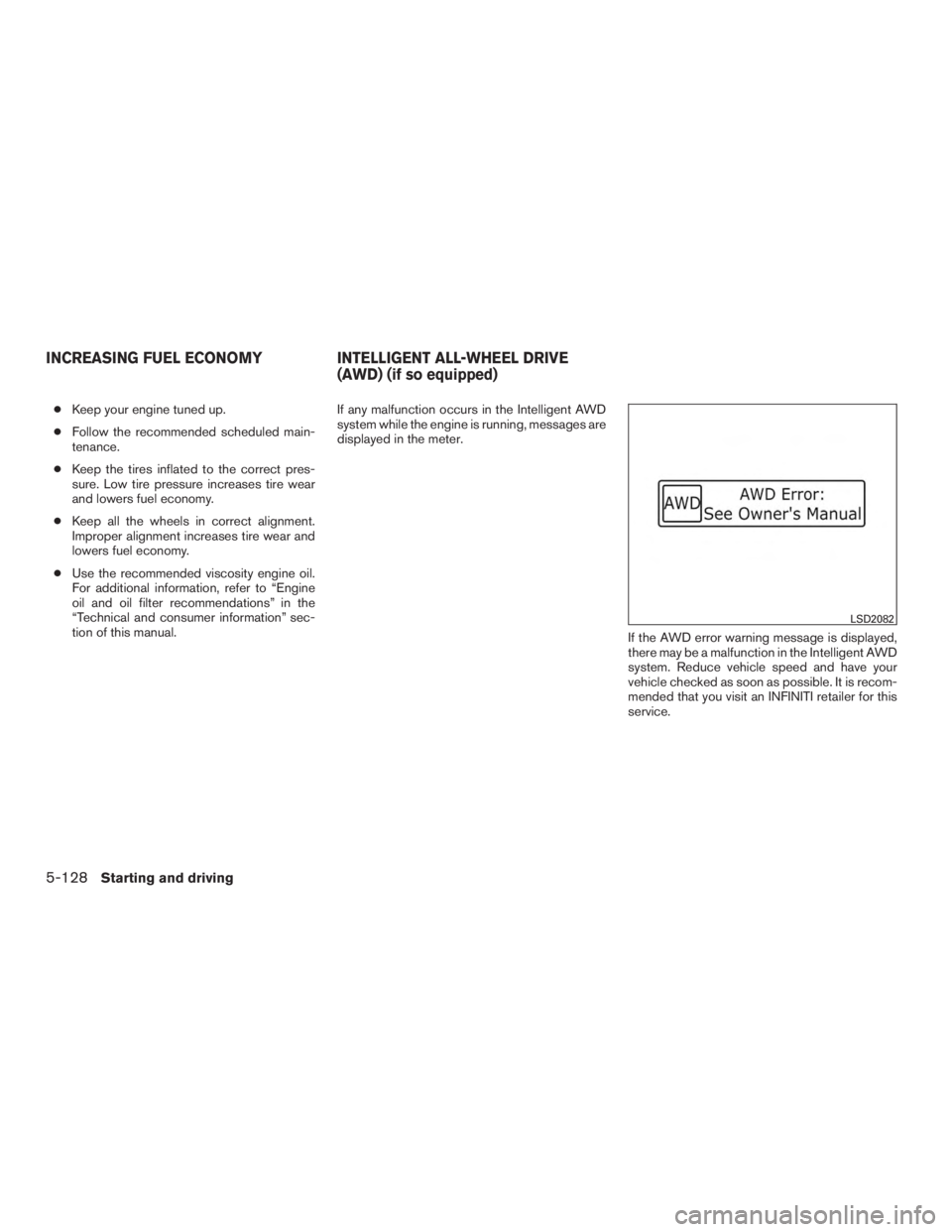
tion of this manual. If any malfunction occurs in the Intelligent AWD
system while the engine is running, messages are
displayed in the meter.
If the AWD error warning message is displayed,
there may be a malfunction in the Intelligent AWD
system. Reduce vehicle speed and have your
vehicle checked as soon as possible. It is recom-
mended that you visit an INFINITI retailer for this
service.
LSD2082
INCREASING FUEL ECONOMYINTELLIGENT ALL-WHEEL DRIVE
(AWD) (if so equipped)
5-128Starting and driving
Page 535 of 629
When performing any inspection or maintenance
work on your vehicle, always take care to prevent
serious accidental injury to yourself or damage to
the vehicle. The following are general precau-
tions which should be closely observed.
WARNING
●Park the vehicle on a level surface, ap-
ply the parking brake securely and
block the wheels to prevent the vehicle
from moving. Move the shift lever to P
(Park) .
● Be sure the ignition switch is in the OFF
or LOCK position when performing any
parts replacement or repairs.
● If you must work with the engine run-
ning, keep your hands, clothing, hair
and tools away from moving fans, belts
and any other moving parts.
● It is advisable to secure or remove any
loose clothing and remove any jewelry,
such as rings, watches, etc. before
working on your vehicle.
● Always wear eye protection whenever
you work on your vehicle. ●
Your vehicle is equipped with an auto-
matic engine cooling fan. It may come
on at any time without warning, even if
the ignition switch is in the OFF posi-
tion and the engine is not running. To
avoid injury, always disconnect the
negative battery cable before working
near the fan.
● If you must run the engine in an en-
closed space such as a garage, be sure
there is proper ventilation for exhaust
gases to escape.
● Never get under the vehicle while it is
supported only by a jack. If it is neces-
sary to work under the vehicle, support
it with safety stands.
● Keep smoking materials, flame and
sparks away from the fuel tank and
battery.
●
Because the fuel lines on gasoline en-
gine models are under high pressure
even when the engine is off, it is recom-
mended that you visit an INFINITI retailer
for service of the fuel filter or fuel lines.
CAUTION
● Do not work under the hood while the
engine is hot. Turn the engine off and
wait until it cools down. ●
Avoid contact with used engine oil and
coolant. Improperly disposed engine
oil, engine coolant and/or other vehicle
fluids can damage the environment. Al-
ways conform to local regulations for
disposal of vehicle fluid.
● Never leave the engine or Continuously
Variable Transmission (CVT) related
component harnesses disconnected
while the ignition switch is in the ON
position.
● Never connect or disconnect the battery
or any transistorized component while
the ignition switch is in the ON position.
This “Do-it-yourself” section gives instructions
regarding only those items which are relatively
easy for an owner to perform.
A Genuine INFINITI service manual is also avail-
able. For additional information, refer to “Owner’s
Manual/Service Manual order information” in the
“Technical and consumer information” section of
this manual.
You should be aware that incomplete or improper
servicing may result in operating difficulties or
excessive emissions, and could affect warranty
coverage. If in doubt about any servicing, it
is recommended that you have it done by
an INFINITI retailer.
MAINTENANCE PRECAUTIONS
8-2Do-it-yourself
Page 621 of 629
C
Capacities and recommended
fuel/lubricants ..................10-2
Cargoareastoragebin.............2-58
Cargo (See vehicle loading information) . . .10-13
Car phone or CB radio .............4-115
CD care and cleaning ..............4-95
CD player (See audio system) .........4-78
Check tire pressure ...............2-27
Child restraints .......1-26,1-26,1-28,1-30
LATCH (Lower Anchors and Tethers for
CHildren) System ..............1-30
Precautions on child
restraints.........1-29,1-36,1-42,1-47
Top tether strap anchor point locations . .1-33
Child restraint with top tether strap .......1-33
Child safety rear door lock ............3-6
Chimes, audible reminders ...........2-15
Cleaningexteriorandinterior........7-2,7-4
Climatecontrolseatswitch...........2-44
Clock set/adjustment ..............4-15
C.M.V.S.S. certification label .........10-11
Cold weather driving ..............5-142
Compact disc (CD) player ...........4-78
Consolebox...................2-55
Continuously Variable Transmission (CVT) . . .5-17 Continuously Variable Transmission (CVT)
fluid .......................8-9
Driving with Continuously Variable
Transmission (CVT) .............5-17
Control panel buttons Backbutton..................4-5
Brightness/contrast button ..........4-5
Clockset...................4-15 Setting button
.................4-5
Controls Audio controls ................4-70
Audio controls (steering wheel) ....4-7,4-71
Heater and air conditioner controls .....4-49
Coolant Capacities and recommended
fuel/lubricants ................10-2
Changingenginecoolant...........8-5
Checking engine coolant level ........8-5
Engine coolant temperature gauge .....2-6
Corrosion protection ...............7-7
Cruisecontrol...............5-74,5-75
Cupholders...................2-56
D
Daytime Running Light System .........2-41
Defroster switch Rear window and outside mirror defroster
switch.....................2-36
Digital Versatile Disc (DVD) player .......4-89
Dimensionsandweights ............10-9
Dimmer switch for instrument panel ......2-42
Display......................2-17
Display controls (see control panel buttons) . .4-5, 4-8
Distance Control Assist (DCA) system .....5-96
Doors ........................3-4
Drive belt .....................8-13
Drive positioner, Automatic ........3-36,3-38
Driving Cold weather driving ............5-142
Driving with Continuously Variable
Transmission (CVT) .............5-17 Precautions when starting and driving
....5-4
Driving the vehicle ................5-17
Dual panel moonroof ..............2-64
Dual power moonroof ...........2-64,2-64
E
Economy-fuel.................5-128
Emergency engine shutoff .........5-15,6-3
Emission control information label ......10-11
Emission control system warranty .......10-30
Engine Before starting
the engine ..........5-16
Blockheater ................5-143
Capacities and recommended
fuel/lubricants ................10-2
Changing engine coolant ...........8-5
Changingengineoil..............8-7
Changing engine oil filter ...........8-8
Checking engine coolant level ........8-5
Checking engine oil level ...........8-6
Engine compartment check locations ....8-3
Engine coolant temperature gauge .....2-6
Engine cooling system ............8-4
Engineoil ...................8-6
Engine oil and oil filter recommendation . .10-6
Engine oil viscosity ..............10-7
Engine serial number ............10-11
Engine specifications ............10-8
Starting the engine .............5-16
Engine coolant temperature gauge .......2-6
Event Data recorders .............10-32
Exhaust gas (Carbon monoxide) .........5-4
Explanation of maintenance items ........9-2
Explanation of scheduled maintenance items . .9-5
11-2
Page 623 of 629
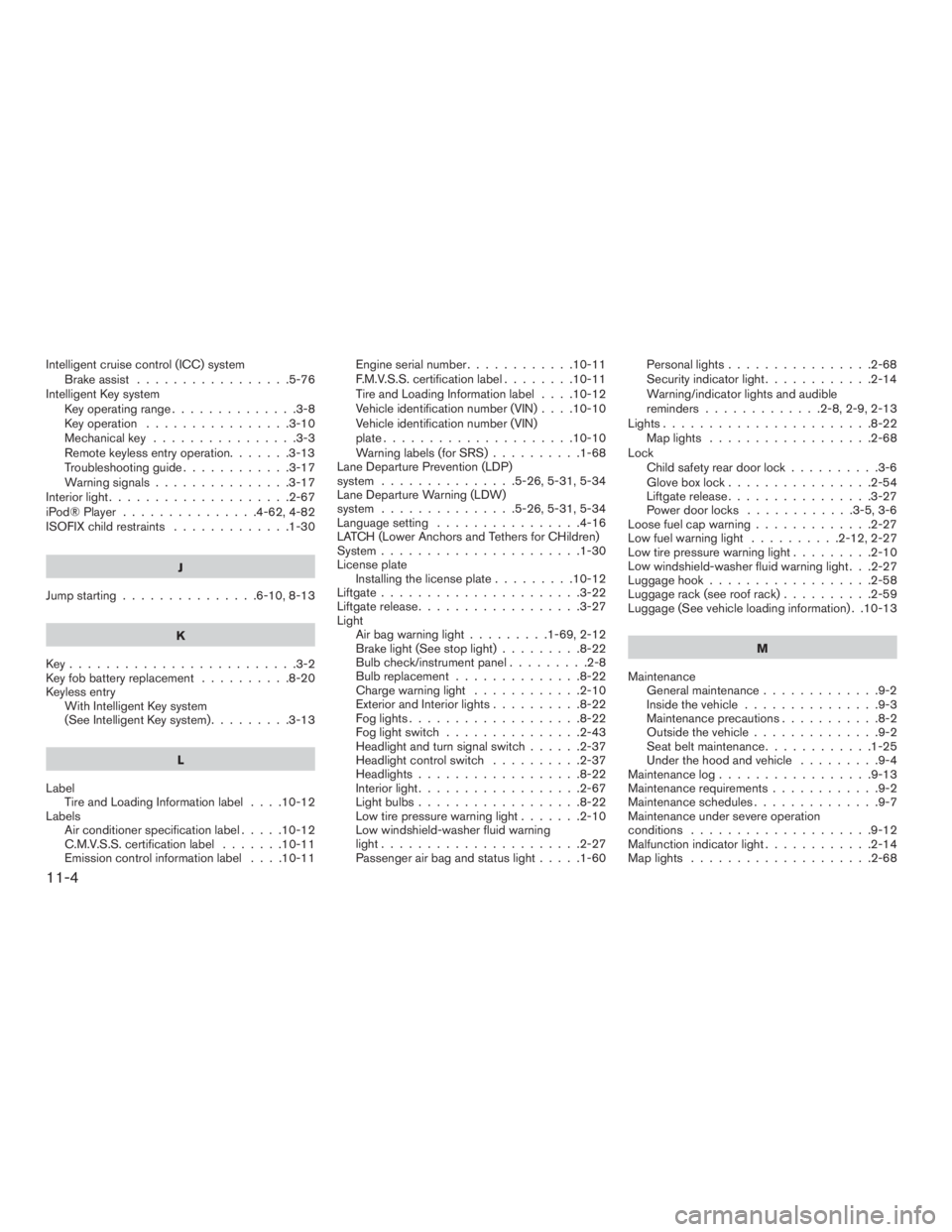
Intelligent cruise control (ICC) systemBrake assist .................5-76
Intelligent Key system Key operating range ..............3-8
Key operation ................3-10
Mechanicalkey ................3-3
Remote keyless entry operation.......3-13
Troubleshooting guide ............3-17
Warning signals ...............3-17
Interiorlight....................2-67
iPod®Player ...............4-62,4-82
ISOFIX child restraints .............1-30
J
Jump starting ...............6-10,8-13
K
Key.........................3-2
Key fob battery replacement ..........8-20
Keyless entry With Intelligent Key system
(See Intelligent Key system) .........3-13
L
Label Tire and Loading Information label ....10-12
Labels Air conditioner specification label .....10-12
C.M.V.S.S. certification label .......10-11
Emissioncontrolinformationlabel ....10-11 Engine serial number
............10-11
F.M.V.S.S. certification label ........10-11
Tire and Loading Information label ....10-12
Vehicle identification number (VIN) ....10-10
Vehicle identification number (VIN)
plate.....................10-10
Warning labels (for SRS) ..........1-68
Lane Departure Prevention (LDP)
system ...............5-26,5-31,5-34
Lane Departure Warning (LDW)
system ...............5-26,5-31,5-34
Language setting ................4-16
LATCH (Lower Anchors and Tethers for CHildren)
System ......................1-30
License plate Installing the license plate .........10-12
Liftgate ......................3-22
Liftgate release ..................3-27
Light Air bag warning light .........1-69,2-12
Brake light (See stop light) .........8-22
Bulb check/instrument panel .........2-8
Bulbreplacement..............8-22
Charge warning light ............2-10
Exterior and Interior lights ..........8-22
Foglights...................8-22
Foglightswitch ...............2-43
Headlight and turn signal switch ......2-37
Headlight control switch ..........2-37
Headlights..................8-22
Interiorlight..................2-67
Lightbulbs..................8-22
Low tire pressure warning light .......2-10
Low windshield-washer fluid warning
light......................2-27
Passenger air bag and status light .....1-60Personal lights
................2-68
Security indicator light ............2-14
Warning/indicator lights and audible
reminders .............2-8,2-9,2-13
Lights.......................8-22 Maplights ..................2-68
Lock Child safety rear door lock ..........3-6
Gloveboxlock................2-54
Liftgate release ................3-27
Power door locks ............3-5,3-6
Loose fuel cap warning .............2-27
Low fuel warning light ..........2-12,2-27
Low tire pressure warning light .........2-10
Low windshield-washer
fluid warning light . . .2-27
Luggage hook ..................2-58
Luggage rack (see roof rack) ..........2-59
Luggage (See vehicle loading information) . .10-13
M
Maintenance General maintenance .............9-2
Insidethevehicle...............9-3
Maintenance precautions ...........8-2
Outside the vehicle ..............9-2
Seat belt maintenance ............1-25
Under the hood and vehicle .........9-4
Maintenancelog.................9-13
Maintenance requirements ............9-2
Maintenance schedules ..............9-7
Maintenance under severe operation
conditions ....................9-12
Malfunction indicator light ............2-14
Maplights ....................2-68
11-4