width JEEP CHEROKEE 1995 Service Owner's Manual
[x] Cancel search | Manufacturer: JEEP, Model Year: 1995, Model line: CHEROKEE, Model: JEEP CHEROKEE 1995Pages: 2198, PDF Size: 82.83 MB
Page 1727 of 2198
WHEELS
GENERAL INFORMATION
Original equipment wheels are designed for the
specified Maximum Vehicle Capacity.
All models use steel or cast aluminum drop center
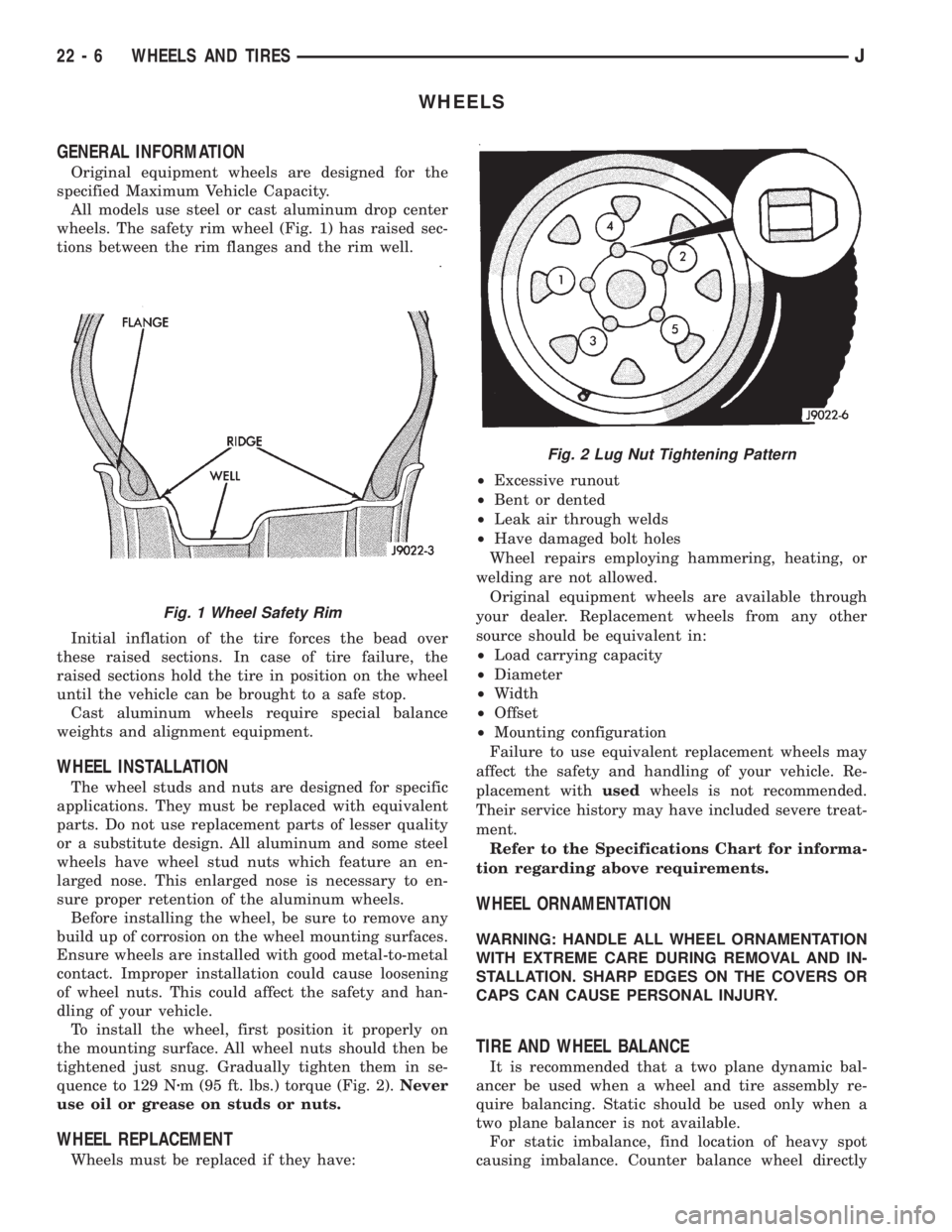
wheels. The safety rim wheel (Fig. 1) has raised sec-
tions between the rim flanges and the rim well.
Initial inflation of the tire forces the bead over
these raised sections. In case of tire failure, the
raised sections hold the tire in position on the wheel
until the vehicle can be brought to a safe stop.
Cast aluminum wheels require special balance
weights and alignment equipment.
WHEEL INSTALLATION
The wheel studs and nuts are designed for specific
applications. They must be replaced with equivalent
parts. Do not use replacement parts of lesser quality
or a substitute design. All aluminum and some steel
wheels have wheel stud nuts which feature an en-
larged nose. This enlarged nose is necessary to en-
sure proper retention of the aluminum wheels.
Before installing the wheel, be sure to remove any
build up of corrosion on the wheel mounting surfaces.
Ensure wheels are installed with good metal-to-metal
contact. Improper installation could cause loosening
of wheel nuts. This could affect the safety and han-
dling of your vehicle.
To install the wheel, first position it properly on
the mounting surface. All wheel nuts should then be
tightened just snug. Gradually tighten them in se-
quence to 129 Nzm (95 ft. lbs.) torque (Fig. 2).Never
use oil or grease on studs or nuts.
WHEEL REPLACEMENT
Wheels must be replaced if they have:²Excessive runout
²Bent or dented
²Leak air through welds
²Have damaged bolt holes
Wheel repairs employing hammering, heating, or
welding are not allowed.
Original equipment wheels are available through
your dealer. Replacement wheels from any other
source should be equivalent in:
²Load carrying capacity
²Diameter
²Width
²Offset
²Mounting configuration
Failure to use equivalent replacement wheels may
affect the safety and handling of your vehicle. Re-
placement withusedwheels is not recommended.
Their service history may have included severe treat-
ment.
Refer to the Specifications Chart for informa-
tion regarding above requirements.
WHEEL ORNAMENTATION
WARNING: HANDLE ALL WHEEL ORNAMENTATION
WITH EXTREME CARE DURING REMOVAL AND IN-
STALLATION. SHARP EDGES ON THE COVERS OR
CAPS CAN CAUSE PERSONAL INJURY.
TIRE AND WHEEL BALANCE
It is recommended that a two plane dynamic bal-
ancer be used when a wheel and tire assembly re-
quire balancing. Static should be used only when a
two plane balancer is not available.
For static imbalance, find location of heavy spot
causing imbalance. Counter balance wheel directly
Fig. 1 Wheel Safety Rim
Fig. 2 Lug Nut Tightening Pattern
22 - 6 WHEELS AND TIRESJ
Page 2197 of 2198
Page 9
03/30/99
Rev. 0
4.0 Using The Acrobat Reader
4.1 Acrobat Reader On-Line Help
The complete user help file can be accessed by selecting the
Help Menu option and then Reader Online Guide option within
the Acrobat Reader application.
4.2 Summary Of Acrobat Reader Toolbar Features
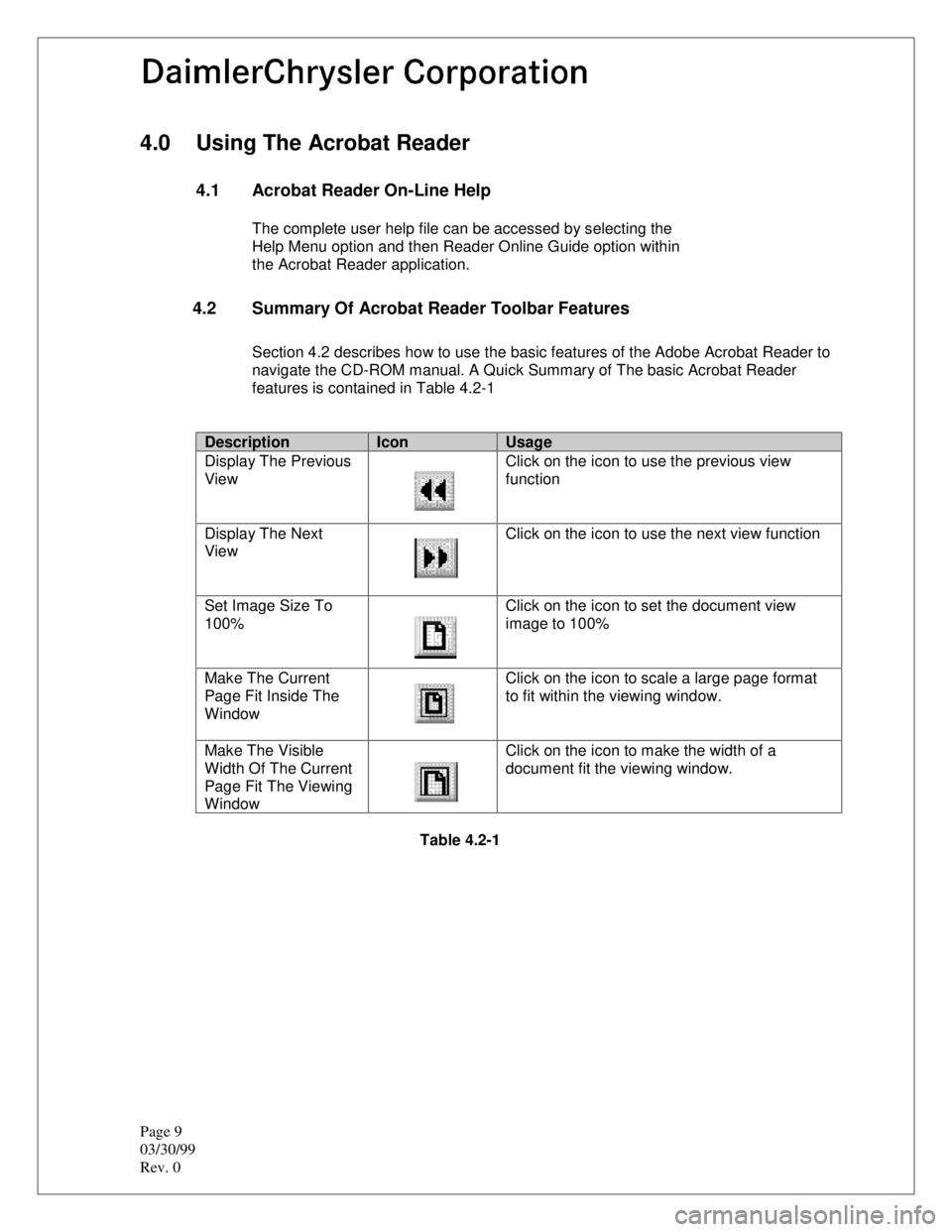
Section 4.2 describes how to use the basic features of the Adobe Acrobat Reader to
navigate the CD-ROM manual. A Quick Summary of The basic Acrobat Reader
features is contained in Table 4.2-1
DescriptionIconUsage
Display The Previous
ViewClick on the icon to use the previous view
function
Display The Next
ViewClick on the icon to use the next view function
Set Image Size To
100%Click on the icon to set the document view
image to 100%
Make The Current
Page Fit Inside The
WindowClick on the icon to scale a large page format
to fit within the viewing window.
Make The Visible
Width Of The Current
Page Fit The Viewing
WindowClick on the icon to make the width of a
document fit the viewing window.
Table 4.2-1
Page 2198 of 2198
10
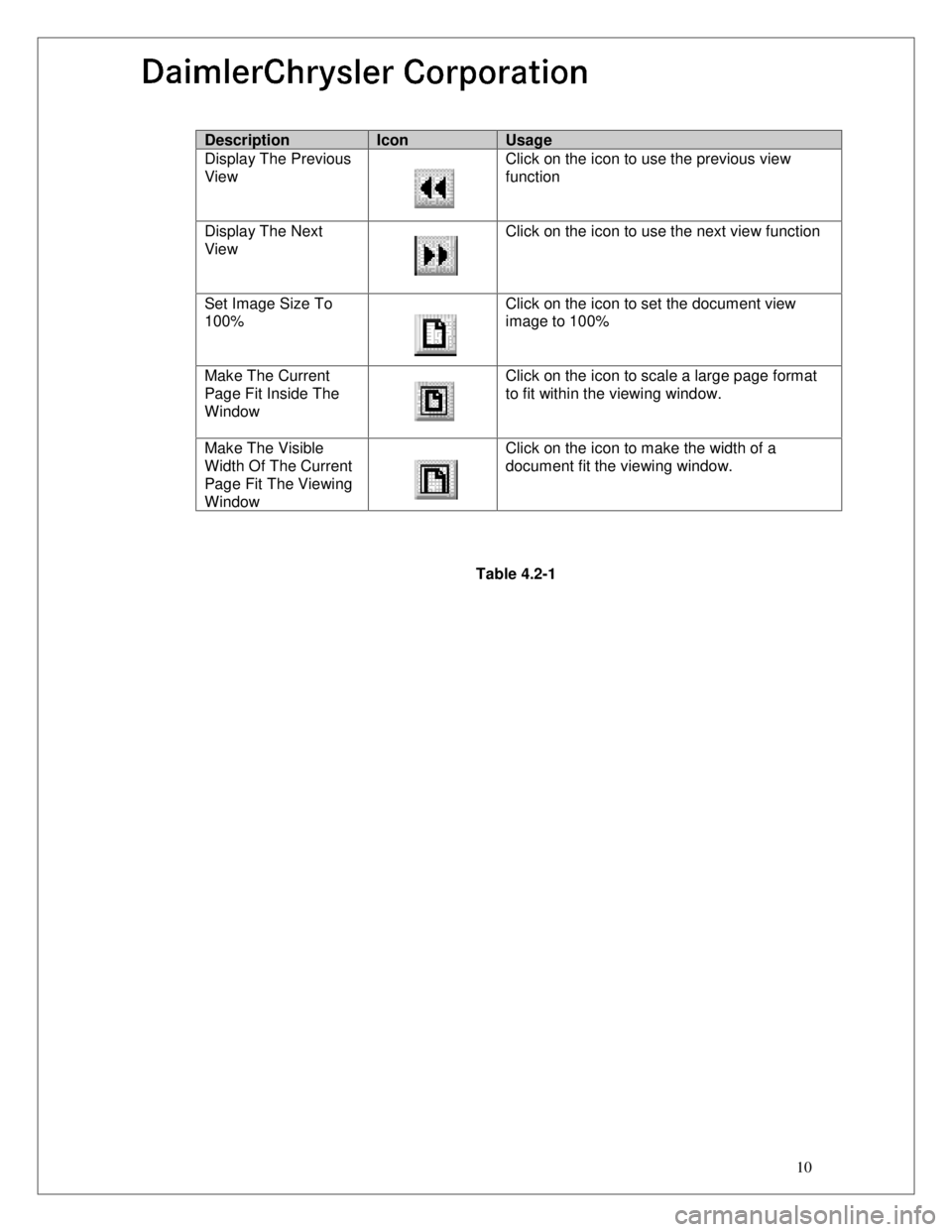
DescriptionIconUsage
Display The Previous
ViewClick on the icon to use the previous view
function
Display The Next
ViewClick on the icon to use the next view function
Set Image Size To
100%Click on the icon to set the document view
image to 100%
Make The Current
Page Fit Inside The
WindowClick on the icon to scale a large page format
to fit within the viewing window.
Make The Visible
Width Of The Current
Page Fit The Viewing
WindowClick on the icon to make the width of a
document fit the viewing window.
Table 4.2-1