Ait JEEP CHEROKEE 2015 KL / 5.G User Guide
[x] Cancel search | Manufacturer: JEEP, Model Year: 2015, Model line: CHEROKEE, Model: JEEP CHEROKEE 2015 KL / 5.GPages: 772, PDF Size: 18.21 MB
Page 357 of 772
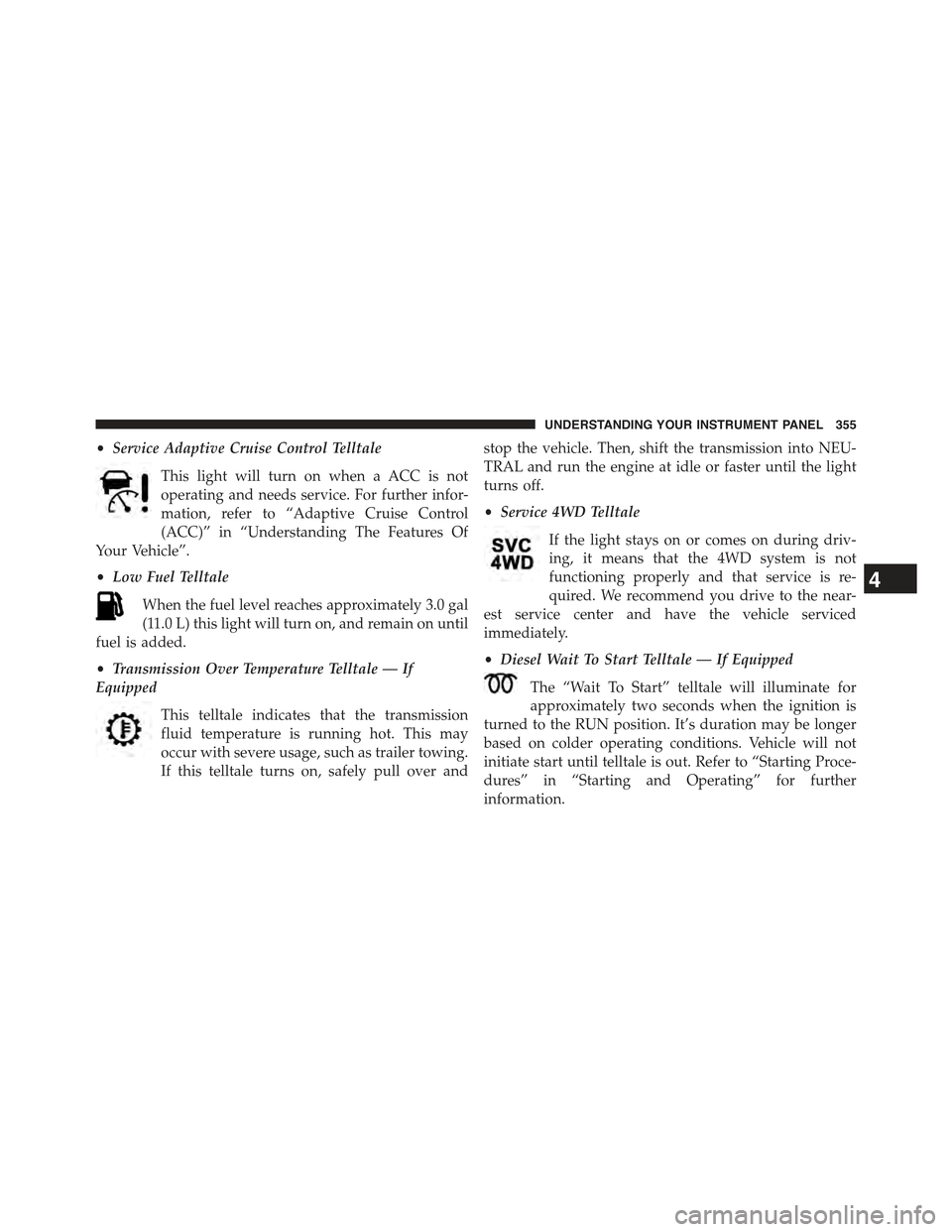
•Service Adaptive Cruise Control Telltale
This light will turn on when a ACC is not
operating and needs service. For further infor-
mation, refer to “Adaptive Cruise Control
(ACC)” in “Understanding The Features Of
Your Vehicle”.
•Low Fuel Telltale
When the fuel level reaches approximately 3.0 gal
(11.0 L) this light will turn on, and remain on until
fuel is added.
•Transmission Over Temperature Telltale — If
Equipped
This telltale indicates that the transmission
fluid temperature is running hot. This may
occur with severe usage, such as trailer towing.
If this telltale turns on, safely pull over and
stop the vehicle. Then, shift the transmission into NEU-
TRAL and run the engine at idle or faster until the light
turns off.
•Service 4WD Telltale
If the light stays on or comes on during driv-
ing, it means that the 4WD system is not
functioning properly and that service is re-
quired. We recommend you drive to the near-
est service center and have the vehicle serviced
immediately.
•Diesel Wait To Start Telltale — If Equipped
The “Wait To Start” telltale will illuminate for
approximately two seconds when the ignition is
turned to the RUN position. It’s duration may be longer
based on colder operating conditions. Vehicle will not
initiate start until telltale is out. Refer to “Starting Proce-
dures” in “Starting and Operating” for further
information.
4
UNDERSTANDING YOUR INSTRUMENT PANEL 355
Page 381 of 772
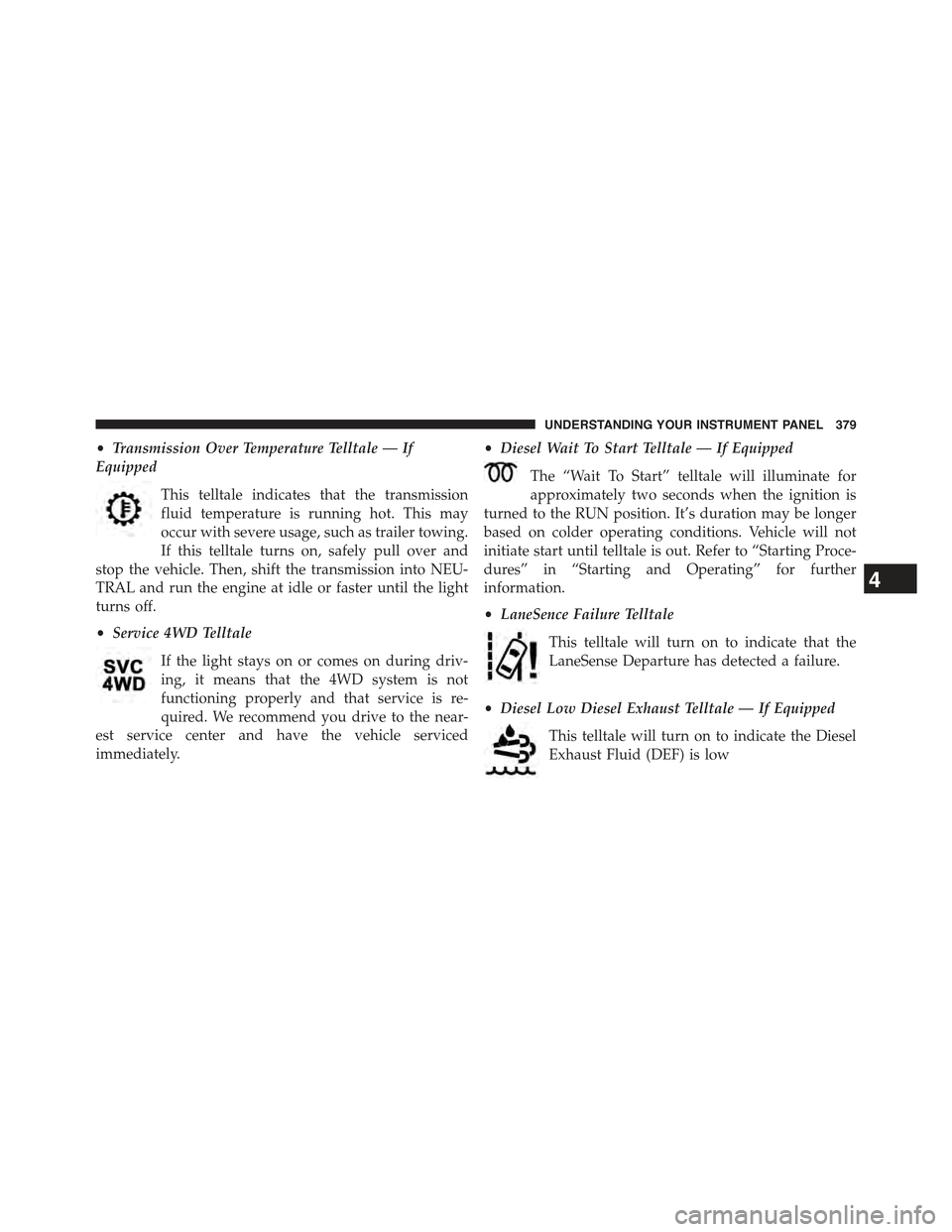
•Transmission Over Temperature Telltale — If
Equipped
This telltale indicates that the transmission
fluid temperature is running hot. This may
occur with severe usage, such as trailer towing.
If this telltale turns on, safely pull over and
stop the vehicle. Then, shift the transmission into NEU-
TRAL and run the engine at idle or faster until the light
turns off.
•Service 4WD Telltale
If the light stays on or comes on during driv-
ing, it means that the 4WD system is not
functioning properly and that service is re-
quired. We recommend you drive to the near-
est service center and have the vehicle serviced
immediately.
•Diesel Wait To Start Telltale — If Equipped
The “Wait To Start” telltale will illuminate for
approximately two seconds when the ignition is
turned to the RUN position. It’s duration may be longer
based on colder operating conditions. Vehicle will not
initiate start until telltale is out. Refer to “Starting Proce-
dures” in “Starting and Operating” for further
information.
•LaneSence Failure Telltale
This telltale will turn on to indicate that the
LaneSense Departure has detected a failure.
•Diesel Low Diesel Exhaust Telltale — If Equipped
This telltale will turn on to indicate the Diesel
Exhaust Fluid (DEF) is low
4
UNDERSTANDING YOUR INSTRUMENT PANEL 379
Page 453 of 772
If you see theicon on your touchscreen, you have
the Uconnect® 8.4AN system. If not, you have a
Uconnect® 8.4A system.
Get Started
All you need to control your Uconnect® system with
your voice are the buttons on your steering wheel.
1. VisitUconnectPhone.com to check mobile device
and feature compatibility and to find phone pair-
ing instructions.
2. Reduce background noise. Wind and passenger con-
versations are examples of noise that may impact
recognition.
3. Speak clearly at a normal pace and volume while
facing straight ahead. The microphone is positioned
on the rearview mirror and aimed at the driver.
4. Each time you give a Voice Command, you must first
push either the VR or Phone button, wait untilafter
the beep, then say your Voice Command.
5. You can interrupt the help message or system prompts
by pushing the VR or Phone button and saying a Voice
Command from current category.
4
UNDERSTANDING YOUR INSTRUMENT PANEL 451
Page 465 of 772
Download the Uconnect® Access App to a compatible
Apple® or Android® mobile devices. All you need to do
is:
1. After registering with Uconnect® Access, log on to
your Mopar® Owner Connect account atmop-
arownerconnect.com.
2. On the Dashboard page, enter your mobile phone
number to receive a link to download the App on your
mobile device. Or go to iTunes®, or Google Play, and
search for the Uconnect® Access App.
3. To activate the App, enter your Mopar Owner Connect
user name and password and log in. Your vehicle is
then connected to your mobile device.
Voice Texting (8.4A/8.4AN)
1. To send a message, push the Phone button. After
the beep, say the following command:“Send mes-
sageto John Smith.”
2. Listen to the prompt. After the beep, dictate the
message you would like to send. Wait for Uconnect®
to process your message.
3. The Uconnect® system will repeat your message and
provide a variety of options to add to, delete, send or
hear the message again. After the beep, tell Uconnect®
what you’d like to do. For instance, if you’re happy
with your message, after the beep, say:“Send.”
You must be registered with Uconnect® Access and have
a compatible MAP – enabled smartphone to use your
voice to send a personalized text message.
TIP:
•Not compatible with iPhone®.
•Messages are limited to 140 characters.
•The Messaging button on the touchscreen must be
illuminated to use the feature.
4
UNDERSTANDING YOUR INSTRUMENT PANEL 463
Page 475 of 772
Cycle the ignition switch to the START position and
release when the engine starts. If the engine fails to start
within 10 seconds, cycle the ignition switch to the
LOCK/OFF position, wait 10 to 15 seconds, then repeat
the “Normal Starting” procedure.
Tip Start Feature
Cycle the ignition switch to START position and release it
as soon as the starter engages. The starter motor will
continue to run, but will automatically disengage itself
when the engine is running. If the engine fails to start, the
starter will disengage automatically in 10 seconds. If this
occurs, cycle the ignition switch to the LOCK position,
wait 10 to 15 seconds, then repeat the “Normal Starting”
procedure.
Extreme Cold Weather (Below –20°F Or−29°C)
To ensure reliable starting at these temperatures, use of
an externally powered electric engine block heater (avail-
able from your authorized dealer) is recommended.
Extended Park Starting
NOTE:Extended Park condition occurs when the vehicle
has not been started or driven for at least 35 days.
1. Install a battery charger or jumper cables to the battery
to ensure a full battery charge during the crank cycle.
2. Cycle the ignition in the START position and release it
when the engine starts.
3. If the engine fails to start within ten seconds, cycle the
ignition to the STOP (OFF/LOCK) position, wait five
seconds to allow the starter to cool, then repeat the
Extended Park Starting procedure.
4. If the engine fails to start after eight attempts, allow
the starter to cool for at least 10 minutes, then repeat
the procedure.
5
STARTING AND OPERATING 473
Page 476 of 772
CAUTION!
To prevent damage to the starter, do not continuously
crank the engine for more than 10 seconds at a time.
Wait 10 to 15 seconds before trying again.
If Engine Fails To Start
WARNING!
•Never pour fuel or other flammable liquid into the
throttle body air inlet opening in an attempt to start
the vehicle. This could result in flash fire causing
serious personal injury.
(Continued)
WARNING!(Continued)
•Do not attempt to push or tow your vehicle to get it
started. Vehicles equipped with an automatic trans-
mission cannot be started this way. Unburned fuel
could enter the catalytic converter and once the
engine has started, ignite and damage the converter
and vehicle.
•If the vehicle has a discharged battery, booster
cables may be used to obtain a start from a booster
battery or the battery in another vehicle. This type
of start can be dangerous if done improperly. Refer
to “Jump Starting” in “What To Do In Emergen-
cies” for further information.
474 STARTING AND OPERATING
Page 477 of 772
With Tip Start
If the engine fails to start after you have followed the
#Normal Starting#, “Extreme Cold Weather#and#Ex-
tended Park Starting#procedures, it may be flooded. To
clear any excess fuel, press the accelerator pedal all the
way to the floor and hold it. Then, cycle the ignition
switch to the START position and release it as soon as the
starter engages. The starter motor will disengage auto-
matically in 10 seconds. Once this occurs, release the
accelerator pedal, cycle the ignition to the LOCK posi-
tion, wait 10 to 15 seconds, then repeat the “Normal
Starting” procedure.
CAUTION!
To prevent damage to the starter, wait 10 to 15
seconds before trying again.
After Starting
The idle speed is controlled automatically and it will
decrease as the engine warms up.
STOP/START SYSTEM — 3.2L ENGINE
The Stop/Start function is developed to reduce emis-
sions. The system will stop the engine automatically
during a vehicle stop if the required conditions are met.
Releasing the brake pedal or pressing the accelerator
pedal will automatically re-start the engine.
Automatic Mode
The Stop/Start feature is enabled after every normal
customer engine start. At that time, the system will go
into STOP/START READY and if all other conditions are
met, can go into a STOP/START AUTOSTOP ACTIVE
“Autostop” mode.
5
STARTING AND OPERATING 475
Page 488 of 772
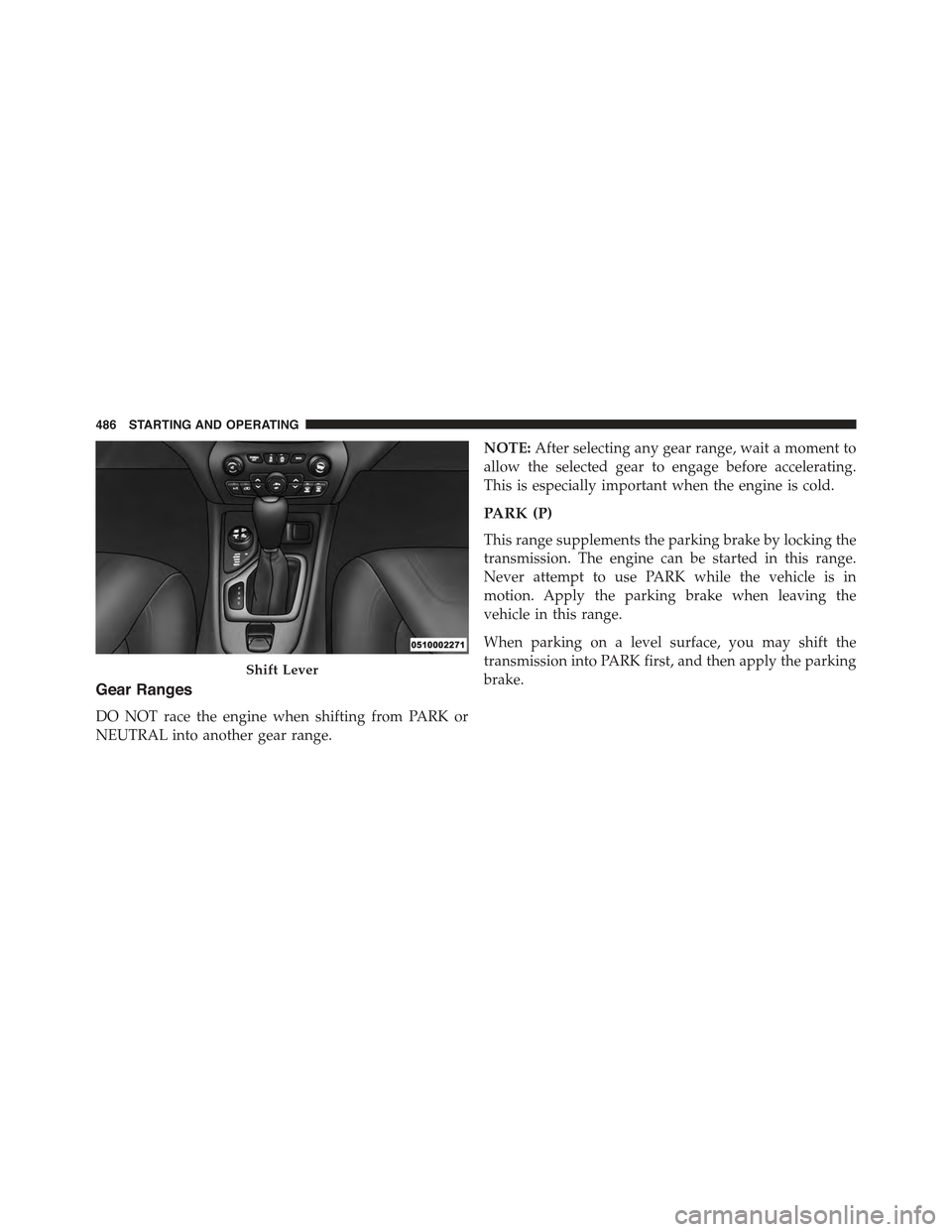
Gear Ranges
DO NOT race the engine when shifting from PARK or
NEUTRAL into another gear range.
NOTE:After selecting any gear range, wait a moment to
allow the selected gear to engage before accelerating.
This is especially important when the engine is cold.
PARK (P)
This range supplements the parking brake by locking the
transmission. The engine can be started in this range.
Never attempt to use PARK while the vehicle is in
motion. Apply the parking brake when leaving the
vehicle in this range.
When parking on a level surface, you may shift the
transmission into PARK first, and then apply the parking
brake.Shift Lever
486 STARTING AND OPERATING
Page 494 of 772
to operate. The Malfunction Indicator Light (MIL) may be
illuminated. Limp Home Mode allows the vehicle to be
driven to an authorized dealer for service without dam-
aging the transmission.
In the event of a momentary problem, the transmission
can be reset to regain all forward gears by performing the
following steps:
1. Stop the vehicle.
2. Shift the transmission into PARK.
3. Turn the ignition switch to the OFF position.
4. Wait approximately 10 seconds.
5. Restart the engine.
6. Shift into the desired gear range. If the problem is no
longer detected, the transmission will return to normal
operation.
NOTE:Even if the transmission can be reset, we recom-
mend that you visit your authorized dealer at your
earliest possible convenience. Your authorized dealer has
diagnostic equipment to determine if the problem could
recur. If the transmission cannot be reset, authorized
dealer service is required.
Electronic Range Select (ERS) Operation
The Electronic Range Select (ERS) shift control allows the
driver to limit the highest available gear. For example, if
you shift the transmission into 5 (fifth gear), the trans-
mission will not shift above fifth gear, but will shift
through the lower gears normally.
You can switch between DRIVE and ERS mode at any
vehicle speed. When the shift lever is in the DRIVE
position, the transmission will operate automatically,
shifting between all available gears.
492 STARTING AND OPERATING
Page 699 of 772
General Cleaning
Careful vacuuming of the top before washing is helpful
in removing dust and other foreign particles.
If Hand Washing:
•Wash in partial shade instead of direct sun.
•Wet the entire vehicle before washing the top.
•Wash the top with a soft, natural bristle scrub brush,
and a mild soap solution such as liquid dish washing
soap. Do not use detergent.
•Scrub in all directions, covering an area of about two
square feet at a time. Avoid heavy scrubbing.
•Rinse the entire vehicle with water to remove all soap
and dirt from the top fabric and to prevent streaking
on painted and chrome surfaces.
•Allow the top to dry before opening. Vacuuming the
top with a wet/dry shop vacuum will decrease the
tops drying time, ensure removal of all dirt, and delete
streaks in the material.
•Multiple cleanings may be necessary to remove stub-
born stains. If stains persist, contact your local autho-
rized dealership for further suggestions.
CAUTION!
Never use an abrasive type cleaner or bleaches.
Cleaners should not contain silicones, organic sol-
vents, petroleum distillates, or plasticizers. Always
wait until the top is thoroughly dry before opening
it.
Additional Cleaning Procedure
For additional cleaning assistance in removing stubborn
stains, apply MOPAR® Convertible Cloth Top Cleaner or
7
MAINTAINING YOUR VEHICLE 697