Lift gate JEEP CHEROKEE 2015 KL / 5.G Owner's Manual
[x] Cancel search | Manufacturer: JEEP, Model Year: 2015, Model line: CHEROKEE, Model: JEEP CHEROKEE 2015 KL / 5.GPages: 772, PDF Size: 18.21 MB
Page 244 of 772
•Jackhammers, large trucks, and other vibrations could
affect the performance of ParkSense®.
•When you turn ParkSense® OFF, the instrument clus-
ter will display “PARKSENSE OFF” Furthermore, once
you turn ParkSense® off, it remains off until you turn
it on again, even if you cycle the ignition key.
•When you move the shift lever to the REVERSE
position and ParkSense® is turned OFF, the EVIC/
DID will display “PARKSENSE OFF” message for as
long as the vehicle is in REVERSE.
•ParkSense®, when on, will reduce the volume of the
radio when it is sounding a tone.
•Clean the ParkSense® sensors regularly, taking care
not to scratch or damage them. The sensors must not
be covered with ice, snow, slush, mud, dirt or debris.
Failure to do so can result in the system not working
properly. The ParkSense® system might not detect an
obstacle behind the fascia/bumper, or it could provide
a false indication that an obstacle is behind the fascia/
bumper.
•Use the ParkSense® switch to turn the ParkSense®
system OFF if objects such as bicycle carriers, trailer
hitches, etc. are placed within 12 in (30 cm) from the
rear fascia/bumper. Failure to do so can result in the
system misinterpreting a close object as a sensor
problem, causing the “PARKSENSE UNAVAILABLE
SERVICE REQUIRED” message to be displayed in the
EVIC/DID.
•ParkSense® should be disabled when the liftgate is in
the open position and the vehicle is in REVERSE. An
open liftgate could provide a false indication that an
obstacle is behind the vehicle.
242 UNDERSTANDING THE FEATURES OF YOUR VEHICLE
Page 261 of 772
•When you turn ParkSense® off, the instrument cluster
will display “PARKSENSE OFF.” Furthermore, once
you turn ParkSense® off, it remains off until you turn
it on again, even if you cycle the ignition key.
•When you move the shift lever to the REVERSE
position and ParkSense® is turned off, the instrument
cluster will display “PARKSENSE OFF” for as long as
the vehicle is in REVERSE.
•ParkSense®, when on, will reduce the volume of the
radio when it is sounding a tone.
•Clean the ParkSense® sensors regularly, taking care
not to scratch or damage them. The sensors must not
be covered with ice, snow, slush, mud, dirt or debris.
Failure to do so can result in the system not working
properly. The ParkSense® system might not detect an
obstacle behind or in front of the fascia/bumper, or it
could provide a false indication that an obstacle is
behind or in front of the fascia/bumper.
•Use the ParkSense® switch to turn the ParkSense®
system off if objects such as bicycle carriers, trailer
hitches, etc. are placed within 12 in (30 cm) from the
rear fascia/bumper. Failure to do so can result in the
system misinterpreting a close object as a sensor
problem, causing the “PARKSENSE UNAVAILABLE
SERVICE REQUIRED” message to be displayed in the
instrument cluster.
•ParkSense® should be disabled when the liftgate is in
the open position. An opened liftgate could provide a
false indication that an obstacle is behind the vehicle.
•There may be a delay in the object detection rate if the
object is moving. This will cause the automatic braking
application to be delayed.
3
UNDERSTANDING THE FEATURES OF YOUR VEHICLE 259
Page 265 of 772
To enable the ParkSense® Active Park Assist system,
press the ParkSense® Active Park Assist switch once
(LED turns on).
To disable the ParkSense® Active Park Assist system,
press the ParkSense® Active Park Assist switch again
(LED turns off).
The ParkSense® Active Park Assist system will turn off
automatically for any of the following conditions:
•The parking maneuver is completed.
•Vehicle speed greater than 18 mph (30 km/h) when
searching for a parking space.
•Vehicle speed greater than 5 mph (7 km/h) during
active steering guidance into the parking space.
•Touching the steering wheel during active steering
guidance into the parking space.
•Pressing the ParkSense® Front and Rear Park Assist
switch.
•Driver’s door is opened.
•Rear liftgate is opened.
•Electronic Stability Control/Anti-lock Braking System
intervention.
•The ParkSense® Active Park Assist system will allow a
maximum of six shifts between DRIVE (automatic
transmission) or forward gear (manual transmission)
and REVERSE. If the maneuver cannot be completed
within six shifts, the system will cancel and the EVIC/
DID will instruct the driver to complete the maneuver
manually.
3
UNDERSTANDING THE FEATURES OF YOUR VEHICLE 263
Page 266 of 772
The ParkSense® Active Park Assist system will only
operate and search for a parking space when the follow-
ing conditions are present:
•Gear position is in DRIVE (automatic transmission) or
in a forward gear (manual transmission).
•Ignition is in the RUN position.
•ParkSense® Active Park Assist switch is activated.
•Driver’s door is closed.
•Rear liftgate is closed.
•Vehicle speed is less than 15 mph (25 km/h).
NOTE:If the vehicle is driven above approximately
15 mph (25 km/h), the EVIC/DID will instruct the driver
to slow down. If the vehicle is driven above approxi-
mately 18 mph (30 km/h), the system will cancel. The
driver must then reactivate the system by pressing the
ParkSense® Active Park Assist switch.
•The outer surface and the underside of the front and
rear fascias/bumpers are clean and clear of snow, ice,
mud, dirt or other obstruction.
When pressed, the LED on the ParkSense® Active Park
Assist switch will blink momentarily, and then the LED
will turn OFF if any of the above conditions are not
present.
Parallel Parking Space Assistance Operation/
Display
When the ParkSense® Active Park Assist system is
enabled the “Active ParkSense Searching - Press OK to
Switch to Perpendicular” message will appear in the
EVIC/DID display. You may switch to perpendicular
parking if you desire. Push the OK button on the left side
steering wheel switch to change your parking space
setting.
264 UNDERSTANDING THE FEATURES OF YOUR VEHICLE
Page 320 of 772
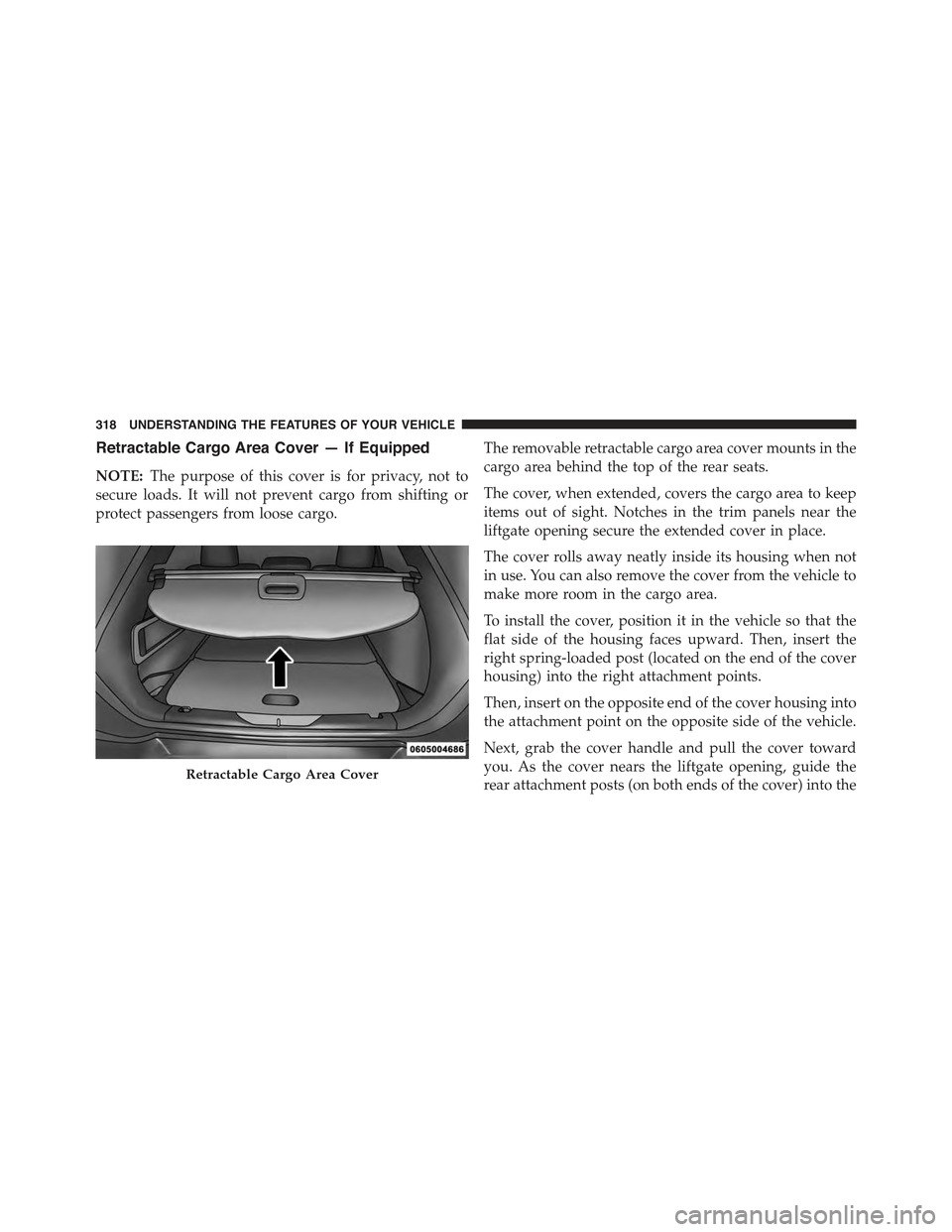
Retractable Cargo Area Cover — If Equipped
NOTE:The purpose of this cover is for privacy, not to
secure loads. It will not prevent cargo from shifting or
protect passengers from loose cargo.
The removable retractable cargo area cover mounts in the
cargo area behind the top of the rear seats.
The cover, when extended, covers the cargo area to keep
items out of sight. Notches in the trim panels near the
liftgate opening secure the extended cover in place.
The cover rolls away neatly inside its housing when not
in use. You can also remove the cover from the vehicle to
make more room in the cargo area.
To install the cover, position it in the vehicle so that the
flat side of the housing faces upward. Then, insert the
right spring-loaded post (located on the end of the cover
housing) into the right attachment points.
Then, insert on the opposite end of the cover housing into
the attachment point on the opposite side of the vehicle.
Next, grab the cover handle and pull the cover toward
you. As the cover nears the liftgate opening, guide the
rear attachment posts (on both ends of the cover) into theRetractable Cargo Area Cover
318 UNDERSTANDING THE FEATURES OF YOUR VEHICLE
Page 330 of 772
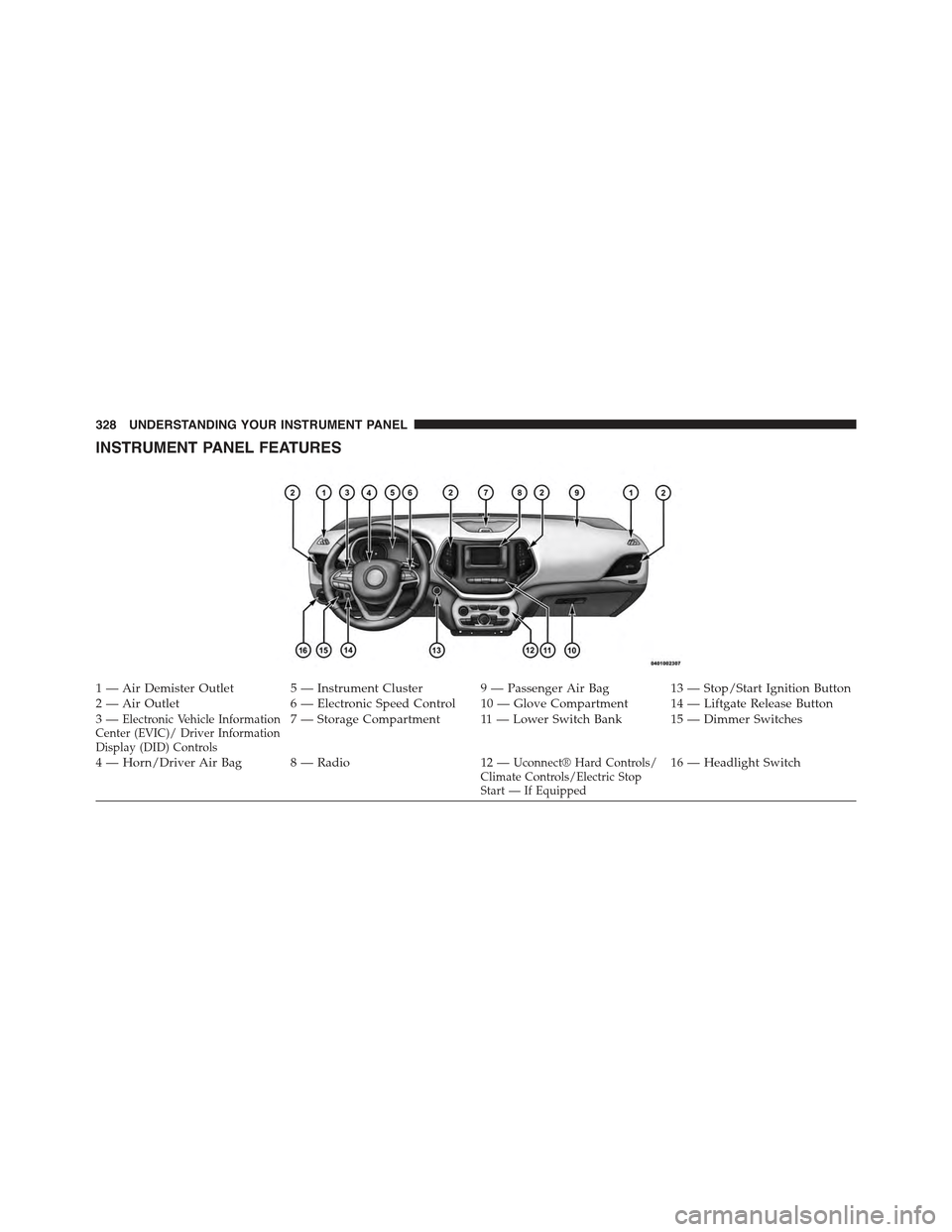
INSTRUMENT PANEL FEATURES
1 — Air Demister Outlet 5 — Instrument Cluster 9 — Passenger Air Bag 13 — Stop/Start Ignition Button2 — Air Outlet 6 — Electronic Speed Control 10 — Glove Compartment 14 — Liftgate Release Button3—Electronic Vehicle InformationCenter (EVIC)/ Driver InformationDisplay (DID) Controls
7—StorageCompartment 11—LowerSwitchBank 15—DimmerSwitches
4—Horn/DriverAirBag 8—Radio 12—Uconnect® Hard Controls/Climate Controls/Electric StopStart — If Equipped
16 — Headlight Switch
328 UNDERSTANDING YOUR INSTRUMENT PANEL
Page 350 of 772
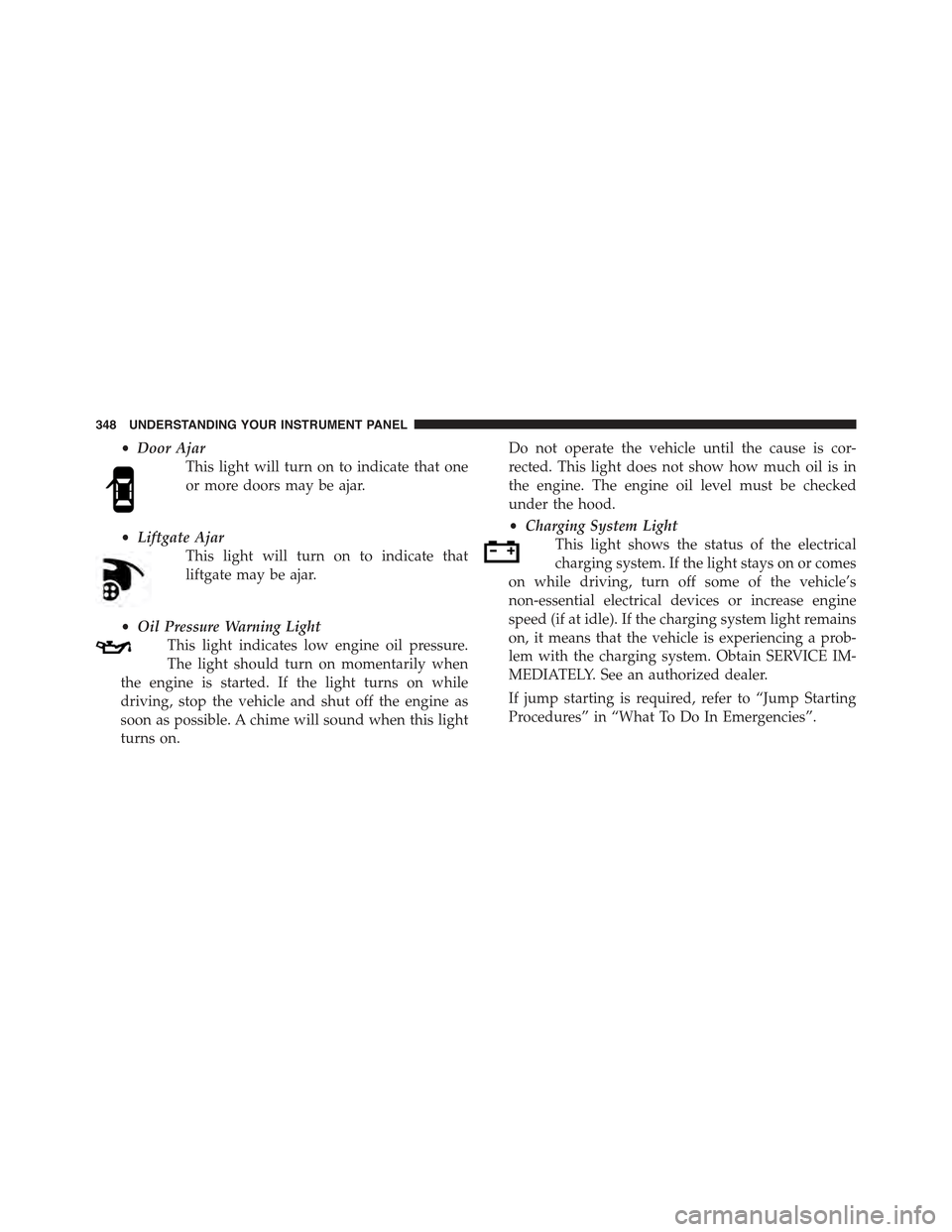
•Door Ajar
This light will turn on to indicate that one
or more doors may be ajar.
•Liftgate Ajar
This light will turn on to indicate that
liftgate may be ajar.
•Oil Pressure Warning Light
This light indicates low engine oil pressure.
The light should turn on momentarily when
the engine is started. If the light turns on while
driving, stop the vehicle and shut off the engine as
soon as possible. A chime will sound when this light
turns on.
Do not operate the vehicle until the cause is cor-
rected. This light does not show how much oil is in
the engine. The engine oil level must be checked
under the hood.
•Charging System Light
This light shows the status of the electrical
charging system. If the light stays on or comes
on while driving, turn off some of the vehicle’s
non-essential electrical devices or increase engine
speed (if at idle). If the charging system light remains
on, it means that the vehicle is experiencing a prob-
lem with the charging system. Obtain SERVICE IM-
MEDIATELY. See an authorized dealer.
If jump starting is required, refer to “Jump Starting
Procedures” in “What To Do In Emergencies”.
348 UNDERSTANDING YOUR INSTRUMENT PANEL
Page 356 of 772
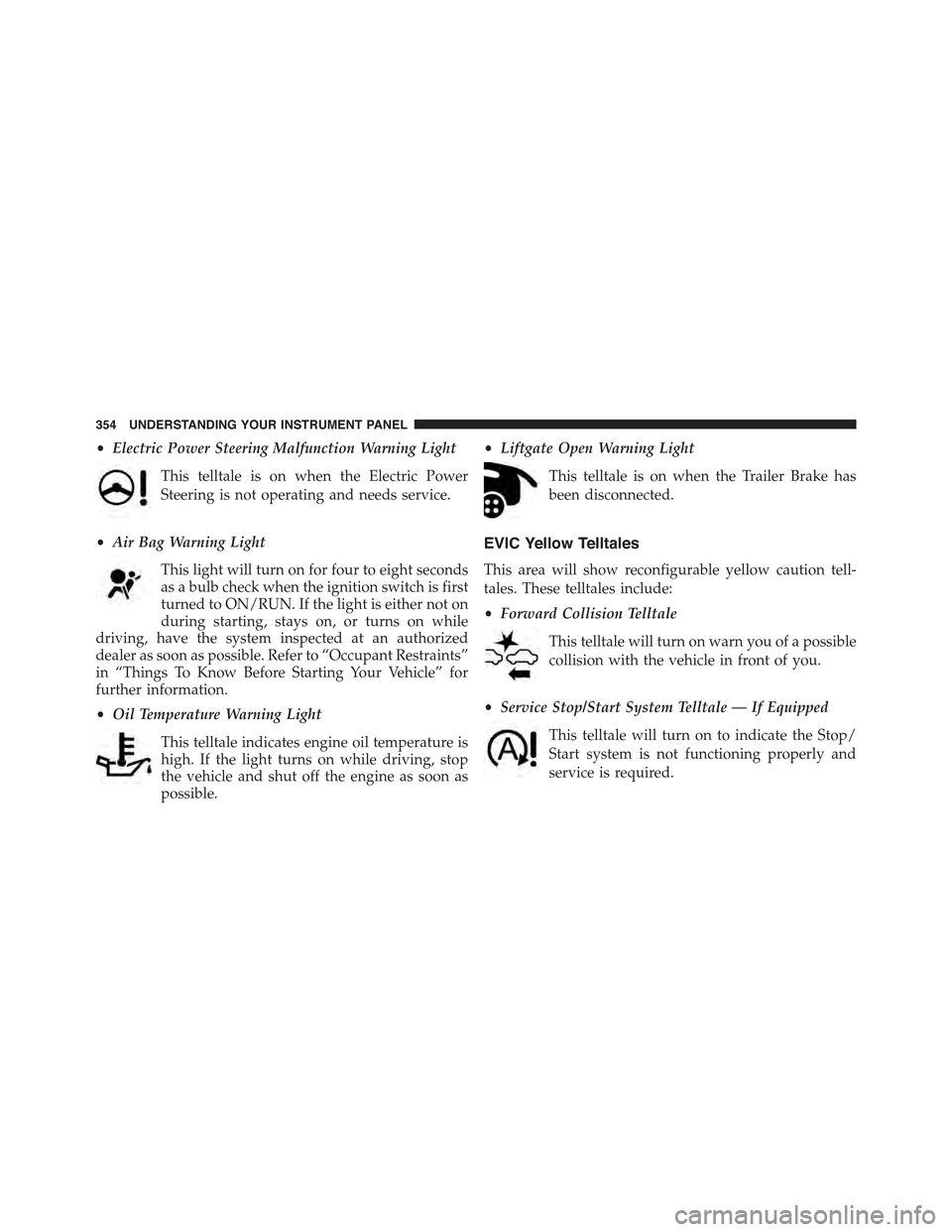
•Electric Power Steering Malfunction Warning Light
This telltale is on when the Electric Power
Steering is not operating and needs service.
•Air Bag Warning Light
This light will turn on for four to eight seconds
as a bulb check when the ignition switch is first
turned to ON/RUN. If the light is either not on
during starting, stays on, or turns on while
driving, have the system inspected at an authorized
dealer as soon as possible. Refer to “Occupant Restraints”
in “Things To Know Before Starting Your Vehicle” for
further information.
•Oil Temperature Warning Light
This telltale indicates engine oil temperature is
high. If the light turns on while driving, stop
the vehicle and shut off the engine as soon as
possible.
•Liftgate Open Warning Light
This telltale is on when the Trailer Brake has
been disconnected.
EVIC Yellow Telltales
This area will show reconfigurable yellow caution tell-
tales. These telltales include:
•Forward Collision Telltale
This telltale will turn on warn you of a possible
collision with the vehicle in front of you.
•Service Stop/Start System Telltale — If Equipped
This telltale will turn on to indicate the Stop/
Start system is not functioning properly and
service is required.
354 UNDERSTANDING YOUR INSTRUMENT PANEL
Page 374 of 772
return to normal, turn the engine off immediately and
call for service. Refer to “If Your Engine Overheats”
in “What To Do In Emergencies” for more
information.
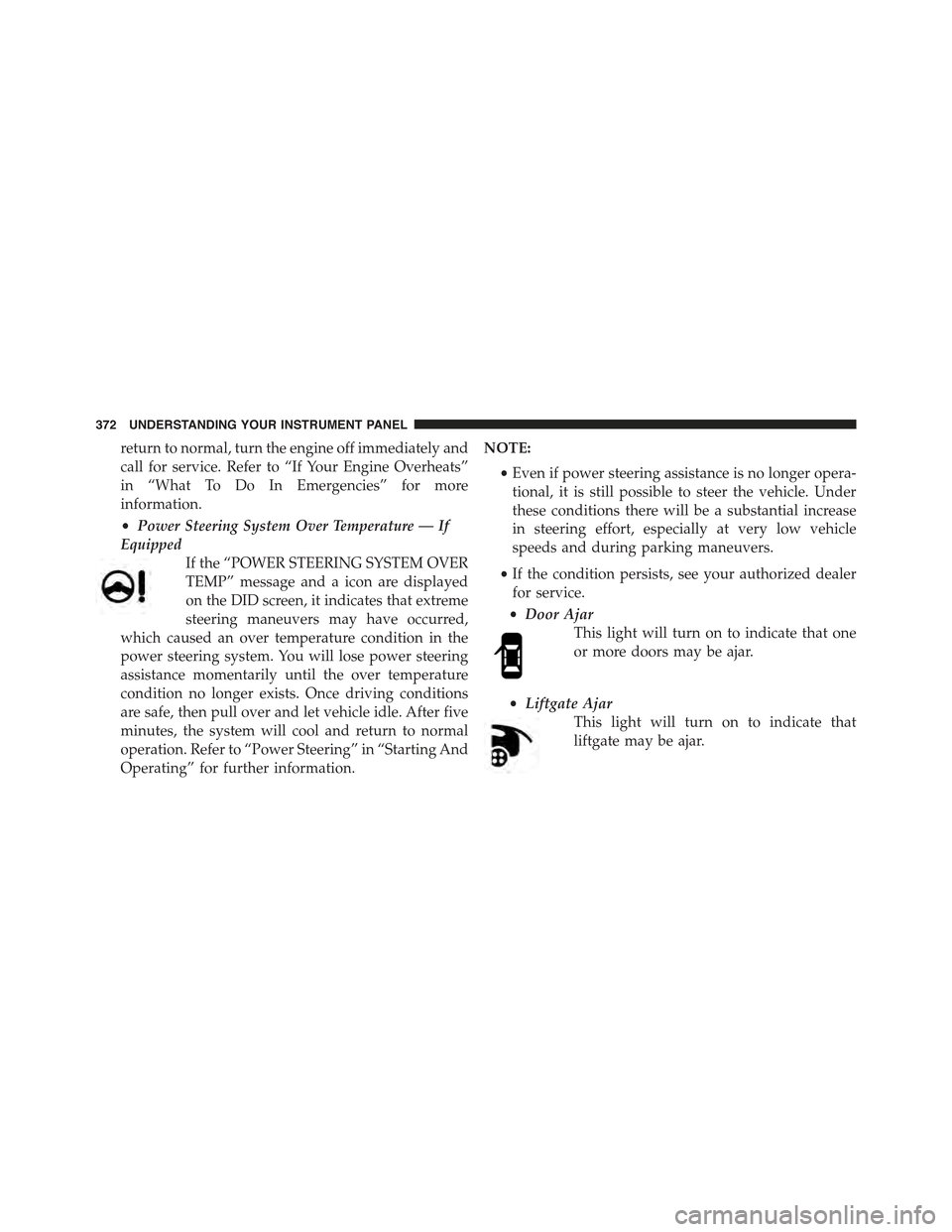
•Power Steering System Over Temperature — If
Equipped
If the “POWER STEERING SYSTEM OVER
TEMP” message and a icon are displayed
on the DID screen, it indicates that extreme
steering maneuvers may have occurred,
which caused an over temperature condition in the
power steering system. You will lose power steering
assistance momentarily until the over temperature
condition no longer exists. Once driving conditions
are safe, then pull over and let vehicle idle. After five
minutes, the system will cool and return to normal
operation. Refer to “Power Steering” in “Starting And
Operating” for further information.
NOTE:
•Even if power steering assistance is no longer opera-
tional, it is still possible to steer the vehicle. Under
these conditions there will be a substantial increase
in steering effort, especially at very low vehicle
speeds and during parking maneuvers.
•If the condition persists, see your authorized dealer
for service.
•Door Ajar
This light will turn on to indicate that one
or more doors may be ajar.
•Liftgate Ajar
This light will turn on to indicate that
liftgate may be ajar.
372 UNDERSTANDING YOUR INSTRUMENT PANEL
Page 380 of 772
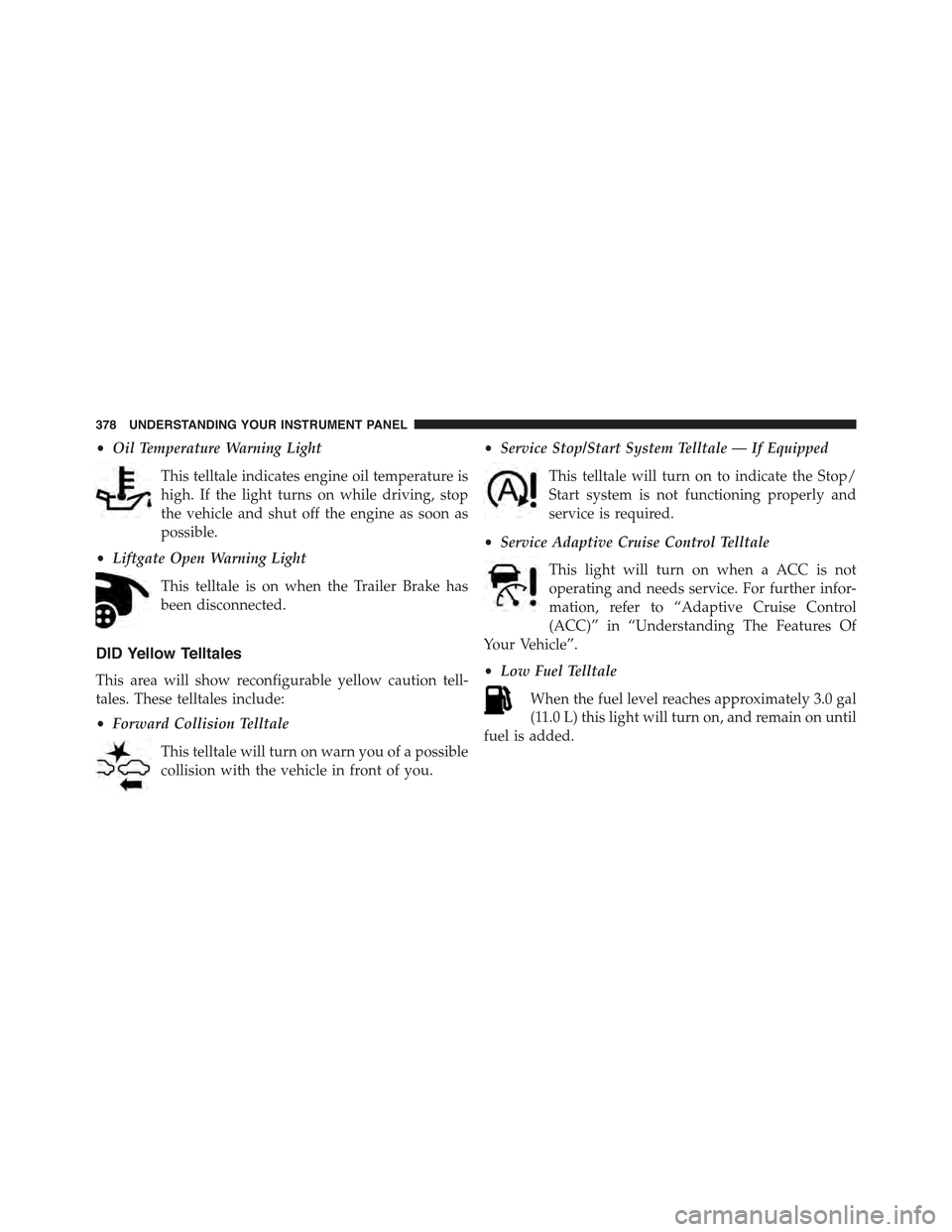
•Oil Temperature Warning Light
This telltale indicates engine oil temperature is
high. If the light turns on while driving, stop
the vehicle and shut off the engine as soon as
possible.
•Liftgate Open Warning Light
This telltale is on when the Trailer Brake has
been disconnected.
DID Yellow Telltales
This area will show reconfigurable yellow caution tell-
tales. These telltales include:
•Forward Collision Telltale
This telltale will turn on warn you of a possible
collision with the vehicle in front of you.
•Service Stop/Start System Telltale — If Equipped
This telltale will turn on to indicate the Stop/
Start system is not functioning properly and
service is required.
•Service Adaptive Cruise Control Telltale
This light will turn on when a ACC is not
operating and needs service. For further infor-
mation, refer to “Adaptive Cruise Control
(ACC)” in “Understanding The Features Of
Your Vehicle”.
•Low Fuel Telltale
When the fuel level reaches approximately 3.0 gal
(11.0 L) this light will turn on, and remain on until
fuel is added.
378 UNDERSTANDING YOUR INSTRUMENT PANEL