change time JEEP CHEROKEE 2016 KL / 5.G Owner's Manual
[x] Cancel search | Manufacturer: JEEP, Model Year: 2016, Model line: CHEROKEE, Model: JEEP CHEROKEE 2016 KL / 5.GPages: 770, PDF Size: 5.48 MB
Page 378 of 770
Fuel Economy
Push and release theUPorDOWN arrow button until
the Fuel Economy Menu item is highlighted in the DID.
Push and Hold the OKbutton to reset feature.
• Range – The display shows the estimated distance (mi
or km that can be traveled with the fuel remaining in
the tank. When the Range value is less than 30 miles
(48 km) estimated driving distance, the Range display
will change to a “LOW FUEL” message. Adding a
significant amount of fuel to the vehicle will turn off
the “LOW FUEL” message and a new Range value will
display. Range cannot be reset through the OK button.
NOTE: Significant changes in driving style or vehicle
loading will greatly affect the actual drivable distance of
the vehicle, regardless of the Range displayed value.
• Average – The display shows the average fuel
economy (MPG or L/100 km) since the last reset. •
Current – This display shows the current fuel economy
(MPG or L/100 km) form while driving.
Trip Info
Push and release the UPorDOWN arrow button until
the Trip Menu item is highlighted in the DID (Toggle left
or right to select Trip A or Trip B). The Trip information
will display the following:
• Distance – Shows the total distance (mi or km) traveled
for Trip A or Trip B since the last reset.
• Average Fuel Economy – Shows the average fuel
economy (MPG or L/100 km) of Trip A or Trip B since
the last reset.
• Elapsed Time – Shows the total elapsed time of travel
since the last reset.
Hold the OKbutton to reset feature information.
376 UNDERSTANDING YOUR INSTRUMENT PANEL
Page 379 of 770
Stop/Start – If Equipped
Push and release theUPorDOWN arrow button until
the Stop/Start icon is highlighted in the DID. Push and
release the RIGHTarrow button to display the Stop/
Start status.
Audio
Push and release the UPorDOWN arrow button until
the Audio Menu displays in the DID.
Stored Messages
Push and release the UPorDOWN arrow button until
the Messages Menu item is highlighted in the DID. This
feature shows the number of stored warning messages.
Pushing the RIGHTorLEFT arrow button will allow
you to scroll through the stored messages.
Screen Setup
Push and release the UPorDOWN arrow button until
the Screen Setup Menu displays in the DID. Push and
release the OKbutton to enter the submenus. The Screen
Setup feature allows you to change what information is
displayed in the instrument cluster as well as the location
that information is displayed.
1. Upper Left
•Compass
• Outside Temp. (default)
• Time
• Range to Empty
• Average L/100km (or MPG)
• Current L/100km (or MPG)
• Trip A Distance
• Trip B Distance
• None
4
UNDERSTANDING YOUR INSTRUMENT PANEL 377
Page 382 of 770
Buttons On The Faceplate
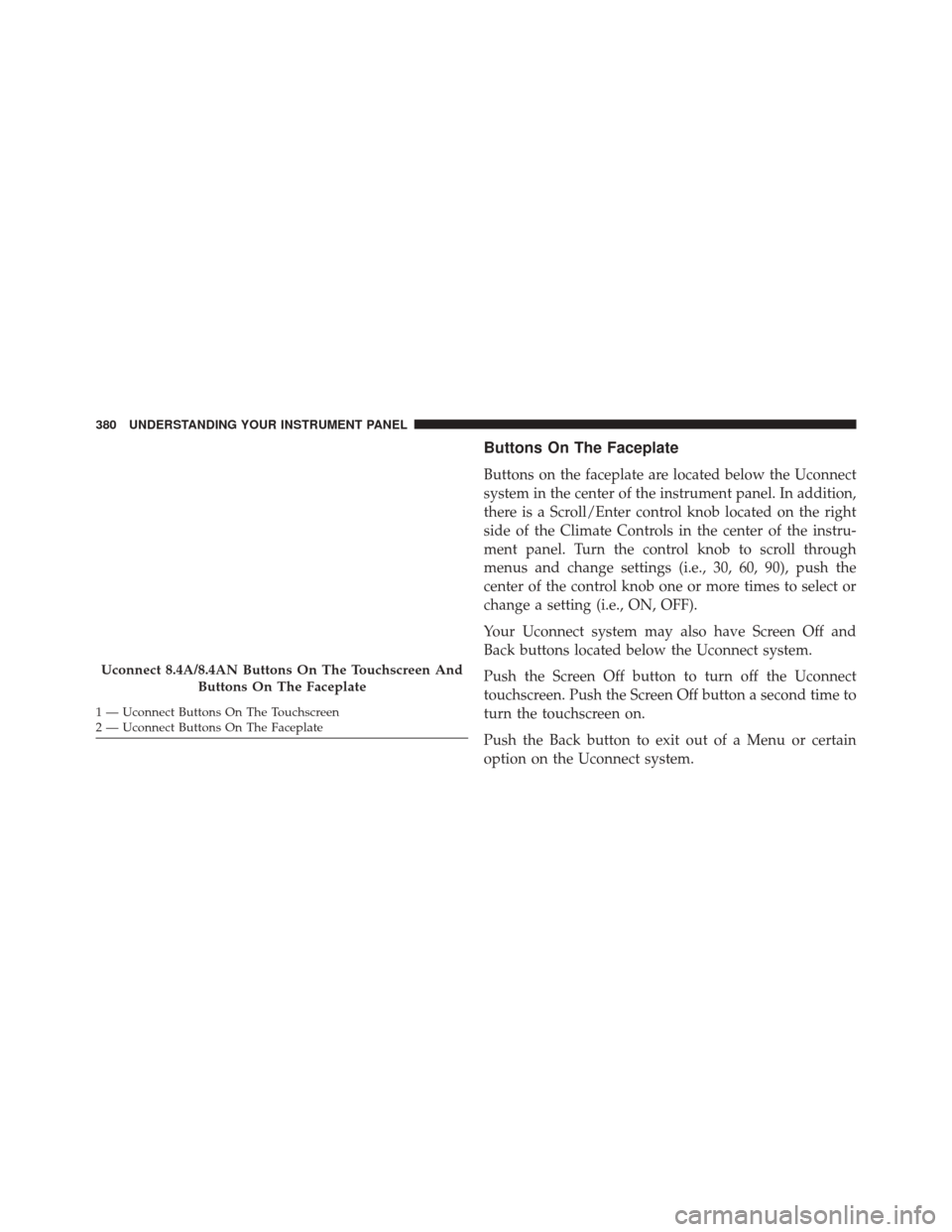
Buttons on the faceplate are located below the Uconnect
system in the center of the instrument panel. In addition,
there is a Scroll/Enter control knob located on the right
side of the Climate Controls in the center of the instru-
ment panel. Turn the control knob to scroll through
menus and change settings (i.e., 30, 60, 90), push the
center of the control knob one or more times to select or
change a setting (i.e., ON, OFF).
Your Uconnect system may also have Screen Off and
Back buttons located below the Uconnect system.
Push the Screen Off button to turn off the Uconnect
touchscreen. Push the Screen Off button a second time to
turn the touchscreen on.
Push the Back button to exit out of a Menu or certain
option on the Uconnect system.
Uconnect 8.4A/8.4AN Buttons On The Touchscreen AndButtons On The Faceplate
1 — Uconnect Buttons On The Touchscreen
2 — Uconnect Buttons On The Faceplate 380 UNDERSTANDING YOUR INSTRUMENT PANEL
Page 383 of 770
Buttons On The Touchscreen
Buttons on the touchscreen are accessible on the
Uconnect display.
Customer Programmable Features/Personal
Settings — Uconnect 5.0 Settings
Push the SETTINGS or the MORE button on the face-
plate, then the “Settings” button on the touchscreen (if
equipped) to display the menu setting screen. In this
mode the Uconnect system allows you to access pro-
grammable features that may be equipped such as Dis-
play, Voice, Clock & Date, Safety & Assistance, Lights,
Doors & Locks, Auto-On Comfort, Engine Off Options,
Compass Settings, Audio, Phone/Bluetooth, Sirius Setup,
Restore Settings, and Clear Personal Data, Brakes and
System Information.
NOTE:Only one category may be selected at a time. When making a selection, press the button on the touch-
screen to enter the desired mode. Once in the desired
mode, press and release the preferred setting and make
your selection. Once the setting is complete, either press
the Back Arrow/Done button on the touchscreen or the
Back button on the faceplate to return to the previous
menu or press the “X” button on the touchscreen to close
out of the settings screen. Pressing the Up or Down
Arrow buttons on the right side of the screen will allow
you to toggle up or down through the available settings.
Display
After pressing the “Display” button on the touchscreen
the following settings will be available.
•
Display Mode
When in this display you may select the “Auto” or
“Manual” display settings. To change Mode status, press
4
UNDERSTANDING YOUR INSTRUMENT PANEL 381
Page 385 of 770
•Units
When in this display, you may select to have the DID,
odometer, and navigation system (if equipped) changed
between US and Metric units of measure. Press “US” or
“Metric” to make your selection.
• Touchscreen Beep
When in this display, you may turn on or shut off the
sound heard when a button on the touchscreen is
pressed. Press the “Touchscreen Beep” button on the
touchscreen then select from “on” or “off.”
• Navigation Turn-By-Turn In Cluster — If Equipped
When this feature is selected, the turn-by-turn directions
will appear in the display as the vehicle approaches a
designated turn within a programmed route. To make your
selection, press the “Navigation Turn-By-Turn In Cluster”
button on the touchscreen, until a check-mark appears next
to the setting, showing that setting has been selected.
• Control Screen Time-Out — If Equipped
When this feature is selected, the Controls Screen will
stay open for five seconds before the screen times out.
With the feature deselected, the screen will stay open
until it is manually closed. Press the Control Screen
Time-Out button on the touchscreen until a check-mark
appears next to the setting, showing that setting has been
selected.
Voice
After pressing the “Voice” button on the touchscreen the
following settings will be available:
• Voice Response Length
When in this display, you may change the Voice Re-
sponse Length settings. To change the Voice Response
Length, press the “Voice Response Length” button on the
touchscreen and select from “Brief” or “Detailed.”
4
UNDERSTANDING YOUR INSTRUMENT PANEL 383
Page 386 of 770
•Show Command List
When in this display, you may change the Show Com-
mand List settings. To change the Show Command List
settings, press the “Show Command List” button on the
touchscreen and select from “Always,” “With Help” or
“Never.”
Clock & Date
After pressing the “Clock & Date” button on the touch-
screen the following settings will be available:
• Set Time
When in this display, you may set the time and format
manually. Press the “Set Time” button then choose from
a “12 hour” or “24 hour format.” Press the corresponding
arrow above and below the current time to adjust, then
select “AM” or “PM.” •
Set Date
When in this display, you may set the date manually.
Press the “Set Date” button then press the corresponding
arrows above and below the current date to adjust.
Safety & Driving Assistance
After pressing the “Safety & Driving Assistance” button
on the touchscreen the following settings will be avail-
able:
• Forward Collision Warning (FCW) — If Equipped
The Front Collision Warning (FCW) feature can be can be
set to Far, or set to Near. The default status of FCW is the
Far setting. This means the system will warn you of a
possible collision with the vehicle in front of you when
you are farther away. This gives you the most reaction
time. To change the setting for a more dynamic driving
experience, select the Near setting. This warns you of a
384 UNDERSTANDING YOUR INSTRUMENT PANEL
Page 390 of 770
•ParkView Backup Camera Fixed Guide Lines — If
Equipped
When this feature is enabled, fixed (static) grid lines are
overlaid on the Rear Backup Camera image to illustrate
the width of the vehicle.
• ParkView Backup Camera Delay
When this feature is enabled, it will allow the ParkView
Backup Camera display to remain on while in drive for
up to 10 seconds, or 8 mph (13 km/h).
• Rain Sensing Auto Wipers
When this feature is selected, the system will automati-
cally activate the windshield wipers if it senses moisture
on the windshield. To make your selection, press the
“Rain Sensing” button on the touchscreen, and select
“On” or “Off.” •
Electric Park Brake Service Mode
This feature provides a means for a technician or vehicle
owner to utilize a vehicle integrated, menu driven sys-
tem, to command the electric park brake retraction, to
service the rear foundation brakes (brake pads, calipers,
rotors, etc.).
For further information, refer to “Electric Parking Brake
(EPD)” in “Starting and Operating.”
Lights
After pressing the “Lights” button on the touchscreen the
following settings will be available.
• Headlights Off Delay
When this feature is selected, it allows the adjustment of
the amount of time the headlights remain on after the
engine is shut off. To change the Headlights Off Delay
388 UNDERSTANDING YOUR INSTRUMENT PANEL
Page 391 of 770
setting, press the “Headlight Off Delay” button on the
touchscreen, and choose either 0 sec, 30 sec, 60 sec or 90
seconds.
•Headlight Illumination On Approach
When this feature is selected, it allows the adjustment of
the amount of time the headlights remain on after the
doors are unlocked with the Remote Keyless Entry (RKE)
transmitter. To change the Illuminated Approach status,
press the “Illuminated Approach” button and choose
either 0 sec, 30 sec, 60 sec or 90 seconds.
• Headlights With Wipers — If Equipped
When this feature is selected, and the headlight switch is
in the AUTO position, the headlights will turn on ap-
proximately 10 seconds after the wipers are turned on.
The headlights will also turn off when the wipers are
turned off if they were turned on by this feature. To make
your selection, press the “Lights w/Wipers” button on
the touchscreen and make your selection. •
Auto High Beams — If Equipped
When this feature is selected, the high beam headlights
will activate/deactivate automatically under certain con-
ditions. To make your selection, press the “Auto High
Beams” button on the touchscreen and make your selec-
tion. Refer to “Automatic High Beam Headlamp Control
— If Equipped” in “Understanding The Features Of Your
Vehicle” for further information.
• Daytime Running Lights — If Equipped
When this feature is selected, the headlights will turn on
whenever the engine is running. To make your selection,
press the “Daytime Running Lights” button on the touch-
screen and make your selection.
4
UNDERSTANDING YOUR INSTRUMENT PANEL 389
Page 395 of 770
•Easy Exit Seats — If Equipped
When this feature is selected, the Driver ’s seat will
automatically move rearward once the engine is shut off.
To make your selection, press the “Easy Exit Seats”
button on the touchscreen and make your selection.
• Engine Off Power Delay
When this feature is selected, the power window
switches, radio, Uconnect phone system (if equipped),
DVD video system (if equipped), power sunroof (if
equipped), and power outlets will remain active for up to
10 minutes after the ignition is cycled to OFF. Opening
either front door will cancel this feature. To change the
Engine Off Power Delay status press the “0 seconds,” “45
seconds,” “5 minutes” or “10 minutes” button on the
touchscreen. •
Headlight Off Delay
When this feature is selected, the driver can choose to
have the headlights remain on for 0, 30, 60, or 90 seconds
when exiting the vehicle. To change the Headlight Off
Delay status press the “+” or “–” button on the touch-
screen to select your desired time interval.
Compass Settings — If Equipped
After pressing the “Compass Settings” button on the
touchscreen the following settings will be available:
NOTE: Before compass calibration is performed, the
compass variance zone should be set for best results.
4
UNDERSTANDING YOUR INSTRUMENT PANEL 393
Page 402 of 770
•Set Theme
This feature will allow you to choose a background
theme for the display screen. The theme will change the
background color, highlight color, and button color of the
display screen.
• Set Language
When in this display, you may select one of multiple
languages (English/Français/Español) for all display no-
menclature, including the trip functions and the naviga-
tion system (if equipped). Press the “Set Language”
button on the touchscreen, then select the desired lan-
guage button on the touchscreen.
• Touchscreen Beep
When in this display, you may turn on or shut off the
sound heard when button on the touchscreen is pressed. Press the “Touchscreen Beep” button on the touchscreen
until a check-mark appears next to the setting, showing
that setting has been selected.
•
Controls Screen Time-Out
When in this display, you may turn on or shut off the
ability for the controls screen to time out. Press the
“Controls Screen Time-Out” button on the touchscreen
until a check-mark appears next to the setting, showing
that setting has been selected.
• Navigation Turn-By-Turn Displayed In Cluster — If
Equipped
When this feature is selected, To make your selection,
press the “Navigation Turn-By-Turn Displayed In Clus-
ter” button on the touchscreen, until a check-mark ap-
pears next to the setting, showing that setting has been
selected.
400 UNDERSTANDING YOUR INSTRUMENT PANEL