ignition JEEP CHEROKEE 2016 KL / 5.G Repair Manual
[x] Cancel search | Manufacturer: JEEP, Model Year: 2016, Model line: CHEROKEE, Model: JEEP CHEROKEE 2016 KL / 5.GPages: 770, PDF Size: 5.48 MB
Page 294 of 770
WARNING!
•Never leave children unattended in a vehicle, or
with access to an unlocked vehicle. Never leave the
Key Fob in or near the vehicle, or in a location
(Continued)
WARNING! (Continued)
accessible to children. Do not leave the ignition of
a vehicle equipped with Keyless Enter-N-Go in the
ACC or ON/RUN mode. Occupants, particularly
unattended children, can become entrapped by the
power sunroof while operating the power sunroof
switch. Such entrapment may result in serious
injury or death.
• In a collision, there is a greater risk of being thrown
from a vehicle with an open sunroof. You could
also be seriously injured or killed. Always fasten
your seat belt properly and make sure all passen-
gers are also properly secured.
• Do not allow small children to operate the sunroof.
Never allow your fingers, other body parts, or any
object, to project through the sunroof opening.
Injury may result.
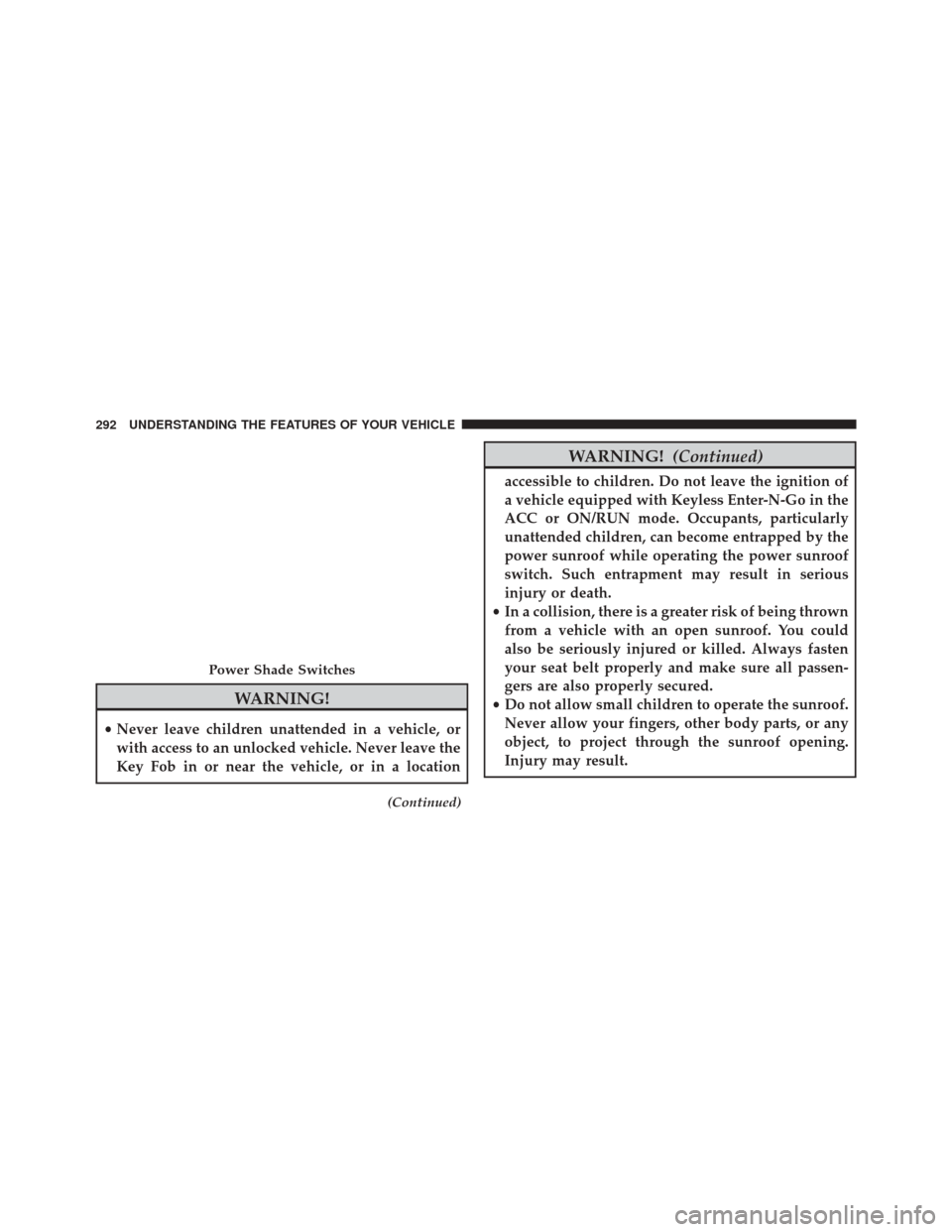
Power Shade Switches
292 UNDERSTANDING THE FEATURES OF YOUR VEHICLE
Page 298 of 770
open or partially open positions. This is a normal occur-
rence and can be minimized. If the buffeting occurs with
the rear windows open, then open the front and rear
windows together to minimize the buffeting. If the
buffeting occurs with the sunroof open, adjust the sun-
roof opening to minimize the buffeting or open any
window.
Sunroof Maintenance
Use only a non-abrasive cleaner and a soft cloth to clean
the glass panel.
Ignition OFF Operation
The power sunroof switch will remain active for up to
approximately ten minutes after the ignition switch is
turned to the LOCK position. Opening either front door
will cancel this feature.NOTE:
Ignition Off time is programmable through the
Uconnect System. Refer to “Uconnect Settings/Customer
Programmable Features” in “Understanding Your Instru-
ment Panel” for further information.
POWER OUTLETS
Your vehicle is equipped with 12 Volt (13 Amp) power
outlets that can be used to power cellular phones, small
electronics and other low powered electrical accessories.
The power outlets are labeled with either a “key” or a
“battery” symbol to indicate how the outlet is powered.
Power outlets labeled with a “key” are powered when
the ignition switch is in the ON or ACC position, while
the outlets labeled with a “battery” are connected directly
to the battery and powered at all times.
296 UNDERSTANDING THE FEATURES OF YOUR VEHICLE
Page 299 of 770
NOTE:
•All accessories connected to the “battery” powered
outlets should be removed or turned off when the
vehicle is not in use to protect the battery against
discharge.
• To ensure proper cigar lighter operation, a MOPAR
knob and element must be used.
CAUTION!
Power outlets are designed for accessory plugs only.
Do not insert any other object in the power outlets as
this will damage the outlet and blow the fuse.
Improper use of the power outlet can cause damage
not covered by your New Vehicle Limited Warranty.
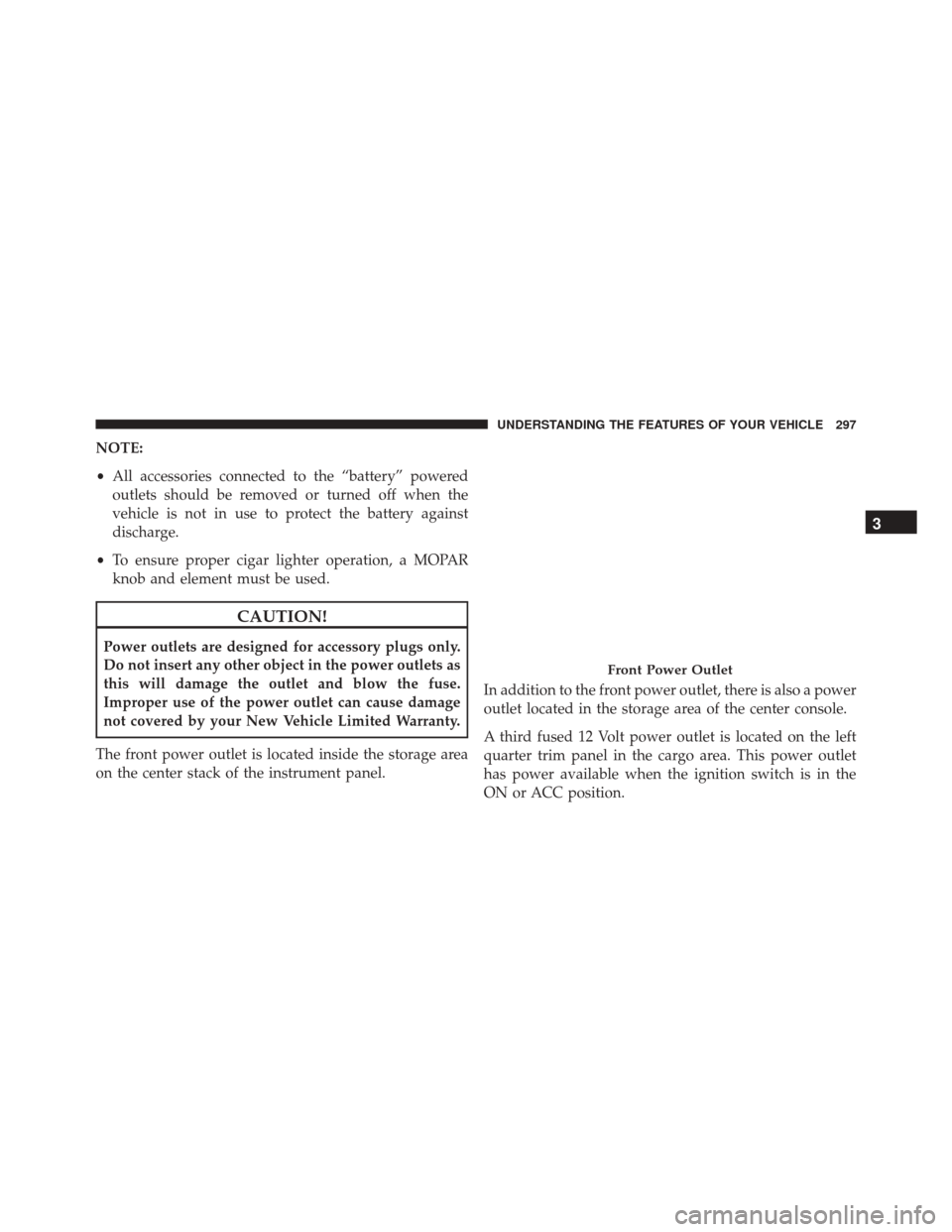
The front power outlet is located inside the storage area
on the center stack of the instrument panel. In addition to the front power outlet, there is also a power
outlet located in the storage area of the center console.
A third fused 12 Volt power outlet is located on the left
quarter trim panel in the cargo area. This power outlet
has power available when the ignition switch is in the
ON or ACC position.
Front Power Outlet
3
UNDERSTANDING THE FEATURES OF YOUR VEHICLE 297
Page 301 of 770
WARNING!
To avoid serious injury or death:
•Only devices designed for use in this type of outlet
should be inserted into any 12 Volt outlet.
• Do not touch with wet hands.
• Close the lid when not in use and while driving the
vehicle.
• If this outlet is mishandled, it may cause an electric
shock and failure.
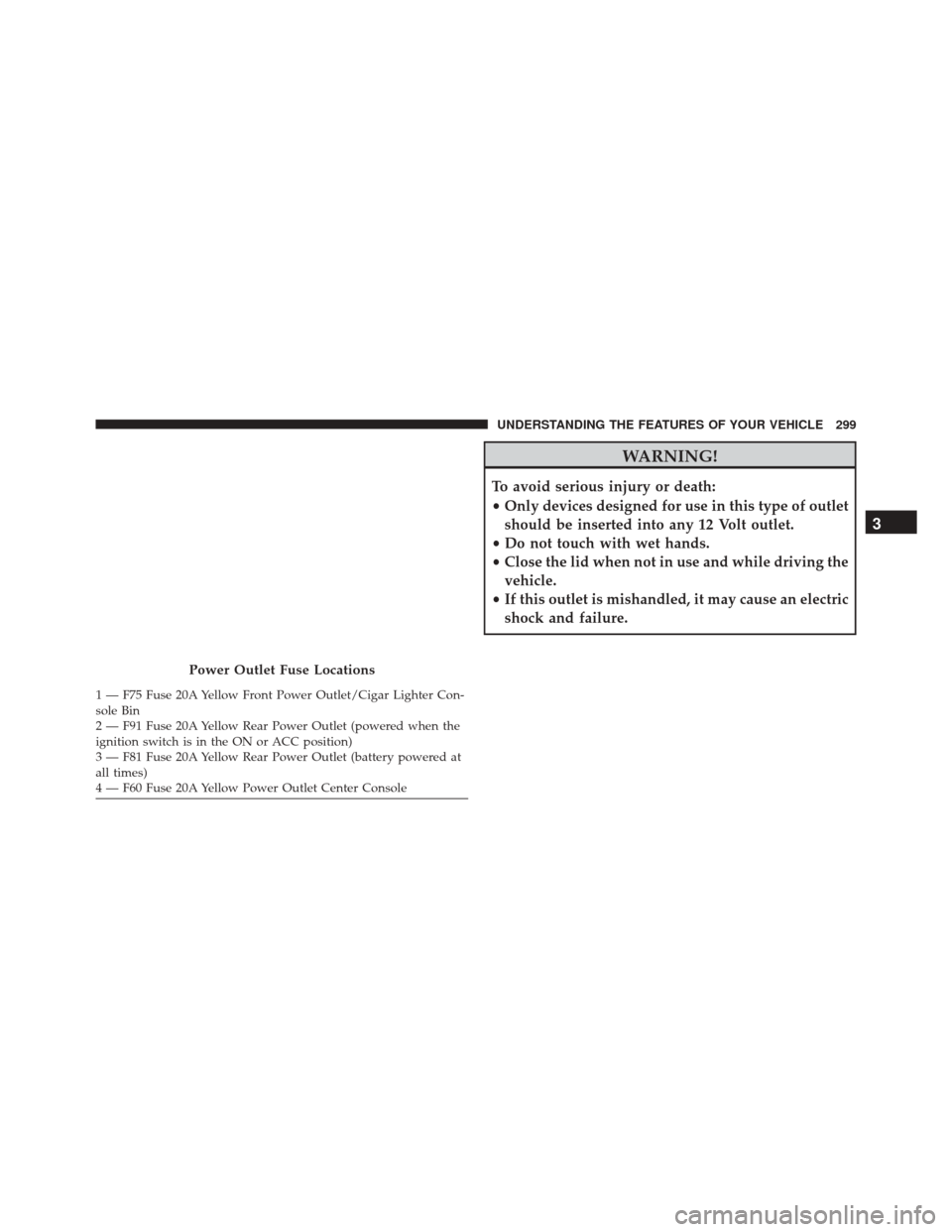
Power Outlet Fuse Locations
1 — F75 Fuse 20A Yellow Front Power Outlet/Cigar Lighter Con-
sole Bin
2 — F91 Fuse 20A Yellow Rear Power Outlet (powered when the
ignition switch is in the ON or ACC position)
3 — F81 Fuse 20A Yellow Rear Power Outlet (battery powered at
all times)
4 — F60 Fuse 20A Yellow Power Outlet Center Console
3
UNDERSTANDING THE FEATURES OF YOUR VEHICLE 299
Page 315 of 770
To use the washer, push the lever forward and
hold while spray is desired. If the lever is
pushed while in the intermittent setting, the
wiper will turn on and operate for several wipe
cycles after the end of the lever is released, and then
resume the intermittent interval previously selected.
If the lever is pushed while the wiper is in the off
position, the wiper will operate for several wipe cycles,
then turn off.
NOTE: As a protective measure, the pump will stop if
the switch is held for more than 20 seconds. Once the
lever is released the pump will resume normal operation.
If the rear wiper is operating when the ignition is turned
OFF, the wiper will automatically return to the “park”
position.Rear Window Defroster
The rear window defroster button is located on
the switch bank by the manual climate controls.
Push this button to turn on the rear window defroster
and the heated outside mirrors. An indicator in the
button will illuminate when the rear window defroster is
on. The rear window defroster automatically turns off
after approximately 10 minutes. For an additional five
minutes of operation, push the button a second time.
NOTE:
• The Windshield Wiper De-Icer (if equipped) shall be
activated automatically when the Rear Defrost is
turned on and when the ambient temperature is below
33 degrees F (0.6° C).
• To prevent excessive battery drain, use the rear win-
dow defroster only when the engine is operating.
3
UNDERSTANDING THE FEATURES OF YOUR VEHICLE 313
Page 322 of 770
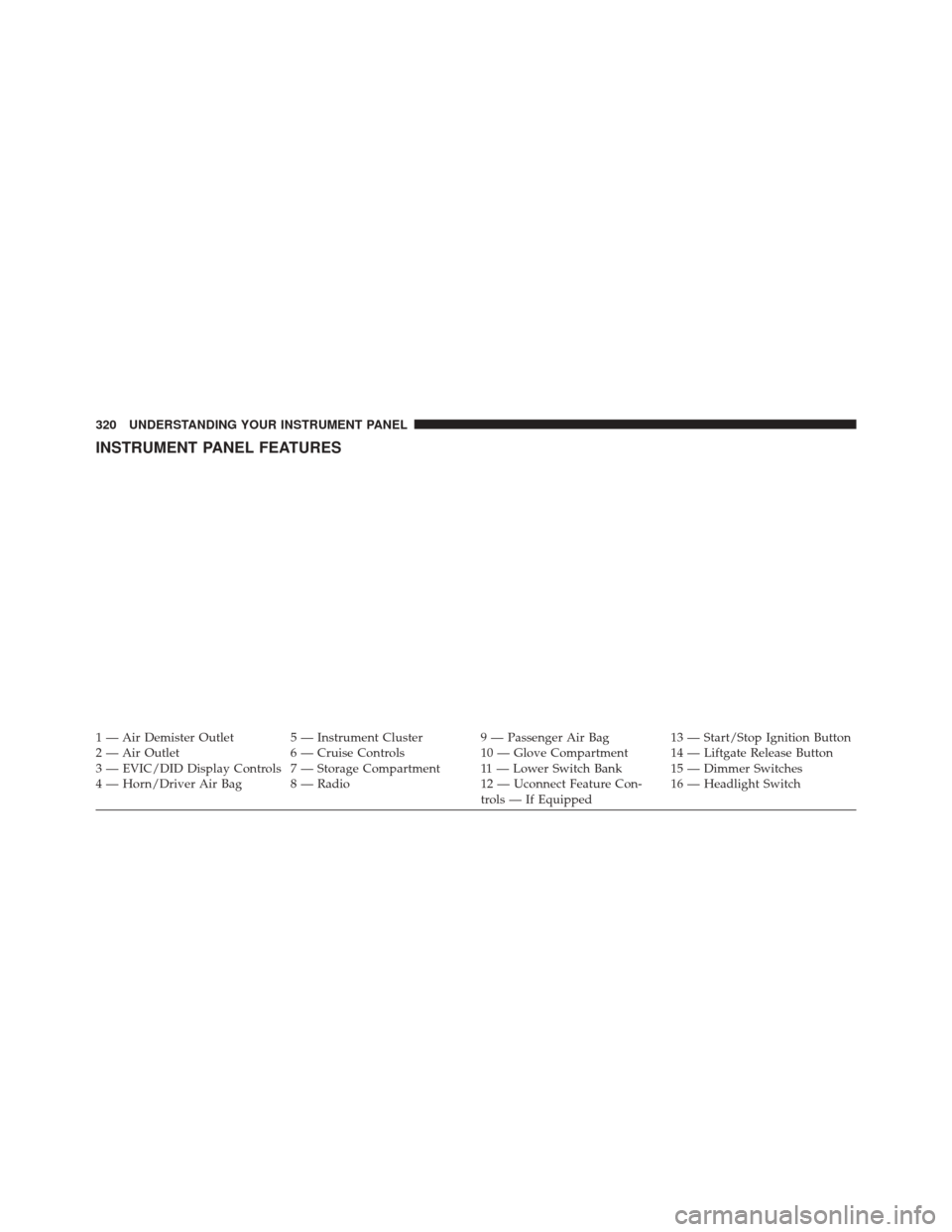
INSTRUMENT PANEL FEATURES
1 — Air Demister Outlet 5 — Instrument Cluster 9 — Passenger Air Bag 13 — Start/Stop Ignition Button
2 — Air Outlet 6 — Cruise Controls 10 — Glove Compartment 14 — Liftgate Release Button
3 — EVIC/DID Display Controls 7 — Storage Compartment 11 — Lower Switch Bank 15 — Dimmer Switches
4 — Horn/Driver Air Bag 8 — Radio 12 — Uconnect Feature Con-trols — If Equipped16 — Headlight Switch
320 UNDERSTANDING YOUR INSTRUMENT PANEL
Page 324 of 770
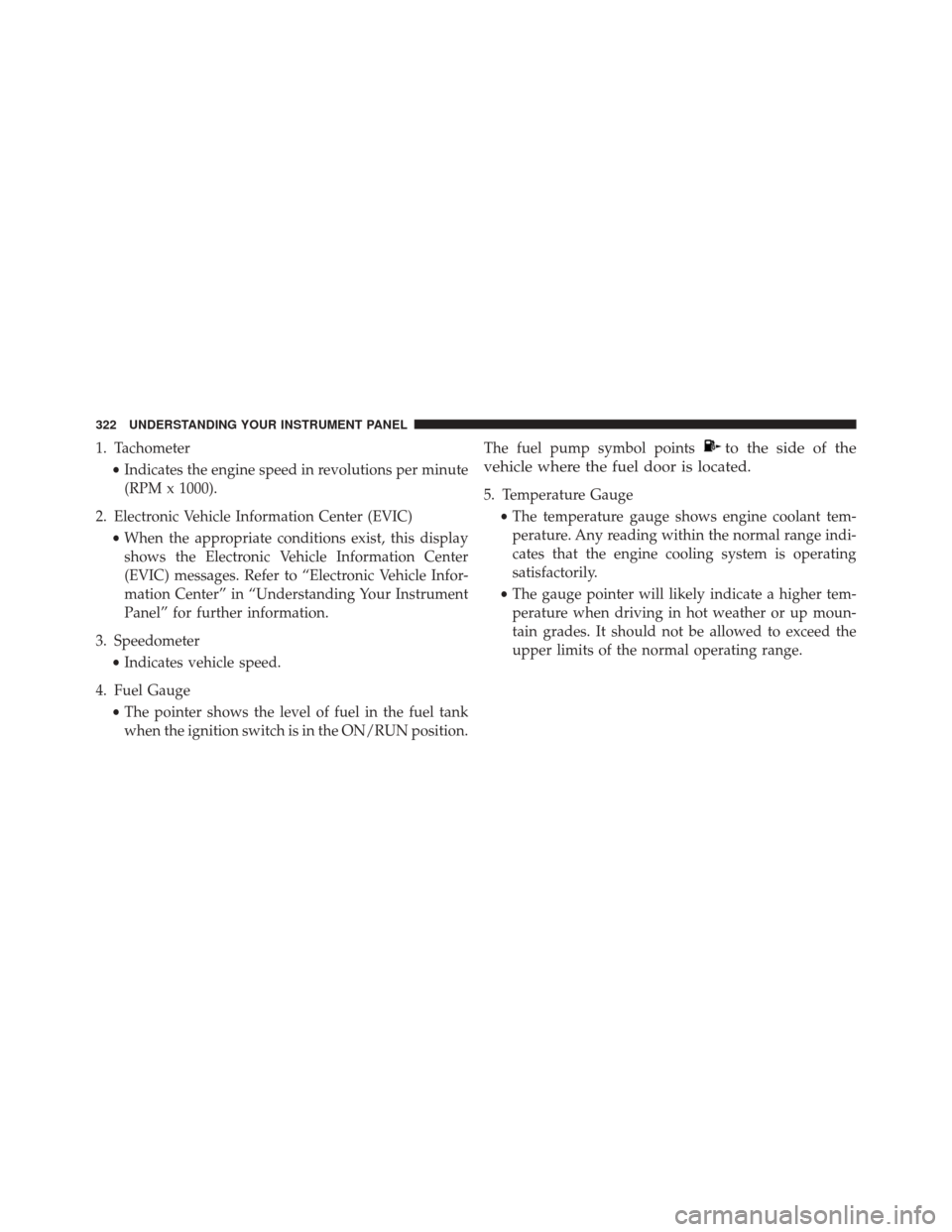
1. Tachometer•Indicates the engine speed in revolutions per minute
(RPM x 1000).
2. Electronic Vehicle Information Center (EVIC) •When the appropriate conditions exist, this display
shows the Electronic Vehicle Information Center
(EVIC) messages. Refer to “Electronic Vehicle Infor-
mation Center” in “Understanding Your Instrument
Panel” for further information.
3. Speedometer •Indicates vehicle speed.
4. Fuel Gauge •The pointer shows the level of fuel in the fuel tank
when the ignition switch is in the ON/RUN position. The fuel pump symbol pointsto the side of the
vehicle where the fuel door is located.
5. Temperature Gauge
•The temperature gauge shows engine coolant tem-
perature. Any reading within the normal range indi-
cates that the engine cooling system is operating
satisfactorily.
• The gauge pointer will likely indicate a higher tem-
perature when driving in hot weather or up moun-
tain grades. It should not be allowed to exceed the
upper limits of the normal operating range.
322 UNDERSTANDING YOUR INSTRUMENT PANEL
Page 327 of 770
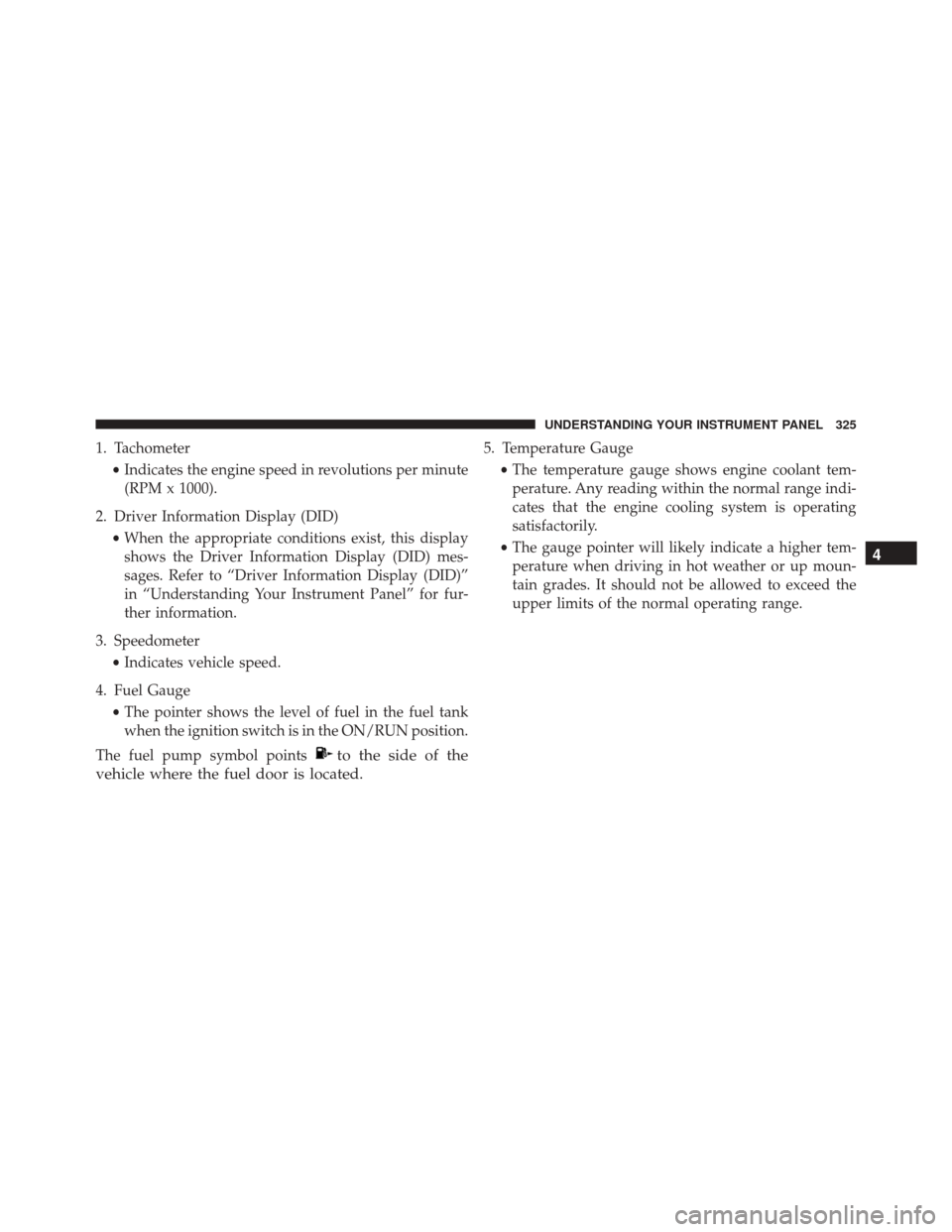
1. Tachometer•Indicates the engine speed in revolutions per minute
(RPM x 1000).
2. Driver Information Display (DID) •When the appropriate conditions exist, this display
shows the Driver Information Display (DID) mes-
sages. Refer to “Driver Information Display (DID)”
in “Understanding Your Instrument Panel” for fur-
ther information.
3. Speedometer •Indicates vehicle speed.
4. Fuel Gauge •The pointer shows the level of fuel in the fuel tank
when the ignition switch is in the ON/RUN position.
The fuel pump symbol points
to the side of the
vehicle where the fuel door is located.
5. Temperature Gauge
•The temperature gauge shows engine coolant tem-
perature. Any reading within the normal range indi-
cates that the engine cooling system is operating
satisfactorily.
• The gauge pointer will likely indicate a higher tem-
perature when driving in hot weather or up moun-
tain grades. It should not be allowed to exceed the
upper limits of the normal operating range.
4
UNDERSTANDING YOUR INSTRUMENT PANEL 325
Page 329 of 770
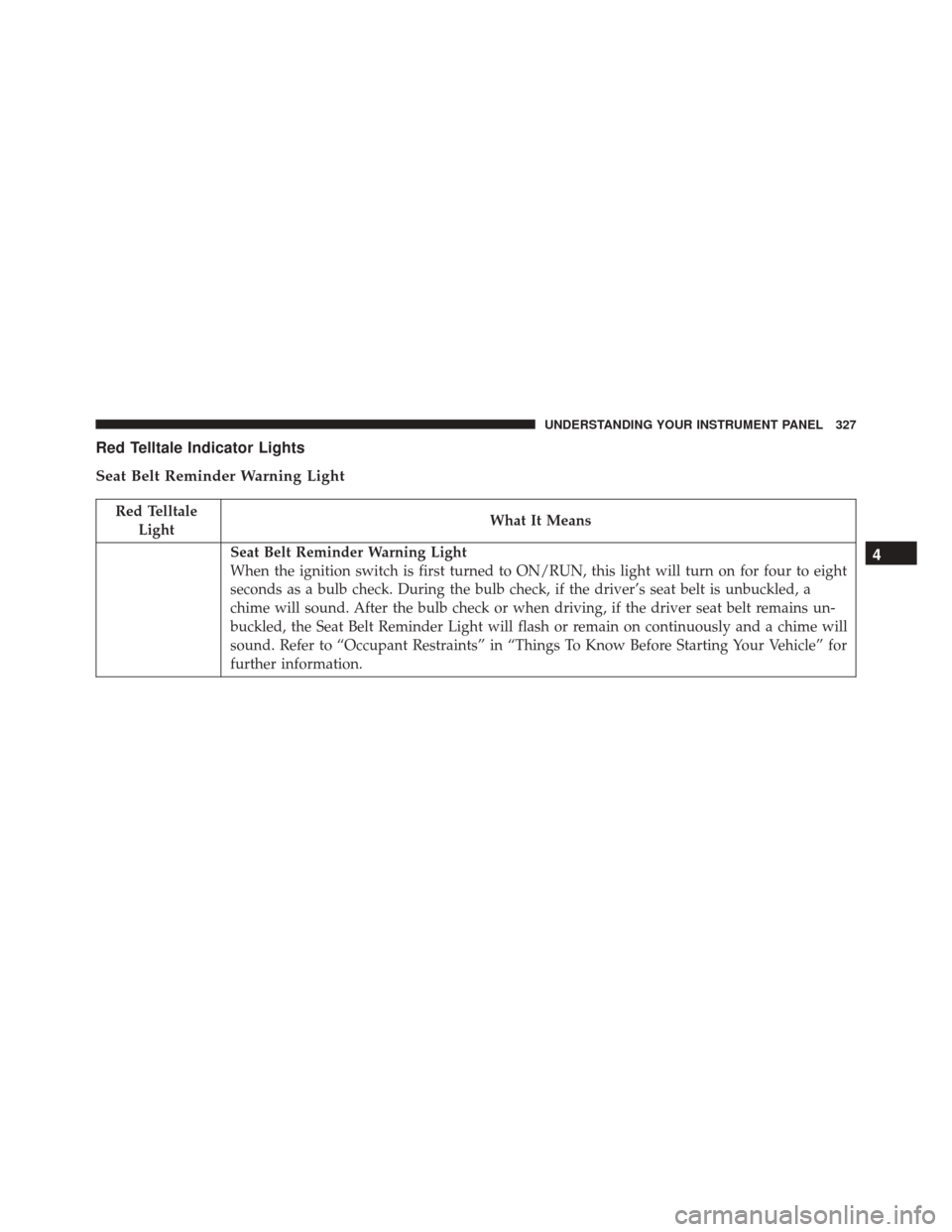
Red Telltale Indicator Lights
Seat Belt Reminder Warning Light
Red TelltaleLight What It Means
Seat Belt Reminder Warning Light
When the ignition switch is first turned to ON/RUN, this light will turn on for four to eight
seconds as a bulb check. During the bulb check, if the driver’s seat belt is unbuckled, a
chime will sound. After the bulb check or when driving, if the driver seat belt remains un-
buckled, the Seat Belt Reminder Light will flash or remain on continuously and a chime will
sound. Refer to “Occupant Restraints” in “Things To Know Before Starting Your Vehicle” for
further information.4
UNDERSTANDING YOUR INSTRUMENT PANEL 327
Page 330 of 770
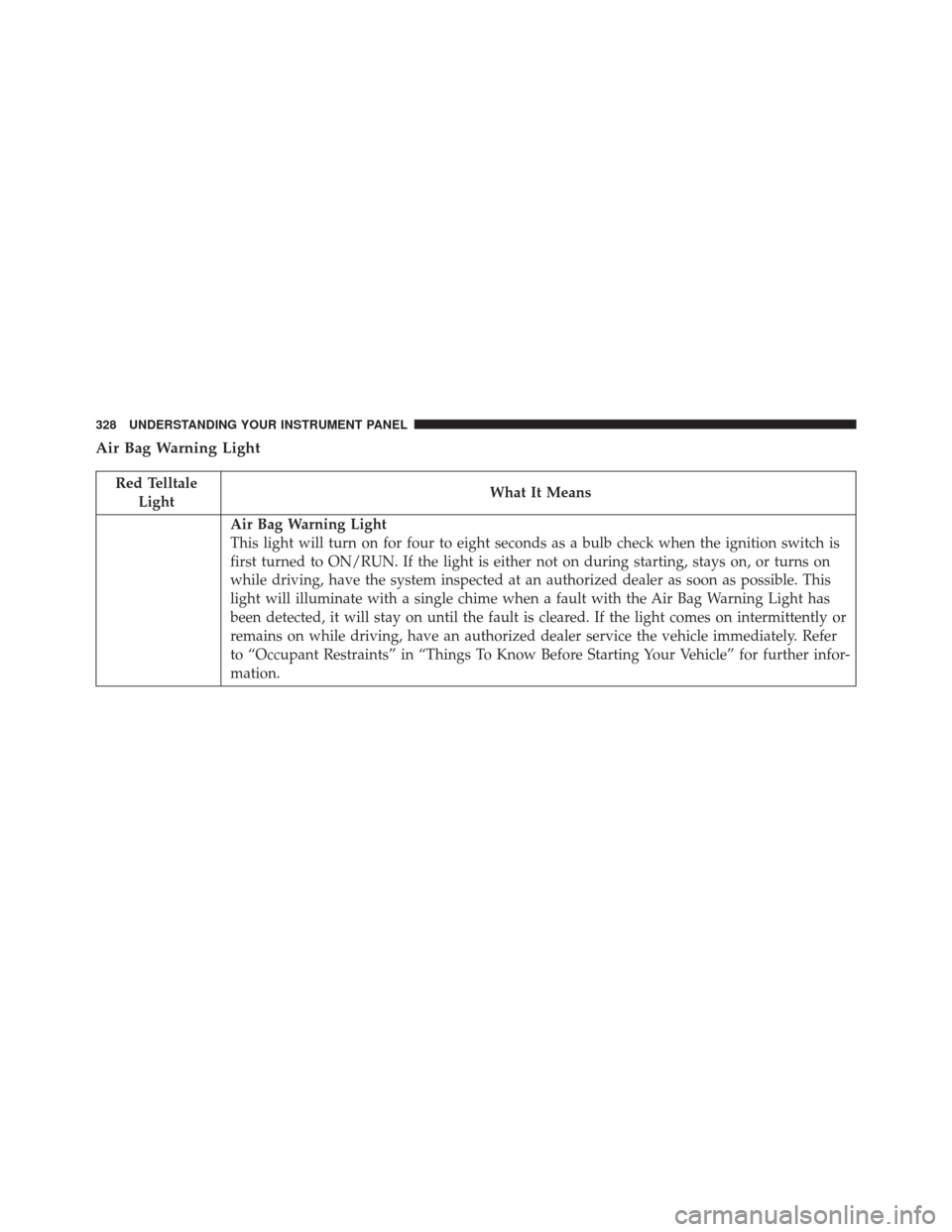
Air Bag Warning Light
Red TelltaleLight What It Means
Air Bag Warning Light
This light will turn on for four to eight seconds as a bulb check when the ignition switch is
first turned to ON/RUN. If the light is either not on during starting, stays on, or turns on
while driving, have the system inspected at an authorized dealer as soon as possible. This
light will illuminate with a single chime when a fault with the Air Bag Warning Light has
been detected, it will stay on until the fault is cleared. If the light comes on intermittently or
remains on while driving, have an authorized dealer service the vehicle immediately. Refer
to “Occupant Restraints” in “Things To Know Before Starting Your Vehicle” for further infor-
mation.
328 UNDERSTANDING YOUR INSTRUMENT PANEL