AUX JEEP COMPASS 2015 1.G User Guide
[x] Cancel search | Manufacturer: JEEP, Model Year: 2015, Model line: COMPASS, Model: JEEP COMPASS 2015 1.GPages: 560, PDF Size: 11.51 MB
Page 290 of 560
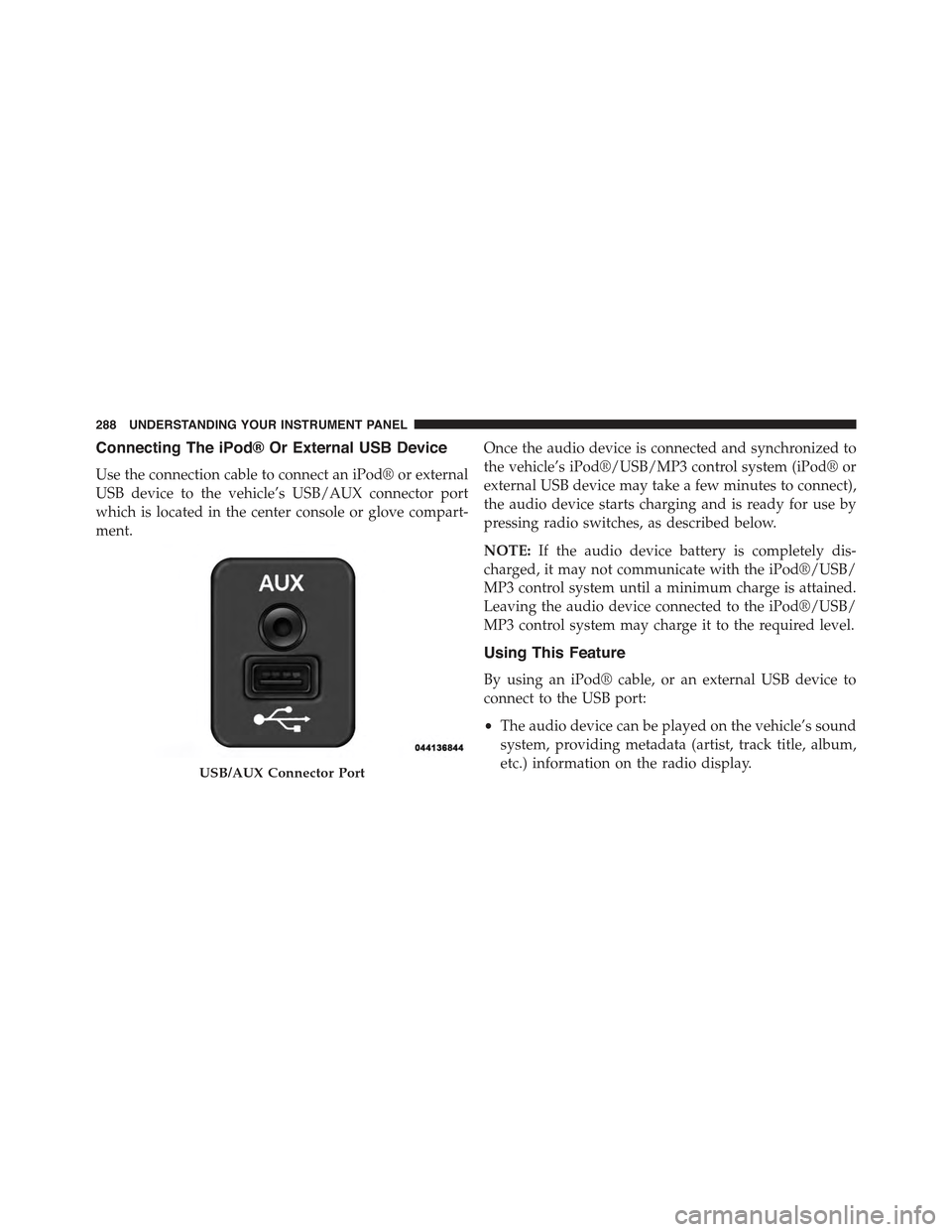
Connecting The iPod® Or External USB Device
Use the connection cable to connect an iPod® or external
USB device to the vehicle’s USB/AUX connector port
which is located in the center console or glove compart-
ment.
Once the audio device is connected and synchronized to
the vehicle’s iPod®/USB/MP3 control system (iPod® or
external USB device may take a few minutes to connect),
the audio device starts charging and is ready for use by
pressing radio switches, as described below.
NOTE:If the audio device battery is completely dis-
charged, it may not communicate with the iPod®/USB/
MP3 control system until a minimum charge is attained.
Leaving the audio device connected to the iPod®/USB/
MP3 control system may charge it to the required level.
Using This Feature
By using an iPod® cable, or an external USB device to
connect to the USB port:
•The audio device can be played on the vehicle’s sound
system, providing metadata (artist, track title, album,
etc.) information on the radio display.USB/AUX Connector Port
288 UNDERSTANDING YOUR INSTRUMENT PANEL
Page 291 of 560
•The audio device can be controlled using the radio
buttons to Play, Browse, and List the iPod® contents.
•The audio device battery charges when plugged into
the USB/AUX connector (if supported by the specific
audio device).
Controlling The iPod® Or External USB Device
Using Radio Buttons
To get into the iPod®/USB/MP3 control mode and
access a connected audio device, either push the “AUX”
button on the radio faceplate or push the VR button and
say#USB#or#Switch to USB.#Once in the iPod®/USB/
MP3 control mode, audio tracks (if available from audio
device) start playing over the vehicle’s audio system.
Play Mode
When switched to iPod®/USB/MP3 control mode, the
iPod® or external USB device automatically starts Play
mode. In Play mode, the following buttons on the radio
faceplate may be used to control the iPod® or external
USB device and display data:
•Use theTUNEcontrol knob to select the next or
previous track.
•Turning it clockwise (forward) by one click, while
playing a track, skips to the next track or push the VR
button and say#Next Track.#
•Turning it counterclockwise (backward) by one click,
will jump to the previous track in the list or push the
VR button and say#Previous Track.#
4
UNDERSTANDING YOUR INSTRUMENT PANEL 289
Page 295 of 560
CAUTION!(Continued)
•Placing items on the iPod® or external USB device,
or connections to the iPod® or external USB device
in the vehicle, can cause damage to the device
and/or to the connectors.
WARNING!
Do not plug in or remove the iPod® or external USB
device while driving. Failure to follow this warning
could result in an accident.
Bluetooth® Streaming Audio (BTSA)
Music can be streamed from your cellular phone to the
Uconnect® phone system.
Refer to the Uconnect® Radio Supplement for further
information on Bluetooth® connectivity.
Controlling BTSA Using Radio Buttons
To enter BTSA mode, push either “AUX” button on the
radio or push the VR button and say “Bluetooth Streaming
Audio.”
Play Mode
When switched to BTSA mode, some audio devices can
start playing music over the vehicle’s audio system, but
some devices require the music to be initiated on the device
first, then it will get streamed to the Uconnect® phone
system. Seven devices can be paired to the Uconnect®
phone system, but just one can be selected and played.
Selecting A Different Audio Device
1. Push the PHONE button to begin.
2. After the#Ready#prompt and following the beep, say
#Setup#, then say#Select Audio Devices.#
3. Say the name of the audio device or ask the
Uconnect® phone system to list the audio devices.
4
UNDERSTANDING YOUR INSTRUMENT PANEL 293
Page 297 of 560
The right-hand control is a rocker-type switch with a
pushbutton in the center and controls the volume and
mode of the sound system. Pressing the top of the rocker
switch will increase the volume, and pressing the bottom
of the rocker switch will decrease the volume.
Pressing the center button will make the radio switch
between the various modes available (AM/FM/SAT/
CD/HDD/AUX/VES, etc.).
The left-hand control is a rocker-type switch with a
pushbutton in the center. The function of the left-hand
control is different depending on which mode you are in.
The following describes the left-hand control operation in
each mode.
Radio Operation
Pushing the top of the switch will “Seek” up for the next
listenable station and pushing the bottom of the switch
will “Seek” down for the next listenable station.
The button located in the center of the left-hand control
will tune to the next preset station that you have pro-
grammed in the radio preset button.
CD Player
Pushing the top of the switch once will go to the next
track on the CD. Pushing the bottom of the switch once
will go to the beginning of the current track, or to the
beginning of the previous track if it is within eight
seconds after the current track begins to play.
If you push the switch up or down twice, it plays the
second track; three times, it will play the third, etc.
The center button on the left side rocker switch has no
function for a single-disc CD player. However, when a
multiple-disc CD player is equipped on the vehicle, the
center button will select the next available CD in the
player.
4
UNDERSTANDING YOUR INSTRUMENT PANEL 295
Page 552 of 560
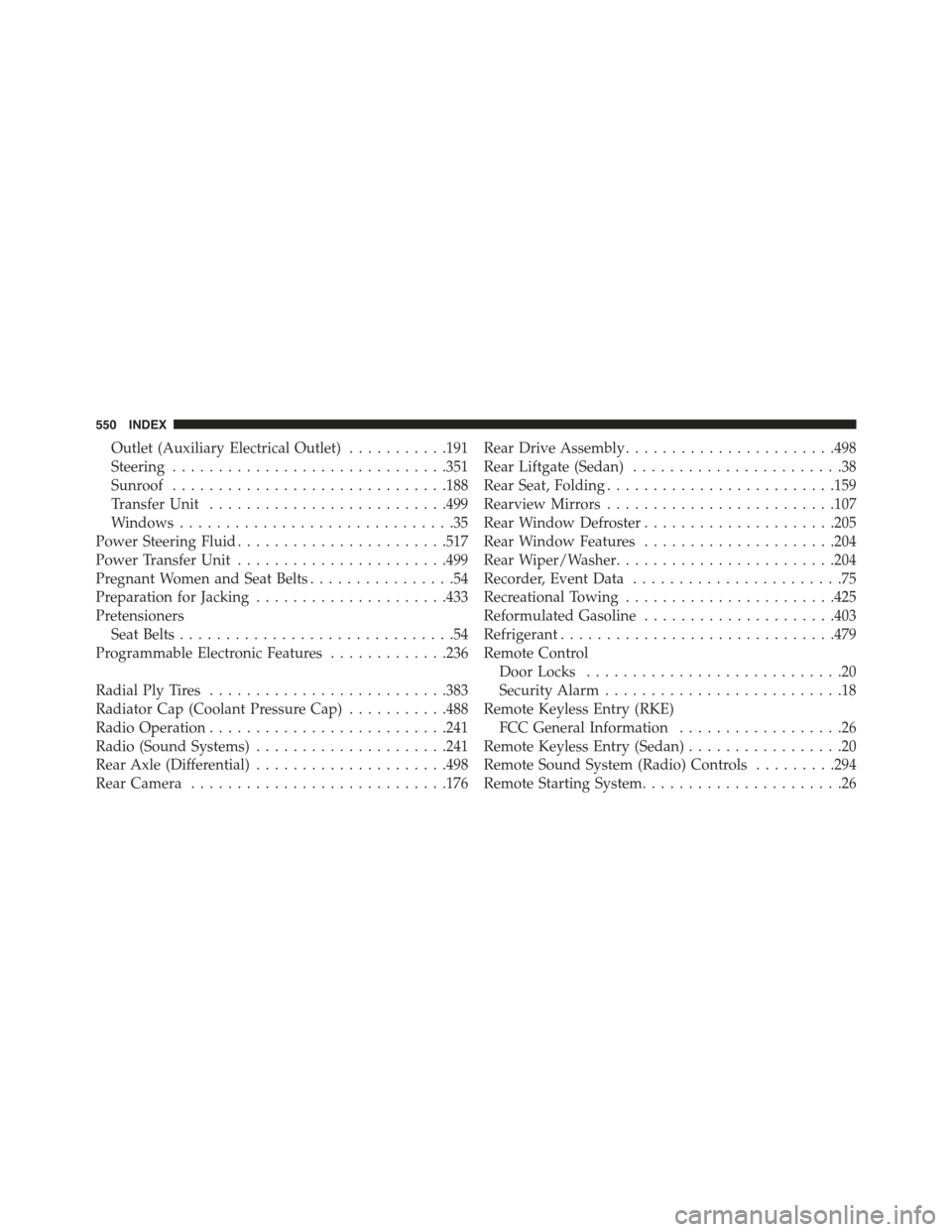
Outlet (Auxiliary Electrical Outlet)...........191
Steering..............................351
Sunroof..............................188
Transfer Unit..........................499
Windows..............................35
Power Steering Fluid.......................517
Power Transfer Unit.......................499
Pregnant Women and Seat Belts................54
Preparation for Jacking.....................433
Pretensioners
Seat Belts..............................54
Programmable Electronic Features.............236
Radial Ply Tires..........................383
Radiator Cap (Coolant Pressure Cap)...........488
Radio Operation..........................241
Radio (Sound Systems).....................241
Rear Axle (Differential).....................498
Rear Camera............................176
Rear Drive Assembly.......................498
Rear Liftgate (Sedan).......................38
Rear Seat, Folding.........................159
Rearview Mirrors.........................107
Rear Window Defroster.....................205
Rear Window Features.....................204
Rear Wiper/Washer........................204
Recorder, Event Data.......................75
Recreational Towing.......................425
Reformulated Gasoline.....................403
Refrigerant..............................479
Remote Control
Door Locks............................20
Security Alarm..........................18
Remote Keyless Entry (RKE)
FCC General Information..................26
Remote Keyless Entry (Sedan).................20
Remote Sound System (Radio) Controls.........294
Remote Starting System......................26
550 INDEX
Page 557 of 560
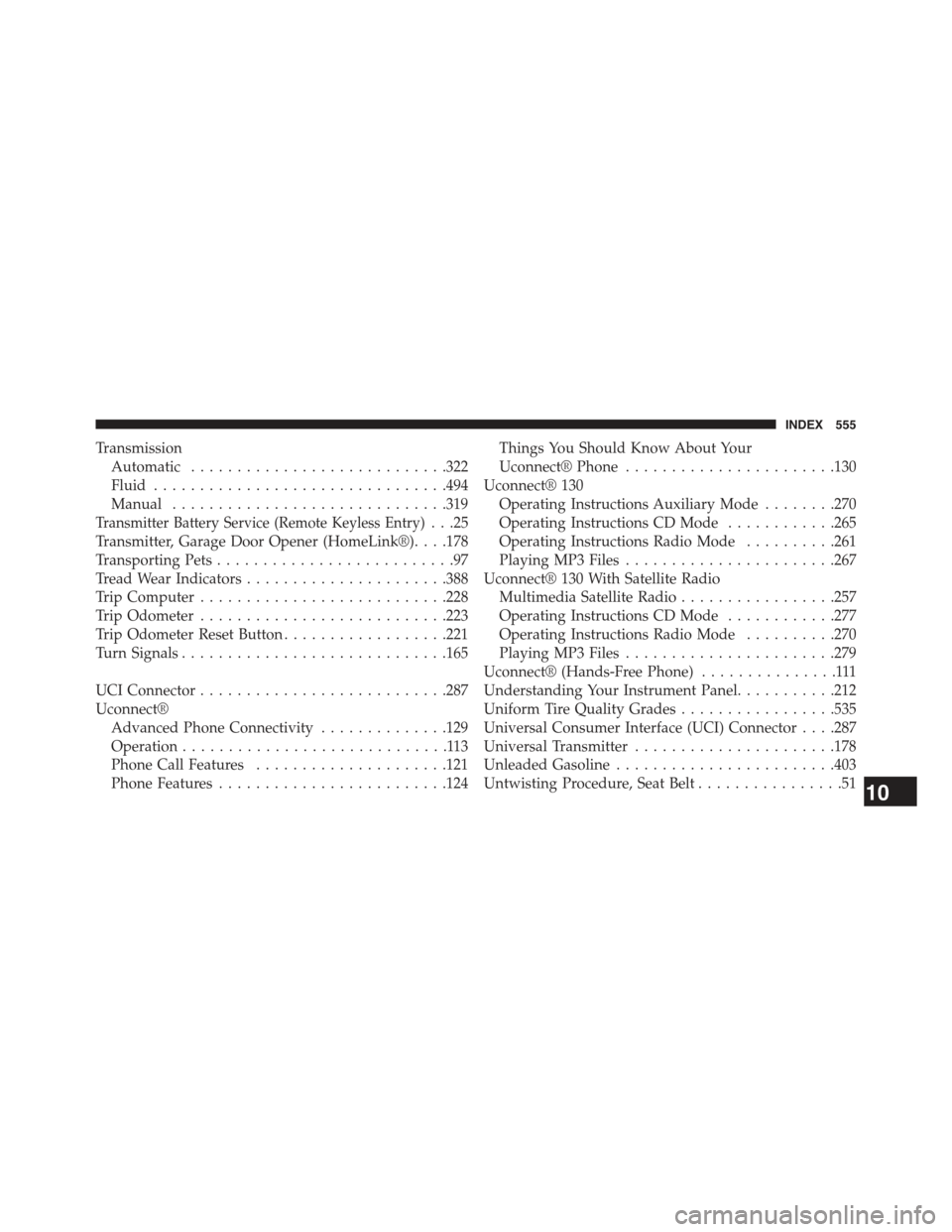
Transmission
Automatic............................322
Fluid................................494
Manual..............................319
Transmitter Battery Service (Remote Keyless Entry). . .25
Transmitter, Garage Door Opener (HomeLink®). . . .178
Transporting Pets..........................97
Tread Wear Indicators......................388
Trip Computer...........................228
Trip Odometer...........................223
Trip Odometer Reset Button..................221
Turn Signals.............................165
UCI Connector...........................287
Uconnect®
Advanced Phone Connectivity..............129
Operation.............................113
Phone Call Features.....................121
Phone Features.........................124
Things You Should Know About Your
Uconnect® Phone.......................130
Uconnect® 130
Operating Instructions Auxiliary Mode........270
Operating Instructions CD Mode............265
Operating Instructions Radio Mode..........261
Playing MP3 Files.......................267
Uconnect® 130 With Satellite Radio
Multimedia Satellite Radio.................257
Operating Instructions CD Mode............277
Operating Instructions Radio Mode..........270
Playing MP3 Files.......................279
Uconnect® (Hands-Free Phone)...............111
Understanding Your Instrument Panel...........212
Uniform Tire Quality Grades.................535
Universal Consumer Interface (UCI) Connector . . . .287
Universal Transmitter......................178
Unleaded Gasoline........................403
Untwisting Procedure, Seat Belt................5110
INDEX 555