lock JEEP COMPASS 2017 2.G Owner's Manual
[x] Cancel search | Manufacturer: JEEP, Model Year: 2017, Model line: COMPASS, Model: JEEP COMPASS 2017 2.GPages: 429, PDF Size: 3.46 MB
Page 54 of 429
CAUTION!(Continued)
before turning off the engine. If the wiper switch is
left on and the wipers freeze to the windshield,
damage to the wiper motor may occur when the
vehicle is restarted.
• Always remove any buildup of snow that prevents
the windshield wiper blades from returning to the
off position. If the windshield wiper control is
turned off and the blades cannot return to the off
position, damage to the wiper motor may occur.
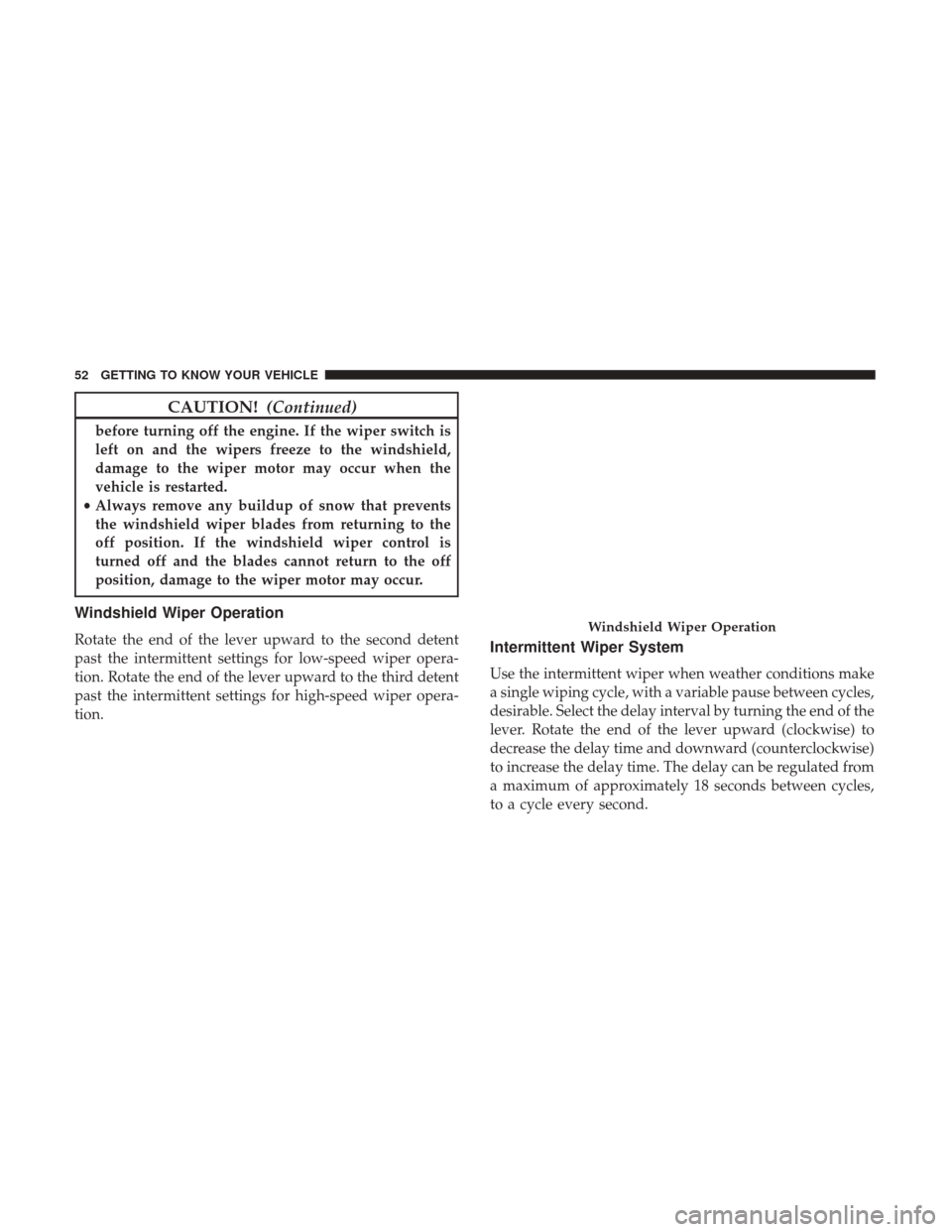
Windshield Wiper Operation
Rotate the end of the lever upward to the second detent
past the intermittent settings for low-speed wiper opera-
tion. Rotate the end of the lever upward to the third detent
past the intermittent settings for high-speed wiper opera-
tion.Intermittent Wiper System
Use the intermittent wiper when weather conditions make
a single wiping cycle, with a variable pause between cycles,
desirable. Select the delay interval by turning the end of the
lever. Rotate the end of the lever upward (clockwise) to
decrease the delay time and downward (counterclockwise)
to increase the delay time. The delay can be regulated from
a maximum of approximately 18 seconds between cycles,
to a cycle every second.
Windshield Wiper Operation
52 GETTING TO KNOW YOUR VEHICLE
Page 58 of 429
Manual Climate Control Descriptions
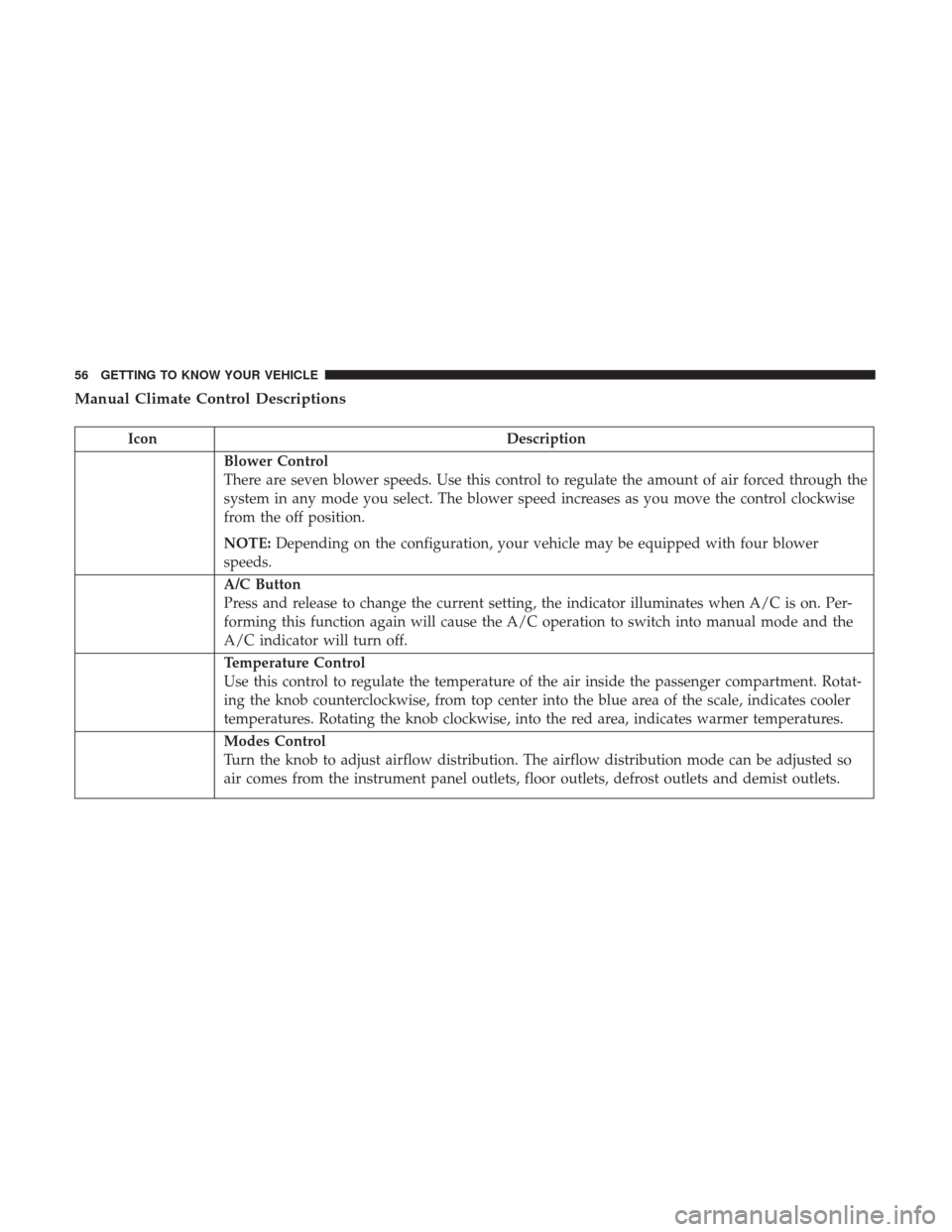
IconDescription
Blower Control
There are seven blower speeds. Use this control to regulate the amount of air forced through the
system in any mode you select. The blower speed increases as you move the control clockwise
from the off position.
NOTE:Depending on the configuration, your vehicle may be equipped with four blower
speeds.
A/C Button
Press and release to change the current setting, the indicator illuminates when A/C is on. Per-
forming this function again will cause the A/C operation to switch into manual mode and the
A/C indicator will turn off.
Temperature Control
Use this control to regulate the temperature of the air inside the passenger compartment. Rotat-
ing the knob counterclockwise, from top center into the blue area of the scale, indicates cooler
temperatures. Rotating the knob clockwise, into the red area, indicates warmer temperatures.
Modes Control
Turn the knob to adjust airflow distribution. The airflow distribution mode can be adjusted so
air comes from the instrument panel outlets, floor outlets, defrost outlets and demist outlets.
56 GETTING TO KNOW YOUR VEHICLE
Page 62 of 429
Automatic Climate Control Descriptions
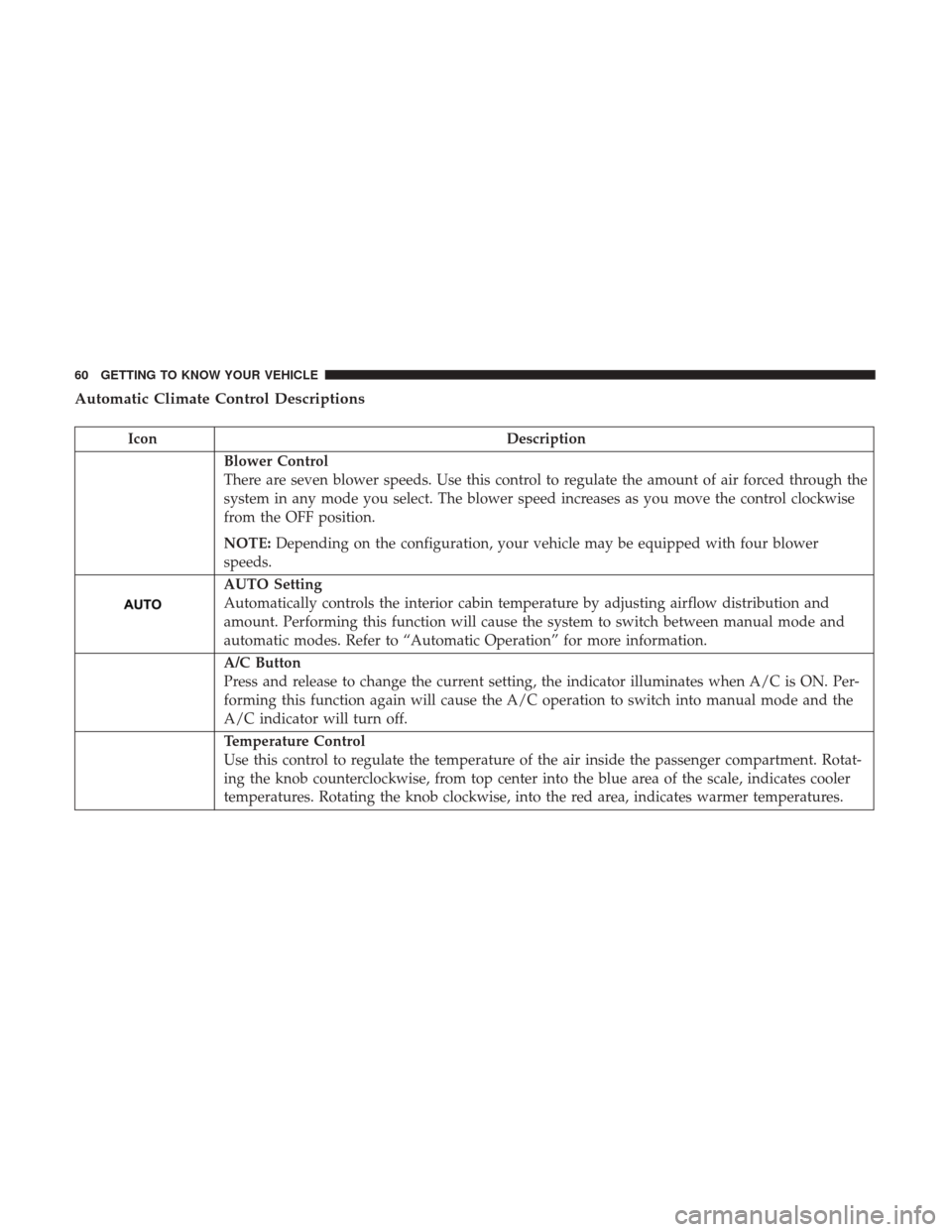
IconDescription
Blower Control
There are seven blower speeds. Use this control to regulate the amount of air forced through the
system in any mode you select. The blower speed increases as you move the control clockwise
from the OFF position.
NOTE:Depending on the configuration, your vehicle may be equipped with four blower
speeds.
AUTO Setting
Automatically controls the interior cabin temperature by adjusting airflow distribution and
amount. Performing this function will cause the system to switch between manual mode and
automatic modes. Refer to “Automatic Operation” for more information.
A/C Button
Press and release to change the current setting, the indicator illuminates when A/C is ON. Per-
forming this function again will cause the A/C operation to switch into manual mode and the
A/C indicator will turn off.
Temperature Control
Use this control to regulate the temperature of the air inside the passenger compartment. Rotat-
ing the knob counterclockwise, from top center into the blue area of the scale, indicates cooler
temperatures. Rotating the knob clockwise, into the red area, indicates warmer temperatures.
60 GETTING TO KNOW YOUR VEHICLE
Page 70 of 429
POWER WINDOWS — IF EQUIPPED
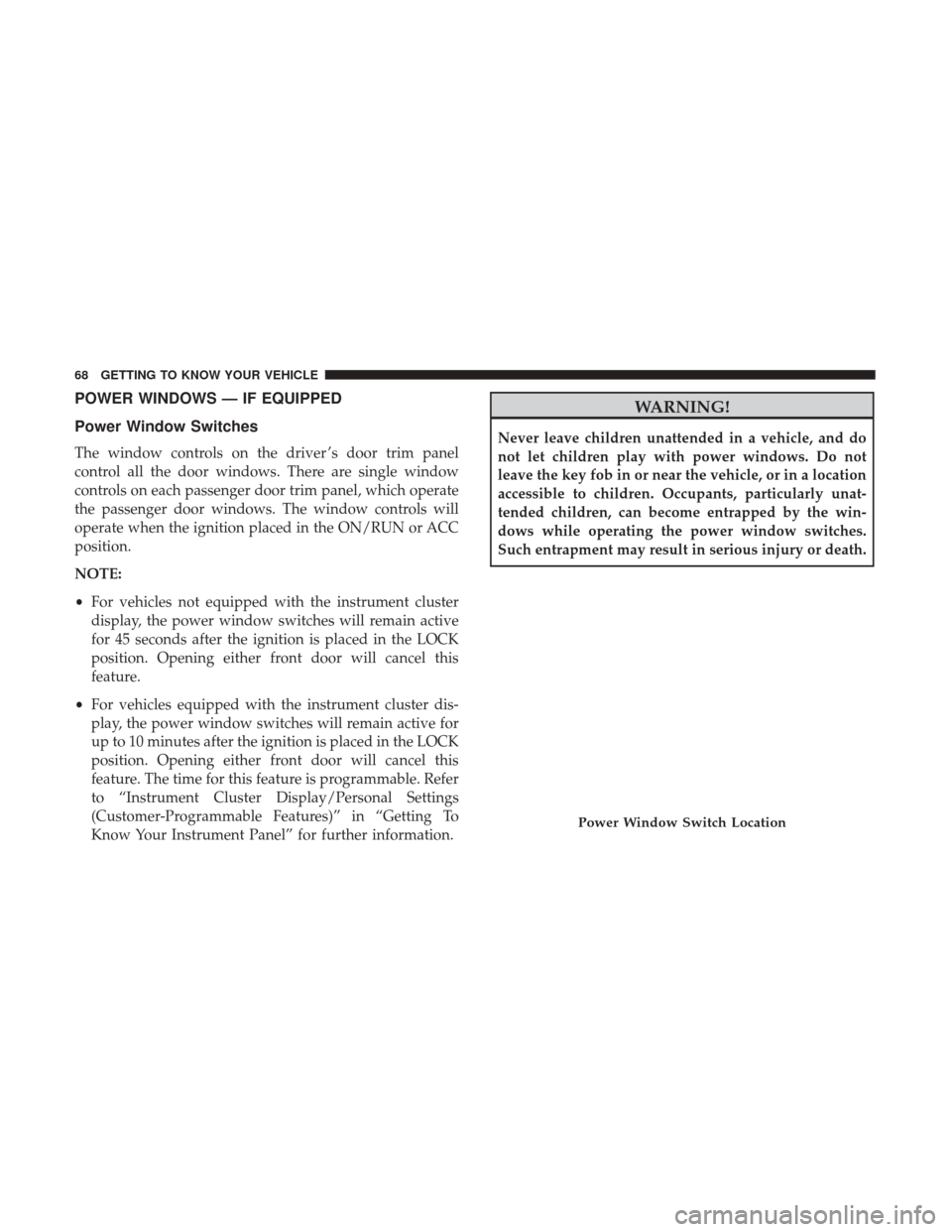
Power Window Switches
The window controls on the driver ’s door trim panel
control all the door windows. There are single window
controls on each passenger door trim panel, which operate
the passenger door windows. The window controls will
operate when the ignition placed in the ON/RUN or ACC
position.
NOTE:
•For vehicles not equipped with the instrument cluster
display, the power window switches will remain active
for 45 seconds after the ignition is placed in the LOCK
position. Opening either front door will cancel this
feature.
• For vehicles equipped with the instrument cluster dis-
play, the power window switches will remain active for
up to 10 minutes after the ignition is placed in the LOCK
position. Opening either front door will cancel this
feature. The time for this feature is programmable. Refer
to “Instrument Cluster Display/Personal Settings
(Customer-Programmable Features)” in “Getting To
Know Your Instrument Panel” for further information.
WARNING!
Never leave children unattended in a vehicle, and do
not let children play with power windows. Do not
leave the key fob in or near the vehicle, or in a location
accessible to children. Occupants, particularly unat-
tended children, can become entrapped by the win-
dows while operating the power window switches.
Such entrapment may result in serious injury or death.
Power Window Switch Location
68 GETTING TO KNOW YOUR VEHICLE
Page 71 of 429
Auto-Down
The driver’s door window switch has an Auto-Down
feature. Push the window switch past the first detent,
release, and the window will go down automatically. To
cancel the Auto-Down movement, operate the switch in
either the up or down direction and release the switch.
Window Lockout Switch
The window lockout switch on the driver’s door allows
you to disable the window controls on the rear passenger
doors. To disable the window controls on the rear passen-
ger doors, push the window LOCKOUT switch. To enable
the rear window controls, push the window LOCKOUT
switch a second time.
Window Lockout Switch
3
GETTING TO KNOW YOUR VEHICLE 69
Page 72 of 429
POWER SUNROOF — IF EQUIPPED
The power sunroof switch is located on the overhead
console.
WARNING!
•Never leave children alone in a vehicle, or with
access to an unlocked vehicle. Never leave the key
fob in or near the vehicle, or in a location accessible
(Continued)
WARNING! (Continued)
to children. Occupants, particularly unattended chil-
dren, can become entrapped by the power sunroof
while operating the power sunroof switch. Such
entrapment may result in serious injury or death.
• In a collision, there is a greater risk of being thrown
from a vehicle with an open sunroof. You could also
be seriously injured or killed. Always fasten your
seat belt properly and make sure all passengers are
properly secured.
• Do not allow small children to operate the sunroof.
Never allow your fingers, other body parts, or any
object to project through the sunroof opening. Injury
may result.
Opening Sunroof
Opening Sunroof — Express
Push the switch rearward and release it within one-half
second. The sunroof and sunshade will open automatically
and stop when the full open position is reached. This is
called “Express Open.” During Express Open operation,
any other actuation of the sunroof switch will stop the
sunroof.
Power Sunroof Switch
70 GETTING TO KNOW YOUR VEHICLE
Page 74 of 429
Pinch Protect Feature
This feature will detect an obstruction in the opening of the
sunroof during Express Close operation. If an obstruction
in the path of the sunroof is detected, the sunroof will
automatically retract. Remove the obstruction if this oc-
curs. Next, push the switch forward and release to Express
Close.
Sunroof Maintenance
Use only a non-abrasive cleaner and a soft cloth to clean the
glass panel.
Ignition Off Operation
For Vehicles Not Equipped With The Instrument Cluster
Display
The power sunroof switch will remain active for 45 seconds
after the ignition switch is turned to the LOCK position.
Opening either front door will cancel this feature.
For Vehicles Equipped With The Instrument Cluster
Display
The power sunroof switch will remain active for up to
approximately ten minutes after the ignition switch is
turned to the LOCK position. Opening either front door
will cancel this feature.
TO OPEN AND CLOSE THE HOOD
To open the hood, two latches must be released.
1. Pull the hood release lever located on the left kick panel.
Hood Release Lever
72 GETTING TO KNOW YOUR VEHICLE
Page 75 of 429
2. Move the safety latch, located outside the vehicle underthe front edge of the hood, toward the center and raise
the hood.
Lift the hood prop rod, clipped to the right side (left side
facing hood) of the engine compartment to secure the hood
in the open position. Place the hood prop at the location
stamped into the inner hood surface.
WARNING!
Be sure the hood is fully latched before driving your
vehicle. If the hood is not fully latched, it could open
when the vehicle is in motion and block your vision.
Failure to follow this warning could result in serious
injury or death.Hood Safety Latch Location
Prop Rod Location
3
GETTING TO KNOW YOUR VEHICLE 73
Page 76 of 429
CAUTION!
To prevent possible damage:
•Before closing hood, make sure the hood prop rod is
fully seated into its storage retaining clips.
• Do not slam the hood to close it. Use a firm down-
ward push at the center front edge of the hood to
ensure that both latches engage. Never drive your
vehicle unless the hood is fully closed, with both
latches engaged.
LIFTGATE
NOTE: The key that is used to start the vehicle is also used
to lock or unlock the doors and open the liftgate.
To unlock the liftgate, insert the key into the lock and turn
it to the right (manual lock models only). The liftgate can
also be unlocked
using the key fob or by activating
the power door lock
switches located on the front
doors. The central locking/unlocking feature (if
equipped) can also be activated from the liftgate key
cylinder.
Once unlocked, the liftgate can be opened or closed
without using the key fob. To open the liftgate, squeeze the
liftgate release and pull the liftgate open with one fluid
motion.
NOTE:
• In the event of a power malfunction, or the key fob is
inoperative, insert the key fob into the liftgate lock
cylinder and turn to the right (manual lock models
only). Using the liftgate handle, pull the liftgate open
with one fluid motion.
Liftgate Handle Location
74 GETTING TO KNOW YOUR VEHICLE
Page 85 of 429
NOTE:•If the indicator light stays on constantly, programming
is complete and the garage door/device should acti-
vate when the HomeLink button is pushed.
• To program the two remaining HomeLink buttons,
repeat each step for each remaining button. DO NOT
erase the channels.
If you unplugged the garage door opener/device for
programming, plug it back in at this time.
Reprogramming A Single HomeLink Button
(Canadian/Gate Operator)
To reprogram a channel that has been previously trained,
follow these steps:
1. Cycle the ignition to the ON/RUN position.
NOTE: For vehicles equipped with Keyless Enter-N-Go,
place the ignition in the RUN position with the engine ON.
Make sure while programming HomeLink with the engine
ON that your vehicle is outside of your garage, or that the
garage door remains open at all times.
2. Push and hold the desired HomeLink button until the indicator light begins to flash after 20 seconds. Do not
release the button. 3.
Without releasing the button, proceed with
“Canadian/Gate Operator Programming” step 2 and
follow all remaining steps.
Using HomeLink
To operate, push and release the programmed HomeLink
button. Activation will now occur for the programmed
device (i.e. garage door opener, gate operator, security
system, entry door lock, home/office lighting, etc.) The
hand-held transmitter of the device may also be used at
any time.
Security
It is advised to erase all channels before you sell or turn in
your vehicle.
To do this, push and hold the two outside buttons for 20
seconds until the red indicator flashes.
NOTE: All channels will be erased. Individual channels
cannot be erased.
The HomeLink Universal Transceiver is disabled when the
Vehicle Security Alarm is active.
3
GETTING TO KNOW YOUR VEHICLE 83