AUX JEEP DJ 1953 User Guide
[x] Cancel search | Manufacturer: JEEP, Model Year: 1953, Model line: DJ, Model: JEEP DJ 1953Pages: 376, PDF Size: 19.96 MB
Page 212 of 376
H
ELECTRICAL
SYSTEM
H-124. Testing Indicators and Gauges
Two
gauges
(fuel and temperature) and two in dicators (oil pressure and battery charge) that are
located in the instrument cluster are electrically operated.
The
fuel
gauge
is connected by a single wire to a
float-and-slide-rheostat sending unit in the fuel
tank.
The
temperature
gauge
is connected by a single
wire
to a resistance-type sending unit mounted on the engine.
The
battery charge indicator operates when there
is a difference in potential
between
the generator
and
the battery
.The
battery charge indicator lights
when the generator is not charging the battery. The
indicator
light
goes
out when the generator
begins
to charge the battery.
The
oil pressure indicator is connected by a single
wire
to a diaphragm switch located on the engine.
When
engine
oil pressure is low or zero and the
ignition switch is on, the oil pressure indicator
will
light. When
engine
speed is increased slightly above idle speed, raising the oil pressure to approximately 6 psi. [0,2 kg-cm2], the diaphragm switch
will
open the circuit and the indicator light
will
go out.
A
voltage
regulator maintains a constant
voltage
to the
gauges
in normal operation. On early vehicles,
this
voltage
regulator was mounted on the
rear
of
the instrument cluster. On current vehicles, the
voltage
regulator is integral with the fuel
gauge.
Should
trouble
develop
in the
gauges,
first check the regulator (fuel
gauge
on current production vehicle). If the
voltage
to the regulator is below 10 volts system low
gauge
readings
will
result.
Voltage in
excess
of 16 volts
will
not affect
gauge
readings but may result in premature wear of the
regulator contacts. If the
voltage
to the regulator is
within
the above limits, check the electrical con nections to the regulator (or fuel gauge), especially
the ground connection. If the readings of all the
gauges
is too high, or they all read too low, replace
the regulator (or fuel gauge).
If
the temperature
gauge
or heat indicator in the
instrument cluster have failed, the cause may
originate from the jumper bar shorting out against the instrument case.
Check
the jumper bar
between
the temperature
gauge
and heat indicator at the
rear
of the instrument case. On later production vehicles, the jumper bar is covered with an in
sulating
sleeve
to protect it from shorting out
against the instrument case. If the jumper bar
does
not have this
sleeve,
either install one or
wrap
the bar with plastic electrical tape to
half
an
inch [12,7 mm.] from each end. When installing the jumper bar, be sure the curved
segment
is
closest to the fuel
gauge.
Should
only one of the two
gauges
register incor
rectly,
check the lead wire from the
gauge
to the
sending unit for shorts or open connections. Next disconnect the
gauge
from the sending unit, and
connect the
gauge
to a new fuel tank sending unit
which
has been grounded to the vehicle.
If
the
gauge
registers incorrectly when operating the new unit,
replace the
gauge;
if correctly, replace the sending
unit.
Should
a new fuel tank unit not be available for testing, use a 12-volt
test
light in its place. When
the
gauge
is operating correctly, the pointer
will
move
approximately three-quarters across the
dial.
On
some
vehicles, the temperature
gauge
may
register on or
close
to the H (hot)
mark
when
coolant temperature is
190°F.
to
200°F.
[88°C.
a
93°C.].
In such cases, a 25-ohm,
1-watt
resistor
may be installed on the temperature
gauge
which
will
place the pointer just beyond the center
mark
at a coolant temperature of
190°F.
to
200°F.
Install
the resistor
between
the two terminals on the back
of the
gauge.
Insulate the
exposed
leads of the resistor with electrical tape.
If
the oil pressure indicator
does
not indicate cor
rectly,
first check the light bulb. Next check all
connections and lead wires. If, after all possible
defects
are corrected, the indicator light
does
not go on and off properly, then the diaphragm type
switch in the cylinder block should be replaced.
H-12S.
LIGHTING SYSTEM The
wiring of the lighting systems is shown in
the wiring diagrams, which indicate the various units in relation to their positions in the vehicle.
The
wires in the various circuits are of different
colors or are marked by tracers to aid when check
ing individual circuits.
The
lighting circuits of all models are protected by
an
overload circuit breaker mounted on the back of the main light switch and no replaceable fuse is
required.
The
upper and lower headlight beams are con
trolled by a
foot
switch located on the toe board
to the left of the clutch pedal.
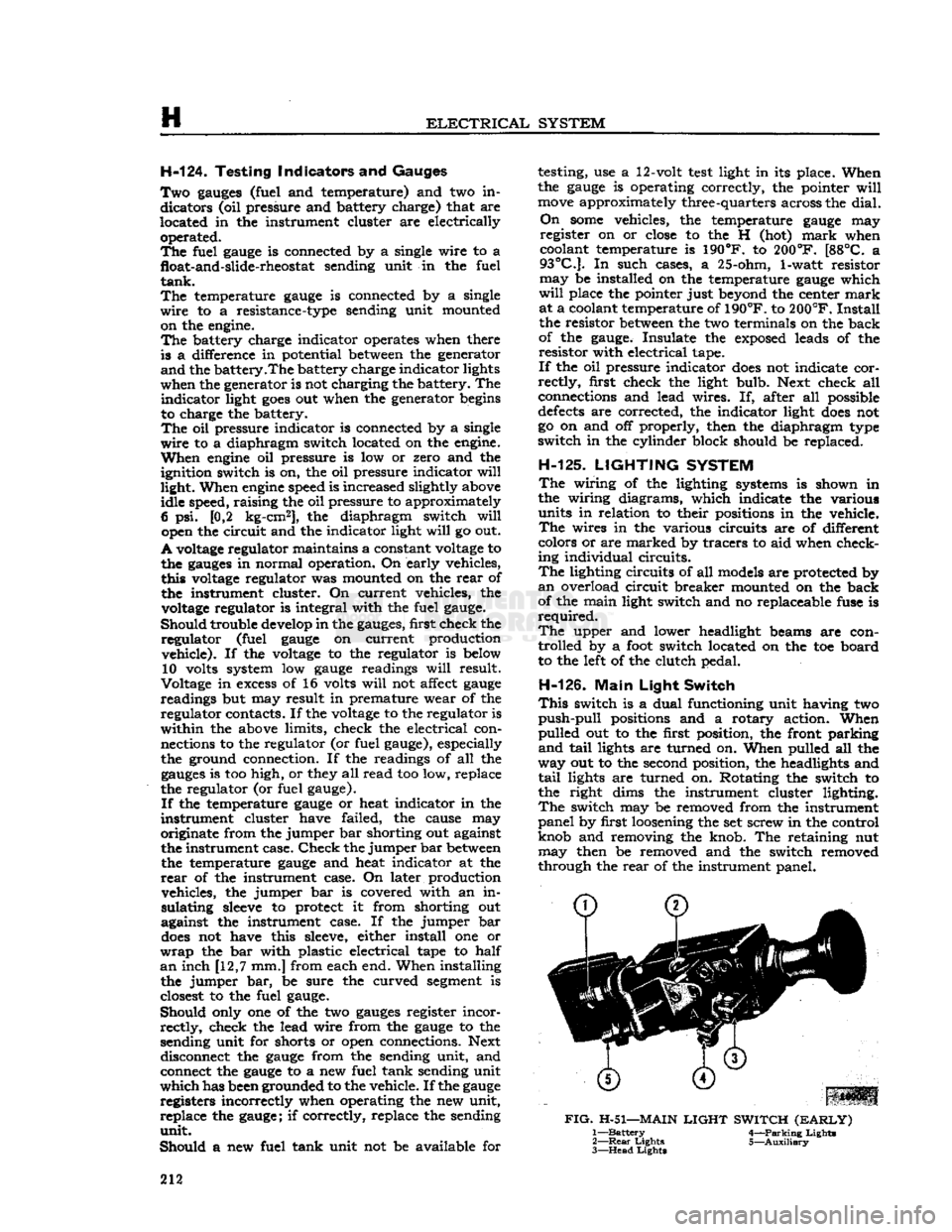
H-126.
Main
Light
Switch
This
switch is a dual functioning unit having two
push-pull
positions and a rotary action. When
pulled out to the first position, the front parking
and
tail
lights are turned on. When pulled all the
way out to the second position, the headlights and
tail
lights are turned on. Rotating the switch to
the right dims the instrument cluster lighting.
The
switch may be removed from the instrument
panel by first loosening the set screw in the control
knob and removing the knob. The retaining nut may then be removed and the switch removed
through the
rear
of the instrument panel.
FIG.
H-51—MAIN
LIGHT
SWITCH
(EARLY)
1—
Battery
4—Parking Lights
2—
Rear
Lights 5—Auxiliary
3—
Head
Lights
212
Page 267 of 376
'Jeep'
UNIVERSAL SERIES SERVICE
MANUAL
ft
TRANSFER CASE
Contents
SUBJECT
PAR.
GENERAL
. . .K-1
TRANSFER CASE REMOVAL
K-2
TRANSFER CASE DISASSEMBLY
K-3
Front
Bearing Cap K-4
Rear
Bearing Cap K-5
TRANSFER CASE REASSEMBLY.
. .K-6
TRANSFER CASE INSTALLATION
K-7
TRANSFER CASE LINKAGE
ADJUSTMENT
K-8
SERVICE
DIAGNOSIS
K-9
SPECIFICATIONS
.K-10
K-1. GENERAL
All
4-wheel-drive models are equipped with a
transfer
case to connect the power to the front
axle.
It is essentially a
two-speed
transmission
located at the
rear
of the standard transmission
and
provides a low and direct gear.
The
transfer case gears are controlled by the
driver
through
one shift lever.
Early
'Jeep'
Universal
Models with the F4-134
Hurricane
engine
are equipped with two transfer case shift control levers.
a.
On vehicles equipped with one transfer case
shift
lever, the transfer case shift lever has four
positions: 2WD
High,
4WD
High,
Neutral, and
4WD
low. The forward position of the lever 2WD
High
allows the
rear
wheels only to drive. The
first
rear
position (4WD High)
engages
the 4- wheel drive and provides high range 4-wheel drive.
The
second
rear
position (Neutral)
disengages
all power to the wheels and is used for stationary
power take-off operations. The last
rear
position
(4WD
Low) provides low range 4-wheel drive.
b.
On vehicles equipped with two transfer case
shift
levers, the transfer case front axle drive lever (left hand lever)
gives
a choice of 2-wheel or 4-
wheel drive. In the forward (out) position the
vehicle is in 2-wheel drive. Move the lever to the
rear
(in) position for 4-wheel drive operation.
The
4-wheel-drive
auxiliary-range
shift lever (right
hand
lever) has three positions; low, neutral, and
high.
The forward position (low)
gives
low-range
4-wheel drive. The center position (neutral) dis
engages
all power to the wheels and is used for
stationary
power take-off operations. A built-in in
terlock
prevents shifting into low range, 2-wheel
drive.
This
feature protects the
rear
axle from over
load.
K-2.
Removal of
Transfer
Case
The
transfer case may be removed from the vehicle
without removing the transmission. Where both
transmission
and transfer case are to be removed
together,
refer to Section J. To remove only the
transfer
case from the vehicle, proceed as follows:
a.
Drain
transmission
and transfer case and replace
drain
plugs.
b.
Disconnect the brake cable.
c.
Disconnect front and
rear
propeller shafts at
the transfer case. See "Propeller Shafts and
Uni
versal
Joints."
d.
Disconnect
speedometer
cable at transfer case. e. Disconnect the transfer case shift levers. On
vehicles equipped with two shift levers
loosen
set screw and remove pivot pin. Use a screw
driver
to pry shift lever springs away from shift levers.
Lift
levers from transfer case. On models equipped
with
a single shift lever remove pivot pin cotter
key,
and the adjusting rod attaching nut to remove
shift
lever. See Fig. K-4.
f. Remove cover plate on
rear
face of transfer case.
Remove
cotter key, nut and washer from trans
mission
main shaft.
g. If possible, at this point remove the transfer case main drive gear from the transmission main
shaft.
If not possible, see
step
j below.
h.
Remove transfer case torque reaction support
bracket
bolt and nut.
i.
Remove transmission to transfer case bolts.
j.
Remove transfer case. If the transfer case main
drive
gear has not been removed in
step
g above,
proceed as follows:
Brace
the end of the trans
mission
main shaft so that it cannot
move
in the
transmission,
pull
the transfer case to the
rear
to 267
Page 355 of 376
'Jeep'
UNIVERSAL
SERIES
SERVICE
MANUAL
T
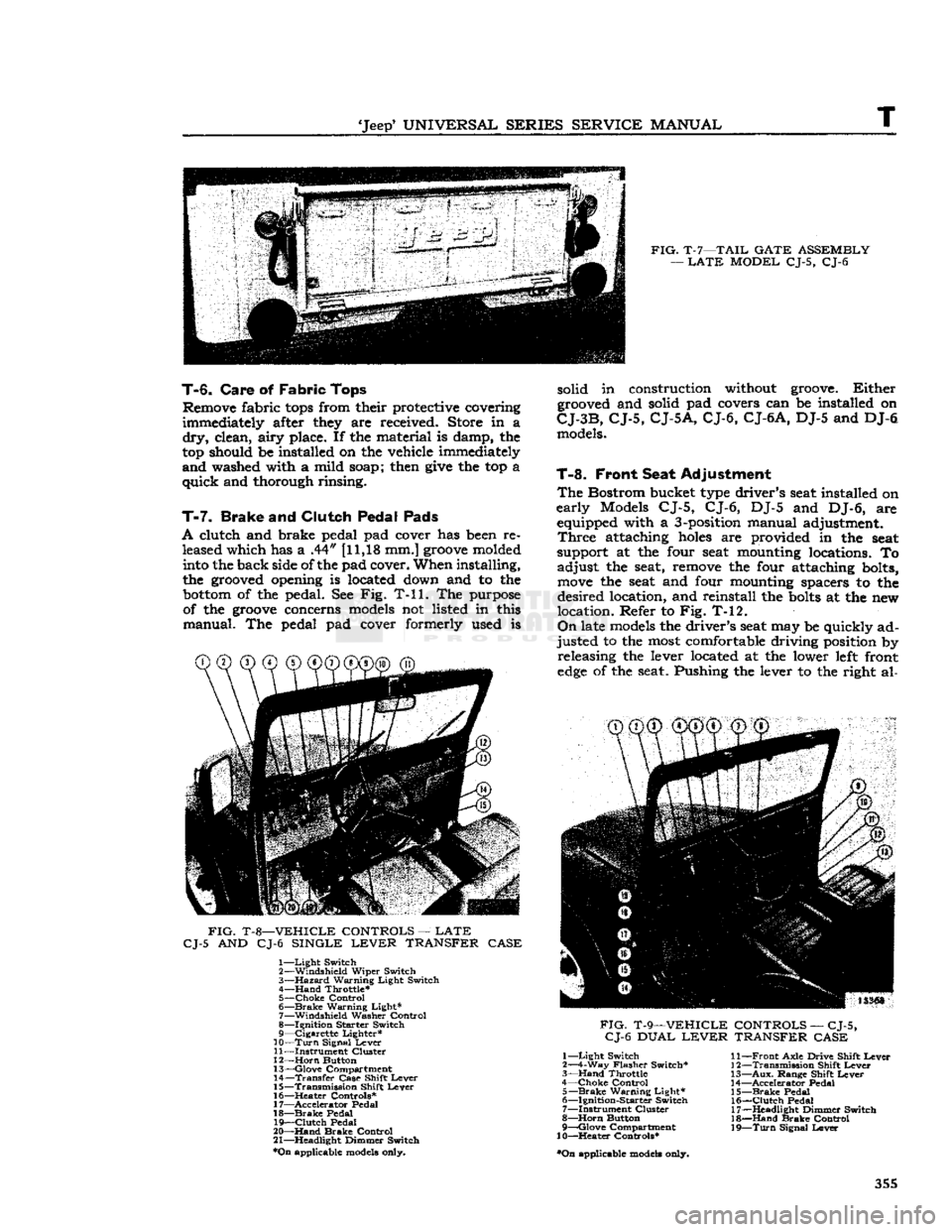
FIG.
T-7—TAIL
GATE
ASSEMBLY
—
LATE
MODEL
CJ-5, CJ-6
T-6.
Care
of
Fabric
Tops
Remove fabric
tops
from their protective covering
immediately after they are received. Store in a
dry,
clean,
airy
place. If the material is damp, the
top should be installed on the vehicle immediately
and
washed with a mild soap; then
give
the top a
quick
and thorough rinsing.
T-7.
Brake
and
Clutch Pedal Pads
A
clutch and brake pedal pad cover has been re leased which has a .44" [11,18 mm.]
groove
molded into the back side of the pad cover. When installing,
the grooved opening is located down and to the
bottom
of the pedal. See Fig. T-ll. The purpose of the
groove
concerns models not listed in this
manual.
The pedal pad cover formerly used is
FIG.
T-8—VEHICLE
CONTROLS
—
LATE
CJ-5
AND CJ-6
SINGLE
LEVER
TRANSFER
CASE
1—
Light
Switch
2—
Windshield
Wiper
Switch
3—
Hazard
Warning
Light
Switch
4—
Hand
Throttle*
5—
Choke
Control
6—
Brake
Warning
Light*
7—
Windshield
Washer
Control
8—
Ignition
Starter
Switch
9—
Cigarette
Lighter*
10—
Turn
Signal
Lever
11—
Instrument
Cluster
12—
Horn
Button
13—
Glove
Compartment
14—
Transfer
Case
Shift
Lever
15—
Transmission
Shift
Lever
16—
^Heater
Controls*
17—
Accelerator
Pedal
18—
Brake
Pedal
19—
Clutch
Pedal
20—
Hand
Brake
Control
21—
Headlight
Dimmer
Switch
*On
applicable models only. solid in construction without groove.
Either
grooved and solid pad covers can be installed on
CJ-3B,
CJ-5,
CJ-5A,
CJ-6,
CJ-6A,
DJ-5 and DJ-6 models.
T-8.
Front Seat Adjustment
The
Bostrom bucket type driver's seat installed on
early
Models CJ-5, CJ-6, DJ-5 and DJ-6, are equipped with a 3-position manual adjustment.
Three
attaching
holes
are provided in the seat
support at the four seat mounting locations. To
adjust
the seat, remove the four attaching bolts,
move
the seat and four mounting spacers to the
desired
location, and reinstall the
bolts
at the new
location. Refer to Fig. T-12.
On
late models the driver's seat may be quickly ad
justed
to the most comfortable driving position by releasing the lever located at the lower left front
edge
of the seat. Pushing the lever to the right al-
CD CD®
®@©"®^
FIG.
T-9—VEHICLE
CONTROLS
—
CJ-5,
CJ-6
DUAL
LEVER
TRANSFER
CASE
1—
Light
Switch
2—4-Way
Flasher
Switch*
3—
Hand
Throttle
4—
Choke
Control
5—
Brake
Warning
Light*
6—
Ignition-Starter
Switch
7—
Instrument
Cluster
8—
Horn
Button
9—
Qlove
Compartment
10—Heater
Controls*
•On
applicable models only.
11—
Front
Axle
Drive
Shift
Lever
12—
Transmission
Shift
Lever
13—
Aux.
Range
Shift
Lever
14—
Accelerator
Pedal
15—
Brake
Pedal
16—
Clutch
Pedal
17—
Headlight
Dimmer
Switch
18—
Hand
Brake
Control
19—
Turn
Signal
Lever
355