heating JEEP GRAND CHEROKEE 2016 WK2 / 4.G User Guide
[x] Cancel search | Manufacturer: JEEP, Model Year: 2016, Model line: GRAND CHEROKEE, Model: JEEP GRAND CHEROKEE 2016 WK2 / 4.GPages: 276, PDF Size: 10.84 MB
Page 39 of 276
WARNING!
• Be certain that the seatback is securely locked into position. If the seatback isnot securely locked into position the seat will not provide the proper stability
for child seats and/or passengers. An improperly latched seat could cause
serious injury.
• The cargo area in the rear of the vehicle (with the rear seatbacks in the
locked-up or folded down position) should not be used as a play area by
children when the vehicle is in motion. They could be seriously injured in a
collision. Children should be seated and using the proper restraint system.
Reclining Rear Seat
To recline the seatback, lift the lever located on the outboard side of the seat, lean
back and release the lever at the desired position. To return the seatback, lift the
lever, lean forward and release the lever.
WARNING!
Do not ride with the seatback reclined so that the shoulder belt is no longer resting
against your chest. In a collision you could slide under the seat belt, which could
result in serious injury or death.
HEATED/VENTILATED SEATS
Front Heated Seats
The front heated seats control buttons are located within the climate or controls
screen of the touchscreen.
You can choose from HI, LO or OFF heat settings. The indicator arrows in touchscreen
buttons indicate the level of heat in use. Two indicator arrows will illuminate for HI,
one for LO and none for OFF.
• Press the heated seat button
once to turn the HI setting ON.
• Press the heated seat button
a second time to turn the LO setting ON.
• Press the heated seat button
a third time to turn the heating elements OFF.
If the HI-level setting is selected, the system will automatically switch to LO-level
after approximately 60 minutes of continuous operation. At that time, the display will
change from HI to LO, indicating the change. The LO-level setting will turn OFF
automatically after approximately 45 minutes.
NOTE:
• Once a heat setting is selected, heat will be felt within two to five minutes.
• The engine must be running for the heated seats to operate.
GETTING STARTED
37
Page 40 of 276
Vehicles Equipped With Remote Start
On models that are equipped with remote start, the heated seats can be programmed
to come on during a remote start.
This feature can be programmed through the Uconnect system. Refer to “Uconnect
Settings” in “Understanding Your Instrument Panel” in the Owner's Manual on the
DVD.
WARNING!
• Persons who are unable to feel pain to the skin because of advanced age,chronic illness, diabetes, spinal cord injury, medication, alcohol use, exhaus-
tion or other physical condition must exercise care when using the seat heater.
It may cause burns even at low temperatures, especially if used for long periods
of time.
• Do not place anything on the seat or seatback that insulates against heat, such
as a blanket or cushion. This may cause the seat heater to overheat. Sitting in
a seat that has been overheated could cause serious burns due to the increased
surface temperature of the seat.
Rear Heated Seats
On some models, the two outboard seats are equipped with heated seats. The heated
seat switches for these seats are located on the rear of the center console. There are
two heated seat switches
that allow the rear passengers to operate the seats
independently.
You can choose from HI, LO or OFF heat settings. The indicator lights in each switch
indicate the level of heat in use. Two indicator lights will illuminate for HI, one for LO
and none for OFF.
• Push the heated seat button
once to select HI-level heating.
• Push the heated seat button
a second time to select LO-level heating.
• Push the heated seat button
a third time to turn the heating elements OFF.
NOTE:
• Once a heat setting is selected, heat will be felt within two to five minutes.
• The engine must be running for the heated seats to operate.
If the HI-level setting is selected, the system will automatically switch to LO-level
after approximately 60 minutes of continuous operation. At that time, the number of
illuminated LEDs changes from two to one, indicating the change. The LO-level
setting will turn OFF automatically after approximately 45 minutes.
GETTING STARTED
38
Page 41 of 276
Front Ventilated Seats
If your vehicle is equipped with ventilated seats, the seat cushion and seat back will
have fans that draw the air from the passenger compartment and move air through
fine perforations in the seat cover to help keep the driver and front passenger cooler
in higher ambient temperatures. The fans operate at two speeds, HI and LO.
The front ventilated seats control buttons are located within the Uconnect system.
You can gain access to the control buttons through the climate screen or the controls
screen.
• Press the ventilated seat button
once to choose HI.
• Press the ventilated seat button
a second time to choose LO.
• Press the ventilated seat button
a third time to turn the ventilated seat OFF.
NOTE:
The engine must be running for the ventilated seats to operate.
Vehicles Equipped With Remote Start
On models that are equipped with remote start, the ventilated seats can be
programmed to come on during a remote start.
This feature can be programmed through the Uconnect system. Refer to “Uconnect
Settings” in “Understanding Your Instrument Panel” in the Owner's Manual on the
DVD.
HEATED STEERING WHEEL — IF EQUIPPED
The steering wheel contains a heating element that helps warm your hands in cold
weather. The heated steering wheel has only one temperature setting. Once the
heated steering wheel has been turned on it will operate for up to 80 minutes before
automatically shutting off. The heated steering wheel can shut off early or may not
turn on when the steering wheel is already warm.
The heated steering wheel control button is located within the Uconnect system. You
can gain access to the control button through the climate screen or the controls
screen.
• Press the heated steering wheel button
once to turn the heating element ON.
• Press the heated steering wheel button
a second time to turn the heating
element OFF.
NOTE:
The engine must be running for the heated steering wheel to operate.
GETTING STARTED
39
Page 64 of 276
STOP/START SYSTEM — IF EQUIPPED
The Stop/Start function was developed to reduce fuel consumption. The system will
stop the engine automatically during a vehicle stop if the required conditions are
met. Releasing the brake pedal or pressing the accelerator pedal will automatically
re-start the engine.
Automatic Mode
The Stop/Start feature is enabled after every normal customer
engine start. At that time, the system will go into STOP/START
READY and if all other conditions are met, can go into a STOP/
START AUTOSTOP ACTIVE “Autostop” mode.
To Activate The Autostop Mode, The Following Must Occur:
• The system must be in STOP/START READY state. A STOP/START READY message will be displayed in the Driver Information Display (DID) within the
Stop/Start section. Refer to “Driver Information Display (DID)” in “Understanding
Your Instrument Panel” in your owner’s manual on the DVD for further information.
• The vehicle must be completely stopped.
• The shifter must be in a forward gear and the brake pedal depressed.
The engine will shut down, the tachometer will move to the zero position and the
Stop/Start telltale will illuminate indicating you are in Autostop. Customer settings
will be maintained upon return to an engine running condition.
Refer to the “Stop/Start System” in the “Starting And Operating” section located in
your Owner’s Manual on the DVD for further information.
Possible Reasons The Engine Does Not Autostop
Prior to engine shut down, the system will check many safety and comfort conditions
to see if they are fulfilled. Detailed information about the operation of the Stop/Start
system may be viewed in the DID Stop/Start Screen. In the following situations, the
engine will not stop:
• Driver’s seat belt is not buckled.
• Driver’s door is not closed.
• Battery temperature is too warm or cold.
• Battery charge is low.
• The vehicle is on a steep grade.
• Cabin heating or cooling is in process and an acceptable cabin temperature has not been achieved.
• HVAC is set to full defrost mode at a high blower speed.
OPERATING YOUR VEHICLE
62
Page 188 of 276
Adding Diesel Exhaust Fluid
The DEF gauge (located in the DID) will display the level of DEF remaining in the
tank.
Completely fill the DEF tank through the diesel exhaust fluid fill location (located
behind the fuel door) at every maintenance interval or before if prompted by the
Driver Information Display (DID).
NOTE:
• The gauge may take up to five seconds to update after adding a gallon or more ofDiesel Exhaust Fluid (DEF) to the DEF tank. If you have a fault related to the DEF
system, the gauge may not update to the new level. See your authorized dealer for
service.
• The DEF gauge may also not immediately update after a refill if the temperature of the DEF fluid is below 12F (-11C). The DEF line heater will possibly warm up the
DEF fluid and allow the gauge to update after a period of run time. Under very cold
conditions, it is possible that the gauge may not reflect the new fill level for several
drives.
NOTE:
• Driving conditions (altitude, vehicle speed, load, etc.) will effect the
amount of DEF that is used in your
vehicle.
• Since DEF will begin to freeze at 12°F (-11°C), your vehicle is equipped with
an automatic DEF heating system.
This allows the DEF injection system to
operate properly at temperatures be-
low 12°F (-11°C).
DEF Filler Cap And Fuel Fill
1 — Diesel Fuel Filler
2 — Diesel Exhaust Fluid Filler
DIESEL
186
Page 199 of 276
IF YOUR ENGINE OVERHEATS
In any of the following situations, you can reduce the potential for overheating by
taking the appropriate action.
• On the highways — slow down.
• In city traffic — while stopped, place the transmission in NEUTRAL, but do notincrease the engine idle speed while preventing vehicle motion with the brakes.
NOTE:
There are steps that you can take to slow down an impending overheat condition:
• If your air conditioner (A/C) is on, turn it off. The A/C system adds heat to the engine cooling system and turning the A/C off can help remove this heat.
• You can also turn the temperature control to maximum heat, the mode control to floor and the blower control to high. This allows the heater core to act as a
supplement to the radiator and aids in removing heat from the engine cooling
system.
CAUTION!
Driving with a hot cooling system could damage your vehicle. If the temperature
gauge reads HOT (H), pull over and stop the vehicle. Idle the vehicle with the air
conditioner turned off until the pointer drops back into the normal range. If the
pointer remains on HOT (H), and you hear continuous chimes, turn the engine off
immediately and call for service.
WARNING!
You or others can be badly burned by hot engine coolant (antifreeze) or steam from
your radiator. If you see or hear steam coming from under the hood, do not open
the hood until the radiator has had time to cool. Never try to open a cooling system
pressure cap when the radiator or coolant bottle is hot.
WHAT TO DO IN EMERGENCIES
197
Page 217 of 276
NOTE:
Push the "ESC Off" switch (if necessary), to place the Electronic Stability Control
(ESC) system in "Partial Off" mode, before rocking the vehicle. Refer to “Electronic
Brake Control” in “Starting And Operating” in the Owners Manual on the DVD for
further information. Once the vehicle has been freed, push the "ESC Off" switch
again to restore "ESC On" mode.
CAUTION!
Racing the engine or spinning the wheels may lead to transmission overheating
and failure. Allow the engine to idle with the transmission in NEUTRAL for at least
one minute after every five rocking-motion cycles. This will minimize overheating
and reduce the risk of transmission failure during prolonged efforts to free a stuck
vehicle.
WARNING!
Fast spinning tires can be dangerous. Forces generated by excessive wheel speeds
may cause damage, or even failure, of the axle and tires. A tire could explode and
injure someone. Do not spin your vehicle's wheels faster than 30 mph (48 km/h)
or for longer than 30 seconds continuously without stopping when you are stuck
and do not let anyone near a spinning wheel, no matter what the speed.
CAUTION!
• When “rocking” a stuck vehicle by shifting between DRIVE and REVERSE, donot spin the wheels faster than 15 mph (24 km/h), or drivetrain damage may
result.
• Revving the engine or spinning the wheels too fast may lead to transmission
overheating and failure. It can also damage the tires. Do not spin the wheels
above 30 mph (48 km/h) while in gear (no transmission shifting occurring).
WHAT TO DO IN EMERGENCIES
215
Page 255 of 276
WARNING!
• Overloading of your tires is dangerous. Overloading can cause tire failure,affect vehicle handling, and increase your stopping distance. Use tires of the
recommended load capacity for your vehicle. Never overload them.
• Improperly inflated tires are dangerous and can cause collisions. Under-
inflation increases tire flexing and can result in over-heating and tire failure.
Over-inflation reduces a tire’s ability to cushion shock. Objects on the road and
chuck holes can cause damage that results in tire failure. Unequal tire
pressures can cause steering problems. You could lose control of your vehicle.
Over-inflated or under-inflated tires can affect vehicle handling and can fail
suddenly, resulting in loss of vehicle control. Always drive with each tire
inflated to the recommended cold tire inflation pressure.
ADDING FUEL
1. Push the fuel filler door release switch (located under the headlamp switch).
Fuel Filler Door Release
MAINTAINING YOUR VEHICLE
253
Page 266 of 276
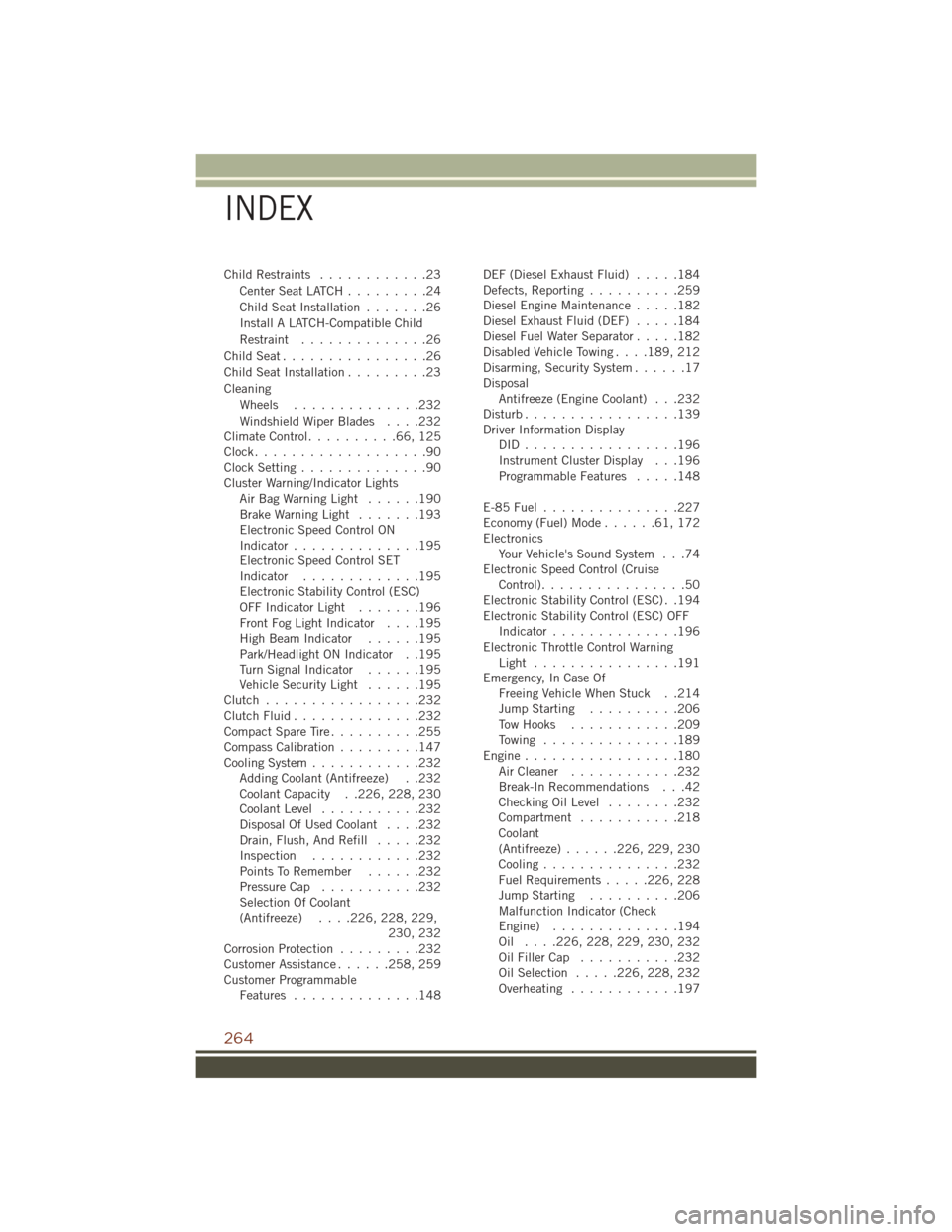
Child Restraints............23
CenterSeatLATCH.........24
Child Seat Installation .......26
Install A LATCH-Compatible Child
Restraint ..............26
ChildSeat................26
Child Seat Installation .........23
Cleaning Wheels ..............232
Windshield Wiper Blades ....232
ClimateControl..........66,125
Clock...................90
Clock Setting ..............90
Cluster Warning/Indicator Lights AirBagWarningLight ......190
Brake Warning Light .......193
Electronic Speed Control ON
Indicator ..............195
Electronic Speed Control SET
Indicator .............195
Electronic Stability Control (ESC)
OFF Indicator Light .......196
Front Fog Light Indicator ....195
High Beam Indicator ......195
Park/Headlight ON Indicator . .195
Turn Signal Indicator ......195
Vehicle Security Light ......195
Clutch .................232
ClutchFluid..............232
Compact Spare Tire ..........255
Compass Calibration .........147
Cooling System ............232
Adding Coolant (Antifreeze) . .232
Coolant Capacity . .226, 228, 230
Coolant Level ...........232
Disposal Of Used Coolant ....232
Drain, Flush, And Refill .....232
Inspection ............232
PointsToRemember ......232
Pressure Cap ...........232
Selection Of Coolant
(Antifreeze) ....226, 228, 229,
230, 232
Corrosion Protection .........232
Customer Assistance ......258, 259
Customer Programmable Features ..............148 DEF (Diesel Exhaust Fluid)
.....184
Defects, Reporting ..........259
Diesel Engine Maintenance .....182
Diesel Exhaust Fluid (DEF) .....184
Diesel Fuel Water Separator .....182
Disabled Vehicle Towing ....189, 212
Disarming, Security System ......17
Disposal Antifreeze (Engine Coolant) . . .232
Disturb .................139
Driver Information Display DID.................196
Instrument Cluster Display . . .196
Programmable Features .....148
E-85Fuel...............227
Economy(Fuel)Mode......61,172
Electronics Your Vehicle's Sound System . . .74
Electronic Speed Control (Cruise Control) ................50
Electronic Stability Control (ESC) . .194
Electronic Stability Control (ESC) OFF Indicator ..............196
Electronic Throttle Control Warning Light ................191
Emergency, In Case Of Freeing Vehicle When Stuck . .214
Jump Starting ..........206
Tow Hooks ............209
Towing ...............189
Engine.................180 Air Cleaner ............232
Break-In Recommendations
. . .42
Checking Oil Level ........232
Compartment ...........218
Coolant
(Antifreeze) ......226, 229, 230
Cooling ...............232
Fuel Requirements .....226, 228
Jump Starting ..........206
Malfunction Indicator (Check
Engine) ..............194
Oil .... 226, 228, 229, 230, 232
Oil Filler Cap ...........232
Oil Selection .....226, 228, 232
Overheating ............197
INDEX
264
Page 268 of 276
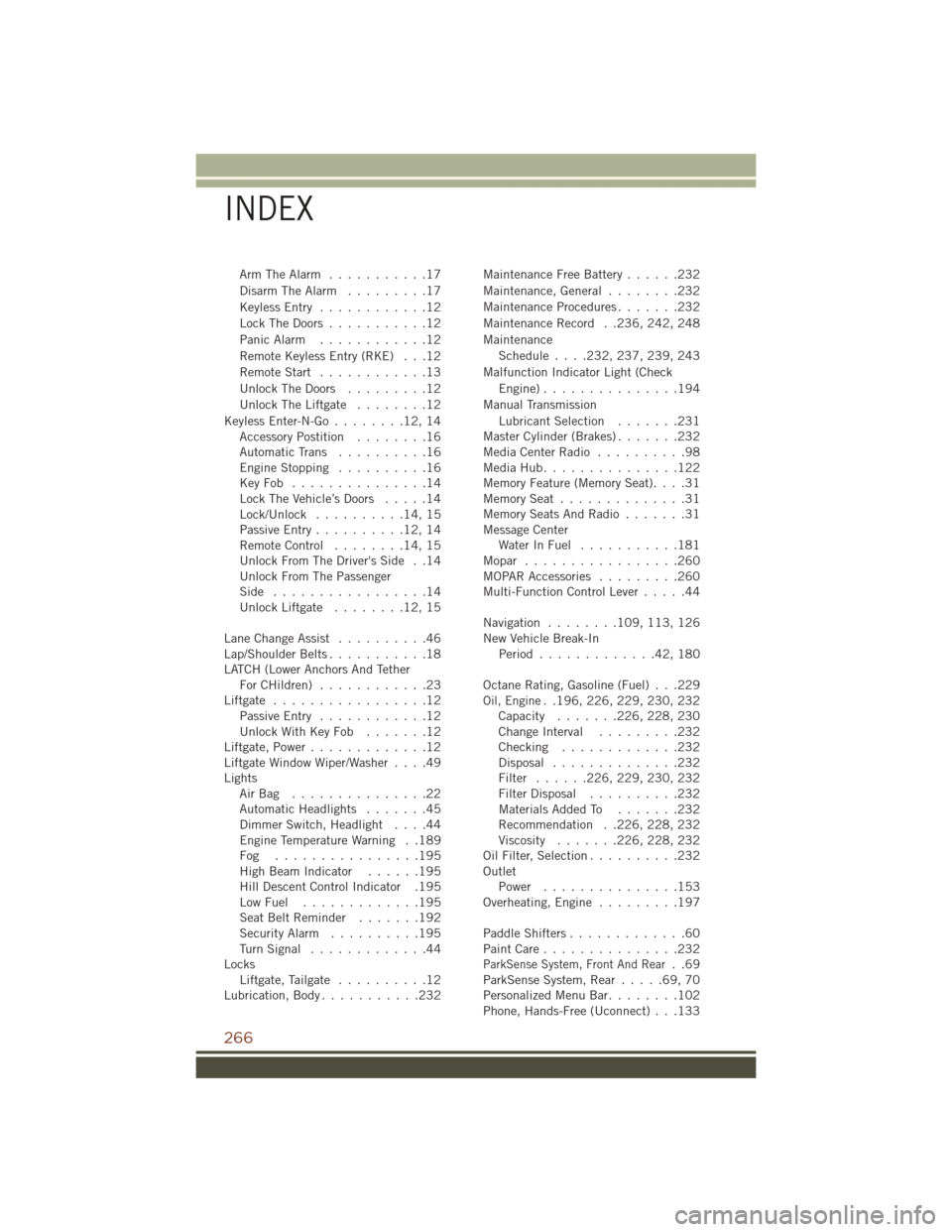
Arm The Alarm...........17
Disarm The Alarm .........17
Keyless Entry ............12
Lock The Doors ...........12
Panic Alarm ............12
Remote Keyless Entry (RKE) . . .12
Remote Start ............13
Unlock The Doors .........12
Unlock The Liftgate ........12
Keyless Enter-N-Go ........12,14
Accessory Postition ........16
AutomaticTrans ..........16
EngineStopping ..........16
KeyFob ...............14
Lock The Vehicle’s Doors .....14
Lock/Unlock ..........14,15
Passive Entry ..........12,14
Remote Control ........14,15
Unlock From The Driver's Side . .14
Unlock From The Passenger
Side .................14
Unlock Liftgate ........12,15
Lane Change Assist ..........46
Lap/Shoulder Belts ...........18
LATCH (Lower Anchors And Tether ForCHildren) ............23
Liftgate .................12
Passive Entry ............12
UnlockWithKeyFob .......12
Liftgate, Power .............12
Liftgate Window Wiper/Washer ....49
Lights AirBag ...............22
Automatic Headlights .......45
Dimmer Switch, Headlight ....44
Engine Temperature Warning . .189
Fog ................195
High Beam Indicator ......195
Hill Descent Control Indicator .195
LowFuel .............195
SeatBeltReminder .......192
Security Alarm ..........195
TurnSignal .............44
Locks Liftgate, Tailgate ..........12
Lubrication, Body ...........232 Maintenance Free Battery
......232
Maintenance, General ........232
Maintenance Procedures .......232
Maintenance Record . .236, 242, 248
Maintenance Schedule.... 232, 237, 239, 243
Malfunction Indicator Light (Check Engine)...............194
Manual Transmission Lubricant Selection .......231
Master Cylinder (Brakes) .......232
MediaCenterRadio ..........98
MediaHub...............122
Memory Feature (Memory Seat) ....31
MemorySeat ..............31
Memory Seats And Radio .......31
Message Center Water In Fuel ...........181
Mopar .................260
MOPAR Accessories .........260
Multi-Function Control Lever .....44
Navigation ........ 109, 113, 126
New Vehicle Break-In Period .............42,180
Octane Rating, Gasoline (Fuel) . . .229
Oil, Engine. .196, 226, 229, 230, 232
Capacity ....... 226, 228, 230
Change Interval .........232
Checking .............232
Disposal ..............232
Filter ...... 226, 229, 230, 232
Filter Disposal ..........232
Materials Added To .......232
Recommendation . .226, 228, 232
Viscosity ....... 226, 228, 232
Oil Filter, Selection ..........232
Outlet Power ...............153
Overheating, Engine .........197
Paddle Shifters .............60
PaintCare...............232
ParkSense System, Front And Rear..69
ParkSense System, Rear .....69,70
Personalized Menu Bar ........102
Phone, Hands-Free (Uconnect) . . .133
INDEX
266