instrument panel JEEP GRAND CHEROKEE 2017 WK2 / 4.G SRT User Guide
[x] Cancel search | Manufacturer: JEEP, Model Year: 2017, Model line: GRAND CHEROKEE, Model: JEEP GRAND CHEROKEE 2017 WK2 / 4.GPages: 44, PDF Size: 6.77 MB
Page 16 of 44
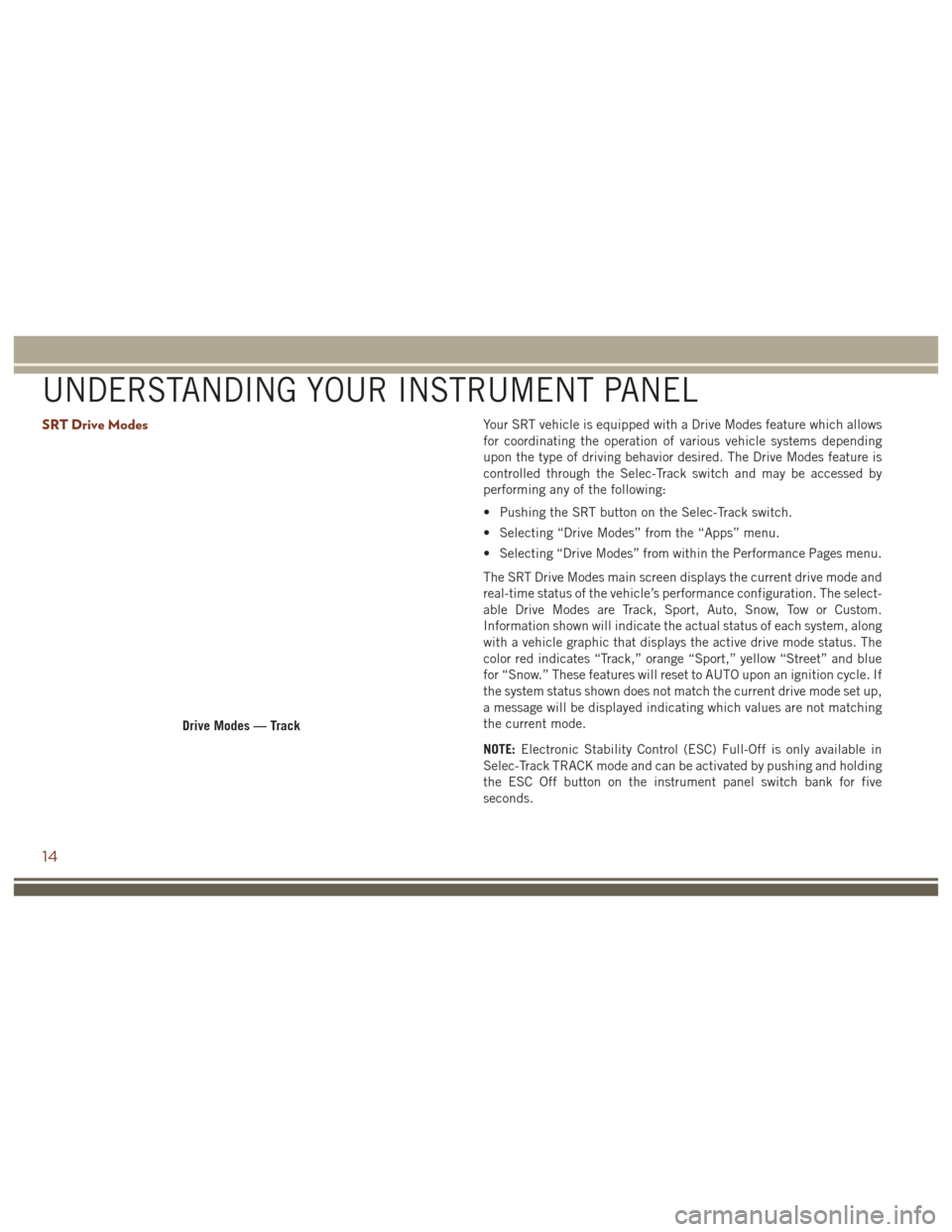
SRT Drive ModesYour SRT vehicle is equipped with a Drive Modes feature which allows
for coordinating the operation of various vehicle systems depending
upon the type of driving behavior desired. The Drive Modes feature is
controlled through the Selec-Track switch and may be accessed by
performing any of the following:
• Pushing the SRT button on the Selec-Track switch.
• Selecting “Drive Modes” from the “Apps” menu.
• Selecting “Drive Modes” from within the Performance Pages menu.
The SRT Drive Modes main screen displays the current drive mode and
real-time status of the vehicle’s performance configuration. The select-
able Drive Modes are Track, Sport, Auto, Snow, Tow or Custom.
Information shown will indicate the actual status of each system, along
with a vehicle graphic that displays the active drive mode status. The
color red indicates “Track,” orange “Sport,” yellow “Street” and blue
for “Snow.” These features will reset to AUTO upon an ignition cycle. If
the system status shown does not match the current drive mode set up,
a message will be displayed indicating which values are not matching
the current mode.
NOTE:Electronic Stability Control (ESC) Full-Off is only available in
Selec-Track TRACK mode and can be activated by pushing and holding
the ESC Off button on the instrument panel switch bank for five
seconds.
Drive Modes — Track
UNDERSTANDING YOUR INSTRUMENT PANEL
14
Page 17 of 44
Listed below are the available Drive Modes:
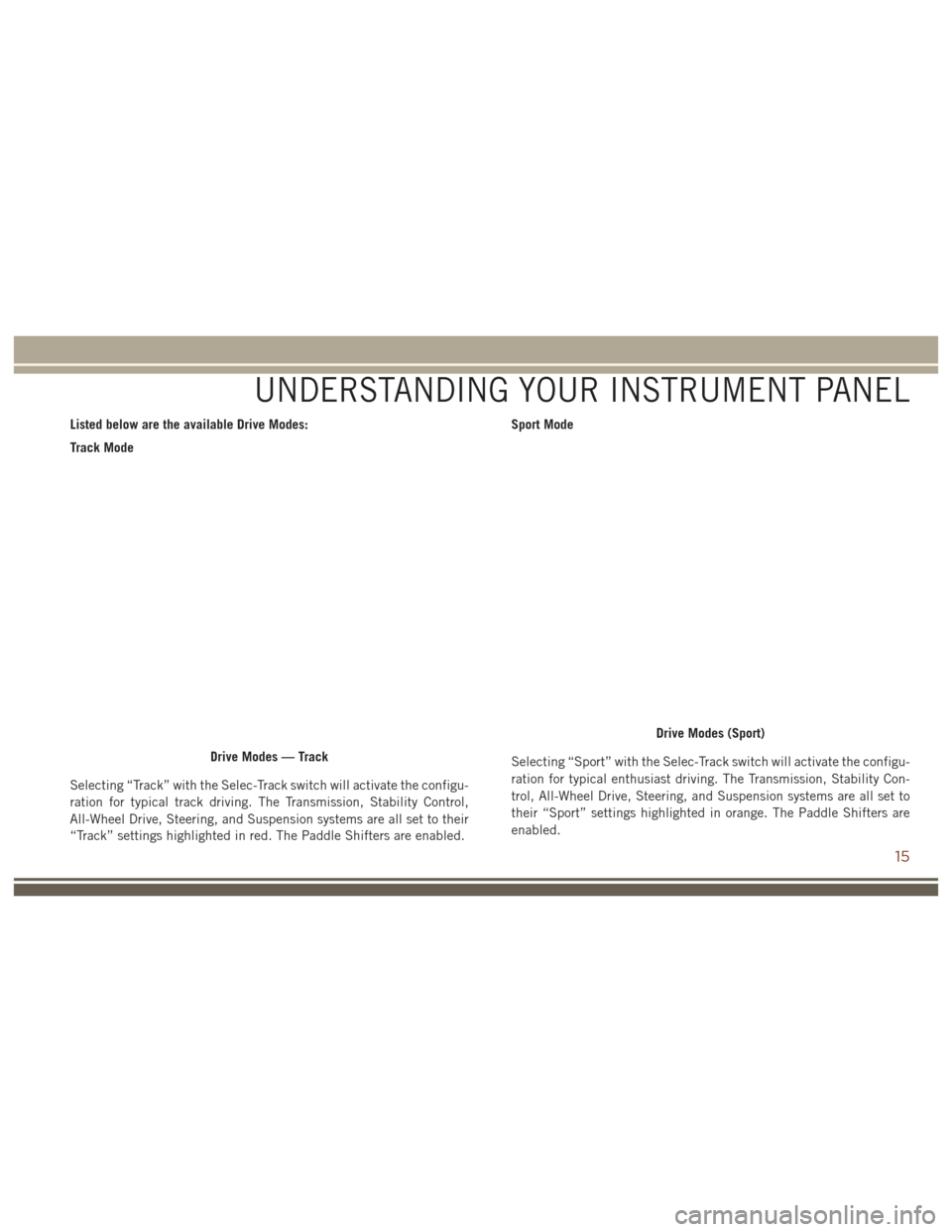
Track Mode
Selecting “Track” with the Selec-Track switch will activate the configu-
ration for typical track driving. The Transmission, Stability Control,
All-Wheel Drive, Steering, and Suspension systems are all set to their
“Track” settings highlighted in red. The Paddle Shifters are enabled.Sport Mode
Selecting “Sport” with the Selec-Track switch will activate the configu-
ration for typical enthusiast driving. The Transmission, Stability Con-
trol, All-Wheel Drive, Steering, and Suspension systems are all set to
their “Sport” settings highlighted in orange. The Paddle Shifters are
enabled.
Drive Modes — Track
Drive Modes (Sport)
UNDERSTANDING YOUR INSTRUMENT PANEL
15
Page 18 of 44
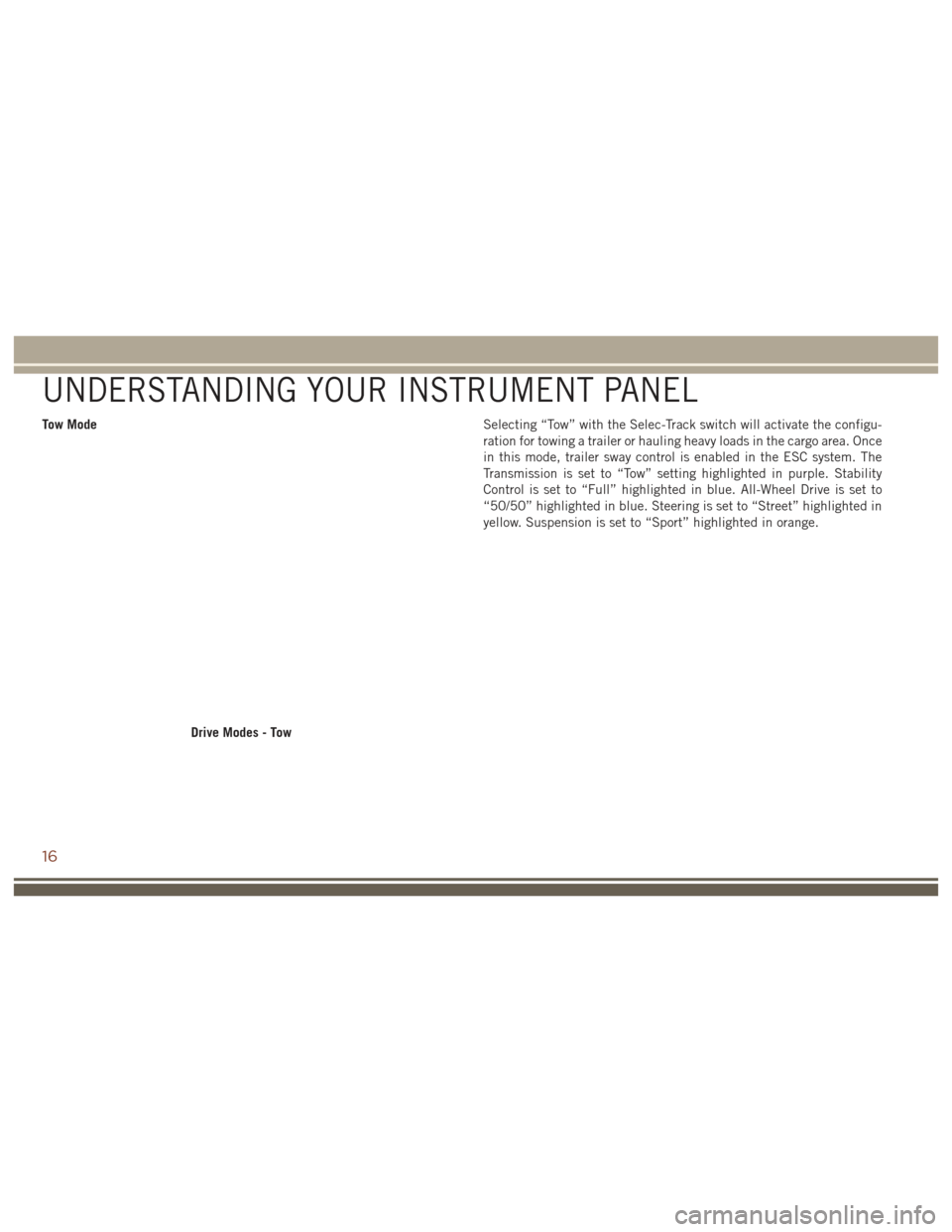
Tow ModeSelecting “Tow” with the Selec-Track switch will activate the configu-
ration for towing a trailer or hauling heavy loads in the cargo area. Once
in this mode, trailer sway control is enabled in the ESC system. The
Transmission is set to “Tow” setting highlighted in purple. Stability
Control is set to “Full” highlighted in blue. All-Wheel Drive is set to
“50/50” highlighted in blue. Steering is set to “Street” highlighted in
yellow. Suspension is set to “Sport” highlighted in orange.
Drive Modes - Tow
UNDERSTANDING YOUR INSTRUMENT PANEL
16
Page 19 of 44
Snow Mode
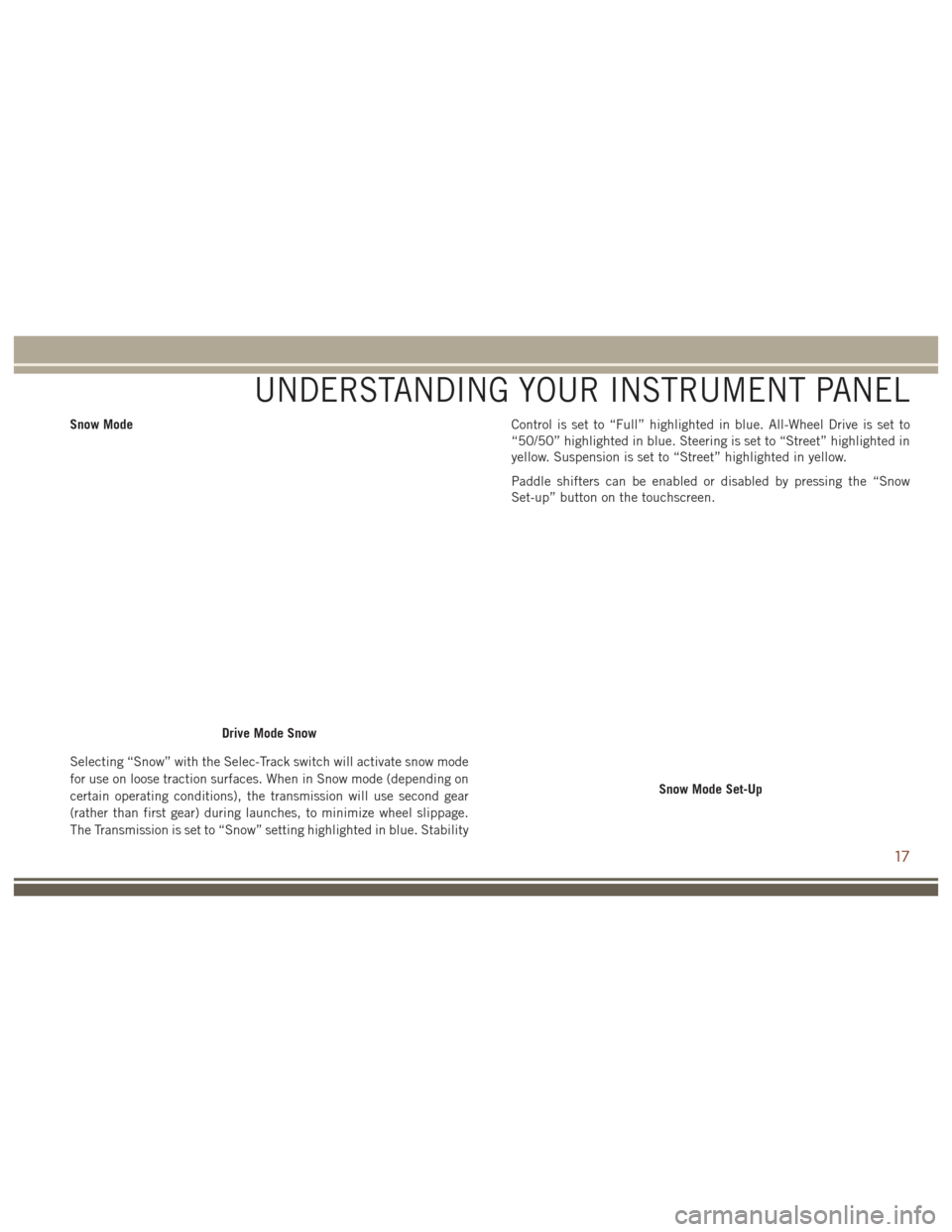
Selecting “Snow” with the Selec-Track switch will activate snow mode
for use on loose traction surfaces. When in Snow mode (depending on
certain operating conditions), the transmission will use second gear
(rather than first gear) during launches, to minimize wheel slippage.
The Transmission is set to “Snow” setting highlighted in blue. StabilityControl is set to “Full” highlighted in blue. All-Wheel Drive is set to
“50/50” highlighted in blue. Steering is set to “Street” highlighted in
yellow. Suspension is set to “Street” highlighted in yellow.
Paddle shifters can be enabled or disabled by pressing the “Snow
Set-up” button on the touchscreen.
Drive Mode Snow
Snow Mode Set-Up
UNDERSTANDING YOUR INSTRUMENT PANEL
17
Page 20 of 44
Auto Mode
Auto mode is enabled upon ignition on, or by selecting “Auto” with the
Selec-Track switch. The Transmission, Stability Control and All-Wheel
Drive modes are set to their “Street” settings highlighted in yellow.
Steering and Suspension can be configured in either the “Street,”
“Sport,” or “Track” and the Paddle Shifters may be enabled or disabled
while in auto set-up mode.
Drive Mode Auto (Default)
Auto Mode Setup (Default)
UNDERSTANDING YOUR INSTRUMENT PANEL
18
Page 21 of 44
Custom Mode
Custom Mode may be selected by pushing the “Custom” button on
Selec-Track switch. Custom Mode allows you to create a custom
configuration that is saved for quick selection of your favorite settings.
While in Custom Mode, the All-Wheel Drive, Stability Control, Trans-
mission, Steering, Suspension, and Paddle Shifter settings are shown
in their current configuration.While in the Custom Mode screen, press the “Custom Set-Up” button
on the touchscreen to access the selectable options. Select which
mode suits your driving needs for a custom driving experience.
Custom Mode Set-Up Info
Within the Custom Mode Set-Up screen, press the “info” button on the
touchscreen then use the left/right arrows to scroll through all the
available Drive Mode systems giving you a description of their operation
and current configuration.
Custom Mode
Custom Mode Set-Up
UNDERSTANDING YOUR INSTRUMENT PANEL
19
Page 22 of 44
All-Wheel DriveTrack
• Press the “Track” button on the touchscreen to provide the greatest
distribution of torque to the rear wheels (70%.)
Sport
• Press the “Sport” button on the touchscreen to provide greater distribution of torque to the rear wheels (65%.)
Street
• Press the “Street” button on the touchscreen to provide moderate distribution of torque to the rear wheels (60%.)
50/50
• Press the “50/50” button on the touchscreen to provide even distribution of torque between the front and rear wheels.
All-Wheel Drive
UNDERSTANDING YOUR INSTRUMENT PANEL
20
Page 23 of 44
TransmissionTrack
• Press the “Track” button on the touchscreen to provide the fastest
shift speeds with the strongest comfort trade-off.
Sport
• Press the “Sport” button on the touchscreen to provide faster shift speeds with some comfort trade-off.
Street
• Press the “Street” button on the touchscreen to provide a balance of shift speed and comfort for typical daily driving.
Eight Speed Transmission
UNDERSTANDING YOUR INSTRUMENT PANEL
21
Page 24 of 44
Paddle ShiftersON
• Press the “ON” button on the touchscreen to enable steering wheel
paddle shifters.
OFF
• Press the “OFF” button on the touchscreen to disable steering wheel paddle shifters.
Paddle Shifters
UNDERSTANDING YOUR INSTRUMENT PANEL
22
Page 25 of 44
Stability ControlTrack
• Pressing the “Track” button on the touchscreen will provide minimal
stability control.
Sport
• Pressing the “Sport” button on the touchscreen will provide reduced stability control.
Street
• Pressing the “Street” button on the touchscreen provides full (default) stability control.
Stability Control Settings
UNDERSTANDING YOUR INSTRUMENT PANEL
23