radio JEEP PATRIOT 2014 1.G Owner's Manual
[x] Cancel search | Manufacturer: JEEP, Model Year: 2014, Model line: PATRIOT, Model: JEEP PATRIOT 2014 1.GPages: 126, PDF Size: 2.29 MB
Page 52 of 126
Store Radio Presets
• Select the radio band by pressing either the “AM,” “FM,” or “SAT” button on thetouchscreen.
• Find the station to store by either pressing the “Seek Up” or “Seek Down” buttons on the touchscreen, pressing the “SCAN” button on the touchscreen, or by using
the “DIRECT TUNE” button on the touchscreen.
• Once the station is found, press and hold one of the “PRESET” buttons on the touchscreen in the list to the right, until you hear a confirmation beep.
NOTE:
If the Presets are not visible on the right side of the screen, press the “PRESETS”
button on the touchscreen.
CD/DVD Disc Operation
CD/DVD Disc Operation
1 — Media Source Tabs
2 — Folder/Track
3 — Open Folder
4 — Track Information
5 — Sort Tracks6 — Track Scan
7 — Seek Down
8 — Play/Pause
9 — Seek Up
ELECTRONICS
50
Page 53 of 126
Push the MEDIA button on the faceplate to display the media source tabs at the top
of the screen. Select the source by pressing the “HDD,” “DISC,” or “AUX” media
source button on the touchscreen tab.
NOTE:
Your Touchscreen Radio will automatically switch to the appropriate mode when
something is first connected or inserted into the system.
Insert a CD/DVD Disc
• To insert a disc, push the LOAD button on the faceplate.
• With the printed side upwards, insert the disc into the disc slot of the radio. Theradio pulls the disc in automatically and closes the flip screen. The radio selects
the appropriate mode after the disc is recognized, and starts playing the first track.
The display shows “Reading...” during this process.
Seek Up/Seek Down
• Push the “Seek Up” or “Seek Down” buttons on the touchscreen to seek through tracks in Disc Mode. Hold either Seek button to bypass tracks without stopping.
Audio Jack Operation
• The AUX/Audio Jack provides a means to connect a portable audio device, such asan MP3 player or an iPod®, to the vehicle’s sound system. This requires the use of
a 3.5 mm stereo audio patch cable.
• Press the MEDIA hard-key then the “AUX” soft-key to change the mode to auxiliary device if the Audio Jack is connected, allowing the music from your
portable device to play through the vehicle's speakers.
• The functions of the portable device are controlled using the device itself, not the buttons on the radio. However, the volume may be controlled using the radio or
portable device.
Hard Disk Drive (HDD) Operation
• The Hard Disk Drive (HDD) mode gives you access to the audio files on the internalhard disk drive. It functions similar to a CD player, with the exception that the
internal HDD can hold more tracks.
• It is also possible to import display pictures to the internal hard disk drive. The pictures can be displayed on the right half of the radio screen.
• Before using the HDD mode, you will need to copy songs and pictures to the internal hard drive. Songs and pictures can be added to the hard drive by using a
CD or USB device (e.g. thumb drive or memory stick).
NOTE:
• HDD supports only .jpg/JPEG formats for photos.
• WMA/MP3 Files and Selective Songs from a CD can also be added to the HDD. See the Uconnect
®430/430N User's Manual for more information.
ELECTRONICS
51
Page 54 of 126
Copying Music From CD
• Press the LOAD hard-key.
• Insert a disc, then press the MY FILES hard-key and then select “MY MUSIC”soft-key.
• Touch the “Add Music Files to HDD” soft-key, then touch the “Disc” soft-key in the next screen to start the process.
NOTE:
• You might need to select the folder or title depending on the CD, then press
“DONE” to start the copy process.
• The copy progress is shown in the lower left corner of the screen.
Copying Music From USB
• The USB port on the radio face plate allows you to copy files to your hard drive. To access, lift up on the cover.
• Insert a USB device (e.g. thumb drive or memory stick), then select “MY MUSIC” soft-key.
• Touch the “Add Music Files to HDD” soft-key, then touch the “Front USB” soft-key in the next screen.
• Select the folders or titles you would like to copy, then touch the “DONE”
soft-key to start the copy process.
NOTE:
The copy progress is shown in the lower
left corner of the screen.
ELECTRONICS
52
Page 55 of 126
Copying Pictures To The HDD
• Insert either a CD or a USB device containing your pictures in JPEG format.
• Press the MY FILES hard-key.
• Touch the “My Pictures” soft-key to get an overview of the currently stored images,then touch the “Add” soft-key.
• Touch the “Disc” or “USB” soft-key, then select the folders or pictures you wish to copy to the HDD. Use the “PAGE” soft-keys to page through the list of pictures.
• Touch the desired pictures or press the “All” soft-key for all pictures. Confirm your selections by touching the “SAVE” soft-key.
NOTE:
The copy progress is shown in the lower
left corner of the screen.
Display A Picture On The Radio Screen
• Once the import is complete, the pictures will then be available in the “MY PICTURES” screen.
• Press the MY FILES hard-key, then touch the “My Pictures” soft-key. Touch the desired picture, then touch the “Set as Picture View” soft-key and then touch the
“Exit” soft-key. Lastly press the MENU hard-key and then touch the “Picture View”
soft-key to display the chosen picture on the radio screen.
NOTE:
• A check mark in the My Pictures screen indicates the currently used picture.
• You can also delete pictures by touching the “Delete” soft-key.
ELECTRONICS
53
Page 56 of 126
Playing Music From The HDD
• Press the MEDIA hard-key to display the media source tabs at the top of thescreen. Touch the “HDD” soft-key tab. Touch the desired track soft-key to play or
touch the “SEARCH/BROWSE” soft-key to search by artist, by album, by song, by
genre, from a folder, or from Favorites.
Cleaning Your Touchscreen Radio
• Do not spray any liquid or caustic chemicals directly on the screen. Use a cleanand dry micro fiber lens cleaning cloth to clean the touchscreen.
• If necessary, use a lint-free cloth dampened with a cleaning solution such as isopropyl alcohol or an isopropyl alcohol and water solution ratio of 50:50. Always
follow the solvent manufacturer's precautions and directions.
Garmin® Navigation
• Uconnect®430N integrates Garmin’s consumer-friendly navigation into your
vehicle. Garmin®Navigation includes a database with over six million points of
interest.
• Touch the “NAV” soft-key in the upper right corner of the screen to access the Navigation system.
ELECTRONICS
54
Page 59 of 126
Adding A Via Point
To add a stop between the current location and the end destination (Via Point) you
must be navigating a route.
• Press the “back arrow” icon multiple times to return to the Main Navigation menu.
• Press the “Where To?” button on the touchscreen, then search for the additionalstop. Select the destination you wish to add from the given search results.
• Press the “Go” button on the touchscreen, then press "Add as a Via Point" button on the touchscreen and press the "Done" button on the touchscreen.
Taking A Detour
To take a detour you must be navigating a route.
• Press the “back arrow” icon button on the touchscreen multiple times to return to the Main Navigation menu.
• Press the “Detour” button on the touchscreen.
NOTE:
If the route you are currently taking is the only reasonable option, the device might
not calculate a detour.
Acquiring Satellites
The GPS Satellite strength bars indicate the strength of your satellite reception.
• Acquiring satellite signals can take a few minutes. When at least one of the bars is green, your device has acquired satellite signals.
• You may experience delays receiving satellite signals when in areas with an obstructed view to the sky, such as garages, tunnels, or large cities with tall
buildings.
SiriusXM SATELLITE RADIO/TRAVEL LINK
• SiriusXM Travel Link requires a subscription, sold separately after the 1 year trialsubscription included with your vehicle purchase.
• SiriusXM Travel Link is only available in the United States.
• The following describes features that are available when in SiriusXM Satellite Radio mode.
• To access SiriusXM Satellite Radio, press the RADIO/MEDIA or RADIO hard-key, then touch the “SAT” soft-key tab.
Info
• Touch the “i” soft-key to view detailed information about the current SiriusXM Satellite channel.
ELECTRONICS
57
Page 60 of 126
SiriusXM Parental Controls
• SiriusXM offers the option to permanently block selected channels. Call1-888-539-7474 and request the Family Package.
• Uconnect® 430/430N and 730N: Press the MENU hard-key while in SiriusXM
Satellite Radio Mode, then touch the “Channel Lock” to enable and/or disable
desired channels. The SEEK and SCAN function will then only display channels
without Channel lock.
Search/Browse
• Touch the “magnifying glass” soft-key to search/browse the SiriusXM channel listing by Favorites and Categories such as Song, Artist and Channel Name. The
Search/Browse also allows you manage your Favorites.
SiriusXM Satellite Radio Favorites (SAT Favorites)
• You can save 50 favorite songs and 50 favorite artists.
• Touch the “add favorite” soft-key to add either the song or the artist of the
currently playing program to the SAT
Favorites list. The favorite star will ap-
pear in the upper right corner, below
the SAT soft-key.
• You will see a favorite star indicator in the upper right side of the screen be-
low the SAT soft-key and a pop up will
alert you that a favorite song or artist is currently playing on one of the SiriusXM
satellite radio channels.
NOTE:
Refer to your Uconnect
®730N or 430/
430N User's Manual for more informa-
tion.
ELECTRONICS
58
Page 63 of 126
1 – FavoritesView and store your favorite location, theater and sport
teams for quick access.
2 – Forecast View detailed weather conditions, forecasts and ski/
snowboarding conditions at resorts.
3 – Ski Info View ski and snowboarding conditions at ski resorts.
4 – Fuel Prices View detailed price information for fuel stations.
5 – Movies View information on movies that are playing at theaters.
6 – Sports View sports scores and upcoming events for all major
sports.
STEERING WHEEL AUDIO CONTROLS
The steering wheel audio controls are located on the rear surface of the steering
wheel.
Right Switch
• Press the switch up or down to in-
crease or decrease the volume.
• Press the button in the center to change modes AM/FM/CD/SAT.
Left Switch
• Press the switch up or down to searchfor the next listenable station or select
the next or previous CD track.
• Press the button in the center to select the next preset station (radio) or to
change CDs if equipped with a CD
Changer.
Steering Wheel Audio Controls (Rearview Of Steering Wheel)
ELECTRONICS
61
Page 64 of 126
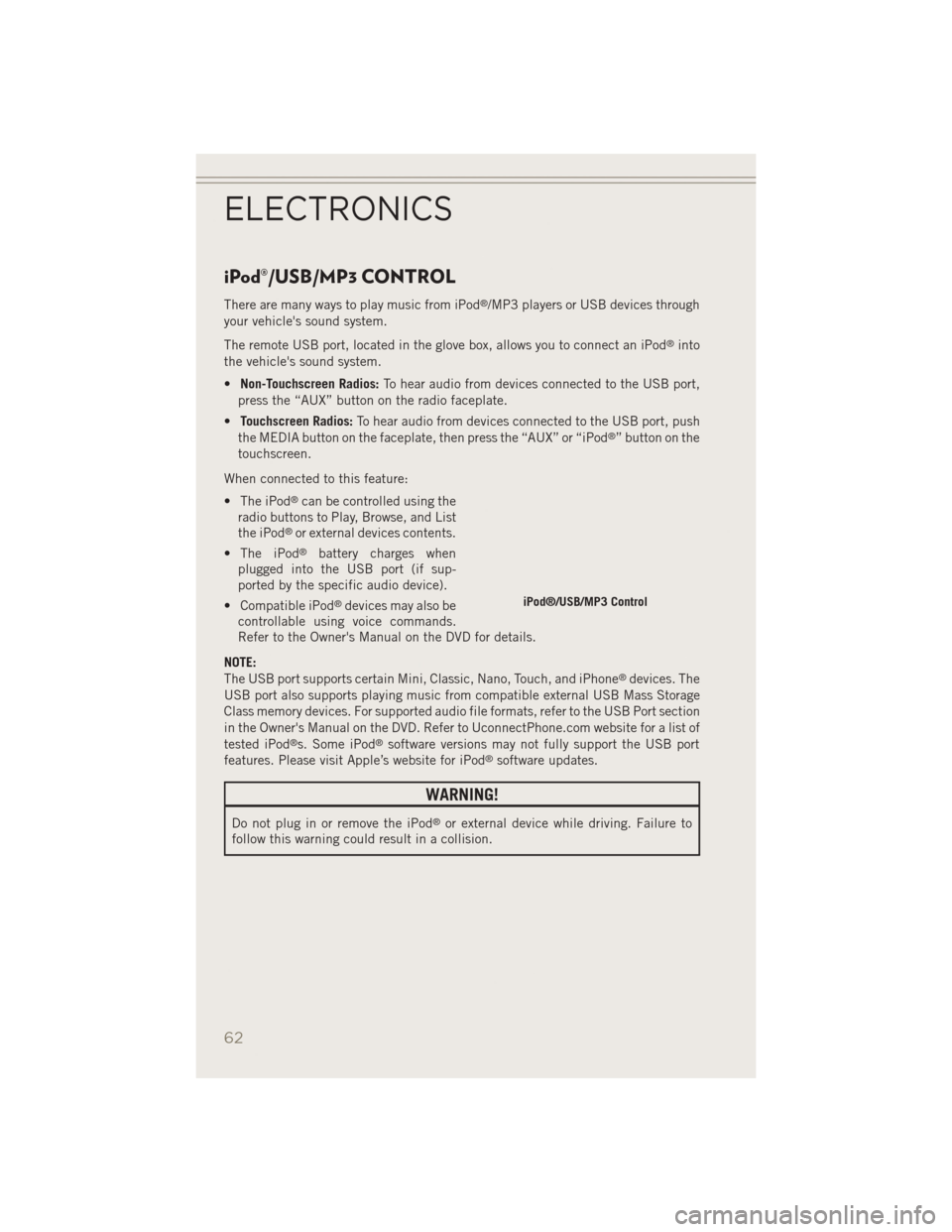
iPod®/USB/MP3 CONTROL
There are many ways to play music from iPod®/MP3 players or USB devices through
your vehicle's sound system.
The remote USB port, located in the glove box, allows you to connect an iPod
®into
the vehicle's sound system.
• Non-Touchscreen Radios: To hear audio from devices connected to the USB port,
press the “AUX” button on the radio faceplate.
• Touchscreen Radios: To hear audio from devices connected to the USB port, push
the MEDIA button on the faceplate, then press the “AUX” or “iPod
®” button on the
touchscreen.
When connected to this feature:
• The iPod
®can be controlled using the
radio buttons to Play, Browse, and List
the iPod
®or external devices contents.
• The iPod
®battery charges when
plugged into the USB port (if sup-
ported by the specific audio device).
• Compatible iPod
®devices may also be
controllable using voice commands.
Refer to the Owner's Manual on the DVD for details.
NOTE:
The USB port supports certain Mini, Classic, Nano, Touch, and iPhone
®devices. The
USB port also supports playing music from compatible external USB Mass Storage
Class memory devices. For supported audio file formats, refer to the USB Port section
in the Owner's Manual on the DVD. Refer to UconnectPhone.com website for a list of
tested iPod
®s. Some iPod®software versions may not fully support the USB port
features. Please visit Apple’s website for iPod®software updates.
WARNING!
Do not plug in or remove the iPod®or external device while driving. Failure to
follow this warning could result in a collision.
iPod®/USB/MP3 Control
ELECTRONICS
62
Page 65 of 126
Uconnect® PHONE
• To determine if your vehicle is equipped with Uconnect®Phone, press the
Uconnect®Phone buttonlocated on the radio faceplate. If your vehicle has
this feature, you will hear a voice prompt. If not, you will see a message on the
radio stating “Uconnect phone not available.”
• The Uconnect
®Phone is a voice-activated, hands-free, in-vehicle communica-
tions system with Voice Command Capability (see Voice Command section).
NOTE:
To access the tutorial, press the Uconnect
®Phone buttonand after the BEEP,
say “tutorial.” Press any hard-key/button or touch the display (Touchscreen radio) to
cancel the “tutorial.”
• The Uconnect
®Phone allows you to dial a phone number with your mobile phone
using simple voice commands.
• Refer to your vehicle Owner's Manual on the DVD for further details.
NOTE:
The Uconnect
®Phone requires a mobile phone equipped with the Bluetooth®
Hands-Free Profile Version 1.0 or higher. For Uconnect®Customer Support: U.S.
residents - visit www.UconnectPhone.com or call 1–877–855–8400. Canadian
Residents - call, 1-800-465–2001 (English) or 1-800-387-9983 (French). This site
will provide specific instructions based on the type of mobile phone being paired.
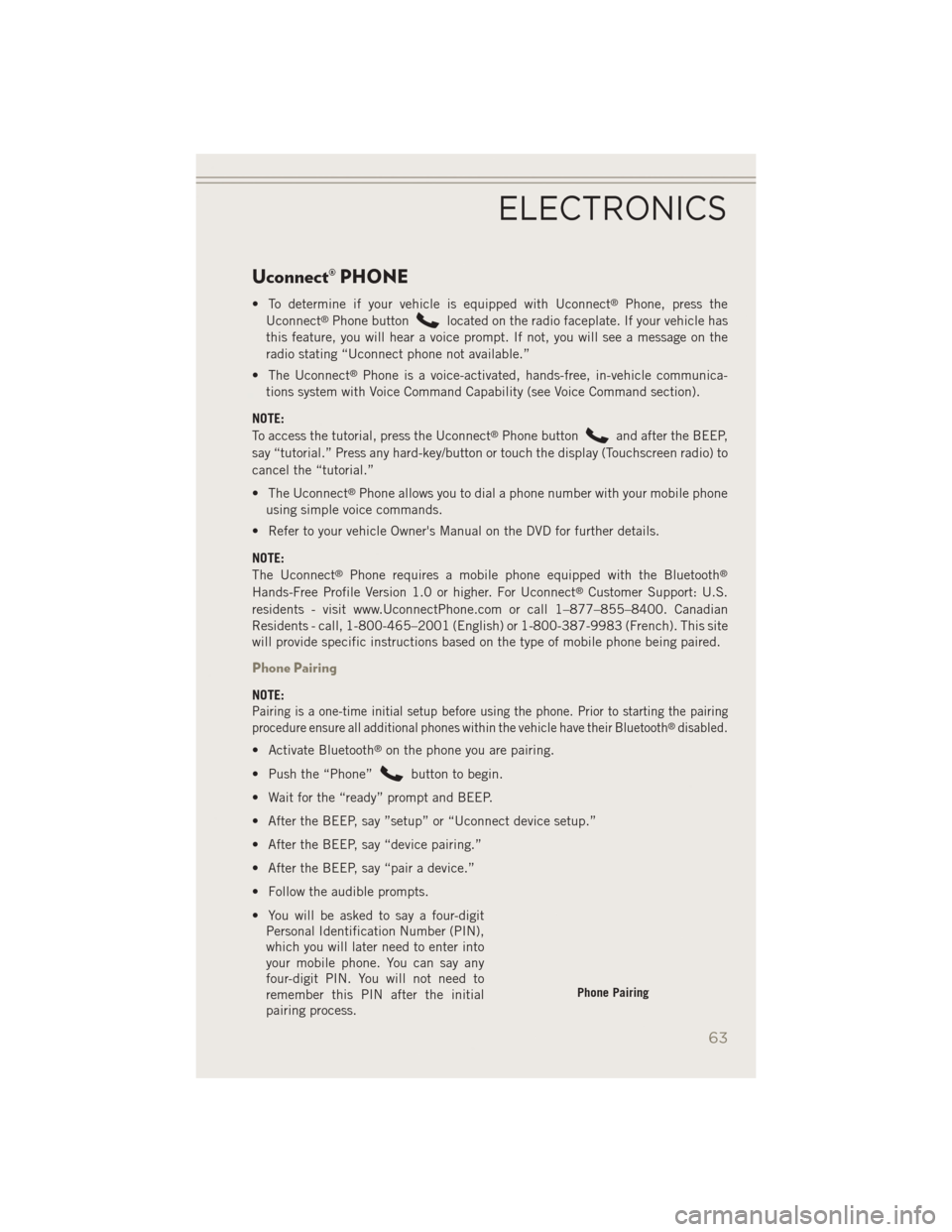
Phone Pairing
NOTE:
Pairing is a one-time initial setup before using the phone. Prior to starting the pairing
procedure ensure all additional phones within the vehicle have their Bluetooth®disabled.
• Activate Bluetooth®on the phone you are pairing.
• Push the “Phone”
button to begin.
• Wait for the “ready” prompt and BEEP.
• After the BEEP, say ”setup” or “Uconnect device setup.”
• After the BEEP, say “device pairing.”
• After the BEEP, say “pair a device.”
• Follow the audible prompts.
• You will be asked to say a four-digit Personal Identification Number (PIN),
which you will later need to enter into
your mobile phone. You can say any
four-digit PIN. You will not need to
remember this PIN after the initial
pairing process.
Phone Pairing
ELECTRONICS
63