lock JEEP PATRIOT 2015 1.G Manual PDF
[x] Cancel search | Manufacturer: JEEP, Model Year: 2015, Model line: PATRIOT, Model: JEEP PATRIOT 2015 1.GPages: 572, PDF Size: 11.46 MB
Page 283 of 572
By pushing the SEEK button when the Music Type icon is
displayed, the radio will be tuned to the next frequency
station with the same selected Music Type name. The
Music Type function only operates when in the FM
mode.
If a preset button is activated while in the Music Type
(Program Type) mode, the Music Type mode will be
exited and the radio will tune to the preset station.
SETUP Button
Pushing the SETUP button allows you to select between
the following items:
•Set Clock— Pushing the SELECT button will allow
you to set the clock. Adjust the hours by turning the
TUNE/SCROLL control knob. After adjusting the
hours, push the TUNE/SCROLL control knob to set
the minutes. The minutes will begin to blink. Adjust
the minutes using the right side TUNE/SCROLL con-
trol knob. Push the TUNE/SCROLL control knob to
save time change.
AM/FM Button
Push the button to select either AM or FM mode.
SET/RND Button — To Set The Pushbutton
Memory
When you are receiving a station that you wish to
commit to pushbutton memory, push the SET/RND
button. The symbol SET 1 will now show in the display
window. Select the button (1–6) you wish to lock onto this
station and push and release that button. If a button is not
selected within five seconds after pushing the SET/RND
button, the station will continue to play but will not be
stored into pushbutton memory.
4
UNDERSTANDING YOUR INSTRUMENT PANEL 281
Page 292 of 572
Selecting Uconnect® (Satellite) Mode
Push the SAT button until#SAT#appears in the display. A
CD may remain in the radio while in the Satellite radio
mode.
Satellite Antenna
To ensure optimum reception, do not place items on the
roof around the rooftop antenna location. Metal objects
placed within the line of sight of the antenna will cause
decreased performance. Larger luggage items such as
bikes should be placed as far rearward as possible, within
the loading design of the rack. Do not place items directly
on or above the antenna.
Reception Quality
Satellite reception may be interrupted due to one of the
following reasons:
•The vehicle is parked in an underground parking
structure or under a physical obstacle.
•Dense tree coverage may interrupt reception in the
form of short audio mutes.
•Driving under wide bridges or along tall buildings can
cause intermittent reception.
•Placing objects over or too close to the antenna can
cause signal blockage.
Operating Instructions — Uconnect® (Satellite) Mode
NOTE:The ignition switch must be in the ON/RUN or
ACC position to operate the radio.
SEEK Buttons
Push and release the SEEK buttons to search for the next
listenable station in AM/FM mode. Push the right switch
to seek up and the left switch to seek down. The radio
will remain tuned to the new station until you make
another selection. Holding either button will bypass
stations without stopping, until you release it.
290 UNDERSTANDING YOUR INSTRUMENT PANEL
Page 293 of 572
SCAN Button
Pushing the SCAN button causes the tuner to search for
the next channel, pausing for eight seconds before con-
tinuing to the next. To stop the search, push the SCAN
button a second time.
INFO Button
Pushing the INFO button will cycle the display informa-
tion between Artist, Song Title, and Composer (if avail-
able). Also, pushing and holding the INFO button for an
additional three seconds will make the radio display the
Song Title all of the time (push and hold again to return
to normal display).
RW/FF
Pushing the RW (Rewind) or FF (Fast Forward) buttons
causes the tuner to search for the next channel in the
direction of the arrows.
TUNE Control (Rotary)
Turn the rotary TUNE/SCROLL control knob clockwise
to increase or counterclockwise to decrease the channel.
MUSIC TYPE Button
Pushing this button once will turn on the Music Type
mode for five seconds. Pushing the MUSIC TYPE button
or turning the TUNE/SCROLL control knob within five
seconds will allow the program format type to be se-
lected.
Toggle the MUSIC TYPE button again to select the music
type.
By pushing the SEEK button when the Music Type
function is active, the radio will be tuned to the next
channel with the same selected Music Type name.
If a preset button is activated while in the Music Type
(Program Type) mode, the Music Type mode will be
exited and the radio will tune to the preset channel.
4
UNDERSTANDING YOUR INSTRUMENT PANEL 291
Page 294 of 572
SETUP Button
Pushing the SETUP button allows you to select the
following items:
•Display Sirius ID number — Push the AUDIO/
SELECT button to display the Sirius ID number. This
number is used to activate, deactivate, or change the
Sirius subscription.
SET Button — To Set The Pushbutton Memory
When you are receiving a channel that you wish to
commit to pushbutton memory, push the SET button. The
symbol SET 1 will now show in the display window.
Select the button (1-6) you wish to lock onto this channel
and push and release that button. If a button is not
selected within five seconds after pushing the SET but-
ton, the channel will continue to play but will not be
stored into pushbutton memory.
You may add a second channel to each pushbutton by
repeating the above procedure with this exception: Push
the SET button twice and SET 2 will show in the display
window. Each button can be set for SET 1 and SET 2. This
allows a total of 12 Satellite channels to be stored into
pushbutton memory. The channels stored in SET 2
memory can be selected by pushing the pushbutton
twice.
Every time a preset button is used, a corresponding
button number will display.
Buttons1-6
These buttons tune the radio to the channels that you
commit to pushbutton memory (12 Satellite stations).
Operating Instructions (Uconnect® Phone) — If
Equipped
Refer to “Uconnect® Phone” in “Understanding The
Features Of Your Vehicle”.
292 UNDERSTANDING YOUR INSTRUMENT PANEL
Page 297 of 572
mode. In Play mode, the following buttons on the radio
faceplate may be used to control the iPod® or external
USB device and display data:
•Use theTUNEcontrol knob to select the next or
previous track.
•Turning it clockwise (forward) by one click, while
playing a track, skips to the next track or push the VR
button and say#Next Track.#
•Turning it counterclockwise (backward) by one click,
will jump to the previous track in the list or push the
VR button and say#Previous Track.#
•Jump backward in the current track by pushing and
holding the <
track.
•Jump forward in the current track by pushing and
holding theFF>> button.
•A single push backward <
jump backward or forward respectively, for five sec-
onds.
•Use the <
previous or next track. Pushing theSEEK>> button
during play mode will jump to the next track in the
list, or push the VR button and say#Next or Previous
Track.#
•While a track is playing, push theINFObutton to see
the associated metadata (artist, track title, album, etc.)
for that track. Pushing theINFObutton again jumps to
the next screen of data for that track. Once all screens
have been viewed, the lastINFObutton push will go
back to the play mode screen on the radio.
•Pushing theREPEATbutton will change the audio
device mode to repeat the current playing track or
push the VR button and say#Repeat ON#or#Repeat
Off.#
4
UNDERSTANDING YOUR INSTRUMENT PANEL 295
Page 298 of 572
•Push theSCANbutton to use iPod®/USB/MP3 de-
vice scan mode, which will play the first ten seconds of
each track in the current list and then forward to the
next song. To stop SCAN mode and start playing the
desired track, when it is playing the track, push the
SCANbutton again. During Scan mode, pushing the
<
and next tracks.
•RNDbutton (available on sales code RES radio only):
Pushing this button toggles between Shuffle ON and
Shuffle OFF modes for the iPod® or external USB
device, or push the VR button and say#Shuffle ON#or
#Shuffle Off.#If theRNDicon is showing on the radio
display, then the shuffle mode is ON.
List Or Browse Mode
During Play mode, pushing any of the buttons described
below, will bring up List mode. List mode enables
scrolling through the list of menus and tracks on the
audio device.
TUNEcontrol knob: TheTUNEcontrol knob functions in
a similar manner as the scroll wheel on the audio device
or external USB device.
•Turning it clockwise (forward) and counterclockwise
(backward) scrolls through the lists, displaying the
track detail on the radio display. Once the track to be
played is highlighted on the radio display, push the
TUNEcontrol knob to select and start playing the
track. Turning theTUNEcontrol knob fast will scroll
through the list faster. During fast scroll, a slight delay
in updating the information on the radio display may
be noticeable.
296 UNDERSTANDING YOUR INSTRUMENT PANEL
Page 299 of 572
During all List modes, the iPod® displays all lists in
“wrap-around” mode. So if the track is at the bottom of
the list, just turn the wheel backward (counterclockwise)
to get to the track faster.
In List mode, the radioPRESETbuttons are used as
shortcuts to the following lists on the iPod® or external
USB device:
•Preset 1 – Playlists
•Preset 2 – Artists
•Preset 3 – Albums
•Preset 4 – Genres
•Preset 5 – Audiobooks
•Preset 6 – Podcasts
Pushing a PRESET button will display the current list on
the top line and the first item in that list on the second
line.
To exit List mode without selecting a track, push the
samePRESETbutton again to go back toPlay mode.
LISTbutton: TheLISTbutton will display the top level
menu of the iPod® or external USB device.
•Turn theTUNEcontrol knob to list the top-menu item
to be selected and push theTUNEcontrol knob. This
will display the next sub-menu list item on the audio
device, then follow the same steps to go to the desired
track in that list. Not all iPod® or external USB device
sub-menu levels are available on this system.
MUSIC TYPEbutton: TheMUSIC TYPEbutton is
another shortcut button to the genre listing on your audio
device.
4
UNDERSTANDING YOUR INSTRUMENT PANEL 297
Page 309 of 572
•The A/C will engage automatically to prevent fogging
when the recirculation button is pushed and the mode
control is set to panel or panel / floor.
•The A/C can be deselected manually without disturb-
ing the mode control selection.
•When the ignition switch is turned to the LOCK
position, the recirculation feature will be cancelled.
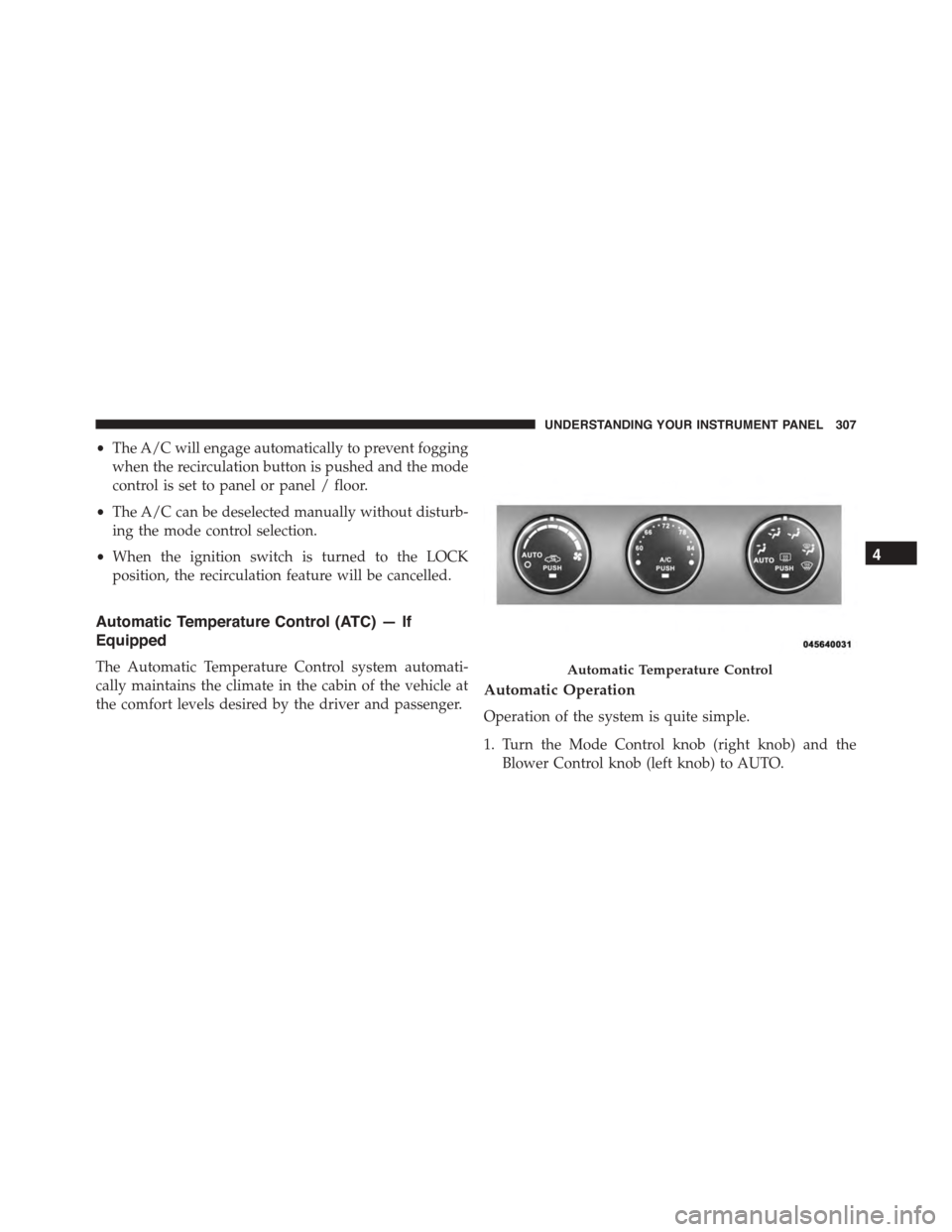
Automatic Temperature Control (ATC) — If
Equipped
The Automatic Temperature Control system automati-
cally maintains the climate in the cabin of the vehicle at
the comfort levels desired by the driver and passenger.Automatic Operation
Operation of the system is quite simple.
1. Turn the Mode Control knob (right knob) and the
Blower Control knob (left knob) to AUTO.
Automatic Temperature Control
4
UNDERSTANDING YOUR INSTRUMENT PANEL 307
Page 314 of 572
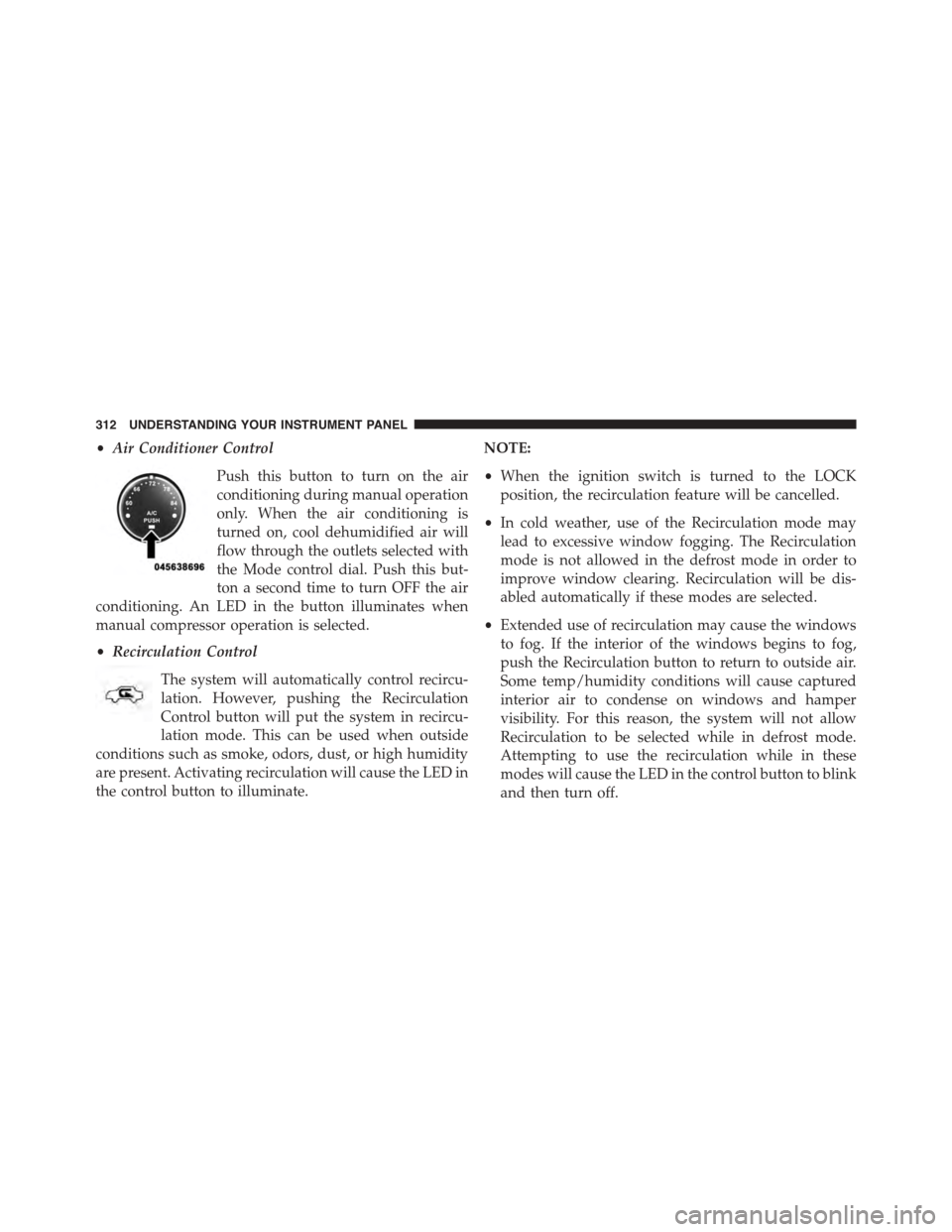
•Air Conditioner Control
Push this button to turn on the air
conditioning during manual operation
only. When the air conditioning is
turned on, cool dehumidified air will
flow through the outlets selected with
the Mode control dial. Push this but-
ton a second time to turn OFF the air
conditioning. An LED in the button illuminates when
manual compressor operation is selected.
•Recirculation Control
The system will automatically control recircu-
lation. However, pushing the Recirculation
Control button will put the system in recircu-
lation mode. This can be used when outside
conditions such as smoke, odors, dust, or high humidity
are present. Activating recirculation will cause the LED in
the control button to illuminate.
NOTE:
•When the ignition switch is turned to the LOCK
position, the recirculation feature will be cancelled.
•In cold weather, use of the Recirculation mode may
lead to excessive window fogging. The Recirculation
mode is not allowed in the defrost mode in order to
improve window clearing. Recirculation will be dis-
abled automatically if these modes are selected.
•Extended use of recirculation may cause the windows
to fog. If the interior of the windows begins to fog,
push the Recirculation button to return to outside air.
Some temp/humidity conditions will cause captured
interior air to condense on windows and hamper
visibility. For this reason, the system will not allow
Recirculation to be selected while in defrost mode.
Attempting to use the recirculation while in these
modes will cause the LED in the control button to blink
and then turn off.
312 UNDERSTANDING YOUR INSTRUMENT PANEL
Page 319 of 572
STARTING AND OPERATING
CONTENTS
!STARTING PROCEDURES................321
▫Manual Transmission — If Equipped.......321
▫Automatic Transmission — If Equipped.....322
▫Normal Starting.......................322
▫Extreme Cold Weather
(Below –20°F Or−29°C)................323
▫If Engine Fails To Start.................323
▫After Starting........................323
!ENGINE BLOCK HEATER — IF EQUIPPED . . .324
!MANUAL TRANSMISSION — IF EQUIPPED . .324
▫Five-Speed Manual Transmission...........324
▫Recommended Shift Speeds..............326
▫Downshifting........................327
!AUTOMATIC TRANSMISSION — IF
EQUIPPED...........................327
▫Key Ignition Park Interlock...............329
▫Brake/Transmission Shift Interlock System . . .329
▫Six-Speed Automatic Transmission — If
Equipped...........................330
▫Continuously Variable Automatic Transmission
(CVT) — If Equipped...................337
5