battery JEEP PATRIOT 2017 1.G Owner's Guide
[x] Cancel search | Manufacturer: JEEP, Model Year: 2017, Model line: PATRIOT, Model: JEEP PATRIOT 2017 1.GPages: 421, PDF Size: 3.4 MB
Page 382 of 421
Phone And Network Status Indicators
If available on the radio and/or on a premium display such
as the instrument panel cluster, and supported by your
mobile phone, the Uconnect Phone will provide notifica-
tion to inform you of your phone and network status when
you are attempting to make a phone call using Uconnect
Phone. The status is given for roaming, network signal
strength, phone battery strength, etc.
Dialing Using The Mobile Phone Keypad
You can dial a phone number with your mobile phone
keypad and still use the Uconnect Phone (while dialing via
the mobile phone keypad, the user must exercise caution
and take precautionary safety measures). By dialing a
number with your paired Bluetooth mobile phone, the
audio will be played through your vehicles audio system.
The Uconnect Phone will work the same as if you dial the
number using Voice Command.
NOTE:Certain brands of mobile phones do not send the
dial ring to the Uconnect Phone to play it on the vehicle
audio system, so you will not hear it. Under this situation,
after successfully dialing a number the user may feel that
the call did not go through even though the call is in
progress. Once your call is answered, you will hear the
audio.
Mute/Un-Mute (Mute ON/OFF)
When you mute the Uconnect Phone, you will still be able
to hear the conversation coming from the other party, but
the other party will not be able to hear you. To mute the
Uconnect Phone:
• Push the Voice Command
button.
•Following the beep, say “Mute.”
To un-mute the Uconnect Phone:
• Push the Voice Command
button.
•Following the beep, say “Mute off.”
Advanced Phone Connectivity
Transfer Call To And From Mobile Phone
The Uconnect Phone allows ongoing calls to be transferred
from your mobile phone to the Uconnect Phone without
terminating the call. To transfer an ongoing call from your
Uconnect Phone paired mobile phone to the Uconnect
Phone or vice versa, push the Voice Command
button
and say “Transfer Call.”
380 MULTIMEDIA
Page 407 of 421
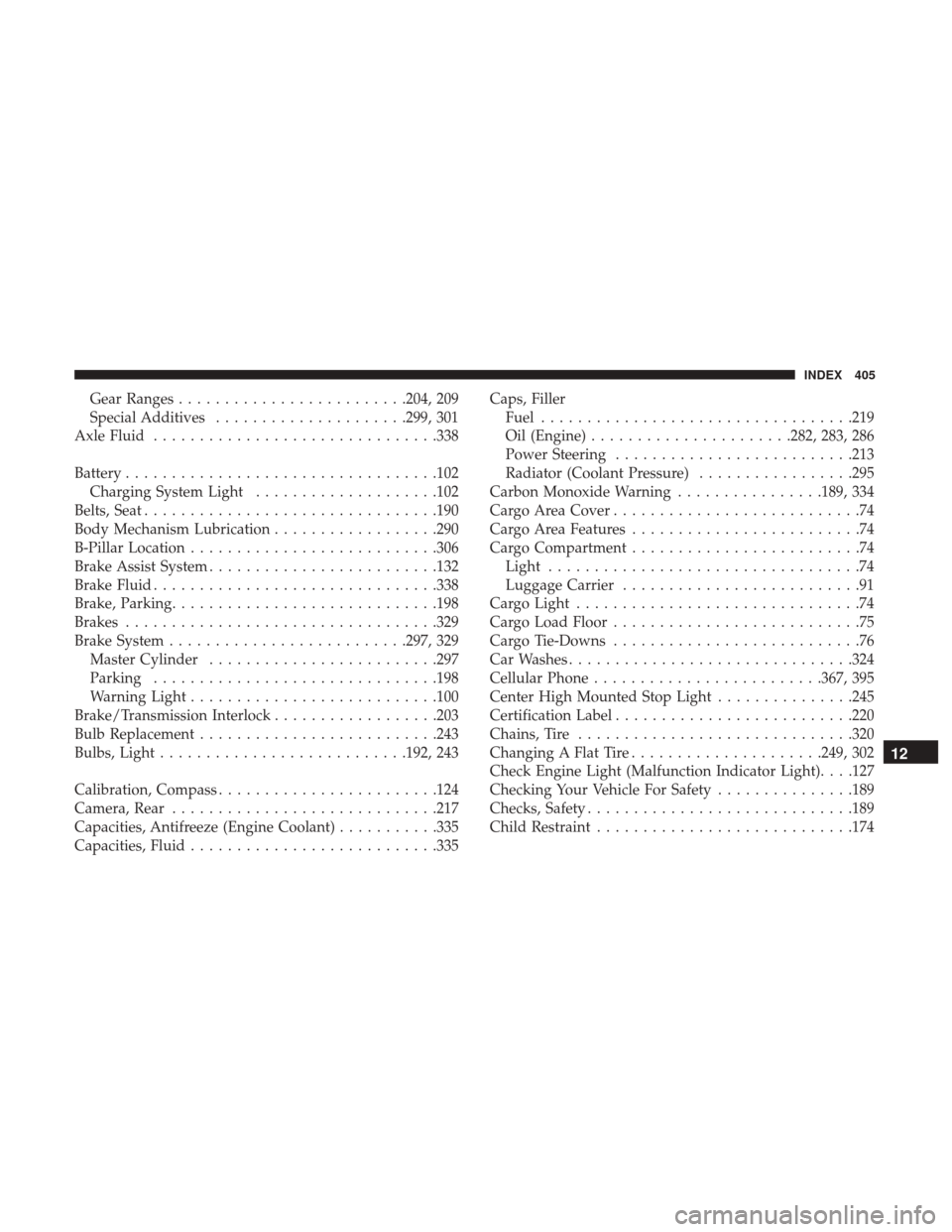
Gear Ranges........................ .204, 209
Special Additives .....................299, 301
Axle Fluid .............................. .338
Battery ................................. .102
Charging System Light ....................102
Belts, Seat ............................... .190
Body Mechanism Lubrication ..................290
B-Pillar Location .......................... .306
Brake Assist System ........................ .132
Brake Fluid .............................. .338
Brake, Parking ............................ .198
Brakes ................................. .329
Brake System ......................... .297, 329
Master Cylinder ........................ .297
Parking .............................. .198
Warning Light .......................... .100
Brake/Transmission Interlock ..................203
Bulb Replacement ......................... .243
Bulbs, Light .......................... .192, 243
Calibration, Compass ....................... .124
Camera, Rear ............................ .217
Capacities, Antifreeze (Engine Coolant) ...........335
Capacities, Fluid .......................... .335Caps, Filler
Fuel ................................. .219
Oil (Engine) ..................... .282, 283, 286
Power Steering ......................... .213
Radiator (Coolant Pressure) .................295
Carbon Monoxide Warning ................189, 334
Cargo Area Cover ...........................74
Cargo Area Features .........................74
Cargo Compartment .........................74
Light ..................................74
Luggage Carrier ..........................91
Cargo Light ...............................74
Cargo Load Floor ...........................75
Cargo Tie-Downs ...........................76
Car Washes .............................. .324
Cellular
Phone........................ .367, 395
Center High Mounted Stop Light ...............245
Certification Label ......................... .220
Chains, Tire ............................. .320
Changing A Flat Tire .....................249, 302
Check Engine Light (Malfunction Indicator Light). . . .127
Checking Your Vehicle For Safety ...............189
Checks, Safety ............................ .189
Child Restraint ........................... .174
12
INDEX 405
Page 420 of 421

INSTALLATION OF RADIO TRANSMITTING
EQUIPMENT
Special design considerations are incorporated into this
vehicle’s electronic system to provide immunity to radio
frequency signals. Mobile two-way radios and telephone
equipment must be installed properly by trained person-
nel. The following must be observed during installation.
The positive power connection should be made directly
to the battery and fused as close to the battery as possible.
The negative power connection should be made to body
sheet metal adjacent to the negative battery connection.
This connection should not be fused.
Antennas for two-way radios should be mounted on the
roof or the rear area of the vehicle. Care should be used
in mounting antennas with magnet bases. Magnets may
affect the accuracy or operation of the compass on
vehicles so equipped.The antenna cable should be as short as practical and
routed away from the vehicle wiring when possible. Use
only fully shielded coaxial cable.
Carefully match the antenna and cable to the radio to
ensure a low Standing Wave Ratio (SWR).
Mobile radio equipment with output power greater than
normal may require special precautions.
All installations should be checked for possible interfer-
ence between the communications equipment and the
vehicle’s electronic systems.