lock JEEP PATRIOT 2017 1.G Owner's Guide
[x] Cancel search | Manufacturer: JEEP, Model Year: 2017, Model line: PATRIOT, Model: JEEP PATRIOT 2017 1.GPages: 421, PDF Size: 3.4 MB
Page 75 of 421
CAUTION!
To prevent possible damage:
•Before closing hood, make sure the hood prop rod is
fully seated into its storage retaining clips.
• Do not slam the hood to close it. Use a firm down-
ward push at the center front edge of the hood to
ensure that both latches engage. Never drive your
vehicle unless the hood is fully closed, with both
latches engaged.
LIFTGATE
NOTE: The key that is used to start the vehicle is also used
to lock or unlock the doors and open the liftgate.
To unlock the liftgate, insert the key into the lock and turn it
to the right (manual lock models only). The liftgate can also
be unlocked
using the key fob or by activating the
power door lock
switches located on the front doors.
The central locking/unlocking feature (if equipped) can
also be activated from the liftgate key cylinder.
Once unlocked, the liftgate can be opened or closed
without using the key fob. To open the liftgate, squeeze the
liftgate release and pull the liftgate open with one fluid
motion. NOTE:
•
In the event of a power malfunction, or the key fob is
inoperative, insert the key fob into the liftgate lock
cylinder and turn to the right (manual lock models
only). Using the liftgate handle, pull the liftgate open
with one fluid motion.
• Although the liftgate has no inside release mechanism,
the liftgate trim panel includes an opening with a
snap-in cap that provides access to release the latch in
the event of an electrical system malfunction.
Liftgate Handle Location
3
GETTING TO KNOW YOUR VEHICLE 73
Page 84 of 421
NOTE:•If the indicator light stays on constantly, programming
is complete and the garage door/device should acti-
vate when the HomeLink button is pushed.
• To program the two remaining HomeLink buttons,
repeat each step for each remaining button. DO NOT
erase the channels.
If you unplugged the garage door opener/device for
programming, plug it back in at this time.
Reprogramming A Single HomeLink Button
(Canadian/Gate Operator)
To reprogram a channel that has been previously trained,
follow these steps:
1. Cycle the ignition to the ON/RUN position.
NOTE: For vehicles equipped with Keyless Enter-N-Go,
place the ignition in the RUN position with the engine ON.
Make sure while programming HomeLink with the engine
ON that your vehicle is outside of your garage, or that the
garage door remains open at all times.
2. Push and hold the desired HomeLink button until the indicator light begins to flash after 20 seconds. Do not
release the button. 3.
Without releasing the button, proceed with
“Canadian/Gate Operator Programming” step 2 and
follow all remaining steps.
Using HomeLink
To operate, push and release the programmed HomeLink
button. Activation will now occur for the programmed
device (i.e. garage door opener, gate operator, security
system, entry door lock, home/office lighting, etc.) The
hand-held transmitter of the device may also be used at
any time.
Security
It is advised to erase all channels before you sell or turn in
your vehicle.
To do this, push and hold the two outside buttons for 20
seconds until the red indicator flashes.
NOTE: All channels will be erased. Individual channels
cannot be erased.
The HomeLink Universal Transceiver is disabled when the
Vehicle Security Alarm is active.
82 GETTING TO KNOW YOUR VEHICLE
Page 93 of 421
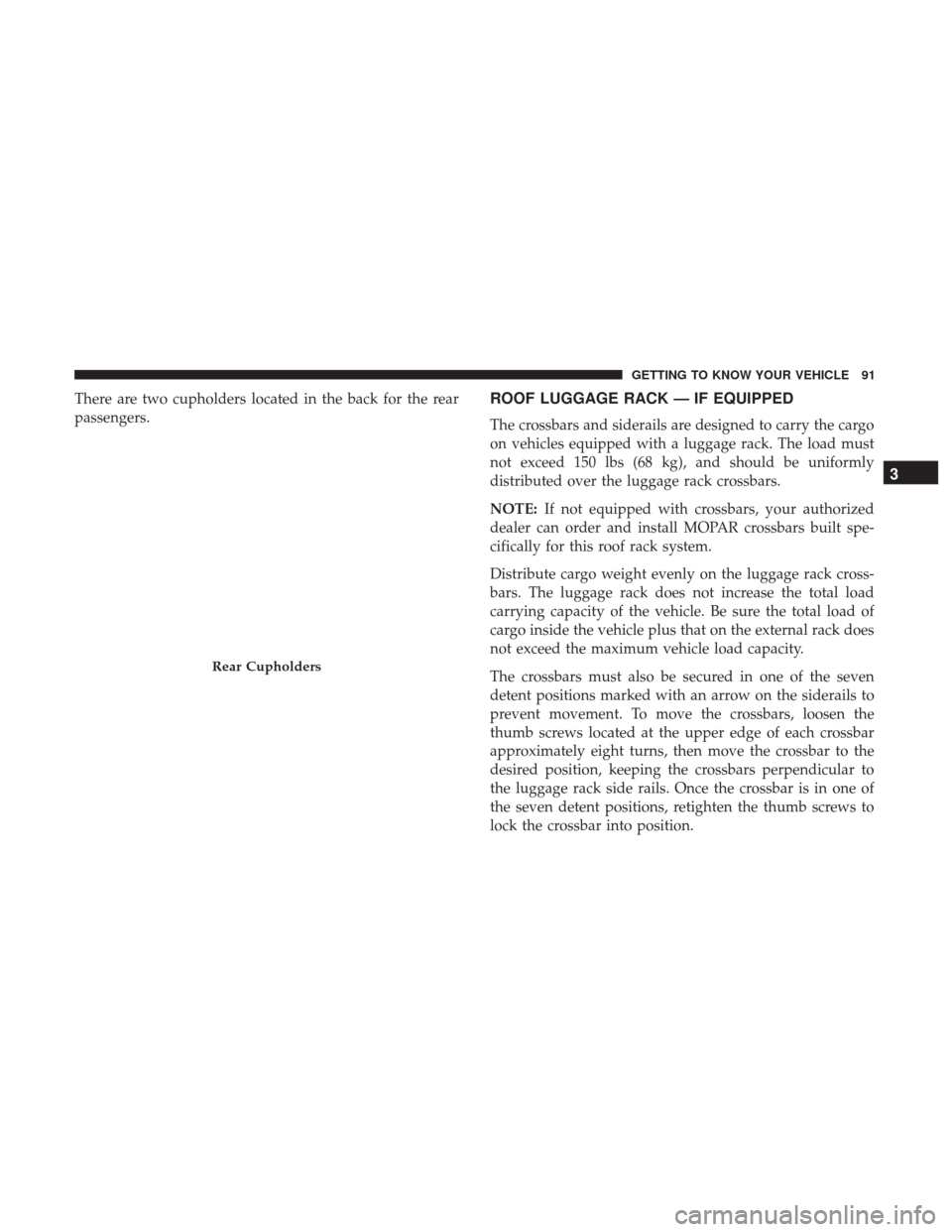
There are two cupholders located in the back for the rear
passengers.ROOF LUGGAGE RACK — IF EQUIPPED
The crossbars and siderails are designed to carry the cargo
on vehicles equipped with a luggage rack. The load must
not exceed 150 lbs (68 kg), and should be uniformly
distributed over the luggage rack crossbars.
NOTE:If not equipped with crossbars, your authorized
dealer can order and install MOPAR crossbars built spe-
cifically for this roof rack system.
Distribute cargo weight evenly on the luggage rack cross-
bars. The luggage rack does not increase the total load
carrying capacity of the vehicle. Be sure the total load of
cargo inside the vehicle plus that on the external rack does
not exceed the maximum vehicle load capacity.
The crossbars must also be secured in one of the seven
detent positions marked with an arrow on the siderails to
prevent movement. To move the crossbars, loosen the
thumb screws located at the upper edge of each crossbar
approximately eight turns, then move the crossbar to the
desired position, keeping the crossbars perpendicular to
the luggage rack side rails. Once the crossbar is in one of
the seven detent positions, retighten the thumb screws to
lock the crossbar into position.
Rear Cupholders
3
GETTING TO KNOW YOUR VEHICLE 91
Page 102 of 421
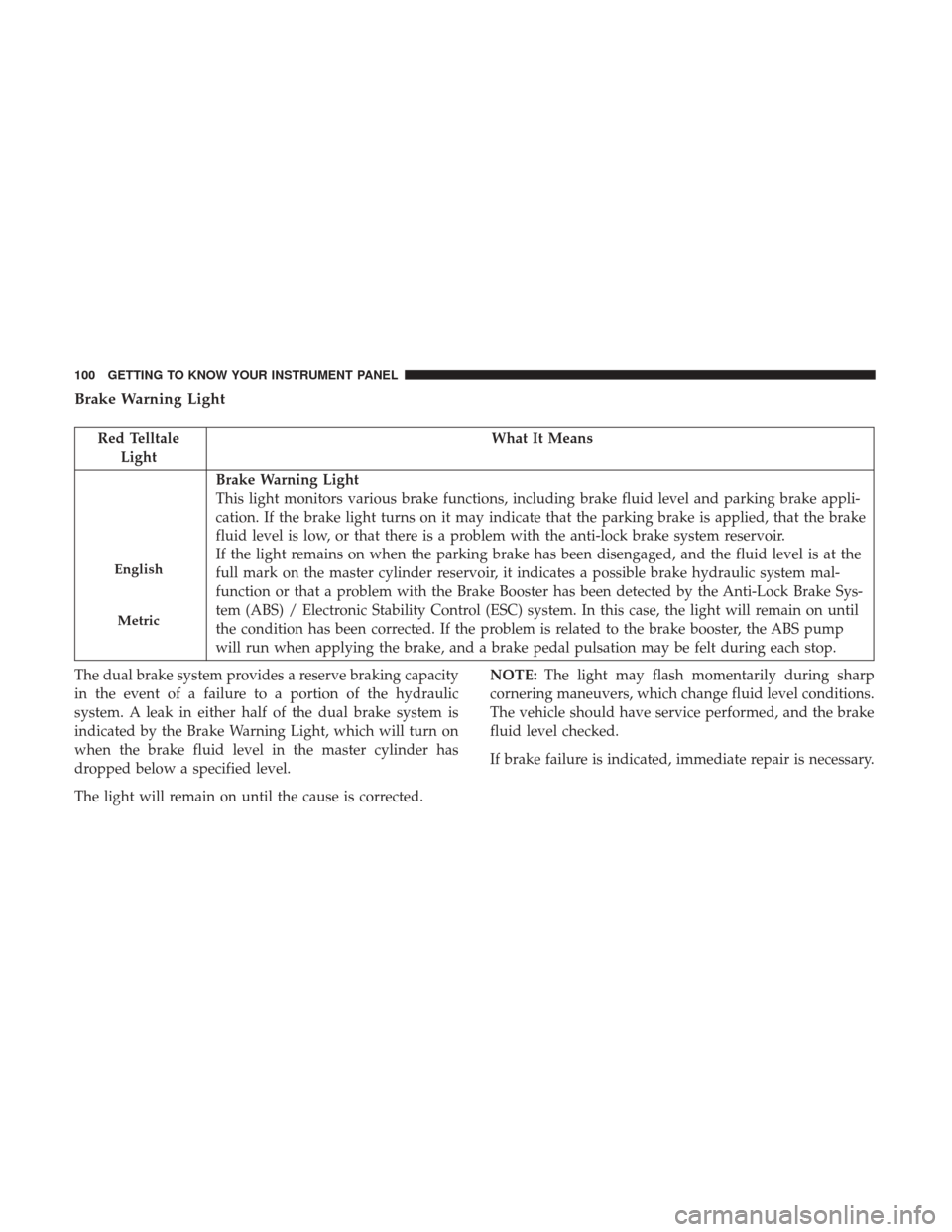
Brake Warning Light
Red TelltaleLight What It Means
English
Metric
Brake Warning Light
This light monitors various brake functions, including brake fluid level and parking brake appli-
cation. If the brake light turns on it may indicate that the parking brake is applied, that the brake
fluid level is low, or that there is a problem with the anti-lock brake system reservoir.
If the light remains on when the parking brake has been disengaged, and the fluid level is at the
full mark on the master cylinder reservoir, it indicates a possible brake hydraulic system mal-
function or that a problem with the Brake Booster has been detected by the Anti-Lock Brake Sys-
tem (ABS) / Electronic Stability Control (ESC) system. In this case, the light will remain on until
the condition has been corrected. If the problem is related to the brake booster, the ABS pump
will run when applying the brake, and a brake pedal pulsation may be felt during each stop.
The dual brake system provides a reserve braking capacity
in the event of a failure to a portion of the hydraulic
system. A leak in either half of the dual brake system is
indicated by the Brake Warning Light, which will turn on
when the brake fluid level in the master cylinder has
dropped below a specified level.
The light will remain on until the cause is corrected. NOTE:
The light may flash momentarily during sharp
cornering maneuvers, which change fluid level conditions.
The vehicle should have service performed, and the brake
fluid level checked.
If brake failure is indicated, immediate repair is necessary.
100 GETTING TO KNOW YOUR INSTRUMENT PANEL
Page 103 of 421
WARNING!
Driving a vehicle with the red brake light on is
dangerous. Part of the brake system may have failed. It
will take longer to stop the vehicle. You could have a
collision. Have the vehicle checked immediately.
Vehicles equipped with the Anti-Lock Brake System (ABS)
are also equipped with Electronic Brake Force Distribution
(EBD). In the event of an EBD failure, the Brake Warning
Light will turn on along with the ABS Light. Immediate
repair to the ABS system is required. Operation of the Brake Warning Light can be checked by
turning the ignition switch from the OFF position to the
ON/RUN position. The light should illuminate for ap-
proximately two seconds. The light should then turn off
unless the parking brake is applied or a brake fault is
detected. If the light does not illuminate, have the light
inspected by an authorized dealer.
The light also will turn on when the parking brake is
applied with the ignition switch in the ON/RUN position.
NOTE:
This light shows only that the parking brake is
applied. It does not show the degree of brake application.
Vehicle Security Warning Light
Red Telltale Light What It Means
Vehicle Security Warning Light
This light will flash at a fast rate for approximately 15 seconds when the vehicle security alarm is
arming, and then will flash slowly until the vehicle is disarmed.
4
GETTING TO KNOW YOUR INSTRUMENT PANEL 101
Page 111 of 421
Anti-Lock Brake (ABS) Indicator Light
Yellow TelltaleLight What It Means
Anti-Lock Brake (ABS) Indicator Light
This light monitors the Anti-Lock Brake System (ABS). The light will turn on when the ignition
switch is placed in the ON/RUN position and may stay on for as long as four seconds.
If the ABS light remains on or turns on while driving, then the Anti-Lock portion of the brake
system is not functioning and service is required. However, the conventional brake system will
continue to operate normally if the brake warning light is not on.
If the ABS light is on, the brake system should be serviced as soon as possible to restore the ben-
efits of Anti-Lock Brakes. If the ABS light does not turn on when the ignition switch is placed in
the ON/RUN position, have the light inspected by an authorized dealer.
Low Fuel Warning Light
Yellow Telltale
Light What It Means
Low Fuel Indicator Light
When the fuel level reaches approximately 2.4 gal (9.1 L) this light will turn on, and remain on
until fuel is added.
4
GETTING TO KNOW YOUR INSTRUMENT PANEL 109
Page 112 of 421
4WD Low Indicator Light — If Equipped
Yellow TelltaleLight What It Means
4WD Low Indicator Light
This light alerts the driver that the vehicle is in the four-wheel drive LOW mode. The front and
rear driveshafts are mechanically locked together forcing the front and rear wheels to rotate at
the same speed. Low range provides a greater gear reduction ratio to provide increased torque at
the wheels.
Refer to “Four-Wheel Drive Operation — If Equipped” in “Starting And Operating” for further
information on four-wheel drive operation and proper use.
This light alerts the driver that the vehicle is in the
four-wheel drive LOW mode. The front and rear drive-
shafts are mechanically locked together forcing the front
and rear wheels to rotate at the same speed. Low range
provides a greater gear reduction ratio to provide increased
torque at the wheels. Refer to “Four-Wheel Drive Operation — If Equipped” in
“Starting And Operating” for further information on four-
wheel drive operation and proper use.
110 GETTING TO KNOW YOUR INSTRUMENT PANEL
Page 121 of 421
•Battery Low (with a single chime)
• Personal Settings Not Avail. — Vehicle is not in PARK
(automatic transmission), or vehicle is in motion
(manual transmission).
• Door Open (with vehicle graphic showing which door is
open. A single chime sounds if the vehicle is in motion).
• Doors Open (with vehicle graphic showing which doors
are open. A single chime sounds if the vehicle is in
motion).
• Gate (with vehicle graphic showing the Liftgate open
and a single chime)
• Headlamps or Park Lamps On
• Remote Start Aborted — Door Open
• Remote Start Aborted — Hood Open
• Remote Start Aborted — L/Gate Open
• Remote Start Aborted — Fuel Low
• Remote Start Aborted — System Fault
• Key In Ignition
• Low Tire •
Low Tire Pressure Display for Premium TPM System
• Service TPM System
Oil Change Indicator System
Your vehicle is equipped with an engine oil change indi-
cator system. The “Oil Change Required” message will
display in the instrument cluster display for approximately
five seconds after a single chime has sounded to indicate
the next scheduled oil change interval. The engine oil
change indicator system is duty-cycle based, which means
the engine oil change interval may fluctuate dependent
upon your personal driving style.
Unless reset, this message will continue to display each
time you place the ignition in the ON/RUN position. To
turn off the message temporarily, push and release the Trip
Odometer button on the instrument cluster. To reset the oil
change indicator system (after performing the scheduled
maintenance), refer to the following procedure.
1. Place the ignition in the ON position. Do not start the
engine.
2. Fully push the accelerator pedal, slowly, three times within 10 seconds.
3. Place the ignition in the OFF/LOCK position.
4
GETTING TO KNOW YOUR INSTRUMENT PANEL 119
Page 124 of 421
Auto Lock Doors — If Equipped
When ON is selected, all doors lock automatically when
the speed of the vehicle reaches 15 MPH (24 km/h). Push
and hold theright
arrow button when in this display
until “ON” or “OFF” appears to make your selection.
Auto Unlock On Exit
When ON is selected, all the vehicle’s doors will unlock
when the driver’s door is opened, if the vehicle is stopped
(manual transmission) or the vehicle is stopped and the
transmission is in the PARK or NEUTRAL position (auto-
matic transmission). Push and hold the right
arrow
button when in this display until “ON” or “OFF”
appears to make your selection.
Key Fob Unlock
When Driver’s Door 1st is selected, only the driver’s door
will unlock on the first push of the key fob unlock button
and require a second push to unlock the remaining locked
doors. When Remote Unlock All Doors is selected, all of the
doors will unlock at the first push of the key fob unlock
button. Push and hold the right
arrow button when in
this display until “Driver’s Door 1st” or “All Doors”
appears to make your selection. Flash Lamps With Lock
When ON is selected, the front and rear turn signals will
flash when the doors are locked or unlocked using the key
fob. This feature may be selected with or without the sound
horn with lock feature selected. Push and hold the
right
arrow button when in this display until “ON”
or “OFF” appears to make your selection.
Sound Horn With Lock
When ON is selected, a short horn sound will occur when
the key fob lock button is pushed. This feature may be
selected with or without the Flash Lights with Lock feature.
Push and hold the right
arrow button when in this
display until “ON” or “OFF” appears to make your
selection.
Headlamp Off Delay
When this feature is selected the driver can choose to have
the headlights remain on for 0, 30, 60, or 90 seconds when
exiting the vehicle. Push and hold the right
arrow
button when in this display until 0, 30, 60, or 90 appears
to make your selection.
122 GETTING TO KNOW YOUR INSTRUMENT PANEL
Page 125 of 421
Headlamps with Wipers (Available with Auto
Headlights Only)
When on is selected, and the headlight switch is in the
AUTO position, the headlights will turn on approximately
10 seconds after the wipers are turned on. If the headlights
were turned on by this feature, they will also turn off when
the wipers are turned off. To make your selection, push and
release theright
arrow button until “ON” or “OFF”
appears.
NOTE: Turning the headlights on during the daytime
causes the instrument panel lights to dim. To increase the
brightness, refer to “Lights” in “Getting To Know Your
Vehicle.”
Key Off Power Delay
When this feature is selected the power window switches,
radio, Uconnect phone, power sunroof, and power outlets
will remain active for up to 10 minutes after the ignition
switch has been turned OFF. Opening either front vehicle
door will cancel this feature. Push and hold the right
arrow button when in this display until “OFF,” “45
sec.”, “5 min.”, or “10 min.” appears to make your
selection. Illuminated Approach
When this feature is selected, the headlights will activate
and remain on for up to 90 seconds when the doors are
unlocked using the key fob. Push and hold the
right
arrow button when in this display until “OFF,” “30
sec,” “60 sec,” or “90 sec.” appears to make your
selection.
Hill Start Assist (HSA) — If Equipped
When “On” is selected, the HSA system is active. Refer to
“Electronic Brake Control System” in “Safety” for system
function and operating information. To make your selec-
tion, push and release the right
arrow button until
“On” or “Off” appears.
Display Units In
The instrument cluster display, odometer, and Uconnect
GPS system units can be changed between US and Metric.
Push and hold the right
arrow button when in this
display until “US” or “METRIC” appears to make your
selection. 4
GETTING TO KNOW YOUR INSTRUMENT PANEL 123