fuel JEEP RENEGADE 2015 1.G User Guide
[x] Cancel search | Manufacturer: JEEP, Model Year: 2015, Model line: RENEGADE, Model: JEEP RENEGADE 2015 1.GPages: 678, PDF Size: 29.84 MB
Page 199 of 678
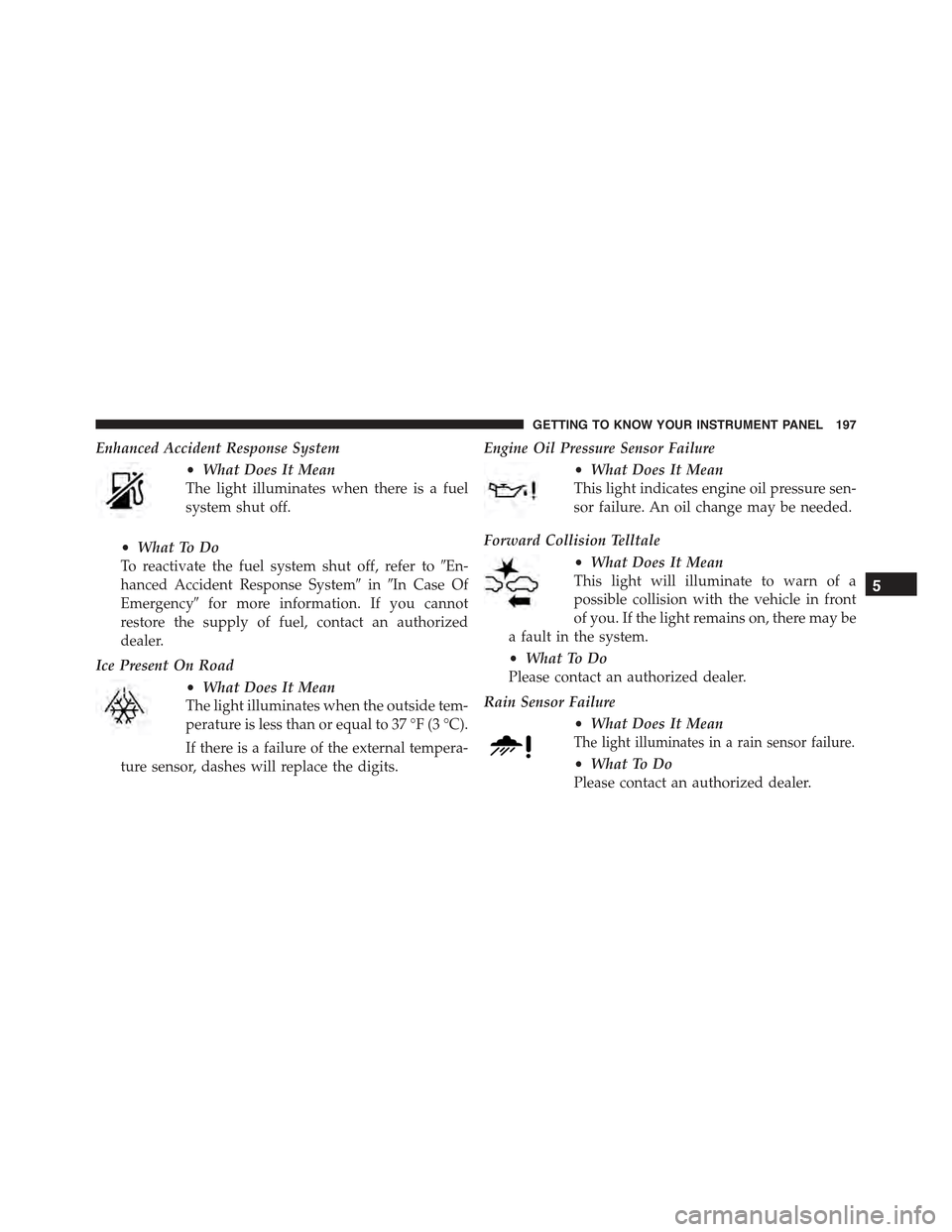
Enhanced Accident Response System
•What Does It Mean
The light illuminates when there is a fuel
system shut off.
•What To Do
To reactivate the fuel system shut off, refer to#En-
hanced Accident Response System#in#In Case Of
Emergency#for more information. If you cannot
restore the supply of fuel, contact an authorized
dealer.
Ice Present On Road
•What Does It Mean
The light illuminates when the outside tem-
perature is less than or equal to 37 °F (3 °C).
If there is a failure of the external tempera-
ture sensor, dashes will replace the digits.
Engine Oil Pressure Sensor Failure
•What Does It Mean
This light indicates engine oil pressure sen-
sor failure. An oil change may be needed.
Forward Collision Telltale
•What Does It Mean
This light will illuminate to warn of a
possible collision with the vehicle in front
of you. If the light remains on, there may be
a fault in the system.
•What To Do
Please contact an authorized dealer.
Rain Sensor Failure
•What Does It Mean
The light illuminates in a rain sensor failure.
•What To Do
Please contact an authorized dealer.
5
GETTING TO KNOW YOUR INSTRUMENT PANEL 197
Page 201 of 678
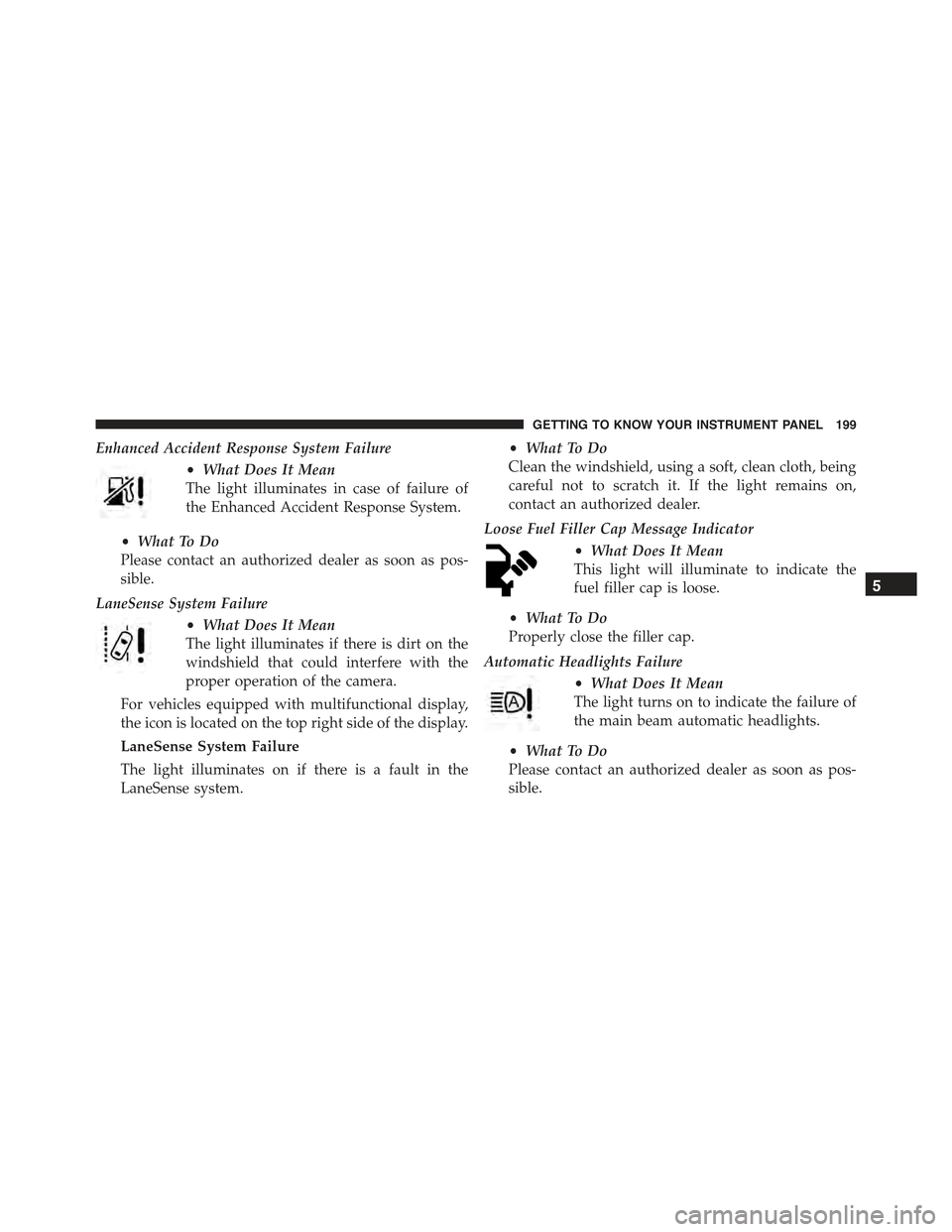
Enhanced Accident Response System Failure
•What Does It Mean
The light illuminates in case of failure of
the Enhanced Accident Response System.
•What To Do
Please contact an authorized dealer as soon as pos-
sible.
LaneSense System Failure
•What Does It Mean
The light illuminates if there is dirt on the
windshield that could interfere with the
proper operation of the camera.
For vehicles equipped with multifunctional display,
the icon is located on the top right side of the display.
LaneSense System Failure
The light illuminates on if there is a fault in the
LaneSense system.
•What To Do
Clean the windshield, using a soft, clean cloth, being
careful not to scratch it. If the light remains on,
contact an authorized dealer.
Loose Fuel Filler Cap Message Indicator
•What Does It Mean
This light will illuminate to indicate the
fuel filler cap is loose.
•What To Do
Properly close the filler cap.
Automatic Headlights Failure
•What Does It Mean
The light turns on to indicate the failure of
the main beam automatic headlights.
•What To Do
Please contact an authorized dealer as soon as pos-
sible.
5
GETTING TO KNOW YOUR INSTRUMENT PANEL 199
Page 204 of 678
– Compass (Centered)
– Time (Centered)
– External Temp. (Centered)
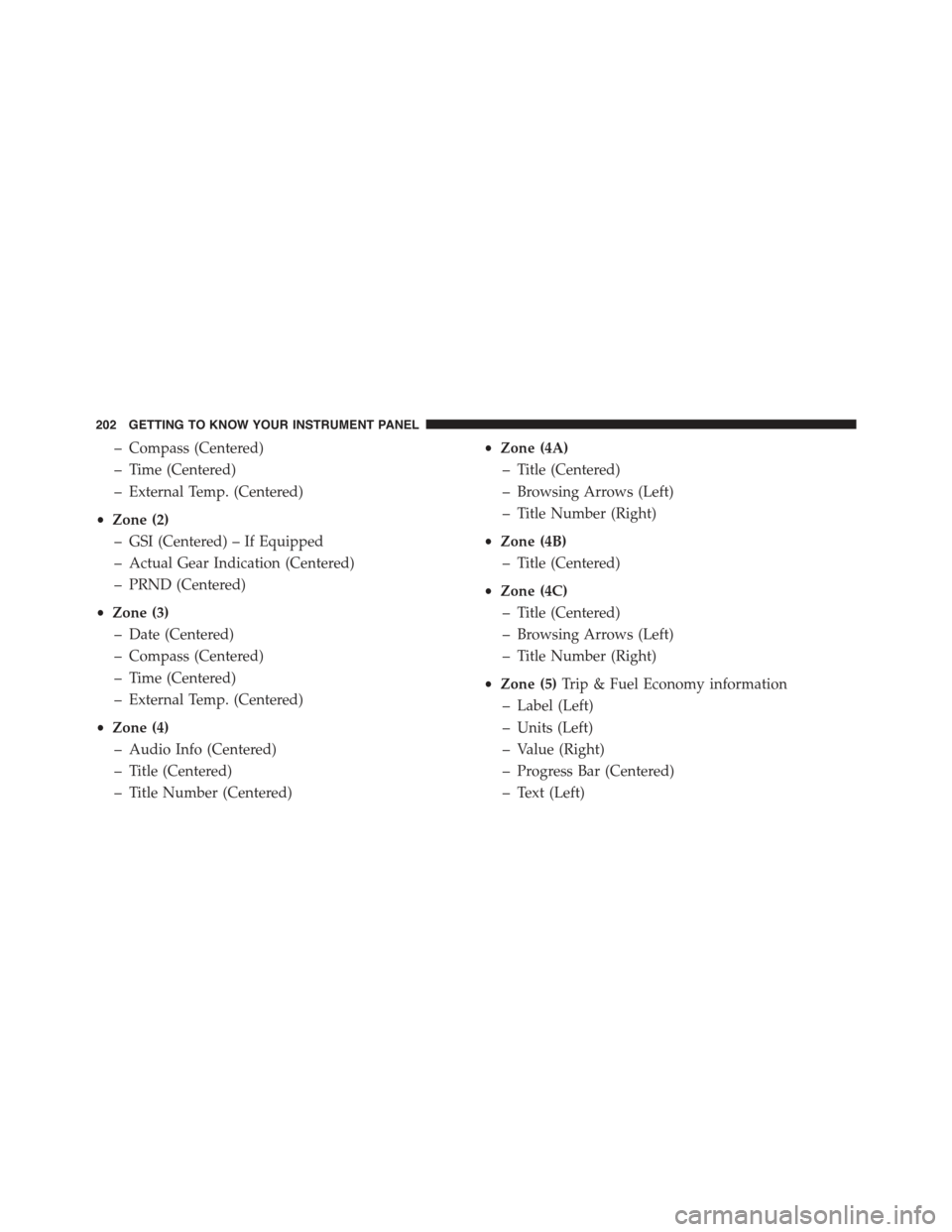
•Zone (2)
– GSI (Centered) – If Equipped
– Actual Gear Indication (Centered)
– PRND (Centered)
•Zone (3)
– Date (Centered)
– Compass (Centered)
– Time (Centered)
– External Temp. (Centered)
•Zone (4)
– Audio Info (Centered)
– Title (Centered)
– Title Number (Centered)
•Zone (4A)
– Title (Centered)
– Browsing Arrows (Left)
– Title Number (Right)
•Zone (4B)
– Title (Centered)
•Zone (4C)
– Title (Centered)
– Browsing Arrows (Left)
– Title Number (Right)
•Zone (5)Trip & Fuel Economy information
– Label (Left)
– Units (Left)
– Value (Right)
– Progress Bar (Centered)
– Text (Left)
202 GETTING TO KNOW YOUR INSTRUMENT PANEL
Page 210 of 678
Menu Items
The Menu has the following options:
•Speedometer
•Vehicle Info
•Driver Assist
•Fuel Consumption
•Trip
•Audio
•Alerts
•Display Setup
•Vehicle Setup
Speedometer
Push and release the UP or DOWN arrow button until
“Speedometer” is highlighted in the EVIC. Push the OK
button to change the speedometer scale from MPH
to km/h (km/h to MPH).
Vehicle Info
Push and release the UP or DOWN arrow button until
#Vehicle Info#is highlighted in the EVIC/DID. Push and
release the RIGHT arrow button and Coolant Temp will
be displayed. Push the RIGHT or LEFT arrow button to
scroll through the following information displays:
•Tire Pressure
View the information relating to the TPMS system (if
equipped).
•Engine Coolant Temperature
View the engine coolant temperature.
208 GETTING TO KNOW YOUR INSTRUMENT PANEL
Page 211 of 678
•Transmission Temperature
Display the temperature of the automatic transmission (if
equipped).
•Engine Oil Temperature
View the engine oil temperature.
•Battery Voltage
View the voltage value (state of charge) of the battery.
Driver Assist
This menu item allows you to change the settings (#No-
tice LaneSense#and#Intensity LaneSense#) relating to the
LaneSense system (if equipped).
•Notice LaneSense
By selecting this function, you can select the#readiness#
of LaneSense, choosing between the options#Near,##Me-
dium,#or#Far.#
•Intensity LaneSense
Using this function, you can select the force applied to
the steering wheel to keep the car in the roadway through
the electrical drive system due to LaneSense.
Fuel Consumption
This menu item allows you to set the unit of measure-
ment for the#Fuel Consumption and Range.#
•Average Consumption/Instantaneous Consumption
By selecting these options, you can choose the unit of
measurement of the average consumption and the instan-
taneous, choosing between#MPG#or#l/100 km#or
#km/l.#
•Range
By selecting this option, you can choose the unit of
measurement for Range, choosing between#km#or
#miles.”
5
GETTING TO KNOW YOUR INSTRUMENT PANEL 209
Page 221 of 678
This function allows you to define two separate trips
called “Trip A” and “Trip B” where the car’s#complete
trips#are monitored in an independent manner.
Both trips can be reset (reset - start of a new trip). To
perform a reset, push and hold the OK button on the
steering wheel controls.
“Trip A” is used to display the figures relating to:
•Distance Travelled
•Average Consumption
•Travel Time (driving time)
Quantities Displayed
Distance Travelled
Indicates the distance travelled by the start of the new trip.
Average Consumption
Represents the average fuel consumption since the start
of the new trip.
Travel Time
Elapsed time since the start of the new trip.
OK Button
Short Push Of The Button: display of various param-
eters.
Long Push Of The Button: reset quantities and begin a
new trip.
New trip
Starts after reset:
•#Manual#by pressing theOKbutton.
•#Automatic#when the#distance#reaches the value is
62140 (99999.9 km) or when the#time travel#reaches
the value of 999.59 (999 hours and 59 minutes).
•After each disconnection and reconnection of the bat-
tery.
5
GETTING TO KNOW YOUR INSTRUMENT PANEL 219
Page 283 of 678
Enhanced Accident Response System
In the event of an impact, if the communication network
remains intact, and the power remains intact, depending
on the nature of the event, the ORC will determine
whether to have the Enhanced Accident Response Sys-
tem perform the following functions:
•Cut off fuel to the engine.
•Flash hazard lights as long as the battery has power or
until the ignition is placed in the “OFF” position. The
customer can deactivate the hazard lights flasher
pressing the Hazard flasher button also before the
rearm procedure.
•Turn on the interior lights, which remain on as long as
the battery has power or for 15 minutes from the
intervention of the Enhanced Accident Response Sys-
tem.
•Unlock the doors automatically.
•Turn off the Fuel Pump Heater.
•Turn Off the HVAC Blower Motor.
•Close the HVAC Circulation Door.
System Reset Procedure
Depending on the nature of the event the left and right
turn signal lights, located in the instrument panel, may
both be blinking and will continue to blink until the
ignition switch is turned to the OFF position. After an
accident, turn the ignition switch to STOP/OFF position,
check that there aren’t any losses of fuel/liquids. In order
to move your vehicle to the side of the road, you must
follow the system reset procedure.
6
SAFETY 281
Page 315 of 678
Periodic Safety Checks You Should Make Outside
The Vehicle
Tires
Examine tires for excessive tread wear and uneven wear
patterns. Check for stones, nails, glass, or other objects
lodged in the tread or sidewall. Inspect the tread for cuts
and cracks. Inspect sidewalls for cuts, cracks, and bulges.
Check the wheel nuts for tightness. Check the tires
(including spare) for proper cold inflation pressure.
Lights
Have someone observe the operation of brake lights and
exterior lights while you work the controls. Check turn
signal and high beam indicator lights on the instrument
panel.
Door Latches
Check for proper closing, latching, and locking.
Fluid Leaks
Check area under vehicle after overnight parking for fuel,
engine coolant, oil, or other fluid leaks. Also, if gasoline
fumes are detected, or if fuel or brake fluid leaks are
suspected, the cause should be located and corrected
immediately.6
SAFETY 313
Page 319 of 678
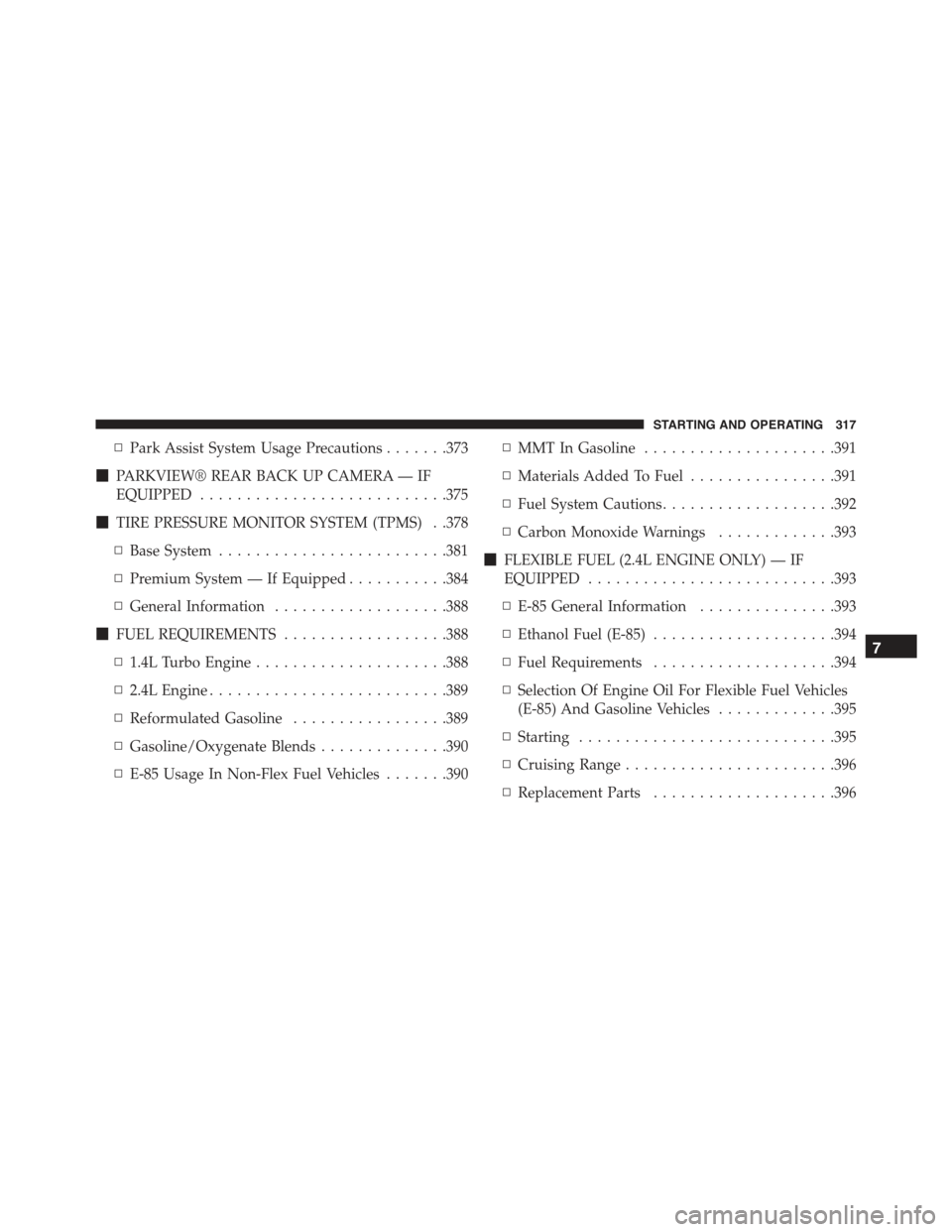
▫Park Assist System Usage Precautions.......373
!PARKVIEW® REAR BACK UP CAMERA — IF
EQUIPPED...........................375
!TIRE PRESSURE MONITOR SYSTEM (TPMS) . .378
▫Base System.........................381
▫Premium System — If Equipped...........384
▫General Information...................388
!FUEL REQUIREMENTS..................388
▫1.4L Turbo Engine.....................388
▫2.4L Engine..........................389
▫Reformulated Gasoline.................389
▫Gasoline/Oxygenate Blends..............390
▫E-85 Usage In Non-Flex Fuel Vehicles.......390
▫MMT In Gasoline.....................391
▫Materials Added To Fuel................391
▫Fuel System Cautions...................392
▫Carbon Monoxide Warnings.............393
!FLEXIBLE FUEL (2.4L ENGINE ONLY) — IF
EQUIPPED...........................393
▫E-85 General Information...............393
▫Ethanol Fuel (E-85)....................394
▫Fuel Requirements....................394
▫Selection Of Engine Oil For Flexible Fuel Vehicles
(E-85) And Gasoline Vehicles.............395
▫Starting............................395
▫Cruising Range.......................396
▫Replacement Parts....................396
7
STARTING AND OPERATING 317
Page 320 of 678
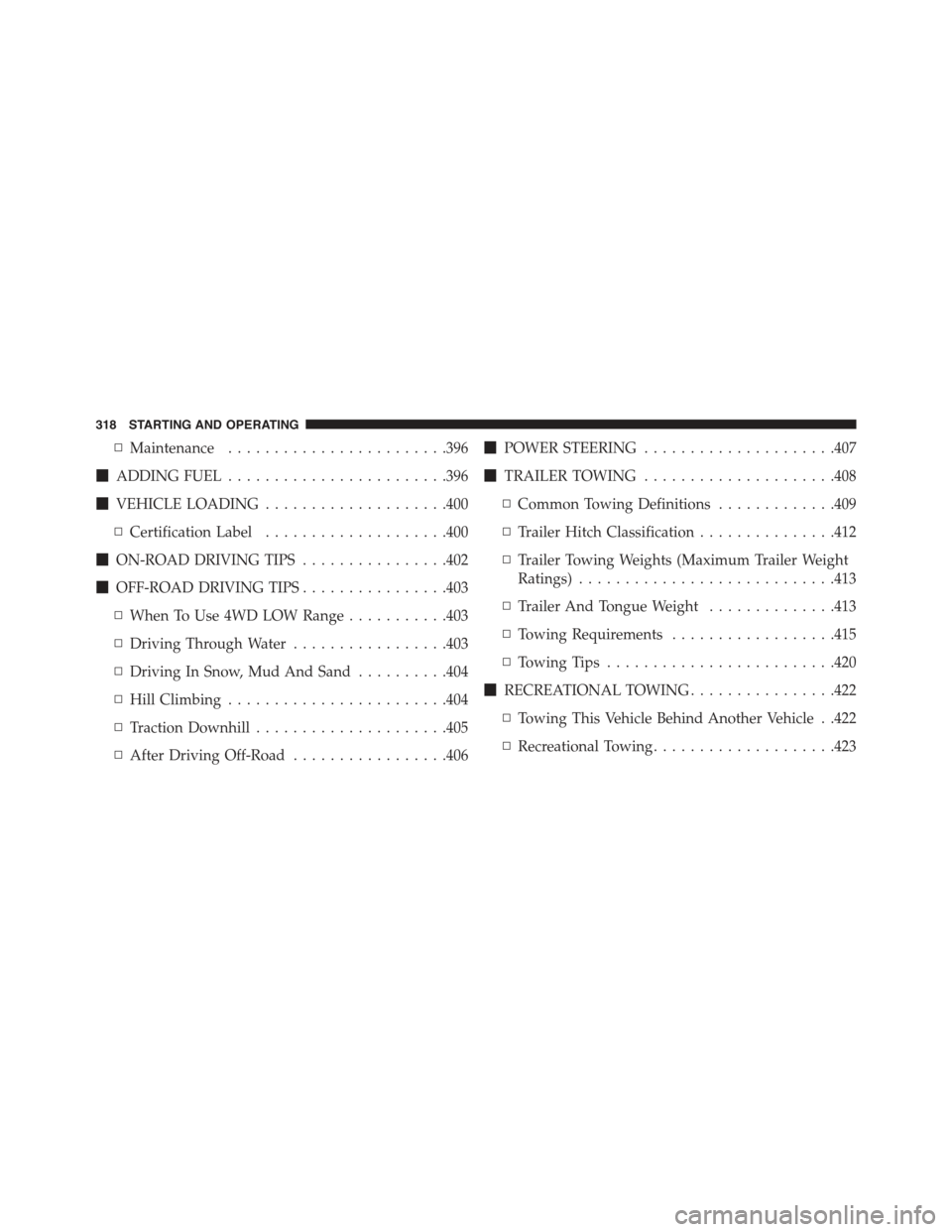
▫Maintenance........................396
!ADDING FUEL........................396
!VEHICLE LOADING....................400
▫Certification Label....................400
!ON-ROAD DRIVING TIPS................402
!OFF-ROAD DRIVING TIPS................403
▫When To Use 4WD LOW Range...........403
▫Driving Through Water.................403
▫Driving In Snow, Mud And Sand..........404
▫Hill Climbing........................404
▫Traction Downhill.....................405
▫After Driving Off-Road.................406
!POWER STEERING.....................407
!TRAILER TOWING.....................408
▫Common Towing Definitions.............409
▫Trailer Hitch Classification...............412
▫Trailer Towing Weights (Maximum Trailer Weight
Ratings)............................413
▫Trailer And Tongue Weight..............413
▫Towing Requirements..................415
▫Towing Tips.........................420
!RECREATIONAL TOWING................422
▫Towing This Vehicle Behind Another Vehicle . .422
▫Recreational Towing....................423
318 STARTING AND OPERATING