instrument panel JEEP RENEGADE 2016 1.G Owner's Guide
[x] Cancel search | Manufacturer: JEEP, Model Year: 2016, Model line: RENEGADE, Model: JEEP RENEGADE 2016 1.GPages: 688, PDF Size: 7.09 MB
Page 289 of 688
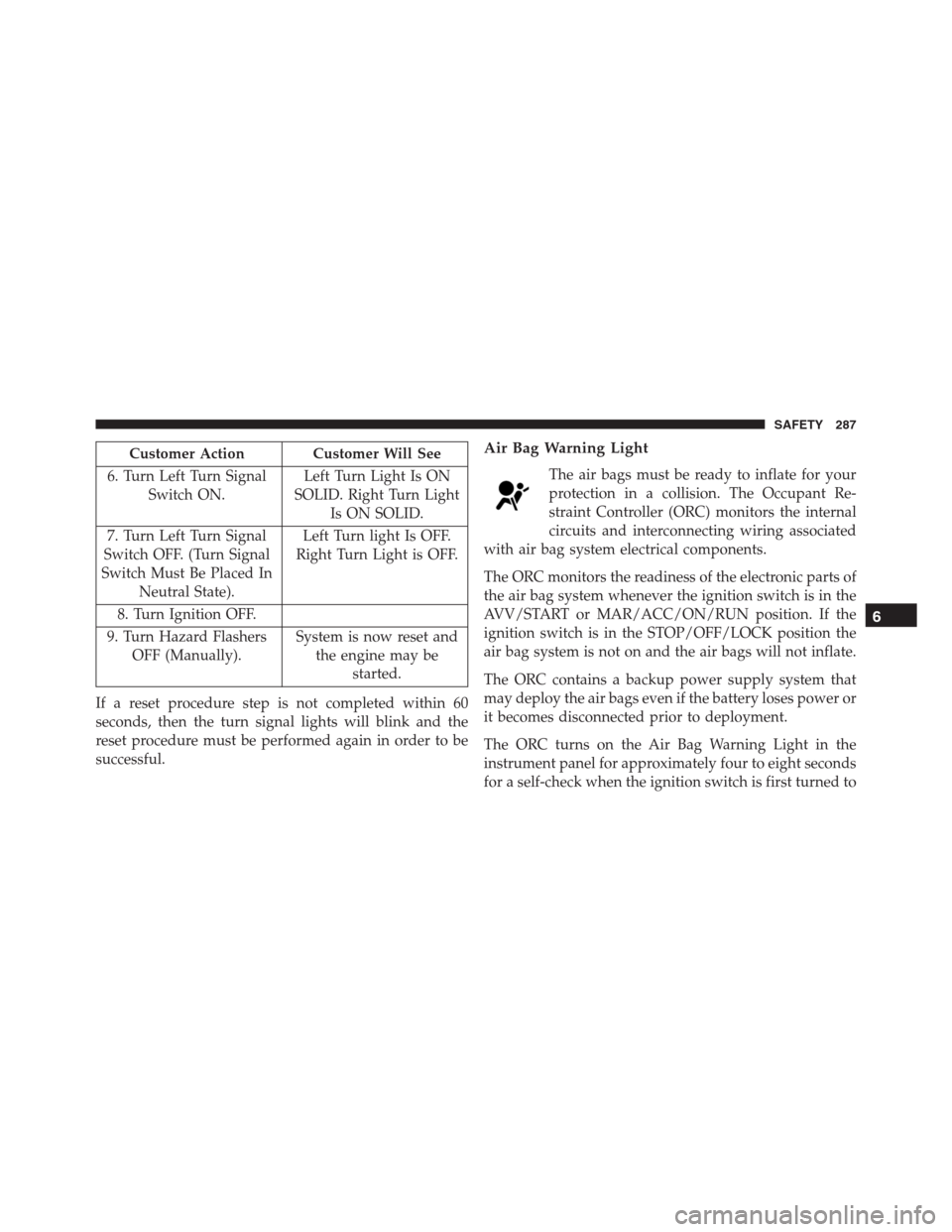
Customer Action Customer Will See
6. Turn Left Turn Signal
Switch ON.Left Turn Light Is ON
SOLID. Right Turn Light
Is ON SOLID.
7. Turn Left Turn Signal
Switch OFF. (Turn Signal
Switch Must Be Placed In
Neutral State).Left Turn light Is OFF.
Right Turn Light is OFF.
8. Turn Ignition OFF.
9. Turn Hazard Flashers
OFF (Manually).System is now reset and
the engine may be
started.
If a reset procedure step is not completed within 60
seconds, then the turn signal lights will blink and the
reset procedure must be performed again in order to be
successful.Air Bag Warning Light
The air bags must be ready to inflate for your
protection in a collision. The Occupant Re-
straint Controller (ORC) monitors the internal
circuits and interconnecting wiring associated
with air bag system electrical components.
The ORC monitors the readiness of the electronic parts of
the air bag system whenever the ignition switch is in the
AVV/START or MAR/ACC/ON/RUN position. If the
ignition switch is in the STOP/OFF/LOCK position the
air bag system is not on and the air bags will not inflate.
The ORC contains a backup power supply system that
may deploy the air bags even if the battery loses power or
it becomes disconnected prior to deployment.
The ORC turns on the Air Bag Warning Light in the
instrument panel for approximately four to eight seconds
for a self-check when the ignition switch is first turned to
6
SAFETY 287
Page 290 of 688
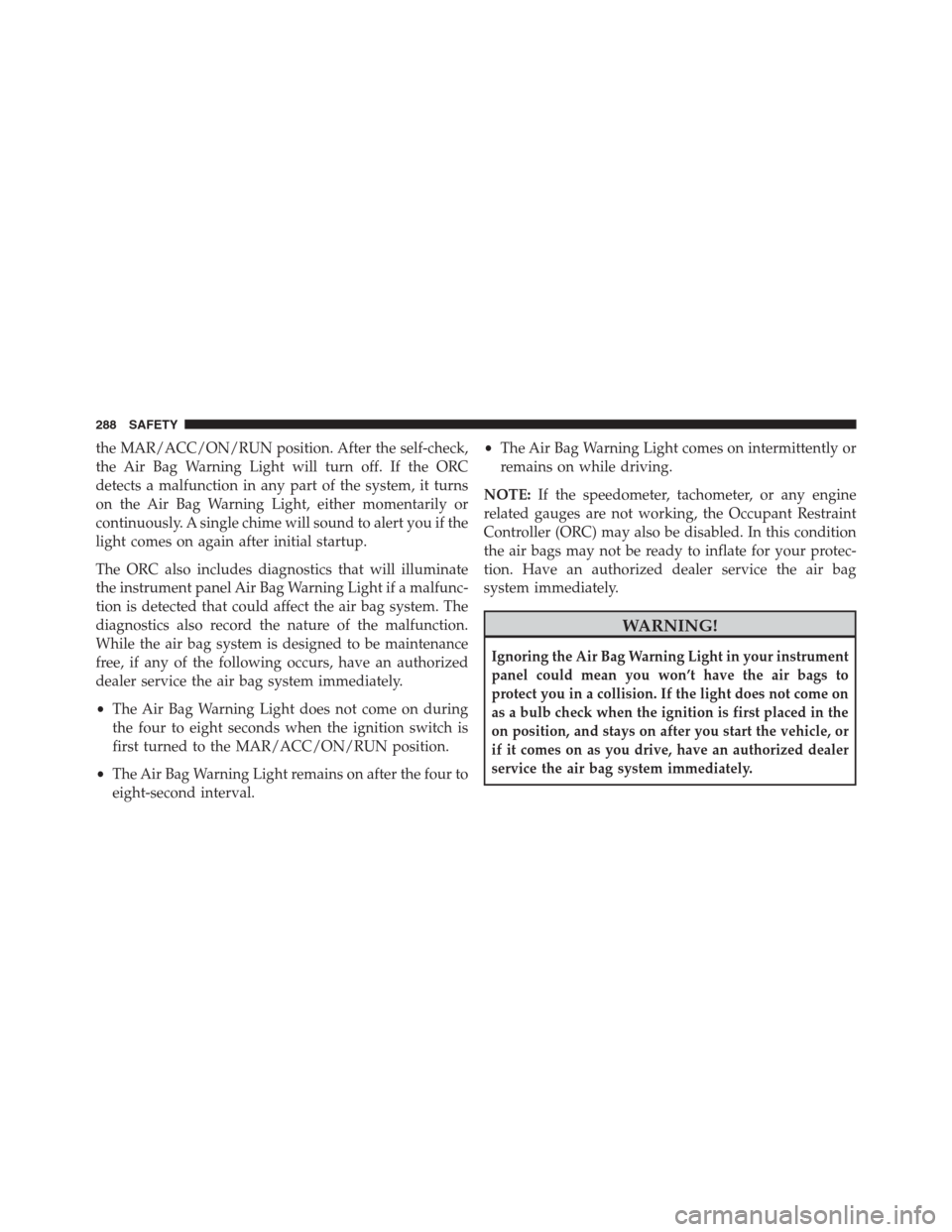
the MAR/ACC/ON/RUN position. After the self-check,
the Air Bag Warning Light will turn off. If the ORC
detects a malfunction in any part of the system, it turns
on the Air Bag Warning Light, either momentarily or
continuously. A single chime will sound to alert you if the
light comes on again after initial startup.
The ORC also includes diagnostics that will illuminate
the instrument panel Air Bag Warning Light if a malfunc-
tion is detected that could affect the air bag system. The
diagnostics also record the nature of the malfunction.
While the air bag system is designed to be maintenance
free, if any of the following occurs, have an authorized
dealer service the air bag system immediately.
•The Air Bag Warning Light does not come on during
the four to eight seconds when the ignition switch is
first turned to the MAR/ACC/ON/RUN position.
•The Air Bag Warning Light remains on after the four to
eight-second interval.•The Air Bag Warning Light comes on intermittently or
remains on while driving.
NOTE:If the speedometer, tachometer, or any engine
related gauges are not working, the Occupant Restraint
Controller (ORC) may also be disabled. In this condition
the air bags may not be ready to inflate for your protec-
tion. Have an authorized dealer service the air bag
system immediately.
WARNING!
Ignoring the Air Bag Warning Light in your instrument
panel could mean you won’t have the air bags to
protect you in a collision. If the light does not come on
as a bulb check when the ignition is first placed in the
on position, and stays on after you start the vehicle, or
if it comes on as you drive, have an authorized dealer
service the air bag system immediately.
288 SAFETY
Page 291 of 688
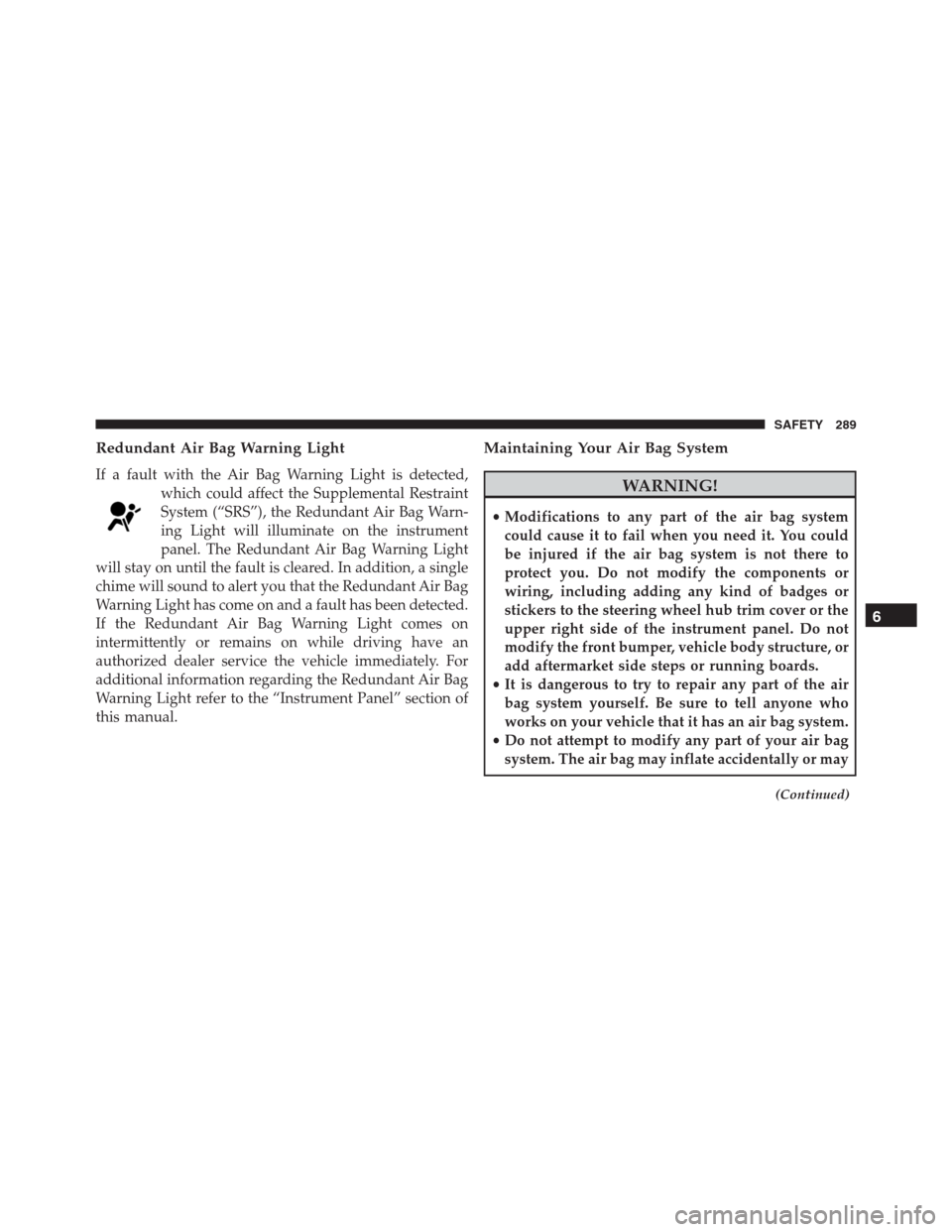
Redundant Air Bag Warning Light
If a fault with the Air Bag Warning Light is detected,
which could affect the Supplemental Restraint
System (“SRS”), the Redundant Air Bag Warn-
ing Light will illuminate on the instrument
panel. The Redundant Air Bag Warning Light
will stay on until the fault is cleared. In addition, a single
chime will sound to alert you that the Redundant Air Bag
Warning Light has come on and a fault has been detected.
If the Redundant Air Bag Warning Light comes on
intermittently or remains on while driving have an
authorized dealer service the vehicle immediately. For
additional information regarding the Redundant Air Bag
Warning Light refer to the “Instrument Panel” section of
this manual.
Maintaining Your Air Bag System
WARNING!
•Modifications to any part of the air bag system
could cause it to fail when you need it. You could
be injured if the air bag system is not there to
protect you. Do not modify the components or
wiring, including adding any kind of badges or
stickers to the steering wheel hub trim cover or the
upper right side of the instrument panel. Do not
modify the front bumper, vehicle body structure, or
add aftermarket side steps or running boards.
•It is dangerous to try to repair any part of the air
bag system yourself. Be sure to tell anyone who
works on your vehicle that it has an air bag system.
•Do not attempt to modify any part of your air bag
system. The air bag may inflate accidentally or may
(Continued)
6
SAFETY 289
Page 318 of 688
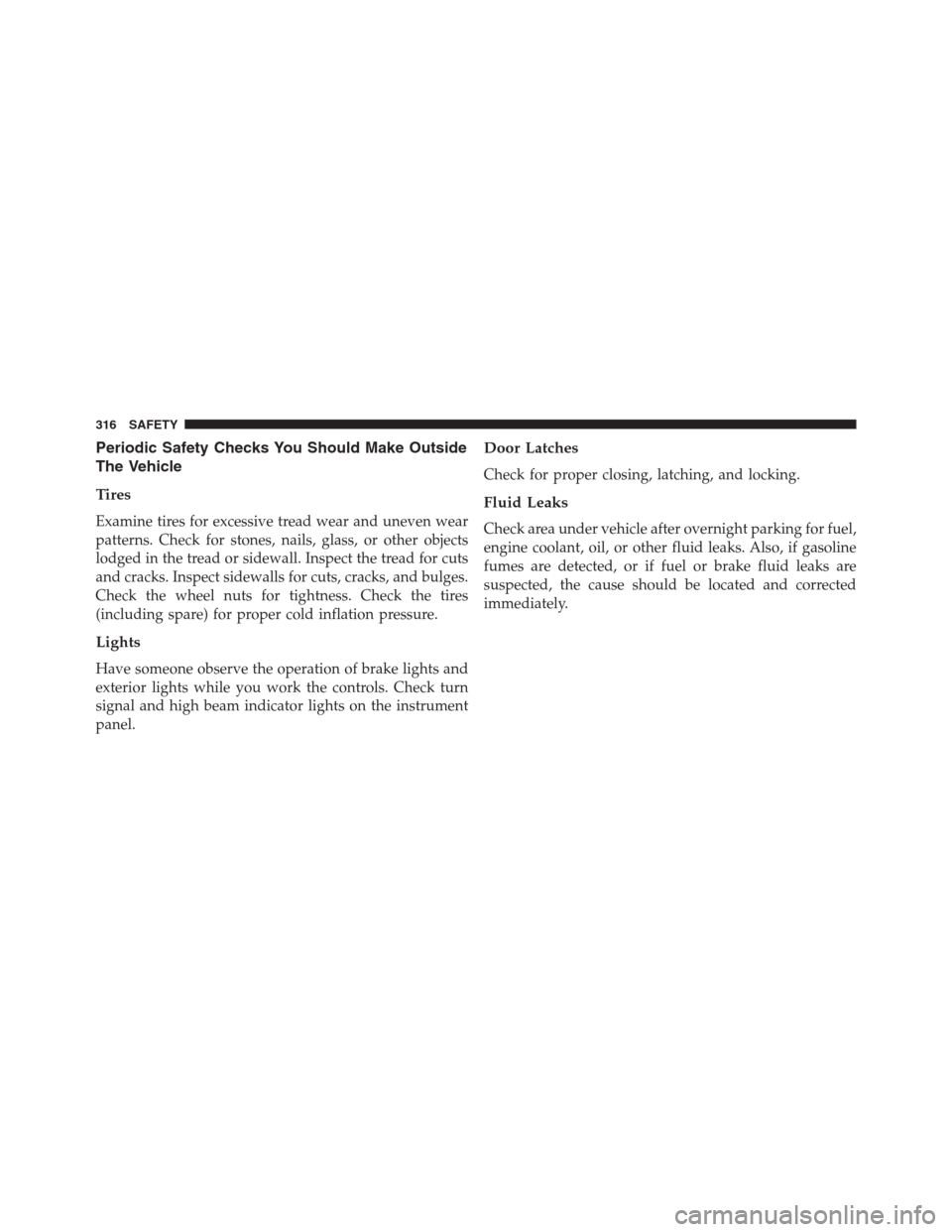
Periodic Safety Checks You Should Make Outside
The Vehicle
Tires
Examine tires for excessive tread wear and uneven wear
patterns. Check for stones, nails, glass, or other objects
lodged in the tread or sidewall. Inspect the tread for cuts
and cracks. Inspect sidewalls for cuts, cracks, and bulges.
Check the wheel nuts for tightness. Check the tires
(including spare) for proper cold inflation pressure.
Lights
Have someone observe the operation of brake lights and
exterior lights while you work the controls. Check turn
signal and high beam indicator lights on the instrument
panel.
Door Latches
Check for proper closing, latching, and locking.
Fluid Leaks
Check area under vehicle after overnight parking for fuel,
engine coolant, oil, or other fluid leaks. Also, if gasoline
fumes are detected, or if fuel or brake fluid leaks are
suspected, the cause should be located and corrected
immediately.
316 SAFETY
Page 385 of 688
If an obstacle is detected in the left and/or right rear
region, the display will show a single flashing arc in the
left and/or right rear region and will produce a fast
sound tone. As the vehicle moves closer to the obstacle,
the display will show the single arc moving closer to the
vehicle and the tone will change from fast to continuous.
In general, the car is closest to the obstacle when the
display shows only a flashing arc and the chime becomes
continuous.
The color on the display depends on the distance and
location of the obstacle.
Enabling And Disabling Rear ParkSense
Rear ParkSense can be enabled and disabled with the
Rear ParkSense switch.
When the Rear ParkSense switch is pressed to
disable the system, the instrument cluster will
display the “PARKSENSE DISABLED” messagefor approximately five seconds. Refer to “Electronic Vehicle
Information Center (EVIC)” or “Driver Information Dis-
play (DID)” in “Getting To Know Your Instrument Panel”
for further information. When the shift lever is moved to
REVERSE and the system is disabled, the EVIC/DID will
display the “PARKSENSE DISABLED” message for as long
as the vehicle is in REVERSE.
The Rear ParkSense switch LED will be ON when Rear
ParkSense is disabled or requires service. The Rear
ParkSense switch LED will be OFF when the system is
enabled. If the Rear ParkSense switch is pushed, and
requires service, the Rear ParkSense switch LED will
blink momentarily, and then the LED will be ON.
Rear ParkSense will remember the previous state when
the vehicle is switch off.
7
STARTING AND OPERATING 383
Page 442 of 688
WARNING!(Continued)
•The Occupant Restraint Control module turns on
the air bag Warning Light on the instrument panel
if a malfunction in any part of the system is
detected. If the air bag Warning Light is illumi-
nated, have an authorized dealer service the ORC
system immediately.
Even if the 9-1-1 Call system is fully functional, factors
beyond FCA US LLC’s control may prevent or stop the
9-1-1 Call system operation. These include, but are not
limited to, the following factors:
•The ignition key has been removed from the ignition
and the delayed accessories mode is active.
•The ignition key is in STOP/OFF position.
•The vehicle’s electrical systems are not intact.•The 9-1-1 Call system software and/or hardware are
damaged during a crash.
•The vehicle battery loses power or becomes discon-
nected during a vehicle crash.
•Operable 1X(voice/data) or 3G(data) network and/or
Global Positioning Satellite signals are unavailable or
obstructed.
•Equipment malfunction at the 9-1-1 operator facility.
•Operator error by the 9-1-1 operator.
•Operable 1X(voice/data) or 3G(data) network conges-
tion.
•Weather.
•Buildings, structures, geographic terrain, or tunnels.
440 IN CASE OF EMERGENCY
Page 473 of 688
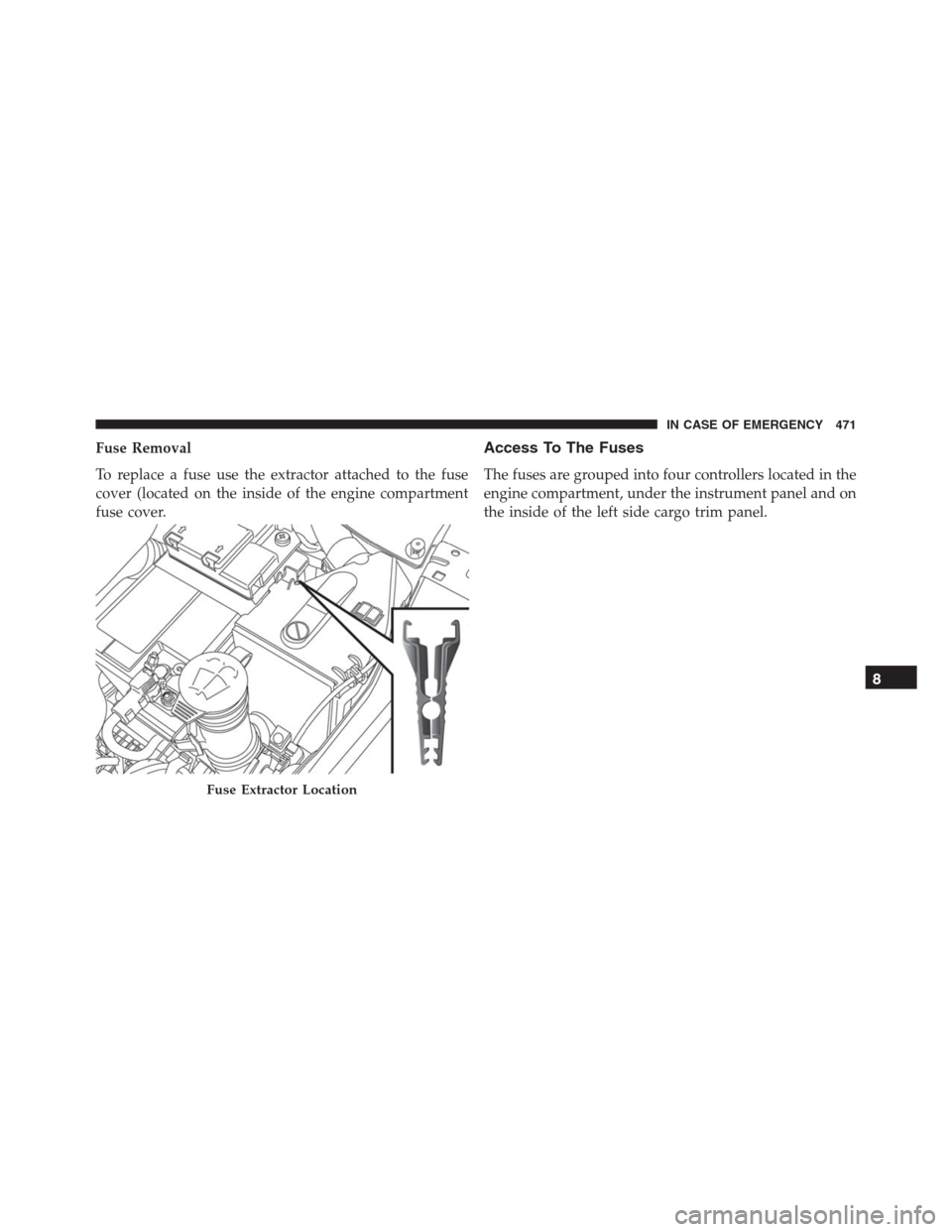
Fuse Removal
To replace a fuse use the extractor attached to the fuse
cover (located on the inside of the engine compartment
fuse cover.Access To The Fuses
The fuses are grouped into four controllers located in the
engine compartment, under the instrument panel and on
the inside of the left side cargo trim panel.
Fuse Extractor Location
8
IN CASE OF EMERGENCY 471
Page 478 of 688
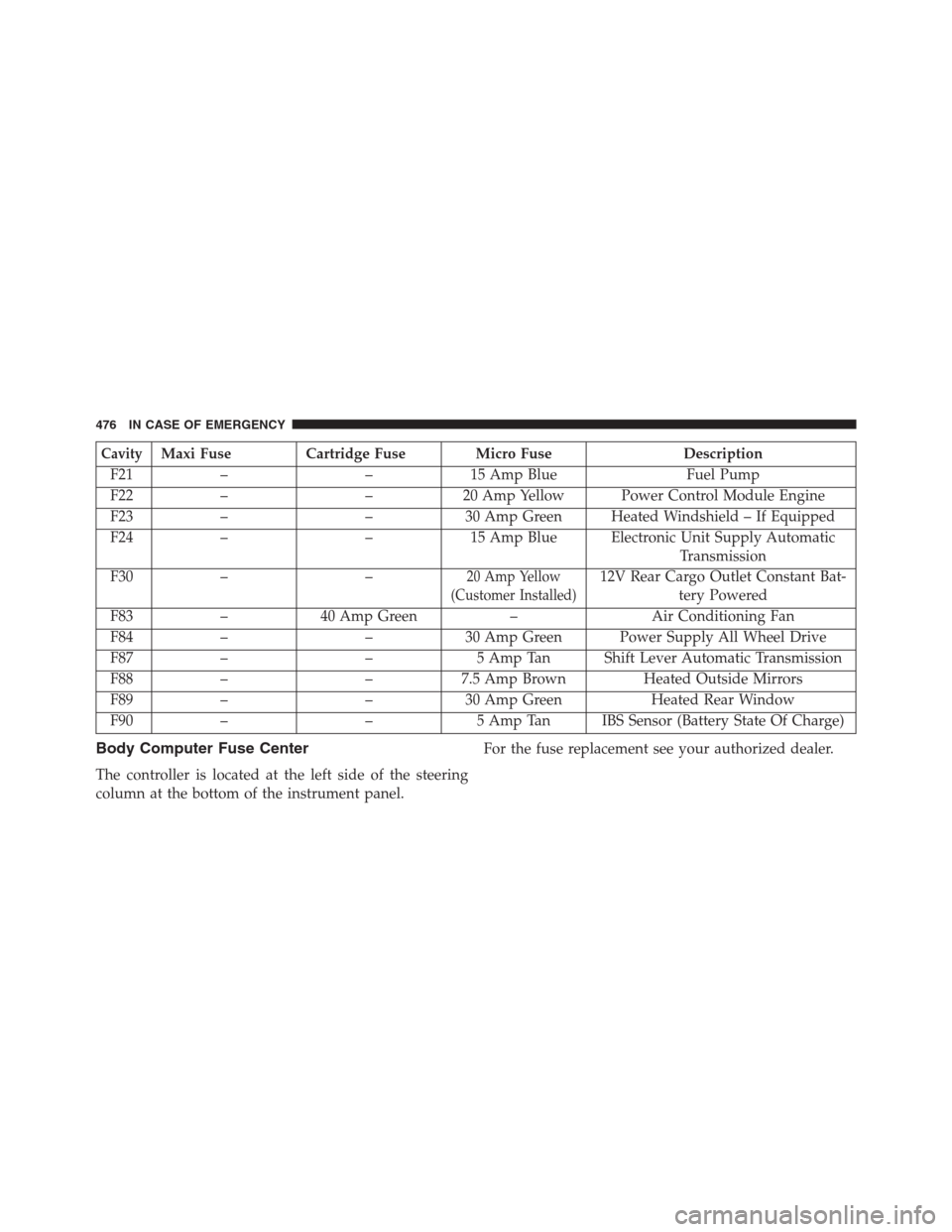
CavityMaxi Fuse Cartridge Fuse Micro Fuse Description
F21 – – 15 Amp Blue Fuel Pump
F22 – – 20 Amp Yellow Power Control Module Engine
F23 – – 30 Amp Green Heated Windshield – If Equipped
F24 – – 15 Amp Blue Electronic Unit Supply Automatic
Transmission
F30 – –
20 Amp Yellow
(Customer Installed)12V Rear Cargo Outlet Constant Bat-
tery Powered
F83 – 40 Amp Green – Air Conditioning Fan
F84 – – 30 Amp Green Power Supply All Wheel Drive
F87 – – 5 Amp Tan Shift Lever Automatic Transmission
F88 – – 7.5 Amp Brown Heated Outside Mirrors
F89 – – 30 Amp Green Heated Rear Window
F90 – – 5 Amp Tan IBS Sensor (Battery State Of Charge)
Body Computer Fuse Center
The controller is located at the left side of the steering
column at the bottom of the instrument panel.For the fuse replacement see your authorized dealer.
476 IN CASE OF EMERGENCY
Page 506 of 688
Enhanced Accident Response System
In the event of an impact, if the communication network
remains intact, and the power remains intact, depending
on the nature of the event, the ORC will determine
whether to have the Enhanced Accident Response Sys-
tem perform the following functions:
•Cut off fuel to the engine.
•Flash hazard lights as long as the battery has power or
until the ignition is placed in the “OFF” position. The
hazard lights flasher can be deactivated by pressing
the hazard flasher button.
•Turn on the interior lights, which remain on as long as
the battery has power or for 15 minutes from the
intervention of the Enhanced Accident Response Sys-
tem.
•Unlock the doors automatically.•Turn off the Fuel Pump Heater.
•Turn Off the HVAC Blower Motor.
•Close the HVAC Circulation Door.
System Reset Procedure
Depending on the nature of the event the left and right
turn signal lights, located in the instrument panel, may
both be blinking and will continue to blink until the
ignition switch is turned to the OFF position. After an
accident, turn the ignition switch to STOP/OFF position,
check that there aren’t any losses of fuel/liquids. In order
to move your vehicle to the side of the road, you must
follow the system reset procedure.
504 IN CASE OF EMERGENCY
Page 526 of 688
WARNING!
You can be badly injured working on or around a
motor vehicle. Only do service work for which you
have the knowledge and the proper equipment. If you
have any doubt about your ability to perform a service
job, take your vehicle to a competent mechanic.
MAINTENANCE SCHEDULE
Your vehicle is equipped with an automatic oil change
indicator system. The oil change indicator system will
remind you that it is time to take your vehicle in for
scheduled maintenance.
Based on engine operation conditions, the oil change indi-
cator message will illuminate in the instrument cluster. This
means that service is required for your vehicle. Operating
conditions such as frequent short-trips, trailer tow and
extremely hot or cold ambient temperatures will influencewhen the “Change Oil” or “Oil Change Required” message
is displayed. Severe Operating Conditions can cause the
change oil message to illuminate as early as 3,500 miles
(5,600 km) since last reset. Have your vehicle serviced as
soon as possible, within the next 500 miles (805 km).
Your authorized dealer will reset the oil change indicator
message after completing the scheduled oil change. If a
scheduled oil change is performed by someone other
than your authorized dealer, the message can be reset by
referring to the steps described under “Electronic Vehicle
Information Center (EVIC)/Driver Information Display
(DID)” in “Getting To Know Your Instrument Panel” for
further information.
NOTE:Under no circumstances should oil change inter-
vals exceed 10,000 miles (16,000 km), one year or 350
hours of engine run time, whichever comes first. The 350
hours of engine run or idle time is generally only a
concern for fleet customers.
524 MAINTAINING AND CARING FOR YOUR VEHICLE