lock JEEP WRANGLER 2014 JK / 3.G Owners Manual
[x] Cancel search | Manufacturer: JEEP, Model Year: 2014, Model line: WRANGLER, Model: JEEP WRANGLER 2014 JK / 3.GPages: 678, PDF Size: 4.97 MB
Page 441 of 678
FOUR–WHEEL DRIVE OPERATION
(COMMAND-TRAC I® OR ROCK-TRAC®)
WARNING!
Failure to engage a transfer case position completely
can cause transfer case damage or loss of power and
vehicle control. You could have a collision. Do not
drive the vehicle unless the transfer case is fully
engaged.
Operating Instructions/Precautions
The transfer case provides four mode positions:
•2H (Two-wheel drive high range)
• 4H (Four-wheel drive high range)
• N (Neutral)
• 4L (Four-wheel drive low range) The transfer case is intended to be driven in the 2H
position for normal street and highway conditions such
as hard-surfaced roads.
In the event that additional traction is required, the
transfer case 4H and 4L positions can be used to lock the
front and rear driveshafts together, forcing the front andFour-Wheel Drive Shift Controls
5
STARTING AND OPERATING 439
Page 442 of 678
rear wheels to rotate at the same speed. The 4H and 4L
positions are intended for loose, slippery road surfaces
only and not intended for normal driving. Driving in the
4H and 4L positions on hard-surfaced roads will cause
increased tire wear and damage to the driveline compo-
nents. Refer to “Shifting Procedures” in this section for
further information on shifting into 4H or 4L.
The “4WD Indicator Light” (located in the instrument
cluster) alerts the driver that the vehicle is in four-wheel
drive, and the front and rear driveshafts are locked
together. The light will illuminate when the transfer case
is shifted into the 4H position.
NOTE:Do not attempt to shift when only the front or
rear wheels are spinning. The transfer case is not
equipped with a synchronizer, and the front and rear
driveshaft speeds must be equal for a shift to take place.
Shifting while only the front or rear wheels are spinning
can cause damage to the transfer case. When operating your vehicle in 4L, the engine speed will
be approximately three times (four times for Rubicon
models) that of the 2H or 4H positions at a given road
speed. Take care not to overspeed the engine.
Proper operation of four-wheel drive vehicles depends
on tires of equal size, type, and circumference on each
wheel. Any difference will adversely affect shifting and
cause damage to the transfer case.
Because four-wheel drive provides improved traction,
there is a tendency to exceed safe turning and stopping
speeds. Do not go faster than road conditions permit.
WARNING!
You or others could be injured if you leave the
vehicle unattended with the transfer case in the
NEUTRAL (N) position without first fully engaging
(Continued)
440 STARTING AND OPERATING
Page 443 of 678
WARNING!(Continued)
the parking brake. The transfer case NEUTRAL (N)
position disengages both the front and rear drive
shaft from the powertrain, and will allow the vehicle
to move regardless of the transmission position. The
parking brake should always be applied when the
driver is not in the vehicle.
Shift Positions
For additional information on the appropriate use of each
4WD system mode position, see the information below:
2H Position
This range is used for normal street and highway driving
on hard-surfaced roads.
4H Position
This range locks the front and rear driveshafts together,
forcing the front and rear wheels to rotate at the same speed. This range (4H) provides additional traction for
loose, slippery road surfaces and should not be used on
dry pavement.
The “4WD Indicator Light” (located in the instrument
cluster) will illuminate when the transfer case is shifted
into the 4H position.
N (Neutral) Position
This range disengages the front and rear driveshafts from
the powertrain. It is to be used for flat towing behind
another vehicle. Refer to “Recreational Towing” in “Start-
ing and Operating” for further information.
4L Position
This range locks the front and rear driveshafts together,
forcing the front and rear wheels to rotate at the same
speed. This range (4L) provides additional traction and
maximum pulling power for loose, slippery road surfaces
only. Do not exceed 25 mph (40 km/h).
5
STARTING AND OPERATING 441
Page 446 of 678
AXLE LOCK (TRU–LOK®) — RUBICON MODELS
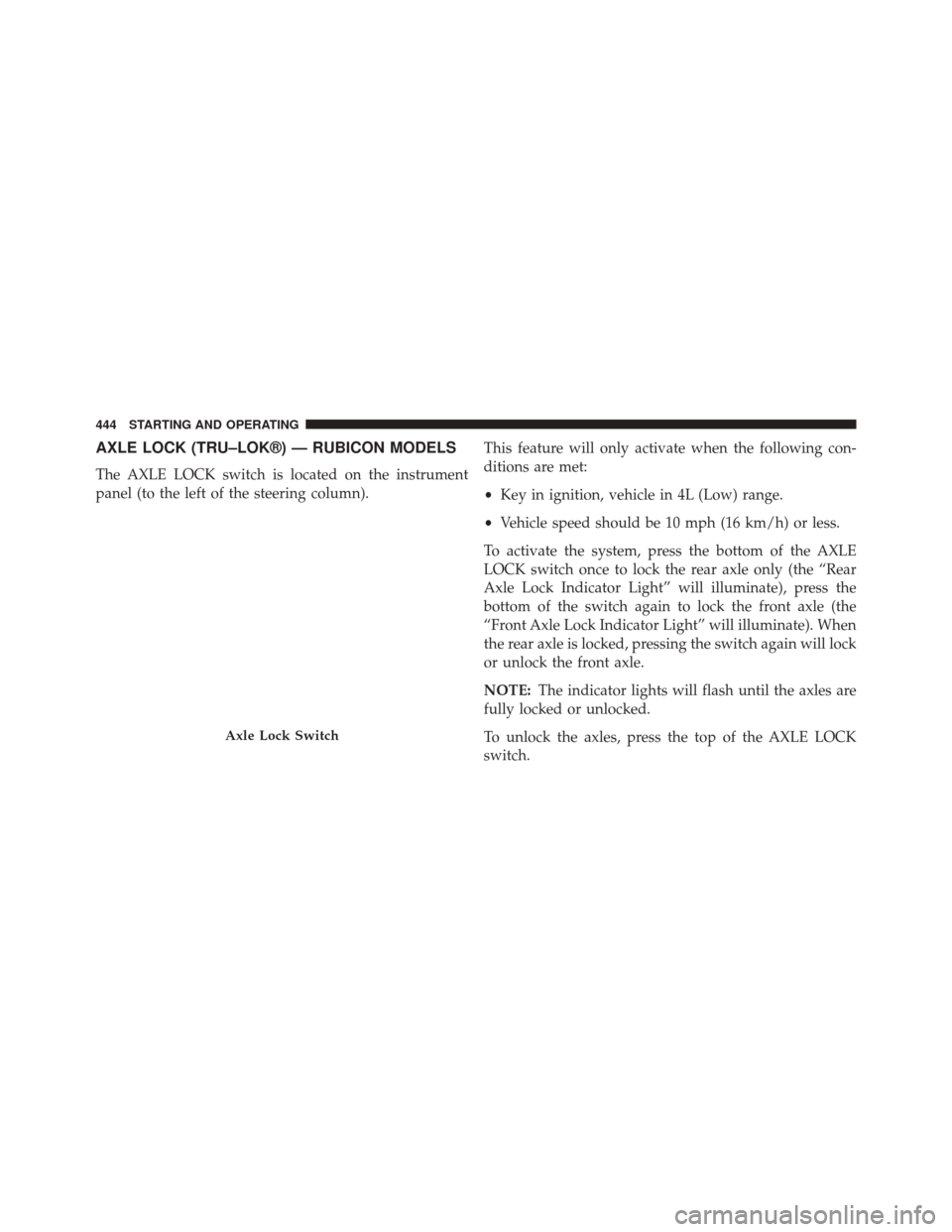
The AXLE LOCK switch is located on the instrument
panel (to the left of the steering column).This feature will only activate when the following con-
ditions are met:
•
Key in ignition, vehicle in 4L (Low) range.
• Vehicle speed should be 10 mph (16 km/h) or less.
To activate the system, press the bottom of the AXLE
LOCK switch once to lock the rear axle only (the “Rear
Axle Lock Indicator Light” will illuminate), press the
bottom of the switch again to lock the front axle (the
“Front Axle Lock Indicator Light” will illuminate). When
the rear axle is locked, pressing the switch again will lock
or unlock the front axle.
NOTE: The indicator lights will flash until the axles are
fully locked or unlocked.
To unlock the axles, press the top of the AXLE LOCK
switch.
Axle Lock Switch
444 STARTING AND OPERATING
Page 447 of 678
Axle lock will disengage if the vehicle is taken out of 4L
(Low) range, or the ignition switch is turned to the OFF
position.
ELECTRONIC SWAY BAR DISCONNECT — IF
EQUIPPED
Your vehicle may be equipped with an electronic discon-
necting stabilizer/sway bar. This system allows greater
front suspension travel in off-road situations.
This system is controlled by the SWAY BAR switch
located on the instrument panel (to the left of the steering
column).
Press the SWAY BAR switch to activate the system. Press the
switch again to deactivate the system. The “Sway Bar
Indicator Light” (located in the instrument cluster) will
illuminate when the bar is disconnected. The “Sway Bar
Indicator Light” will flash during activation transition, or
Sway Bar Switch
5
STARTING AND OPERATING 445
Page 448 of 678
when activation conditions are not met. The stabilizer/sway
bar should remain in on-road mode during normal driving
conditions.
WARNING!
Do not disconnect the stabilizer bar and drive on
hard-surfaced roads or at speeds above 18 mph
(29 km/h); you may lose control of the vehicle, which
could result in serious injury. The front stabilizer bar
enhances vehicle stability and is necessary for main-
taining control of the vehicle. The system monitors
vehicle speed and will attempt to reconnect the
stabilizer bar at speeds over 18 mph (29 km/h). This is
indicated by a flashing or solid “Sway Bar Indicator
Light.” Once vehicle speed is reduced below 14 mph
(22 km/h), the system will once again attempt to
return to off-road mode.To disconnect the stabilizer/sway bar, shift to either 4H
or 4L and press the SWAY BAR switch to obtain the
off-road position. Refer to “Four-Wheel Drive Operation”
in “Starting and Operating” for further information. The
“Sway Bar Indicator Light” will flash until the stabilizer/
sway bar has been fully disconnected.
NOTE:
The stabilizer/sway bar may be torque locked
due to left and right suspension height differences. This
condition is due to driving surface differences or vehicle
loading. In order for the stabilizer/sway bar to
disconnect/reconnect, the right and left halves of the bar
must be aligned. This alignment may require that the
vehicle be driven onto level ground or rocked from side
to side.
To return to on-road mode, press the SWAY BAR switch
again.
446 STARTING AND OPERATING
Page 458 of 678
controlled descent? Are there obstacles? Is it a straight
descent? Is there plenty of distance at the base of the hill
to regain control if the vehicle descends to fast? If you feel
confident in your ability to proceed, then make sure you
are in 4L (Low) and proceed with caution. Allow engine
braking to control the descent and apply your brakes, if
necessary, but do not allow the tires to lock.
WARNING!
Do not descend a steep grade in NEUTRAL. Use
vehicle brakes in conjunction with engine braking.
Descending a grade too fast could cause you to lose
control and be seriously injured or killed.
Driving Across An Incline
If at all possible, avoid driving across an incline. If it is
necessary, know your vehicle’s abilities. Driving across
an incline places more weight on the downhill wheels,which increases the possibilities of a downhill slide or
rollover. Make sure the surface has good traction with
firm and stable soils. If possible, transverse the incline at
an angle heading slightly up or down.
WARNING!
Driving across an incline increases the risk of a
rollover , which may result in severe injury.
If You Stall Or Begin To Lose Headway
If you stall or begin to lose headway while climbing a
steep hill, allow your vehicle to come to a stop and
immediately apply the brake. Restart the engine and shift
into REVERSE. Back slowly down the hill allowing
engine braking to control the descent and apply your
brakes, if necessary, but do not allow the tires to lock.
456 STARTING AND OPERATING
Page 465 of 678
When the parking brake is applied with the ignition
switch ON, the “Brake Warning Light” in the instrument
cluster will illuminate.NOTE:
•
When the parking brake is applied and the automatic
transmission is placed in gear, the “Brake Warning
Light” will flash. If vehicle speed is detected, a chime
will sound to alert the driver. Fully release the parking
brake before attempting to move the vehicle.
• This light only shows that the parking brake is ap-
plied. It does not show the degree of brake application.
When parking on a hill, it is important to turn the front
wheels toward the curb on a downhill grade and away
from the curb on an uphill grade. For vehicles equipped
with an automatic transmission, apply the parking brake
before placing the shift lever in PARK, otherwise the load
on the transmission locking mechanism may make it
difficult to move the shift lever out of PARK. The parking
Parking Brake
5
STARTING AND OPERATING 463
Page 466 of 678
brake should always be applied whenever the driver is
not in the vehicle.
WARNING!
•Never use the PARK position on an automatic
transmission as a substitute for the parking brake.
Always apply the parking brake fully when parked
to guard against vehicle movement and possible
injury or damage.
• When leaving the vehicle, always remove the Key
Fob from the ignition and lock your vehicle.
(Continued)
WARNING! (Continued)
•Never leave children alone in a vehicle, or with
access to an unlocked vehicle. Allowing children to
be in a vehicle unattended is dangerous for a
number of reasons. A child or others could be
seriously or fatally injured. Children should be
warned not to touch the parking brake, brake pedal
or the shift lever.
• Do not leave the Key Fob in or near the vehicle, or
in a location accessible to children. A child could
operate power windows, other controls, or move
the vehicle.
• Be sure the parking brake is fully disengaged
before driving; failure to do so can lead to brake
failure and a collision.
(Continued)
464 STARTING AND OPERATING
Page 467 of 678
WARNING!(Continued)
•Always fully apply the parking brake when leav-
ing your vehicle or it may roll and cause damage or
injury. Also, be certain to leave an automatic trans-
mission in PARK, a manual transmission in RE-
VERSE or first gear. Failure to do so may cause the
vehicle to roll and cause damage or injury.
CAUTION!
If the “Brake Warning Light” remains on with the
parking brake released, a brake system malfunction
is indicated. Have the brake system serviced by an
authorized dealer immediately.
ANTI-LOCK BRAKE SYSTEM
The Anti-Lock Brake System (ABS) is designed to aid the
driver in maintaining vehicle control under adverse
braking conditions. The system operates with a separate
computer to modulate hydraulic pressure to prevent
wheel lock-up and help avoid skidding on slippery
surfaces.
All vehicle wheels and tires must be the same size and
type, and tires must be properly inflated to produce
accurate signals for the computer.
WARNING!
Significant over or under-inflation of tires, or mixing
sizes of tires or wheels on the vehicle can lead to loss
of braking effectiveness.
5
STARTING AND OPERATING 465