ignition JEEP WRANGLER 2014 JK / 3.G User Guide
[x] Cancel search | Manufacturer: JEEP, Model Year: 2014, Model line: WRANGLER, Model: JEEP WRANGLER 2014 JK / 3.GPages: 678, PDF Size: 4.97 MB
Page 33 of 678
How To Use Remote Start
All of the following conditions must be met before the
engine will remote start:
•Shift lever in PARK
• Doors closed
• Hood closed
• Hazard switch off
• Brake switch inactive (brake pedal not pressed)
• Ignition key removed from ignition switch
• Battery at an acceptable charge level
• RKE PANIC button not pressed
• System not disabled from previous remote start event
• Vehicle theft alarm not active
WARNING!
•Do not start or run an engine in a closed garage or
confined area. Exhaust gas contains Carbon Mon-
oxide (CO) which is odorless and colorless. Carbon
Monoxide is poisonous and can cause serious in-
jury or death when inhaled.
• Keep Remote Keyless Entry (RKE) transmitters
away from children. Operation of the Remote Start
System, windows, door locks or other controls
could cause serious injury or death.
2
THINGS TO KNOW BEFORE STARTING YOUR VEHICLE 31
Page 34 of 678
Remote Start Abort Message On Electronic
Vehicle Information Center (EVIC) — If Equipped
The following messages will display in the EVIC if the
vehicle fails to remote start or exits remote start prema-
turely:
•Remote Start Aborted — Door Ajar
• Remote Start Aborted — Hood Ajar
• Remote Start Aborted — Fuel Low
• Remote Start Aborted — L/Gate Ajar
• Remote Start Aborted — System Fault
The EVIC message stays active until the ignition is turned
to the ON/RUN position.
To Enter Remote Start
Press and release the REMOTE START button
on the RKE transmitter twice within five sec-
onds. The vehicle doors will lock, the parking
lights will flash and the horn will chirp twice (if
programmed). Then, the engine will start and the vehicle
will remain in the Remote Start mode for a 15-minute
cycle.
NOTE:
• The park lamps will turn on and remain on during
Remote Start mode.
• For security, power window operation is disabled
when the vehicle is in the Remote Start mode.
32 THINGS TO KNOW BEFORE STARTING YOUR VEHICLE
Page 35 of 678
•The engine can be started two consecutive times (two
15-minute cycles) with the RKE transmitter. However,
the ignition switch must be cycled to the ON/RUN
position before you can repeat the start sequence for a
third cycle.
Remote start will also cancel if any of the following occur:
• The engine stalls or RPM exceeds 2500
• Any engine warning lamps come on
• The hood is opened
• The hazard switch is pressed
• The transmission is moved out of PARK
• The brake pedal is pressedTo Exit Remote Start Mode Without Driving The
Vehicle
Press and release the REMOTE START button one time or
allow the engine to run for the entire 15-minute cycle.
NOTE: To avoid unintentional shut downs, the system
will disable the one time press of the REMOTE START
button for two seconds after receiving a valid Remote
Start request.
To Exit Remote Start Mode And Drive The Vehicle
Before the end of the 15-minute cycle, press and release
the UNLOCK button on the RKE transmitter to unlock
the doors and disarm the Vehicle Security Alarm (if
equipped). Then, insert the key into the ignition switch
and turn the switch to the ON/RUN position.
NOTE: The ignition switch must be in the ON/RUN
position in order to drive the vehicle.
2
THINGS TO KNOW BEFORE STARTING YOUR VEHICLE 33
Page 43 of 678
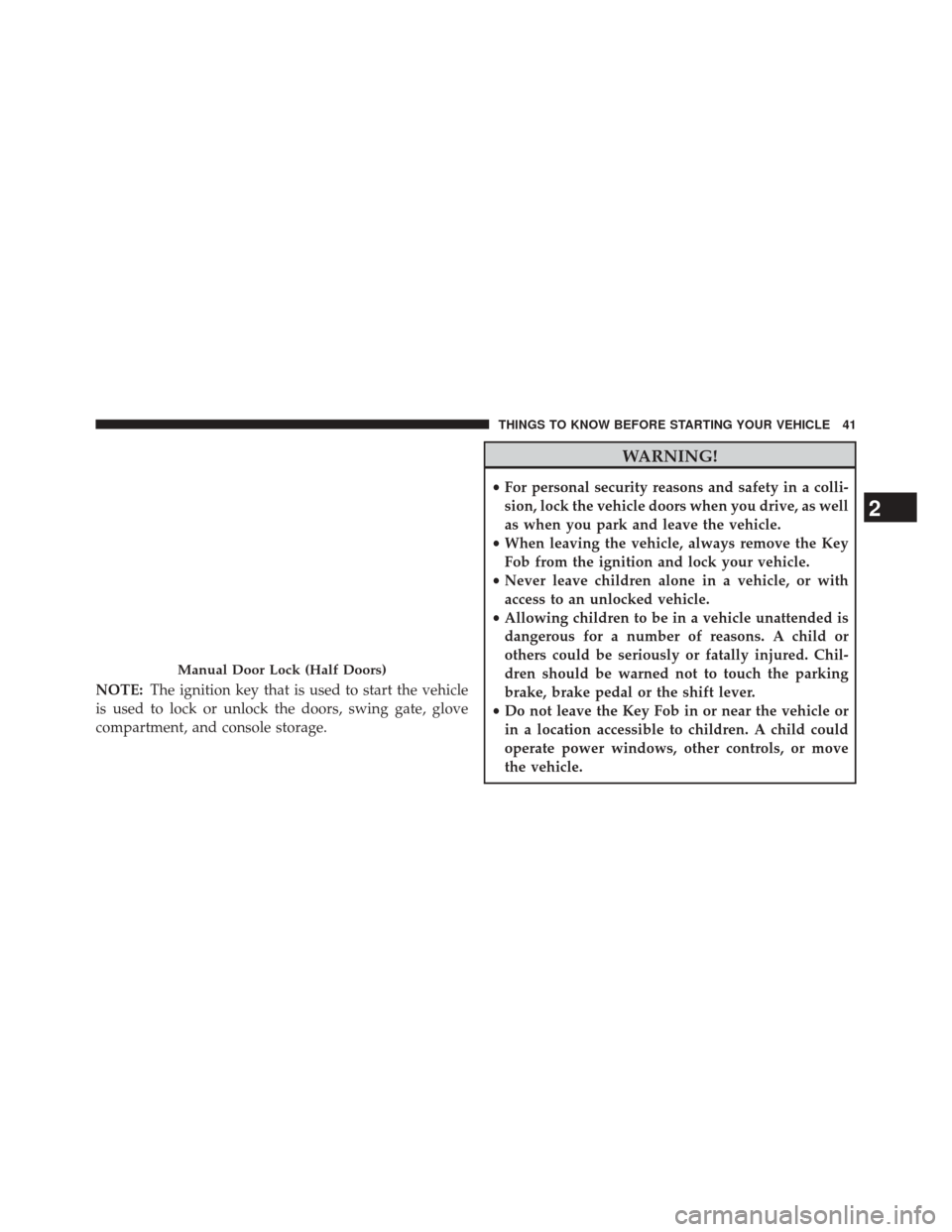
NOTE:The ignition key that is used to start the vehicle
is used to lock or unlock the doors, swing gate, glove
compartment, and console storage.
WARNING!
• For personal security reasons and safety in a colli-
sion, lock the vehicle doors when you drive, as well
as when you park and leave the vehicle.
• When leaving the vehicle, always remove the Key
Fob from the ignition and lock your vehicle.
• Never leave children alone in a vehicle, or with
access to an unlocked vehicle.
• Allowing children to be in a vehicle unattended is
dangerous for a number of reasons. A child or
others could be seriously or fatally injured. Chil-
dren should be warned not to touch the parking
brake, brake pedal or the shift lever.
• Do not leave the Key Fob in or near the vehicle or
in a location accessible to children. A child could
operate power windows, other controls, or move
the vehicle.
Manual Door Lock (Half Doors)
2
THINGS TO KNOW BEFORE STARTING YOUR VEHICLE 41
Page 44 of 678
Power Door Locks — If Equipped
The power door lock switch is located on each front door
panel. Press the switch forward to lock the doors, and
rearward to unlock the doors.
WARNING!
•For personal security reasons and safety in a colli-
sion, lock the vehicle doors when you drive, as well
as when you park and leave the vehicle.
• When leaving the vehicle, always remove the Key
Fob from the ignition and lock your vehicle.
• Never leave children alone in a vehicle, or with
access to an unlocked vehicle.
• Allowing children to be in a vehicle unattended is
dangerous for a number of reasons. A child or
others could be seriously or fatally injured. Chil-
dren should be warned not to touch the parking
brake, brake pedal or the shift lever.
• Do not leave the Key Fob in or near the vehicle or
in a location accessible to children. A child could
operate power windows, other controls, or move
the vehicle.
Power Door Lock Switch
42 THINGS TO KNOW BEFORE STARTING YOUR VEHICLE
Page 45 of 678
Automatic Door Locks — If Equipped
The auto door lock feature default condition is enabled.
When enabled, the door locks will lock automatically
when the vehicle’s speed exceeds 15 mph (24 km/h). The
auto door lock feature can be enabled or disabled by your
authorized dealer per written request of the customer.
Please see your authorized dealer for service.
Automatic Unlock Doors On Exit — If Equipped
The doors will unlock automatically on vehicles with
power door locks if:
1. The “Automatic Unlock Doors On Exit” feature isenabled.
2. The vehicle speed returned to 0 mph (0 km/h) and the transmission shift lever is in NEUTRAL or PARK.
3. The driver door is opened.
4. The doors were not previously unlocked.
Automatic Unlock Doors On Exit Programming
The “Automatic Unlock Doors On Exit” feature can be
enabled or disabled as follows:
1. Close all doors and place the key in the ignition.
2. Cycle the ignition switch between LOCK and ON/ RUN and then back to LOCK four times ending up in
the LOCK position.
3. Press the power door unlock switch to unlock the doors.
4. A single chime will indicate the completion of the programming.
5. Repeat these steps if you want to return this feature to its previous setting.
NOTE: Use the “Automatic Unlock Doors On Exit”
feature in accordance with local laws.
2
THINGS TO KNOW BEFORE STARTING YOUR VEHICLE 43
Page 46 of 678
Child-Protection Door Lock System — Rear
Doors
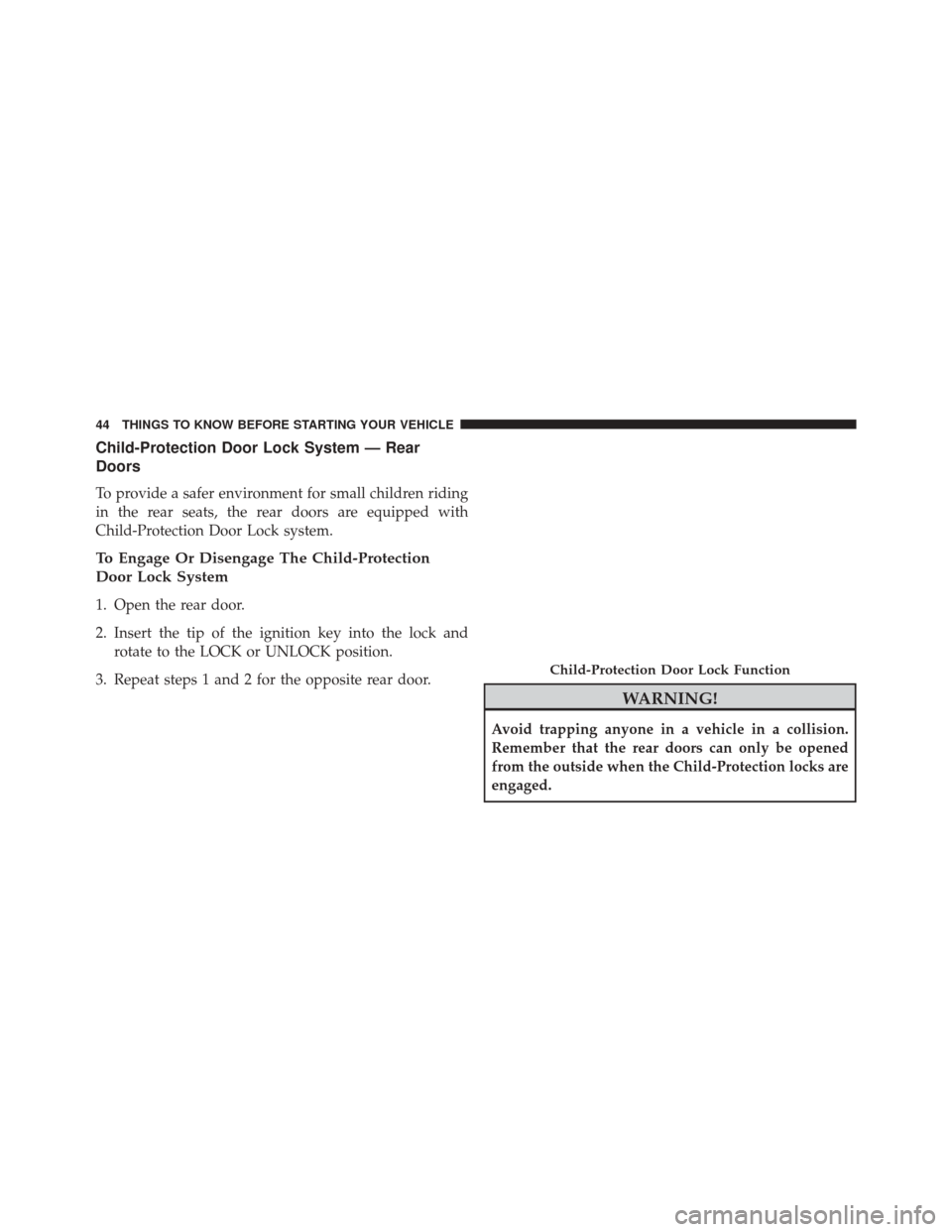
To provide a safer environment for small children riding
in the rear seats, the rear doors are equipped with
Child-Protection Door Lock system.
To Engage Or Disengage The Child-Protection
Door Lock System
1. Open the rear door.
2. Insert the tip of the ignition key into the lock androtate to the LOCK or UNLOCK position.
3. Repeat steps 1 and 2 for the opposite rear door.
WARNING!
Avoid trapping anyone in a vehicle in a collision.
Remember that the rear doors can only be opened
from the outside when the Child-Protection locks are
engaged.
Child-Protection Door Lock Function
44 THINGS TO KNOW BEFORE STARTING YOUR VEHICLE
Page 48 of 678
NOTE:
•For vehicles not equipped with the Electronic Vehicle
Information Center (EVIC), the power window
switches will remain active for 45 seconds after the
ignition switch is turned to the LOCK position. Open-
ing either front door will cancel this feature.
• For vehicles equipped with the EVIC, the power
window switches will remain active for up to 10
minutes after the ignition switch is turned to the
LOCK position. Opening either front door will cancel
this feature. The time for this feature is programmable.
Refer to “Electronic Vehicle Information Center
(EVIC)/Personal Settings (Customer-Programmable
Features)” in “Understanding Your Instrument Panel”
for further information. Four-Door Models
The lower left switch controls the left rear passenger
window, and the lower right switch controls the right
rear passenger window.
Auto-Down
Both the driver and front passenger window switches
have an “Auto-Down” feature. Press the window switch
past the first detent, release, and the window will go
down automatically. To cancel the Auto-Down move-
ment, operate the switch in either the up or down
direction and release the switch.
To stop the window from going all the way down during
the Auto-Down operation, pull up on the switch briefly.
To partially open the window, press halfway to the first
detent and release it when you want the window to stop.
46 THINGS TO KNOW BEFORE STARTING YOUR VEHICLE
Page 66 of 678
Enhanced Seat Belt Use Reminder System
(BeltAlert®)
BeltAlert® is a feature intended to remind the driver and
front passenger (if equipped with front passenger
BeltAlert®) to fasten their seat belts. The feature is active
whenever the ignition is on. If the driver or front seat
passenger is unbelted, the Seat Belt Reminder Light will
turn on and remain on until both front seat belts are
fastened.
The BeltAlert® warning sequence begins after the vehicle
speed is over 5 mph (8 km/h), by blinking the Seat Belt
Reminder Light and sounding an intermittent chime.
Once the sequence starts, it will continue for the entire
duration or until the respective seatbelts are fastened.
After the sequence completes, the Seat Belt Reminder
Light remains illuminated until the respective seat belts
are fastened. The driver should instruct all other occu-
pants to fasten their seat belts. If a front seat belt isunbuckled while traveling at speeds greater than 5 mph
(8 km/h), BeltAlert® will provide both audio and visual
notification.
The front passenger seat BeltAlert® is not active when
the front passenger seat is unoccupied. BeltAlert® may
be triggered when an animal or heavy object is on the
front passenger seat or when the seat is folded flat (if
equipped). It is recommended that pets be restrained in
the rear seat (if equipped) in pet harnesses or pet carriers
that are secured by seat belts, and cargo is properly
stowed.
BeltAlert® can be enabled or disabled by your autho-
rized dealer. Chrysler Group LLC does not recommend
deactivating BeltAlert®.
NOTE:
Although BeltAlert® has been deactivated, the
Seat Belt Reminder Light will continue to illuminate
while the driver ’s or front passenger (if equipped with
BeltAlert®) seat belt remains unfastened.
64 THINGS TO KNOW BEFORE STARTING YOUR VEHICLE
Page 73 of 678
The ORC determines if deployment of the front and/or
side air bags is required in a frontal or side collision.
Based on the impact sensor’s signals, a central electronic
ORC deploys the Advanced Front Air Bags, Supplemen-
tal Seat-Mounted Side Air Bags (SAB) — if equipped, and
front seat belt pretensioners, as required, depending on
the severity and type of impact.
Advanced Front Air Bags are designed to provide addi-
tional protection by supplementing the seat belts in
certain frontal collisions depending on the severity and
type of collision. Advanced Front Air Bags are not
expected to reduce the risk of injury in rear, side, or
rollover collisions.
The Advanced Front Air Bags will not deploy in all
frontal collisions, including some that may produce sub-
stantial vehicle damage — for example, some pole colli-
sions, truck underrides, and angle offset collisions. On
the other hand, depending on the type and location ofimpact, Advanced Front Air Bags may deploy in crashes
with little vehicle front-end damage but that produce a
severe initial deceleration.
The side air bags will not deploy in all side collisions.
Side air bag deployment will depend on the severity and
type of collision.
Because air bag sensors measure vehicle deceleration
over time, vehicle speed and damage by themselves are
not good indicators of whether or not an air bag should
have deployed.
Seat belts are necessary for your protection in all crashes,
and also are needed to help keep you in position, away
from an inflating air bag.
The ORC also monitors the readiness of the electronic
parts of the air bag system whenever the ignition switch
is in the START or ON/RUN positions. If the key is in the
2
THINGS TO KNOW BEFORE STARTING YOUR VEHICLE 71