wheel KIA CADENZA 2020 Owner's Manual
[x] Cancel search | Manufacturer: KIA, Model Year: 2020, Model line: CADENZA, Model: KIA CADENZA 2020Pages: 560, PDF Size: 11.37 MB
Page 132 of 560
Features of your vehicle
50 4
Auto Comfort Control
(for driver’s seat) (if equipped)
The heated steering wheel automati-
cally controls the steering wheel
temperature depending on the ambi-
ent temperature when the engine is
running. If the heated steering wheel
switch is pushed, the heated steering
wheel will have to be controlled man-
ually.
The Auto Comfort Control is activat-
ed or deactivated when you select
‘Settings →Vehicle →Seat →
Heated/Ventilated Features →Auto
Comfort Control →Steering Wheel
Warmer’ from the Settings menu in
the Infotainment System screen.
For more details, please scan the
QR code in a separately supplied
Car Infotainment System Quick
Reference Guide.
Horn
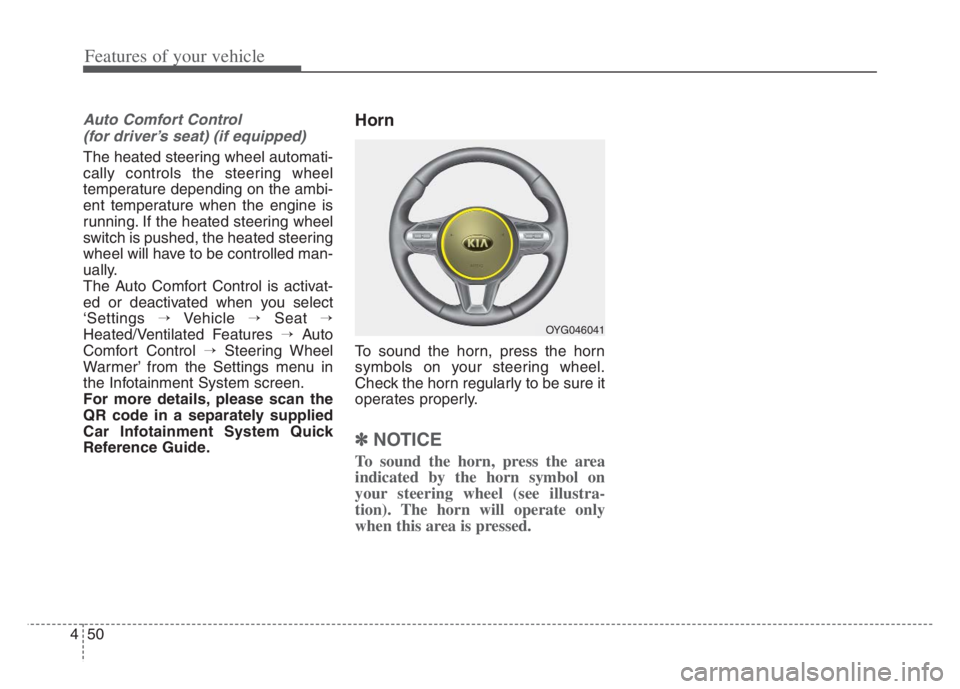
To sound the horn, press the horn
symbols on your steering wheel.
Check the horn regularly to be sure it
operates properly.
✽ ✽
NOTICE
To sound the horn, press the area
indicated by the horn symbol on
your steering wheel (see illustra-
tion). The horn will operate only
when this area is pressed.
OYG046041
Page 156 of 560

Features of your vehicle
74 4
Tire Pressure
❈For more details, refer to “Tire
Pressure Monitoring System
(TPMS)” in chapter 6.Settings
To change the Driver Assistance set-
tings, press the OK button on the
steering wheel for more than 1 sec-
ond when the Driving Assist mode is
displayed.✽ ✽
NOTICE
The information provided may dif-
fer depending on which functions
are applicable to your vehicle.
WARNING
While driving, please do not
change the setting mode. It may
distract your attention and
cause the accident.
Item Explanation
SCC ReactionFast/Normal/Slow
Driving Assist
Highway Driving
Assist/Highway Auto Speed
Zone Slowdown/Highway
Auto Curve Slowdown
Warning
TimingNormal/Later
Warning
VolumeHigh/Medium/Low
Page 159 of 560
477
Features of your vehicle
Fuel Economy
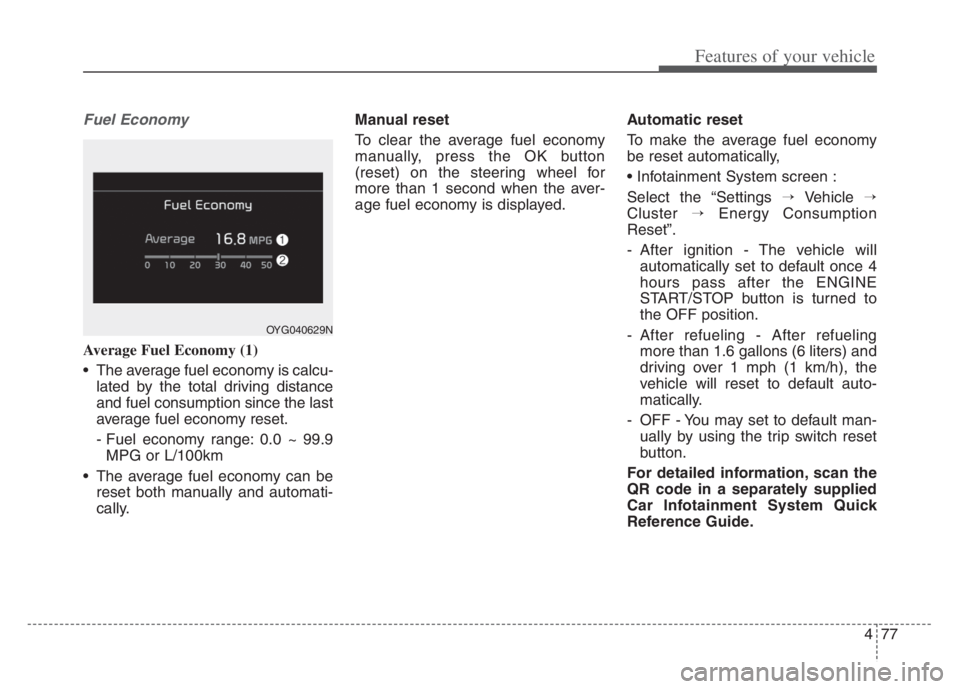
Average Fuel Economy (1)
The average fuel economy is calcu-
lated by the total driving distance
and fuel consumption since the last
average fuel economy reset.
- Fuel economy range: 0.0 ~ 99.9
MPG or L/100km
The average fuel economy can be
reset both manually and automati-
cally.Manual reset
To clear the average fuel economy
manually, press the OK button
(reset) on the steering wheel for
more than 1 second when the aver-
age fuel economy is displayed.Automatic reset
To make the average fuel economy
be reset automatically,
Select the “Settings →Vehicle →
Cluster →Energy Consumption
Reset”.
- After ignition - The vehicle will
automatically set to default once 4
hours pass after the ENGINE
START/STOP button is turned to
the OFF position.
- After refueling - After refueling
more than 1.6 gallons (6 liters) and
driving over 1 mph (1 km/h), the
vehicle will reset to default auto-
matically.
- OFF - You may set to default man-
ually by using the trip switch reset
button.
For detailed information, scan the
QR code in a separately supplied
Car Infotainment System Quick
Reference Guide.
OYG040629N
Page 165 of 560

483
Features of your vehicle
Low Key Battery
This warning message illuminates
if the battery of the smart key is
discharged when the ENGINE
START/STOP button changes to
the OFF position.
Press START button while turning
wheel
This warning message illuminates
if the steering wheel does not
unlock normally when the ENGINE
START/STOP button is pressed.
It means that you should press the
ENGINE START/STOP button
while turning the steering wheel
right and left.
Press brake pedal to start engine
This warning message illuminates
if the ENGINE START/STOP button
changes to the ACC position twice
by pressing the button repeatedly
without depressing the brake pedal.
It means that you should depress
the brake pedal to start the engine.
Key not in vehicle
This warning message illuminates
if the smart key is not in the vehicle
when you press the ENGINE
START/STOP button.
It means that you should always
have the smart key with you.
Key not detected
This warning message illuminates
if the smart key is not detected
when you press the ENGINE
START/STOP button.
Vehicle is On
If the driver’s door is opened with
the ENGINE START/STOP button
in the ON position and shift lever in
P(Park) position, the message
above will appear.
Page 169 of 560
487
Features of your vehicle
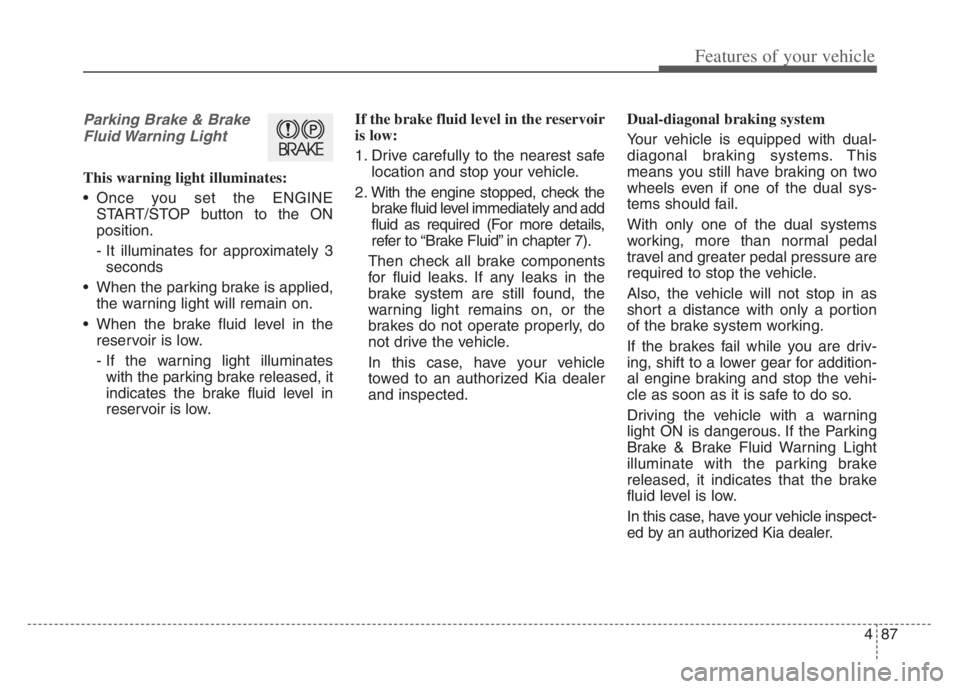
Parking Brake & Brake
Fluid Warning Light
This warning light illuminates:
Once you set the ENGINE
START/STOP button to the ON
position.
- It illuminates for approximately 3
seconds
When the parking brake is applied,
the warning light will remain on.
When the brake fluid level in the
reservoir is low.
- If the warning light illuminates
with the parking brake released, it
indicates the brake fluid level in
reservoir is low.If the brake fluid level in the reservoir
is low:
1. Drive carefully to the nearest safe
location and stop your vehicle.
2. With the engine stopped, check the
brake fluid level immediately and add
fluid as required (For more details,
refer to “Brake Fluid” in chapter 7).
Then check all brake components
for fluid leaks. If any leaks in the
brake system are still found, the
warning light remains on, or the
brakes do not operate properly, do
not drive the vehicle.
In this case, have your vehicle
towed to an authorized Kia dealer
and inspected.Dual-diagonal braking system
Your vehicle is equipped with dual-
diagonal braking systems. This
means you still have braking on two
wheels even if one of the dual sys-
tems should fail.
With only one of the dual systems
working, more than normal pedal
travel and greater pedal pressure are
required to stop the vehicle.
Also, the vehicle will not stop in as
short a distance with only a portion
of the brake system working.
If the brakes fail while you are driv-
ing, shift to a lower gear for addition-
al engine braking and stop the vehi-
cle as soon as it is safe to do so.
Driving the vehicle with a warning
light ON is dangerous. If the Parking
Brake & Brake Fluid Warning Light
illuminate with the parking brake
released, it indicates that the brake
fluid level is low.
In this case, have your vehicle inspect-
ed by an authorized Kia dealer.
Page 190 of 560
Features of your vehicle
108 4
Warning and Control
Active assist
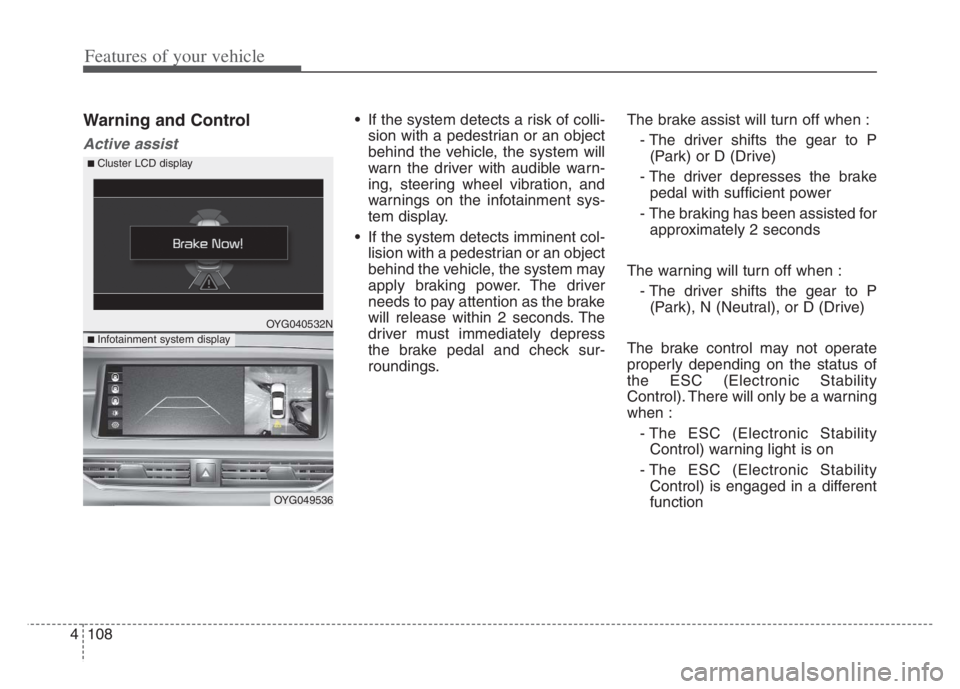
If the system detects a risk of colli-
sion with a pedestrian or an object
behind the vehicle, the system will
warn the driver with audible warn-
ing, steering wheel vibration, and
warnings on the infotainment sys-
tem display.
If the system detects imminent col-
lision with a pedestrian or an object
behind the vehicle, the system may
apply braking power. The driver
needs to pay attention as the brake
will release within 2 seconds. The
driver must immediately depress
the brake pedal and check sur-
roundings.The brake assist will turn off when :
- The driver shifts the gear to P
(Park) or D (Drive)
- The driver depresses the brake
pedal with sufficient power
- The braking has been assisted for
approximately 2 seconds
The warning will turn off when :
- The driver shifts the gear to P
(Park), N (Neutral), or D (Drive)
The brake control may not operate
properly depending on the status of
the ESC (Electronic Stability
Control). There will only be a warning
when :
- The ESC (Electronic Stability
Control) warning light is on
- The ESC (Electronic Stability
Control) is engaged in a different
function
OYG040532N
OYG049536
■ Infotainment system display
■ Cluster LCD display
Page 220 of 560

Features of your vehicle
138 4
Defrost-Level
Most of the air flow is directed to the
windshield with a small amount of air
directed to the side window defrosters.Instrument panel vents
The outlet vents can be opened or
closed separately using the thumb-
wheel (if equipped).
Also, you can adjust the direction of
air delivery from these vents using
the vent control lever as shown.
Temperature control
The temperature will increase to the
maximum (HI) by raise the toggle
switch to the extreme up.
The temperature will decrease to the
minimum (Lo) by depress the toggle
switch to the extreme down.
When raise and depress the toggle
switch, the temperature will increase
or decrease by 1°F/0.5°C. When set
to the lowest temperature setting, the
air conditioning will operate continu-
ously.
OYG049346 OYG049349
■Driver’s side■Passenger’s side
OYG049348
Page 258 of 560
55
Driving your vehicle
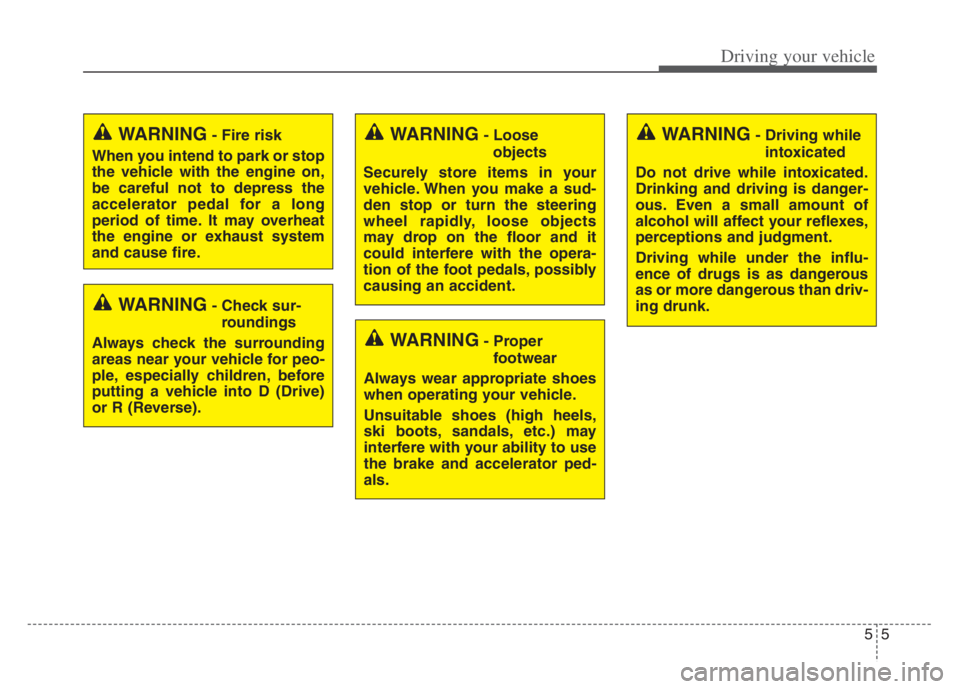
WARNING- Check sur-
roundings
Always check the surrounding
areas near your vehicle for peo-
ple, especially children, before
putting a vehicle into D (Drive)
or R (Reverse).
WARNING- Fire risk
When you intend to park or stop
the vehicle with the engine on,
be careful not to depress the
accelerator pedal for a long
period of time. It may overheat
the engine or exhaust system
and cause fire.WARNING- Loose
objects
Securely store items in your
vehicle. When you make a sud-
den stop or turn the steering
wheel rapidly, loose objects
may drop on the floor and it
could interfere with the opera-
tion of the foot pedals, possibly
causing an accident.WARNING- Driving while
intoxicated
Do not drive while intoxicated.
Drinking and driving is danger-
ous. Even a small amount of
alcohol will affect your reflexes,
perceptions and judgment.
Driving while under the influ-
ence of drugs is as dangerous
as or more dangerous than driv-
ing drunk.
WARNING- Proper
footwear
Always wear appropriate shoes
when operating your vehicle.
Unsuitable shoes (high heels,
ski boots, sandals, etc.) may
interfere with your ability to use
the brake and accelerator ped-
als.
Page 264 of 560
511
Driving your vehicle
When stopped on an incline, do not
hold the vehicle with the engine
power. Use the service brake or the
parking brake.
Transmission ranges
The indicator in the instrument clus-
ter displays the shift lever position
when the ENGINE START/STOP
button is in the ON position.
P (Park)
Always come to a complete stop
before shifting into P (Park). This
position locks the transmission and
prevents the drive wheels from rotat-
ing.
Shifting into P (Park) while the vehi-
cle is in motion will cause the drive
wheels to lock which will cause you
to lose control of the vehicle.R (Reverse)
Use this position to drive the vehicle
backward.
N (Neutral)
The wheels and transmission are not
engaged. The vehicle will roll freely
even on the slightest incline unless
the parking brake or service brakes
are applied.
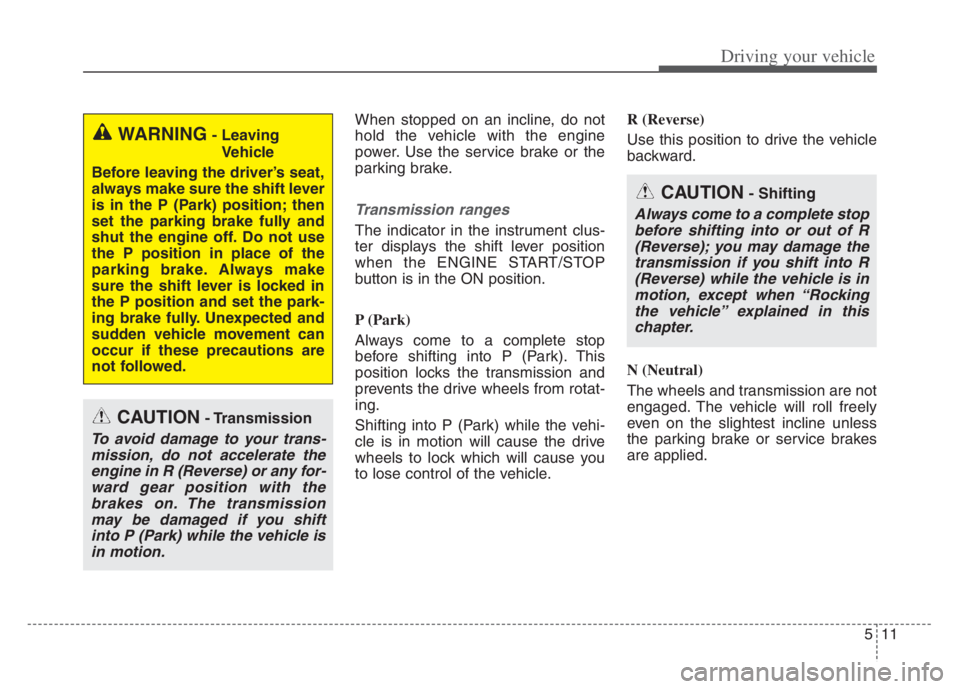
WARNING- Leaving
Vehicle
Before leaving the driver’s seat,
always make sure the shift lever
is in the P (Park) position; then
set the parking brake fully and
shut the engine off. Do not use
the P position in place of the
parking brake. Always make
sure the shift lever is locked in
the P position and set the park-
ing brake fully. Unexpected and
sudden vehicle movement can
occur if these precautions are
not followed.
CAUTION- Transmission
To avoid damage to your trans-
mission, do not accelerate the
engine in R (Reverse) or any for-
ward gear position with the
brakes on. The transmission
may be damaged if you shift
into P (Park) while the vehicle is
in motion.
CAUTION- Shifting
Always come to a complete stop
before shifting into or out of R
(Reverse); you may damage the
transmission if you shift into R
(Reverse) while the vehicle is in
motion, except when “Rocking
the vehicle” explained in this
chapter.
Page 283 of 560
Driving your vehicle
30 5
Anti-lock brake system (ABS)
ABS (or ESC) will not prevent acci-
dents due to improper or dangerous
driving maneuvers. Even though
vehicle control is improved during
emergency braking, always maintain
a safe distance between you and
objects ahead. Vehicle speeds
should always be reduced during
extreme road conditions. The vehicle
should be driven at reduced speeds
in the following circumstances:
When driving on rough, gravel or
snow-covered roads
When driving with tire chains
installed
When driving on roads where the
road surface is pitted or has differ-
ent surface heights.
Driving in these conditions increases
the stopping distance for your vehi-
cle.The ABS continuously senses the
speed of the wheels. If the wheels
are going to lock, the ABS system
repeatedly modulates the hydraulic
brake pressure to the wheels.
When you apply your brakes under
conditions which may lock the
wheels, you may hear a “tik-tik’’
sound from the brakes, or feel a cor-
responding sensation in the brake
pedal. This is normal and it means
your ABS is active.
In order to obtain the maximum benefit
from your ABS in an emergency situa-
tion, do not attempt to modulate your
brake pressure and do not try to pump
your brakes. Press your brake pedal as
hard as possible to allow the ABS to
control the force being delivered to the
brakes.
✽ ✽
NOTICE
A click sound may be heard in the
engine compartment when the vehi-
cle begins to move after the engine is
started. These conditions are normal
and indicate that the anti-lock brake
system is functioning properly.