open KIA CARNIVAL 2023 Navigation System Quick Reference Guide
[x] Cancel search | Manufacturer: KIA, Model Year: 2023, Model line: CARNIVAL, Model: KIA CARNIVAL 2023Pages: 340, PDF Size: 11.94 MB
Page 175 of 340

7-21
Automotive
POI name
KIA Dealerships
Gas Stations76
ampm
ARCO
BP
Gas+
Casey's General Store
Cenex
Chevron
CITGO
Conoco
Esso
Exxon
Fleetfuels
GetGo
Giant Gasoline
Gulf
Husky
Ingles Gas Express
Marathon
Martin's Gasoline
Meijer Gas Station
Mobil
Murphy Express
Murphy USA
Petro Stopping Centers
PETRO-CANADA
Phillips 66
Pioneer
QuikTrip
Rutter's
Sheetz
POI name
Shell
Sinclair
Speedway
Sunoco
TEXACO
TravelCenters of America
Ultramar
Valero
Wawa
Hess Express
Irving
Pemex
7-Eleven
Costco
Parking Parking Garage
Open Parking Area
Park & Ride
Auto ServicesAAA
Advance Auto Parts
America's Tire
AutoZone
BOSCH Car Service
Canadian Tire
Certigard
Chevron
CITGO
Discount Tire
Exxon
Firestone
GOODYEAR
Gulf
Jiffy Lube
Kal Tire
Page 211 of 340

9-11
High Beam Assist (if equipped)
You can set to automatically control the high beam when an oncoming vehicle is approaching
to decrease the high beam glare.
Door (if equipped)
You can configure the operation environment for the trunk (liftgate) and doors.
AThe screen may differ depending on the vehicle model and specifications.
Auto Lock (if equipped)
You can set the time to automatically lock all doors.
Auto Unlock (if equipped)
You can set the time to automatically unlock all doors.
2 Press Unlock (if equipped)
You can set to unlock all doors by pressing the door unlock button twice.
A
When you press the door unlock button once, only the driver's seat door is unlocked.
Smart Trunk or Smart Liftgate (if equipped)
Opens the trunk (liftgate) automatically when approaching the trunk (liftgate) with the smart
key.
A
The displayed name may differ depending on the vehicle model and specifications.
Page 230 of 340
9-30
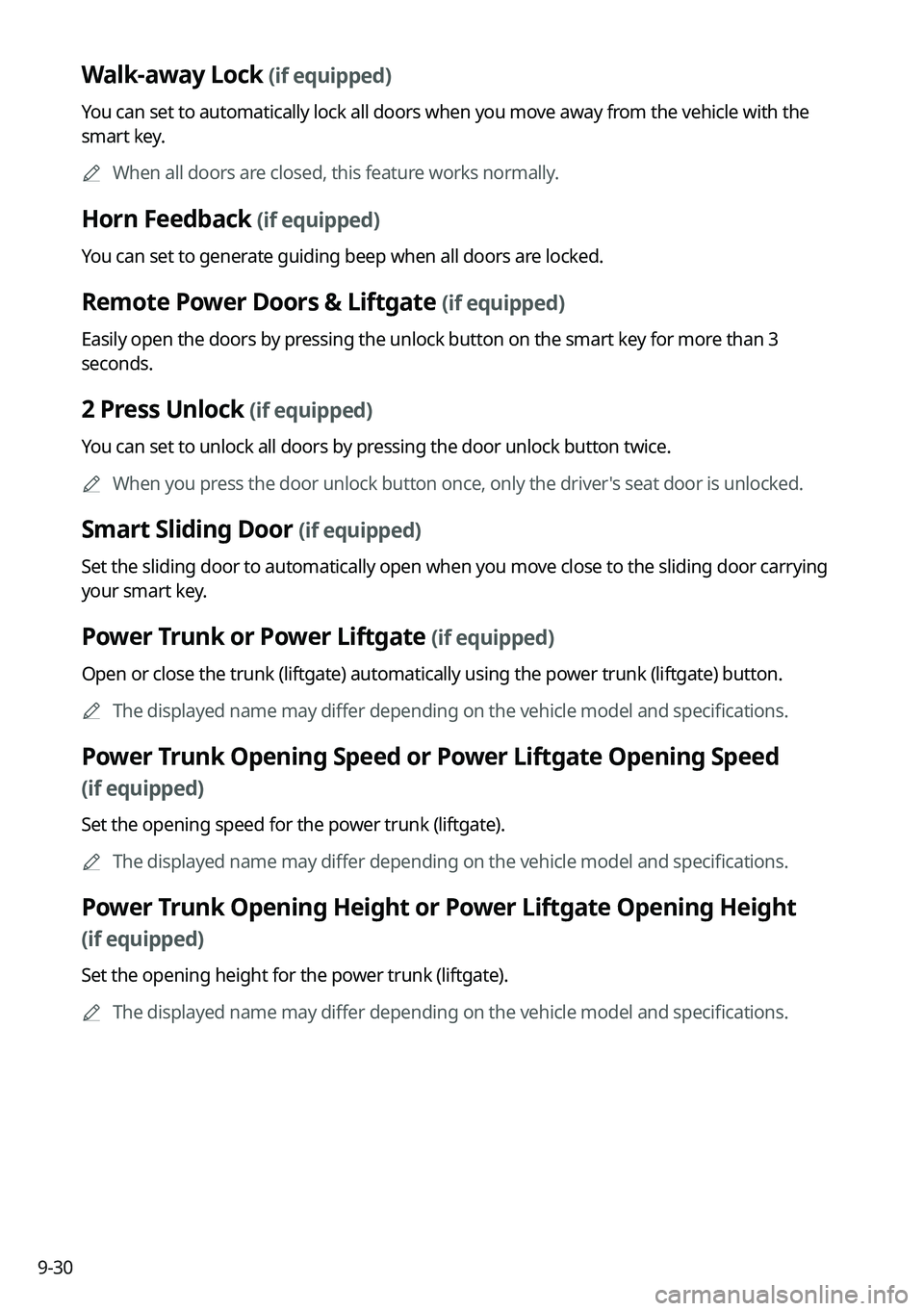
Walk-away Lock (if equipped)
You can set to automatically lock all doors when you move away from the vehicle with the
smart key.
A
When all doors are closed, this feature works normally.
Horn Feedback (if equipped)
You can set to generate guiding beep when all doors are locked.
Remote Power Doors & Liftgate (if equipped)
Easily open the doors by pressing the unlock button on the smart key for more than 3
seconds.
2 Press Unlock (if equipped)
You can set to unlock all doors by pressing the door unlock button twice.
A
When you press the door unlock button once, only the driver's seat door is unlocked.
Smart Sliding Door (if equipped)
Set the sliding door to automatically open when you move close to the sliding door carrying
your smart key.
Power Trunk or Power Liftgate (if equipped)
Open or close the trunk (liftgate) automatically using the power trunk (liftgate) button.
A
The displayed name may differ depending on the vehicle model and specifications.
Power Trunk Opening Speed or Power Liftgate Opening Speed
(if equipped)
Set the opening speed for the power trunk (liftgate).
A
The displayed name may differ depending on the vehicle model and specifications.
Power Trunk Opening Height or Power Liftgate Opening Height
(if equipped)
Set the opening height for the power trunk (liftgate).
A
The displayed name may differ depending on the vehicle model and specifications.
Page 231 of 340

9-31
Smart Trunk or Smart Liftgate (if equipped)
Opens the trunk (liftgate) automatically when approaching the trunk (liftgate) with the smart
key.
A
The displayed name may differ depending on the vehicle model and specifications.
Liftgate Auto Close (if equipped)
Set the liftgate to automatically close when you move away from the back of the liftgate while
carrying the smart key.
Remote Window Control (if equipped)
Turns on the remote window control function.
Digital Key (if equipped)
You can register or delete a digital key and then see the information of the registered digital
key.
A
The screen may differ depending on the vehicle model and specifications.
Enable Digital Keys (if equipped)
You can set whether or not to use the digital keys.
Smartphone Key (if equipped)
You can register or delete a smartphone key.
Card Key (if equipped)
You can register or delete a card key.
Digital Key Information (if equipped)
You can see the serial number of the registered digital key.
Page 313 of 340
Appendix
Solutions
System status indicator icons FAQ
Product specifications
Important information Index
Trademarks
Open Source Information
11
Page 336 of 340
11-24
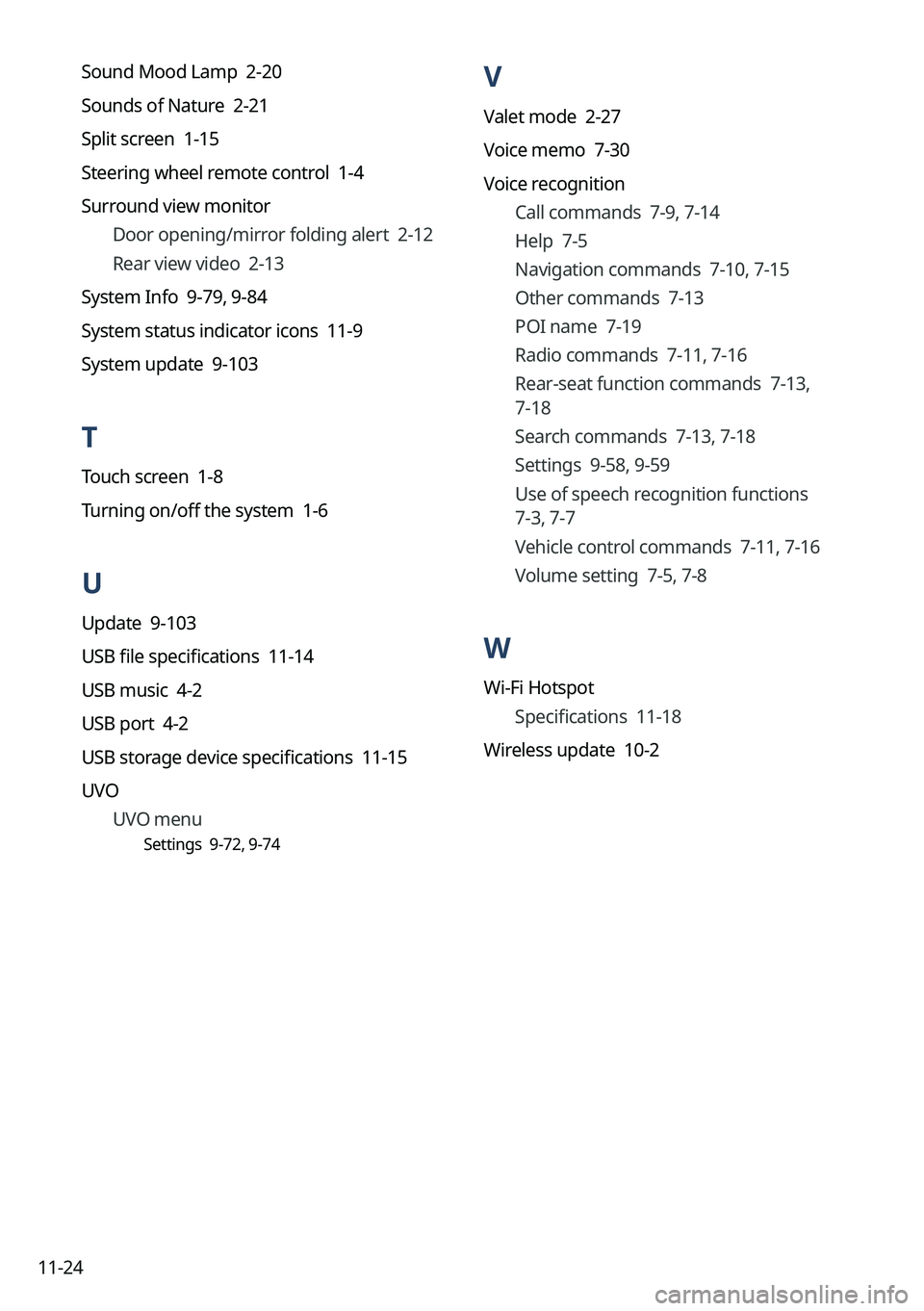
V
Valet mode 2-27
Voice memo 7-30
Voice recognitionCall commands 7-9, 7-14
Help 7-5
Navigation commands 7-10, 7-15
Other commands 7-13
POI name 7-19
Radio commands 7-11, 7-16
Rear-seat function commands 7-13,
7-18
Search commands 7-13, 7-18
Settings 9-58, 9-59
Use of speech recognition functions
7-3, 7-7
Vehicle control commands 7-11, 7-16
Volume setting 7-5, 7-8
W
Wi-Fi Hotspot
Specifications 11-18
Wireless update 10-2
Sound Mood Lamp 2-20
Sounds of Nature 2-21
Split screen 1-15
Steering wheel remote control 1-4
Surround view monitor
Door opening/mirror folding alert 2-12
Rear view video 2-13
System Info 9-79, 9-84
System status indicator icons 11-9
System update 9-103
T
Touch screen 1-8
Turning on/off the system 1-6
U
Update 9-103
USB file specifications 11-14
USB music 4-2
USB port 4-2
USB storage device specifications 11-15
UVO UVO menu
Settings 9-72, 9-74
Page 338 of 340

11-26
Open Source Information
This system contains open source software.
To obtain the source code developed under the open source license installed on this product,
please visit http://en.mobis.co.kr/opensource/list.do.
You can download all applicable license notices, including the source code.
If you send an e-mail to [email protected] within three years of purchasing
this product to request an open source code for the software on this product, you will receive
it in CD-ROM and other storage mediums with minimal charge, such as costs for medium
and transportation.