tow KIA CERATO 2004 User Guide
[x] Cancel search | Manufacturer: KIA, Model Year: 2004, Model line: CERATO, Model: KIA CERATO 2004Pages: 315, PDF Size: 68.16 MB
Page 130 of 315
Driving your vehicle
18
4
1 23456789
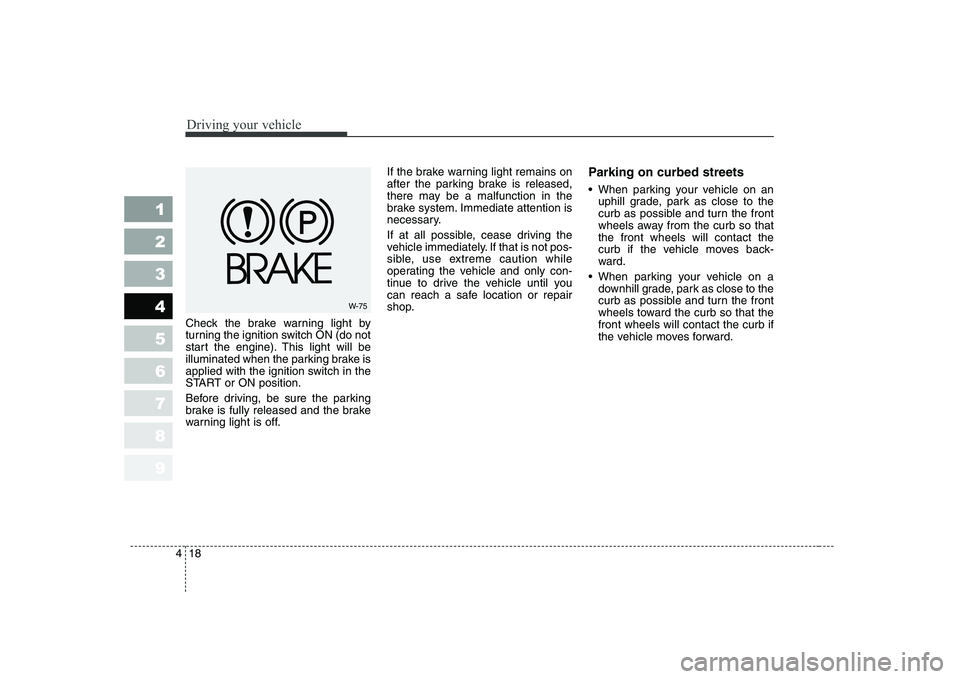
Check the brake warning light by
turning the ignition switch ON (do not
start the engine). This light will be
illuminated when the parking brake is
applied with the ignition switch in the
START or ON position.
Before driving, be sure the parking
brake is fully released and the brake
warning light is off. If the brake warning light remains on
after the parking brake is released,
there may be a malfunction in the
brake system. Immediate attention is
necessary.
If at all possible, cease driving the
vehicle immediately. If that is not pos-
sible, use extreme caution while
operating the vehicle and only con-
tinue to drive the vehicle until you
can reach a safe location or repair
shop.
Parking on curbed streets
When parking your vehicle on an
uphill grade, park as close to the
curb as possible and turn the front
wheels away from the curb so thatthe front wheels will contact the
curb if the vehicle moves back-
ward.
When parking your vehicle on a downhill grade, park as close to the
curb as possible and turn the front
wheels toward the curb so that thefront wheels will contact the curb if
the vehicle moves forward.
W-75
Page 147 of 315
435
1 23456789
Driving your vehicle
Engine temperature gauge
This gauge shows the temperature of the engine coolant when the igni-
tion switch is ON.
Do not continue driving with an over-
heated engine. If your vehicle over-
heats, refer to “Overheating” in the
Index.
✽✽
NOTICE
If the gauge pointer moves beyond
the normal range area toward the“H” position, it indicates overheat-ing that may damage the engine.
Fuel gauge
The fuel gauge indicates the approx- imate amount of fuel remaining in thefuel tank.
Fuel tank capacity - 55 liters.
The fuel gauge is supplemented by a
low fuel warning light, which will illu-
minate when the fuel level has
dropped to about 8.5 liters.
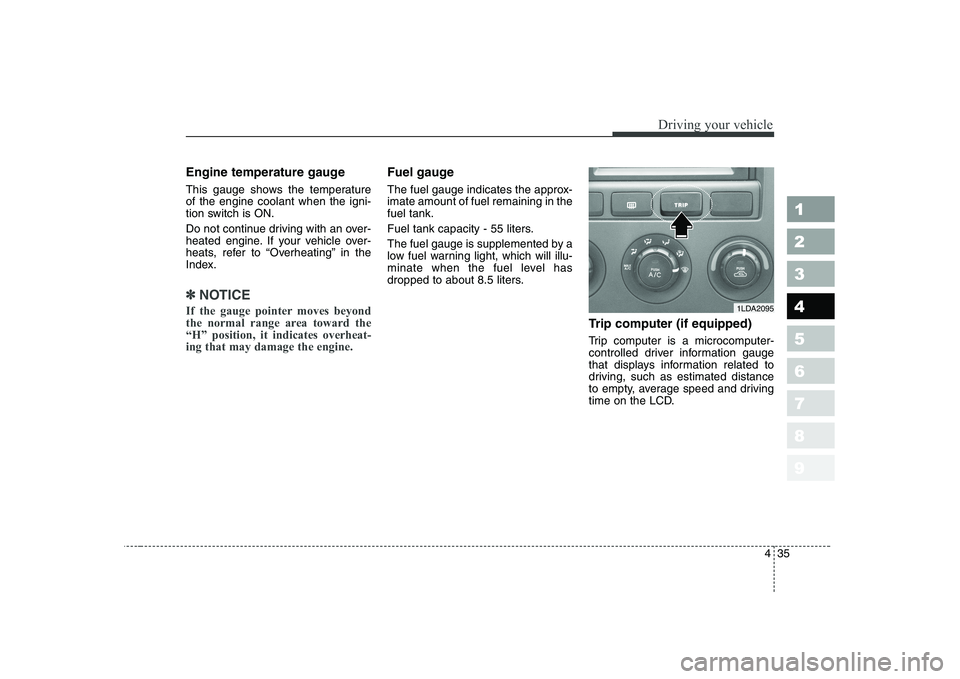
Trip computer (if equipped)
Trip computer is a microcomputer-
controlled driver information gauge
that displays information related to
driving, such as estimated distance
to empty, average speed and driving
time on the LCD.
1LDA2095
Page 153 of 315
441
1 23456789
Driving your vehicle
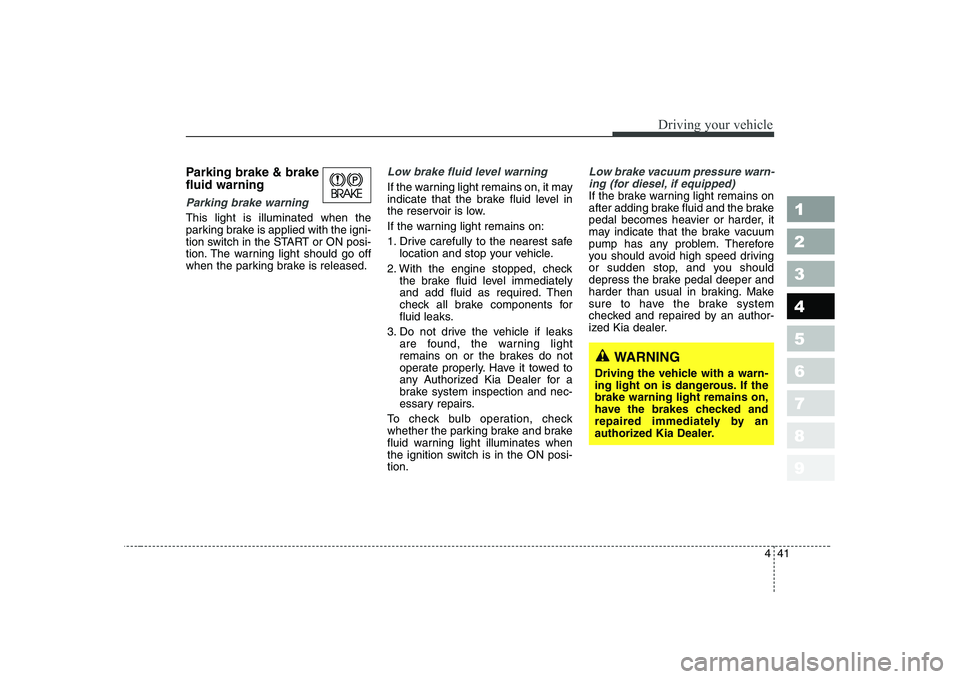
Parking brake & brake fluid warning
Parking brake warning
This light is illuminated when the
parking brake is applied with the igni-
tion switch in the START or ON posi-
tion. The warning light should go off
when the parking brake is released.
Low brake fluid level warning
If the warning light remains on, it may
indicate that the brake fluid level in
the reservoir is low.
If the warning light remains on:
1. Drive carefully to the nearest safelocation and stop your vehicle.
2. With the engine stopped, check the brake fluid level immediately
and add fluid as required. Then
check all brake components for
fluid leaks.
3. Do not drive the vehicle if leaks are found, the warning light
remains on or the brakes do not
operate properly. Have it towed to
any Authorized Kia Dealer for a
brake system inspection and nec-
essary repairs.
To check bulb operation, check
whether the parking brake and brake
fluid warning light illuminates when
the ignition switch is in the ON posi-tion.
Low brake vacuum pressure warn- ing (for diesel, if equipped)
If the brake warning light remains on
after adding brake fluid and the brake
pedal becomes heavier or harder, it
may indicate that the brake vacuum
pump has any problem. Therefore
you should avoid high speed driving
or sudden stop, and you should
depress the brake pedal deeper and
harder than usual in braking. Make
sure to have the brake system
checked and repaired by an author-
ized Kia dealer.
WARNING
Driving the vehicle with a warn-
ing light on is dangerous. If thebrake warning light remains on,
have the brakes checked and
repaired immediately by an
authorized Kia Dealer.
Page 154 of 315
Driving your vehicle
42
4
1 23456789
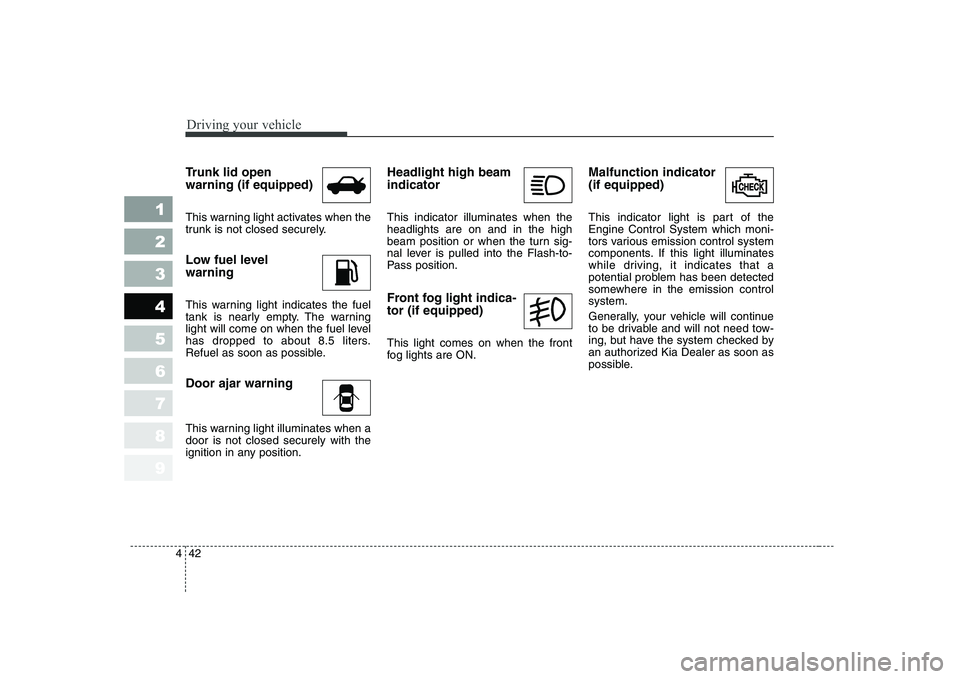
Trunk lid open warning (if equipped)
This warning light activates when the
trunk is not closed securely.
Low fuel level warning
This warning light indicates the fuel
tank is nearly empty. The warning
light will come on when the fuel level
has dropped to about 8.5 liters.
Refuel as soon as possible. Door ajar warning
This warning light illuminates when a door is not closed securely with the
ignition in any position. Headlight high beam indicator This indicator illuminates when the headlights are on and in the high
beam position or when the turn sig-
nal lever is pulled into the Flash-to-
Pass position.
Front fog light indica- tor (if equipped) This light comes on when the front
fog lights are ON.
Malfunction indicator (if equipped)
This indicator light is part of the Engine Control System which moni-
tors various emission control system
components. If this light illuminates
while driving, it indicates that a
potential problem has been detected
somewhere in the emission controlsystem.
Generally, your vehicle will continue
to be drivable and will not need tow-
ing, but have the system checked by
an authorized Kia Dealer as soon as
possible.
Page 160 of 315
Driving your vehicle
48
4
1 23456789
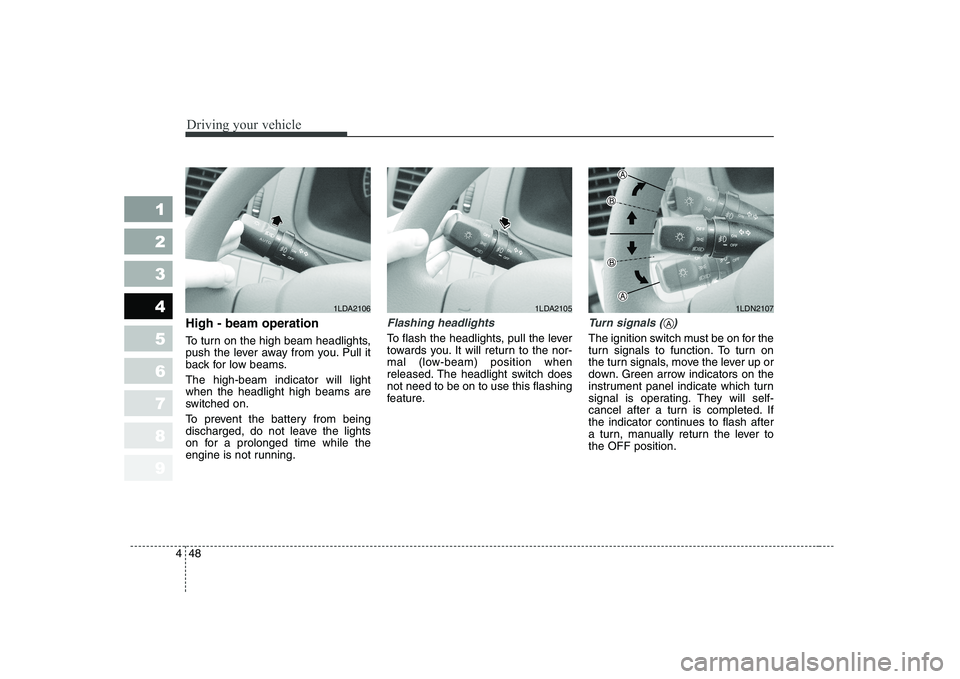
High - beam operation
To turn on the high beam headlights,
push the lever away from you. Pull it
back for low beams. The high-beam indicator will light when the headlight high beams are
switched on.
To prevent the battery from being
discharged, do not leave the lights
on for a prolonged time while the
engine is not running.Flashing headlights
To flash the headlights, pull the lever
towards you. It will return to the nor-
mal (low-beam) position when
released. The headlight switch doesnot need to be on to use this flashing
feature.
Turn signals ( )
The ignition switch must be on for the
turn signals to function. To turn on
the turn signals, move the lever up or
down. Green arrow indicators on the
instrument panel indicate which turn
signal is operating. They will self-
cancel after a turn is completed. If
the indicator continues to flash after
a turn, manually return the lever tothe OFF position.
1LDA21051LDN21071LDA2106
A
Page 166 of 315
Driving your vehicle
54
4
1 23456789
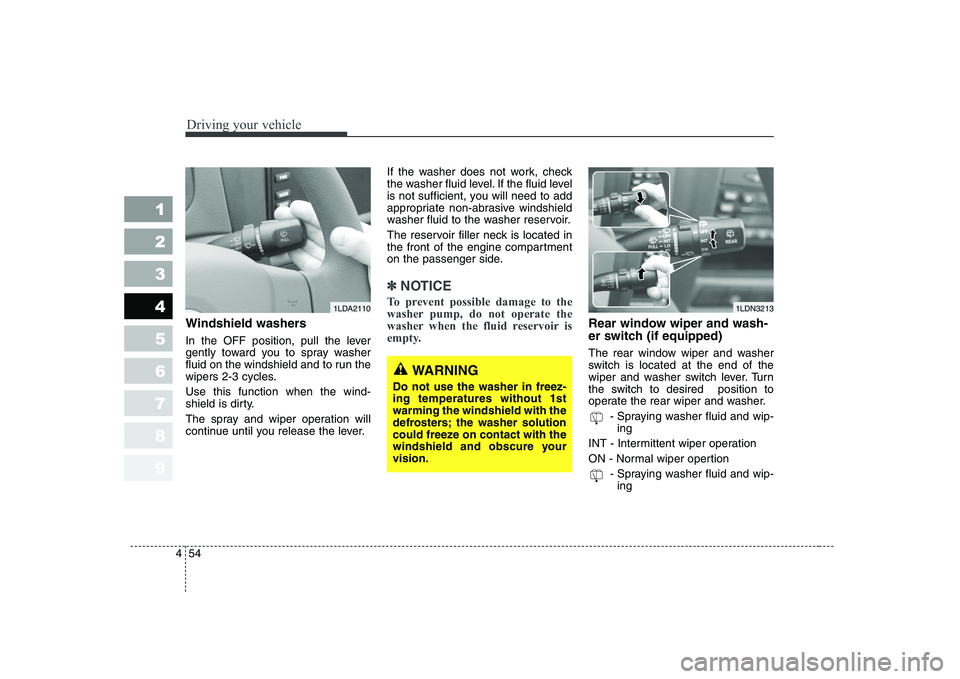
Windshield washers
In the OFF position, pull the lever
gently toward you to spray washer
fluid on the windshield and to run the
wipers 2-3 cycles. Use this function when the wind-
shield is dirty.
The spray and wiper operation will
continue until you release the lever. If the washer does not work, check
the washer fluid level. If the fluid level
is not sufficient, you will need to add
appropriate non-abrasive windshield
washer fluid to the washer reservoir.
The reservoir filler neck is located in
the front of the engine compartment
on the passenger side.
✽✽
NOTICE
To prevent possible damage to the
washer pump, do not operate the
washer when the fluid reservoir is
empty.
Rear window wiper and wash-
er switch (if equipped)
The rear window wiper and washer
switch is located at the end of the
wiper and washer switch lever. Turn
the switch to desired position to
operate the rear wiper and washer. - Spraying washer fluid and wip-ing
INT - Intermittent wiper operation
ON - Normal wiper opertion - Spraying washer fluid and wip-ing
1LDN32131LDA2110
WARNING
Do not use the washer in freez- ing temperatures without 1stwarming the windshield with the
defrosters; the washer solution
could freeze on contact with the
windshield and obscure yourvision.
Page 172 of 315
Driving your vehicle
60
4
1 23456789
Face position
Air flow is directed toward
the upper body and face.
Additionally, each outletcan be controlled to directthe air discharged fromthe outlet.
(outlet port: , )
Face - floor position
Air flow is directedtowards the face and the
floor. The air to the floor is
warmer than the air to the
face (except when the
temperature control is set
to the extreme cold posi-tion).
(outlet port: , , , )
Floor position
Most of the air flow is
directed to the floor, with asmall amount of the airbeing directed to the wind-
shield and side window
defroster.
(outlet port: , , , , )
Floor - defrost position
Most of the air flow is directed to the floor andthe windshield with asmall amount directed to
the side window
defrosters.
(outlet port:
, , , ,)
Defrost position
Most of the air flow is directed to the windshieldwith a small amount of airdirected to the side win-
dow defrosters.
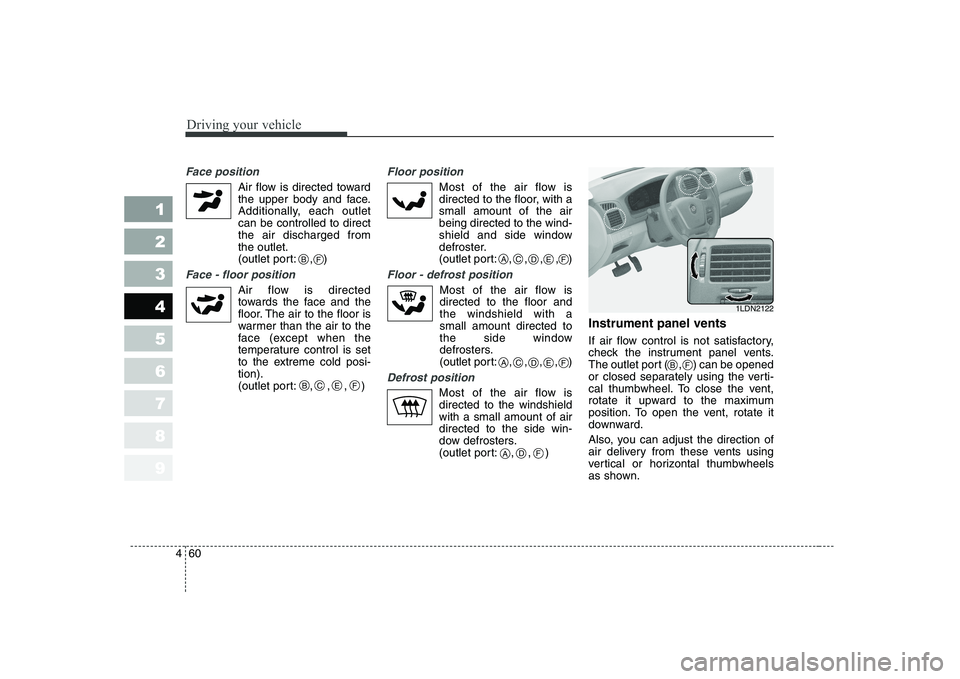
(outlet port: , , ) Instrument panel vents
If air flow control is not satisfactory,
check the instrument panel vents.
The outlet port ( , ) can be opened
or closed separately using the verti-
cal thumbwheel. To close the vent,
rotate it upward to the maximum
position. To open the vent, rotate it
downward.
Also, you can adjust the direction of
air delivery from these vents using
vertical or horizontal thumbwheels
as shown.
B
BCEF
CADEF
CADEF
F
ADF
1LDN2122
BF
Page 185 of 315
473
1 23456789
Driving your vehicle
Face position
Air flow is directed towardthe upper body and face.
Additionally, each outlet can be controlled to direct the air discharged from the
outlet. (outlet port: , )
Face - floor position
Air flow is directed towards the face and the floor. The
air to the floor is warmer
than the air to the face
(except when the temper-ature control is set to the
extreme cold position).
(outlet port: , , , )
Floor position
Most of the air flow is directed to the floor, with a small amount of the airbeing directed to the wind-
shield and side window
defroster.
(outlet port:
, , , , )
Floor - defrost position
Most of the air flow isdirected to the floor and the windshield with a smallamount directed to the
side window defrosters.
(outlet port:
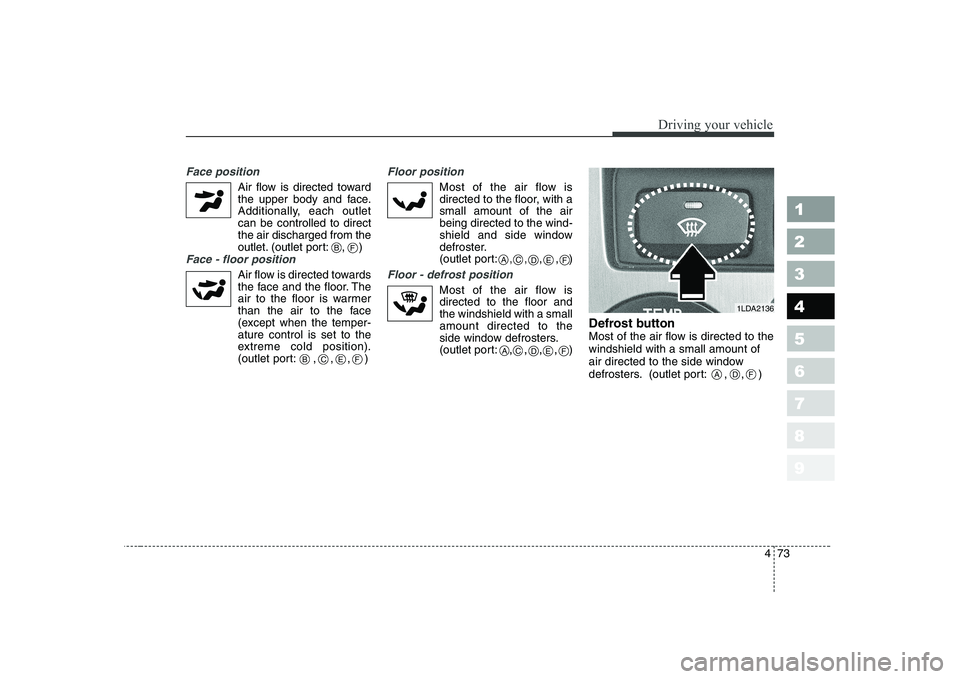
, , , , ) Defrost button
Most of the air flow is directed to thewindshield with a small amount of
air directed to the side window
defrosters. (outlet port: , , )
1LDA2136
ADF
B
BCEF
CADEF
CADEF
F
Page 198 of 315
1 234567891 23456789Fuel requirements / 5-2
Emission control system / 5-3
Before driving / 5-5
Suggestions for economical operation / 5-6Special driving conditions / 5-7
Trailer towing / 5-13Overloading / 5-21Label information / 5-22
Driving tips
Page 204 of 315
57
Driving tips
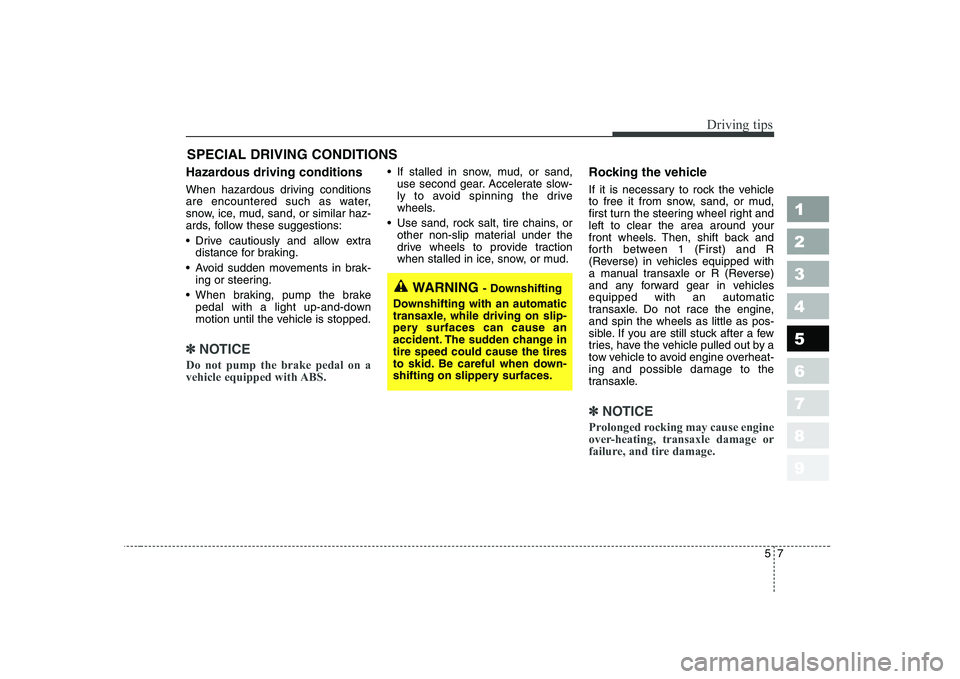
SPECIAL DRIVING CONDITIONS
Hazardous driving conditions
When hazardous driving conditions
are encountered such as water,
snow, ice, mud, sand, or similar haz-
ards, follow these suggestions:
Drive cautiously and allow extra distance for braking.
Avoid sudden movements in brak- ing or steering.
When braking, pump the brake pedal with a light up-and-down
motion until the vehicle is stopped.
✽✽ NOTICE
Do not pump the brake pedal on a
vehicle equipped with ABS.
If stalled in snow, mud, or sand, use second gear. Accelerate slow-
ly to avoid spinning the drive
wheels.
Use sand, rock salt, tire chains, or other non-slip material under the
drive wheels to provide traction
when stalled in ice, snow, or mud. Rocking the vehicle
If it is necessary to rock the vehicle
to free it from snow, sand, or mud,
first turn the steering wheel right and
left to clear the area around your
front wheels. Then, shift back and
forth between 1 (First) and R
(Reverse) in vehicles equipped with
a manual transaxle or R (Reverse)
and any forward gear in vehiclesequipped with an automatic
transaxle. Do not race the engine,and spin the wheels as little as pos-
sible. If you are still stuck after a few
tries, have the vehicle pulled out by a
tow vehicle to avoid engine overheat-
ing and possible damage to the
transaxle.
✽✽
NOTICE
Prolonged rocking may cause engine
over-heating, transaxle damage or
failure, and tire damage.
1 23456789
WARNING - Downshifting
Downshifting with an automatic
transaxle, while driving on slip-
pery surfaces can cause an
accident. The sudden change intire speed could cause the tires
to skid. Be careful when down-
shifting on slippery surfaces.