lights KIA K900 2018 Owner's Manual
[x] Cancel search | Manufacturer: KIA, Model Year: 2018, Model line: K900, Model: KIA K900 2018Pages: 544, PDF Size: 14.82 MB
Page 190 of 544
Features of your vehicle
4
4-109
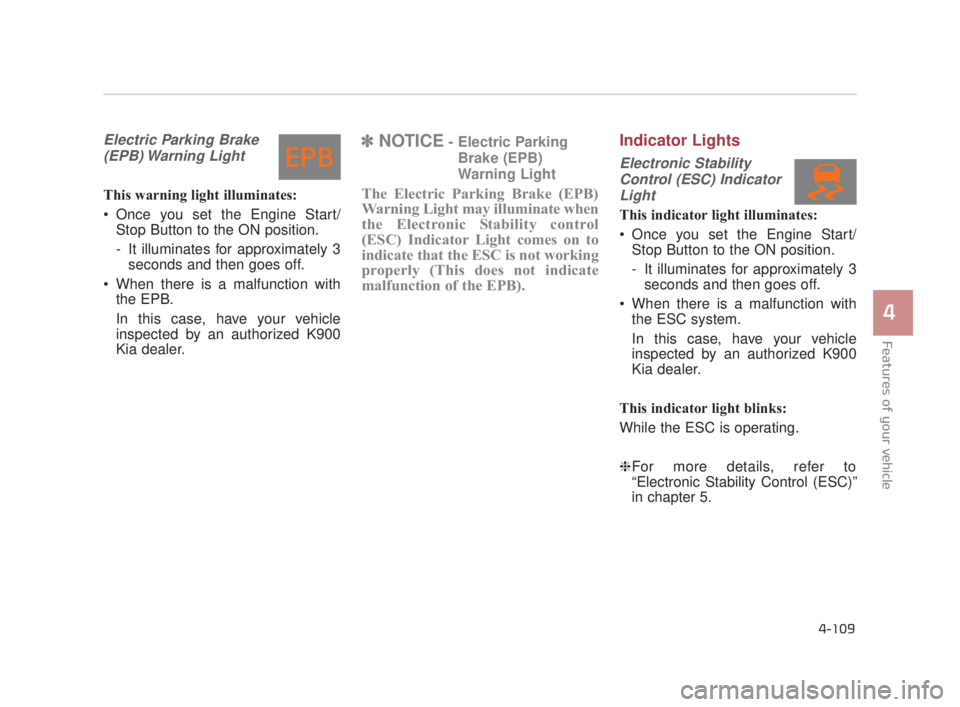
Electric Parking Brake(EPB) Warning Light
This warning light illuminates:
Once you set the Engine Start/ Stop Button to the ON position.
- It illuminates for approximately 3seconds and then goes off.
When there is a malfunction with the EPB.
In this case, have your vehicle
inspected by an authorized K900
Kia dealer.
✽ NOTICE- Electric Parking
Brake (EPB)
Warning Light
The Electric Parking Brake (EPB)
Warning Light may illuminate when
the Electronic Stability control
(ESC) Indicator Light comes on to
indicate that the ESC is not working
properly (This does not indicate
malfunction of the EPB).
Indicator Lights
Electronic StabilityControl (ESC) IndicatorLight
This indicator light illuminates:
Once you set the Engine Start/ Stop Button to the ON position.
- It illuminates for approximately 3seconds and then goes off.
When there is a malfunction with the ESC system.
In this case, have your vehicle
inspected by an authorized K900
Kia dealer.
This indicator light blinks:
While the ESC is operating.
❈ For more details, refer to
“Electronic Stability Control (ESC)”
in chapter 5.
KH USA 4:2018 4/18/2017 6:00 PM Page 109
Page 194 of 544
Features of your vehicle
4
4-113
This indicator light illuminates for 2
seconds and goes off:
When the vehicle can not detectthe smart key which is in the vehi-
cle while the Engine Start/Stop
Button is ON.
In this case, have your vehicle
inspected by an authorized K900
Kia dealer.
This indicator light blinks:
When the battery of the smart key is weak.
- At this time, you can not start theengine. However, you can start
the engine if you press the Engine
Start/Stop Button with the smart
key. (For more details, refer to
“Starting the Engine” in chapter
5).
When there is a malfunction with the immobilizer system.
In this case, have your vehicle
inspected by an authorized K900
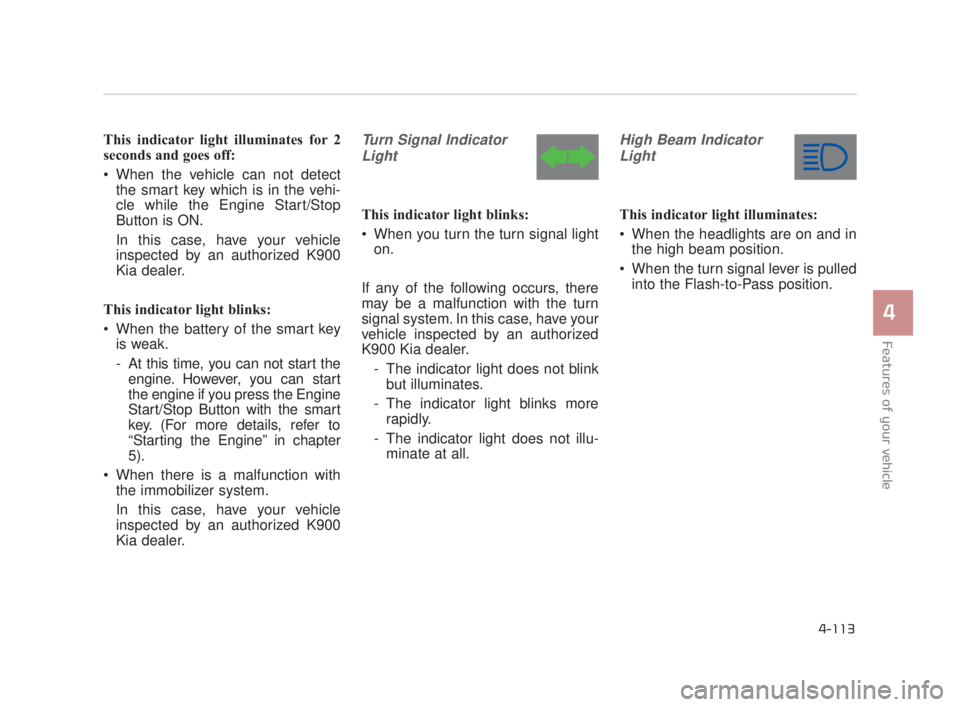
Kia dealer.Turn Signal Indicator
Light
This indicator light blinks:
When you turn the turn signal light on.
If any of the following occurs, there
may be a malfunction with the turn
signal system. In this case, have your
vehicle inspected by an authorized
K900 Kia dealer. - The indicator light does not blinkbut illuminates.
- The indicator light blinks more rapidly.
- The indicator light does not illu- minate at all.
High Beam Indicator
Light
This indicator light illuminates:
When the headlights are on and in the high beam position.
When the turn signal lever is pulled into the Flash-to-Pass position.
KH USA 4:2018 4/18/2017 6:00 PM Page 113
Page 195 of 544
Features of your vehicle
4-114
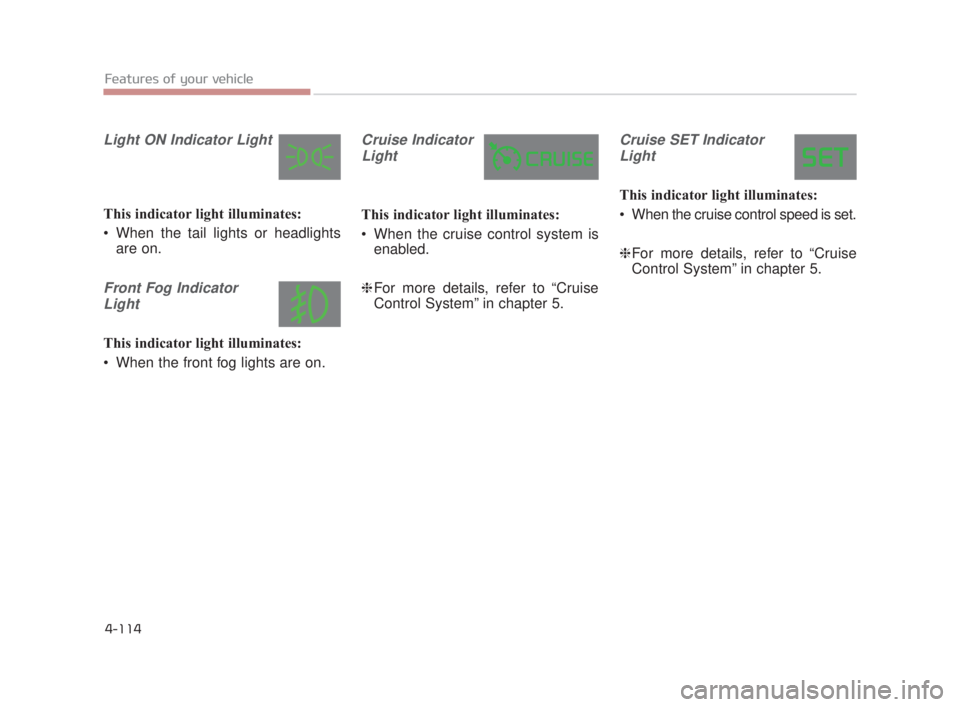
Light ON Indicator Light
This indicator light illuminates:
When the tail lights or headlightsare on.
Front Fog Indicator
Light
This indicator light illuminates:
When the front fog lights are on.
Cruise IndicatorLight
This indicator light illuminates:
When the cruise control system is enabled.
❈ For more details, refer to “Cruise
Control System” in chapter 5.
Cruise SET Indicator
Light
This indicator light illuminates:
When the cruise control speed is set.
❈ For more details, refer to “Cruise
Control System” in chapter 5.
KH USA 4:2018 4/18/2017 6:00 PM Page 114
Page 197 of 544
Features of your vehicle
4-116
✽NOTICE
Prior to replacing the wind shield in
a vehicle equipped with the Head up
display, ensure the glass used is
designed to properly display the
Head up display images to ensure
proper operation of the system.
Head Up Display ON/OFF
To activate the head up display,
press the HUD button.
If you press the HUD button again, the
head up display will be deactivated.
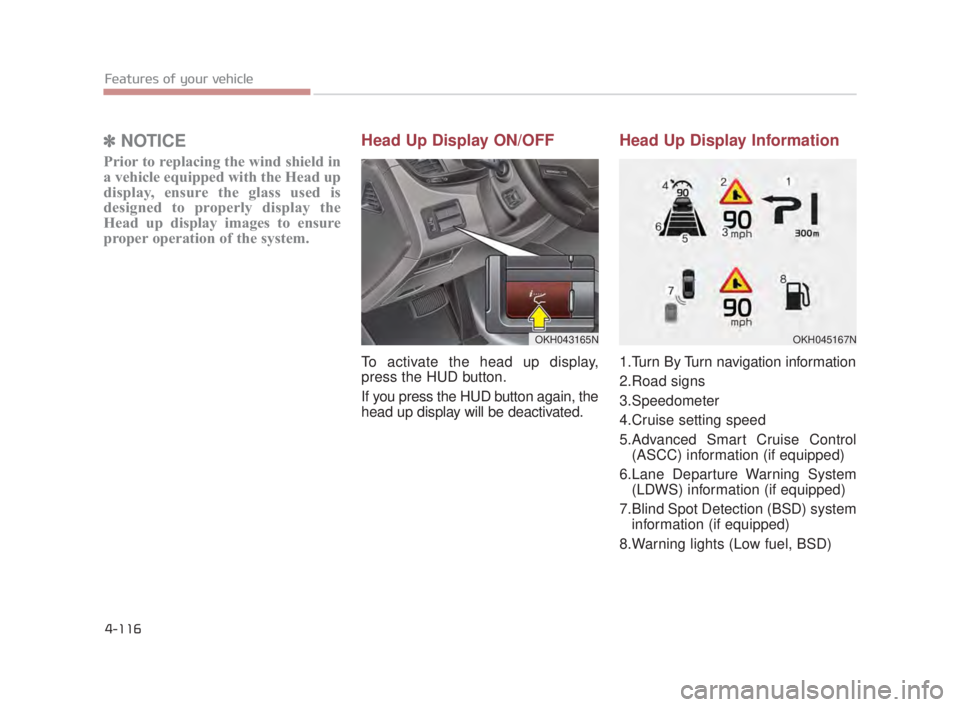
Head Up Display Information
1.Turn By Turn navigation information
2.Road signs
3.Speedometer
4.Cruise setting speed
5.Advanced Smart Cruise Control
(ASCC) information (if equipped)
6.Lane Departure Warning System (LDWS) information (if equipped)
7.Blind Spot Detection (BSD) system information (if equipped)
8.Warning lights (Low fuel, BSD)
OKH043165NOKH045167N
KH USA 4:2018 4/18/2017 6:00 PM Page 116
Page 210 of 544
Features of your vehicle
4
4-129
LIGHTING
Battery saver function
The purpose of this feature is toprevent the battery from being dis-
charged. The system automatically
turns off the parking lights when
the driver turns off the engine and
opens the driver-side door.
With this feature, the parking lights will be turned off automatically if
the driver parks on the side of the
road at night.
If necessary, to keep the lights on
when the engine is turned OFF,
perform the following:
1) Open the driver-side door.
2) Turn the parking lights OFF and ON again using the light switch
on the steering column.
Headlight escort function
If you turn the Engine Start/Stop
Button to the ACC or OFF position
with the headlights ON, the head-
lights (and/or tail lights) remain on for
about 5 minutes. However, if the dri-
ver’s door is opened and closed, the
headlights are turned off after 15
seconds.
The headlights can be turned off by
pressing the lock button on the smart
key twice or turning the light switch to
the OFF or Auto position.
However, if you turn the light switch
to the Auto position when it is dark
outside, the headlights will not be
turned off. If the driver gets out of the vehicle
through other doors (except driver's
door), the battery saver function
does not operate and the headlight
escort function does not turn off
automatically. Therefore, It causes
the battery to be discharged. In this
case, make sure to turn off the lamp
before getting out of the vehicle.
KH USA 4:2018 4/18/2017 6:01 PM Page 129
Page 211 of 544
Features of your vehicle
4-130
Daytime running light
The Daytime Running Lights (DRL)
can make it easier for others to see
the front of your vehicle during the
day. DRL can be helpful in many dif-
ferent driving conditions, and it is
especially helpful after dawn and
before sunset.
The DRL system turns OFF when:
1. The headlight switch is ON.
2. The engine is OFF.
3. The front fog light is ON.
4. Engaging the Parking Brake
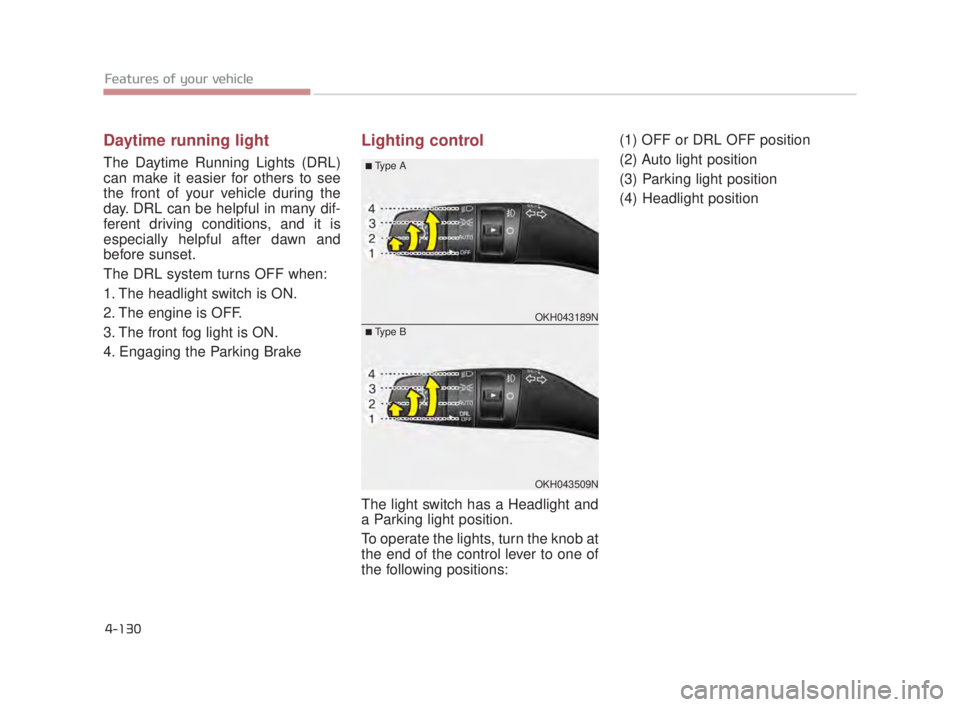
Lighting control
The light switch has a Headlight and
a Parking light position.
To operate the lights, turn the knob at
the end of the control lever to one of
the following positions:(1) OFF or DRL OFF position
(2) Auto light position
(3) Parking light position
(4) Headlight position
OKH043189N
OKH043509N
■Type A
■Type B
KH USA 4:2018 4/18/2017 6:01 PM Page 130
Page 212 of 544
Features of your vehicle
4
4-131
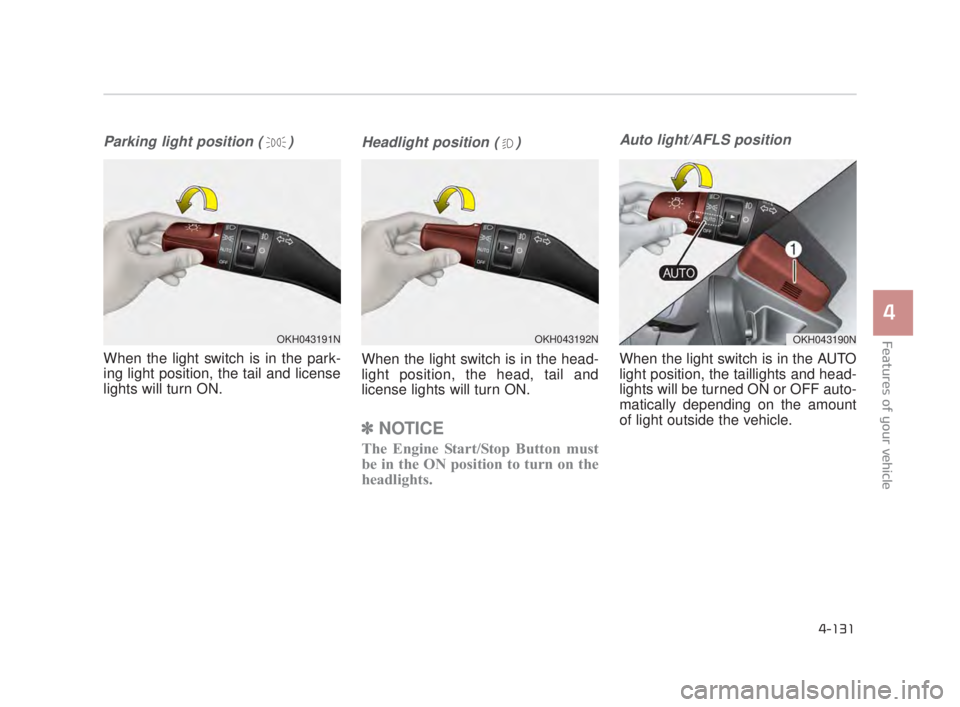
Parking light position ( )
When the light switch is in the park-
ing light position, the tail and license
lights will turn ON.
Headlight position ( )
When the light switch is in the head-
light position, the head, tail and
license lights will turn ON.
✽NOTICE
The Engine Start/Stop Button must
be in the ON position to turn on the
headlights.
Auto light/AFLS position
When the light switch is in the AUTO
light position, the taillights and head-
lights will be turned ON or OFF auto-
matically depending on the amount
of light outside the vehicle.
OKH043192NOKH043190NOKH043191N
KH USA 4:2018 4/18/2017 6:01 PM Page 131
Page 214 of 544
Features of your vehicle
4
4-133
High beam operation
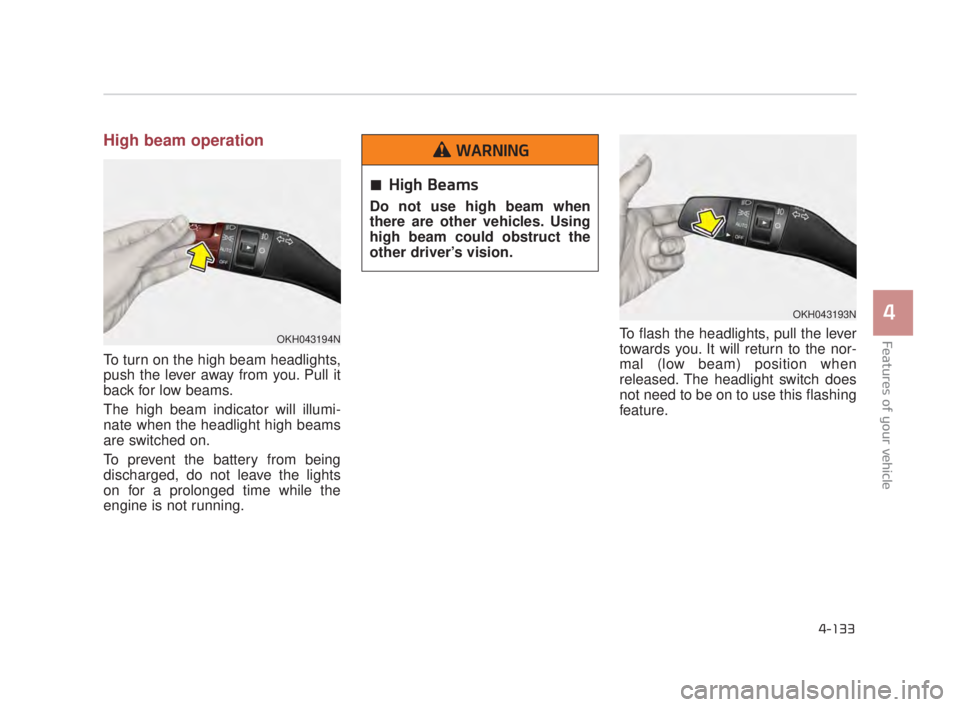
To turn on the high beam headlights,
push the lever away from you. Pull it
back for low beams.
The high beam indicator will illumi-
nate when the headlight high beams
are switched on.
To prevent the battery from being
discharged, do not leave the lights
on for a prolonged time while the
engine is not running.To flash the headlights, pull the lever
towards you. It will return to the nor-
mal (low beam) position when
released. The headlight switch does
not need to be on to use this flashing
feature.
OKH043193N
OKH043194N
High Beams
Do not use high beam when
there are other vehicles. Using
high beam could obstruct the
other driver’s vision.
WARNING
KH USA 4:2018 4/18/2017 6:01 PM Page 133
Page 216 of 544
Features of your vehicle
4
4-135
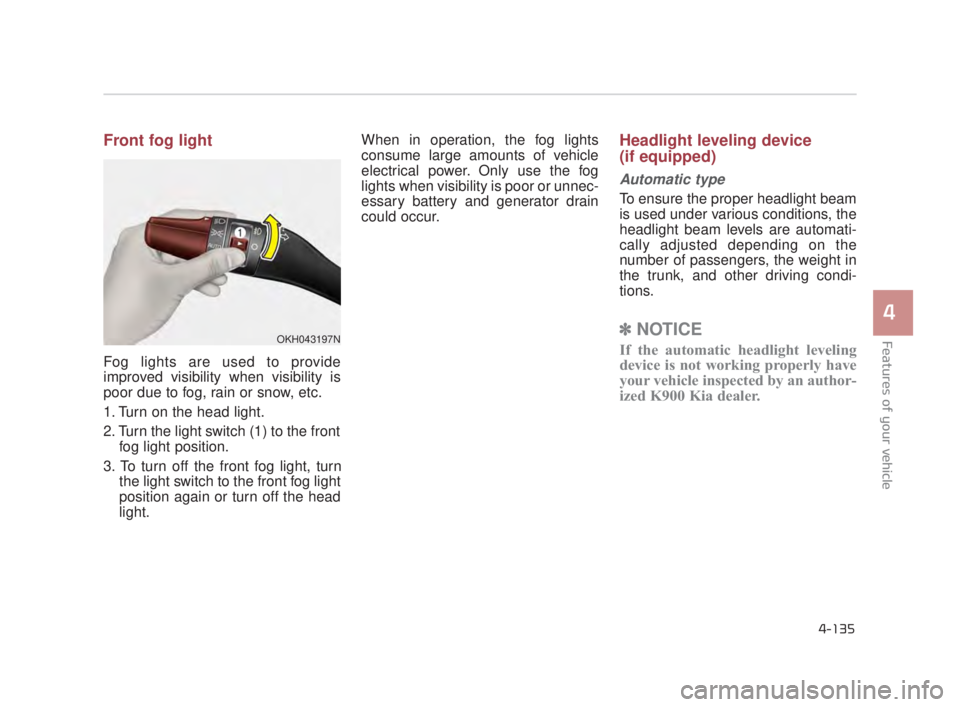
Front fog light
Fog lights are used to provide
improved visibility when visibility is
poor due to fog, rain or snow, etc.
1. Turn on the head light.
2. Turn the light switch (1) to the frontfog light position.
3. To turn off the front fog light, turn the light switch to the front fog light
position again or turn off the head
light. When in operation, the fog lights
consume large amounts of vehicle
electrical power. Only use the fog
lights when visibility is poor or unnec-
essary battery and generator drain
could occur.
Headlight leveling device
(if equipped)
Automatic type
To ensure the proper headlight beam
is used under various conditions, the
headlight beam levels are automati-
cally adjusted depending on the
number of passengers, the weight in
the trunk, and other driving condi-
tions.
✽
NOTICE
If the automatic headlight leveling
device is not working properly have
your vehicle inspected by an author-
ized K900 Kia dealer.OKH043197N
KH USA 4:2018 4/18/2017 6:01 PM Page 135
Page 220 of 544
Features of your vehicle
4
4-139
Do not use the interior lights for
extended periods when the engine is
not running.
It may cause battery discharge.Automatic turn off function
(if equipped)
The interior lights automatically turn
off approximately 20 minutes after
the engine is turned off.
If your vehicle is equipped with the
theft alarm system, the interior lights
automatically turns off several sec-
onds after the system is armed.
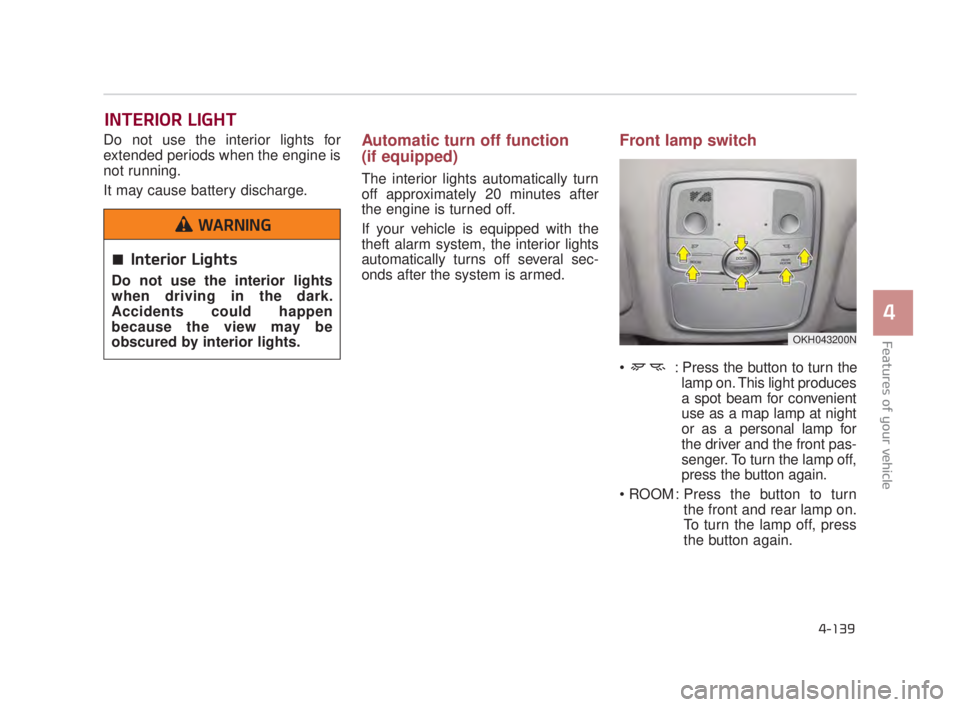
Front lamp switch
: Press the button to turn thelamp on. This light produces
a spot beam for convenient
use as a map lamp at night
or as a personal lamp for
the driver and the front pas-
senger. To turn the lamp off,
press the button again.
: Press the button to turn the front and rear lamp on.
To turn the lamp off, press
the button again.
INTERIOR LIGHT
OKH043200N
Interior Lights
Do not use the interior lights
when driving in the dark.
Accidents could happen
because the view may be
obscured by interior lights.
WARNING
KH USA 4:2018 4/18/2017 6:01 PM Page 139