radio KIA Magnetis 2007 2.G Owner's Guide
[x] Cancel search | Manufacturer: KIA, Model Year: 2007, Model line: Magnetis, Model: KIA Magnetis 2007 2.GPages: 294, PDF Size: 3.37 MB
Page 130 of 294
3 121
Knowing your vehicle
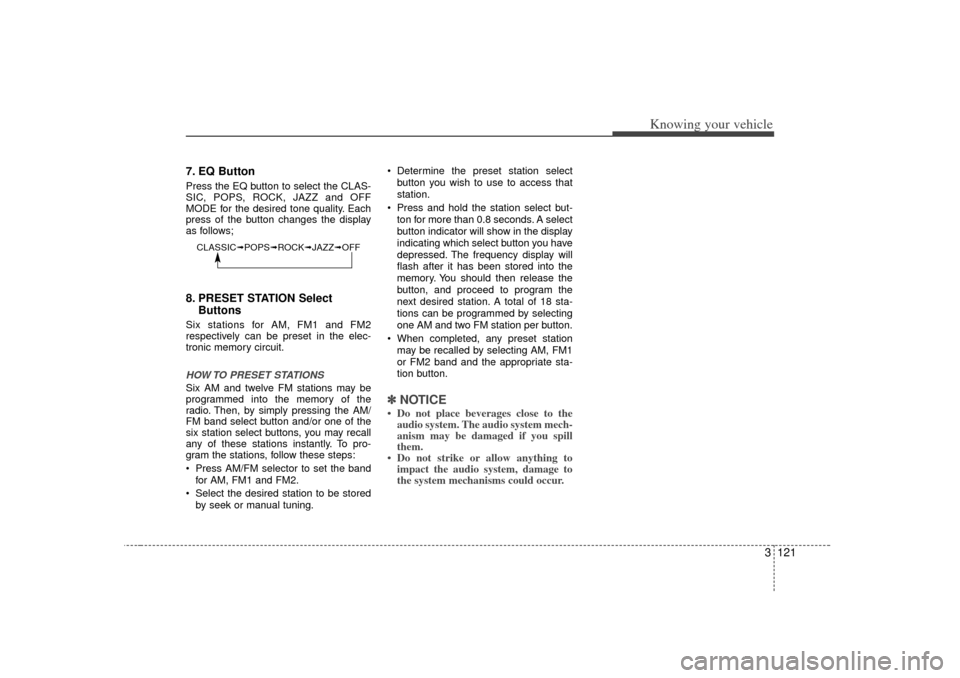
7. EQ ButtonPress the EQ button to select the CLAS-
SIC, POPS, ROCK, JAZZ and OFF
MODE for the desired tone quality. Each
press of the button changes the display
as follows;8. PRESET STATION SelectButtonsSix stations for AM, FM1 and FM2
respectively can be preset in the elec-
tronic memory circuit.HOW TO PRESET STATIONSSix AM and twelve FM stations may be
programmed into the memory of the
radio. Then, by simply pressing the AM/
FM band select button and/or one of the
six station select buttons, you may recall
any of these stations instantly. To pro-
gram the stations, follow these steps:
Press AM/FM selector to set the band
for AM, FM1 and FM2.
Select the desired station to be stored by seek or manual tuning. Determine the preset station select
button you wish to use to access that
station.
Press and hold the station select but- ton for more than 0.8 seconds. A select
button indicator will show in the display
indicating which select button you have
depressed. The frequency display will
flash after it has been stored into the
memory. You should then release the
button, and proceed to program the
next desired station. A total of 18 sta-
tions can be programmed by selecting
one AM and two FM station per button.
When completed, any preset station may be recalled by selecting AM, FM1
or FM2 band and the appropriate sta-
tion button.
✽ ✽ NOTICE• Do not place beverages close to the
audio system. The audio system mech-
anism may be damaged if you spill
them.
• Do not strike or allow anything to impact the audio system, damage to
the system mechanisms could occur.
CLASSIC➟ POPS➟ROCK➟ JAZZ➟OFF
Page 135 of 294
Knowing your vehicle126
31. LOAD ButtonThis compact disc player will accommo-
date up to six compact discs.
To insert multiple discs into the player,
perform the following:
1. Press and release the LOAD Button.
2. Green light on the slot will be illuminat-
ed and the lowest number of empty
slot will blink on the display.
After “WAIT” is displayed on the LCD,
the slot will open with “INSERT” dis-
played on the LCD.
3. Insert a disc partway into the slot, label side up. The player will pull the disc in.
When the disc is inserted, the disc will
begin to play automatically.✽ ✽ NOTICE• The disc can be only inserted while the
green light is blinking on the slot.
• This CD player is suitable only for 12 cm discs, do not use irregular shaped
CDs.
To insert multiple discs:
1. Press and hold the LOAD button for
one second or more.
You will then hear a beep sound and
the green light on the slot will be illumi-
nated, and the numbers of empty disc
will blink on the display.
2. After “WAIT” is displayed on the LCD with the lowest number of empty slot
blinking, the slot will open with “INSERT”
displayed on the LCD.
3. Insert a disc partway into the slot, label side up. The player will pull the disc in.
Once the disc is loaded, the numbers
of the empty disc will blink on the dis-
play continuously.
If the next “DISC NO.” is displayed when
the slot is illuminated, you can then load
another disc.
4. Load the remaining disc by following procedures 1 and 2. When you finished
loading 6 discs, the CD player will
begin to play the last CD loaded.
5. To load more than one disc but less than six, complete Steps 1 and 2. When you have finished loading discs,
press LOAD button to cancel the loading
function or wait for 10 seconds. The CD
player will begin to play the last CD
loaded. As each CD starts to play, the
DISC number will appear on the display.
✽ ✽
NOTICEThe disc player takes up to six discs. Do
not try to load more than six.2. Playing CD Button Press the CD Button to start CD play-
back, during radio operation or cas-
sette tape playing.
When discs are in the CD deck, if you press the CD button, the CD player will
begin playing even if the radio or cas-
sette player is being used.
The CD player can be used when the ignition switch is in either the “ON” or
“ACC” position.
Push the CD button to turn on that function without pushing Power ON-
OFF control knob.✽ ✽ NOTICEPlayback of MP3 and WMA file formats
are supported. Load to play time for
these formats may be longer due to the
compressed nature of these discs.
Page 240 of 294
In case of an emergency20
6✽
✽
NOTICEThe TPMS malfunction indicator
may be illuminated if the vehicle is
moving around electric power sup-
ply cable or radio transmitter such
as police stations, government and
public offices, broadcasting stations,
military installations, airports, or
transmitting tower, etc. which can
interfere with normal operation of
the Tire Monitoring System
(TPMS).
Changing a tire with TPMSIf you have a flat tire, the Low Tire
Pressure indicator will come on.
Have the flat tire repaired by an
authorized Kia dealer as soon as
possible or replace the flat tire with
the compact spare tire.✽ ✽NOTICENEVER use a puncture-repairing
agent to repair and/or inflate a low
pressure tire. If used, you will have
to replace the tire pressure sensor. Each wheel is equipped with a tire
pressure sensor mounted inside the
tire behind the valve stem. You must
use TPMS specific wheels. It is rec-
ommended that you always have
your tires serviced by an authorized
Kia dealer as soon as possible. After you replace the low pressure
tire with the compact spare tire, the
TPMS malfunction indicator may illu-
minate after restarting and about 20
minutes of continuous driving
because the compact spare tire does
not have a sensor.
Once the low pressure tire is re-inflat-
ed to the recommended pressure
and installed on the vehicle, the
TPMS malfunction indicator and the
low tire pressure indicator will be
extinguished. If the low pressure and
TPMS malfunction indicators are not
extinguished after about 20 minutes
of continuous driving, please visit an
authorized Kia dealer.
You may not be able to identify a low
tire by simply looking at it. Always use
a good quality tire pressure gauge to
measure the tire's inflation pressure.
Please note that a tire that is hot
(from being driven) will have a higher
pressure measurement than a tire
that is cold (from sitting stationary for
at least 3 hours and driven less than
1.6 km (1 mile) during that 3 hour
period). Allow the tire to cool before
measuring the inflation pressure.