bluetooth KIA MORNING 2015 Owner's Manual
[x] Cancel search | Manufacturer: KIA, Model Year: 2015, Model line: MORNING, Model: KIA MORNING 2015Pages: 420, PDF Size: 42.6 MB
Page 239 of 420
Features of your vehicle
166 4
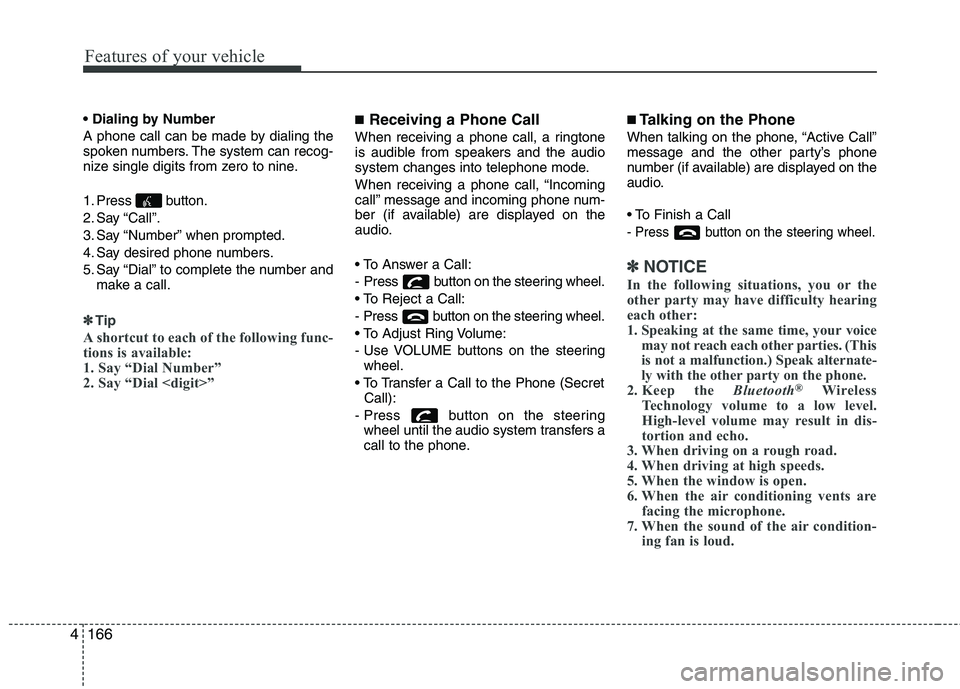
A phone call can be made by dialing the
spoken numbers. The system can recog-
nize single digits from zero to nine.
1. Press button.
2. Say “Call”.
3. Say “Number” when prompted.
4. Say desired phone numbers.
5. Say “Dial” to complete the number and
make a call.
✽ ✽
Tip
A shortcut to each of the following func-
tions is available:
1. Say “Dial Number”
2. Say “Dial
■Receiving a Phone Call
When receiving a phone call, a ringtone
is audible from speakers and the audio
system changes into telephone mode.
When receiving a phone call, “Incoming
call” message and incoming phone num-
ber (if available) are displayed on the
audio.
- Press button on the steering wheel.
- Press button on the steering wheel.
- Use VOLUME buttons on the steering
wheel.
Call):
- Press button on the steering
wheel until the audio system transfers a
call to the phone.
■Talking on the Phone
When talking on the phone, “Active Call”
message and the other party’s phone
number (if available) are displayed on the
audio.
- Press button on the steering wheel.
✽ ✽
NOTICE
In the following situations, you or the
other party may have difficulty hearing
each other:
1. Speaking at the same time, your voice
may not reach each other parties. (This
is not a malfunction.) Speak alternate-
ly with the other party on the phone.
2. Keep the Bluetooth
®Wireless
Technology volume to a low level.
High-level volume may result in dis-
tortion and echo.
3. When driving on a rough road.
4. When driving at high speeds.
5. When the window is open.
6. When the air conditioning vents are
facing the microphone.
7. When the sound of the air condition-
ing fan is loud.
Page 240 of 420
4167
Features of your vehicle
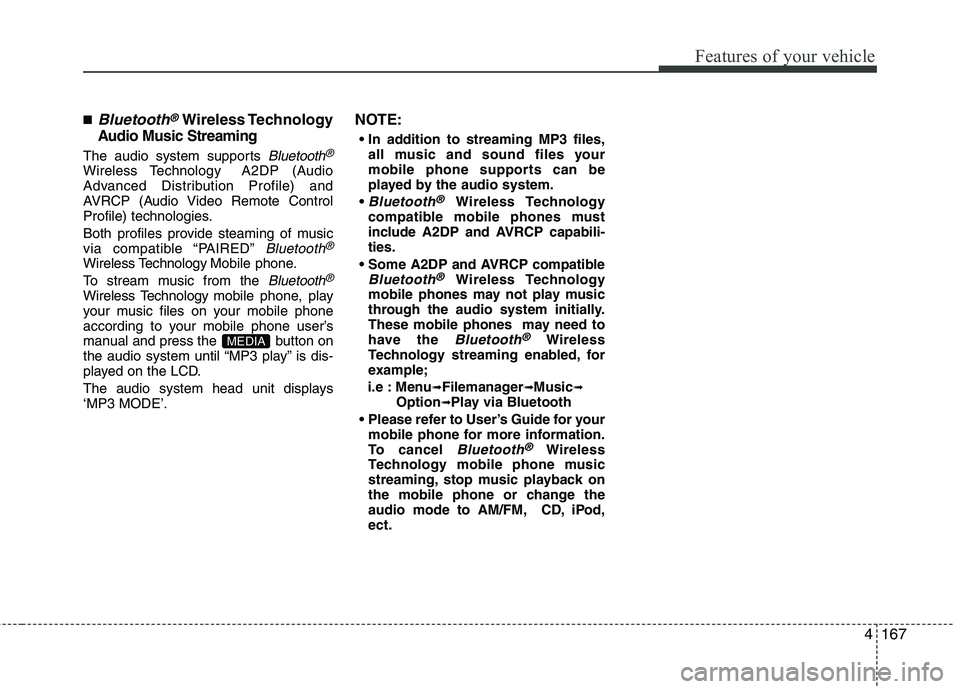
■Bluetooth®Wireless Technology
Audio Music Streaming
The audio system supports Bluetooth®
Wireless TechnologyA2DP (Audio
Advanced Distribution Profile) and
AVRCP (Audio Video Remote Control
Profile) technologies.
Both profiles provide steaming of music
via compatible “PAIRED”
Bluetooth®
Wireless TechnologyMobile phone.
To stream music from the
Bluetooth®
Wireless Technologymobile phone, play
your music files on your mobile phone
according to your mobile phone user’s
manual and press the button on
the audio system until “MP3 play” is dis-
played on the LCD.
The audio system head unit displays
‘MP3 MODE’.
NOTE:
all music and sound files your
mobile phone supports can be
played by the audio system.
Bluetooth®Wireless Technology
compatible mobile phones must
include A2DP and AVRCP capabili-
ties.
AVRCP compatible
Bluetooth®Wireless Technology
mobile phones may not play music
through the audio system initially.
These mobile phones may need to
have the
Bluetooth®Wireless
Technology streaming enabled, for
example;
i.e : Menu
➟Filemanager➟Music➟Option➟Play via Bluetooth
mobile phone for more information.
To cancel
Bluetooth®Wireless
Technology mobile phone music
streaming, stop music playback on
the mobile phone or change the
audio mode to AM/FM, CD, iPod,
ect.
MEDIA