warning light KIA NIRO 2021 Owners Manual
[x] Cancel search | Manufacturer: KIA, Model Year: 2021, Model line: NIRO, Model: KIA NIRO 2021Pages: 710, PDF Size: 14.77 MB
Page 473 of 710

Driving your vehicle
150 5
LFA operation
To use Lane Following Assist two
steps are necessary:
(1) LFA has to be enabled, and
(2) SCC has to be activated
With the ignition switch or ENGINE
START/STOP button in the [ON],
select or release the setting from
“User setting Driver Assistance
Driving Assist Lane Following
Assist”.
Select LFA in the user setting of the
instrument panel.
LFA status is remembered by the
function and therefore does not need
to be enabled again for each new
journey.
(Continued)
- Depending on your surround-
ings and road conditions, LFA
could fail to recognize the
lane and stop working. In turn,
extra caution is required
while driving with LFA on.
- Be sure to check the non-
operating conditions and cau-
tions for the driver before
using LFA.
- Do not place reflective materi-
als such as white paper or
mirror on the crash pad.
Sunlight reflections can cause
a malfunction in LFA.
- Too big sound from the sound
function can interrupt the
alarming sound from LFA.
(Continued)(Continued)
- Keeping your hands off the
wheel while driving will trigger
the hands-off warning and
deactivate the steering-assist
function. Put your hands back
on the wheel, then the steer-
ing-assist system will be re-
activated.
- When driving at a high speed,
the steering assist force can
become weak and the vehicle
can drive out of its lane. Extra
caution is required, and com-
ply with the speed limit.
- Attaching an object to the
steering wheel could deter
steering assistance.
- Attaching an object to the
steering wheel could deter the
hands-off alarming system.
Page 475 of 710
Driving your vehicle
152 5
LFA activation
If the vehicle is inside the lane with
both lanes recognized by the func-
tion, and there is no steep steering
made by the driver, LFA changes into
steering assist mode. The indicator
light will come on green, and the
function helps the vehicle stay in line
by controlling the steering wheel.
When the steering wheel is not con-
trolled temporarily, the indicator light
will flash green and changes to
white.
When the both lanes are not recog-
nized by the function, the function
controls the steering wheel limitedly
whether there is a vehicle in front or
not.
Warning
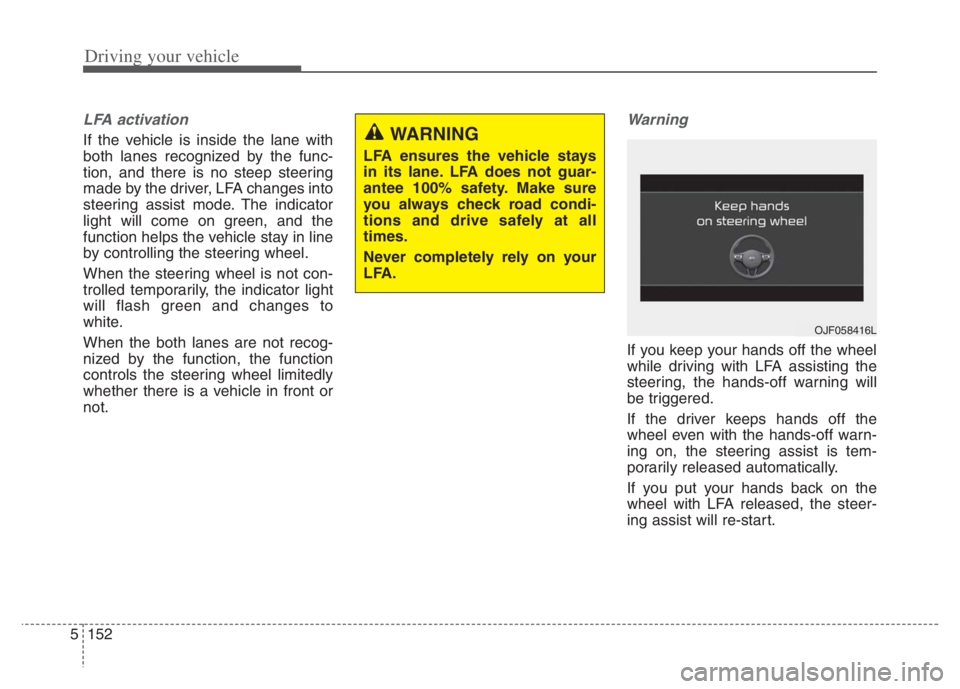
If you keep your hands off the wheel
while driving with LFA assisting the
steering, the hands-off warning will
be triggered.
If the driver keeps hands off the
wheel even with the hands-off warn-
ing on, the steering assist is tem-
porarily released automatically.
If you put your hands back on the
wheel with LFA released, the steer-
ing assist will re-start.
WARNING
LFA ensures the vehicle stays
in its lane. LFA does not guar-
antee 100% safety. Make sure
you always check road condi-
tions and drive safely at all
times.
Never completely rely on your
LFA.
OJF058416L
Page 476 of 710
5153
Driving your vehicle
LFA malfunction
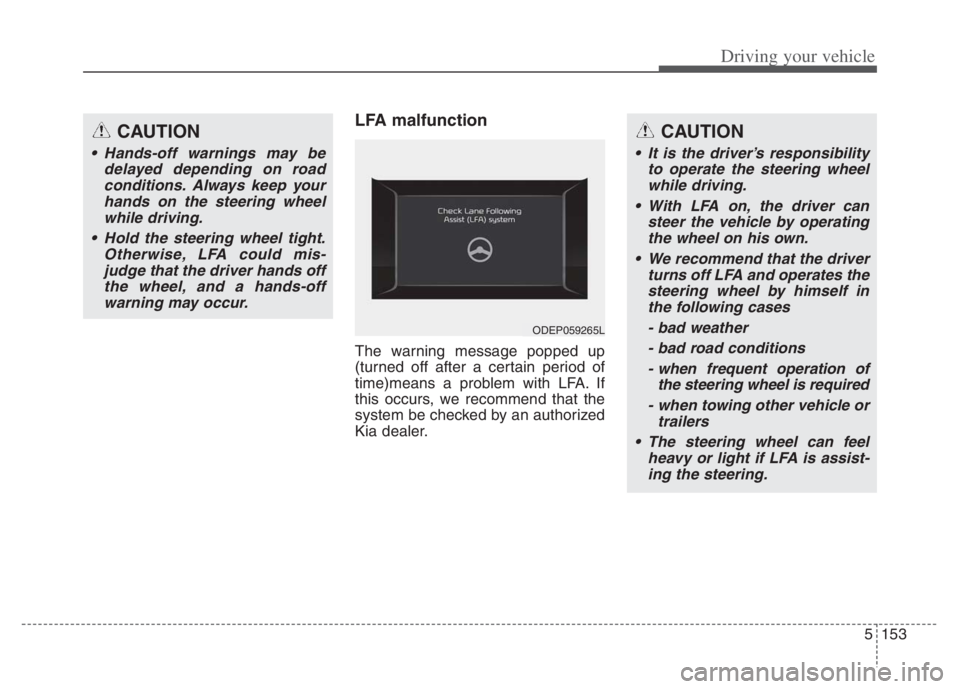
The warning message popped up
(turned off after a certain period of
time)means a problem with LFA. If
this occurs, we recommend that the
system be checked by an authorized
Kia dealer.
CAUTION
Hands-off warnings may be
delayed depending on road
conditions. Always keep your
hands on the steering wheel
while driving.
Hold the steering wheel tight.
Otherwise, LFA could mis-
judge that the driver hands off
the wheel, and a hands-off
warning may occur.
CAUTION
It is the driver’s responsibility
to operate the steering wheel
while driving.
With LFA on, the driver can
steer the vehicle by operating
the wheel on his own.
We recommend that the driver
turns off LFA and operates the
steering wheel by himself in
the following cases
- bad weather
- bad road conditions
- when frequent operation of
the steering wheel is required
- when towing other vehicle or
trailers
The steering wheel can feel
heavy or light if LFA is assist-
ing the steering.
ODEP059265L
Page 477 of 710
Driving your vehicle
154 5
Limitation of the function
If the driver turns on the turn signal
light or the emergency warning
light to change the lane
- Operate the turn signal light
switch before changing the lane
- If you change the lane without
operating the turn signal lights,
steering reaction force of the
wheel may occur.
Once LFA is turned on or the lane
is changed, the vehicle should be
in the center of the road to switch
to the steering assist mode. If the
driver keeps driving along the lane,
LFA will not assist the steering.
When the ESC or VSM is activat-
ed, the function does not assist
steering.
When driving on a curved road at a
high speed, steering assist mode
may not work.
When driving at a speed faster
than 110 mph (180 km/h), steering
assist mode may not work. When sudden steering is made,
the function could be temporarily
deactivated.
If you change the lane in a hurry,
the function does not assist the
steering.
If the vehicle suddenly stops, it
does not assist the steering.
If the lane is too narrow or too
wide, steering is not assisted.
If the function is not able to recog-
nize a vehicle in front and either of
the lanes is not recognized, the
steering is not assisted
If the radius is too small for the
curve
Cautions for the driver
If the lane recognition is difficult or
limited for LFA as shown below, the
driver may need to be careful
because it may not operate or may
cause unnecessary operation.
• Roads or lane markings in bad con-
dition
- When The lane is tainted or invisible
- When the driver cannot see the
lane due to rain, snow, dust,
sand, oil, puddles, etc
- When roads are set or the colors
of the lane and road are not dis-
tinctive
- If there is a sign other than the
lane near the lane or a mark sim-
ilar to the lane
- When the lane is not clear or
damaged
- If the road is covered in the shad-
ows of objects around the road,
such as medians, guard rails,
noise walls, and trees
Page 481 of 710
Driving your vehicle
158 5
Steering control
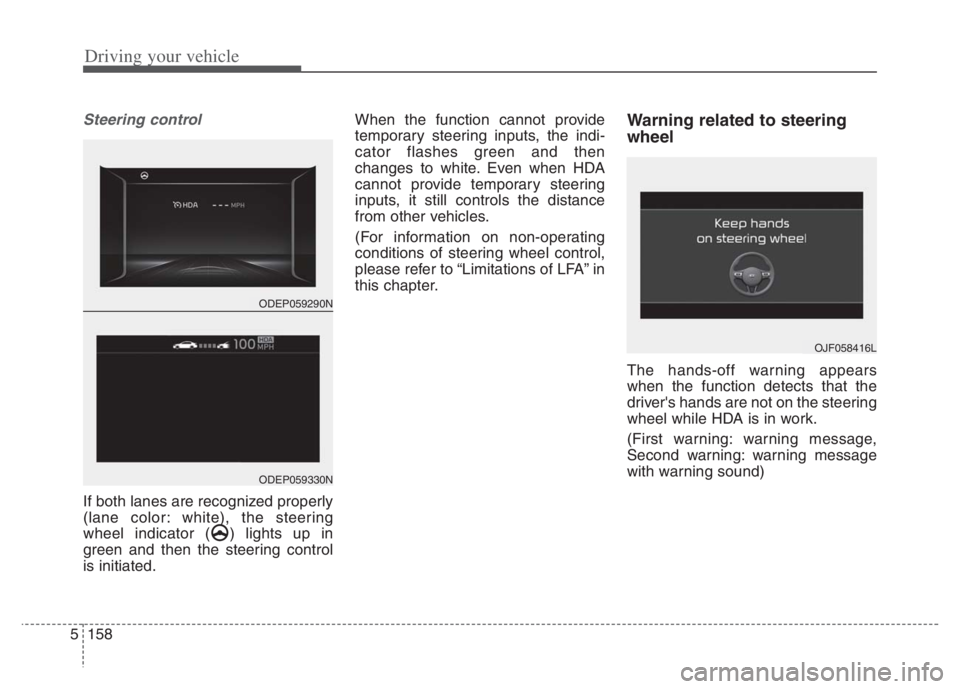
If both lanes are recognized properly
(lane color: white), the steering
wheel indicator ( ) lights up in
green and then the steering control
is initiated.When the function cannot provide
temporary steering inputs, the indi-
cator flashes green and then
changes to white. Even when HDA
cannot provide temporary steering
inputs, it still controls the distance
from other vehicles.
(For information on non-operating
conditions of steering wheel control,
please refer to “Limitations of LFA” in
this chapter.
Warning related to steering
wheel
The hands-off warning appears
when the function detects that the
driver's hands are not on the steering
wheel while HDA is in work.
(First warning: warning message,
Second warning: warning message
with warning sound)
OJF058416L
ODEP059290N
ODEP059330N
Page 482 of 710
5159
Driving your vehicle
When the hands-off warning
lasts for a certain period of
time
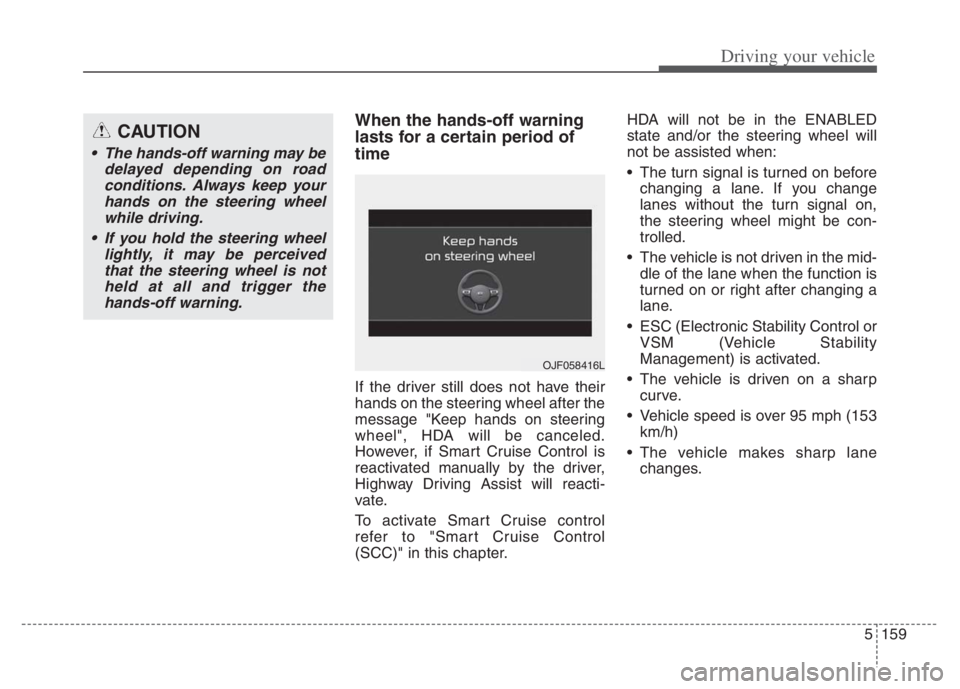
If the driver still does not have their
hands on the steering wheel after the
message "Keep hands on steering
wheel", HDA will be canceled.
However, if Smart Cruise Control is
reactivated manually by the driver,
Highway Driving Assist will reacti-
vate.
To activate Smart Cruise control
refer to "Smart Cruise Control
(SCC)" in this chapter.HDA will not be in the ENABLED
state and/or the steering wheel will
not be assisted when:
The turn signal is turned on before
changing a lane. If you change
lanes without the turn signal on,
the steering wheel might be con-
trolled.
The vehicle is not driven in the mid-
dle of the lane when the function is
turned on or right after changing a
lane.
ESC (Electronic Stability Control or
VSM (Vehicle Stability
Management) is activated.
The vehicle is driven on a sharp
curve.
Vehicle speed is over 95 mph (153
km/h)
The vehicle makes sharp lane
changes.
CAUTION
The hands-off warning may be
delayed depending on road
conditions. Always keep your
hands on the steering wheel
while driving.
If you hold the steering wheel
lightly, it may be perceived
that the steering wheel is not
held at all and trigger the
hands-off warning.
OJF058416L
Page 487 of 710

Driving your vehicle
164 5
Function description
Rear Cross-Traffic Collision
Warning
Rear Cross-Traffic Collision Warning
uses radar sensors to monitor the
approaching cross traffic from the left
and right side of the vehicle when
your vehicle is in reverse.
The blind spot detection range varies
relative to the approaching vehicle
speed.
Function setting and activa-
tion
Function setting
The driver can activate the function
by placing the START/STOP button
to the ON position and by selecting
‘User Settings Driver Assistance
Parking Safety Rear Cross-
Traffic Safety’. RCCW turn on and
get activated.
When the vehicle is turned off then
on again, the functions always get
ready to be activated.
When the function is initially turned
on and when the vehicle is turned
off then on again, the warning light
will illuminate for 3 seconds on the
outside rearview mirror.
REAR CROSS-TRAFFIC COLLISION WARNING (RCCW) (IF EQUIPPED)
OSK3058092L
WARNING
Always be aware of road con-
ditions while driving and be
warn for unexpected situa-
tions even though RCCW is
operating.
RCCW is supplemental func-
tions to assist you. Do not
entirely rely on the functions.
Always pay attention, while
driving, for your safety.
RCCW is not substitutes for
proper and safe driving.
Always drive safely and use
caution when backing up the
vehicle.
Page 488 of 710
5165
Driving your vehicle
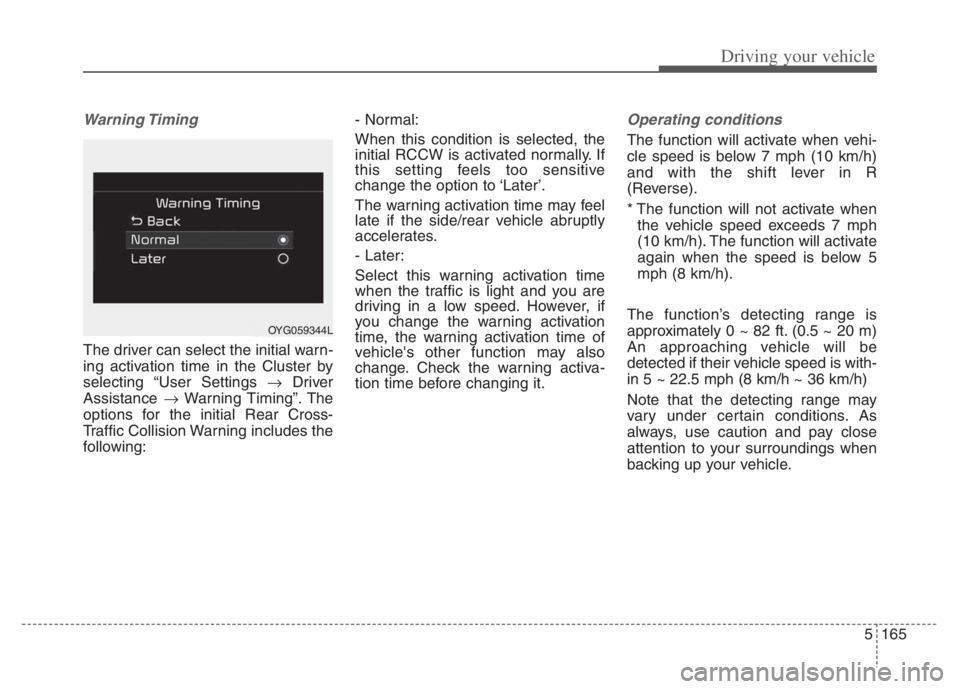
Warning Timing
The driver can select the initial warn-
ing activation time in the Cluster by
selecting “User Settings Driver
Assistance Warning Timing”. The
options for the initial Rear Cross-
Traffic Collision Warning includes the
following:- Normal:
When this condition is selected, the
initial RCCW is activated normally. If
this setting feels too sensitive
change the option to ‘Later’.
The warning activation time may feel
late if the side/rear vehicle abruptly
accelerates.
- Later:
Select this warning activation time
when the traffic is light and you are
driving in a low speed. However, if
you change the warning activation
time, the warning activation time of
vehicle's other function may also
change. Check the warning activa-
tion time before changing it.
Operating conditions
The function will activate when vehi-
cle speed is below 7 mph (10 km/h)
and with the shift lever in R
(Reverse).
* The function will not activate when
the vehicle speed exceeds 7 mph
(10 km/h). The function will activate
again when the speed is below 5
mph (8 km/h).
The function’s detecting range is
approximately 0 ~ 82 ft. (0.5 ~ 20 m)
An approaching vehicle will be
detected if their vehicle speed is with-
in 5 ~ 22.5 mph (8 km/h ~ 36 km/h)
Note that the detecting range may
vary under certain conditions. As
always, use caution and pay close
attention to your surroundings when
backing up your vehicle.
OYG059344L
Page 489 of 710
Driving your vehicle
166
5
Warning message and func-
tion control
Rear Cross-Traffic Collision
Warning
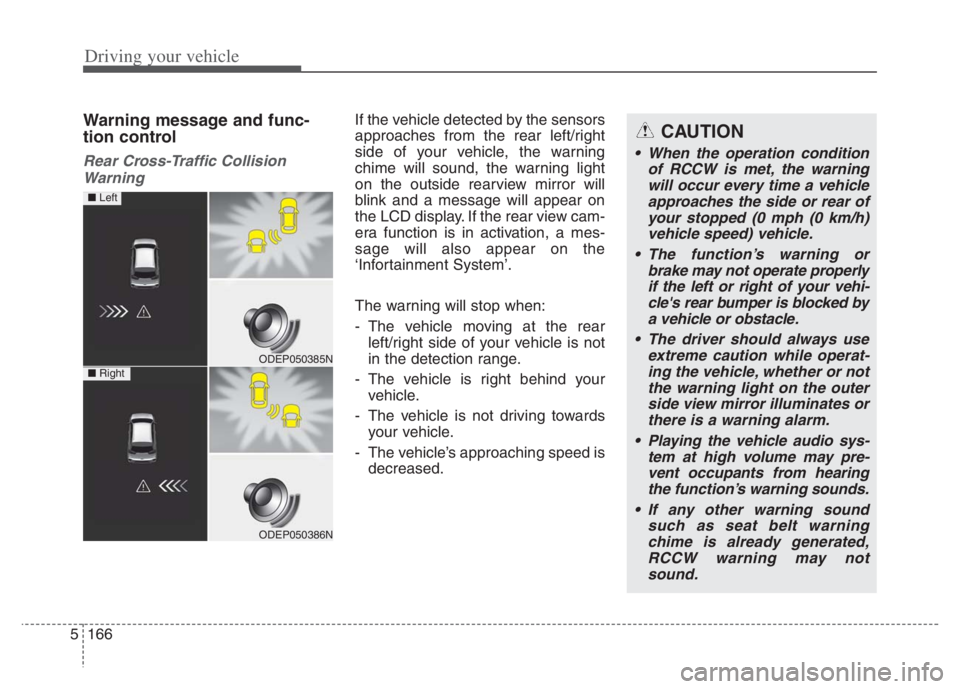
If the vehicle detected by the sensors
approaches from the rear left/right
side of your vehicle, the warning
chime will sound, the warning light
on the outside rearview mirror will
blink and a message will appear on
the LCD display. If the rear view cam-
era function is in activation, a mes-
sage will also appear on the
‘Infortainment System’.
The warning will stop when:
- The vehicle moving at the rear left/right side of your vehicle is not
in the detection range.
- The vehicle is right behind your vehicle.
- The vehicle is not driving towards your vehicle.
- The vehicle’s approaching speed is decreased.CAUTION
• When the operation condition of RCCW is met, the warningwill occur every time a vehicleapproaches the side or rear ofyour stopped (0 mph (0 km/h)vehicle speed) vehicle.
The function’s warning or brake may not operate properlyif the left or right of your vehi-cle's rear bumper is blocked bya vehicle or obstacle.
The driver should always use extreme caution while operat-ing the vehicle, whether or notthe warning light on the outerside view mirror illuminates orthere is a warning alarm.
Playing the vehicle audio sys- tem at high volume may pre-vent occupants from hearingthe function’s warning sounds.
If any other warning sound such as seat belt warningchime is already generated,RCCW warning may notsound.
ODEP050385N
ODEP050386N
■ Left
■ Right
Page 491 of 710
Driving your vehicle
168 5
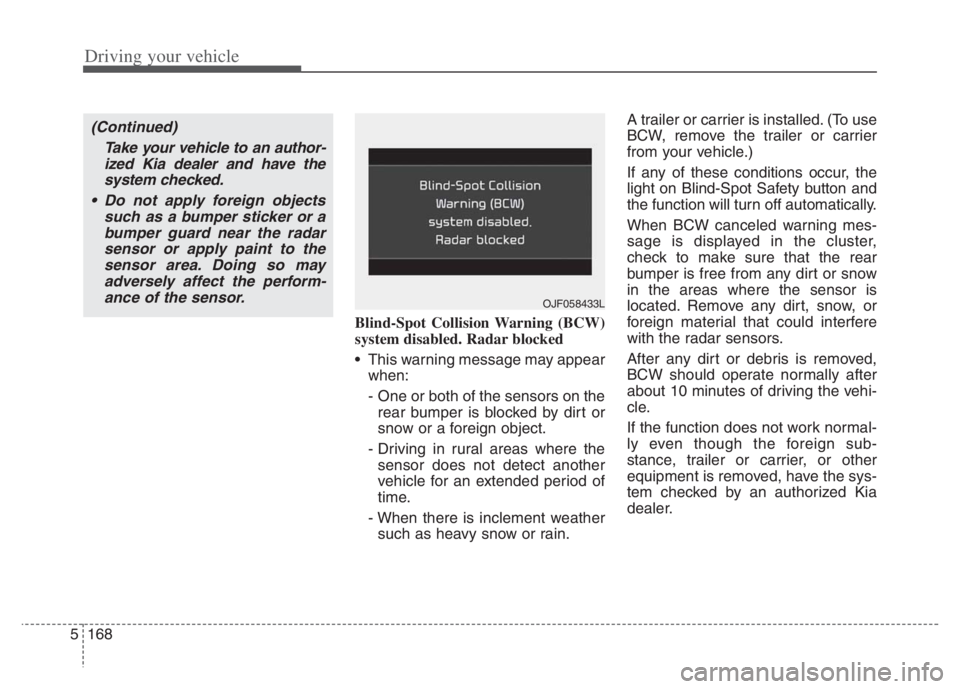
Blind-Spot Collision Warning (BCW)
system disabled. Radar blocked
This warning message may appear
when:
- One or both of the sensors on the
rear bumper is blocked by dirt or
snow or a foreign object.
- Driving in rural areas where the
sensor does not detect another
vehicle for an extended period of
time.
- When there is inclement weather
such as heavy snow or rain.A trailer or carrier is installed. (To use
BCW, remove the trailer or carrier
from your vehicle.)
If any of these conditions occur, the
light on Blind-Spot Safety button and
the function will turn off automatically.
When BCW canceled warning mes-
sage is displayed in the cluster,
check to make sure that the rear
bumper is free from any dirt or snow
in the areas where the sensor is
located. Remove any dirt, snow, or
foreign material that could interfere
with the radar sensors.
After any dirt or debris is removed,
BCW should operate normally after
about 10 minutes of driving the vehi-
cle.
If the function does not work normal-
ly even though the foreign sub-
stance, trailer or carrier, or other
equipment is removed, have the sys-
tem checked by an authorized Kia
dealer.
OJF058433L
(Continued)
Take your vehicle to an author-
ized Kia dealer and have the
system checked.
Do not apply foreign objects
such as a bumper sticker or a
bumper guard near the radar
sensor or apply paint to the
sensor area. Doing so may
adversely affect the perform-
ance of the sensor.